If you are stuck deciding between linear vs tactile switches, start with this: linear switches feel smoother and more direct, while tactile switches give you a bump that confirms actuation. Neither is universally better. The right choice depends on whether you care more about speed, feedback, sound, or long-session comfort.
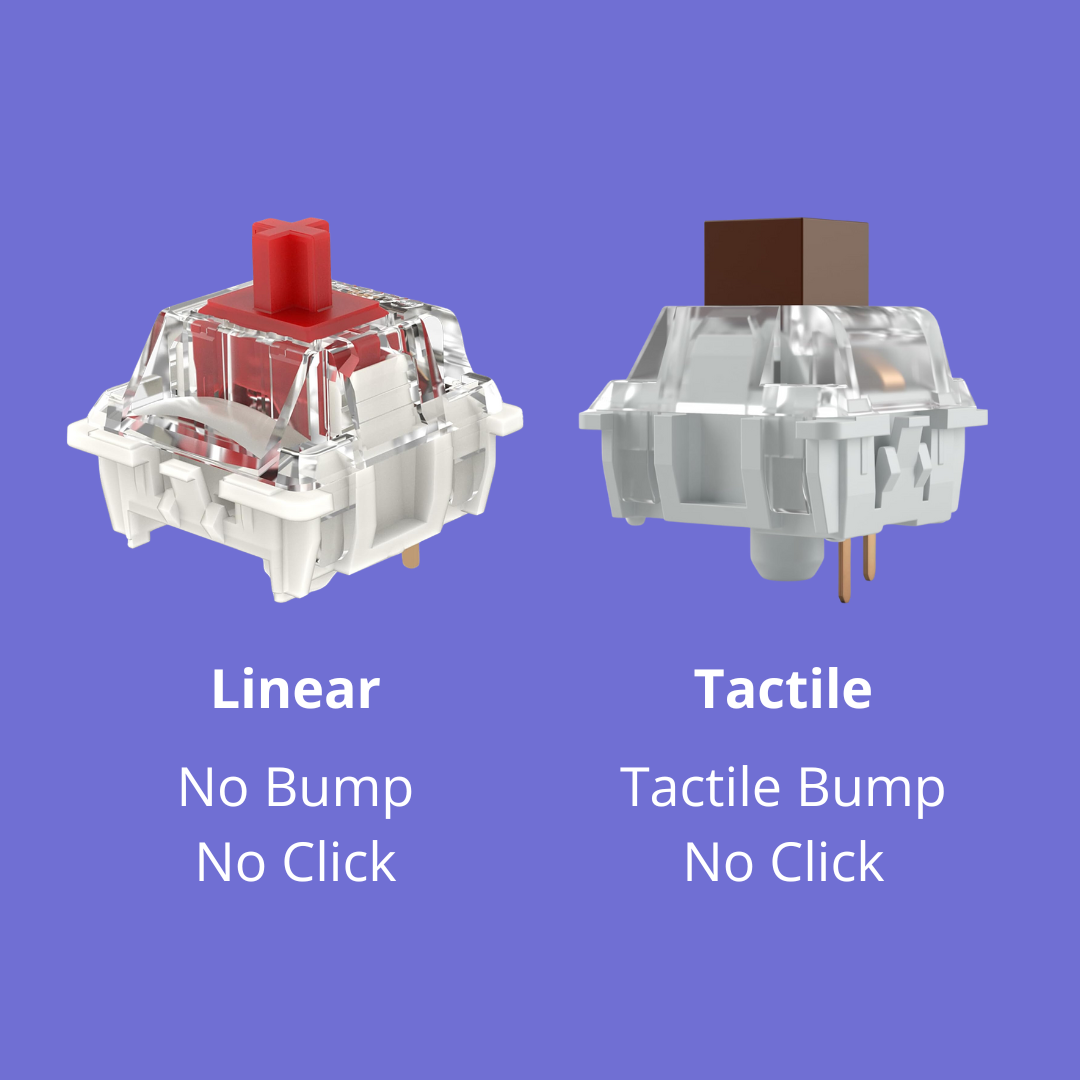
Linear vs Tactile Switches at a Glance
| Category | Linear switches | Tactile switches |
|---|---|---|
| Feel | Smooth all the way down | Noticeable bump before actuation |
| Best for | Gaming, fast repeat presses, smooth travel | Typing, mixed-use setups, stronger feedback |
| Sound | Usually lower and cleaner | Usually a little sharper or punchier |
| Learning curve | Easy for gamers, can feel too light for some typists | Easier for many typists to control |
Linear and tactile are the two most common choices, but they are not the only ones — see types of keyboard switches for how clicky, silent, and magnetic switches fit alongside them.
What Are Linear Switches?
Linear switches travel straight down without a tactile bump. That makes them feel clean, fast, and consistent. They are popular in gaming boards because repeated keypresses feel effortless.
Popular linear examples include Cherry MX Red, Gateron Yellow, Gateron Clear for ultra-light force, and heavier enthusiast options like Gateron Ink Black V2.
If that is the direction you are leaning, read:
Linear Switches Worth Starting With
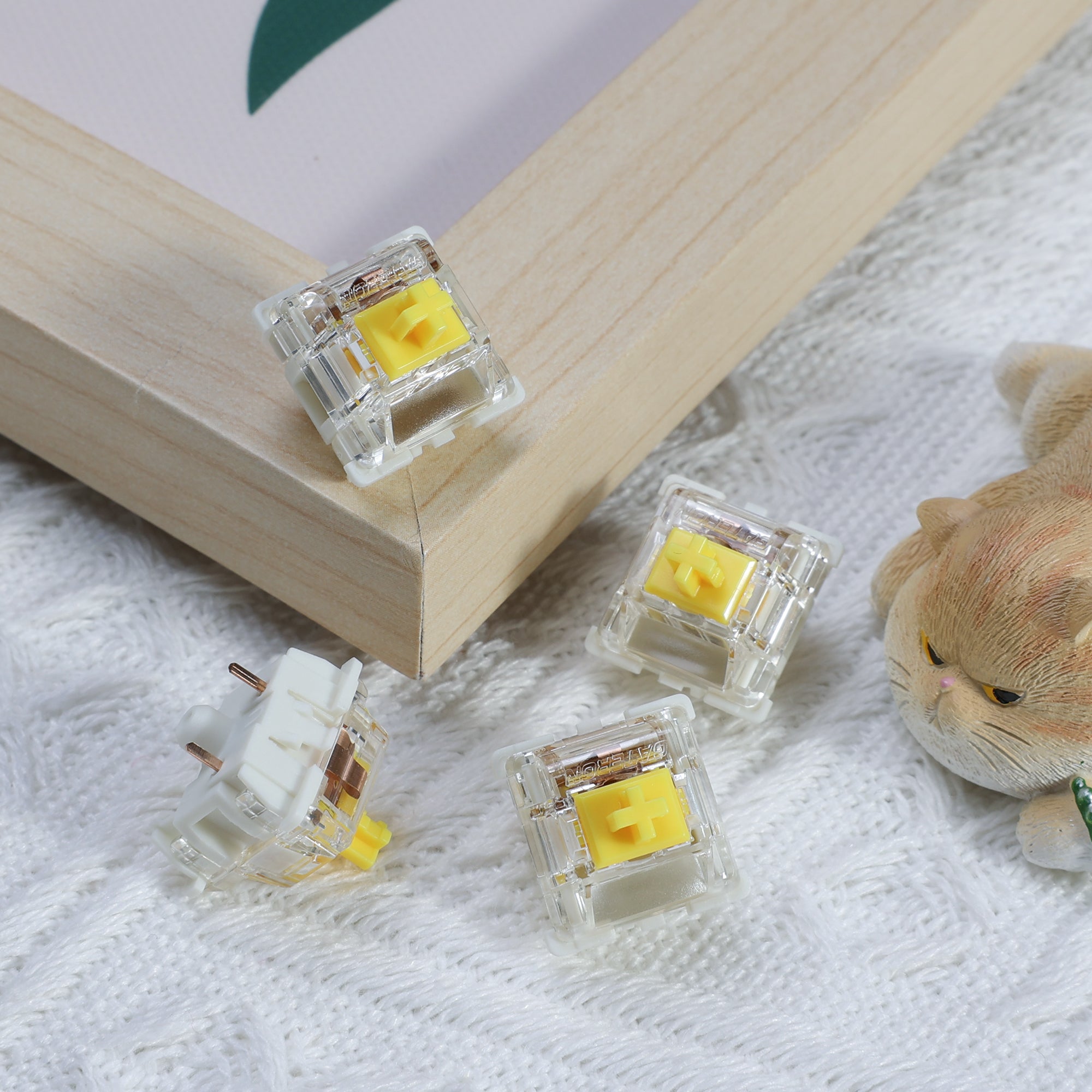
Gateron G Pro 3.0 Yellow
The easiest, cheapest way to find out whether you actually like linears. A POM stem in a PC top and nylon bottom housing, factory lubed, light enough to press all day without fatigue. If you have never used a linear switch, buy these before you buy anything expensive.
Pros: Cheap, smooth for the price, widely stocked Cons: Too light for typists who want resistance
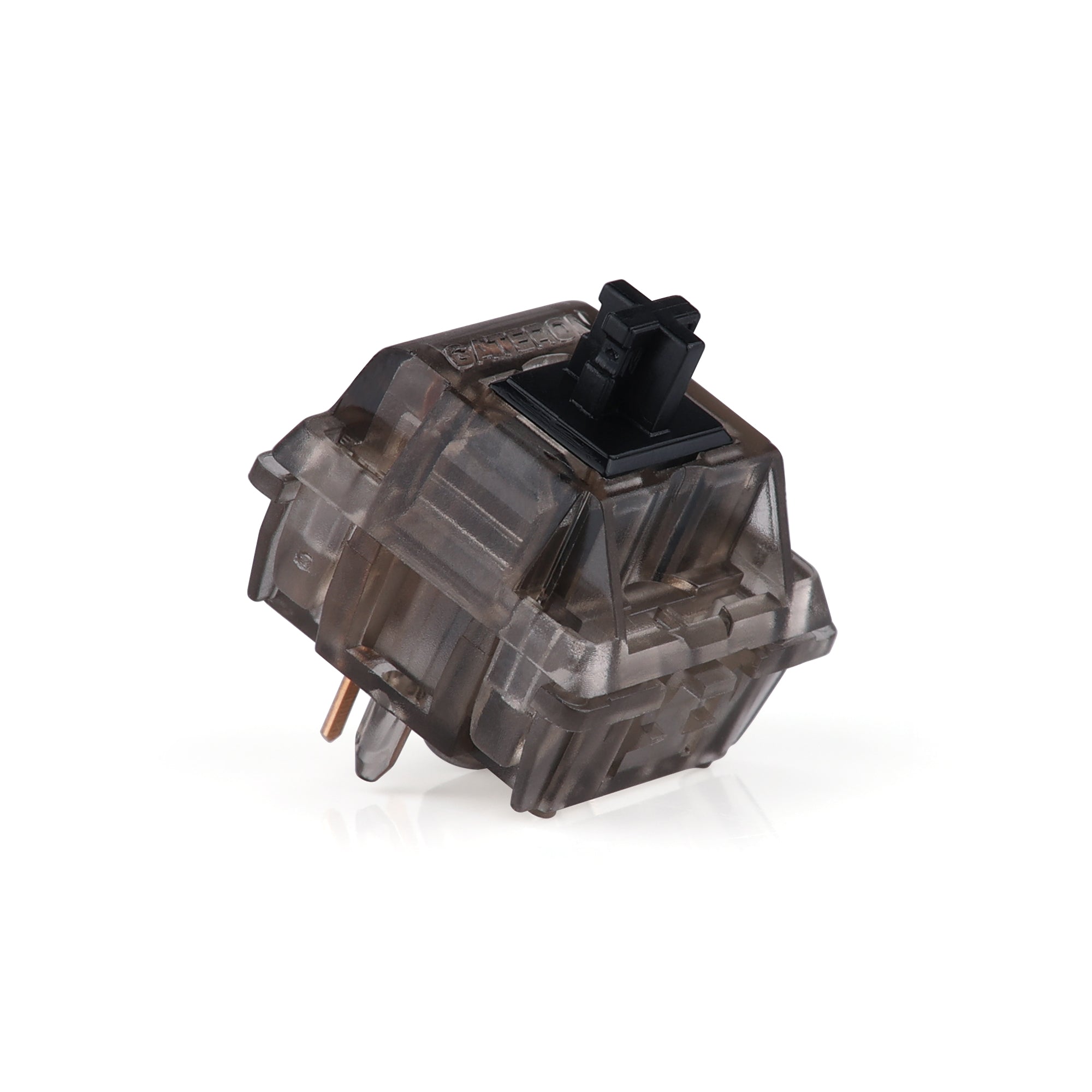
Gateron Ink Black V2
The heavier end of the linear category, and the switch most people mean when they say a linear can still feel substantial. Deep, polished sound and a consistent stroke from top to bottom. Pick these if Yellows felt too light rather than too heavy.
Pros: Deep sound profile, premium smoothness, enthusiast standard Cons: Heavier than most stock linears, costs more per switch
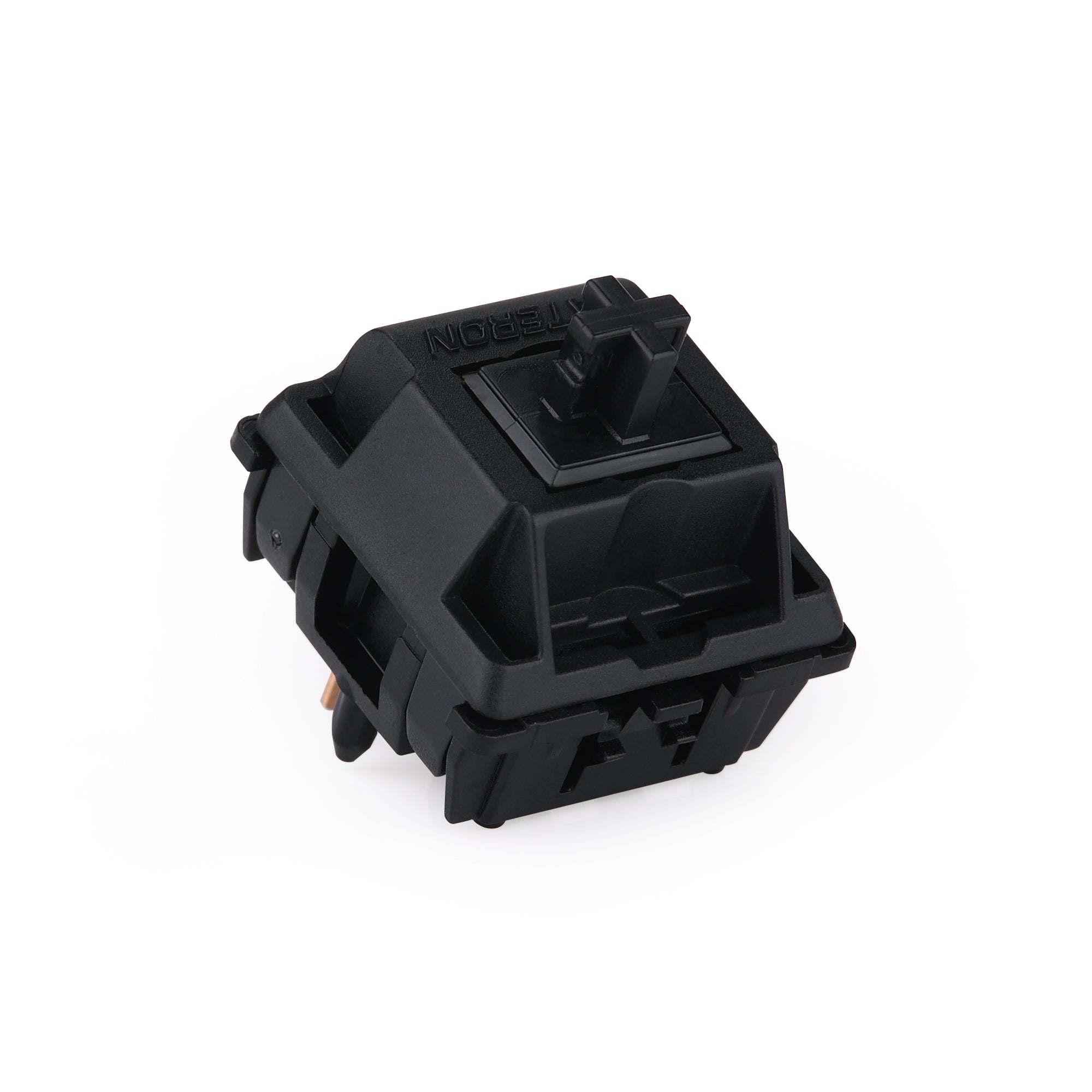
Gateron Oil King
The linear to buy if the thocky sound is the point. A black POM stem at 55±5gf actuation and 65±5gf bottom-out on a 20mm spring, with 4.0mm total travel — heavy enough to control, smooth enough that nothing scratches.
Pros: Excellent deep sound, factory smooth, 55g suits typing and gaming Cons: Bottom-out weight is a real jump from Yellows
What Are Tactile Switches?
Tactile switches add a bump in the keystroke so you can feel when the key actuates. Many people prefer that extra confirmation for typing, writing, and office work because it makes each press feel more deliberate.
Popular tactile examples include Cherry MX Brown, Holy Panda, Boba U4T, and Zealios V2.
If you want stronger feedback, read:
Tactile Switches Worth Starting With
Glorious Holy Panda (Lubed)
The loudest, most obvious tactile bump on this list, and the one most people are actually picturing when they say they want tactility. Buying the pre-lubed version matters — unlubed Holy Pandas are notoriously scratchy and fixing that by hand takes an evening.
Pros: Very pronounced bump, pre-lubed out of the box, easy to find Cons: Loud enough to annoy an open office
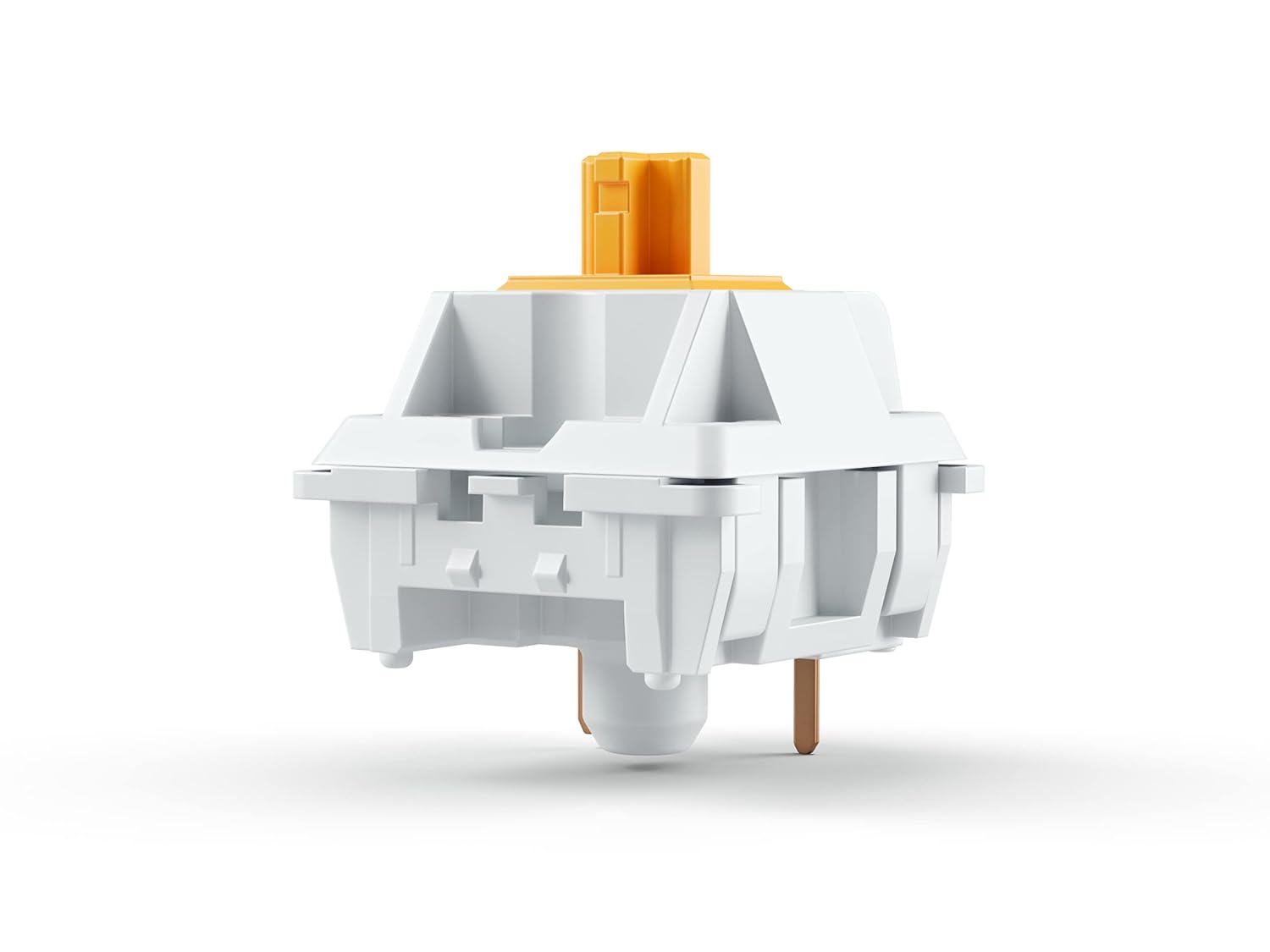
Gazzew Boba U4T
The tactile answer to the thocky-sound question above. A long-pole stem shortens the downstroke and produces a deep, sharp sound rather than the hollow clack most tactiles make. This is the pick if you want feedback and a tuned sound profile from the same switch.
Pros: Deep thocky sound, crisp rounded bump, long-pole design Cons: Not quiet, and the bump is strong enough to feel gritty to some
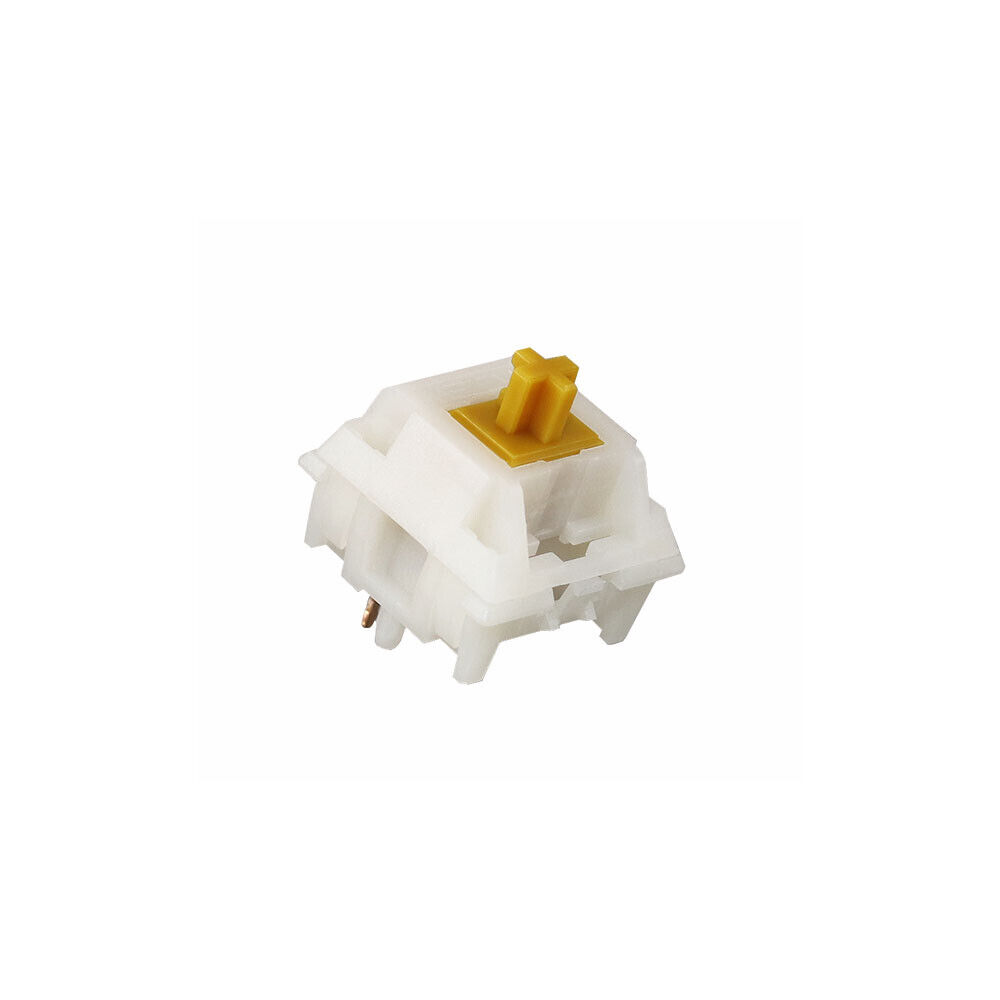
Siliworks Type R
The moderate option, and the one to pick if Holy Pandas sound like too much. A POM stem in a PA66 top housing on a 5-pin PCB mount, with a bump that confirms actuation without dominating the keystroke. Good default for a work board you also type on all day.
Pros: Controlled bump, 5-pin stability, works in shared spaces Cons: Less dramatic than the Panda-style tactiles
Linear vs Tactile for Gaming
Linear switches still have the edge for competitive gaming because the smooth travel makes fast movement, strafing, and repeated inputs feel easier. That is why switches like Gateron Yellow and Gateron Ink Black V2 keep showing up in gaming-focused builds.
That said, tactile switches are not bad for gaming. If you play slower, strategy-heavy, or mixed-use games and spend just as much time typing as gaming, tactile switches can be a better overall fit.
Linear vs Tactile for Typing
For pure typing, many people prefer tactile switches because the bump helps them avoid bottoming out on every stroke. That can make long typing sessions feel more controlled and satisfying.
But if you like a lighter, faster keypress and do not want extra resistance, linear switches can still be excellent for typing. This is especially true if you use a softer board, lighter springs, or a more ergonomic layout.
Which One Sounds Better?
Sound depends on the full build, not just the switch. A metal case, plate material, foam, keycaps, and mounting style all change the result. In general:
- Linear switches often sound cleaner and deeper.
- Tactile switches often sound sharper and more textured.
If your goal is a deeper sound, start with Best Thocky Switches. If your goal is simply a quieter setup, consider light linears or very controlled tactiles in a softer build.
How to Choose Between Linear and Tactile Switches
Use linear switches if:
- you mainly game
- you want the smoothest travel possible
- you like lower resistance and faster repeat presses
- you plan to tune for a thockier sound
Use tactile switches if:
- you type for long sessions
- you want more feedback on each press
- you tend to bottom out too hard on linears
- you want one keyboard for writing, work, and casual gaming
Final Verdict
If you are deciding between linear vs tactile switches, the simplest answer is this:
- choose linear if speed and smoothness matter most
- choose tactile if feedback and control matter most
If you still are not sure, buy the cheap version of each before you buy the expensive version of either. A set of Gateron G Pro 3.0 Yellows and a set of Siliworks Type R tactiles costs less than one set of enthusiast switches and answers the question in a week of real typing. Mechanical keyboard preferences get specific fast, and feeling both under your own fingers settles it better than any spec sheet.