Mechanical keyboard field notes

Better switch picks, smarter layout guides, and fewer wasted keyboard purchases.

Try Mech Keys focuses on the things that change the day-to-day experience: switch feel, case sound, layout tradeoffs, and the specific boards worth shortlisting.

KeychronBest Linear SwitchesBest Tactile Switches65 Percent KeyboardThocky KeyboardsRotary Knobs

Where to begin

Start broad, then move toward the exact part or layout you want to optimize.

  • Learn the difference between linear, tactile, and clicky switches.
  • Pick a layout based on workflow before chasing specs.
  • Use targeted guides for Keychron, knobs, and thockier builds.

Fresh from the blog

New comparisons, buying angles, and keyboard research pulled into a tighter reading flow.

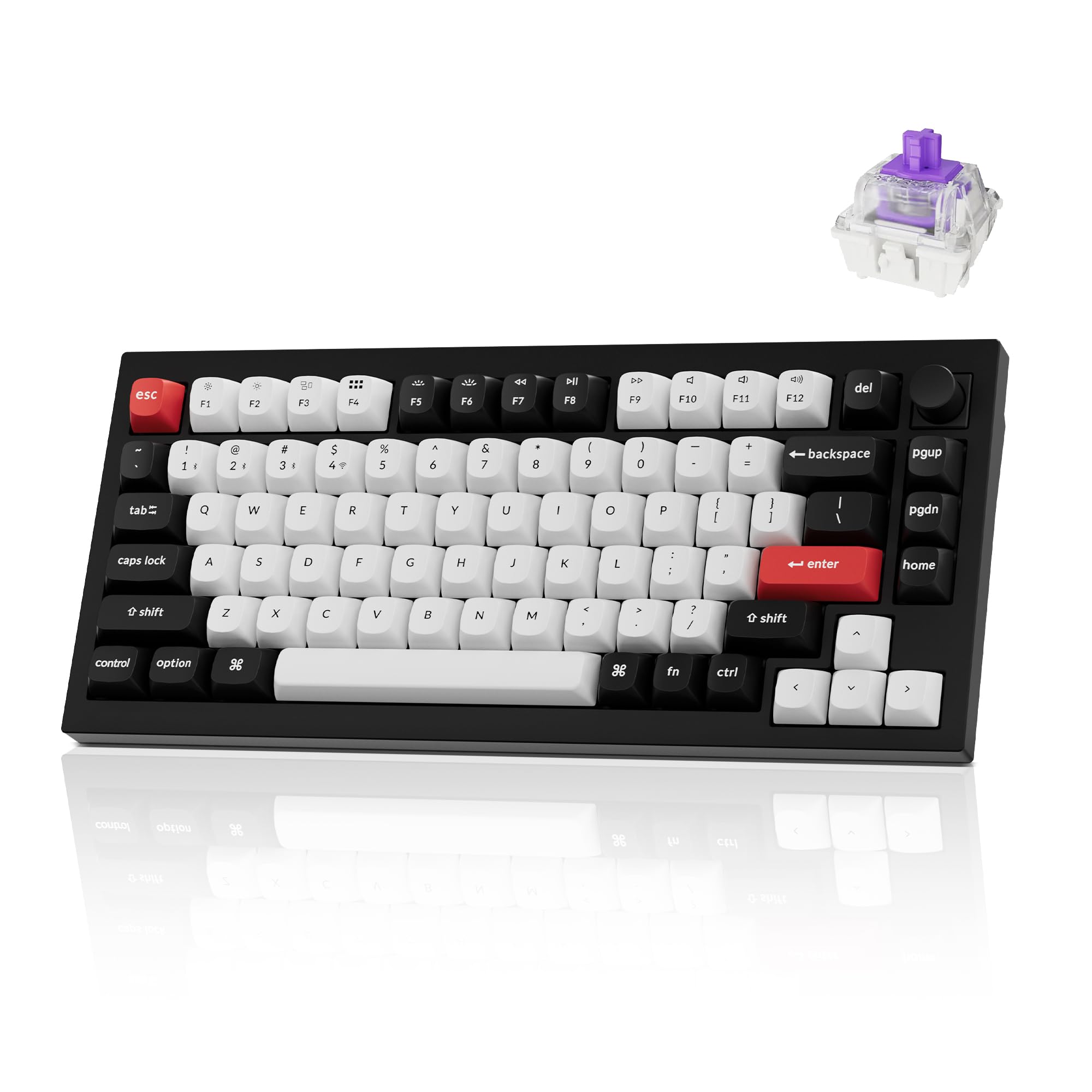
Keychron Q1 Knob Guide

Keychron Q1 Knob Guide

Learn why the Keychron Q1 Knob remains one of the best premium 75% keyboards for productivity, sound, hot-swap flexibility, and rotary control.

Read article

One theme, clearer paths

The site now leans into a more focused workflow: switch feel, layout decisions, and sound-first build choices.

Switches

Build a shortlist around feel first.

Start with the switch family that fits how you type, then narrow by sound, spring weight, and long-term comfort.

Layouts

Find the board size that actually fits your desk.

Compact boards, knob layouts, and starter-friendly prebuilts all solve different problems. Choose by workflow, not hype.

Sound

Chase a deeper sound without wasting parts.

Thock comes from the whole build: switches, case, plate, stabilizers, and even the small desk-contact details.

Starter route

Mechanical Keyboard Starter Guide

If someone is completely new to the hobby, this is the fastest route through switch basics, common features, and what to buy first.