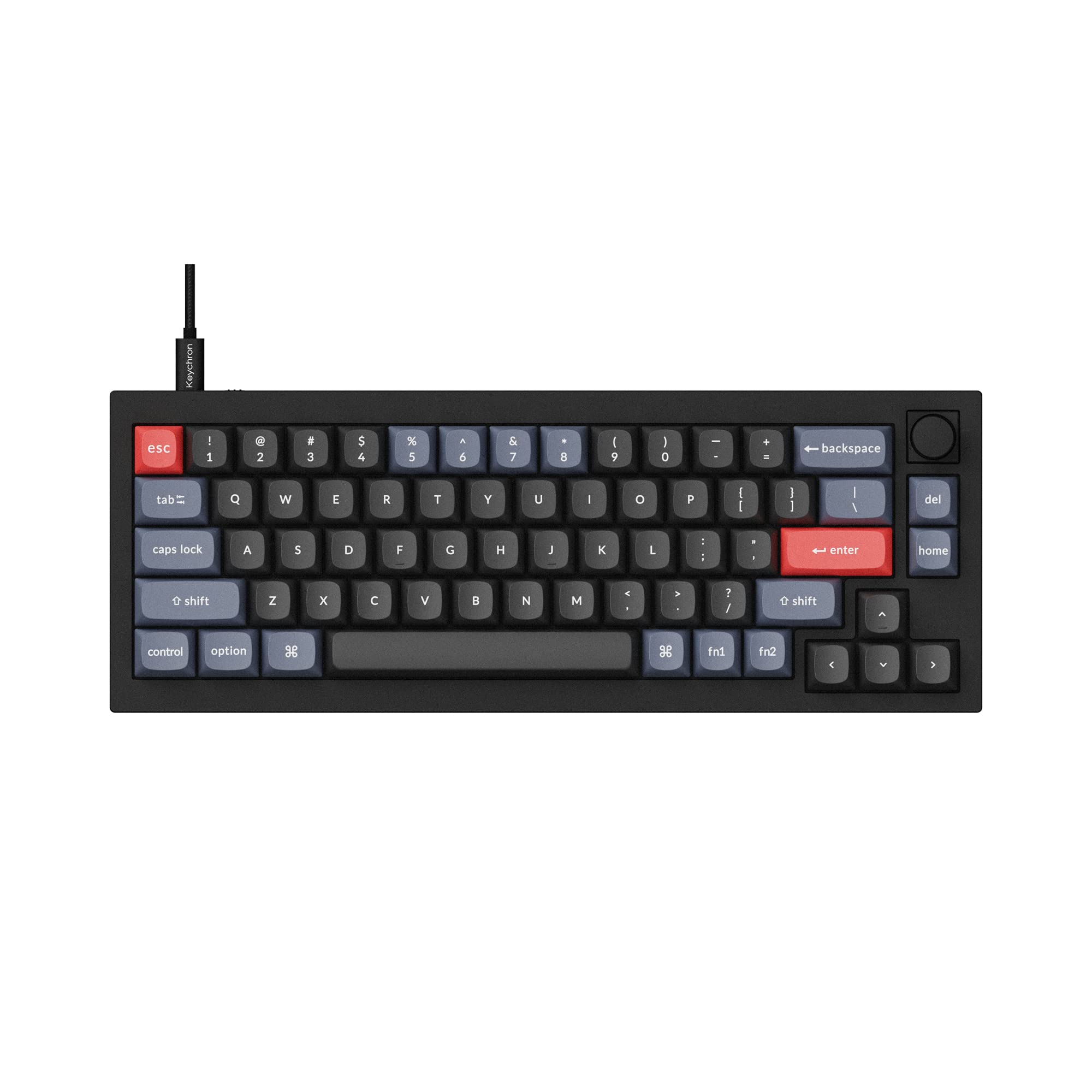
Best first custom-style prebuilt
Keychron V2
A compact 65% board with hot-swap support, QMK/VIA programmability, case foam, and a sane starter price.
65%WiredHot-swap
- QMK/VIA
- Arrow keys
- Beginner friendly
These are the prebuilt boards worth shortlisting if you want a better keyboard today, with enough upgrade room to tune switches, keycaps, sound, and software later.
A good preassembled mechanical keyboard should solve a specific problem: smaller desk footprint, quieter typing, better switch feel, wireless flexibility, or a numpad that does not dominate the desk.
A 65% board keeps arrows, 75% adds the function row, and 96% keeps a numpad in a tighter frame.
Hot-swap sockets make a prebuilt safer because you can change switch feel without soldering or replacing the board.
QMK, VIA, or strong first-party software matters if you use layers, macros, media controls, or a knob.
These picks cover beginner-friendly boards, premium aluminum cases, wireless productivity, ergonomic layouts, and compact custom-style keyboards.
Best first custom-style prebuilt
A compact 65% board with hot-swap support, QMK/VIA programmability, case foam, and a sane starter price.
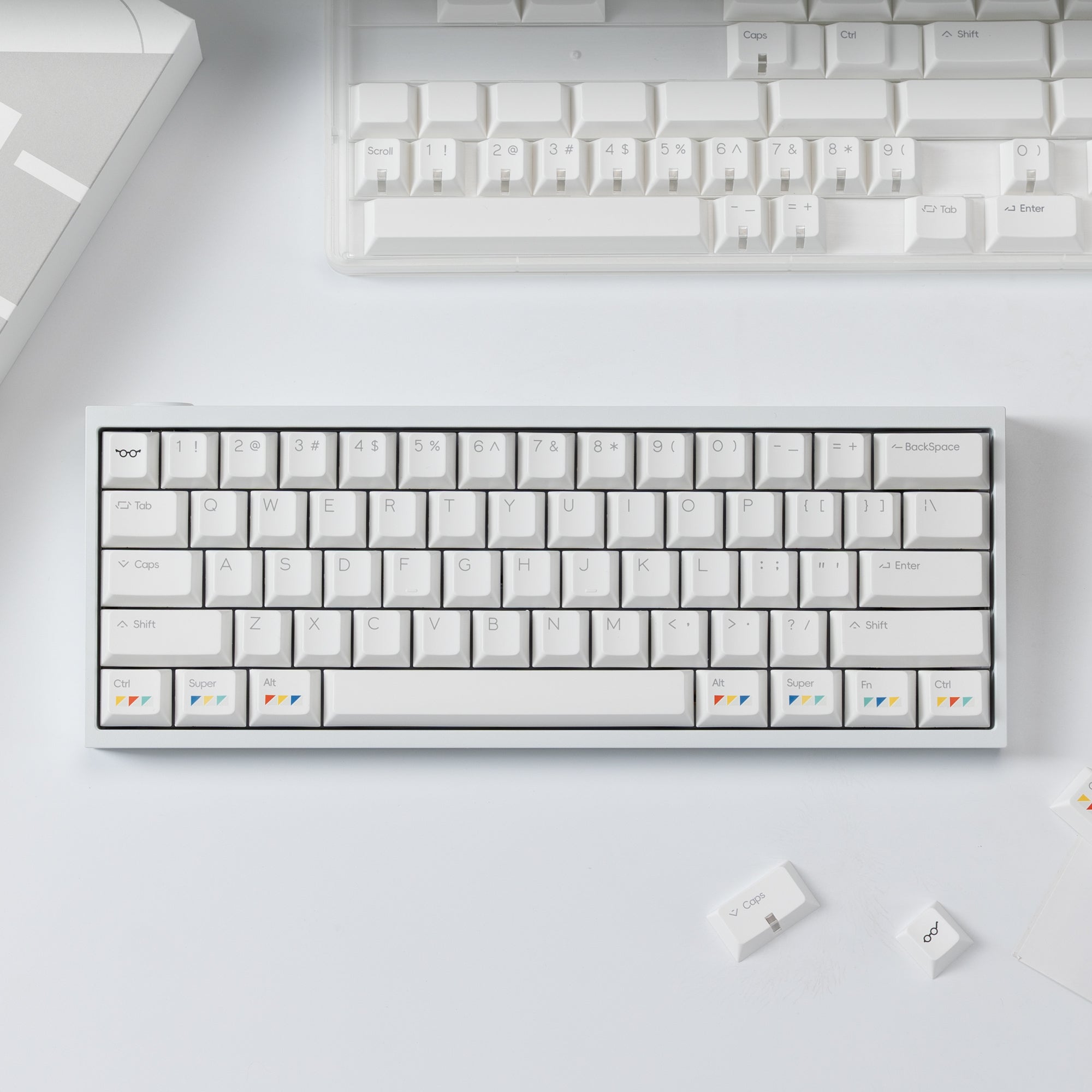
Best assembled custom kit
The Tofu60 Redux V2 shipped fully built with PBTfans Clarvoy keycaps, so you get an enthusiast aluminum 60% without soldering or sourcing parts.
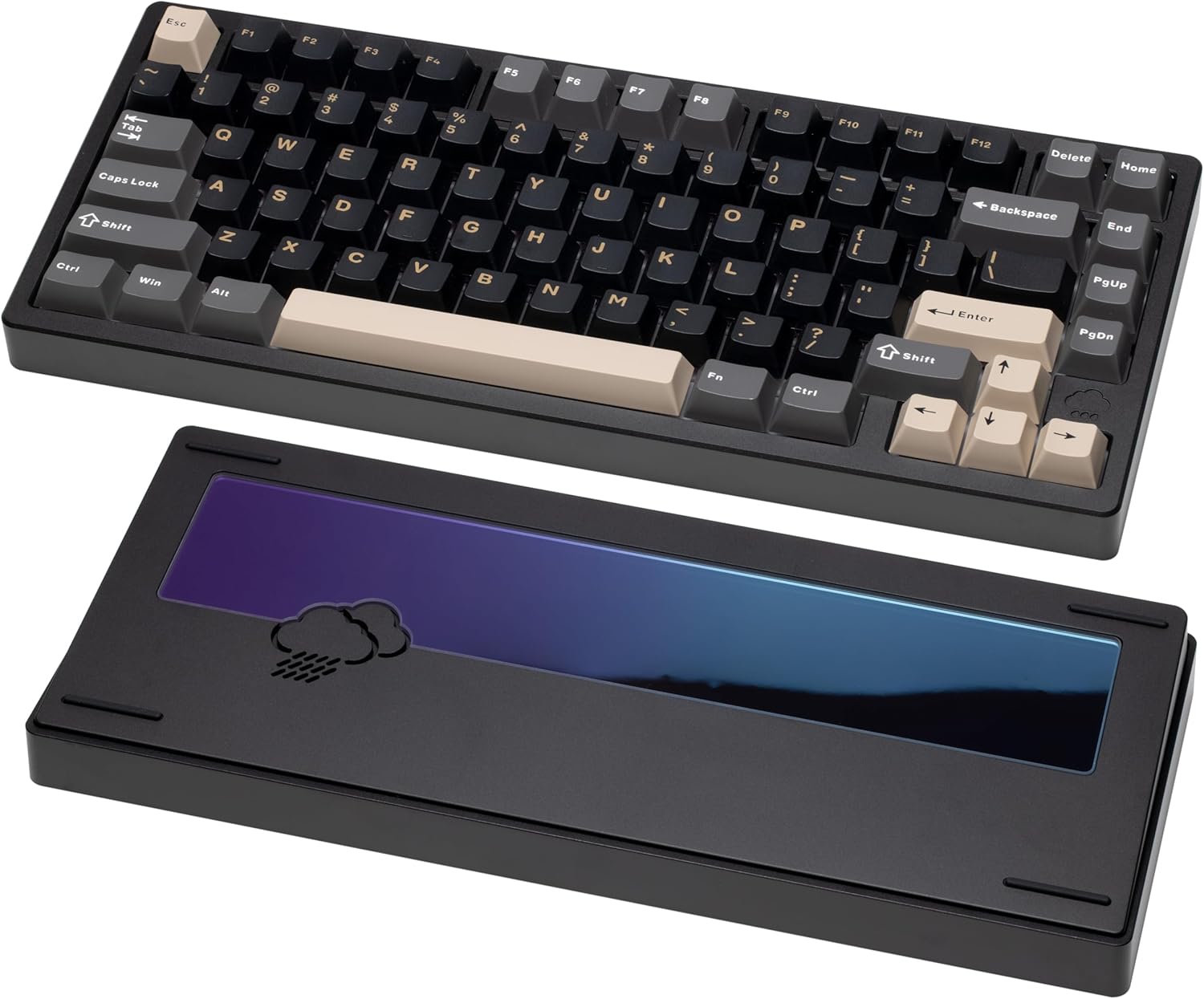
Best sound-first prebuilt
A premium-feeling 75% keyboard with an aluminum case, gasket mount, acoustic dampening, and a deeper sound profile.
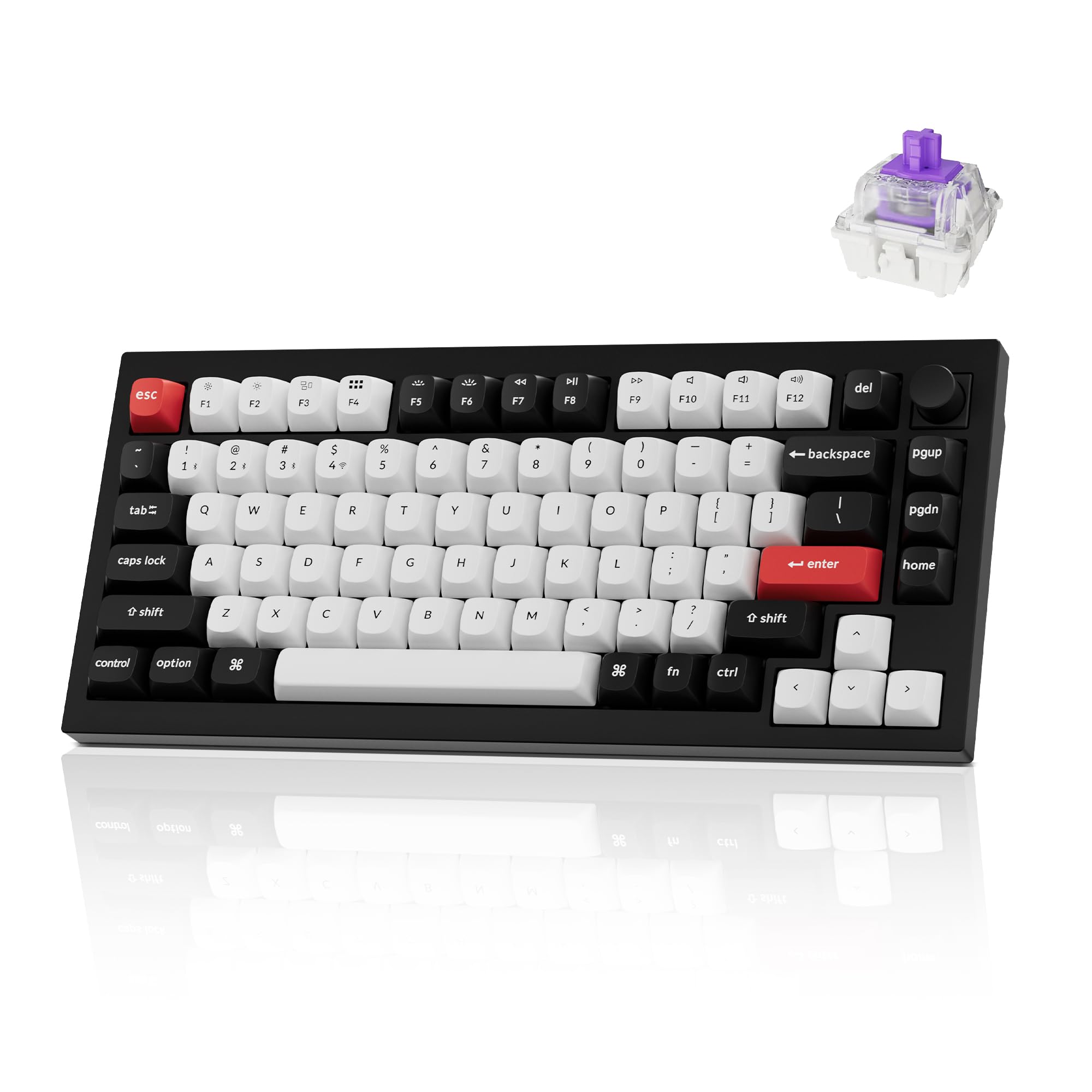
Best premium 75% keyboard
A full-aluminum 75% with Gateron double-rail magnetic switches, 2.4 GHz, Bluetooth and wired modes, and Keychron Launcher for remapping and actuation tuning.
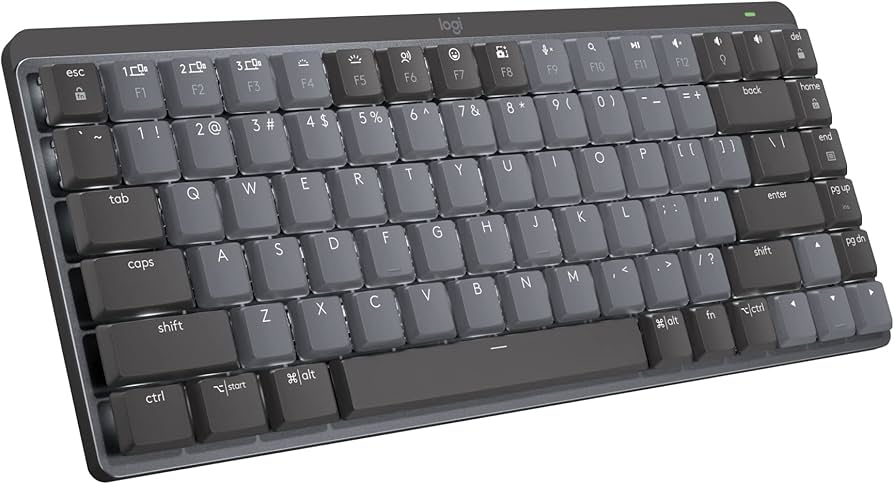
Best mainstream wireless office pick
A productivity-first wireless mechanical keyboard for buyers who care more about multi-device switching than modding.
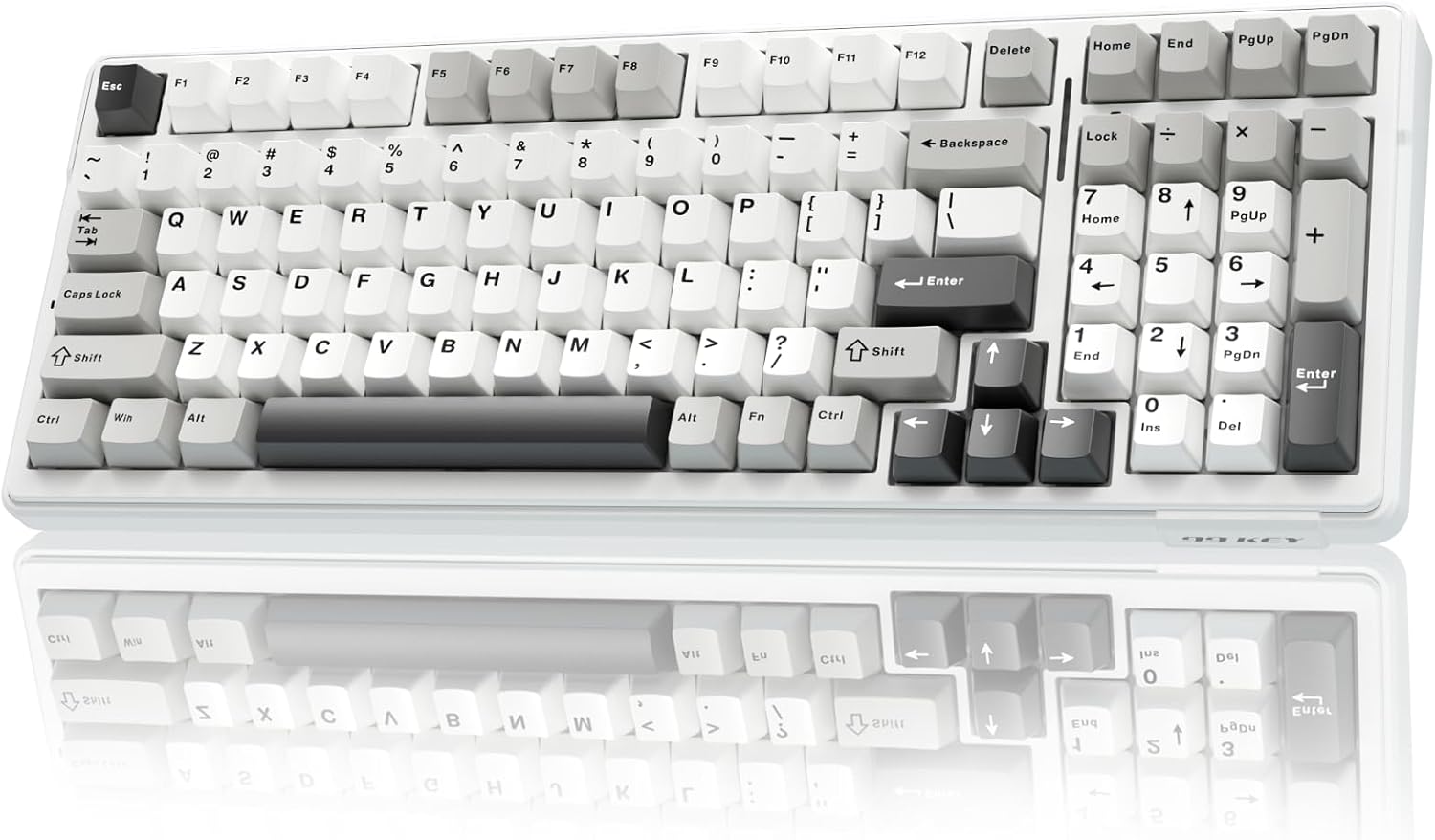
Best budget 96% prebuilt
A 96% prebuilt with five-layer dampening, 8000 mAh battery, and tri-mode wireless. Best fit when you want a numpad and dampened sound at an aggressive price.
The best preassembled keyboard is not simply the one with the most RGB or the heaviest case. It is the one that gives you the right layout, stable typing feel, and enough upgrade room that you do not outgrow it after your first switch or keycap change.
Prioritize a layout you can use all day. Keychron V2, AULA F99 (if you need a numpad), and Logitech MX Mechanical Mini Wireless make the most sense for productivity-first buyers.
Look for gasket mounting, dampening foam, and an aluminum case. WOBKEY Rainy 75 is the strongest sound-first choice here.
Hot-swap sockets, QMK/VIA support, and standard keycap compatibility matter most. That is where Keychron and KBDFans options become safer long-term buys.
Yes, especially if you want better typing feel without sourcing a case, PCB, switches, stabilizers, and keycaps separately. The best preassembled boards still offer hot-swap sockets and software support, so you can upgrade later.
The Keychron V2 is the safest beginner pick because it is compact without being confusing, includes arrow keys, supports hot-swap switches, and keeps the price approachable.
Buy preassembled if you want to start typing immediately. Build custom if you already know your preferred layout, switch feel, mounting style, and sound target.
Use these next if you are still deciding between layout, switch feel, or a specific keyboard brand.
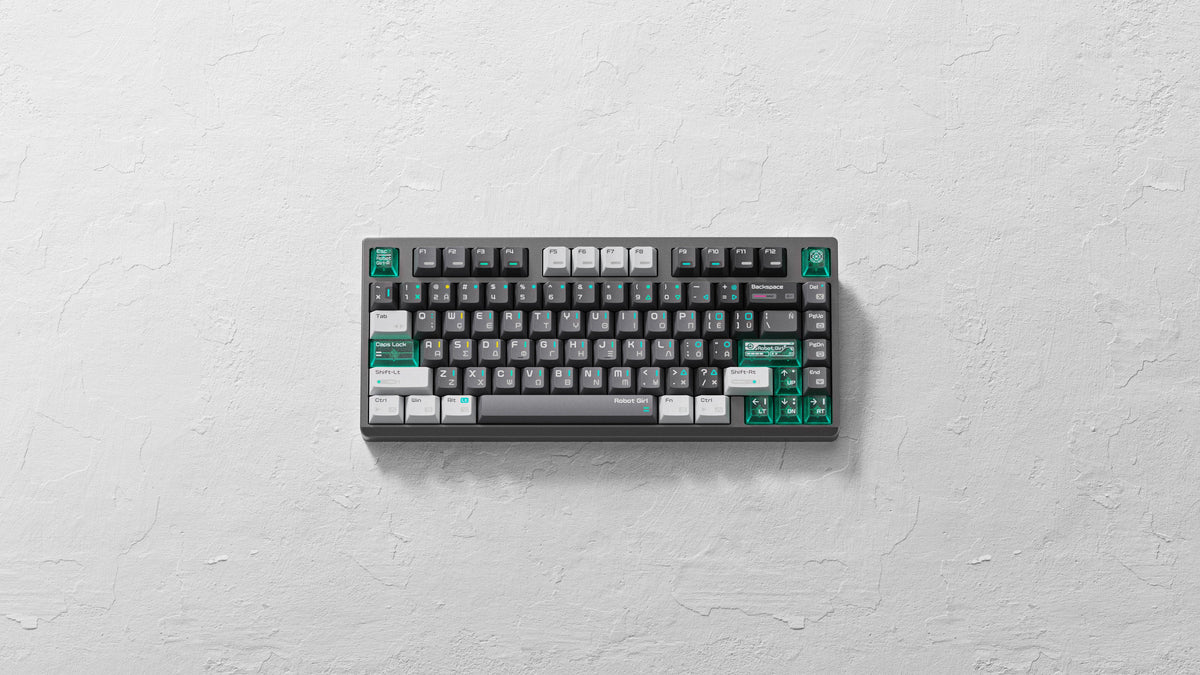
Apos Audio's October sale runs now, with up to 65% off mechanical keyboards, 40% off Ensembles, and up to 30% off Apos Certified. No discount code is needed. Here's what is still in stock as of October 13, 2026.
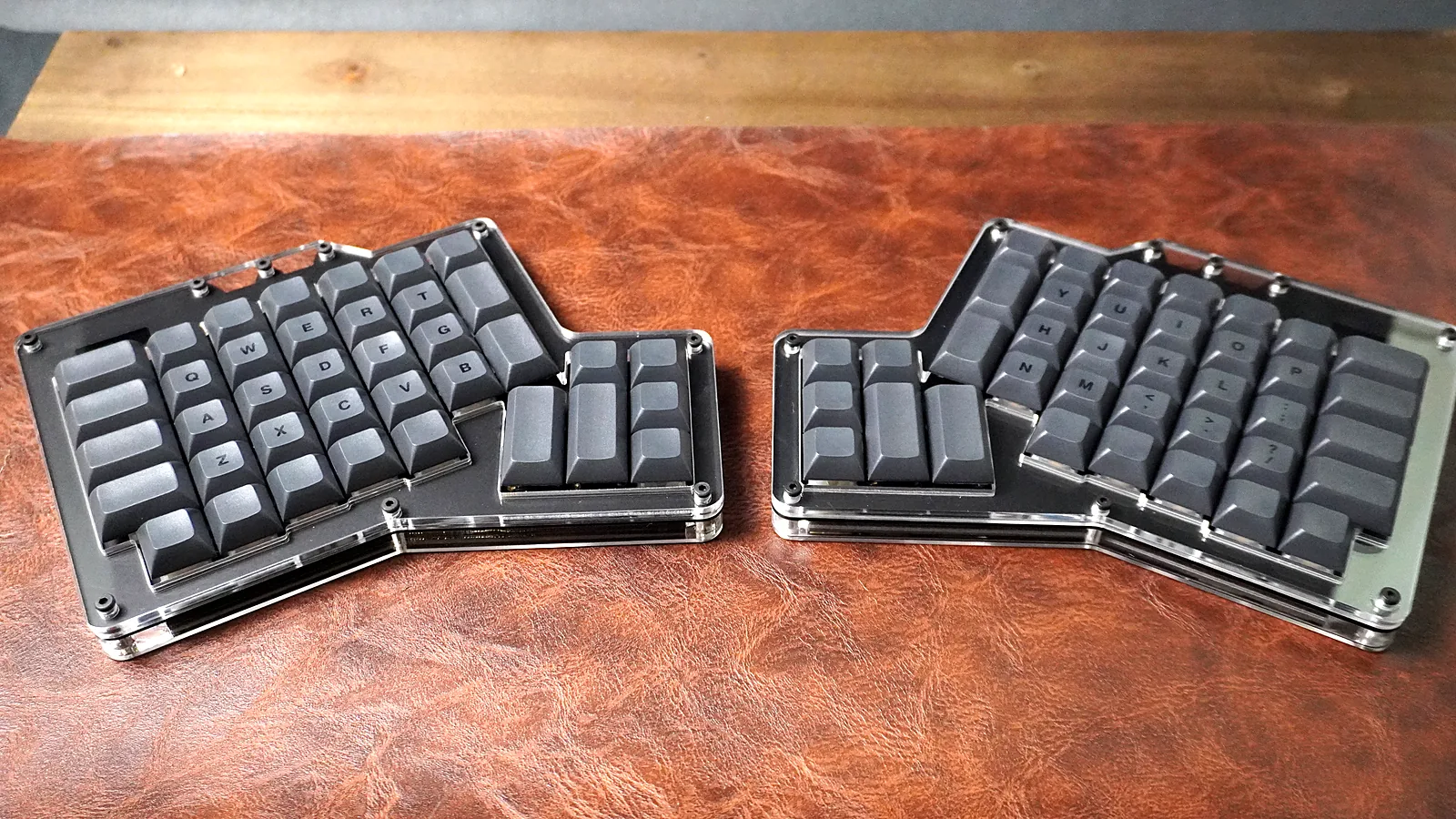
Our hands-on ErgoDox 76 Hot Dox V2 review: a prebuilt, hot-swap split ergonomic keyboard with VIA. Build, Gateron Milky Yellow Pros, thumb clusters, and who it's for.
A guide to the Keychron Q1 HE, a wireless 75% Hall-effect keyboard: magnetic switches, adjustable actuation, Rapid Trigger, build, and who it suits.
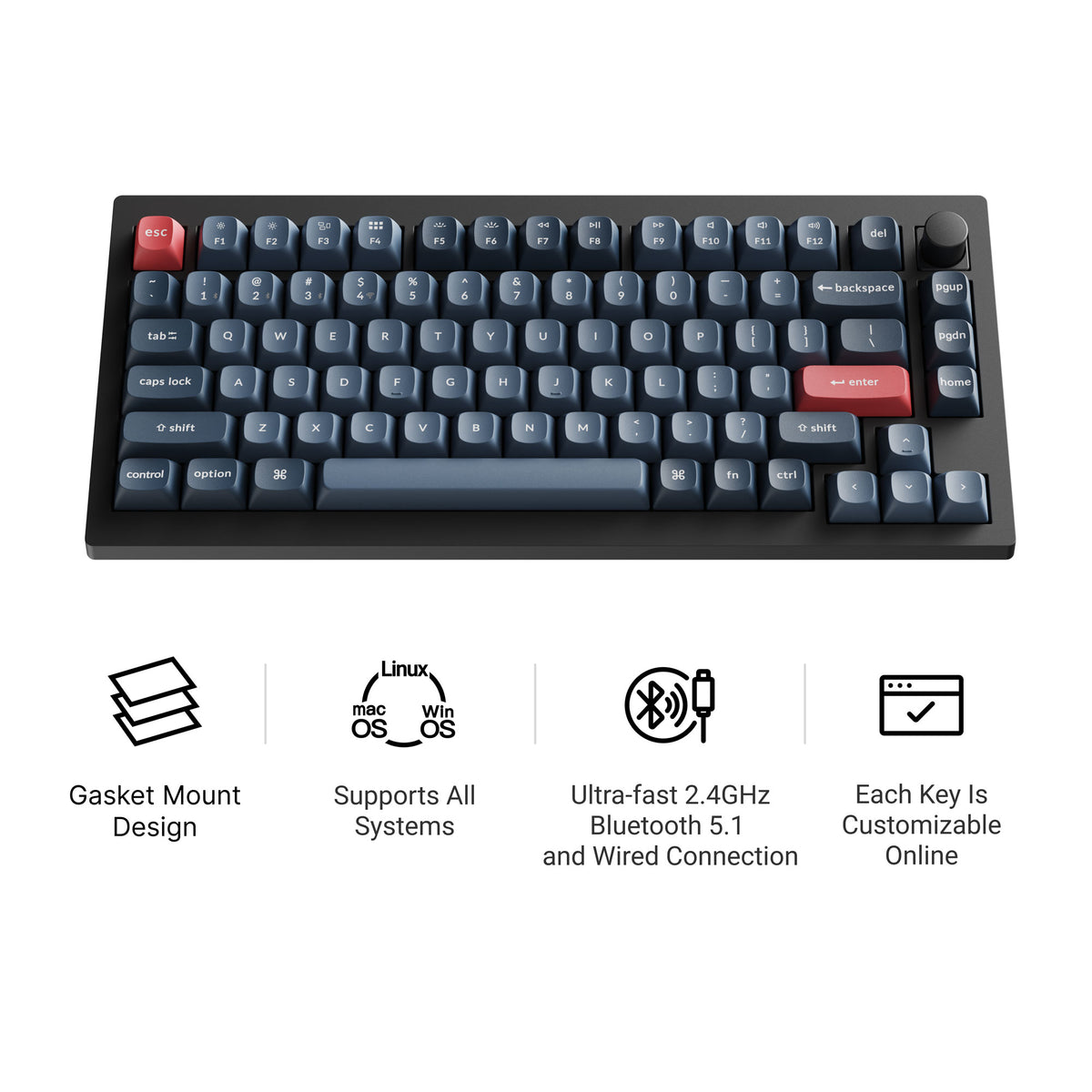
A guide to the Keychron V1 Max, a wireless 75% gasket-mount keyboard: layout, switches, battery, QMK/VIA, knob, and who it suits compared with the Q1.
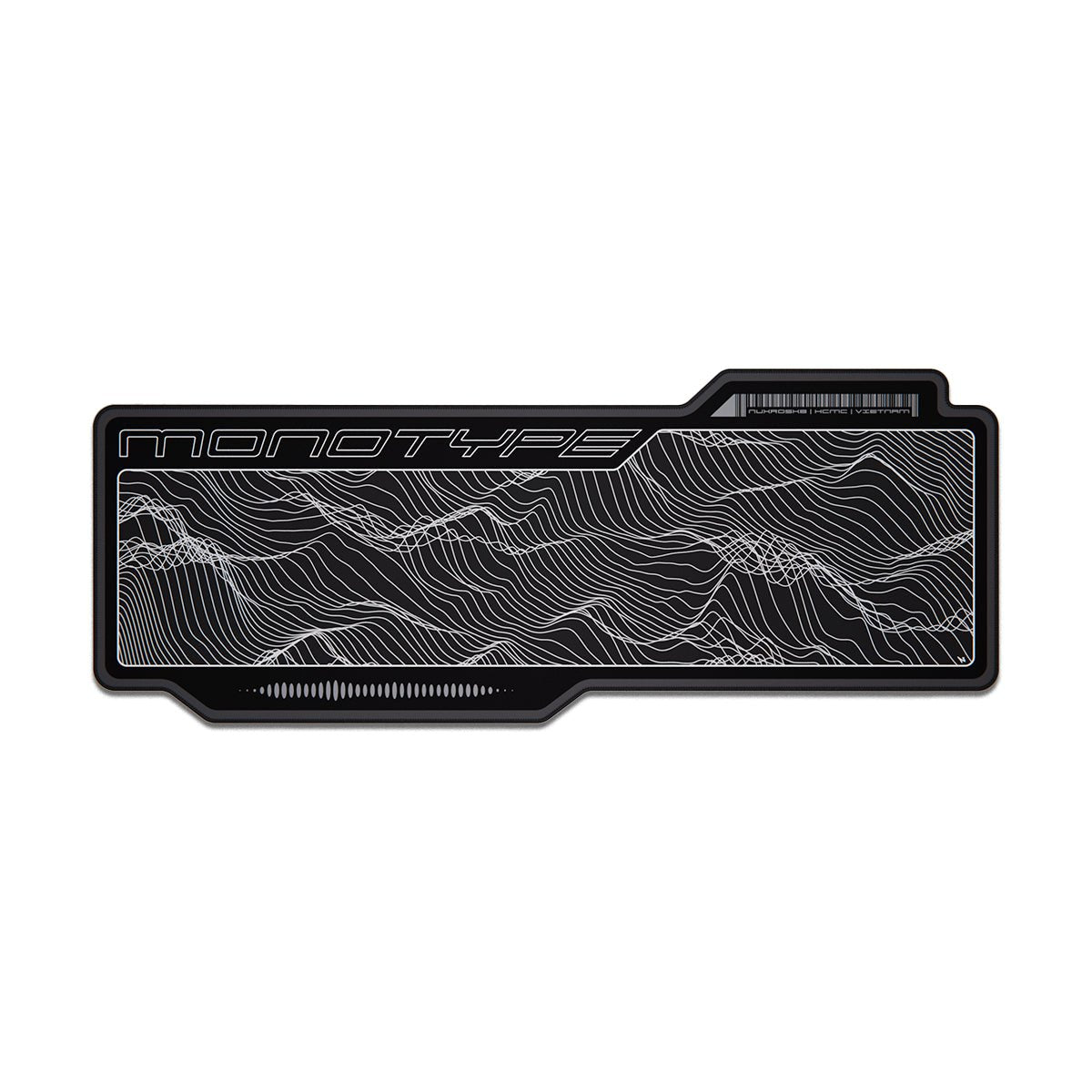
How to clean a desk mat by material — hand washing, the washing machine question, drying flat, stain removal, and what to do with cork, leather and RGB mats.
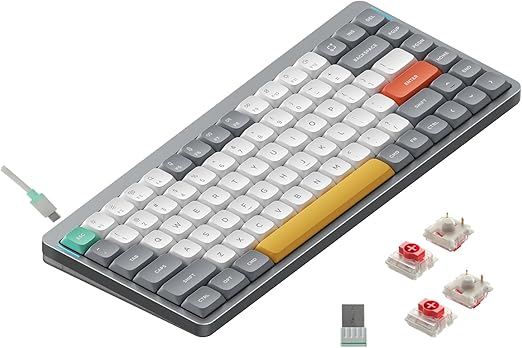
A guide to the NuPhy Air75 V2 low-profile 75% keyboard: layout, tri-mode wireless, battery, QMK/VIA, hot-swap, and who should (and shouldn't) buy it.
ABS vs PBT keycaps compared on shine, texture, sound and legends — how to tell which material is on your board already, and which sets are worth the money.
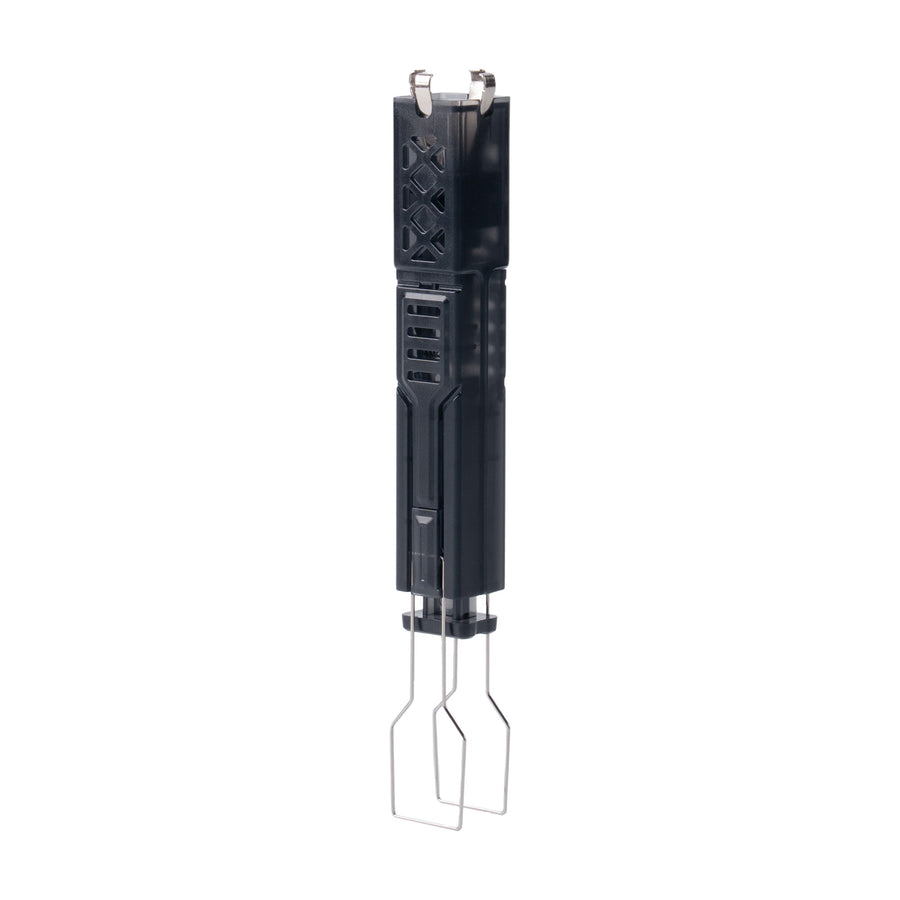
How to remove keyboard keycaps safely — the straight-up pull, the trick for stabilized keys like the spacebar, what to do with no puller, and how to reseat every cap.
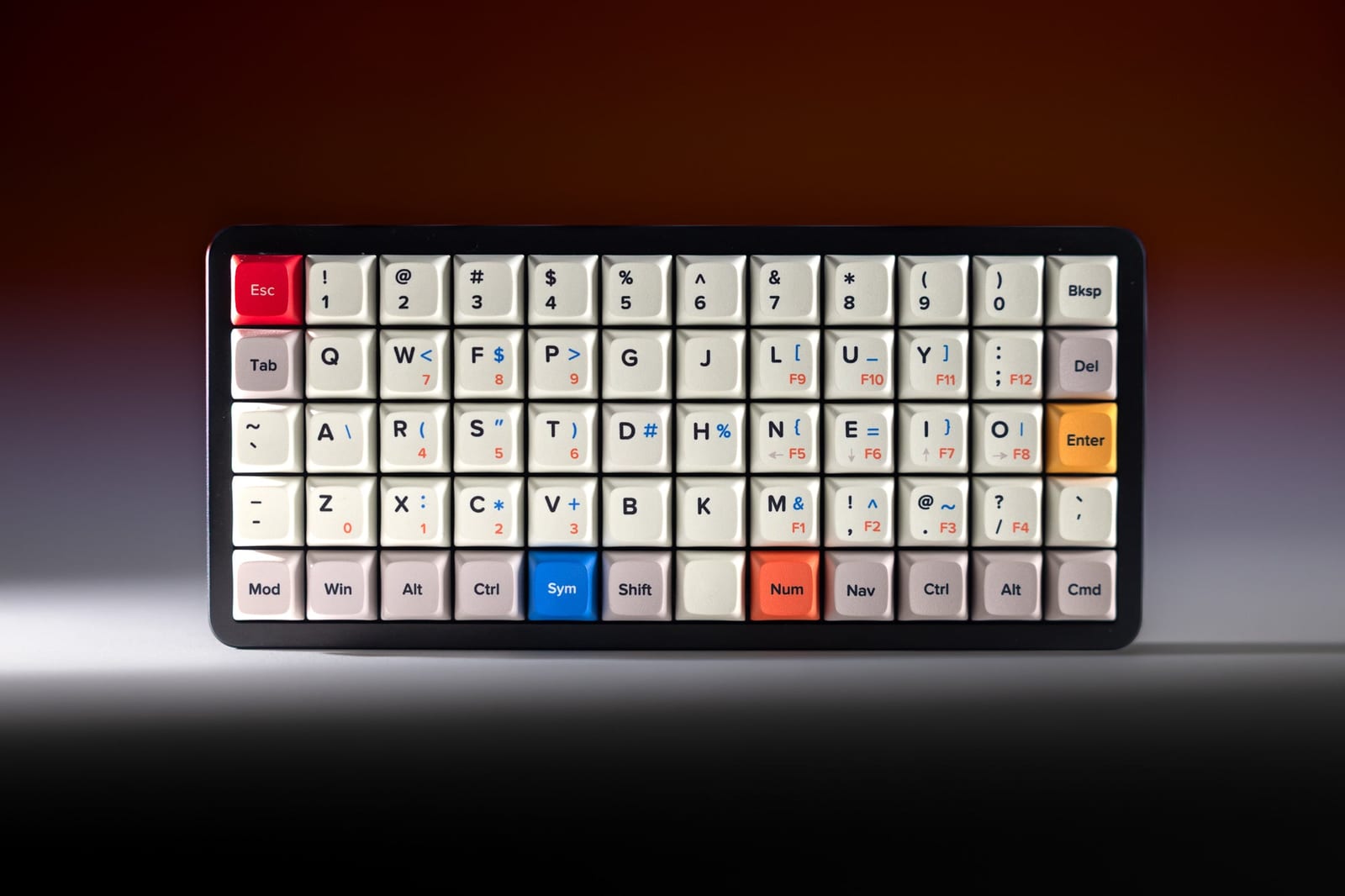
What an ortholinear keyboard is, how a grid layout compares to row stagger, the learning curve, how layers work, and where the OLKB Preonic Rev 4 fits.
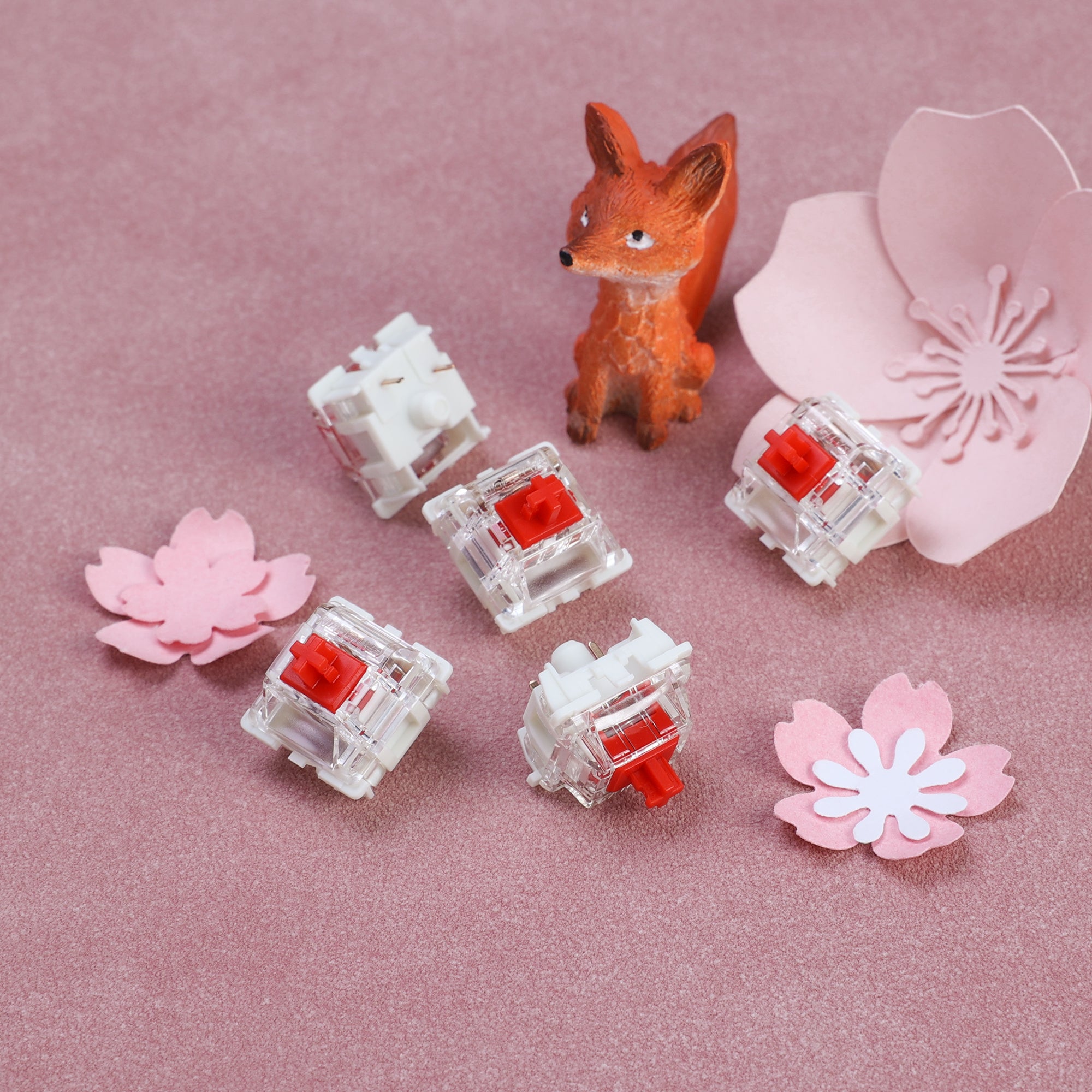
Red vs brown switches compared: linear vs tactile feel, sound, force, and which is better for gaming or typing, plus keyboards that ship with each.
ANSI vs ISO keyboard layouts explained: Enter key shape, left Shift, the extra key, keycap compatibility, and how to tell which layout you have.
What a 96% keyboard is, what it keeps and drops compared with full-size, how it differs from 1800 and TKL, and 96% boards worth a look like the AULA F99.
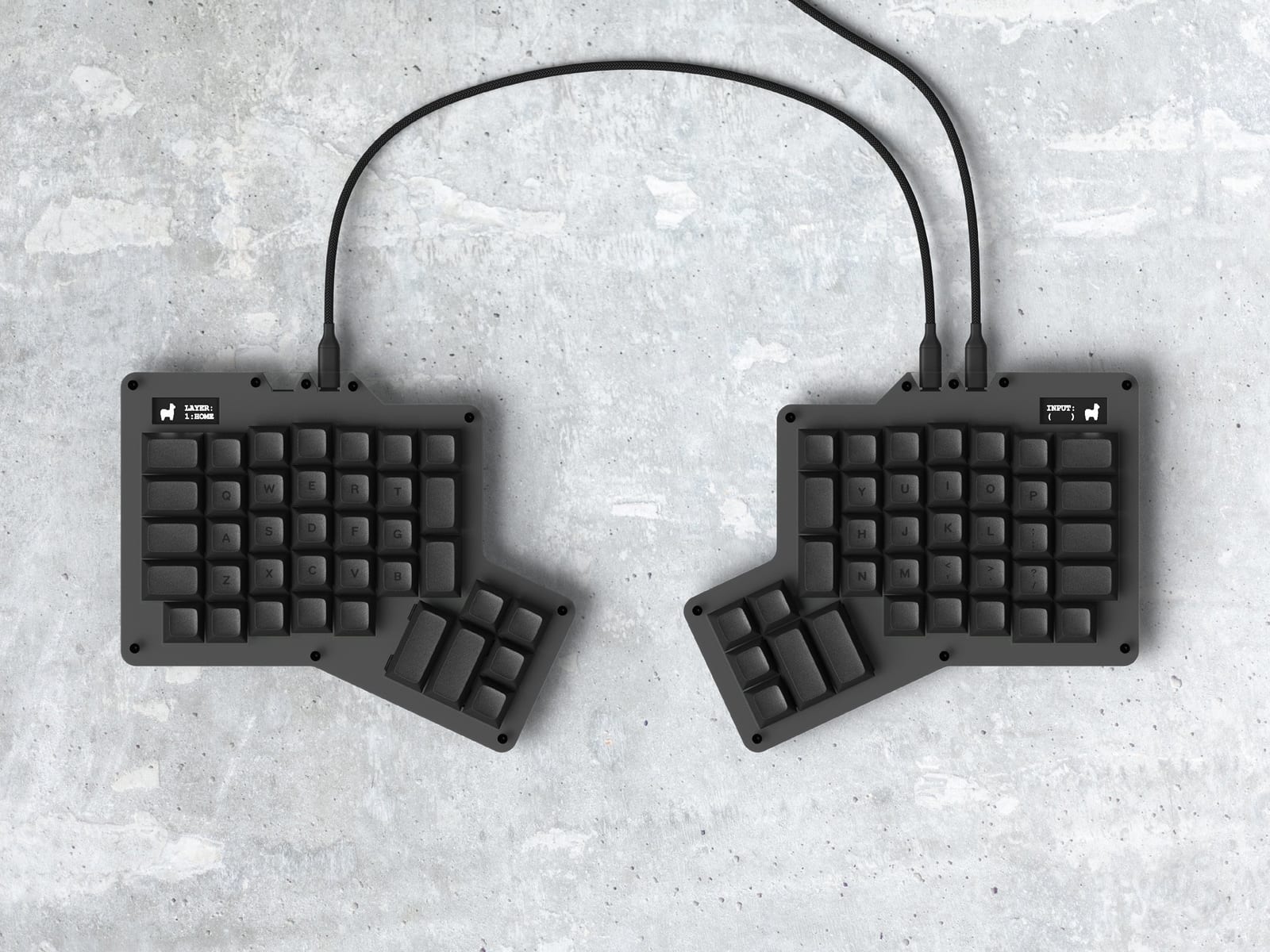
Apos Audio's August 2026 sale ended on 26 August. This recap keeps what was discounted; the current Apos sale runs through October at up to 65% off.
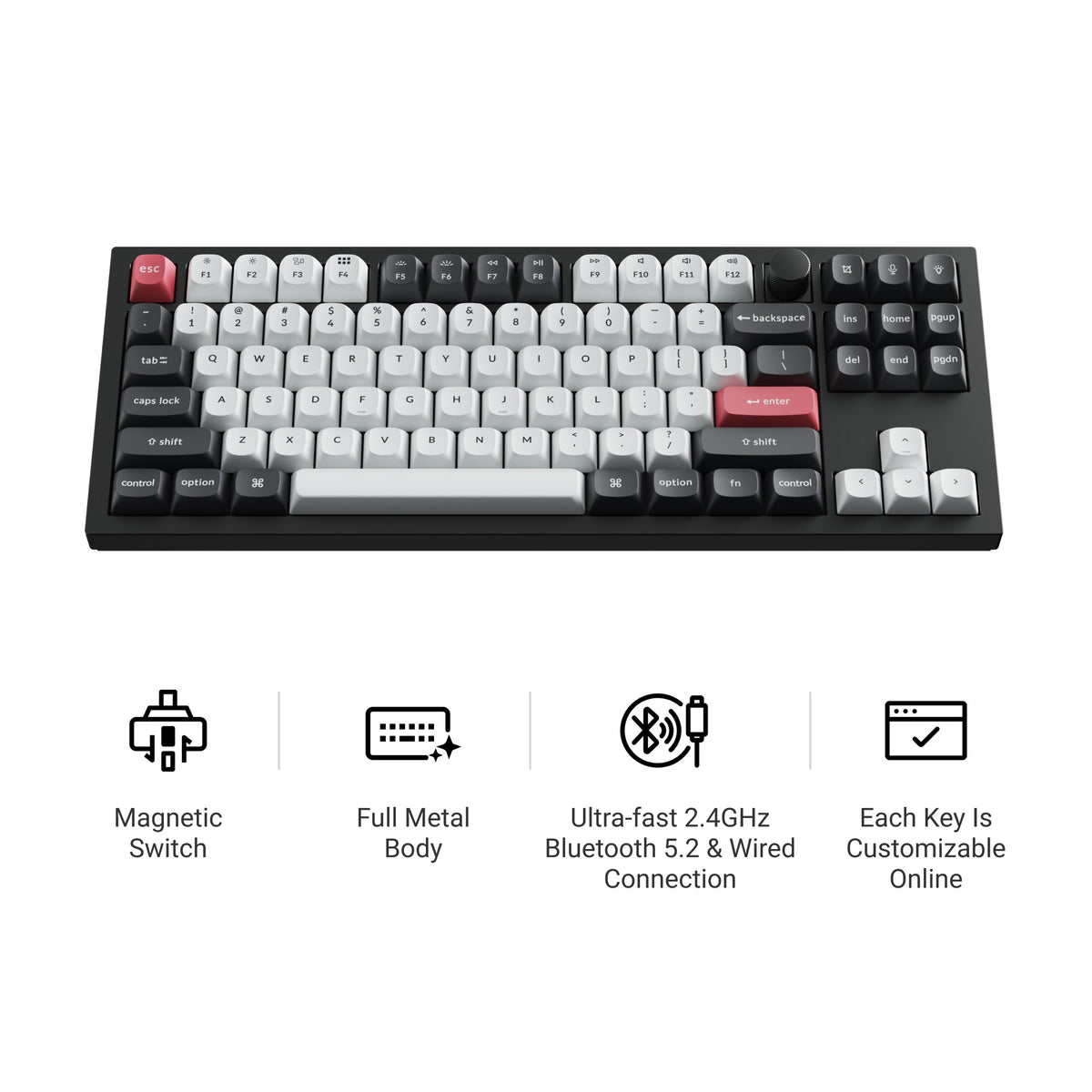
Which Keychron hall effect keyboard to buy: the Q1 HE, K2 HE and Q3 HE compared on layout, wireless, hot-swap and Rapid Trigger — plus when a non-HE Keychron is the smarter purchase.
Hall effect vs mechanical keyboard, compared honestly: how each one senses a keypress, what Rapid Trigger actually changes, and which one fits how you type or game.
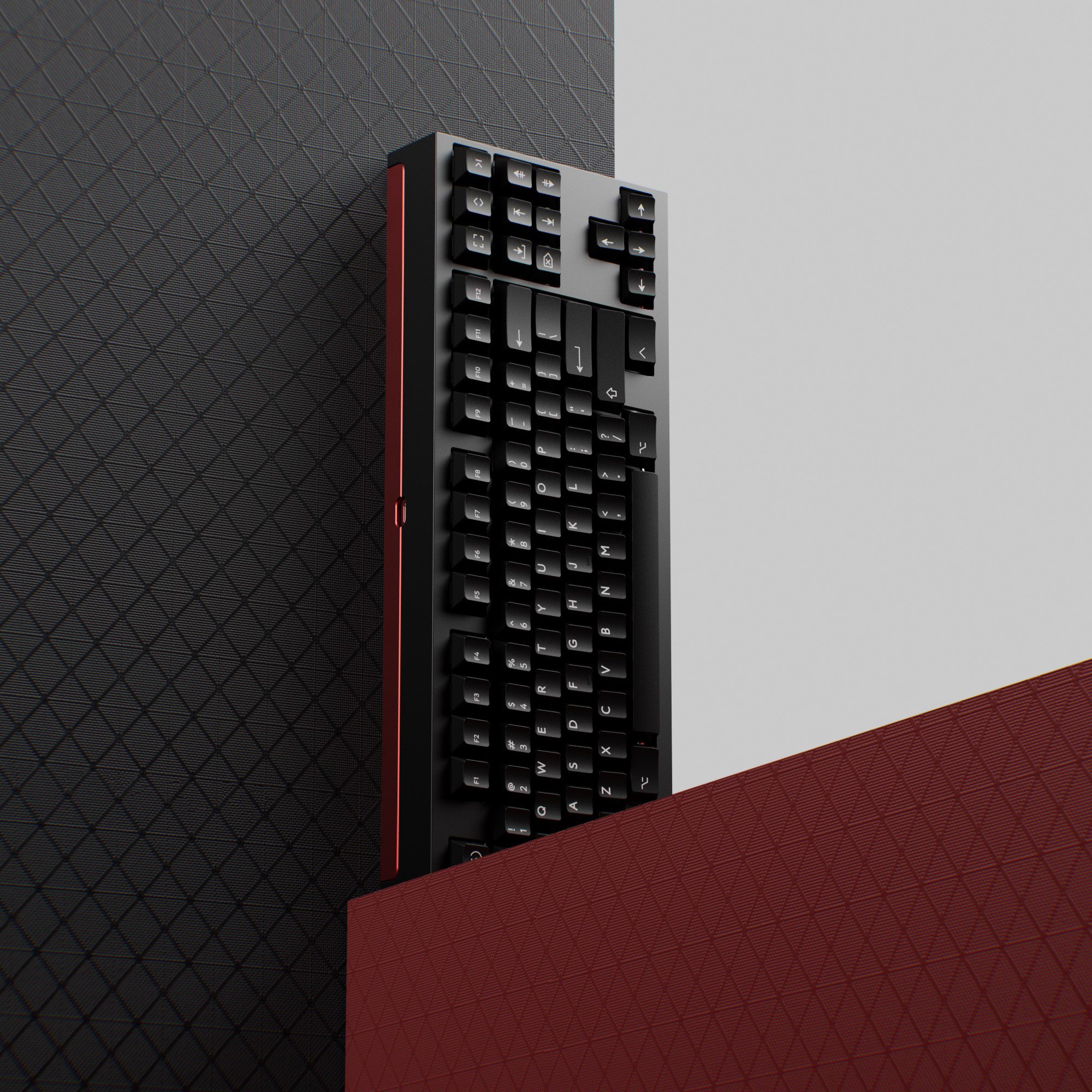
An 80 percent keyboard is a tenkeyless (TKL) board: full-size minus the numpad. What it keeps, how it compares with 75% and full-size, and picks worth a look.
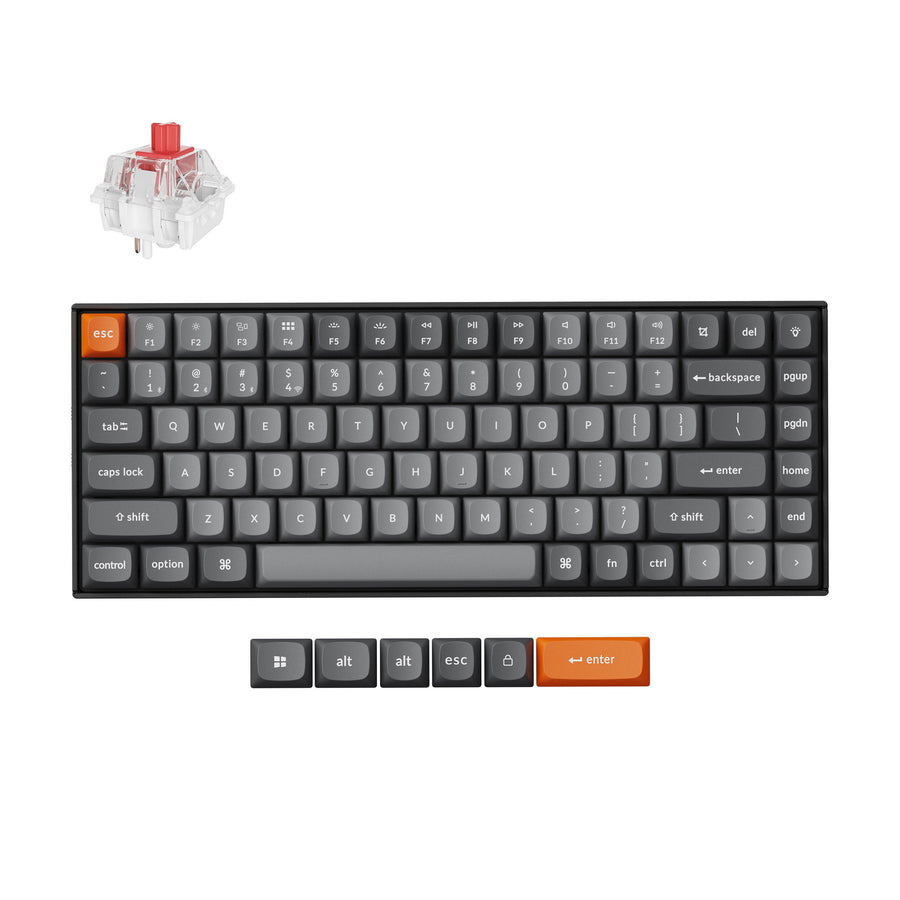
The best mechanical keyboard for Mac in 2026: four boards that ship with macOS keycaps, from a 75% wireless daily driver to a full-size with a numpad.
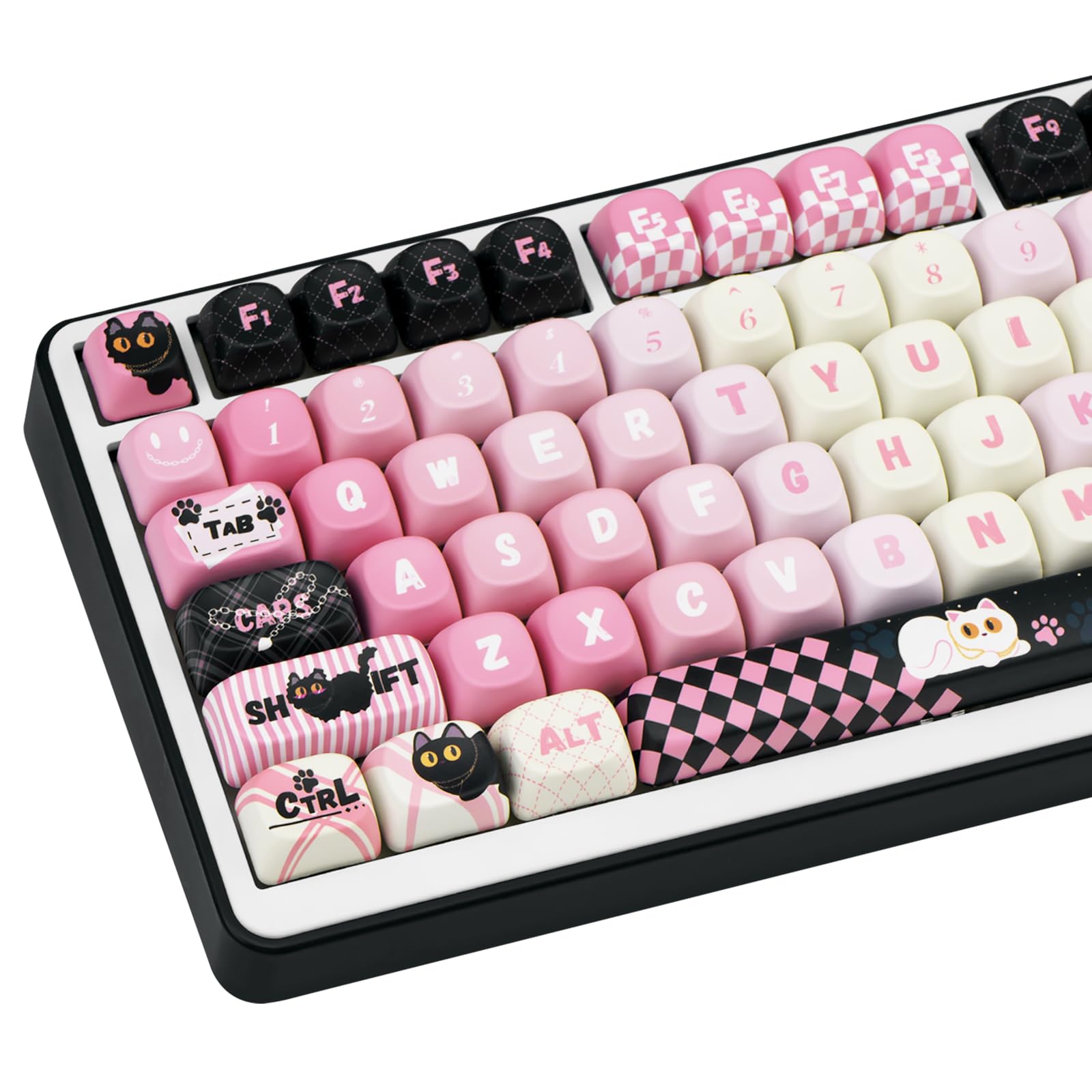
MOA keycaps explained: the uniform, spherical-top MOA profile compared with XDA and Cherry, plus the six MOA profile keycap sets worth buying in 2026.
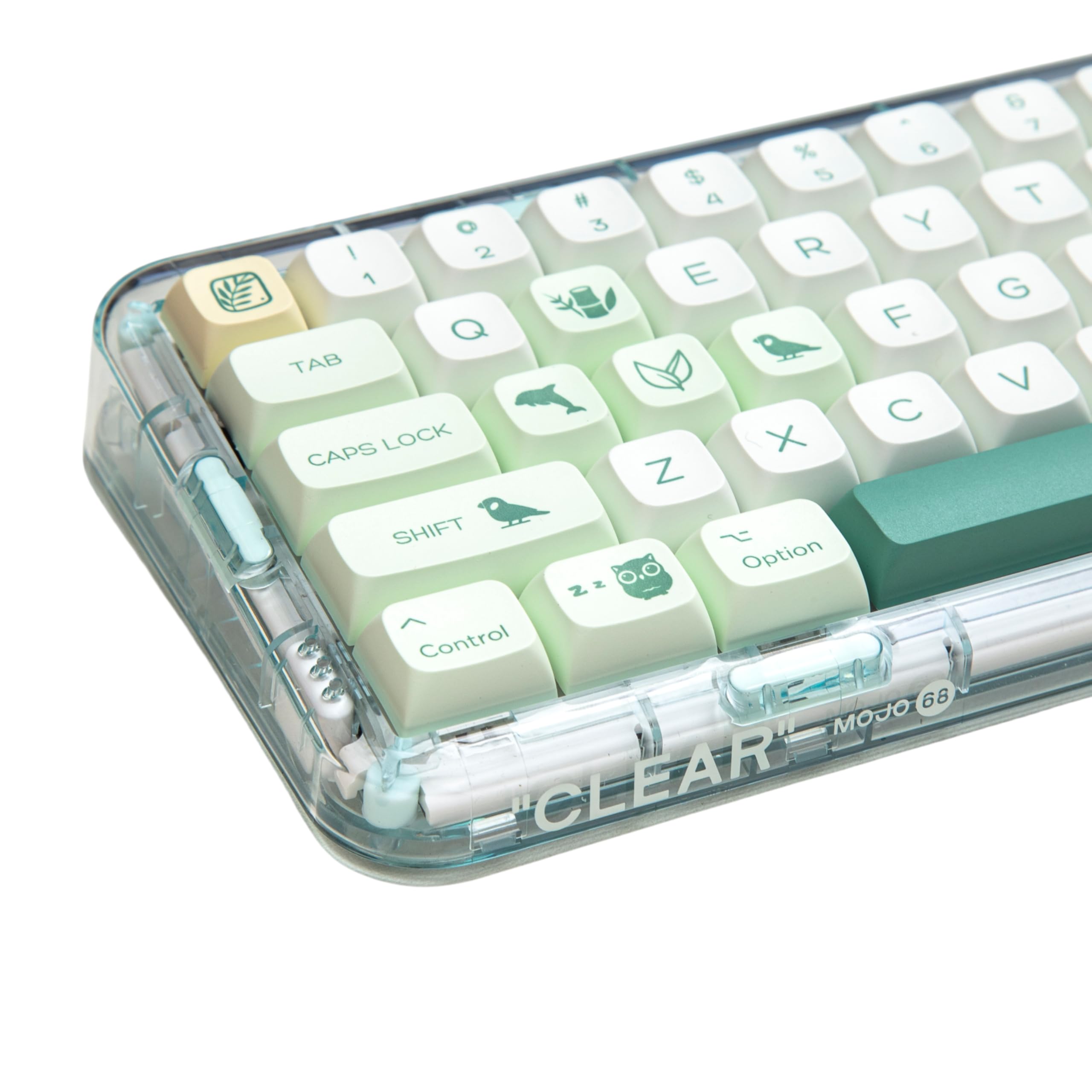
DSA keycaps explained — the shortest, flattest uniform profile, why true DSA sets are hard to buy, and the best buy-today uniform (XDA) sets for minimalist and compact builds.
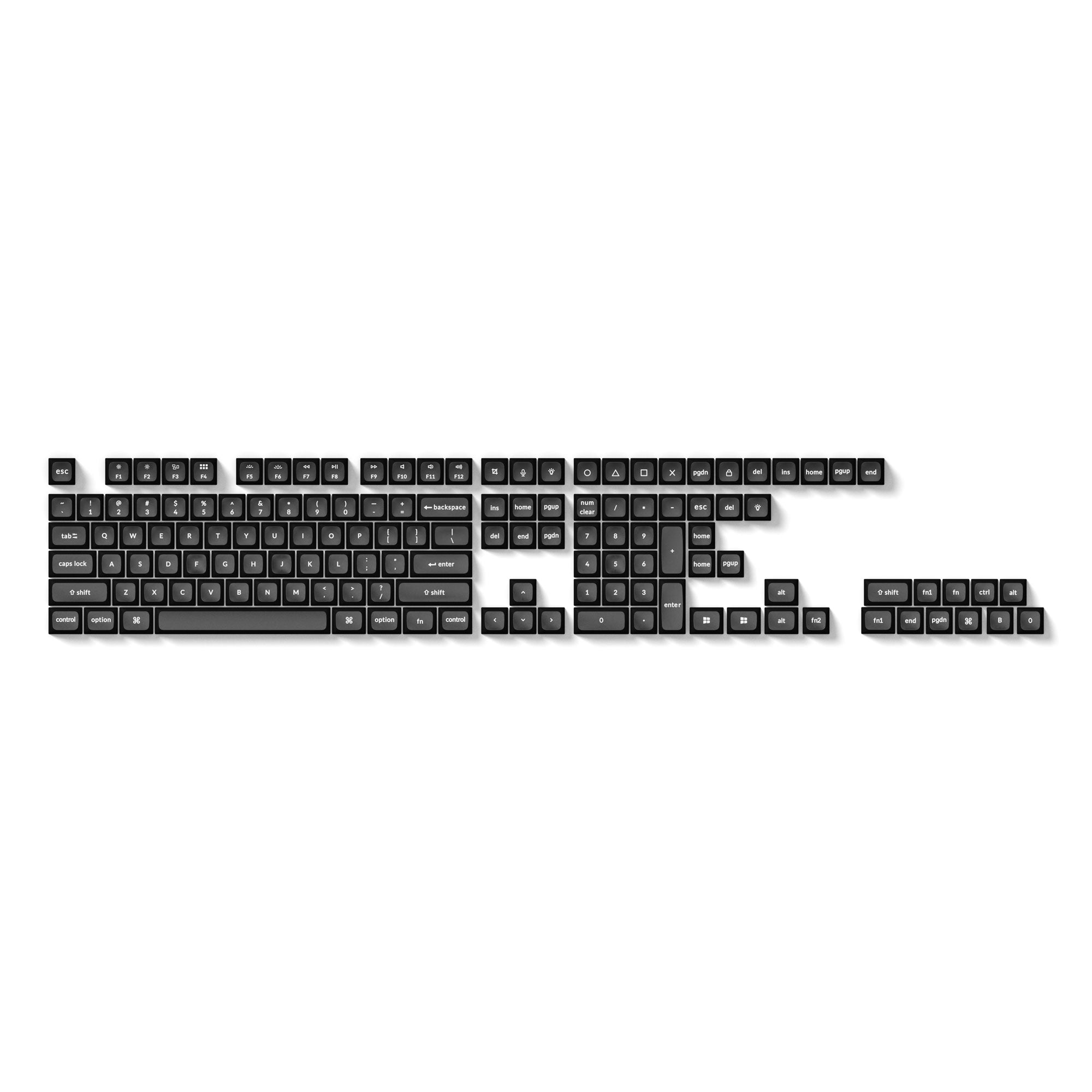
The best SA keycaps and SA-family sets for 2026 — the tall spherical profile explained, why true SA is hard to buy, and the top KSA, ASA, and OSA alternatives.
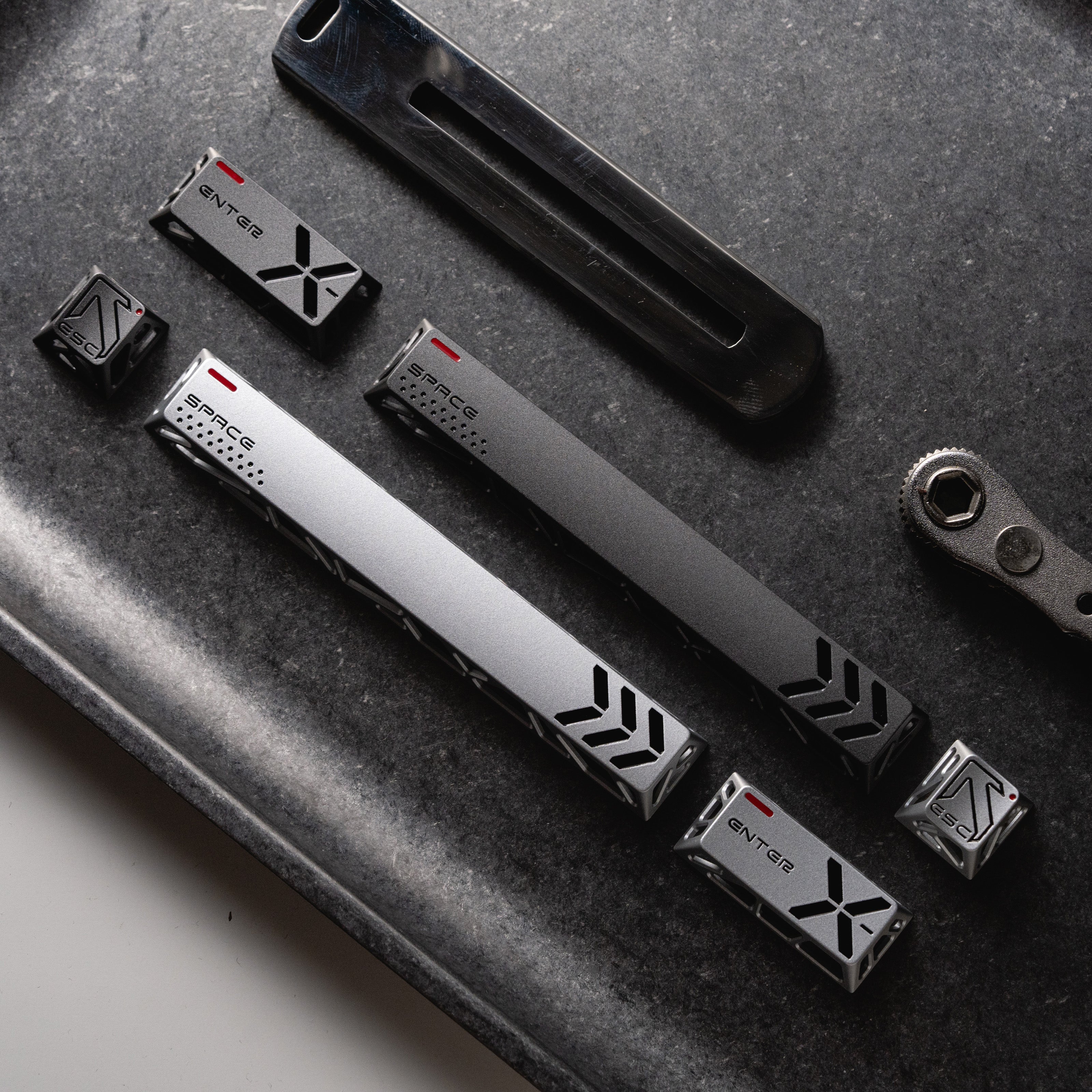
The best metal keycaps for 2026 — why full metal sets barely exist, and the aluminum accent trio and machined copper artisan keys that actually add real metal to your board.
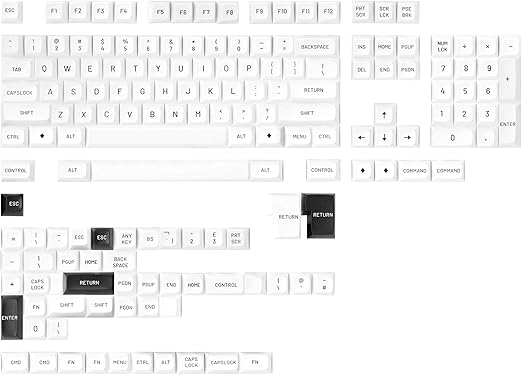
The best MT3 keycaps for 2026 — Drop's tall, deeply scooped spherical profile explained, plus the two MT3 sets worth buying (Black-on-White and Susuwatari) and a tall spherical KSA alternative.
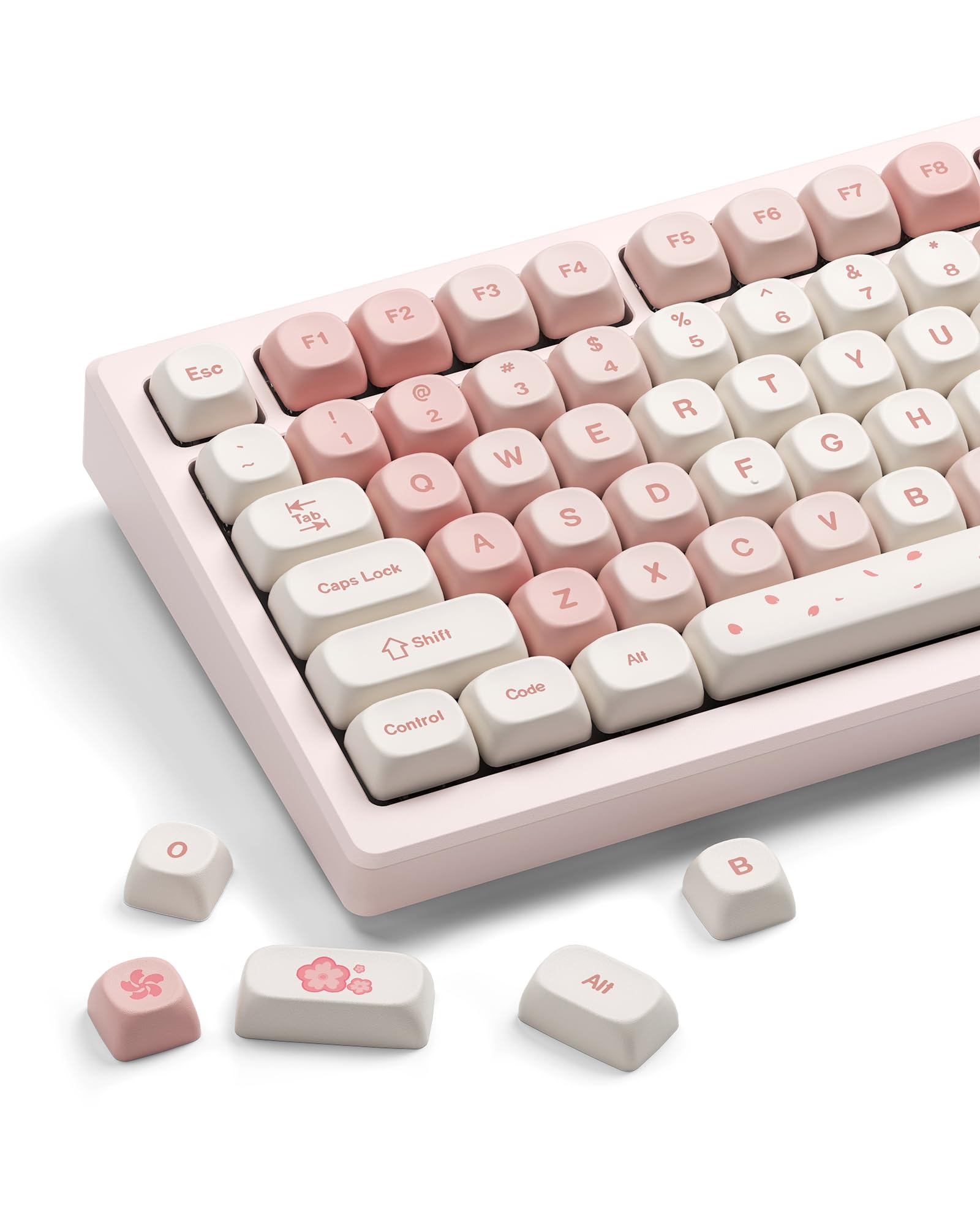
The best cute keycaps for 2026 — pastel pink, kawaii cats, doodle bears, matcha frogs, and Y2K sets in durable dye-sub PBT, with picks for every aesthetic, budget, and backlight.
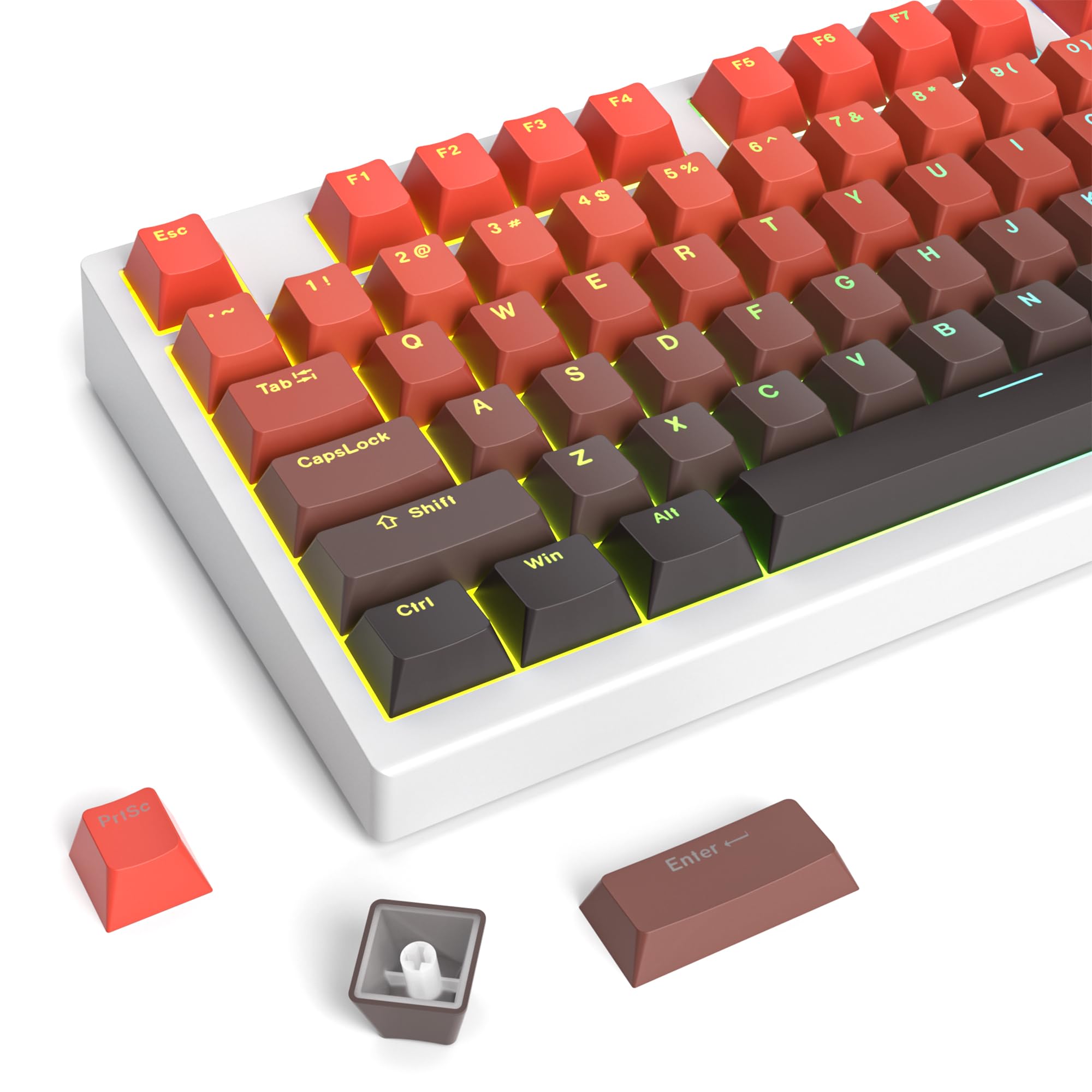
The best shine-through keycaps for 2026 — double-shot pudding sets whose whole body glows and side-print legend sets that light up just the characters, so your RGB reads clearly in any layout, color, and profile.
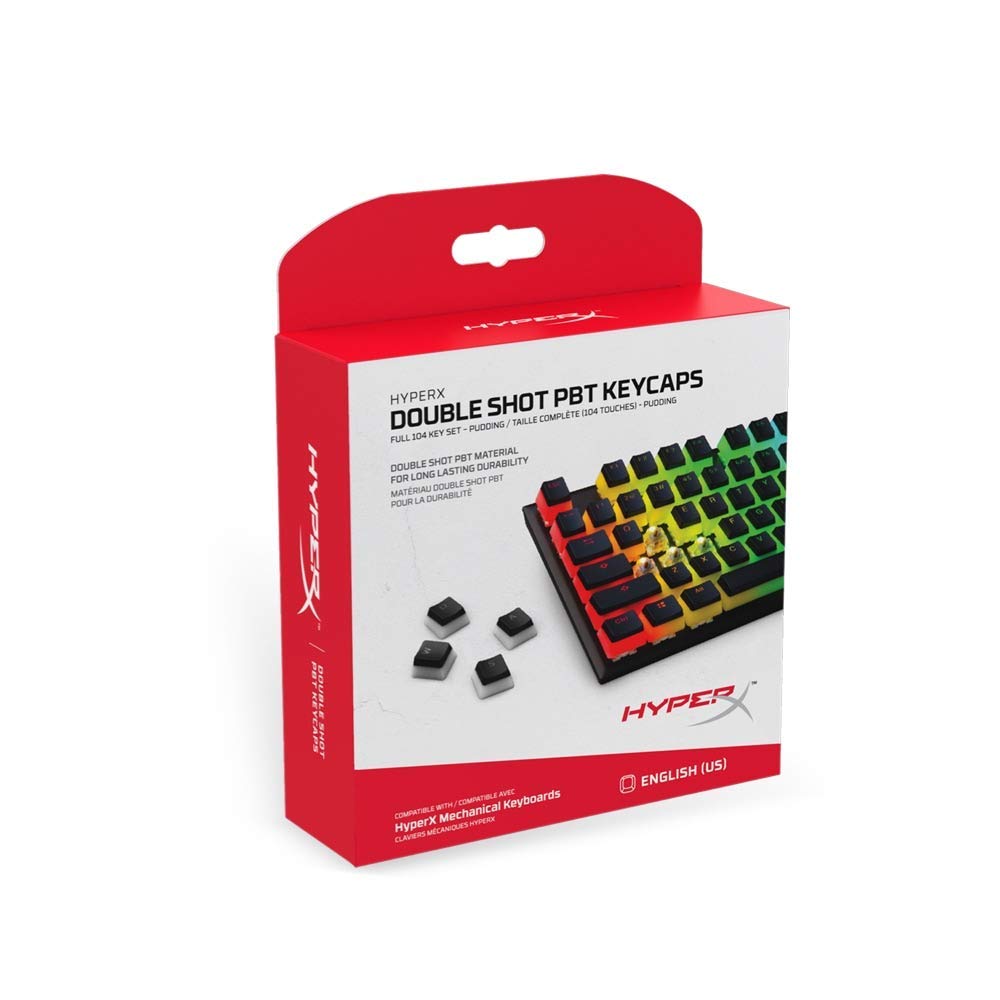
The best OEM keycaps for 2026 — durable double-shot PBT sets in the familiar OEM profile that drop straight onto any MX keyboard, from clean neutral replacements to RGB pudding, bold colorways, and dye-sub art.
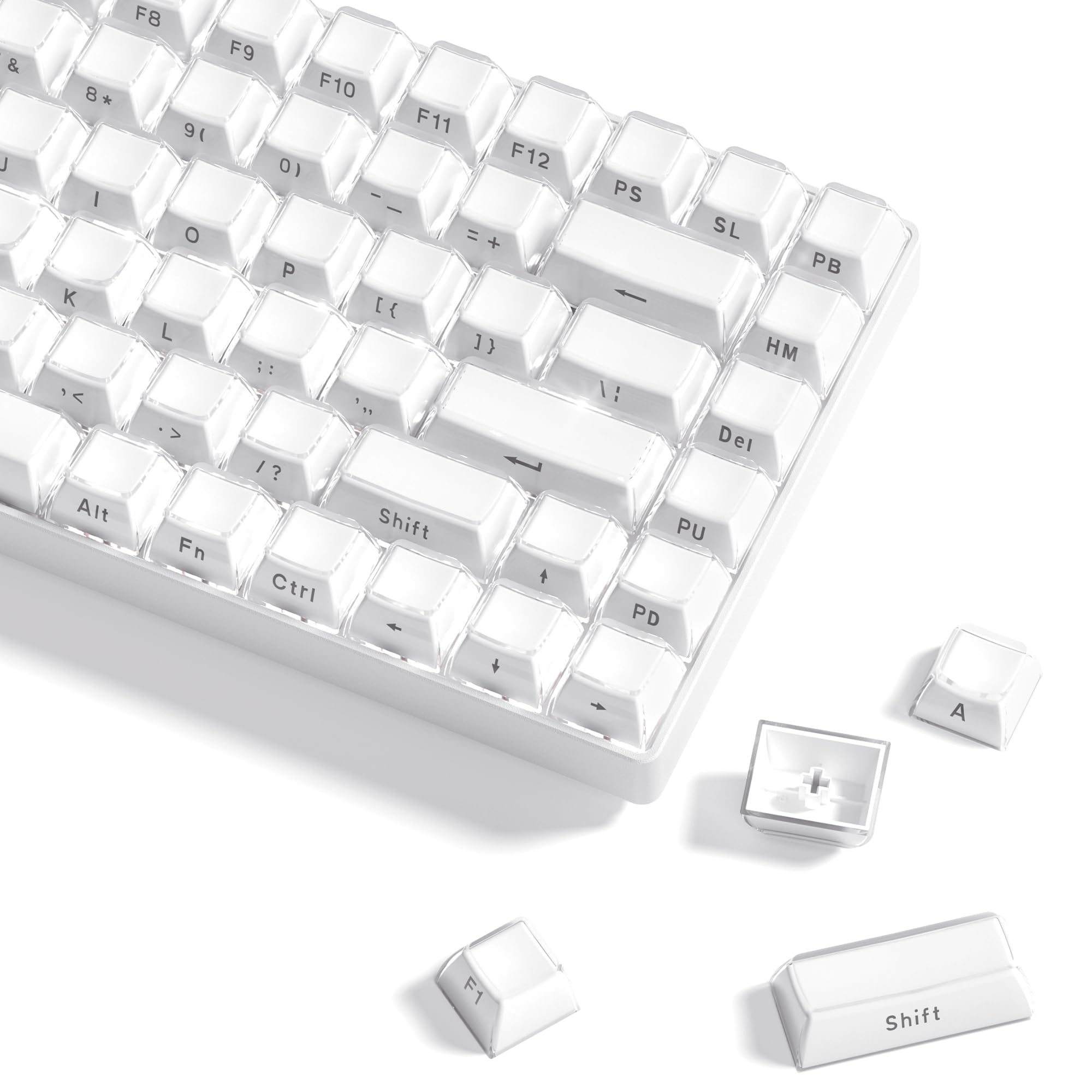
The best jelly keycaps for 2026 — translucent white, clear, and colored jelly sets in OEM, MDA, Cherry, and HOA profiles that turn any RGB keyboard into a glowing shine-through build.
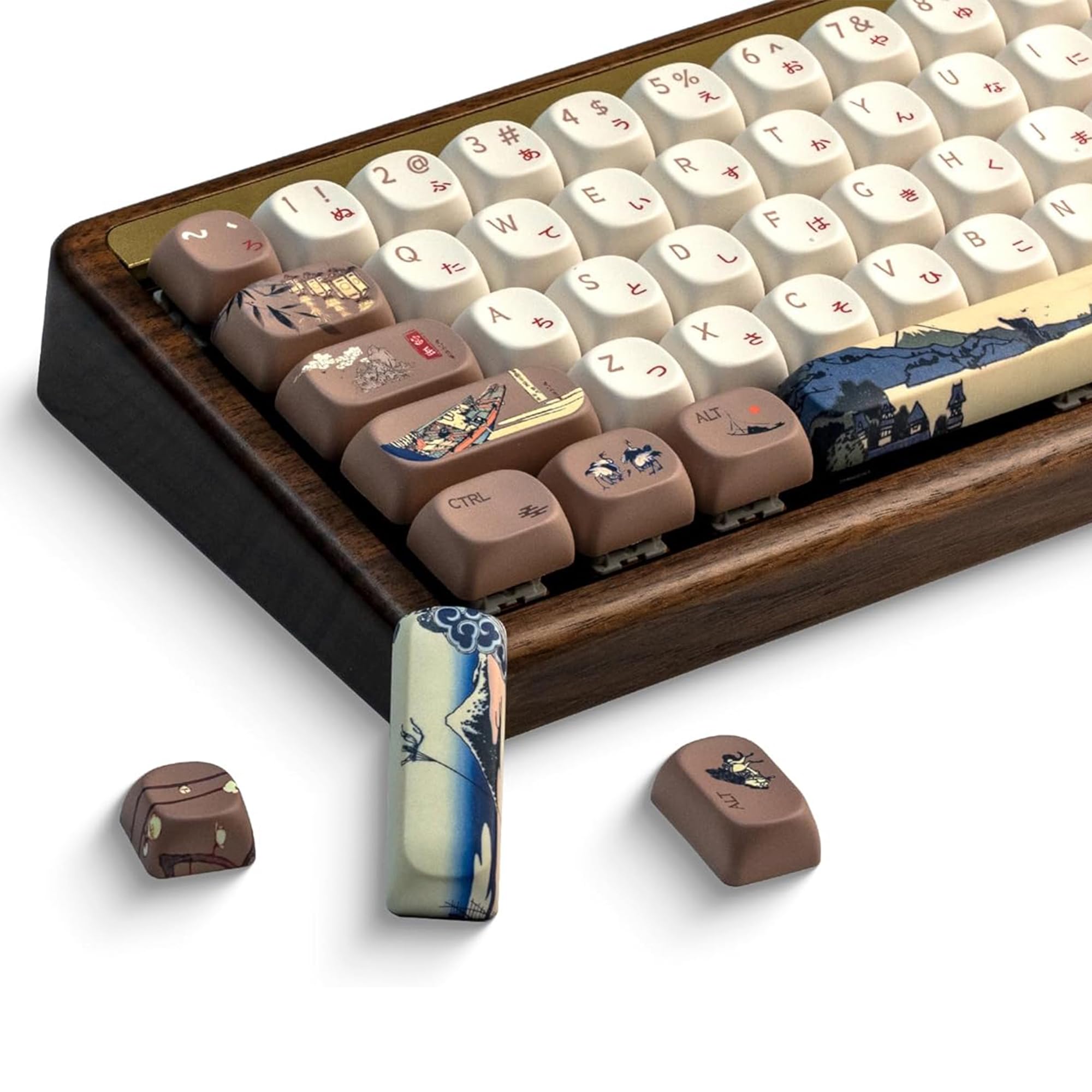
The best Japanese keycaps for 2026 — samurai KOA sets, a Mt. Fuji MOA kit, mecha Cherry-profile caps, and minimalist hiragana-legend XDA keycaps to give any mechanical keyboard a distinct Japanese aesthetic.
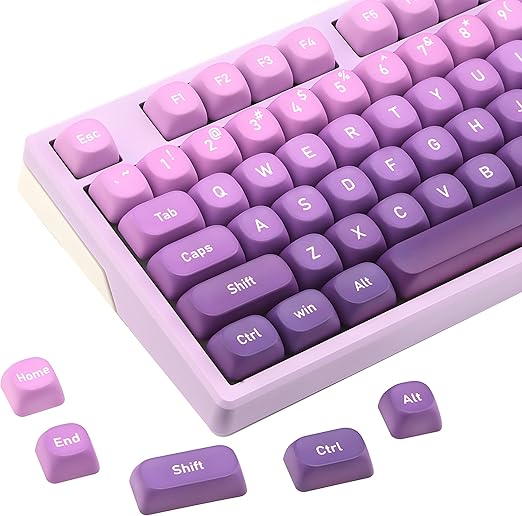
The best purple keycaps for 2026 — light-purple Cherry sets, purple-to-white gradients, and pastel lavender Y2K kits to give any mechanical keyboard a bold, cohesive look.
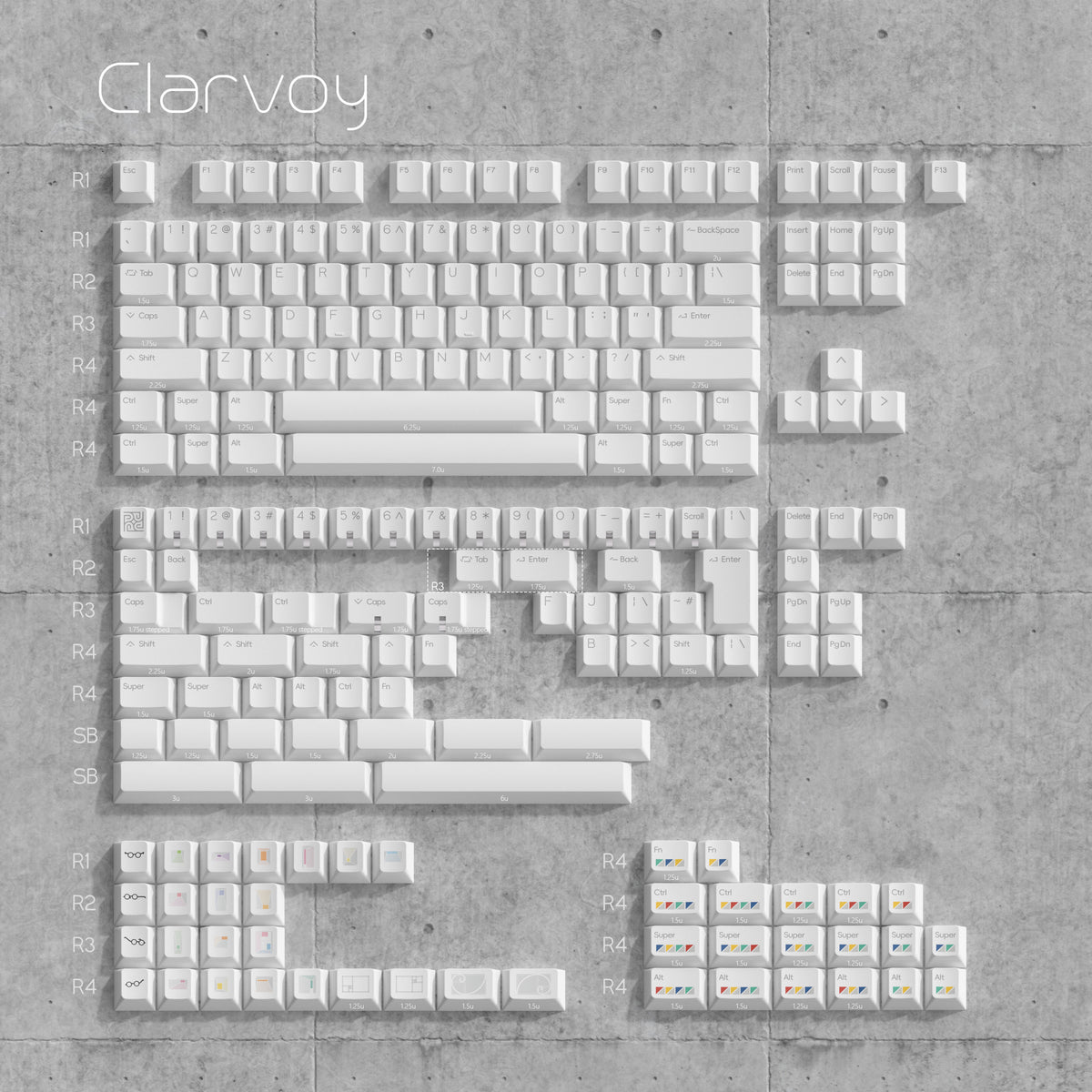
The best cherry profile keycaps for 2026 — sculpted PBT and double-shot sets for every budget, from Amazon pastels to enthusiast KBDFans and Akko drops.
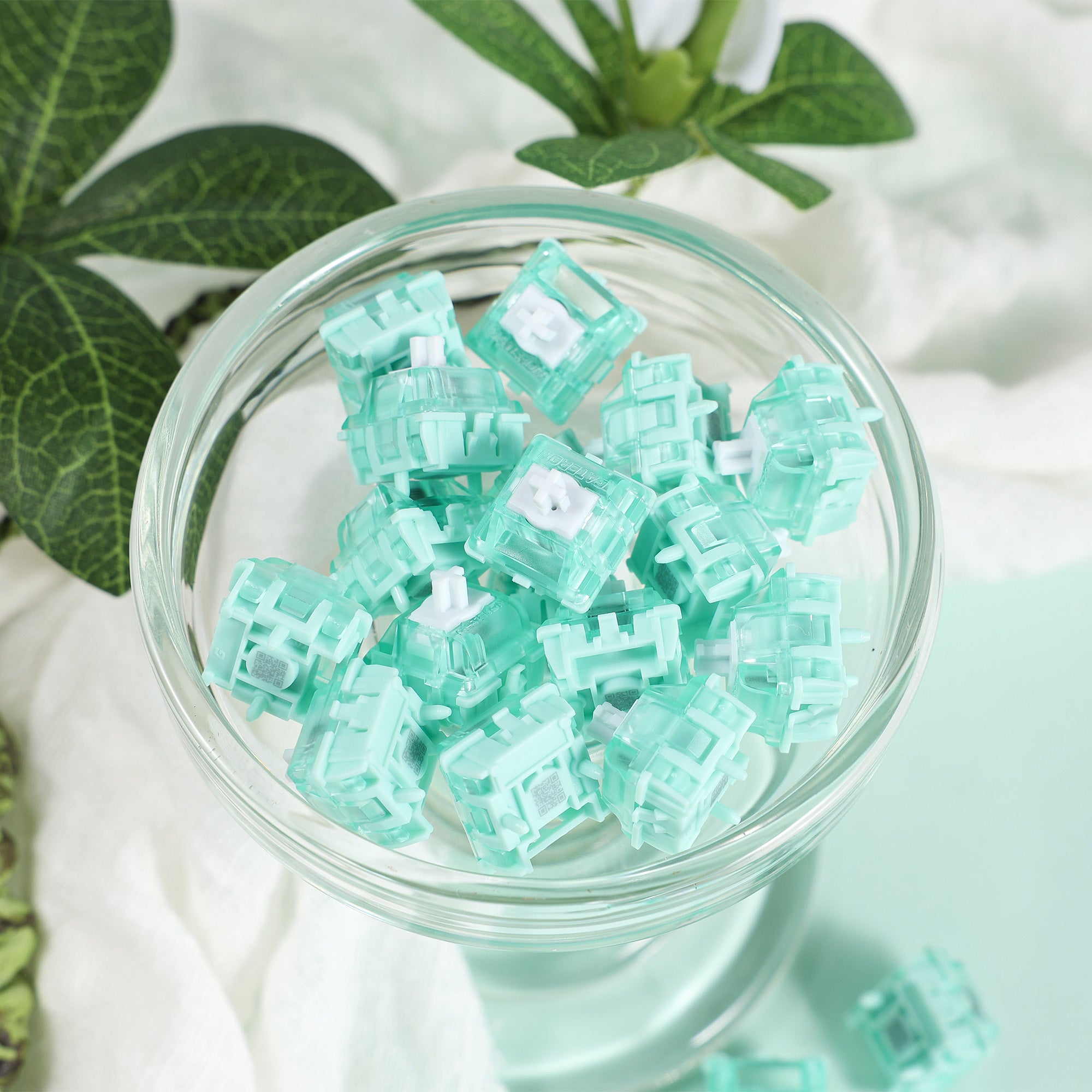
The best magnetic keyboard switches in 2026, with Hall Effect explained — top Gateron, GEON, and Akko HE picks for rapid trigger and adjustable actuation.
What is a Hall Effect keyboard? Learn how magnetic switches work, what Rapid Trigger and adjustable actuation do, how they compare to mechanical, and the best picks for 2026.
Looking for a retro mechanical keyboard that turns heads? These picks blend vintage aesthetics with hot-swap, wireless, and gasket-mount features.
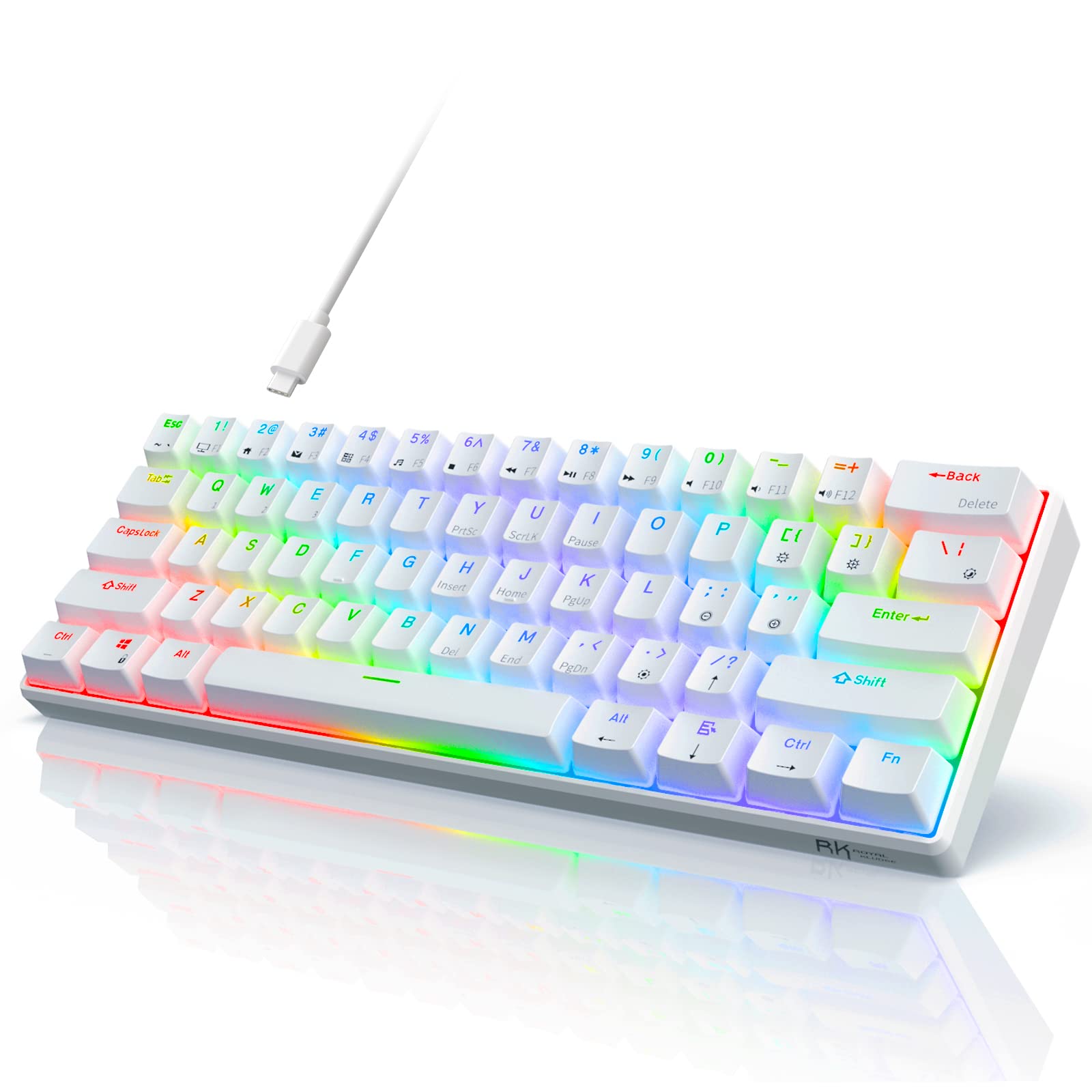
Find the best compact mechanical keyboard for your setup — from ultra-small 60% boards to feature-packed 75% layouts, with top picks for every budget.
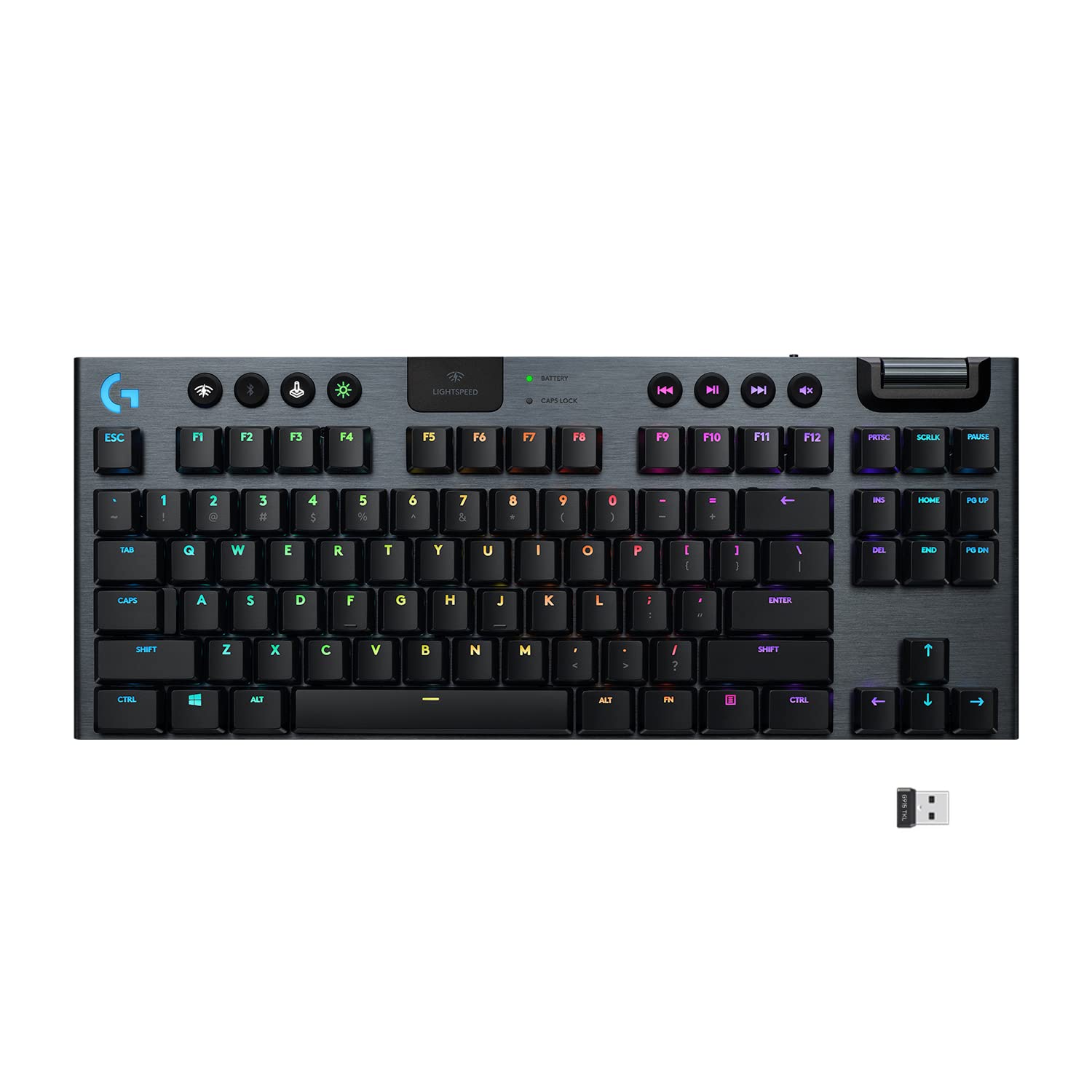
The best low profile mechanical keyboards of 2026: slim and thin picks from Logitech, Keychron, NuPhy, Akko and WhiteFox for home, office, gaming and travel.
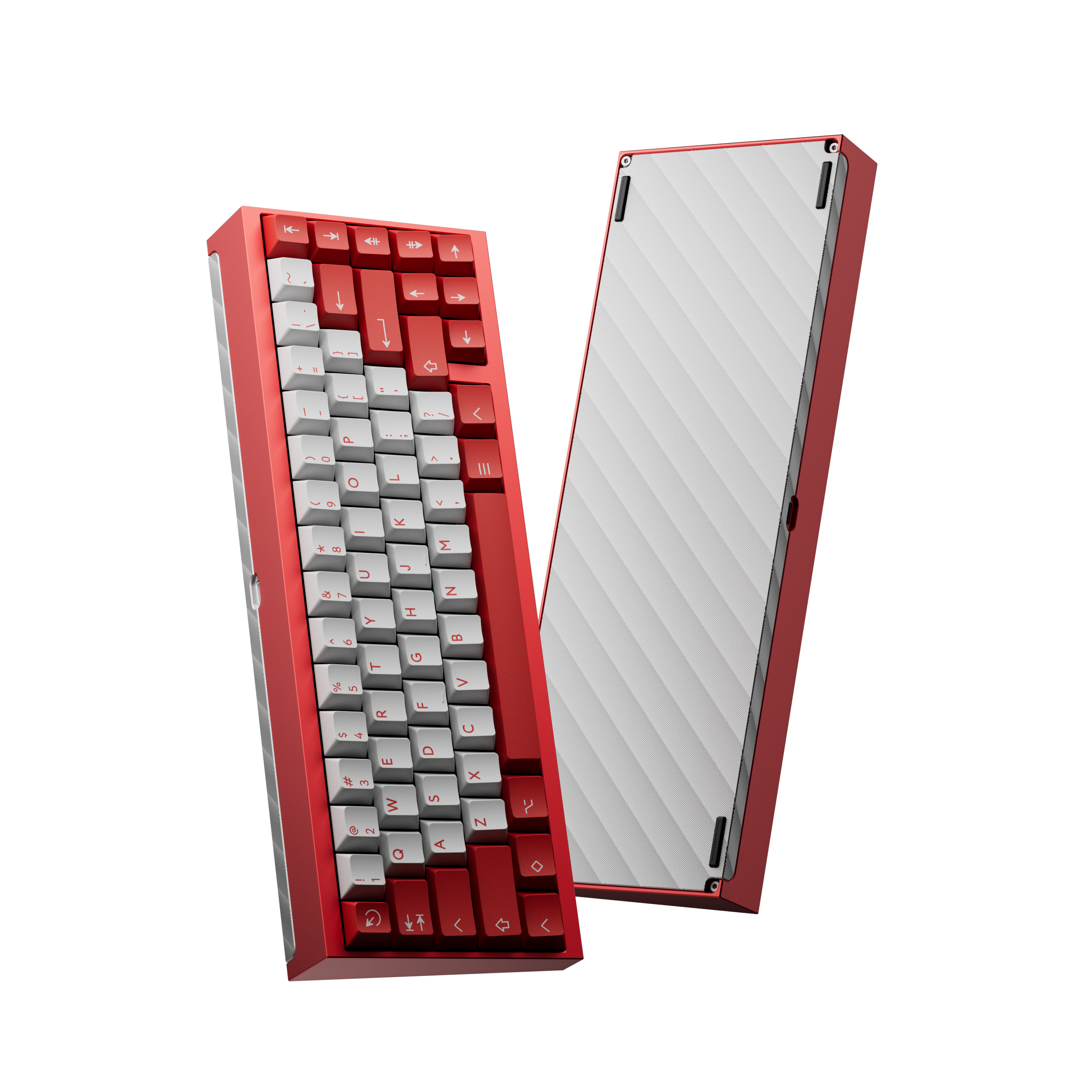
Find the best mechanical keyboard kit for your first or next custom build. Top picks from KBDFans and GMK across 60%, 65%, and TKL layouts.
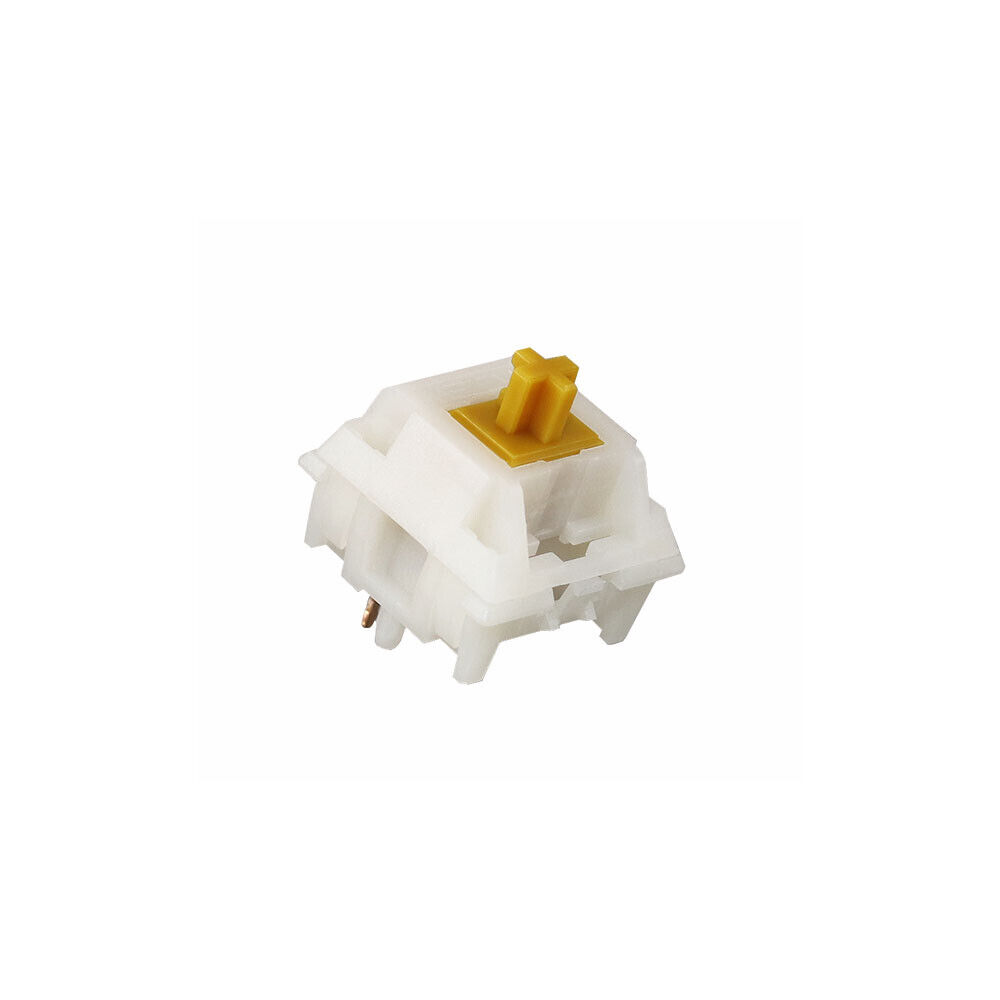
The best tactile keyboard switches deliver satisfying feedback for typing and coding. Here are the top picks from Holy Pandas to Boba U4Ts.
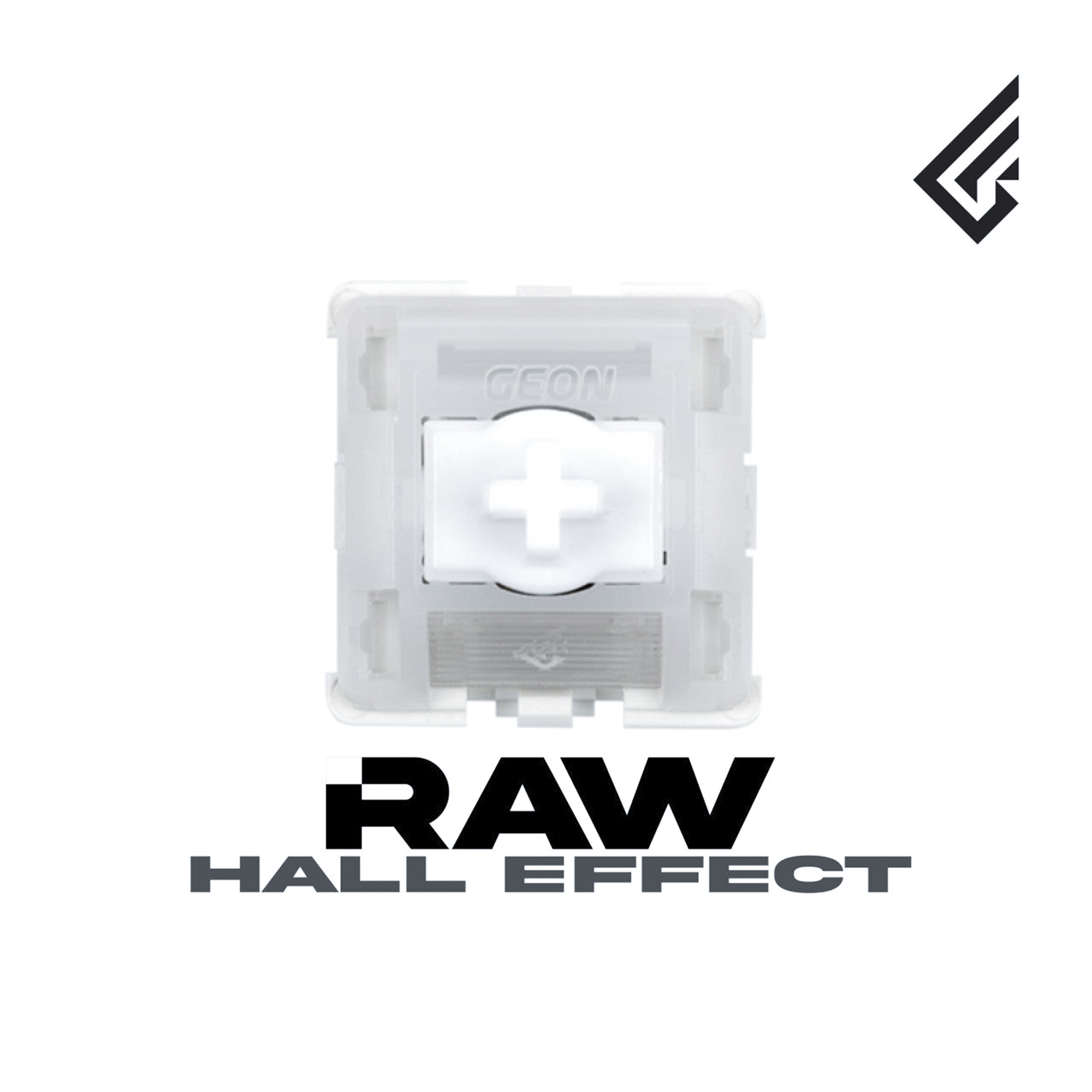
Discover the best keyboard switches for gaming in 2026, from fast hall effect linears to smooth silent options built for competitive play.
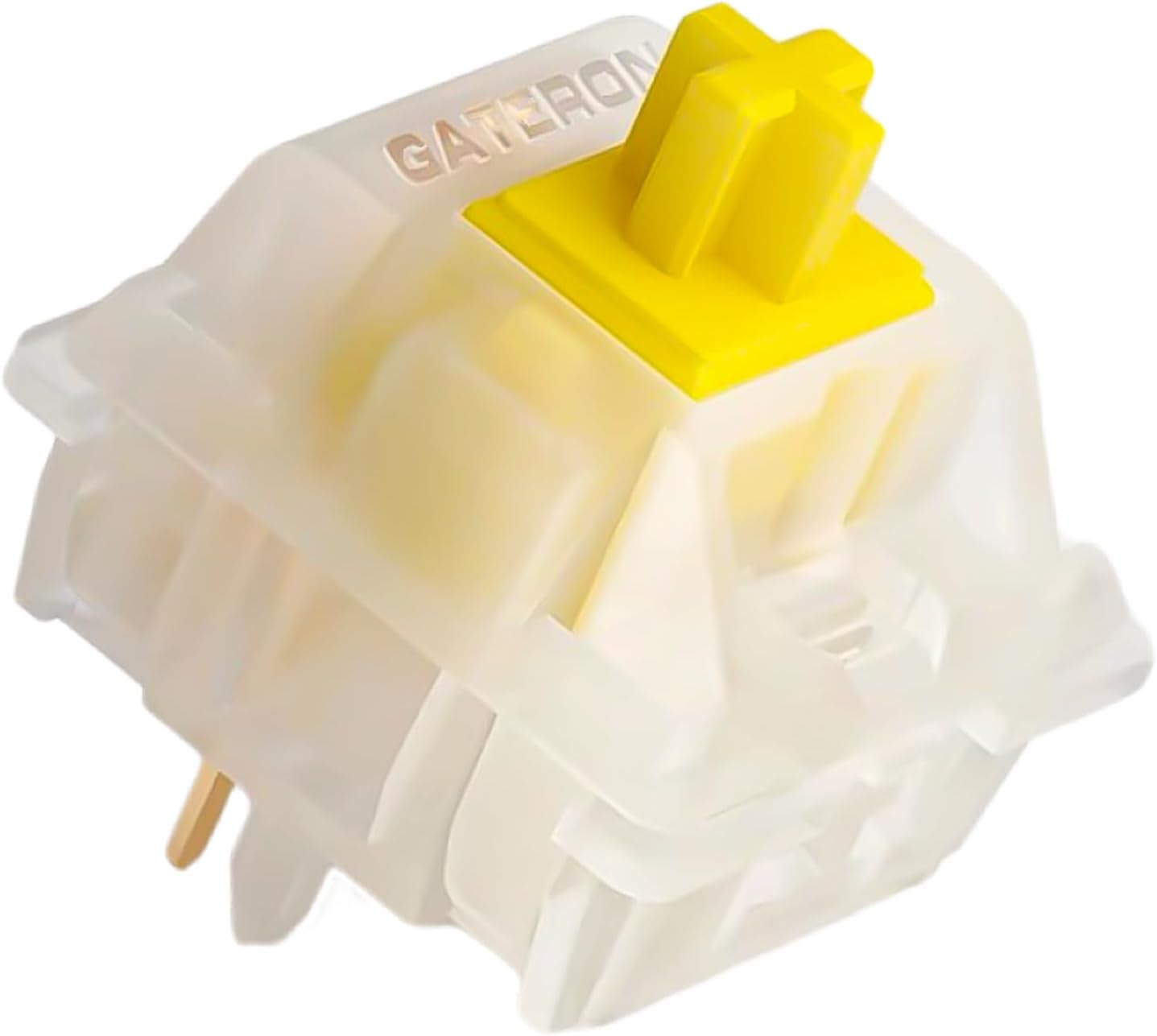
Learn how to remove keyboard switches safely from both hot-swap and soldered boards, with or without a switch puller. Step-by-step guide.
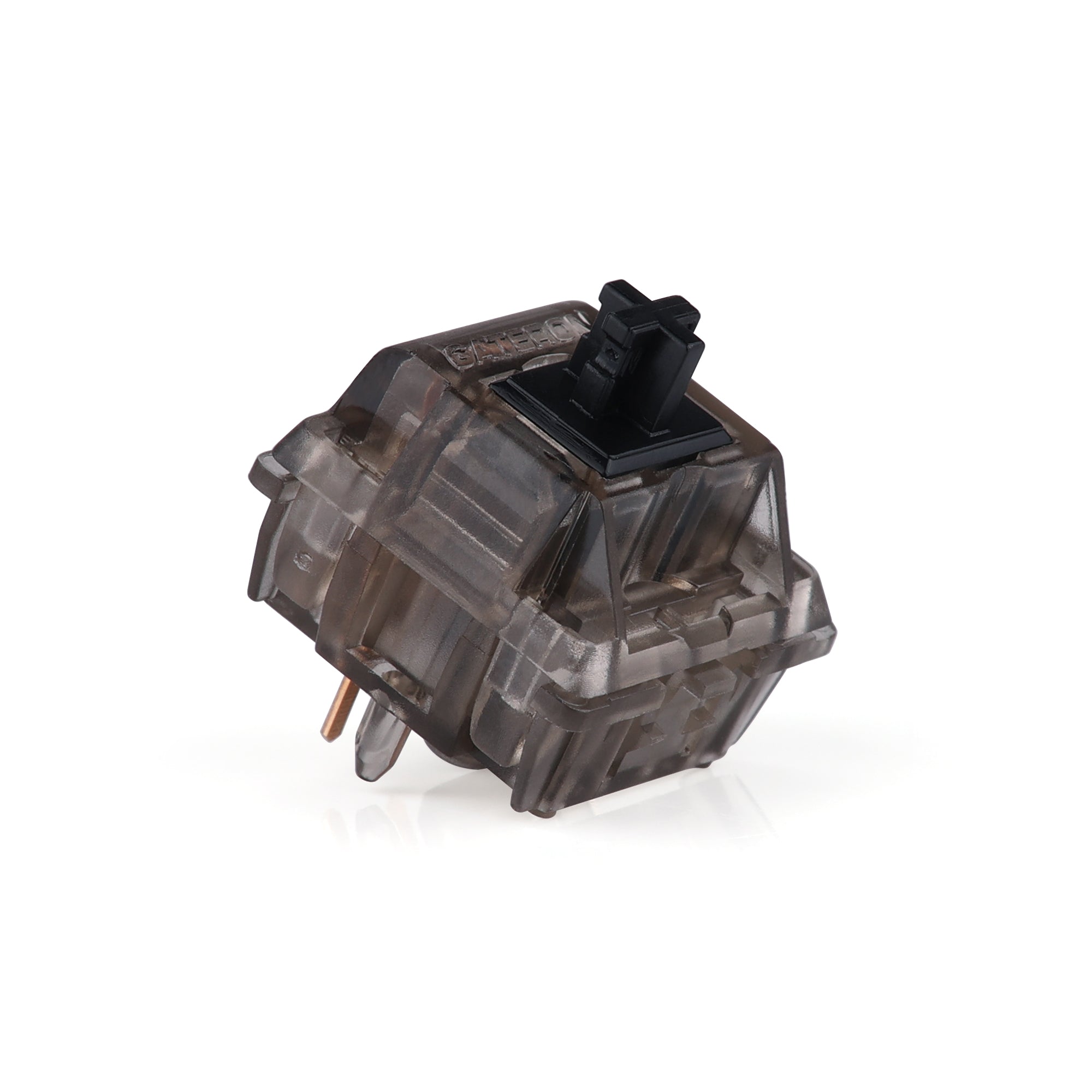
The best silent and quiet keyboard switches for office, home, or late-night typing: silent linear vs silent tactile compared, plus smooth linears and hall effect options.
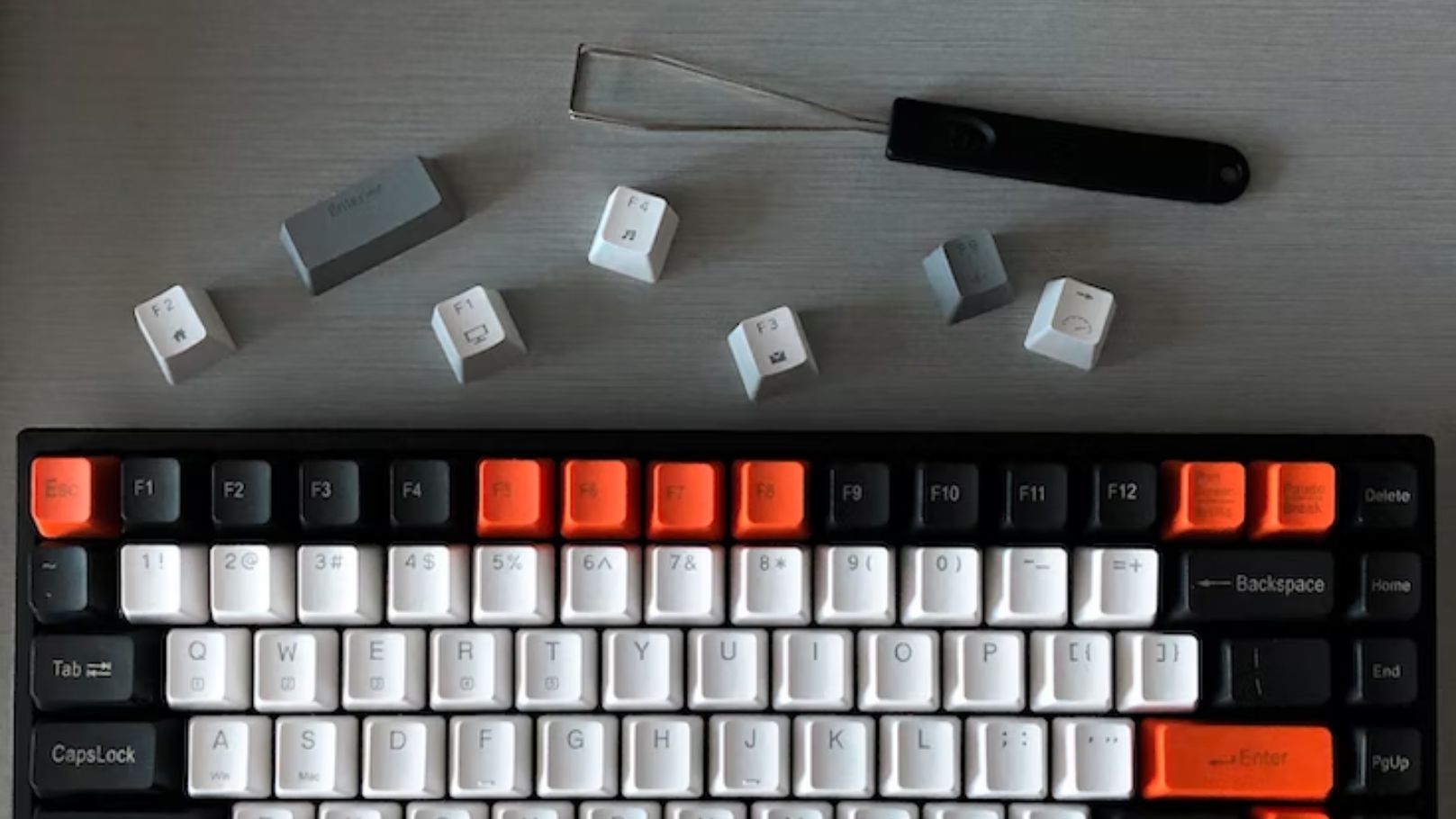
How to clean keyboard keycaps step by step — a five-minute surface clean, the full soak method, drying, and reinstalling without damaging your switches.
Comparing mechanical keyboard vs membrane? We break down the real differences in feel, durability, noise, and price so you can pick the right keyboard.
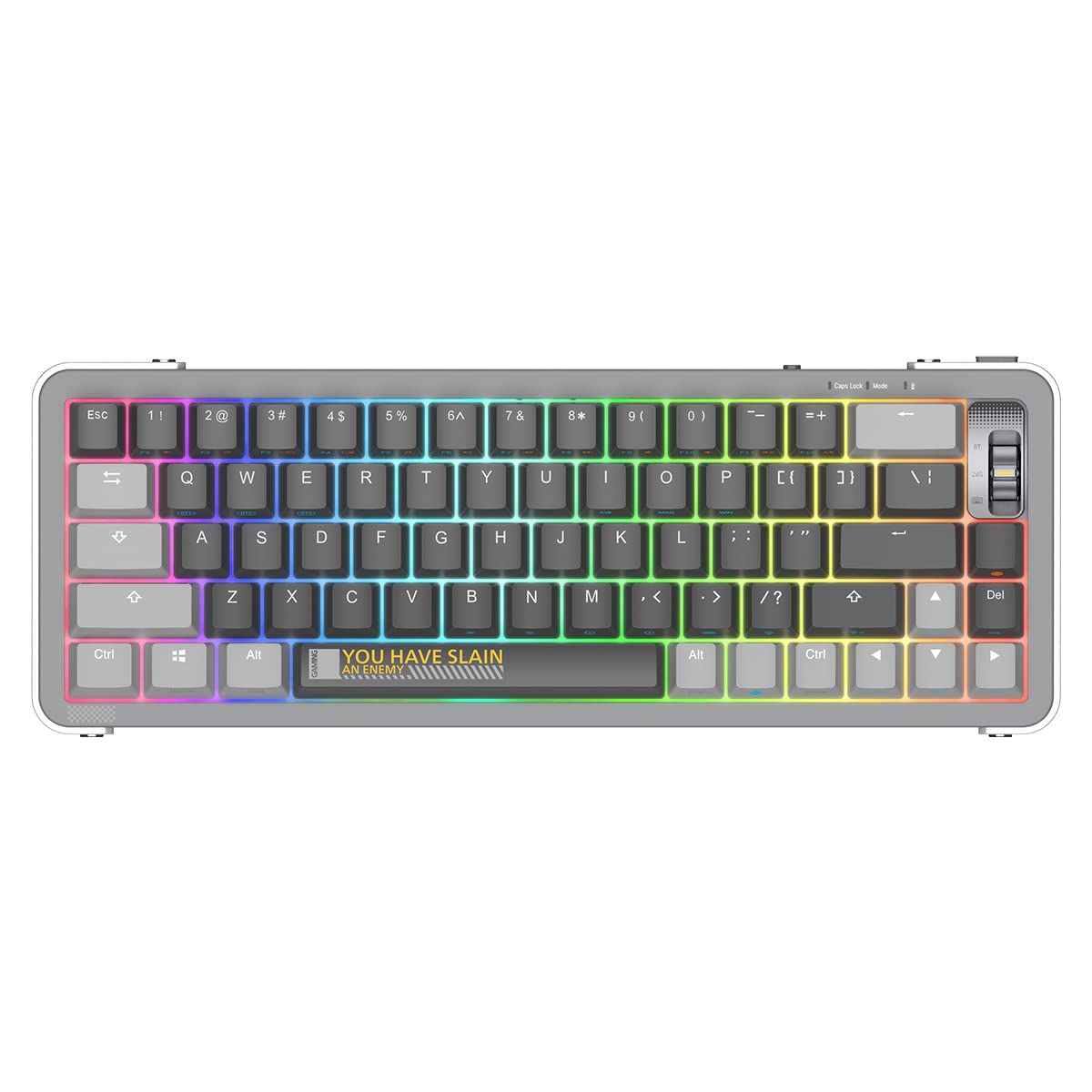
Wondering what is a mechanical keyboard? This beginner's guide explains how they work, switch types, sizes, and the best starter picks for 2026.
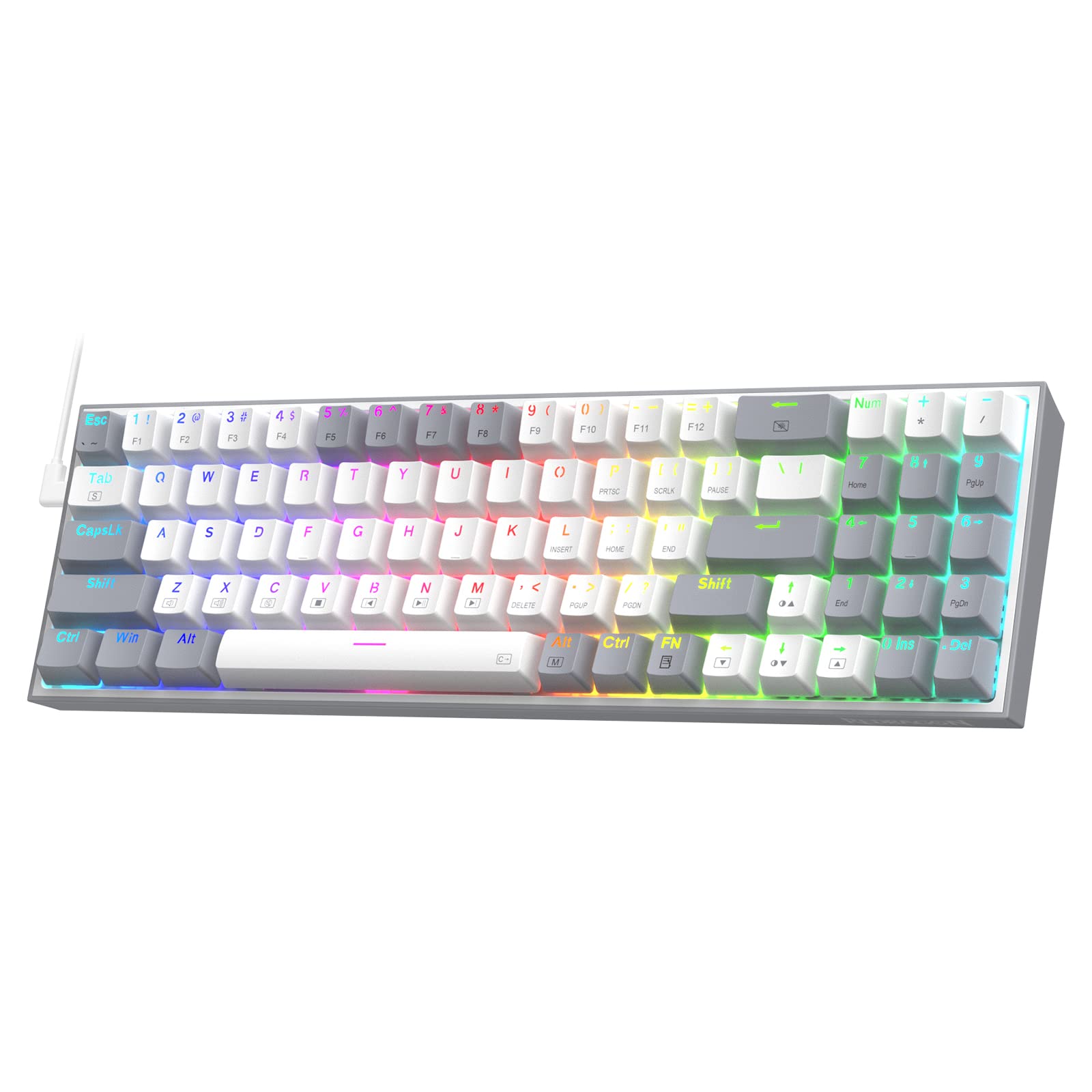
The best cheap mechanical keyboards in 2026 — hot-swap, RGB, and solid build quality for under $50. Real picks that punch above their price.
Find the best white mechanical keyboards for a minimal desk setup. Top picks across 60%, 65%, and 75% layouts with hot-swap and wireless options.
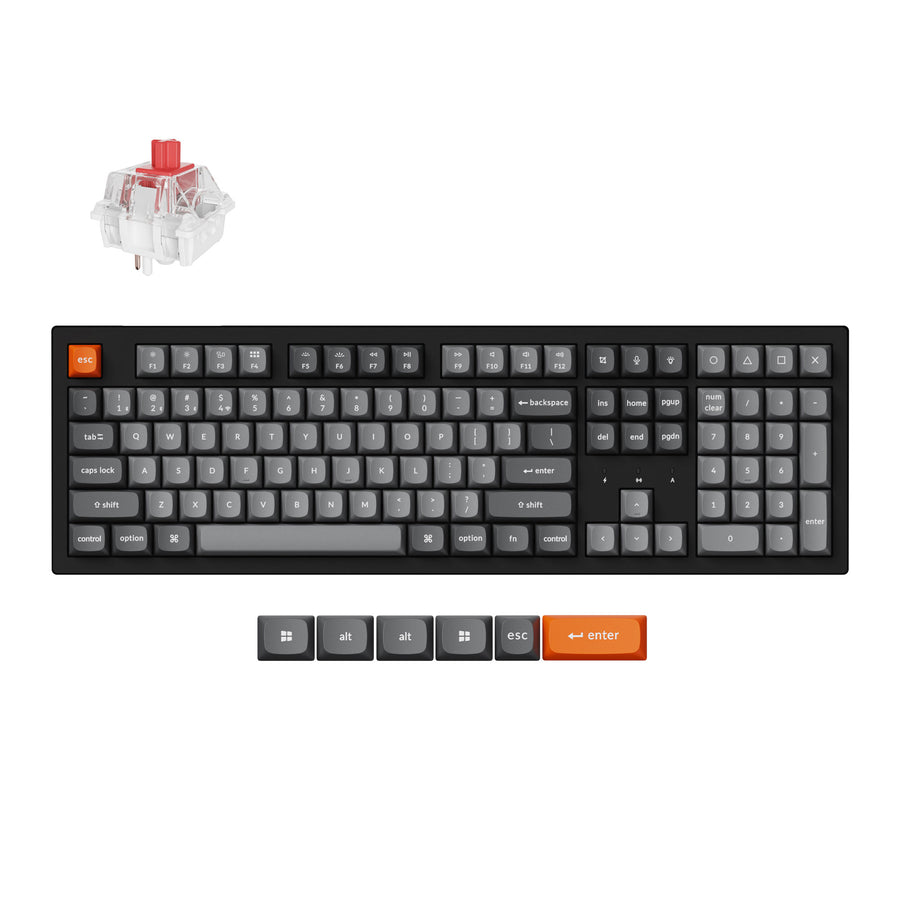
Find the best hot swappable mechanical keyboard for your build. These picks let you change switches in seconds — no soldering required.
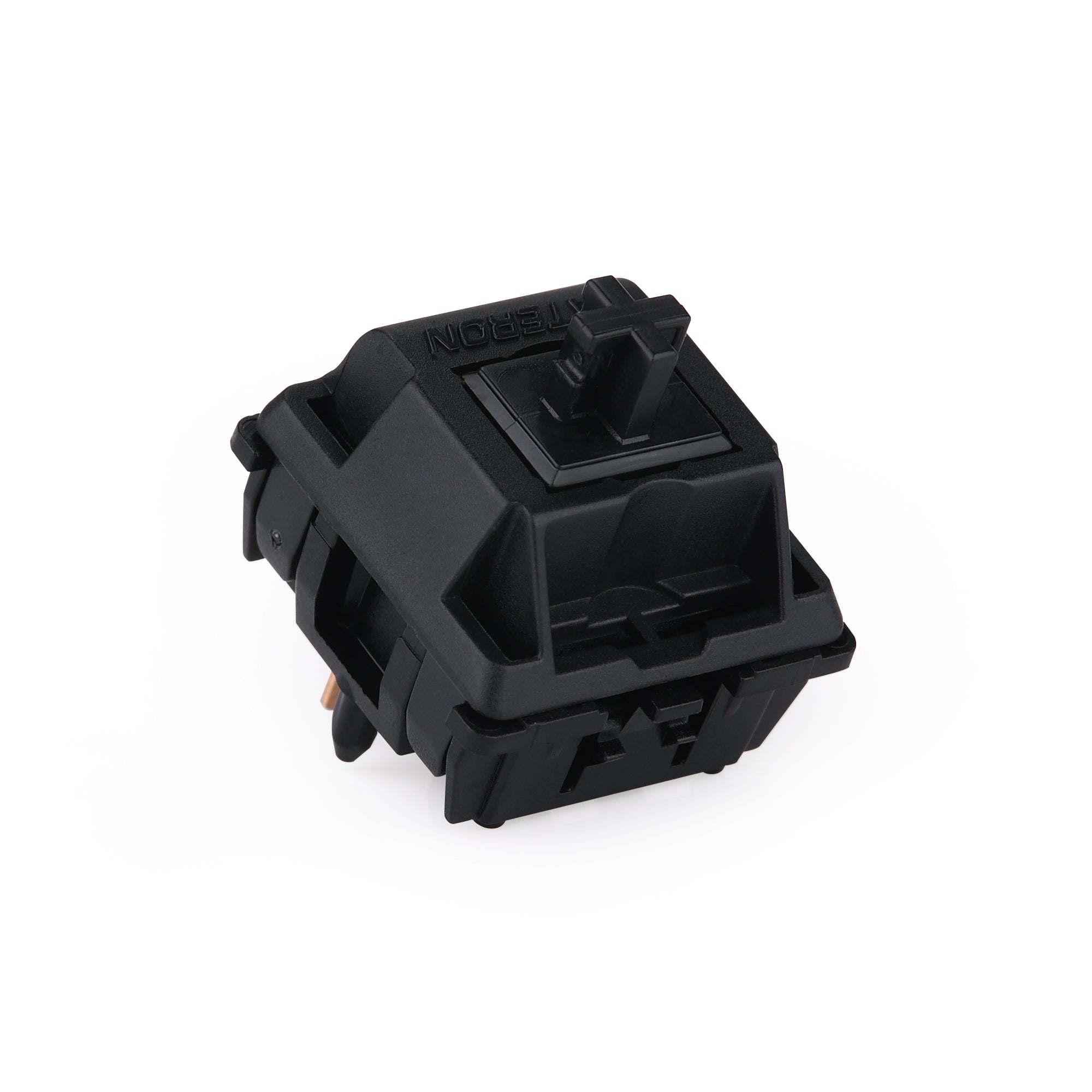
Find the best creamy keyboard switches for buttery-smooth linear feel. Our top picks deliver a deep, muted thock with zero scratchiness.
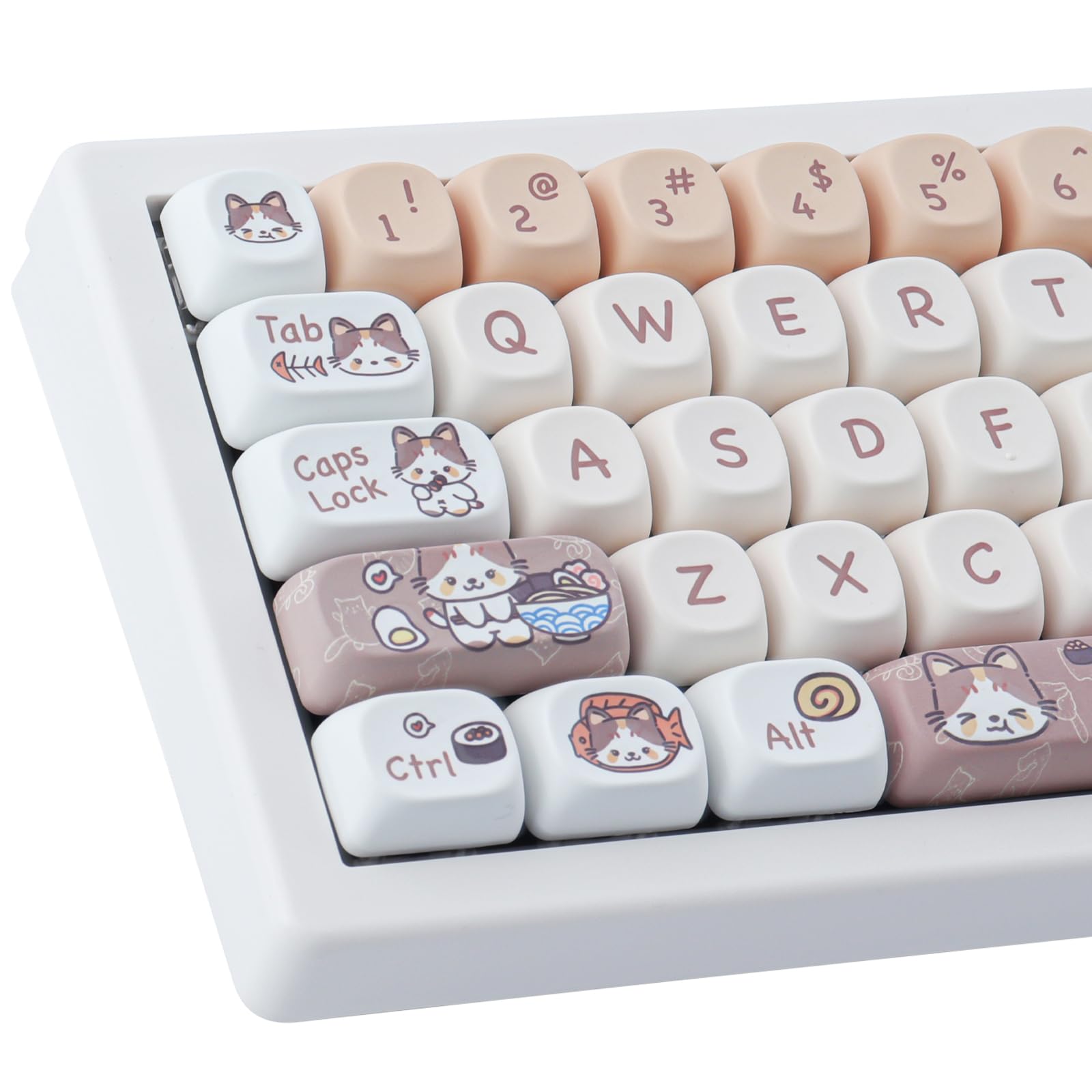
Find the best anime keycaps for your mechanical keyboard — from MOA cat sets to manga shine-through designs. Top picks for every style.
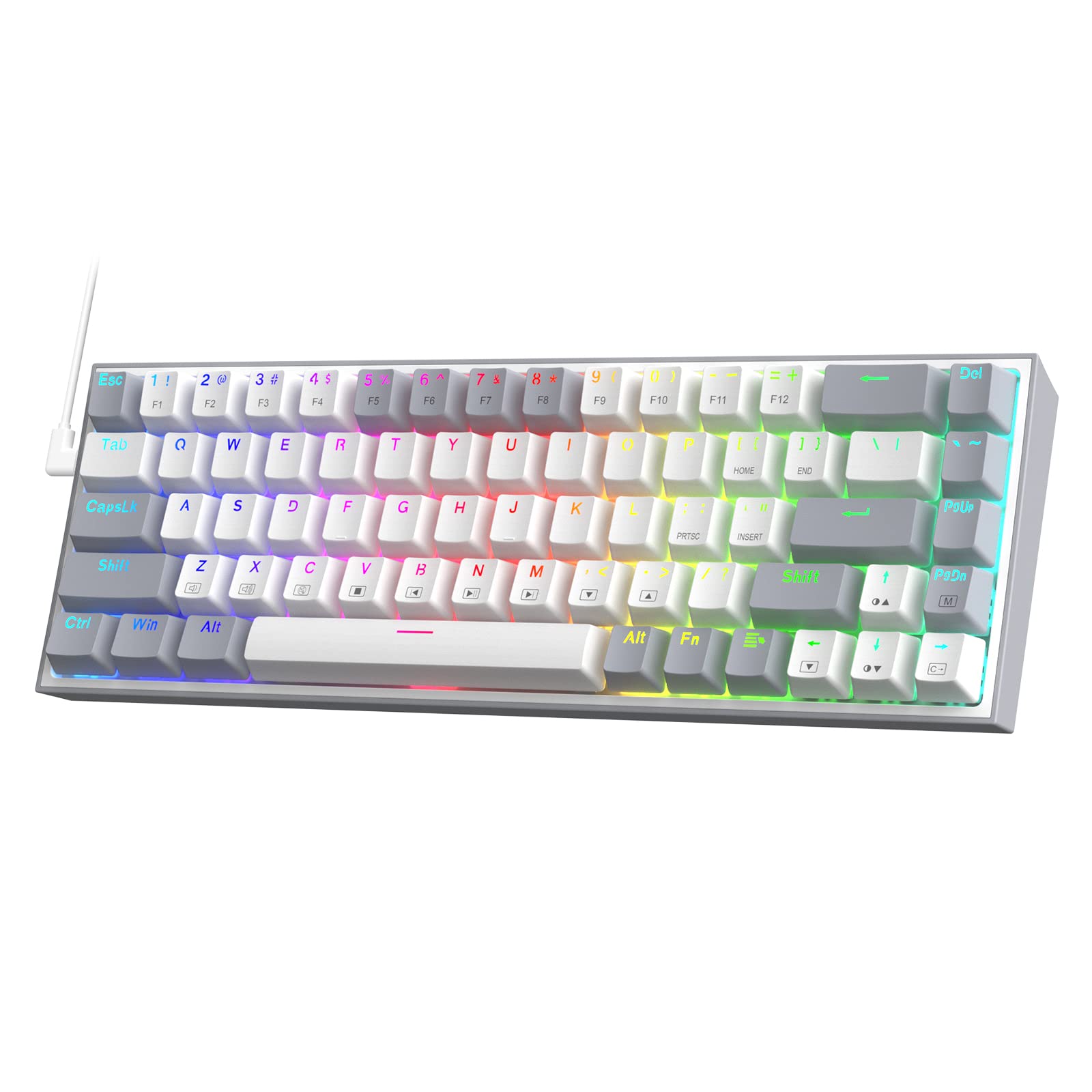
Looking for a budget friendly mechanical keyboard? These hot-swap, RGB picks deliver satisfying switches for under $100 — our top budget keyboards ranked.
The quietest mechanical keyboards for home and office, from whisper-quiet wireless TKLs to dampened 65% and 96% boards, plus the silent switches and mods that cut typing noise further.
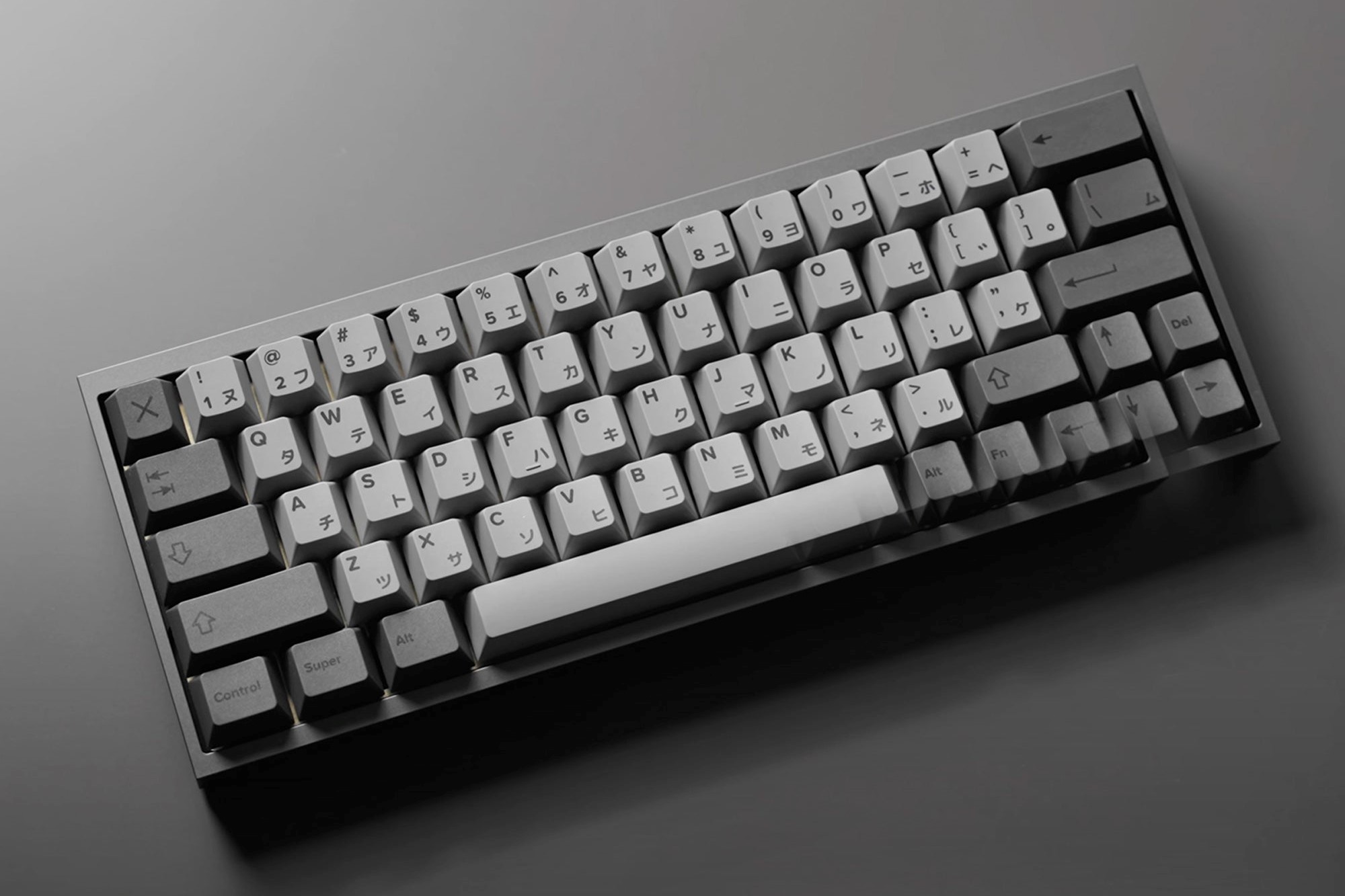
The best 60% keyboards for gaming, typing, and custom builds—from budget prebuilts to enthusiast kits. Find the right compact mechanical board for your desk.
WOBKEY Rainy 75 review: the Rainy 75 mechanical keyboard's Lite, Standard and Pro tiers, switch options, built vs barebones, sound, tri-mode wireless, and who it's for in 2026.
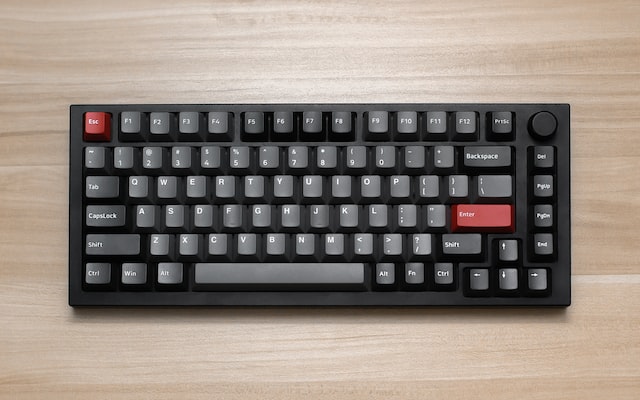
The Keychron Q4 Pro combines a full CNC aluminum case, double-gasket mount, hot-swap support, and Bluetooth 5.1 in a premium 60% keyboard.
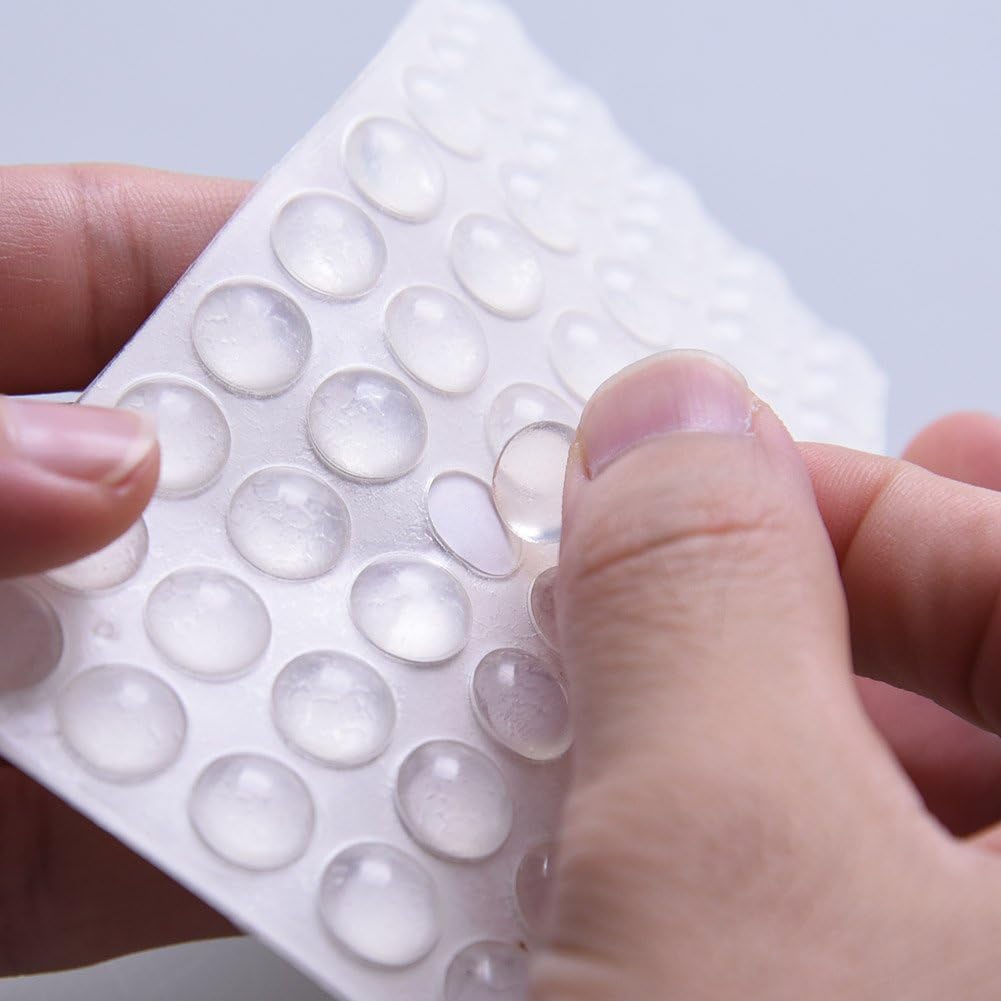
How to replace rubber keyboard feet: picking the right size and thickness, adhesive that actually holds, removing old pads without residue, and DIY alternatives.
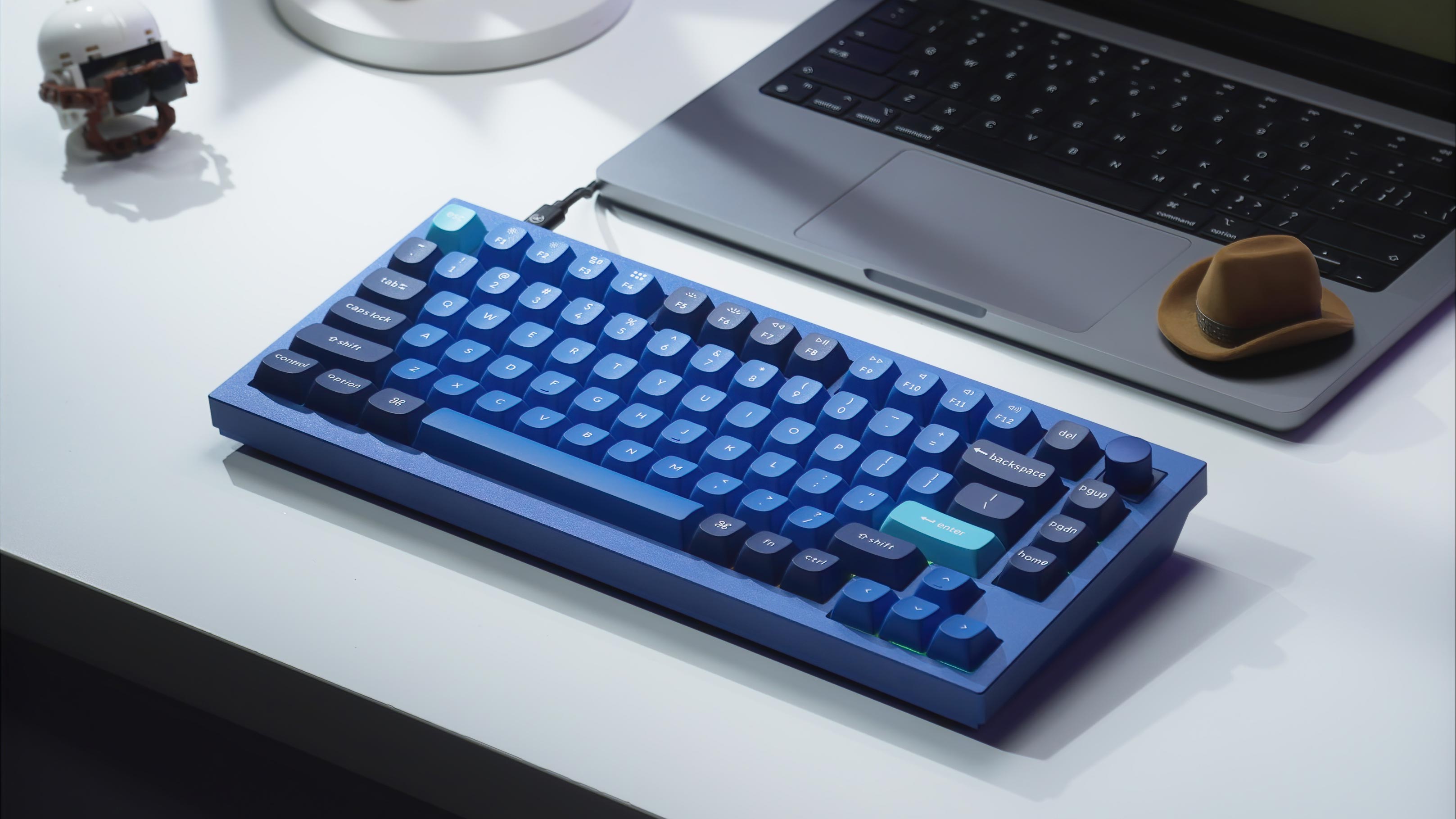
Keychron Q1 Knob guide: why this aluminum 75% keyboard with a rotary knob became so popular, its current availability, and in-stock knob alternatives from Keychron.
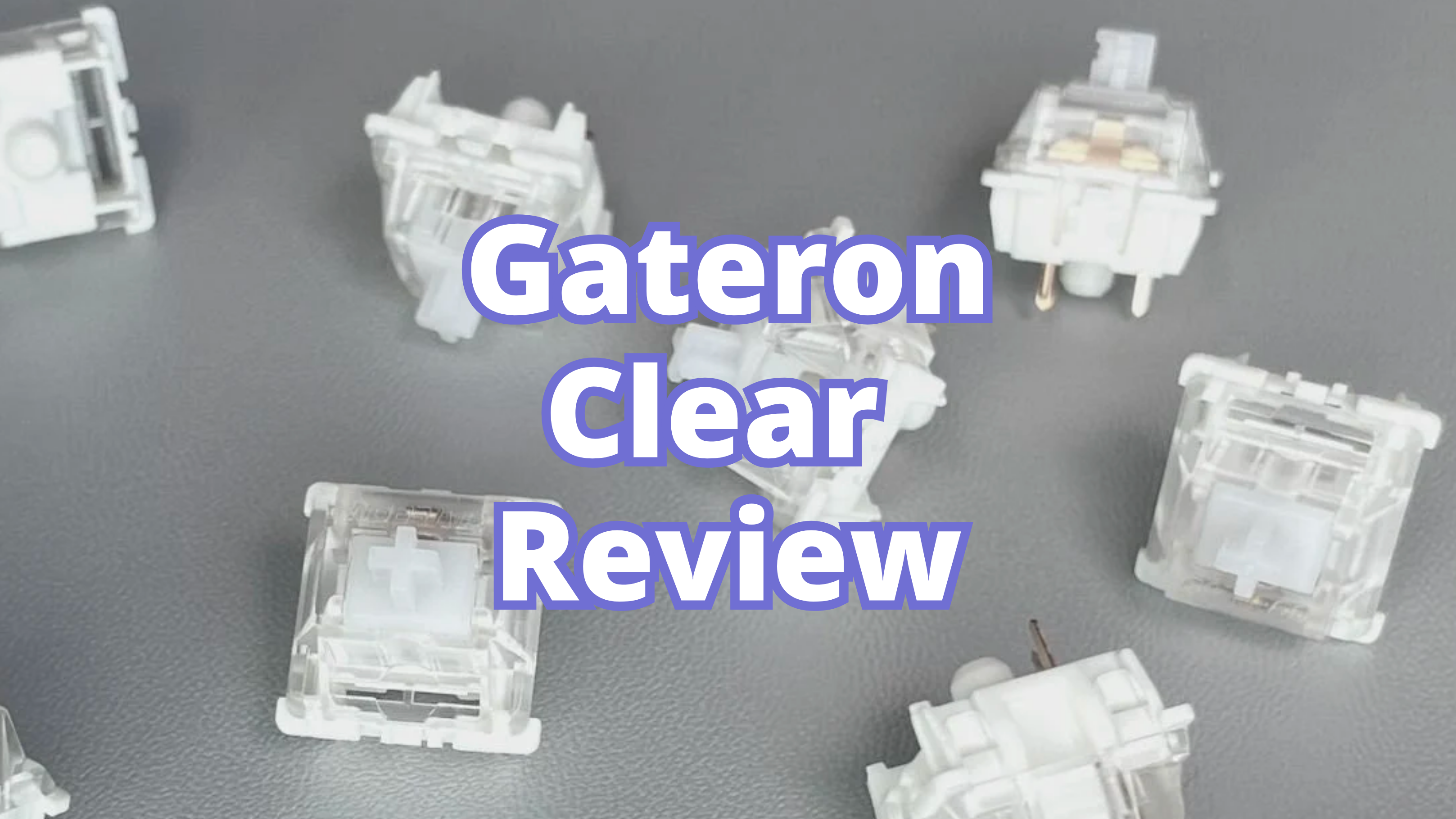
Learn what Gateron Clear switches feel like, who they suit best, and how they compare with Gateron Yellow and other linear switches.
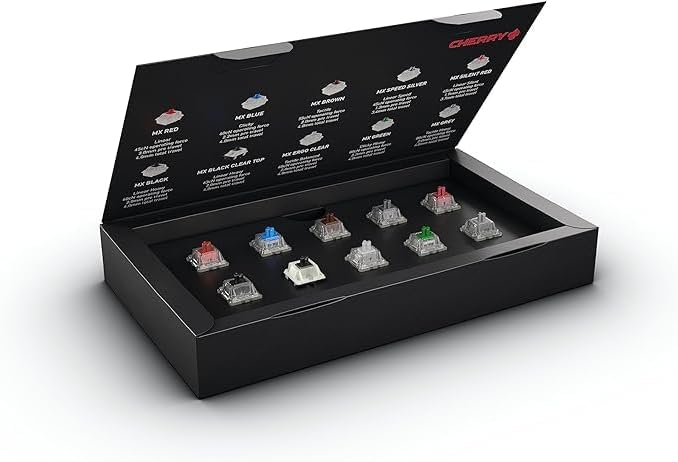
Learn what Zealios V2 switches feel like, who they suit best, and how they compare with Holy Panda and other premium tactile switches.
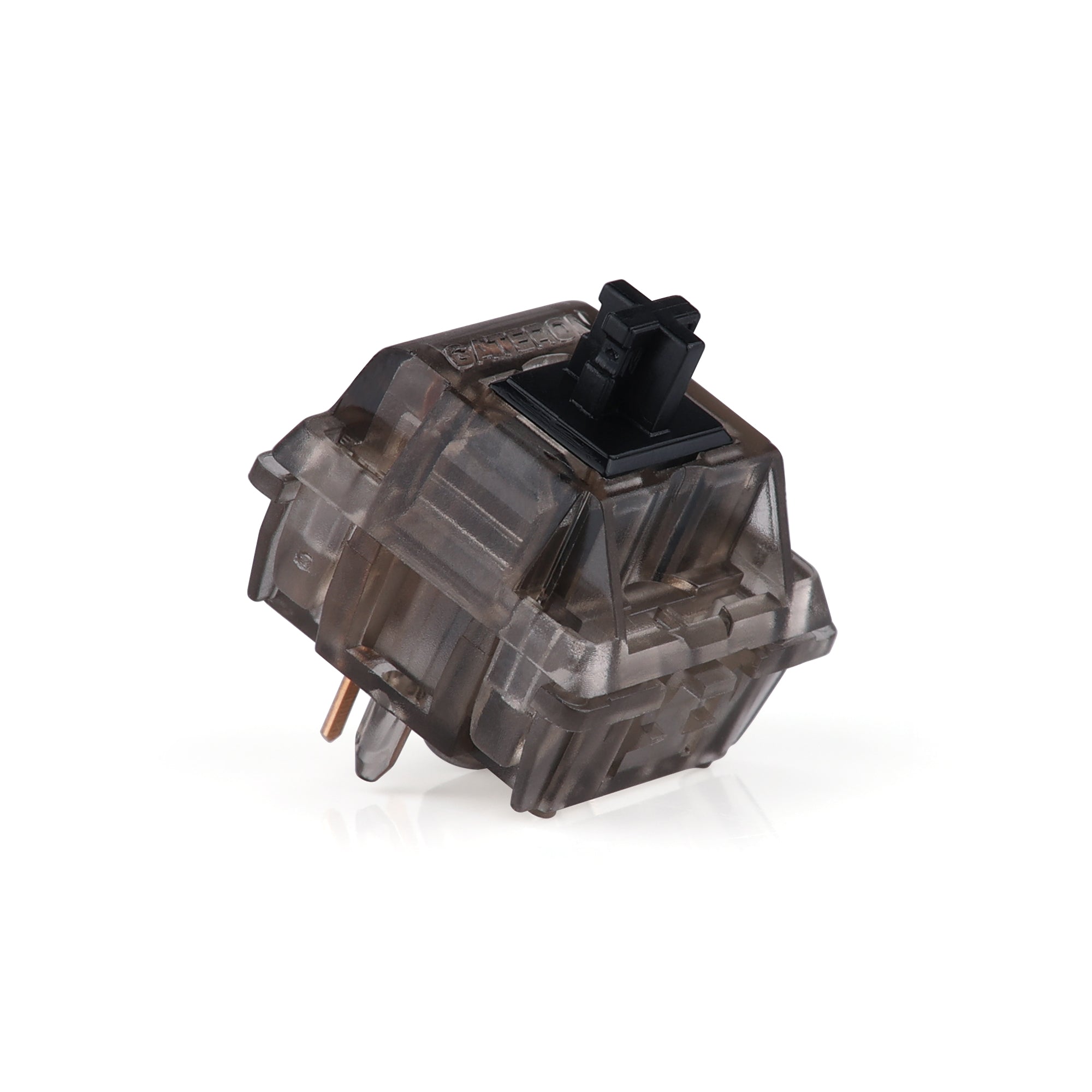
Learn why Gateron Ink Black V2 remains one of the best premium linear switches for heavier feel, deeper sound, and enthusiast keyboard builds.
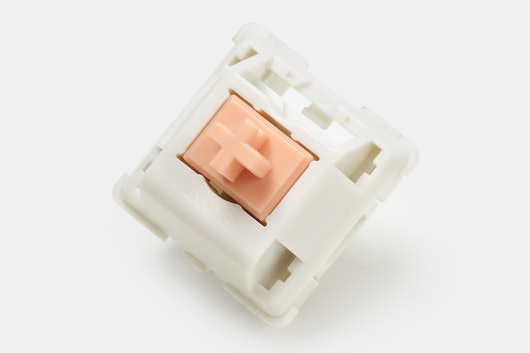
Learn what Holy Panda switches feel and sound like, who should buy them, and whether they still deserve a spot among the best tactile switches.
Gateron Yellow switches explained: how these yellow switches sound and feel on a keyboard, the G Pro 3.0 Yellow specs, and why they remain a top budget linear for gaming and typing.
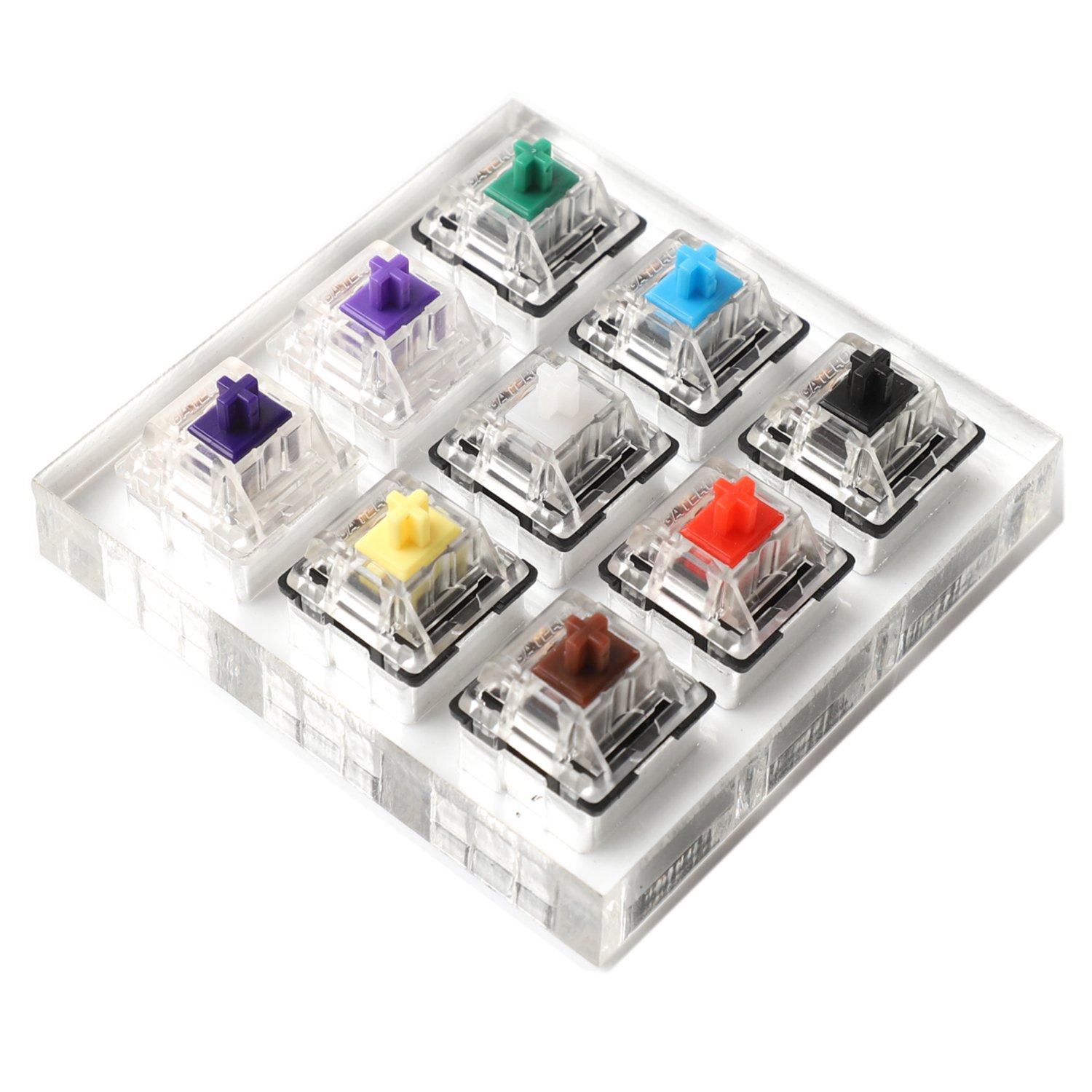
Learn what clicky switches feel like, who should buy them, and which clicky switch options are most worth considering today.
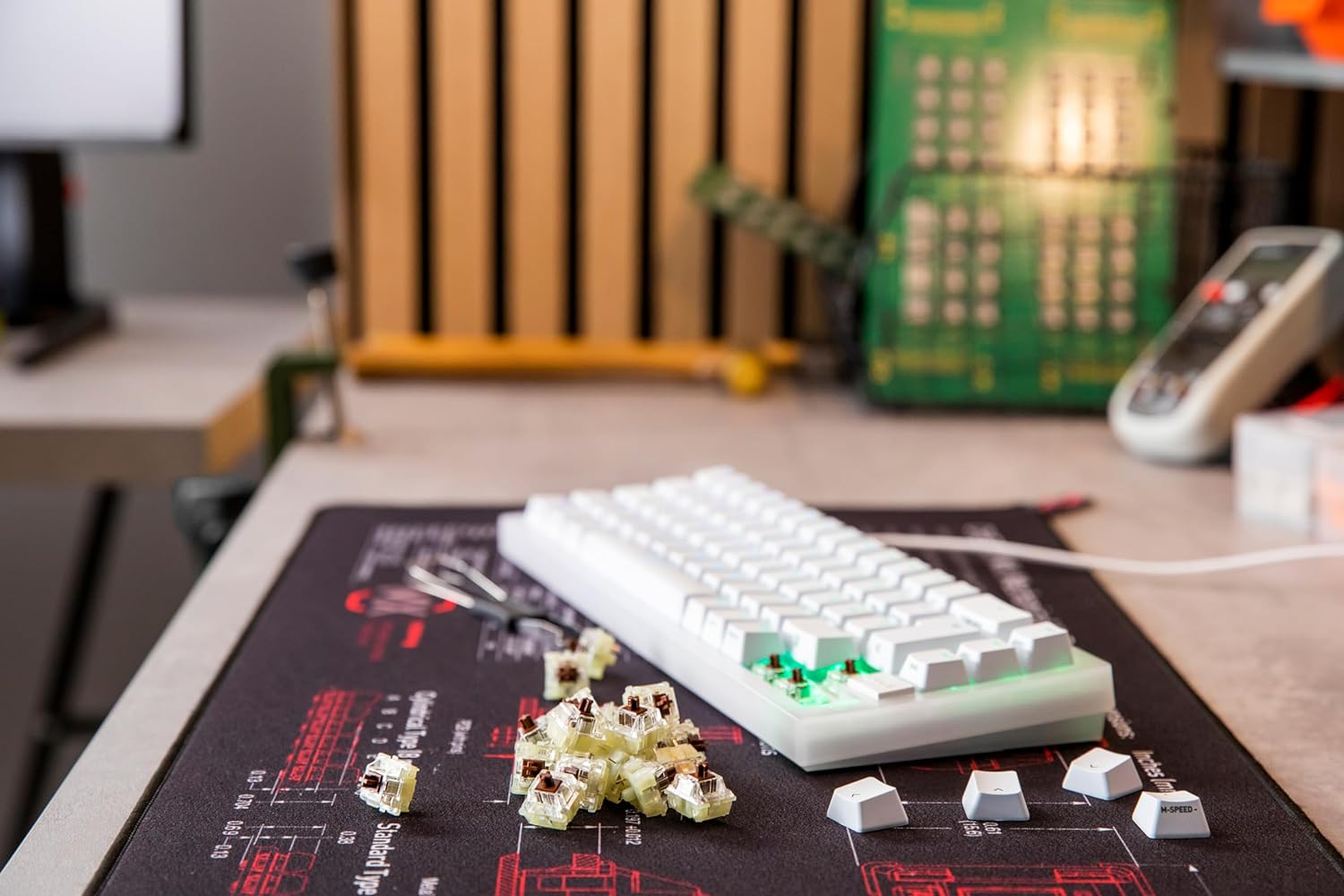
Compare the best tactile switches for typing and mixed-use keyboards, including Holy Panda, Boba U4T, and Zealios V2.

Find the best mechanical keyboards with rotary knobs and rotary encoder knobs for volume, editing, gaming, and daily productivity.
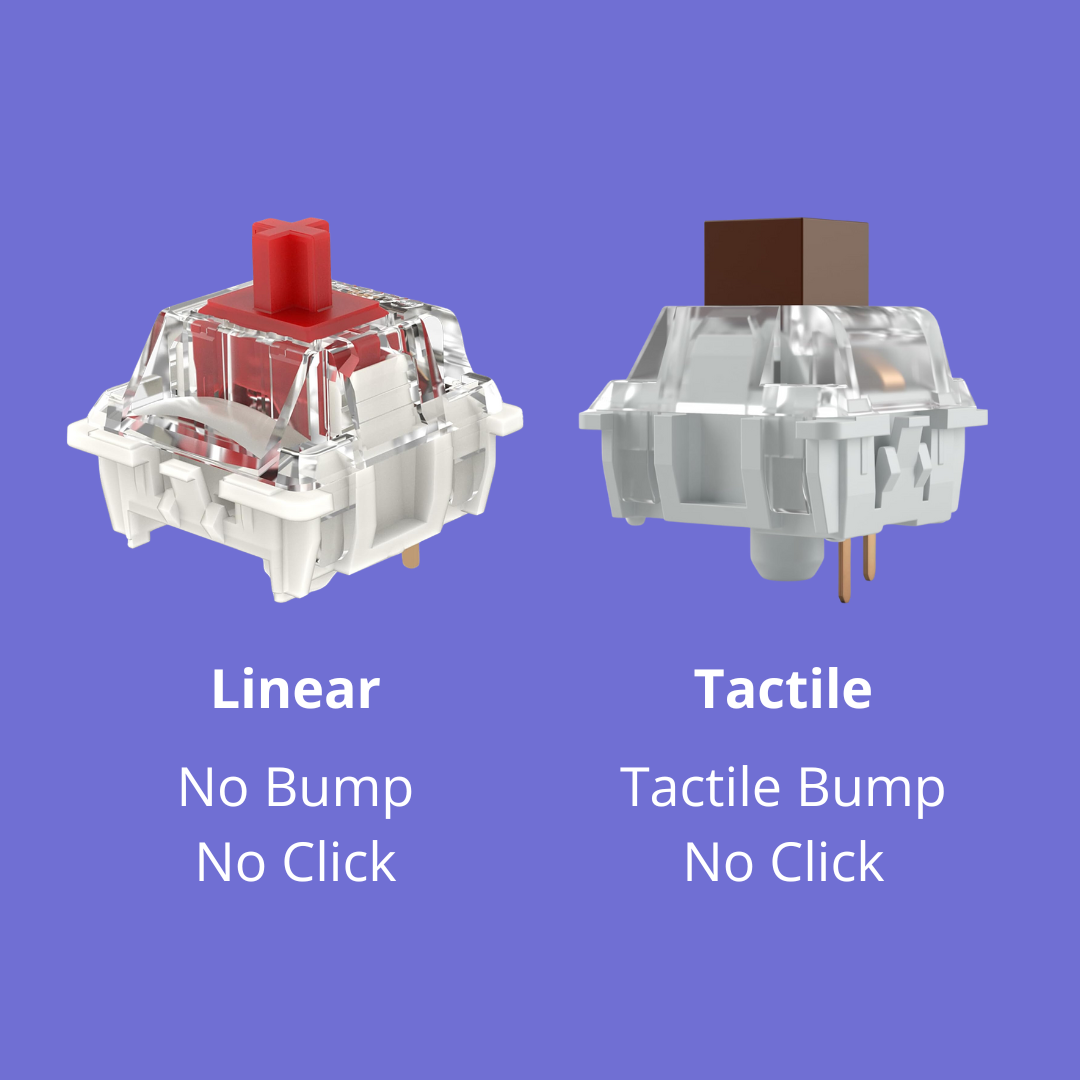
Compare linear vs tactile switches for gaming, typing, noise, speed, and feel. Learn when linear switches win and when tactile switches make more sense.
Explore mechanical keyboards with exceptional battery life and versatile tri-mode connectivity. Find the perfect wireless keyboard for seamless productivity and gaming.

Explore top mechanical keyboards like Keychron V1 Max and Keychron K2 HE offering tri mode connectivity with wired Bluetooth and 2.4GHz wireless for versatile setups
Explore mechanical keyboards with long battery life and versatile tri mode connectivity like the AULA F99 and Keychron K2 HE for seamless wireless typing and gaming
Discover top mechanical keyboards featuring hot swappable switches and tri mode connectivity like Keychron V1 Max and Keychron K2 Max for ultimate customization and versatility
Learn how to reduce noise and improve your typing experience with sound dampening techniques and gasket-mounted keyboards like the Keychron V1 Max and WOBKEY Rainy 75
Improve your typing speed and comfort with expert techniques using mechanical keyboards like Keychron K2 HE and Keychron V1 Max designed for both gaming and productivity
Explore mechanical keyboards with long-lasting batteries and tri-mode wireless connectivity like the AULA F99 and Keychron K2 HE designed for extended use and seamless switching

Unlock advanced customization options for mechanical keyboards like the Keychron V1 Max and Keychron K2 HE with hot-swappable switches and programmable features for a personalized typing experience
Discover how sound dampening improves typing with gasket-mounted keyboards like Keychron V1 Max and WOBKEY Rainy 75 for a quieter and more comfortable experience

Learn how hot swappable mechanical keyboards like Keychron V1 Max and Keychron K2 HE let you easily customize your typing experience without soldering, perfect for beginners and enthusiasts
Explore DIY build kits and customization tips for mechanical keyboards featuring hot-swappable models like Keychron V1 Max and Keychron K2 HE to create your perfect setup
Explore different mechanical keyboard switch sounds and find your ideal typing acoustics with popular keyboards like the Keychron V1 Max and Keychron K2 HE featuring hot-swappable options
Learn essential tips for building and customizing mechanical keyboards with hot-swappable models like the Keychron V1 Max and Keychron K2 HE to create your perfect setup

Discover top mechanical keyboards like the Keychron K2 HE and Keychron V1 Max designed for both programming and gaming with features like hot-swappable switches and tri-mode connectivity
Discover how software and firmware like QMK and VIA enhance customization on keyboards such as Keychron K2 HE and Keychron K2 Max with programmable layouts and lighting
Discover mechanical keyboards like the Keychron K2 HE and Keychron V1 Max that offer ergonomic design, hot-swappable switches, and quiet typing for long coding and writing sessions
Discover the best wireless mechanical keyboards with hot swappable switches and tri mode connectivity like the Keychron V1 Max and Keychron K2 Max for flexible and customizable typing experiences
Compare top mechanical keyboards like the Keychron V1 Max and Keychron K2 HE to find the perfect balance of features for gaming and productivity with hot-swappable switches and versatile connectivity
Step-by-step guide to building and customizing mechanical keyboards using hot-swappable models like Keychron V1 Max and Keychron K2 HE for a tailored typing experience
Discover versatile mechanical keyboards with tri mode connectivity and hot swappable switches like the Keychron V1 Max and Keychron K2 Max ideal for work and gaming setups
Discover effective typing techniques to boost your speed and accuracy using mechanical keyboards like the Keychron K2 HE and Keychron V1 Max designed for comfort and performance
The five types of keyboard switches explained — linear, tactile, clicky, silent and magnetic. How each one feels and sounds, and which to buy first.
Discover effective sound dampening techniques and explore top gasket mounted keyboards like the Keychron V1 Max and WOBKEY Rainy 75 for a quieter and more enjoyable typing experience
Explore the best wireless mechanical keyboards featuring hot swappable switches and tri mode connectivity like the Keychron V1 Max and Keychron K2 Max for versatile and customizable setups
Learn essential customization techniques to personalize your mechanical keyboard with hot-swappable models like Keychron V1 Max and Keychron K2 HE for an enhanced typing experience
Explore mechanical keyboards like the Keychron V1 Max and Keychron K2 Max that offer vibrant RGB lighting with per key customization for a personalized and immersive typing experience
Discover ergonomic mechanical keyboards like the Keychron V1 Max and Keychron K2 HE that combine comfort and performance to reduce strain during long typing sessions.
Keep your mechanical keyboard in top shape with essential maintenance tips and explore durable, customizable models like the Keychron V1 Max and Keychron K2 HE for lasting performance
Explore how customizable RGB lighting enhances mechanical keyboards like the Keychron V1 Max and Keychron K2 Max with vibrant effects and easy-to-use controls for a personalized setup
Learn how software and firmware like QMK and VIA empower customization on keyboards such as Keychron K2 HE and Keychron K2 Max for tailored layouts and lighting effects
Discover how advanced sound dampening and gasket mounted designs in keyboards like the Keychron V1 Max and WOBKEY Rainy 75 create a quieter and more comfortable typing experience for gamers and professionals
Unlock the full potential of your mechanical keyboard with expert customization tips featuring hot-swappable models like Keychron V1 Max and Keychron K2 HE for a personalized typing experience
Explore how custom keycaps enhance your mechanical keyboard’s look and feel, from durable PBT dye-sub sets to Mac-legend swaps, for a personalized typing experience
How to lube keyboard switches step by step: the tools you need, which keyboard lube suits linear or tactile switches, and the mistakes that ruin a lube job.
Explore top wireless mechanical keyboards like the AULA F99 and Keychron K2 HE that offer extended battery life and versatile tri mode connectivity for productivity and gaming on the go
Step-by-step tutorials to build and customize your own mechanical keyboard featuring hot-swappable models like Keychron V1 Max and Keychron K2 HE for a personalized typing experience
Explore top mechanical keyboards like the Keychron K2 HE and Keychron V1 Max designed for programmers with features such as hot-swappable switches, ergonomic layouts, and reliable tri-mode connectivity
Learn how to dampen your mechanical keyboard's sound for a quieter typing experience. Explore sound dampening techniques, materials, and top picks like the Keychron V1 Max and WOBKEY Rainy 75.
Unlock the power of your mechanical keyboard! Learn how to create custom macros for gaming, programming, and everyday tasks. Featuring the AULA F99, Keychron K2 Max, and more.
Discover minimalist mechanical keyboards that blend elegant design with advanced features. Explore top models like the WOBKEY Rainy 75 and Keychron V1 Max for a refined typing and gaming experience.
Explore the world of mechanical keyboard RGB lighting. Learn about features, customization, and discover the best RGB mechanical keyboard models for both gaming and productivity, like the Keychron V1 Max.

Explore the benefits of tri-mode mechanical keyboards (wired, Bluetooth, 2.4GHz) like the Keychron V1 Max and Keychron K2 Max. Find the perfect keyboard for your needs!
Meta description (150-160 characters)
Discover essential ergonomic techniques to reduce strain and improve typing comfort with mechanical keyboards like the Keychron V1 Max and WOBKEY Rainy 75, designed for long hours of productive and healthy use.
Discover how gasket-mounted mechanical keyboards improve typing experience. Explore top models like the Keychron V1 Max and WOBKEY Rainy 75 for enhanced comfort, reduced noise, and premium builds.
Explore the best mechanical keyboards with hot-swappable switches and tri-mode connectivity for versatile typing and gaming experiences on any device. (150-160 characters)
Discover the best hot-swappable mechanical keyboards featuring tri-mode connectivity for seamless wired and wireless use. Perfect for gamers and professionals seeking customization and versatility.
Dive into the innovative features of hot-swappable, tri-mode mechanical keyboards like the Keychron V1 Max and Keychron K2 HE.

Keychron K2 HE review: the 75% Hall Effect keyboard's Gateron magnetic switches, adjustable actuation, tri-mode wireless, QMK/VIA and battery, plus who should buy it.
Discover the pros and cons of wireless mechanical keyboards, including performance, battery life, and the best options available today.
EPOMAKER EA75 review: build quality, tri-mode wireless, factory-lubed switches, sound dampening, RGB, and how the EA75 holds up for gaming and typing.
Discover the key features of top mechanical keyboards and find the perfect fit for your typing needs. Ideal for gamers and professionals alike!
Discover the best mechanical keyboards for gaming and typing in this expert guide. Find your perfect match today!

Discover the best keycap sets of 2023, featuring unique styles and materials to enhance your mechanical keyboard.
Explore the best mechanical keyboards for every need, from gaming to typing, with expert recommendations and product insights.
Discover the top mechanical keyboards designed for gamers, focusing on key features and performance. Elevate your gaming experience today!
Explore our comprehensive guide to choosing the perfect mechanical keyboard for your needs, with product recommendations and expert insights.
The best 75% keyboards for 2026: what a 75 percent keyboard is, who it suits, and our picks from the Keychron V1 Max and Keychron K2 HE to the WOBKEY Rainy 75.
Discover the best mechanical keyboards for gamers in 2023, featuring top picks for performance and style.
Discover the best mechanical keyboards for gaming in 2025, featuring top picks, unique features, and expert recommendations.
Explore the world of mechanical keyboards with our comprehensive guide, featuring top picks and essential tips for enthusiasts.
What a 65% and a 75% keyboard layout include, how many keys each has, how they compare with 60%, and which compact 65% or 75% keyboard to buy.
Discover the best mechanical keyboards for gamers in 2025 with our top picks and expert reviews to enhance your gaming experience.
Explore the best mechanical keyboards of 2025 with our expert guide. Find the perfect keyboard for your needs with affiliate product recommendations!
Explore the advancements in wireless mechanical keyboards and find out if they can compete with wired options. Perfect for enthusiasts and professionals!
Discover the best mechanical keyboards for gaming in 2023 with our expert guide, featuring top picks and essential features.
Discover the top mechanical keyboards of 2025 with expert insights and product recommendations to enhance your typing experience.
Discover the best mechanical keyboards tailored for every typing style, including in-depth reviews and recommendations for enthusiasts.
Explore our top picks for mechanical keyboards, tailored to every user's needs and preferences.
Discover the best mechanical keyboards of 2025 to elevate your typing experience. Uncover features, pros, and cons of each!
Explore the benefits of hot-swappable mechanical keyboards and learn how to change switches easily without soldering.
Explore our roundup of the top mechanical keyboards of 2025, perfect for both productivity and gaming. Featuring tri-mode connectivity and customizable options.
Explore our comprehensive guide to mechanical keyboards, featuring top picks for every need, including the Keychron V1 Max, Keychron K2 HE, and more.
Explore our guide to the best mechanical keyboards of 2025, featuring in-depth reviews and recommendations to enhance your typing experience.
Explore the Keychron V1 Max and Keychron K2 HE – two exceptional 75% mechanical keyboards that deliver performance, design, and versatility for both gaming and productivity.
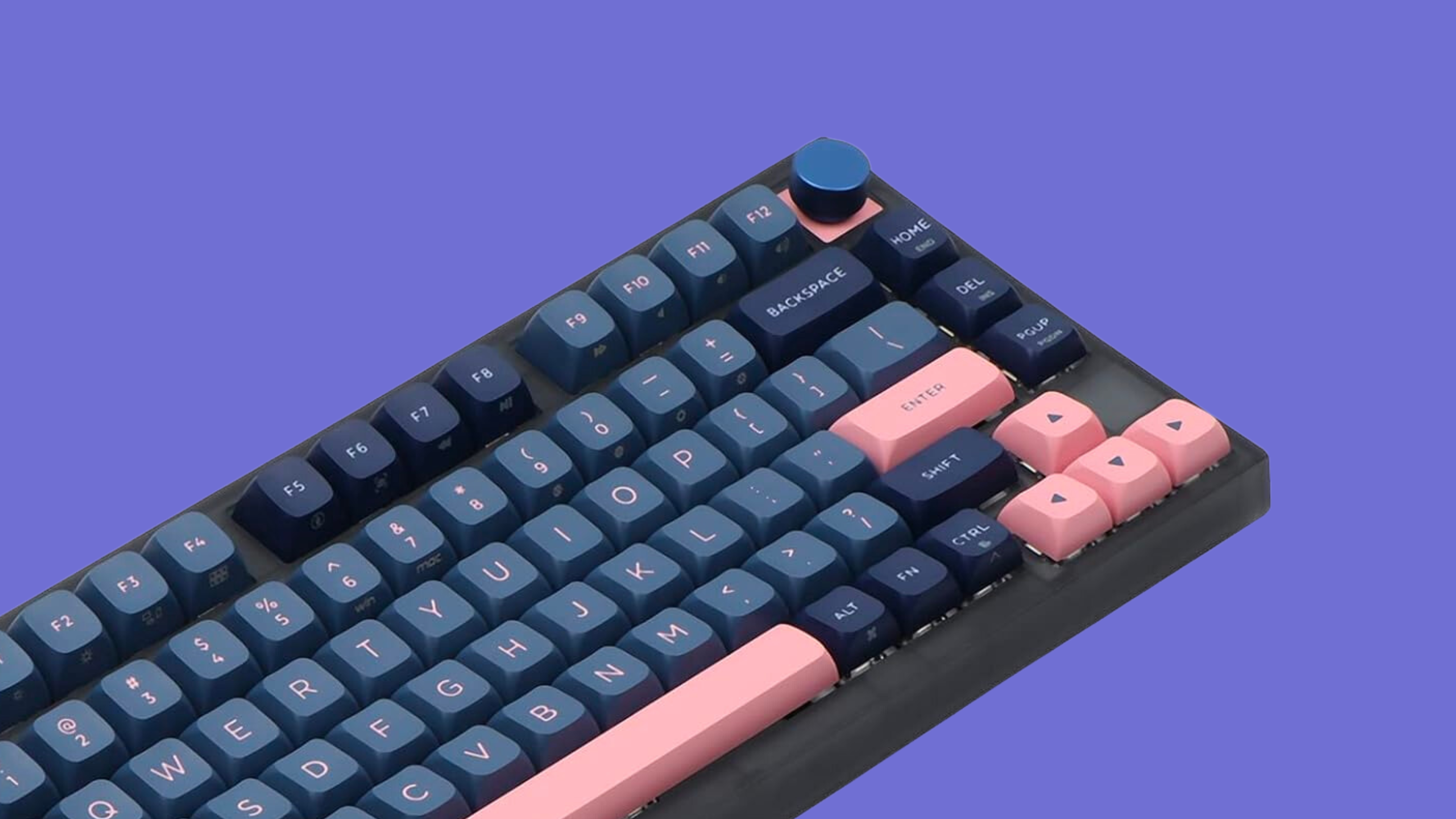
Discover the EPOMAKER SKYLOONG GK75 mechanical keyboard in our comprehensive review. Explore its features, performance, and practicality to see if it's the right fit for your typing and gaming needs.
Discover the perfect mechanical keyboard switch for your needs! Dive into our detailed comparison of Gateron Clear and Gateron Red switches to find out which one suits your typing and gaming preferences. Explore the differences in actuation force, tactile feedback, and noise levels to make an informed decision for your next keyboard build.
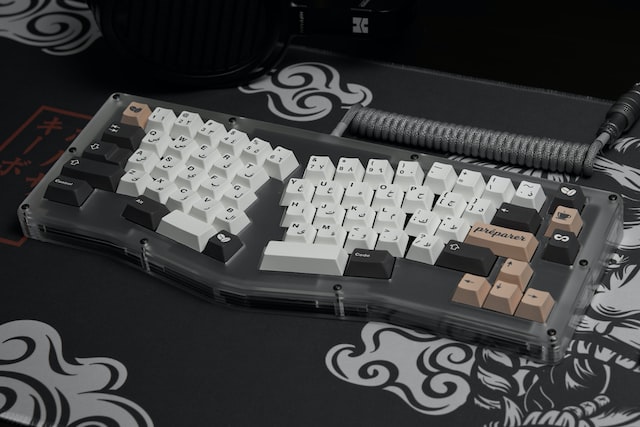
Learn about the benefits of investing in a mechanical keyboard for typing accuracy, durability, customization, and overall enjoyment. Discover why paying a little extra for a mechanical keyboard is worth every penny in the long run. This article explores the reasons why a mechanical keyboard can be a valuable investment for anyone who types frequently, whether for work or personal use.
Keyboards are essential to the typing experience. Maintaining yours is important! Use these five tips to keep your mechanical keyboard clean and happy.