So, you're diving into the world of mechanical keyboards? Awesome! One of the first things you'll realize is that there's a lot more to it than just picking a color. Keyboard layout is a big deal. It affects everything from ergonomics to desk space to how quickly you can access those crucial hotkeys. Let's break down some popular layouts and see which one might be your perfect match.
Why Does Layout Matter?
Think of your keyboard as your command center. A well-chosen layout can boost your productivity, improve your comfort, and even make your gaming experience more enjoyable. A poorly chosen one? Well, get ready for some frustration and maybe even some wrist strain.
The Contenders: Layouts Compared
We're going to focus on a few key layouts that offer a blend of functionality and space-saving design. This isn't an exhaustive list, but it'll give you a solid foundation.
- Full-Size (104/108-key): The classic. Has everything, including a numpad. Great for number crunchers but takes up a lot of desk real estate.
- Tenkeyless (TKL or 87-key): Chops off the numpad. A popular choice for gamers and anyone who wants more desk space for their mouse.
- 75%: Condenses the function row and navigation cluster, often placing them vertically on the right side. A sweet spot for many.
- 65%: Gets rid of the function row entirely (usually accessible via a function key). Very compact and portable.
- 60%: The minimalist's dream. Ditches the function row and navigation cluster. Requires heavy reliance on function layers.
- 96%: A full keyboard condensed into a smaller form factor by minimizing the spacing between keys.
Diving Deeper: 75% and 96% Layouts in Focus
Let's zoom in on two layouts that are gaining serious traction: 75% and 96%.
75%: The Balanced Performer
The 75% layout aims to give you most of the functionality of a full-size keyboard in a more compact package. You get your function row, arrow keys, and a few essential navigation keys, but everything's squeezed together.
Pros:
- Good balance of functionality and size.
- Function row is readily accessible.
- More desk space compared to TKL or full-size.
Cons:
- Can feel cramped if you have large hands.
- The condensed layout takes some getting used to.
Product Spotlight: EPOMAKER EA75
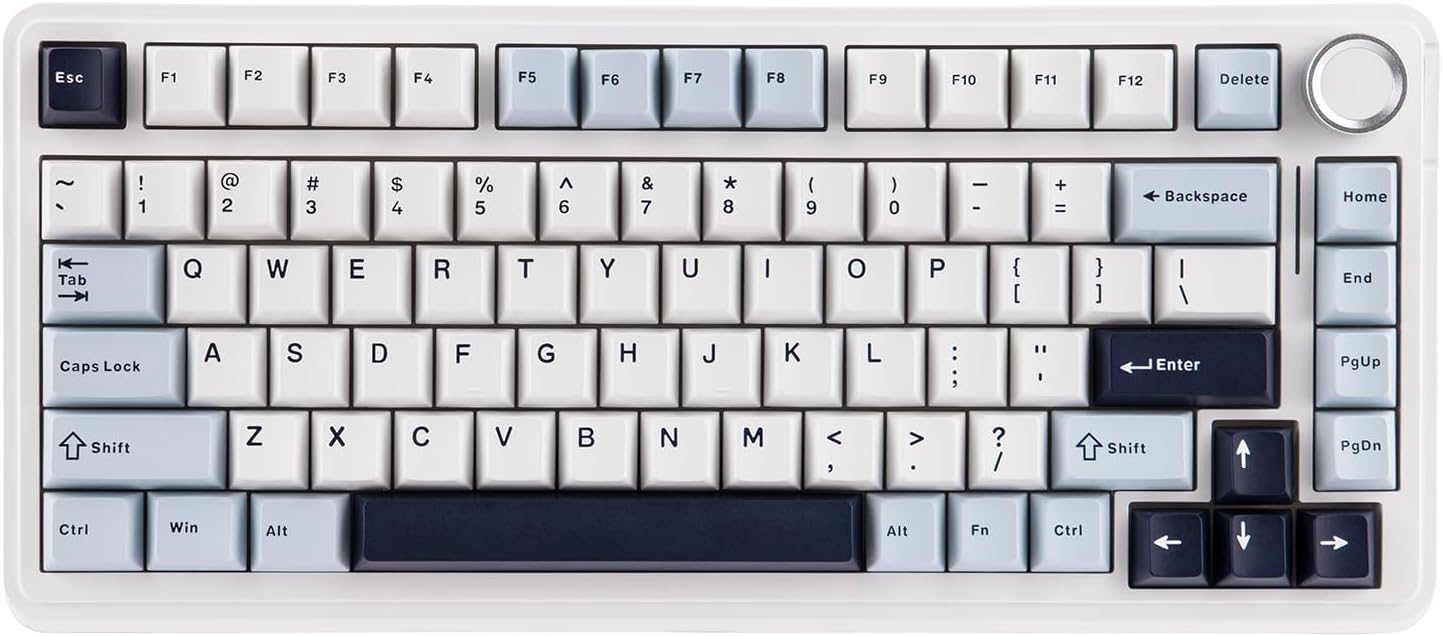
The EPOMAKER EA75 is a fantastic example of a well-executed 75% keyboard. With its tri-mode connectivity, gasket-mounted design, and hot-swappable switches, it's a versatile option for both work and play. The factory-lubed switches provide a smooth and quiet typing experience, and the customizable RGB lighting adds a touch of flair.
Another Great Option: Keychron K2 HE
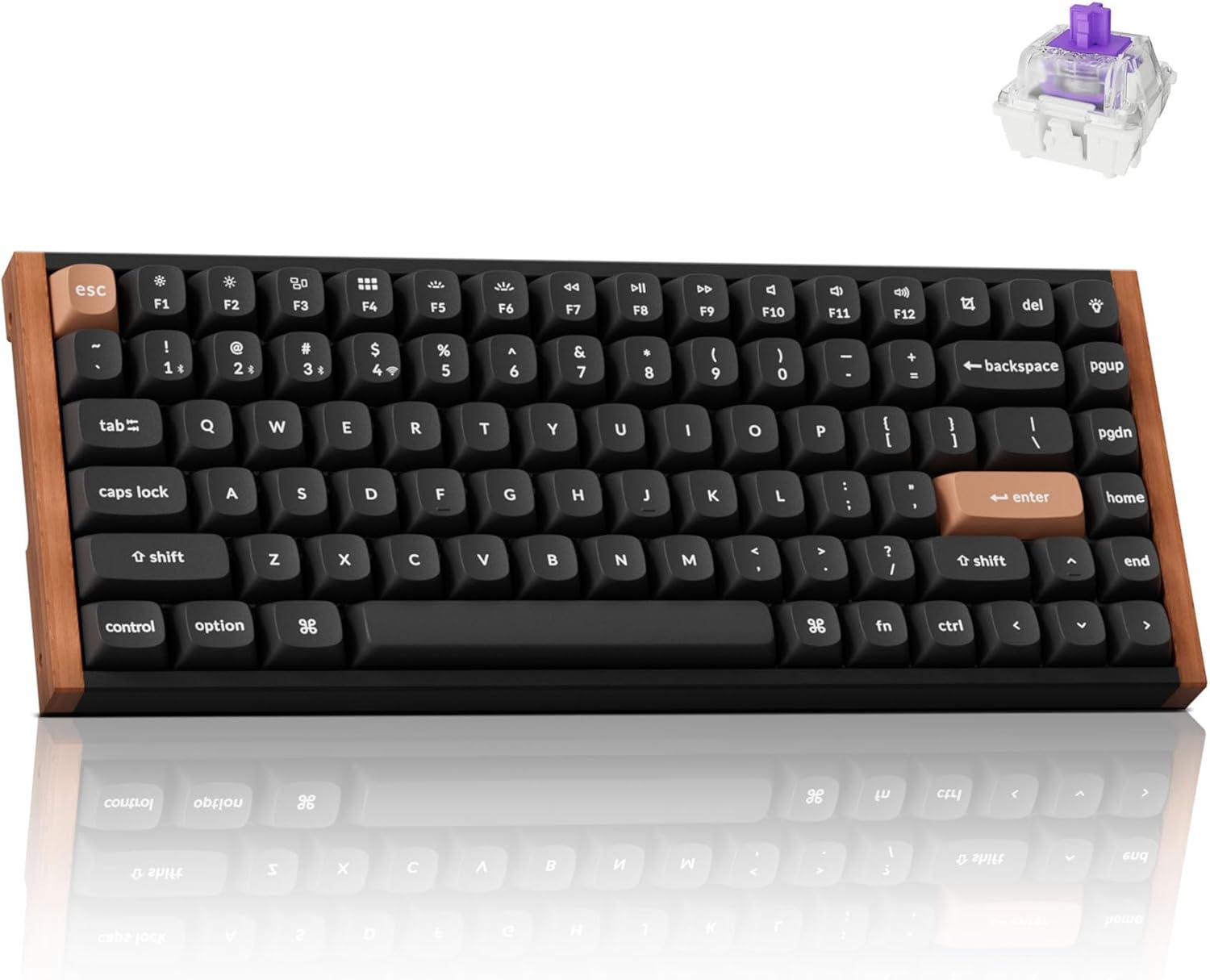
If you want to take your 75% keyboard to the next level, consider the Keychron K2 HE. This keyboard features Hall-Effect Gateron magnetic switches. It supports 2.4GHz wireless with a 1000Hz polling rate, making it ideal for gaming. It also has Bluetooth 5.2 and USB-C connectivity.
96%: The Compressed Full-Size
The 96% layout is all about maximizing key count in a minimal space. It essentially crams a full-size keyboard into a smaller footprint by eliminating most of the gaps between keys.
Pros:
- Full functionality, including numpad.
- Smaller than a full-size keyboard.
Cons:
- Can feel very cramped; takes a lot of acclimation.
- Not as common as other layouts, limiting keycap options.
Product Spotlight: AULA F99
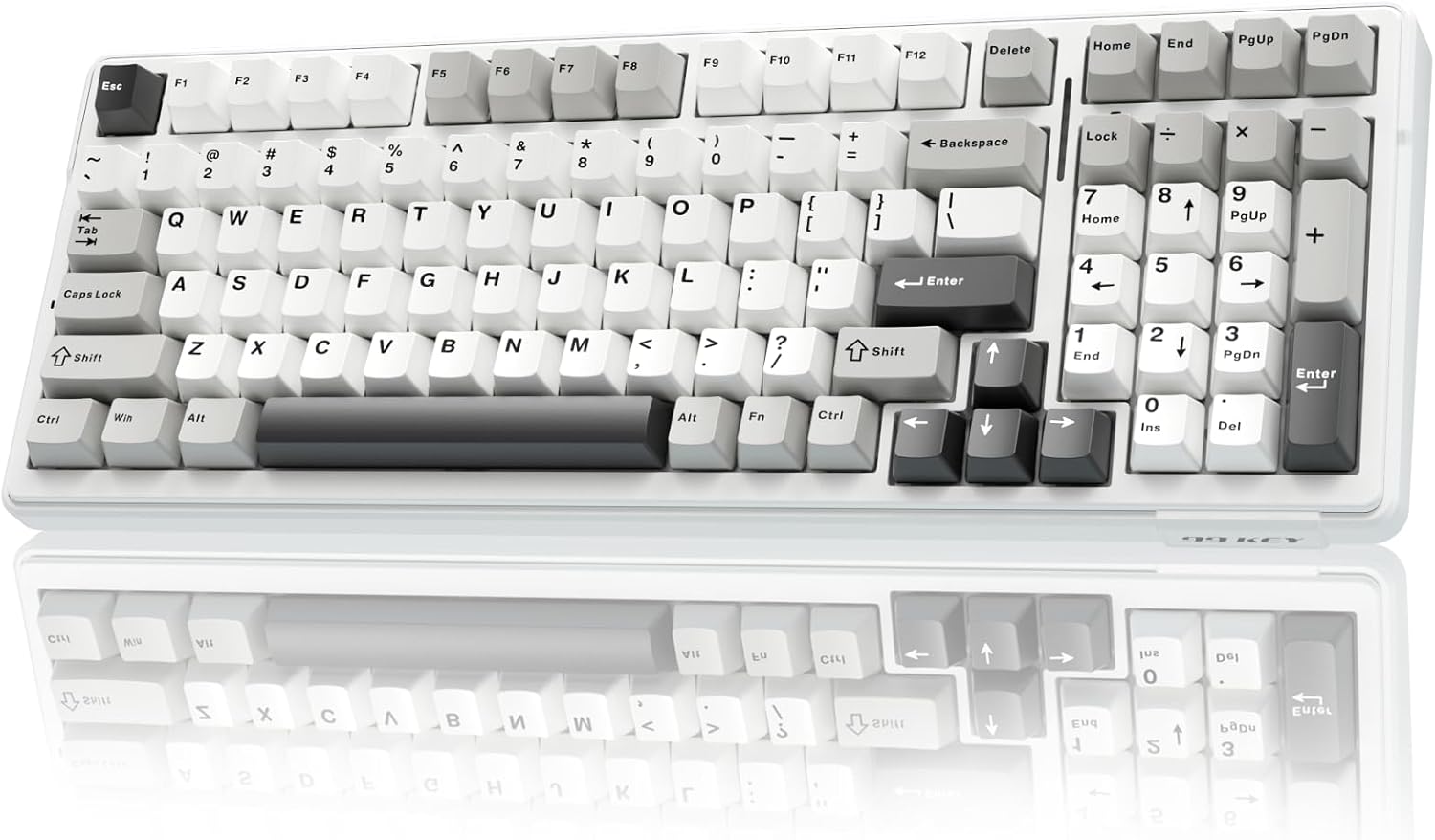
The AULA F99 is a standout in the 96% category. It packs a full set of keys into a surprisingly compact form factor. The gasket-mounted structure and five-layer sound dampening contribute to a comfortable and quiet typing experience. Plus, the 8000mAh battery ensures you can keep typing (or gaming) for hours on end.
Other Layout Considerations
-
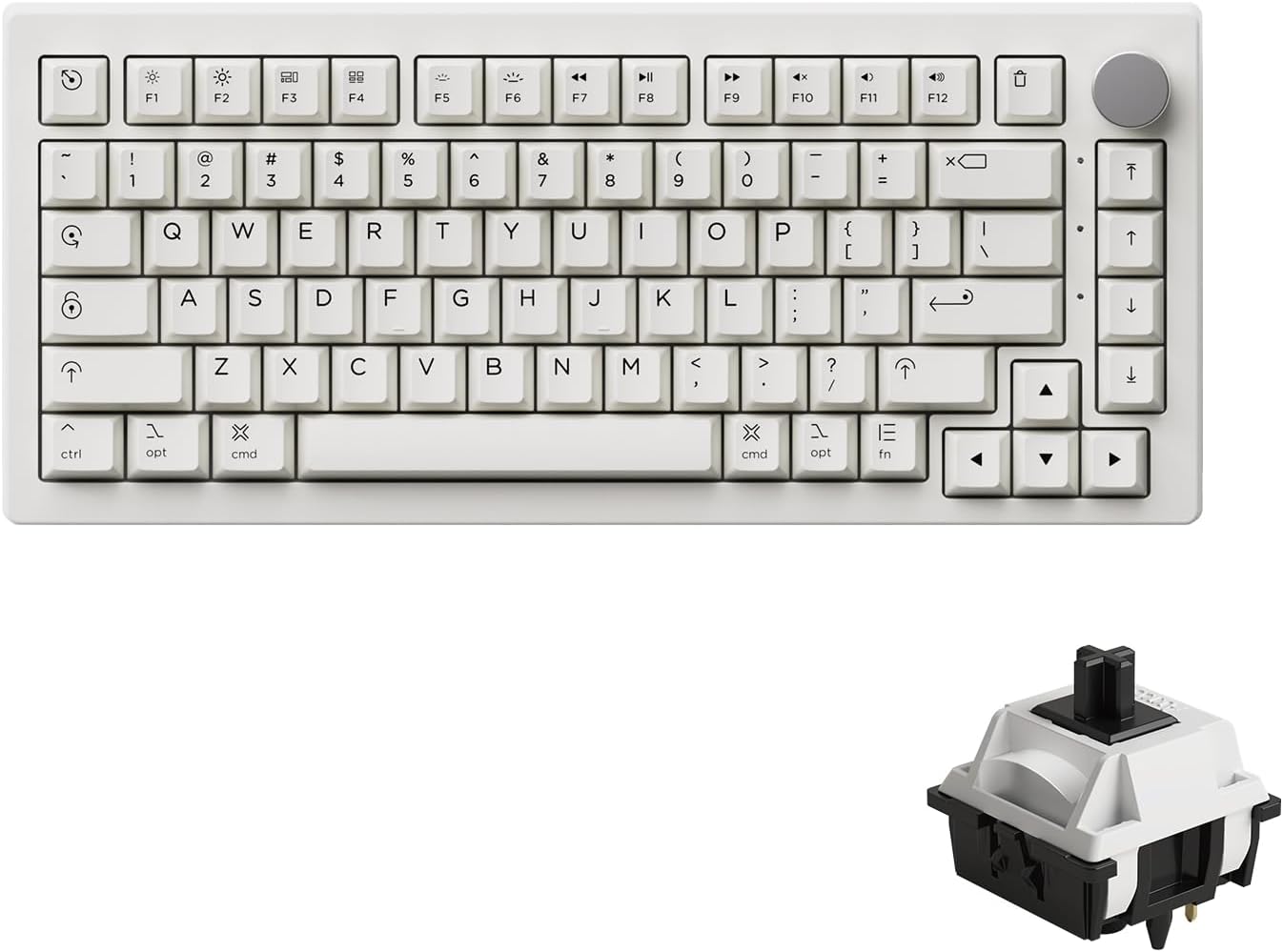
75% Keyboard: Akko 5075B Plus Air
If you're looking for something even smaller, a 75% keyboard might be a good fit. The Akko 5075B Plus Air is a great wireless option with a Mac-inspired design and hot-swappable switches.
-
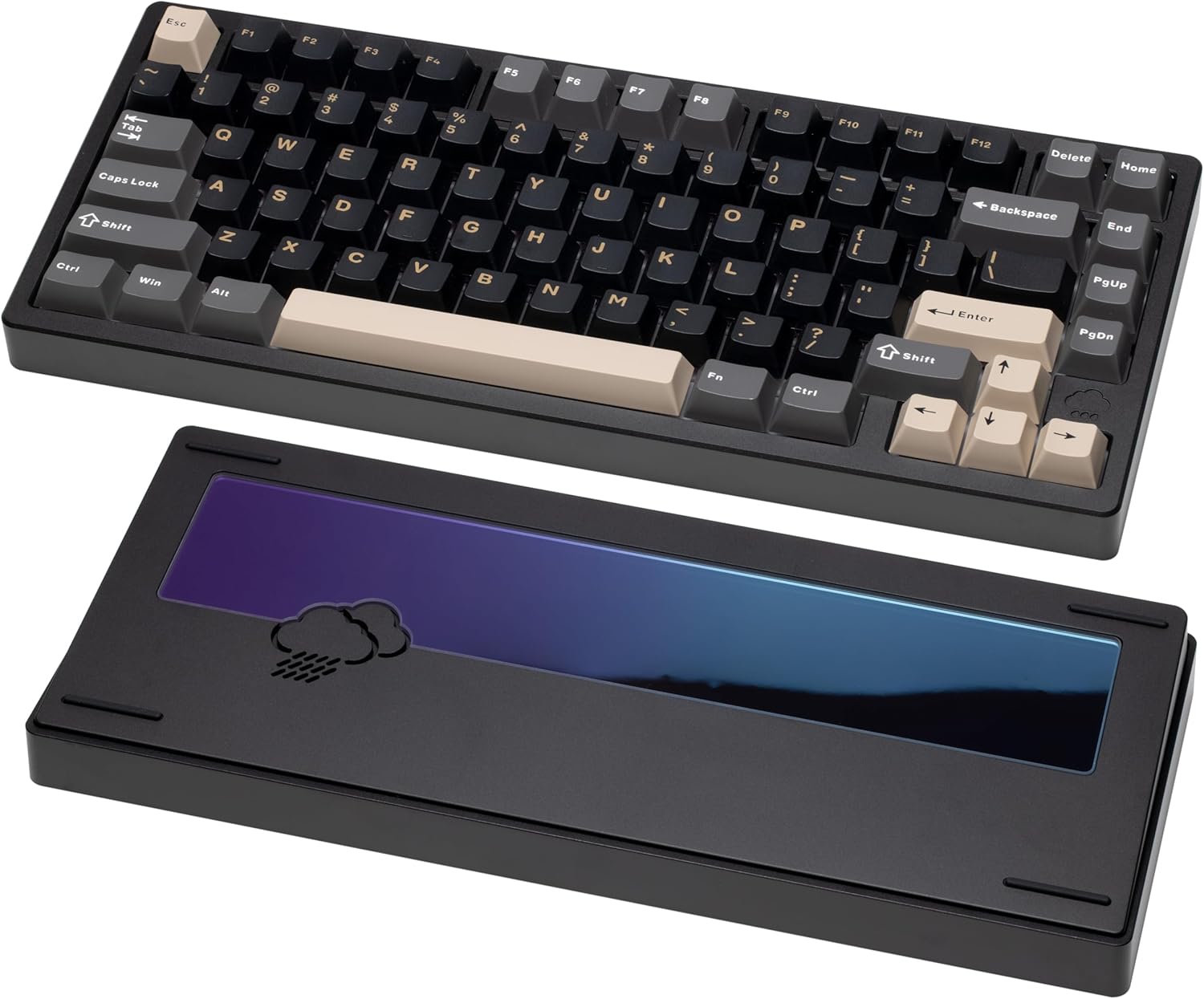
WOBKEY Rainy 75: A Premium Option
For a premium typing experience, consider the WOBKEY Rainy 75. This keyboard features a solid aluminum case, extensive sound dampening, and a gasket-mounted design.
Choosing Your Perfect Layout: Questions to Ask Yourself
- How much desk space do I have? This is the most obvious factor.
- Do I need a numpad? If you work with numbers a lot, the answer is probably yes.
- Do I use the function row frequently? If so, a 75% or TKL layout might be best.
- Am I willing to learn function layers? If you're comfortable with using function keys to access certain commands, a smaller layout like a 60% or 65% could work.
- What's my primary use case? Gaming? Programming? General typing? This will influence which keys are most important to you.
Final Thoughts
Choosing a mechanical keyboard layout is a personal decision. There's no one-size-fits-all answer. The best layout for you will depend on your individual needs and preferences. Take the time to consider your options, try out different layouts if possible, and don't be afraid to experiment. Your perfect keyboard is out there!
Ready to explore some of the keyboards we've discussed? Click the links above to check prices and availability. And don't forget to share your favorite keyboard layout in the comments below!