
So, you've invested in a beautiful mechanical keyboard. Whether it's for gaming, coding, or just enjoying the tactile feel, keeping it clean and well-maintained is crucial for longevity and optimal performance. Let's dive into some essential maintenance tips to ensure your keyboard stays in top shape.
Why Mechanical Keyboard Maintenance Matters
Mechanical keyboards are built to last, but they aren't invincible. Dust, crumbs, and spills can wreak havoc on the switches and other components, leading to sticky keys, reduced responsiveness, and even complete failure. Regular maintenance not only prolongs the life of your keyboard but also ensures a consistent and enjoyable typing experience.
Essential Maintenance Tips
1. Regular Cleaning
A weekly wipe-down is your first line of defense. Use a microfiber cloth to remove dust and debris from the keycaps and keyboard surface. For a deeper clean, consider using compressed air to dislodge particles from hard-to-reach areas.
2. Keycap Removal and Cleaning
Every few months, remove your keycaps for a thorough cleaning. A keycap puller makes this task easy and prevents damage. Soak the keycaps in warm, soapy water, then scrub them gently with a soft brush. Rinse thoroughly and allow them to dry completely before reattaching.
3. Switch Cleaning
If you notice sticky or unresponsive keys, the switches may need cleaning. Use a small brush or compressed air to remove debris. For stubborn issues, consider using a switch lubricant specifically designed for mechanical keyboards. Be careful not to over-lubricate!
4. Cable Care
If you have a detachable cable, ensure it's properly connected and free from kinks or damage. Store the cable carefully when not in use to prevent wear and tear.
5. Spill Prevention and Response
Accidents happen. If you spill liquid on your keyboard, immediately disconnect it from the power source. Turn it upside down to drain the liquid and allow it to dry completely before attempting to use it again. Removing the keycaps and cleaning any residue is also essential. For sugary drinks, you might need to disassemble the keyboard further to clean the internal components.
Choosing a Durable Keyboard
Investing in a high-quality mechanical keyboard can also reduce maintenance needs. Look for models with durable keycaps (like PBT) and robust switch designs. Here are a few recommendations:
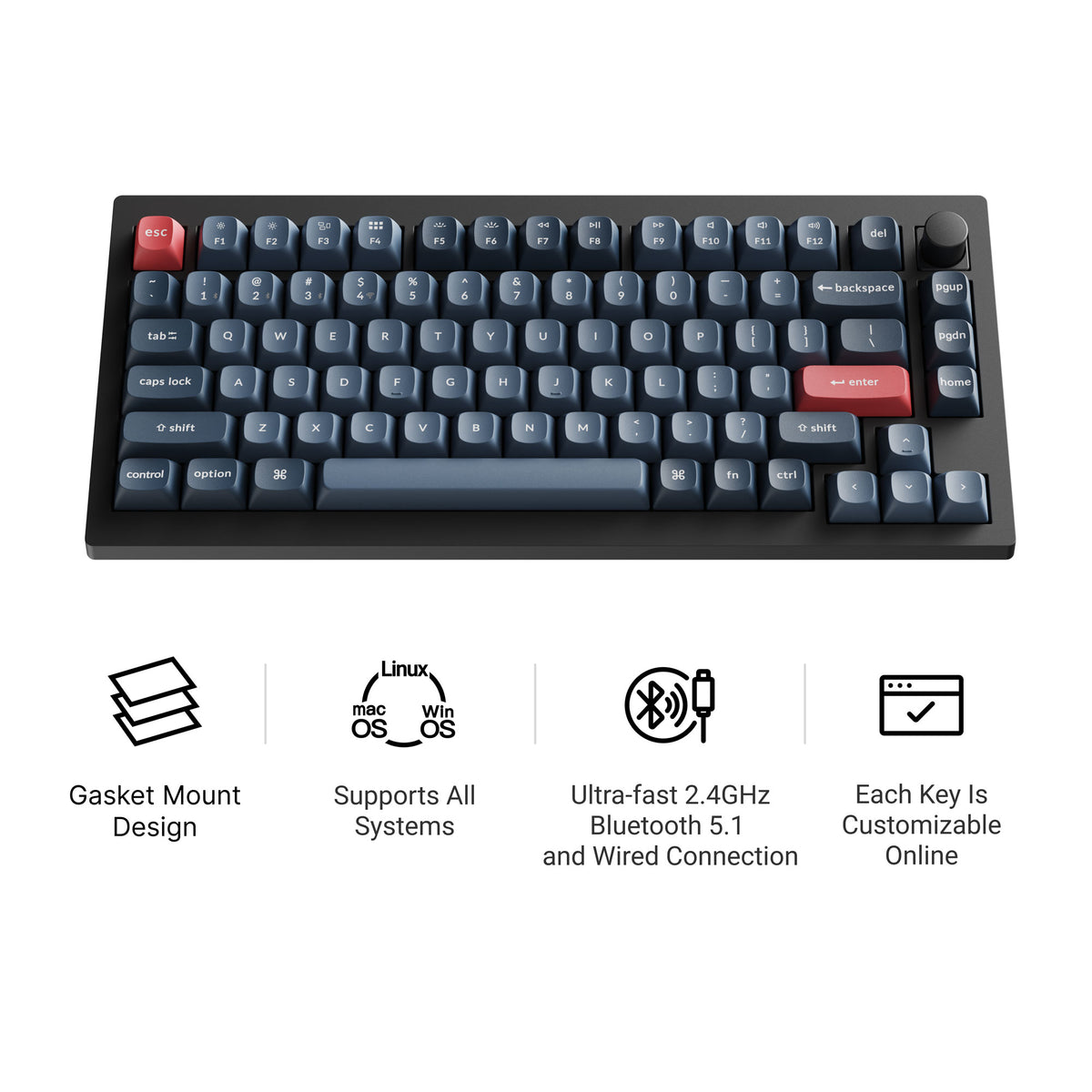
Keychron V1 Max
The Keychron V1 Max is a 75% hot-swappable board with tri-mode connectivity (2.4 GHz wireless, Bluetooth, and wired), a double-gasket design, factory pre-lubed switches, and screw-in stabilizers. It supports QMK/VIA and has south-facing RGB, so it feels tuned straight out of the box and stays easy to remap. Current versions all include a rotary knob; our Keychron V1 Max guide covers the full specs.
Keychron K2 HE
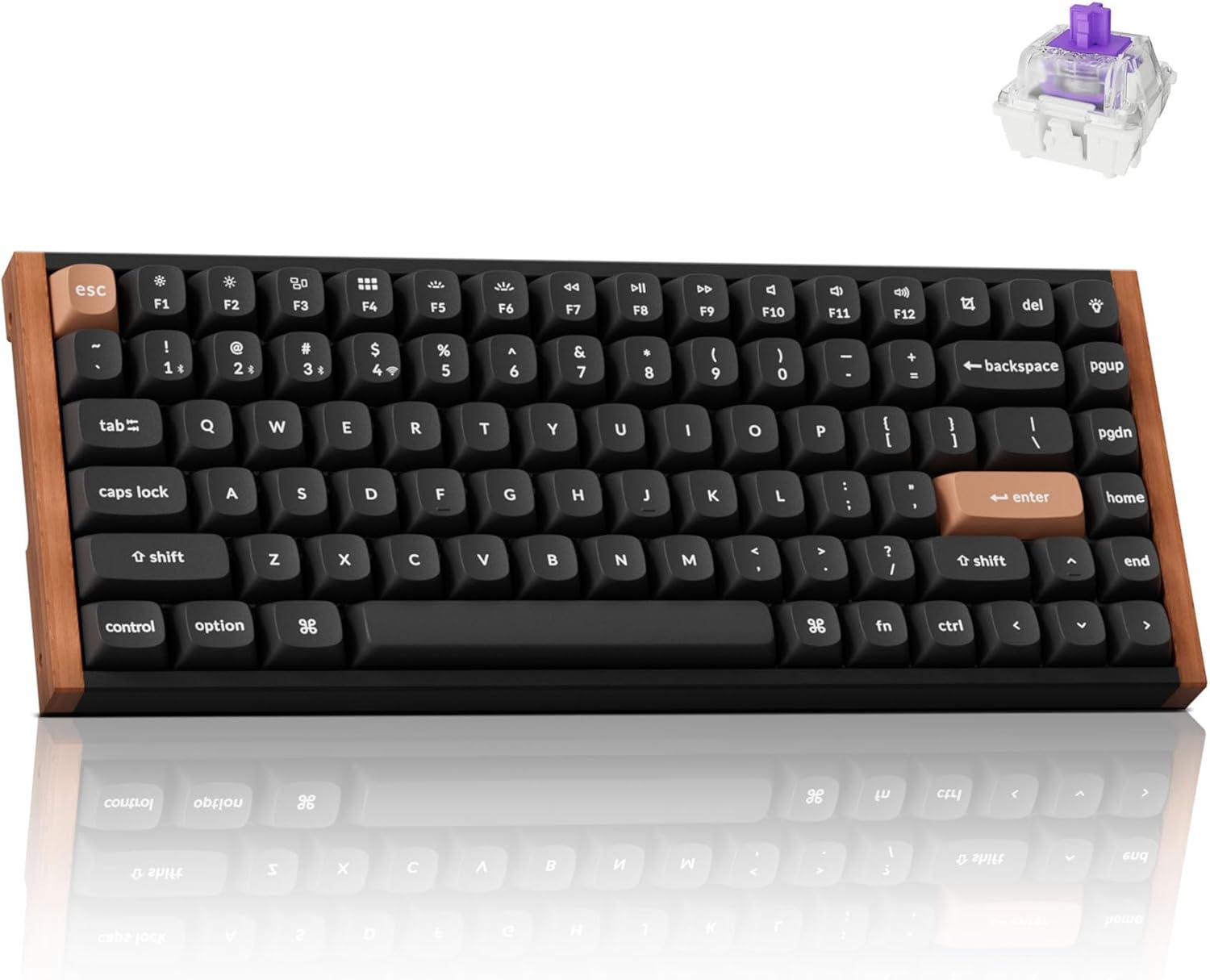
The Keychron K2 HE is a high-performance 75% mechanical keyboard that features Hall-Effect Gateron double-rail magnetic switches, allowing for ultra-responsive input and customizable actuation. This keyboard is built to last, and the hot-swappable design means you can easily replace switches if needed.
Pros:
- Hall-Effect magnetic switches for increased durability
- Hot-swappable switches
- QMK/VIA programmability
Cons:
- Higher price point
- Magnetic switches might feel different than traditional mechanical switches
AULA F99
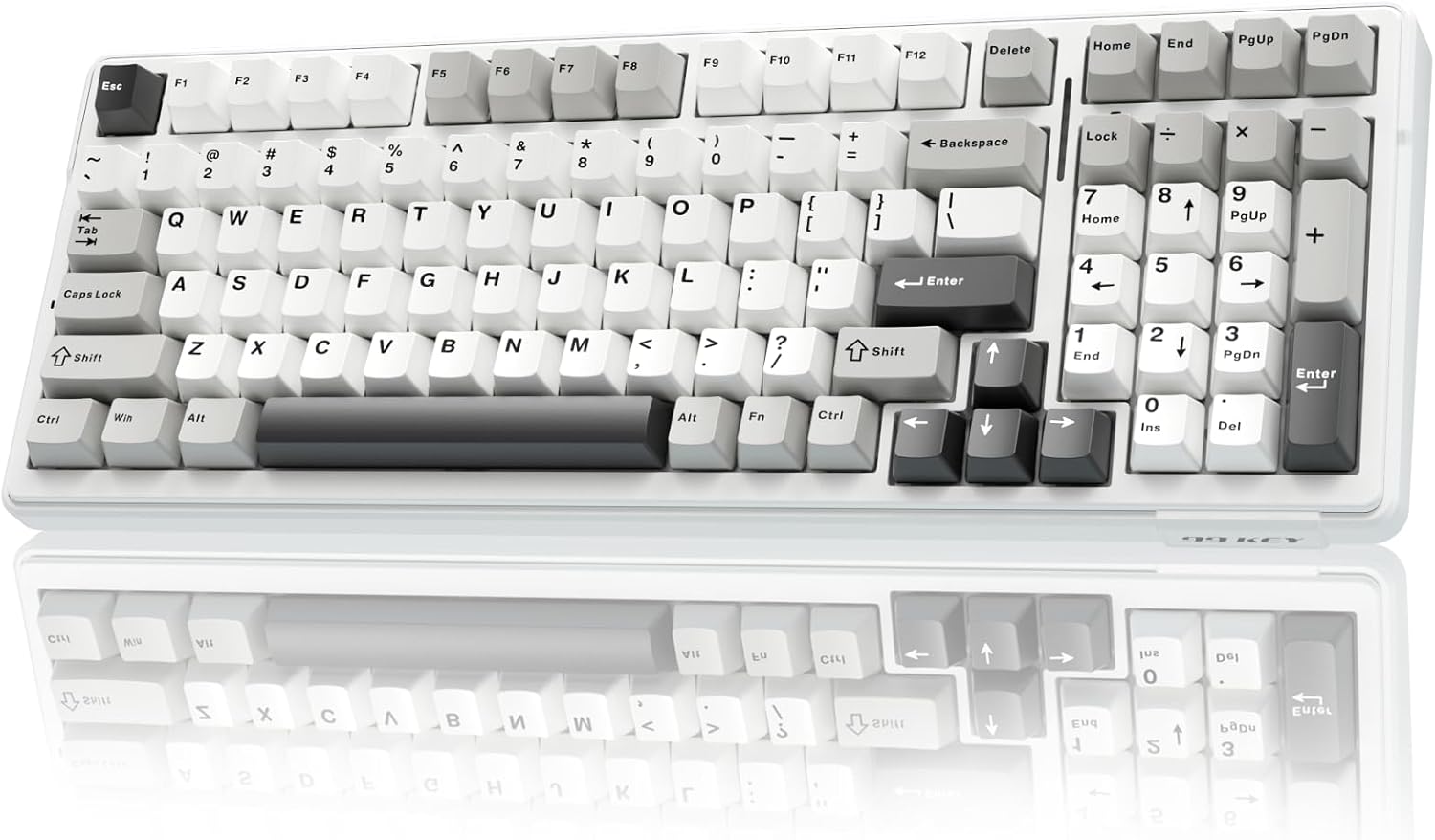
The AULA F99 is a compact 96% mechanical keyboard with tri-mode connectivity and a large battery. Its gasket-mounted structure and five-layer sound dampening contribute to a soft, responsive typing experience, while the hot-swappable switch sockets add to its longevity.
Pros:
- Tri-mode connectivity
- Gasket-mounted structure
- Hot-swappable switch sockets
Cons:
- 96% layout might take some getting used to
- Some users may find the pre-lubed linear switches too sensitive
WOBKEY Rainy 75
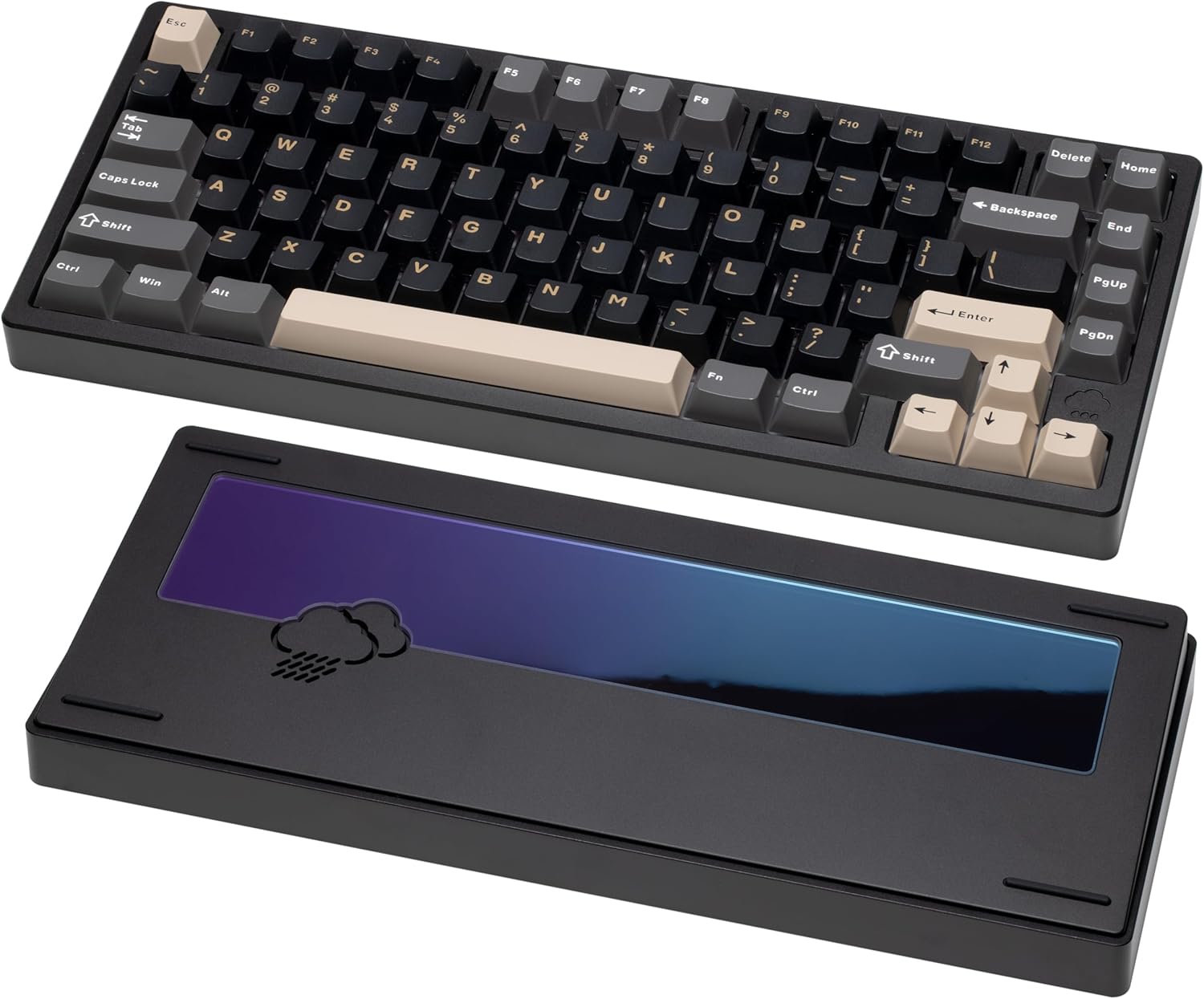
The WOBKEY Rainy75 features a solid aluminum case and five-layer acoustic dampening. The gasket-mounted design ensures soft, quiet keystrokes, making it ideal for both work and play. Its tri-mode connectivity adds to its versatility.
Pros:
- Solid aluminum case
- Gasket-mounted design
- Tri-mode connectivity
Cons:
- Minimalist design might not appeal to everyone
- Higher price point
Keychron K2 Max
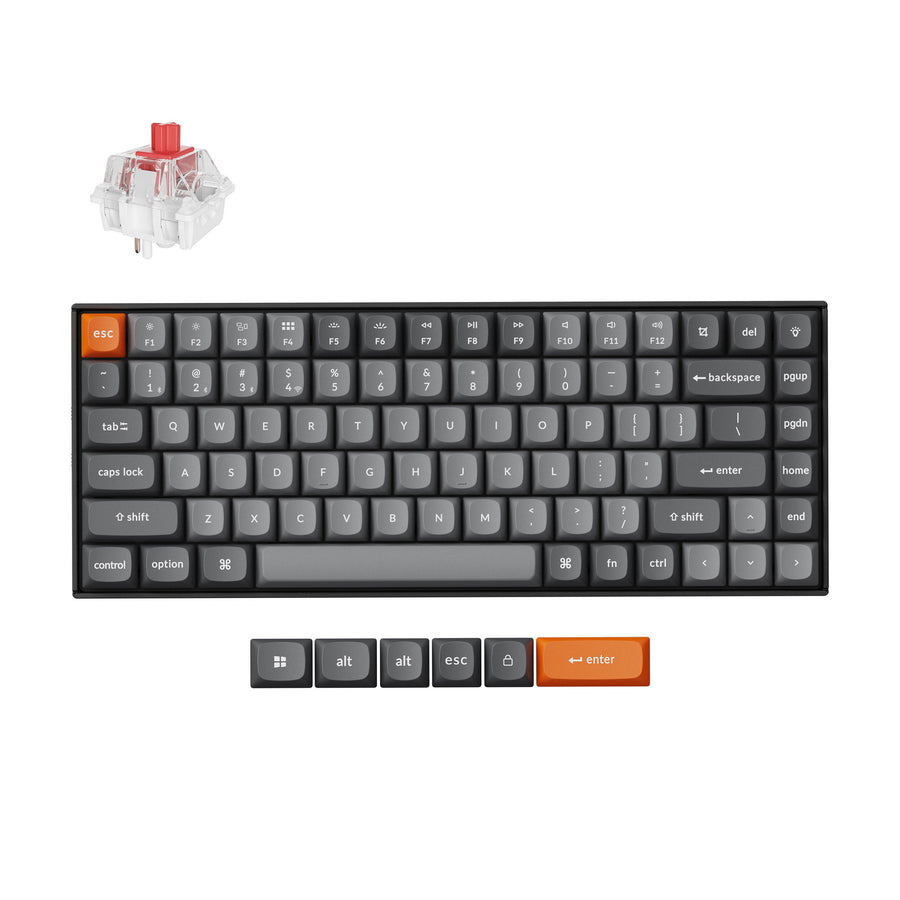
The Keychron K2 Max is a 75% tri-mode keyboard that connects over 2.4 GHz, Bluetooth, or USB-C and ships with keycaps for both Windows and macOS, so Command and Option are labeled correctly out of the box. It supports QMK/VIA, remaps through the Keychron Launcher web app, has RGB backlighting, and comes in hot-swappable versions with an optional aluminum frame.
Additional Tips
- Use a keyboard cover: When not in use, a keyboard cover can protect against dust and spills.
- Avoid eating over your keyboard: This is a simple way to prevent crumbs and food particles from getting into the switches.
- Consider a wrist rest: A wrist rest can improve ergonomics and reduce strain during long typing sessions.
Visual Aids
Consider including visuals like:
- Switch charts: To illustrate different switch types and their characteristics.
- Keyboard layouts: To showcase various keyboard layouts (e.g., 60%, 75%, TKL).
- Step-by-step cleaning guides: With images or videos demonstrating proper cleaning techniques.
Conclusion
Maintaining your mechanical keyboard is an investment in its longevity and performance. By following these simple tips and choosing a durable model like the Keychron V1 Max or Keychron K2 HE, you can ensure a consistent and enjoyable typing experience for years to come. Now that you're equipped with the knowledge, why not explore these fantastic keyboards and elevate your typing experience? Share your own maintenance tips and favorite keyboards in the comments below!