Mechanical keyboards are a joy to use, offering tactile feedback and customization options that membrane keyboards simply can't match. However, one common complaint is the noise. That's where sound dampening comes in! Whether you're in a shared office, streaming, or just prefer a quieter typing experience, this guide will explore how to achieve a more pleasant sound profile for your mechanical keyboard.
Why Sound Dampening Matters
Mechanical keyboards can be loud due to the switches, keycaps, and the keyboard case itself. Each keypress generates sound as the switch activates and the keycap bottoms out. Without proper dampening, these sounds can reverberate within the keyboard case, amplifying the noise.
Sound dampening minimizes these sounds, creating a more focused and comfortable typing experience. It can also improve the perceived quality of your keyboard, making it sound more premium and less hollow.
Common Sources of Keyboard Noise
- Switches: The type of switch greatly impacts the sound. Clicky switches are the loudest, tactile switches are moderately loud, and linear switches are generally the quietest.
- Keycaps: Thicker keycaps, especially those made of PBT plastic, tend to produce a deeper and more solid sound compared to thin ABS keycaps.
- Case: The keyboard case material and construction play a significant role. Plastic cases can resonate more than metal cases. Hollow cases amplify sound, while denser cases dampen it.
- Stabilizers: Stabilizers are used for larger keys like the spacebar, Shift, and Enter. Poorly lubricated or rattling stabilizers can add unwanted noise.
Sound Dampening Techniques
Here are several techniques to reduce keyboard noise:
-
Switch Selection: Choose quieter switches like linear switches (e.g., Cherry MX Silent Red, Gateron Silent Black) or tactile switches with dampening features (e.g., ZealPC Zilent V2).
-
O-Rings: O-rings are small rubber rings that can be placed on the keycap stems to cushion the impact when bottoming out. They're an affordable and easy way to reduce noise, but they can also slightly reduce key travel.
-
Keycap Material: Opt for thicker PBT keycaps. PBT plastic is denser than ABS and produces a deeper, more muted sound.
-
Case Foam: Adding foam inside the keyboard case absorbs sound vibrations. You can use pre-cut foam inserts or create your own using materials like neoprene or felt.
-
Plate Dampening: A layer of foam or rubber between the switch plate and the PCB can further reduce vibrations.
-
Stabilizer Lubrication: Lubricating the stabilizers with a high-quality grease (e.g., Krytox 205g0) eliminates rattling and improves smoothness.
-
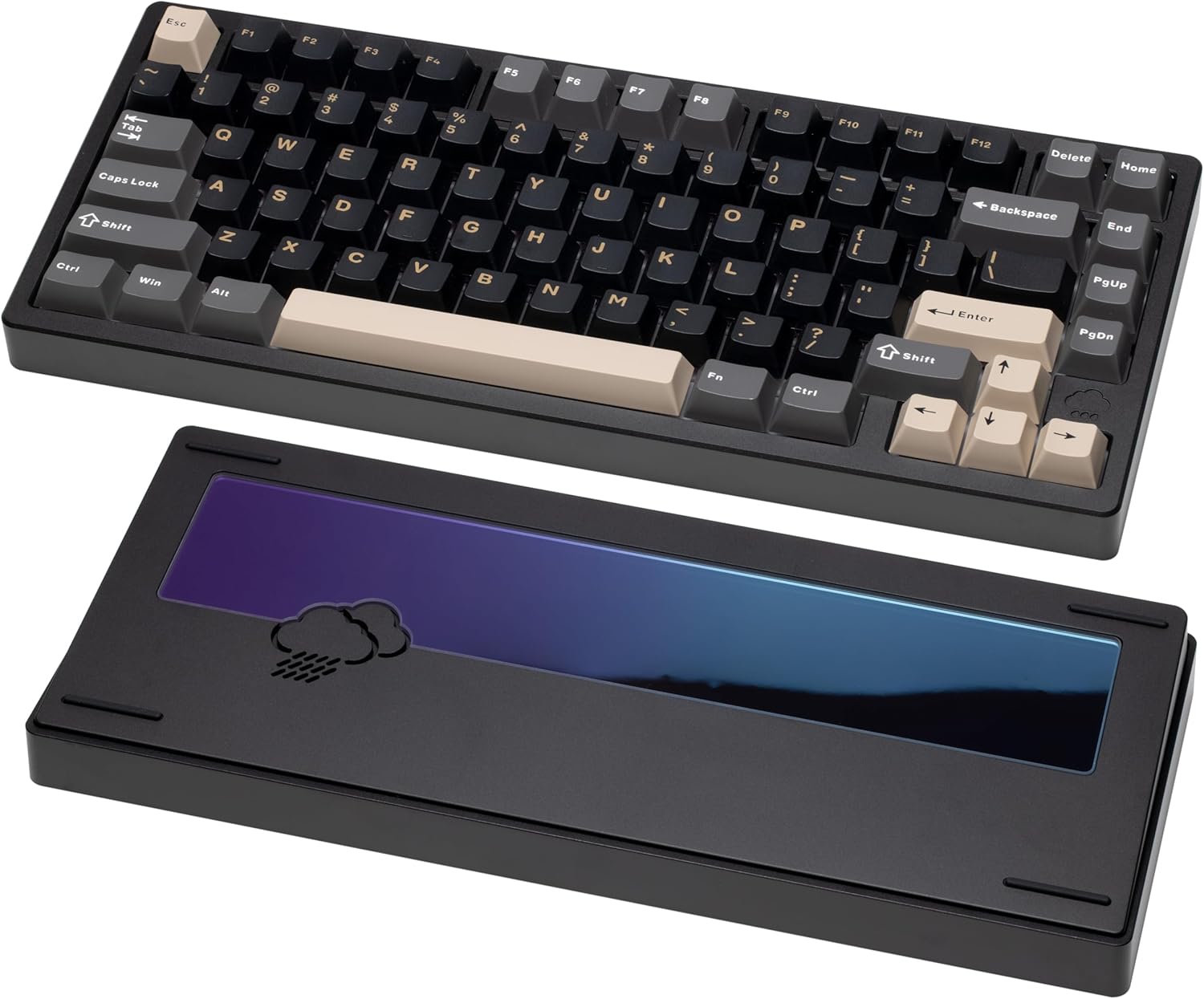
Gasket Mount: Gasket-mounted keyboards use a gasket material to suspend the switch plate within the case, reducing vibrations and noise. Keyboards like the WOBKEY Rainy 75 employ this design philosophy, which results in a dampened typing feel and sound.
Featured Keyboards with Excellent Sound Dampening
Let's explore some mechanical keyboards that prioritize sound dampening:
Keychron V1 Max
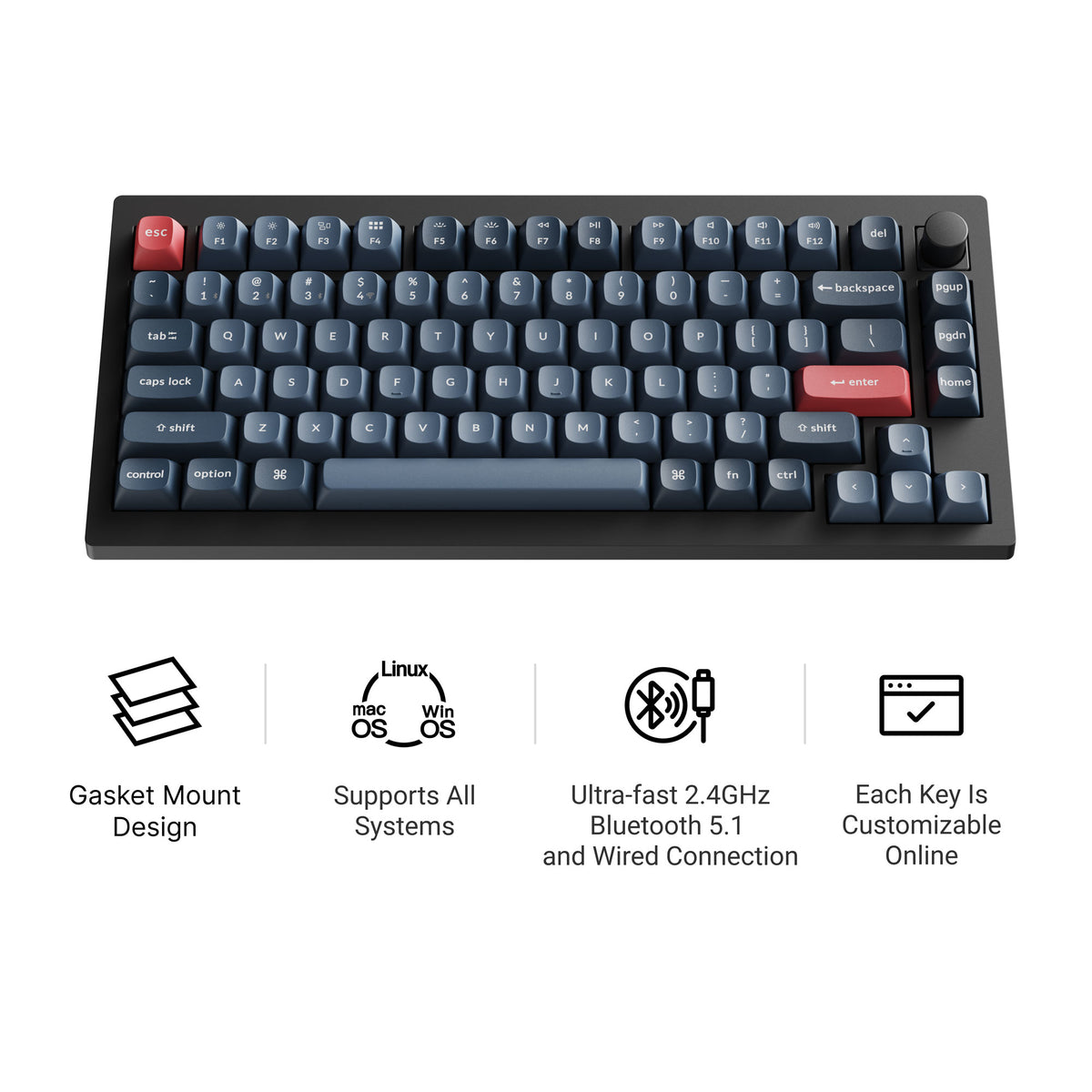
The Keychron V1 Max is a 75% hot-swappable board with tri-mode connectivity (2.4 GHz wireless, Bluetooth, and wired), a double-gasket design, factory pre-lubed switches, and screw-in stabilizers. It supports QMK/VIA and has south-facing RGB, so it feels tuned straight out of the box and stays easy to remap. Current versions all include a rotary knob; our Keychron V1 Max guide covers the full specs.
Keychron K2 HE
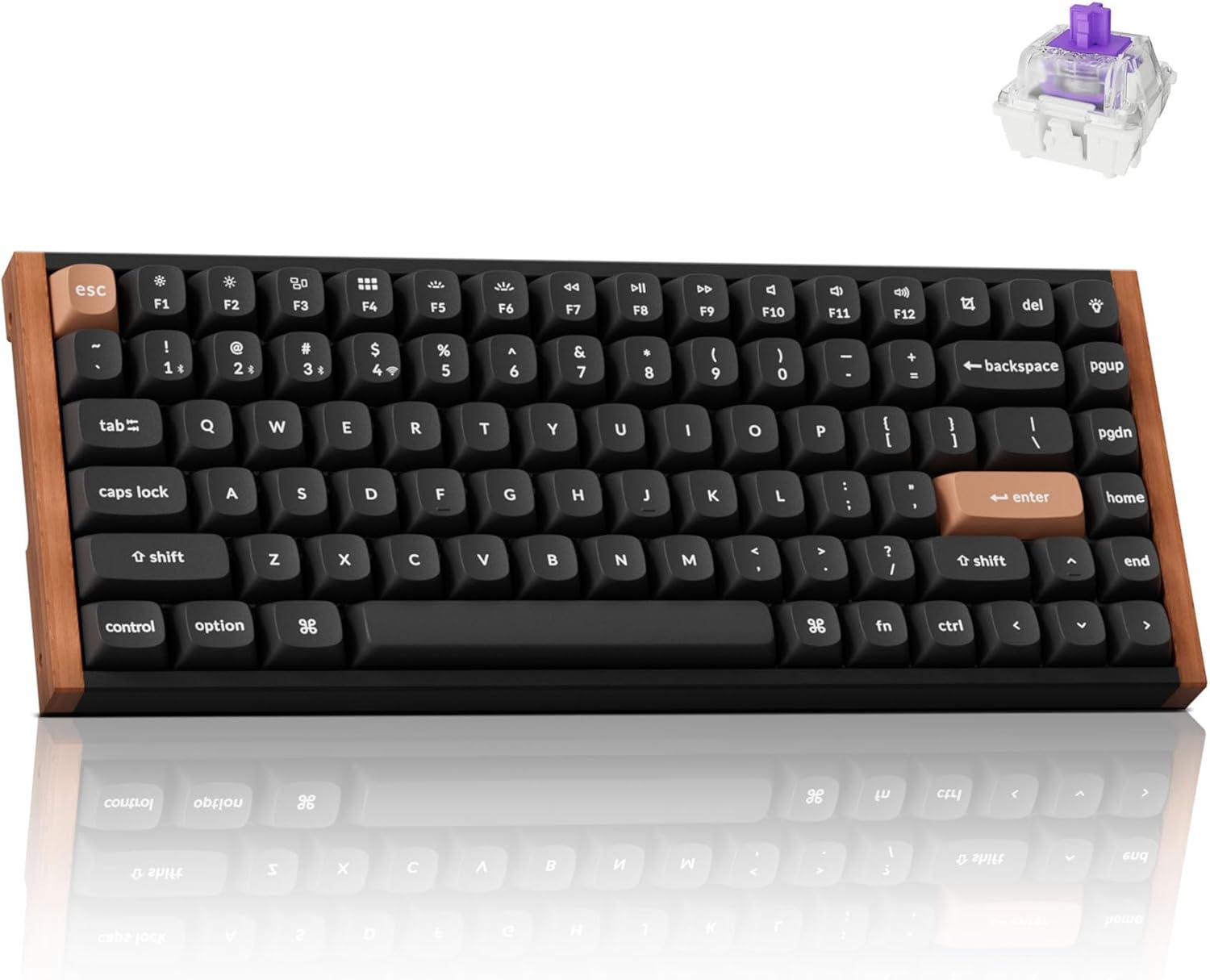
The Keychron K2 HE utilizes Hall-Effect Gateron double-rail magnetic switches, which are known for their smooth and quiet operation. The gasket-mounted design and high-quality construction contribute to a dampened sound profile.
- Pros:
- Ultra-responsive magnetic switches
- Customizable actuation
- QMK/VIA programmability
- Cons:
- Relatively expensive
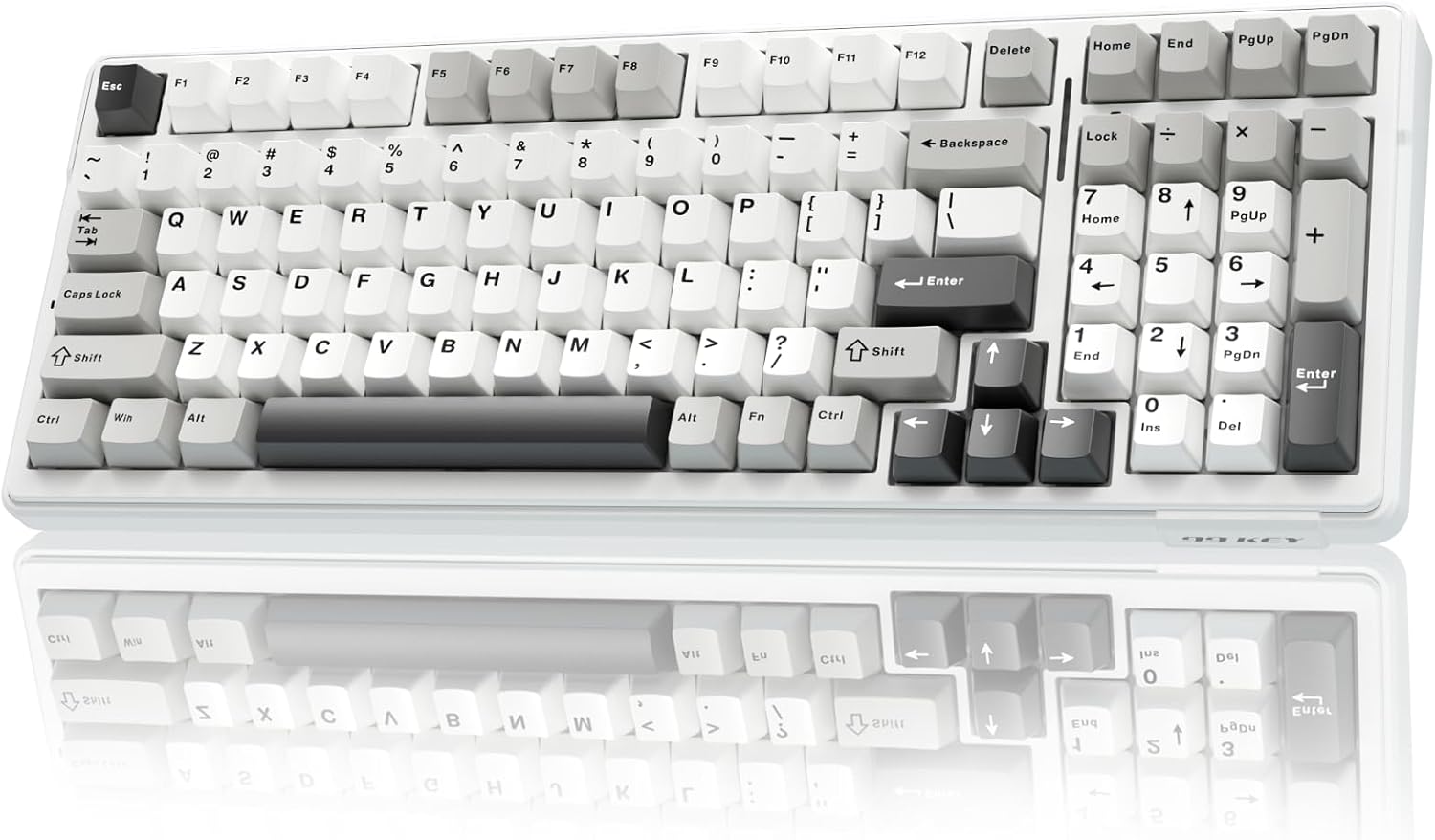
AULA F99
The AULA F99 features a gasket-mounted structure and five-layer sound dampening, making it a great option for those seeking a quiet keyboard. The pre-lubed linear switches further enhance the smooth and silent typing experience.
- Pros:
- Excellent value for money
- Long-lasting battery
- Hot-swappable switches
- Cons:
- 96% layout might not be for everyone
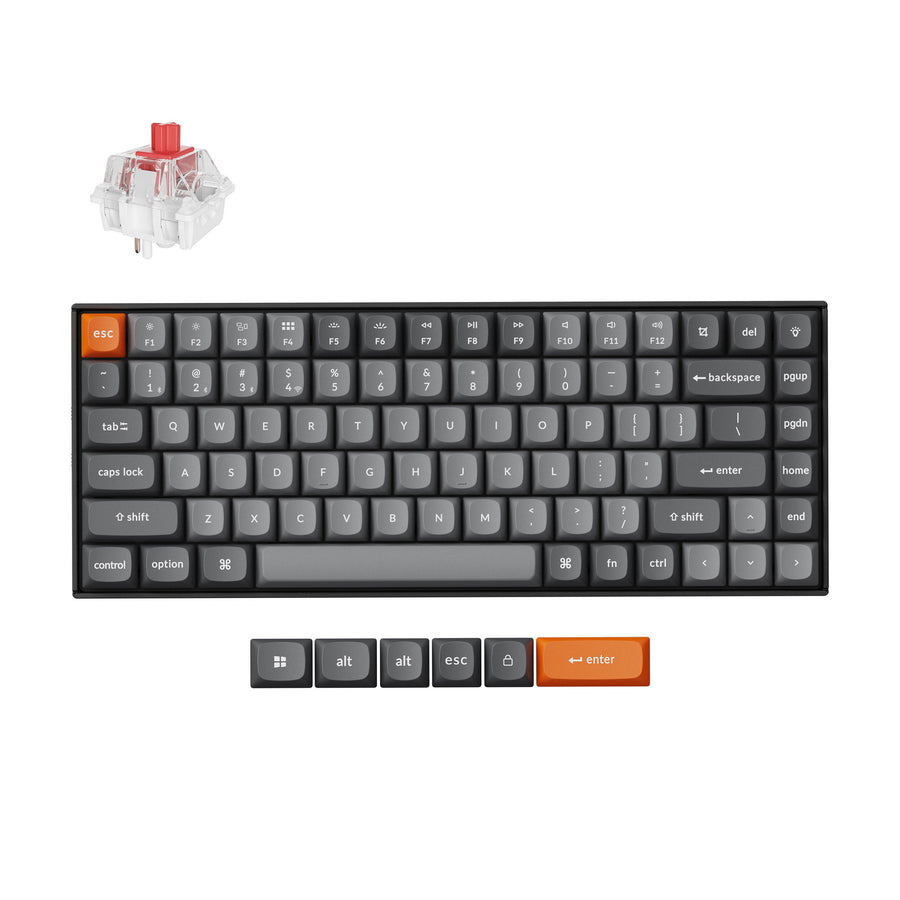
Keychron K2 Max
The Keychron K2 Max is a 75% tri-mode keyboard that connects over 2.4 GHz, Bluetooth, or USB-C and ships with keycaps for both Windows and macOS, so Command and Option are labeled correctly out of the box. It supports QMK/VIA, remaps through the Keychron Launcher web app, has RGB backlighting, and comes in hot-swappable versions with an optional aluminum frame.
Choosing the Right Sound Dampening Approach
The best approach to sound dampening depends on your budget, technical skills, and desired level of quietness. For a simple and affordable solution, consider O-rings or case foam. For a more comprehensive approach, explore gasket-mounted keyboards or replace keycaps and switches.
If you're comfortable with modifications, lubricating stabilizers and adding plate foam can significantly improve the sound profile. If not, a pre-built keyboard like the WOBKEY Rainy 75 or Keychron V1 Max gives you a gasket-mounted, pre-lubed sound right out of the box.
Conclusion
Sound dampening is an essential aspect of creating a comfortable and enjoyable mechanical keyboard experience. By understanding the sources of keyboard noise and implementing the appropriate techniques, you can transform a loud and distracting keyboard into a quiet and refined tool.
Ready to take your keyboard to the next level? Explore the keyboards mentioned above and experiment with different sound dampening techniques to find the perfect sound profile for your needs. Don't forget to share your experiences and favorite tips in the comments below!