So, you're diving into the world of mechanical keyboards? Awesome! One of the first (and most important) things you'll encounter is the vast world of keyboard switches. Don't worry, it's not as intimidating as it seems.
There are five types of keyboard switches worth knowing: linear, tactile, clicky, silent, and magnetic. The first three are the core categories every switch falls into; silent and magnetic are variations built on top of them. This guide explains what each one actually feels like, what it sounds like, and which to buy first.
What are Mechanical Keyboard Switches?
Unlike the mushy membrane keyboards of old, mechanical keyboards use individual, physical switches under each keycap. These switches provide tactile feedback and a more responsive typing experience. The type of switch dramatically impacts the feel, sound, and overall performance of your keyboard.
Every switch is built from the same handful of parts, and knowing them makes the rest of this guide easier to follow:
- Stem: The coloured piece you press. Its shape is what creates a bump, a click, or nothing at all — the stem is what makes a switch linear, tactile, or clicky.
- Spring: Provides resistance and pushes the key back up. Spring weight is what makes a switch feel light or heavy.
- Housing: The top and bottom shells that hold everything together and shape the sound.
- Contacts: Metal leaves that complete the circuit when you press. (Magnetic switches replace these with a magnet and a sensor — more on that below.)
The Five Types at a Glance
| Switch type | Feel | Noise | Best for |
|---|---|---|---|
| Linear | Smooth all the way down, no bump | Low–medium | Gaming, fast typing |
| Tactile | Noticeable bump at actuation | Medium | Typing accuracy, all-day use |
| Clicky | Bump plus a deliberate click | High | Typing feel, private spaces |
| Silent | Linear or tactile, with dampened stems | Lowest | Offices, streaming, shared rooms |
| Magnetic (Hall effect) | Linear, with adjustable actuation | Low–medium | Competitive gaming |
The Three Core Types of Mechanical Keyboard Switches
1. Linear Switches
- Feel: Smooth and consistent keystroke with no tactile bump or audible click.
- Sound: Typically quieter than tactile or clicky switches.
- Typical actuation force: 35–60g.
- Best for: Gamers who need fast and responsive key presses, and users who prefer a smooth, quiet typing experience.
Linear switches offer a direct path from the top to the bottom of the keypress. This makes them ideal for rapid, repeated keystrokes. Think of them as the sports cars of the keyboard world — built for speed.
Linears are also the largest category by far, so this is where the most choice is. Common picks: Cherry MX Red (light, the reference point), Cherry MX Black (heavier, harder to press by accident), Gateron Yellow (the budget favourite), Gateron Oil King and Gateron Ink Black (heavier, deeper-sounding enthusiast sets), and Speed Silver (a shorter travel aimed at gaming).
Gateron G Pro 3.0 Red — the cheapest good linear
Pre-lubed from the factory, light to press, and smooth enough that most people would not guess the price. If you want to find out whether linear is for you without spending real money, this is the set to buy.
Best for: a first linear switch set, gaming, quiet rooms
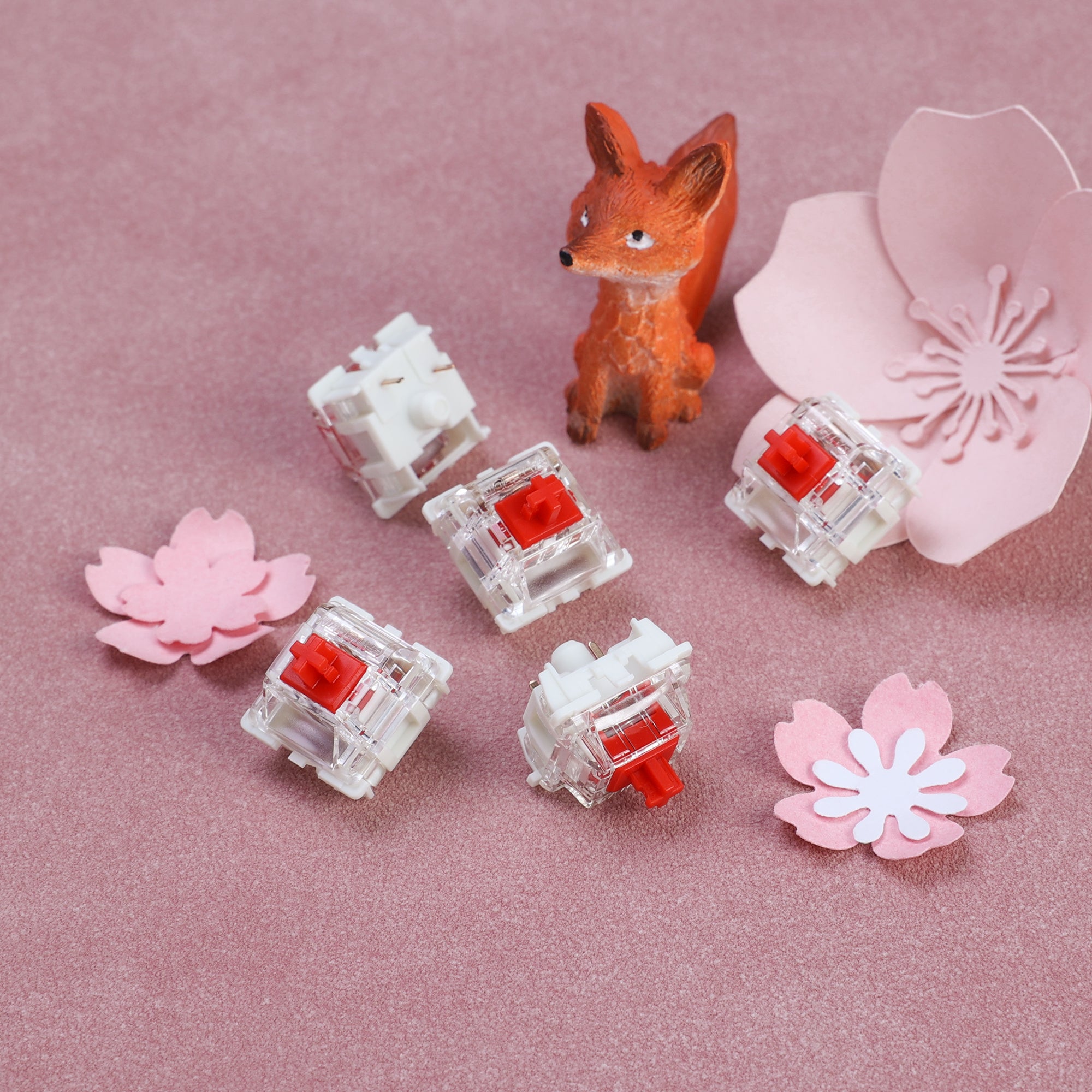
AULA F99 — a linear keyboard, ready to go
If you would rather buy a finished keyboard than a bag of switches, the F99 arrives with pre-lubed linears and a gasket-mounted structure, which gives it a softer, quieter typing feel than a rigid budget board. A good way to get the linear experience without building anything.
Best for: buying one thing instead of assembling several
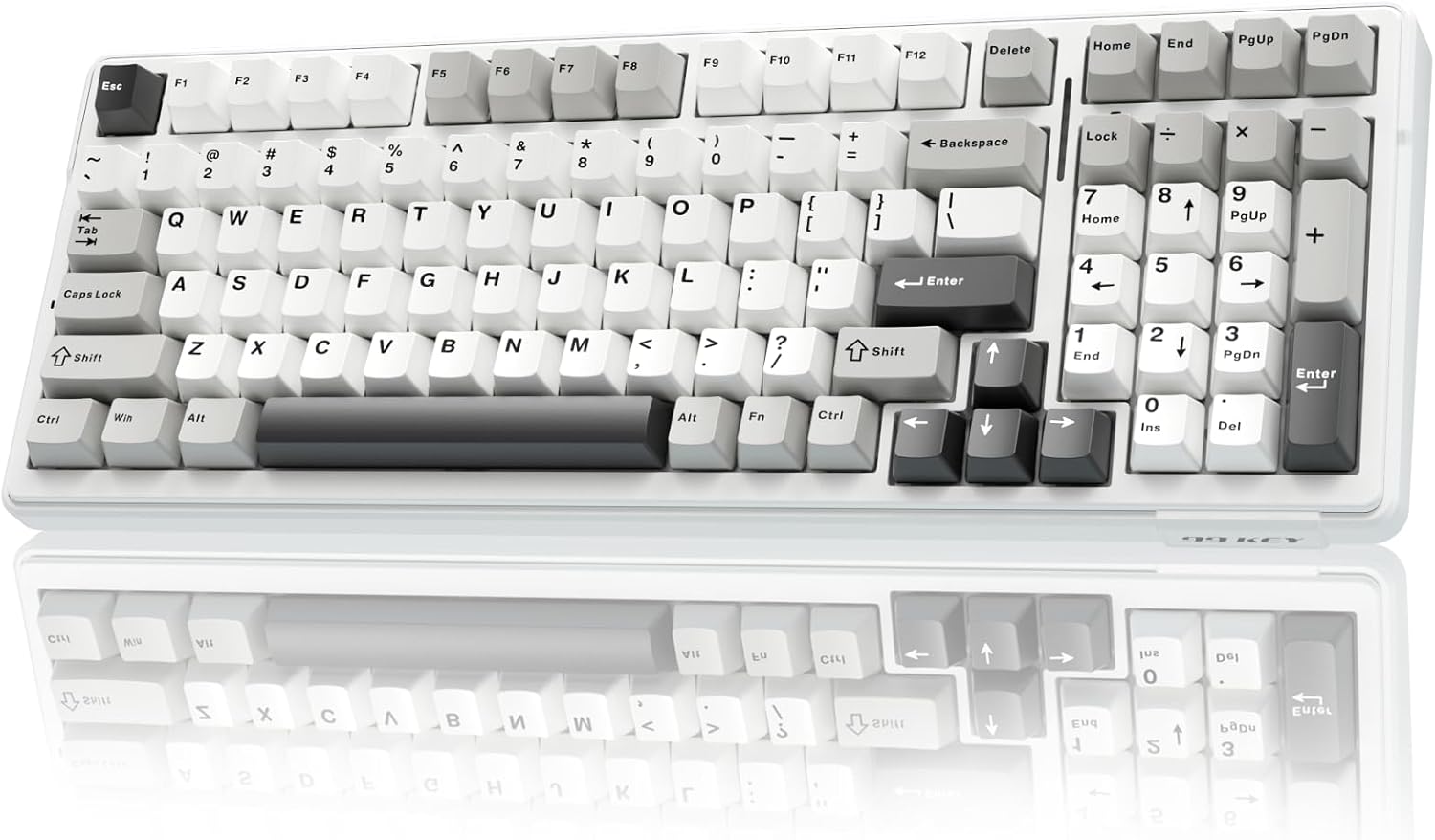
If you want to go deeper on this category, the best linear switches compares the popular sets head to head.
2. Tactile Switches
- Feel: A noticeable bump when the key is actuated, providing feedback that the keypress has registered.
- Sound: Moderate sound level, often a soft thud.
- Typical actuation force: 45–67g.
- Best for: Typists who want feedback and accuracy, and users who enjoy a more deliberate typing experience.
Tactile switches give you a little bump partway through the keypress, right at the point where the keystroke registers. You feel the exact moment the key "counts," which means you can stop pressing there instead of driving every key into the bottom of its travel. Experienced typists learn to ride that bump and release, which is easier on your hands over a long day.
Common picks: Cherry MX Brown (the mild, widely available default), Cherry MX Clear (heavier, with a stronger bump), Gateron Brown (a cheaper Brown), Glorious Holy Panda (a large, sharp bump), and Boba U4T (a loud, aggressive enthusiast tactile).
Siliworks Type R — an easy first tactile
A medium-weight tactile with a rounded bump that shows up early in the press. It is the kind of switch that makes the case for tactility without being loud or fatiguing about it, which is exactly what you want when you are still working out what you like.
Best for: your first set of tactile switches, mixed typing and gaming
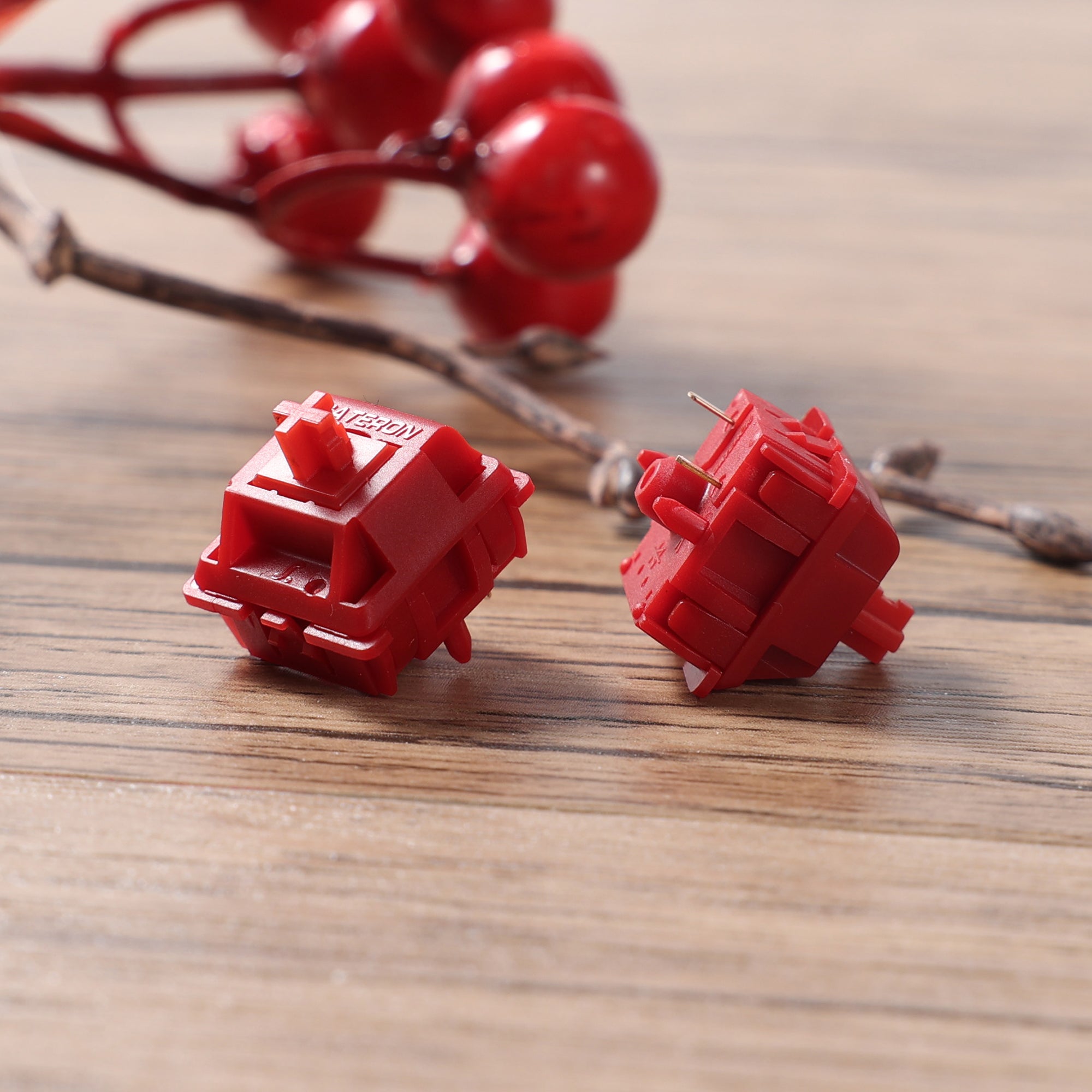
Glorious Holy Panda (lubed) — the big, sharp bump
Holy Pandas are the switch that made a lot of people care about tactility in the first place. The bump is large and sharp rather than gentle, and the lubed version smooths out the scratchiness the originals were known for. Buy these if you already know you like tactile and want more of it.
Best for: typists who want the most pronounced bump available
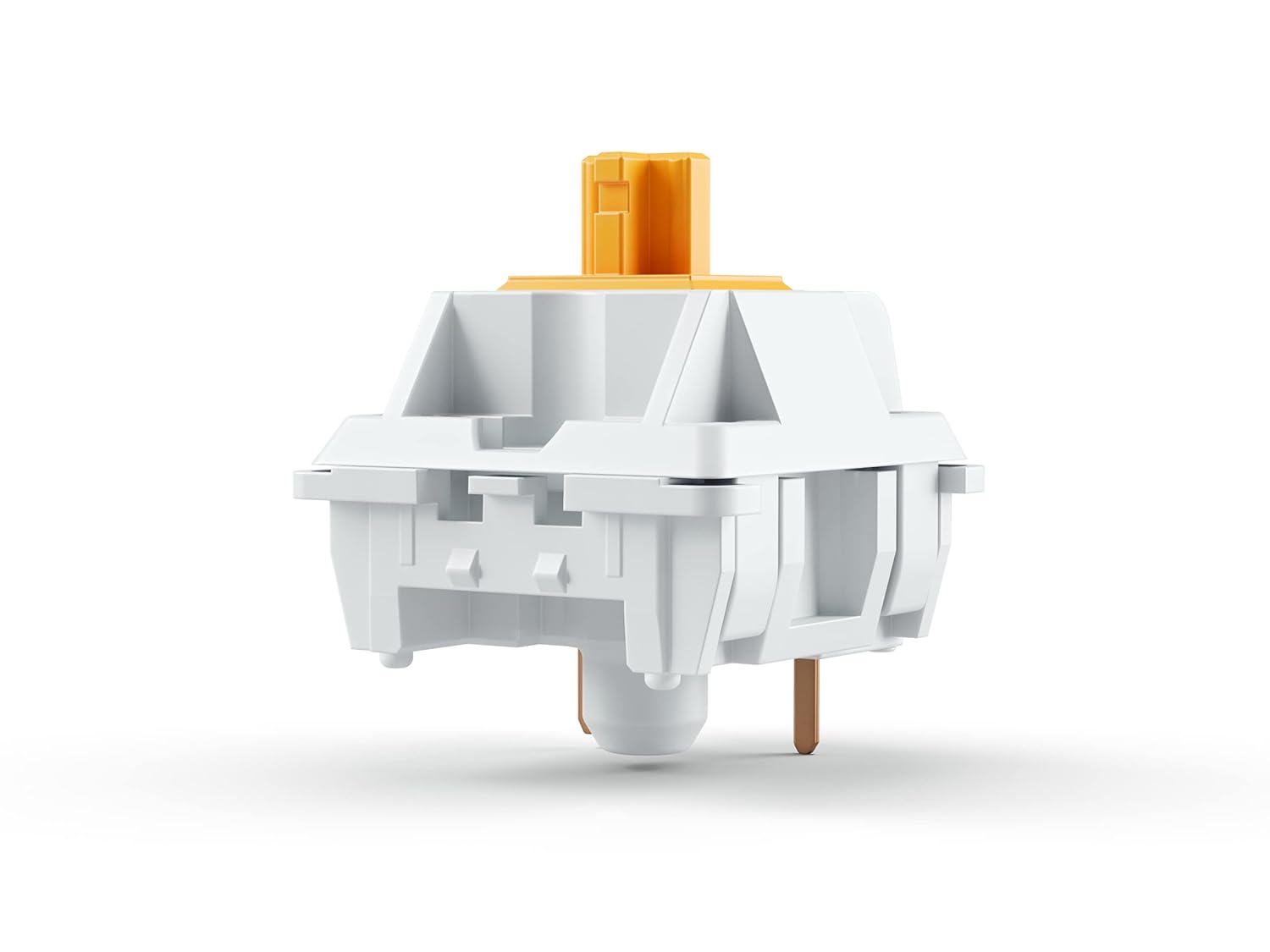
If you want the longer comparison, our guide to the best tactile switches ranks the current options in more detail.
3. Clicky Switches
- Feel: A tactile bump plus a distinct audible click at the actuation point.
- Sound: The loudest of the three, by a wide margin.
- Best for: Typists who genuinely enjoy the sound and type somewhere they will not annoy anyone.
Clicky switches use an extra mechanism — a click jacket or a click bar — to produce the noise deliberately. It is not a side effect of the switch working; it is the point. The feedback is unmistakable, and so is the sound at 2am in a shared apartment.
Be honest with yourself about your environment before buying these. Clicky switches are the single most common reason people end up replacing a keyboard they otherwise liked.
Common picks: Cherry MX Blue (the classic), Kailh Box White (crisper and more durable), and Kailh Box Jade (deeper and much louder).
Cherry MX Blue — the classic click
The switch most people picture when they hear "mechanical keyboard." Cherry's click jacket design has been around for decades, it is well understood, and it is the reference point every other clicky switch gets compared against.
Best for: the traditional clicky sound, at a sane price
Cherry MX Blue Switches
Kailh Box Jade — louder and heavier
Box Jades use a click bar instead of a click jacket, which produces a deeper, much louder click and a heavier press. If MX Blues feel thin to you, this is the upgrade path. If you are unsure, start with the Blues.
Best for: people who want the click to be the loudest thing in the room
Kailh Box Jade Switches
There is more on the trade-offs in our clicky switches guide.
Two More Types Worth Knowing
4. Silent Switches
Silent switches are not a separate feel so much as a modification. Manufacturers add rubber or silicone dampening pads to the stem, which absorb the impact at the top and bottom of the keystroke. You can get silent linears and silent tactiles alike.
- Feel: Whatever the underlying switch is, with a softer, slightly "mushier" landing.
- Sound: The quietest option available — a silent linear is as quiet as a mechanical keyboard gets.
- Trade-off: The dampening pads shorten travel slightly and blunt the crispness some typists want.
- Common picks: Cherry MX Silent Red, Gateron Silent Brown.
If noise is your main constraint, read our silent keyboard switches guide, or look at complete quiet mechanical keyboards instead of swapping switches yourself.
5. Magnetic (Hall Effect) Switches
Magnetic switches replace the metal contact leaves with a magnet and a Hall effect sensor. Instead of registering at one fixed depth, the board reads the key's exact position continuously — so you set the actuation point yourself, often anywhere from about 0.1mm to 4.0mm.
- Feel: Linear, with no bump. Adjusting the actuation point changes when the key registers, not how heavy it feels.
- Benefit: A very shallow actuation point gives a genuine speed advantage in competitive gaming. A separate feature called rapid trigger resets the key the instant you start lifting it, rather than at a fixed point — that is what makes repeated presses so much faster.
- Trade-off: They need a compatible Hall effect board. You cannot drop magnetic switches into a standard hot-swap PCB, and there are fewer sets to choose from.
Gateron Magnetic Jade Pro — a mainstream Hall effect set
A rare-earth magnetic switch with a back-cover design that cuts down on stem wobble, which is the usual complaint about cheaper magnetic sets. If you already own an analog board and want to change what is in it, this is the straightforward pick.
Best for: an existing Hall effect keyboard, adjustable actuation, rapid trigger
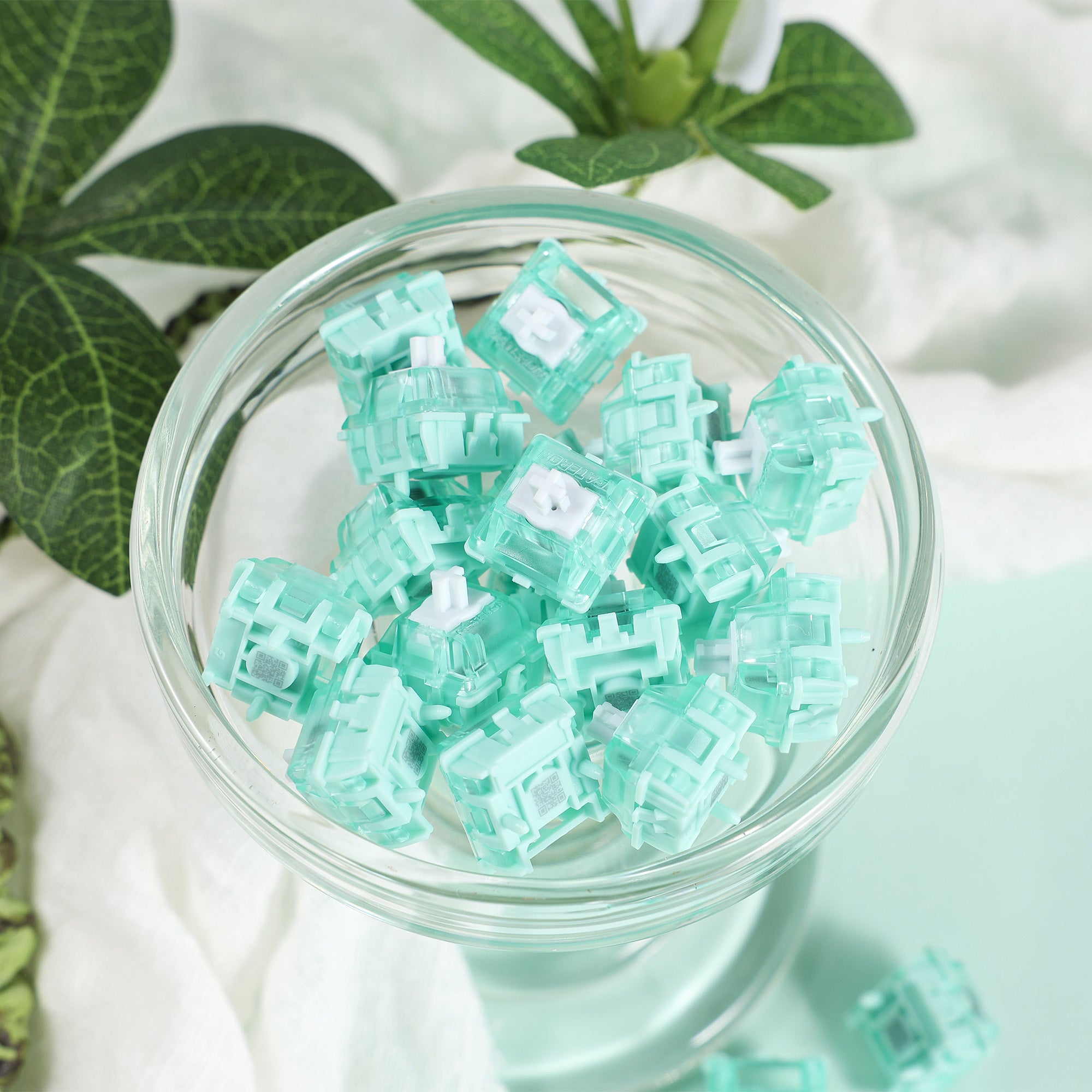
Our magnetic keyboard switches explainer covers how they work, and the hall effect keyboards category lists boards that take them.
The Three Core Types at a Glance
| Linear | Tactile | Clicky | |
|---|---|---|---|
| Bump partway down | No | Yes | Yes |
| Deliberate click sound | No | No | Yes |
| Relative noise | Quietest | Moderate | Loudest |
| Typing feedback | None | Clear | Unmistakable |
| Common picks | Gateron Yellow, G Pro Red | Cherry MX Brown, Holy Panda | Cherry MX Blue, Box Jade |
| Best for | Gaming, quiet rooms | All-day typing | Sound lovers, private spaces |
Which Switch Type Should You Pick?
If you are still stuck, three rules cover most beginners:
- Mostly gaming, or you share a room? Start linear. Nothing gets in the way of a fast repeated keypress, and you will not have to apologise for the noise.
- Mostly typing — email, code, documents? Start tactile. The bump tells you the key registered, so you stop bottoming out and your hands last longer.
- You already know you love the sound and you have your own space? Go clicky, and go in knowing it is a commitment everyone around you shares.
The short version, including the two extra types:
| If you… | Pick this switch type |
|---|---|
| Play competitive games | Linear, or magnetic if your board supports it |
| Type all day and want accuracy | Tactile |
| Want the most satisfying sound | Clicky |
| Share an office or stream | Silent |
| Have no idea yet | Tactile, or buy a switch tester first |
That last row is worth taking seriously. A switch tester is a small board holding a handful of different switches, and a few dollars there beats guessing on a set of 90 you cannot return.
Two Specs That Matter Beyond the Type
Weight is separate from type. A "heavy" switch needs more force to press. Beginners generally do better in the 45–60g range in any of the three core types — heavy switches feel great for about ten minutes and tiring after an hour.
Pin count decides whether a switch fits your board. Five-pin (PCB-mount) switches have two extra plastic legs that steady the switch; three-pin (plate-mount) switches do not. Five-pin switches fit almost every modern hot-swap board, and if yours only takes three, you can clip the extra legs off with nail clippers. Check which your keyboard expects before you order.
For a closer look at the two types most people actually choose between, linear vs tactile covers that decision on its own.
You Do Not Have to Get This Right the First Time
This is the part most beginner guides bury: on a hot-swappable keyboard, switches pull out and push in by hand with a cheap puller. No soldering, no permanence. If you buy a hot-swap board, a wrong guess costs you one switch order, not one keyboard.
That makes the choice much lower-stakes than it looks from the outside. Many people buy a hot-swap board, try a linear, decide they miss the feedback, and move to tactile a month later — that is a normal path, not a mistake. Our hot-swappable keyboard guide covers what to look for, and how to remove keyboard switches walks through the swap itself.
Types of Keyboard Switches FAQ
What are the main types of keyboard switches?
The three core types are linear (smooth, no bump), tactile (a bump at actuation), and clicky (a bump plus an audible click). Silent switches are dampened versions of linears or tactiles, and magnetic (Hall effect) switches use a sensor instead of metal contacts to give you an adjustable actuation point.
Which switch type is best for gaming?
Linear switches are the usual choice, because there is no bump interrupting fast, repeated presses. If your keyboard supports them, magnetic switches go further by letting you set a very shallow actuation point. Our best keyboard switches for gaming guide compares specific options.
Which switch type is best for typing?
Tactile switches suit most typists — the bump confirms the keystroke without needing you to bottom out. Plenty of people type happily on linears too; it comes down to whether you want feedback partway through the press.
What is the quietest type of keyboard switch?
Silent switches, which have dampening pads built into the stem. A silent linear is the quietest common option. Case foam, a gasket mount, and PBT keycaps all reduce noise further — see silent keyboard switches.
Can I change the switches on my keyboard?
Only if it is hot-swappable. Those boards use sockets, so switches pull out and push in without soldering. On a soldered board you would need a soldering iron and desoldering tools. Check hot-swappable mechanical keyboards before you buy if you want to experiment.
Do heavier switches last longer?
No — spring weight affects feel, not lifespan. Most modern switches are rated somewhere between 50 and 100 million presses regardless of weight. Pick the weight that is comfortable for your hands.
The Bottom Line
Linear is smooth and quiet, tactile has a bump you can feel, clicky adds a sound you cannot miss. Silent and magnetic are variations on those — one for quiet rooms, one for competitive gaming. Match that to what you actually do at your desk and who else can hear it, buy a hot-swap board so the decision stays reversible, and start in the middle of the weight range.
Pick the type that matches your main use, and change your mind later — the whole point of a mechanical keyboard is that you can.