60 Percent Keyboard Layout Explained
A 60 percent keyboard keeps the alpha keys, modifiers, and a full bottom row but removes the function row, navigation cluster, arrow keys, and numpad. Everything that's missing moves to a layer accessed via Fn or a layer key.
What you keep vs. lose
- Kept: letters, numbers, modifiers, Enter, Backspace.
- Removed: F-row, arrows, nav cluster, numpad.
- Replaced: all of the above are accessible through Fn layers.
Why the 60% layout exists
60% is the most common starting point for custom mechanical keyboard builds. Almost every keycap set ships in a 60% configuration, and almost every PCB and case maker offers a 60% option. The layout is small enough to free up real estate for a mouse, an external numpad, or a desk that simply needs to be less crowded.
The trade-off is that you have to learn or configure layer access for keys that aren't physically on the board. Most modern 60% boards use VIA, QMK, or first-party software to let you remap layers without programming experience.
Who 60% is for
- Programmers and writers who don't reach for arrows or F-keys constantly.
- FPS gamers who want maximum mouse space.
- Anyone building custom — 60% is the easiest layout to source parts for.
- Minimalist desks where the small footprint is the goal.
Who 60% is NOT for
- Heavy spreadsheet users — get a 96% or full-size with a numpad.
- Anyone who reaches for arrows constantly — 65% adds them with minimal extra space.
- People who use macros tied to F-keys — 75% or TKL keeps them physical.
To see how 60% compares with every other size, from full-size down to 40%, read our guide to keyboard sizes.
How layer access works
Most 60% boards use a key labeled Fn as a layer modifier. Holding Fn and pressing another key triggers whatever's mapped to that key on the secondary layer. So Fn + the WASD cluster typically becomes arrows; Fn + the number row typically becomes F1-F12.
Boards with QMK or VIA support let you customize layers visually. You can move arrows to IJKL, put F-keys on a different row, or build entire macro layers for specific software.
Recommended boards
Best 60% boards to buy
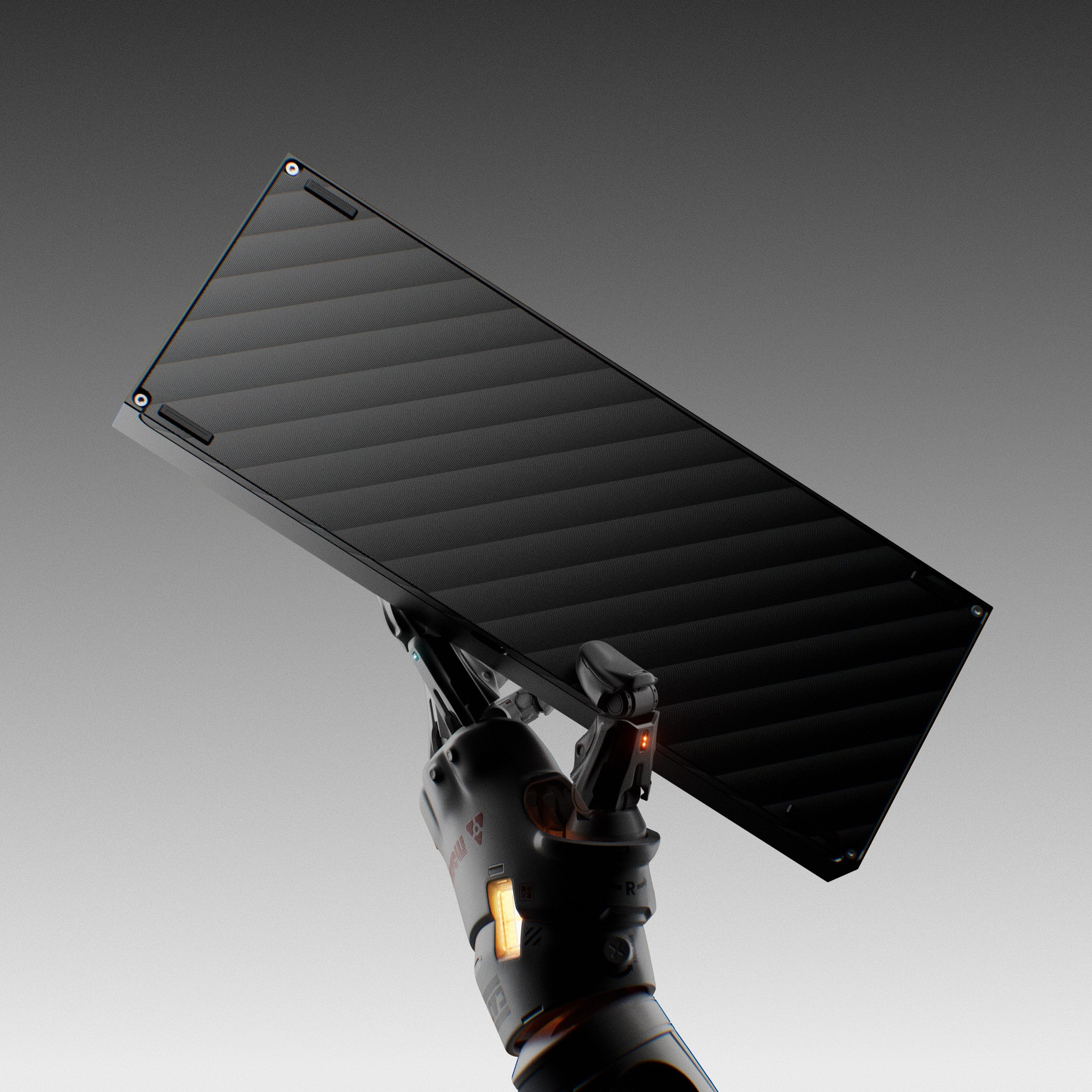
Best 60% kit recommendation. Hot-swap, multiple anodized finishes, and supports WK, WKL, and HHKB layouts.
Buy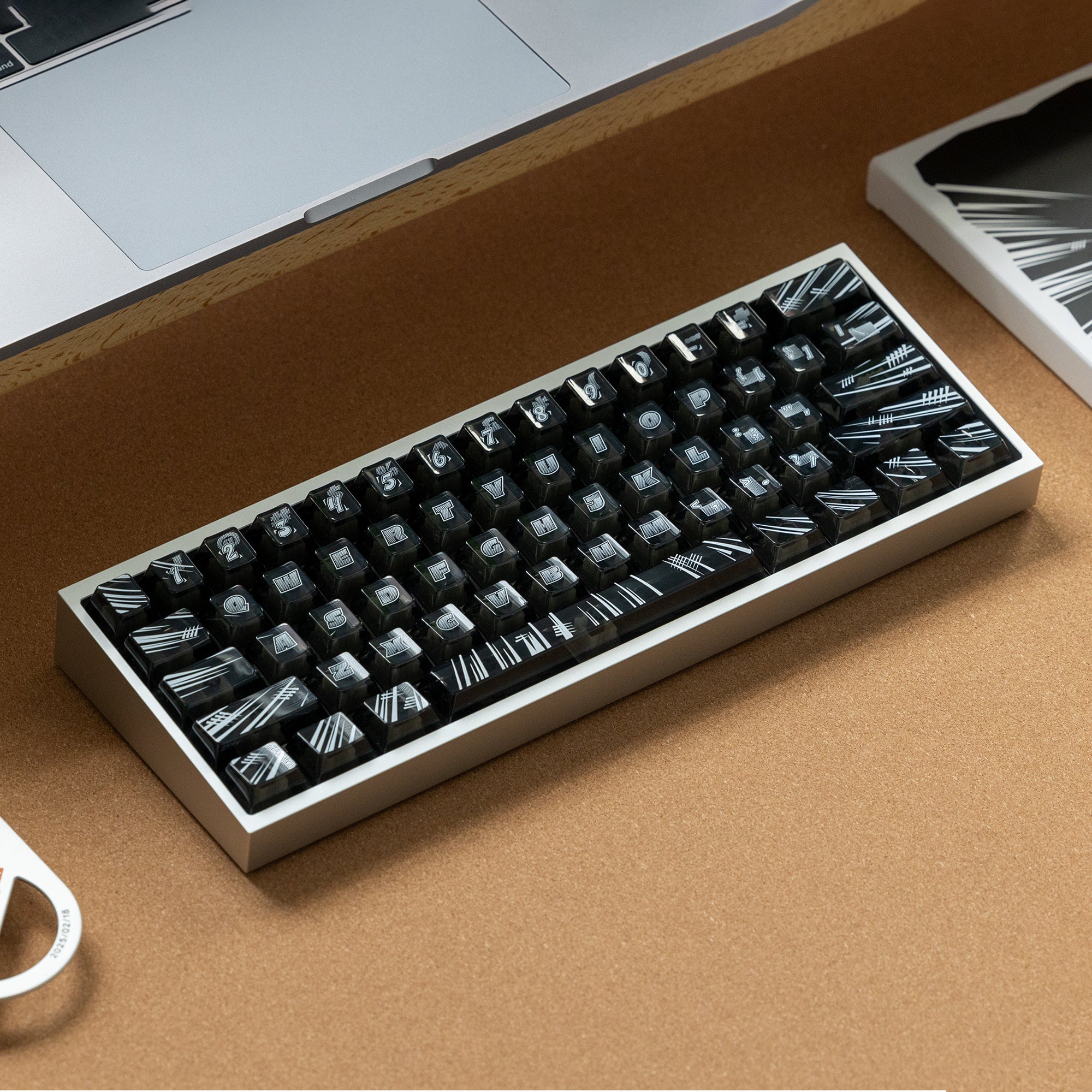
Best 60% gaming pick. Pre-assembled hall-effect with rapid trigger, in the Tofu case.
Buy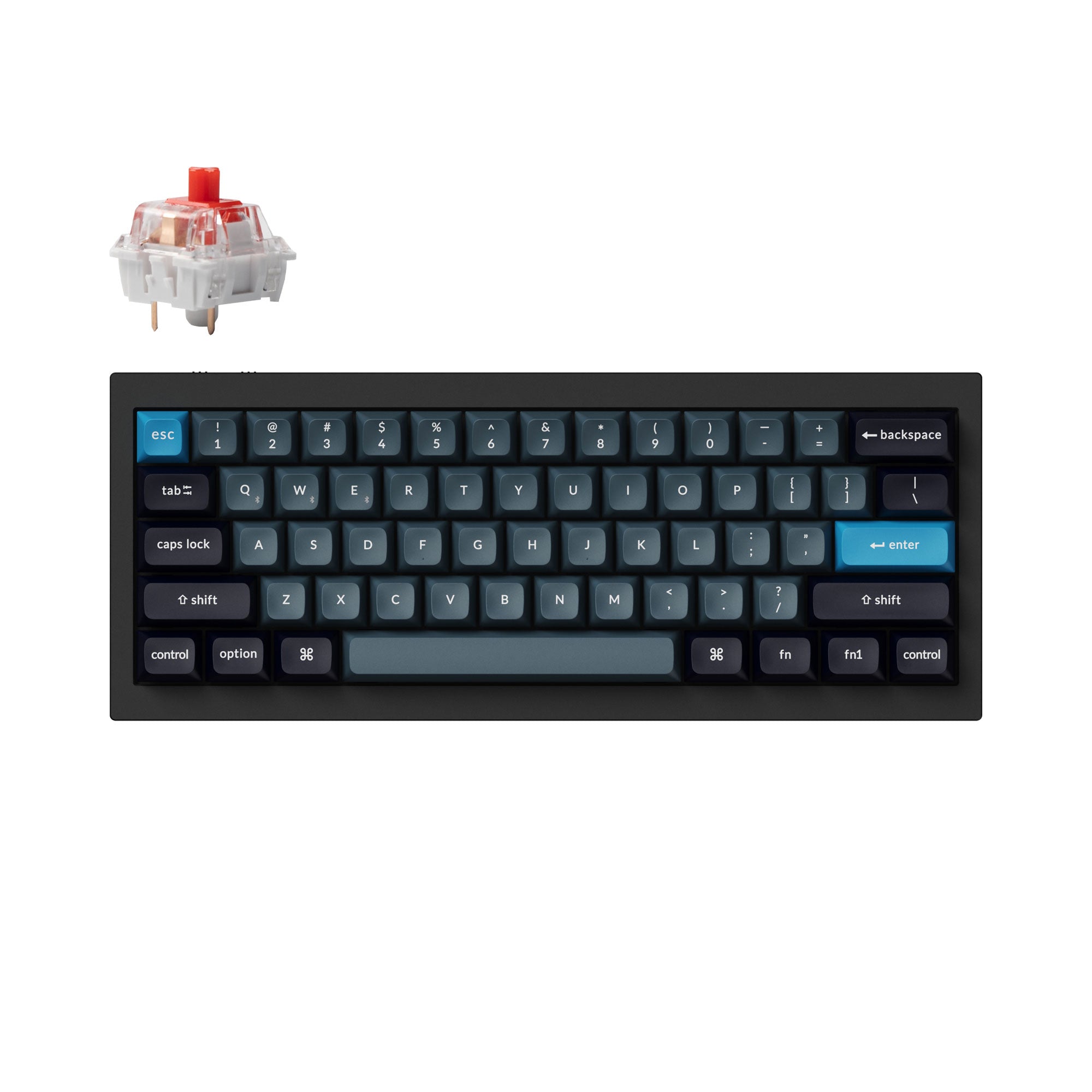
Best wireless 60% from Keychron. Aluminum case with QMK/VIA and Bluetooth.
BuyNot sure 60% is right?
Layout alternatives
- Need arrow keys? — 65% layout adds dedicated arrows in barely more space.
- Need a function row? — 75% adds the F-row in a similar footprint to TKL.
- Need a numpad? — Skip 60% entirely. 96% or full-size are the right answer.