Rotary Encoder Knobs
Rotary encoder knobs are one of the few keyboard extras that consistently earn their keep. They make volume control, timeline scrubbing, zoom, brush size, and macro workflows faster without forcing you off the keyboard.
What they are
- A physical dial connected to programmable keyboard input.
- Often used for volume by default, but remappable on better boards.
- Most useful for creators, streamers, and productivity-heavy desks.
Boards where the knob actually matters
The best rotary encoder boards are not just keyboards with a dial attached. They also have the layout, software, and build quality to make that extra control worth reaching for all day.
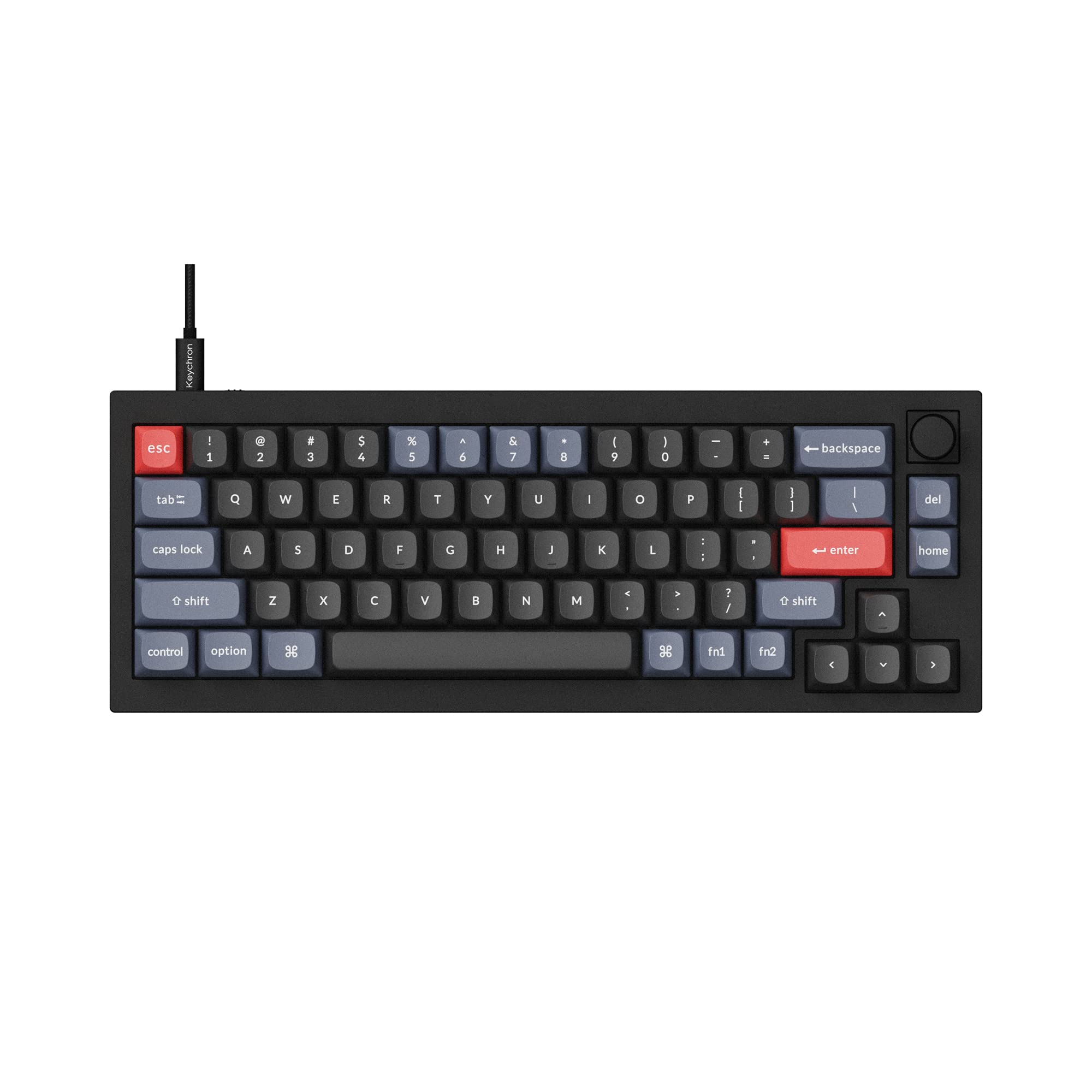
Best compact 65% knob board
Keychron V2 (Knob Version)
A wired 65% with the knob built in, hot-swap sockets, QMK/VIA remapping, and double-shot PBT keycaps. The easiest way to get a knob on a compact board without giving up arrow keys.
Check Price on Amazon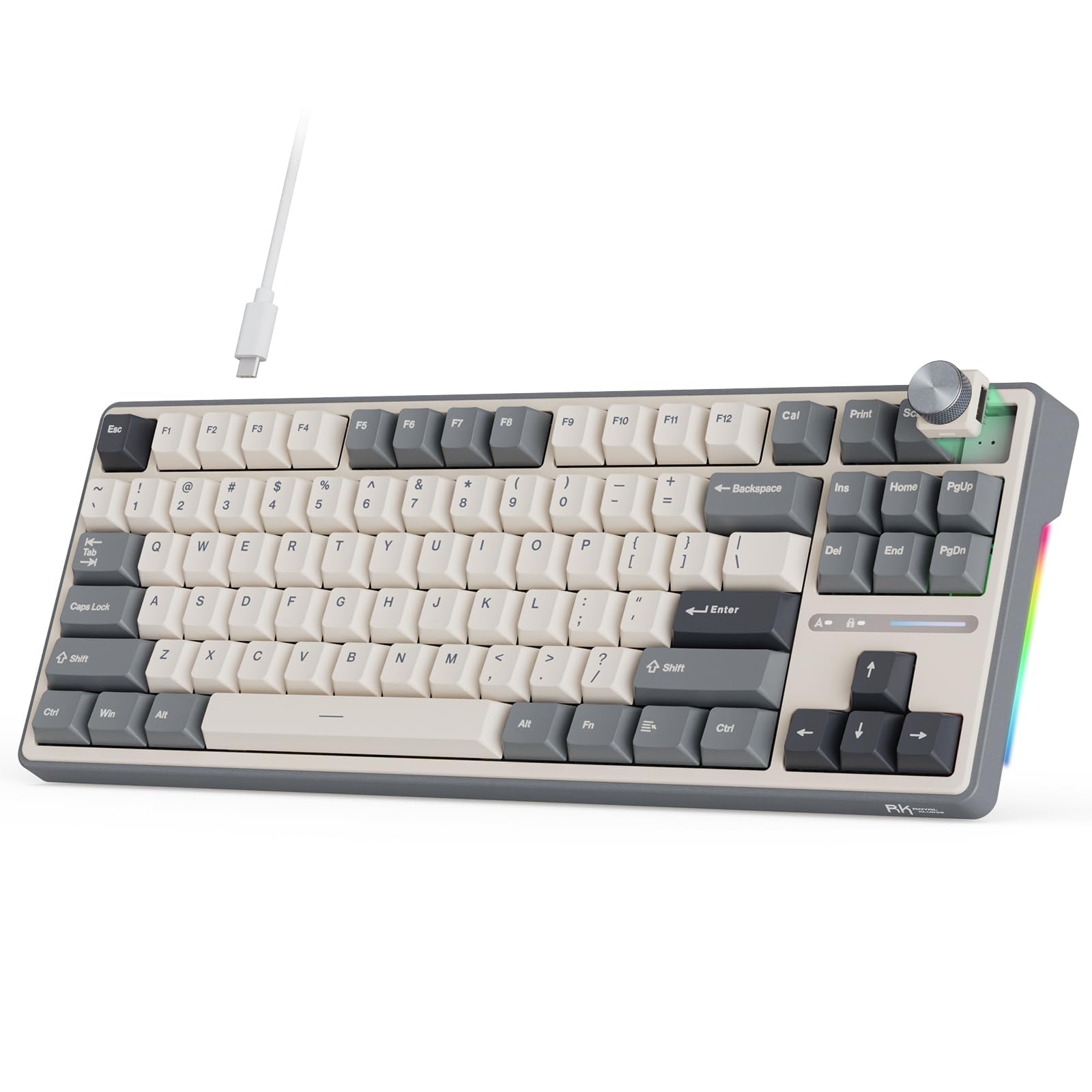
Best budget-oriented knob path
RK Royal Kludge R87 Pro
A wired, hot-swappable board with a knob and QMK/VIA support. A useful way into the feature if you want knob control without paying premium enthusiast-board prices immediately.
Check Price on Amazon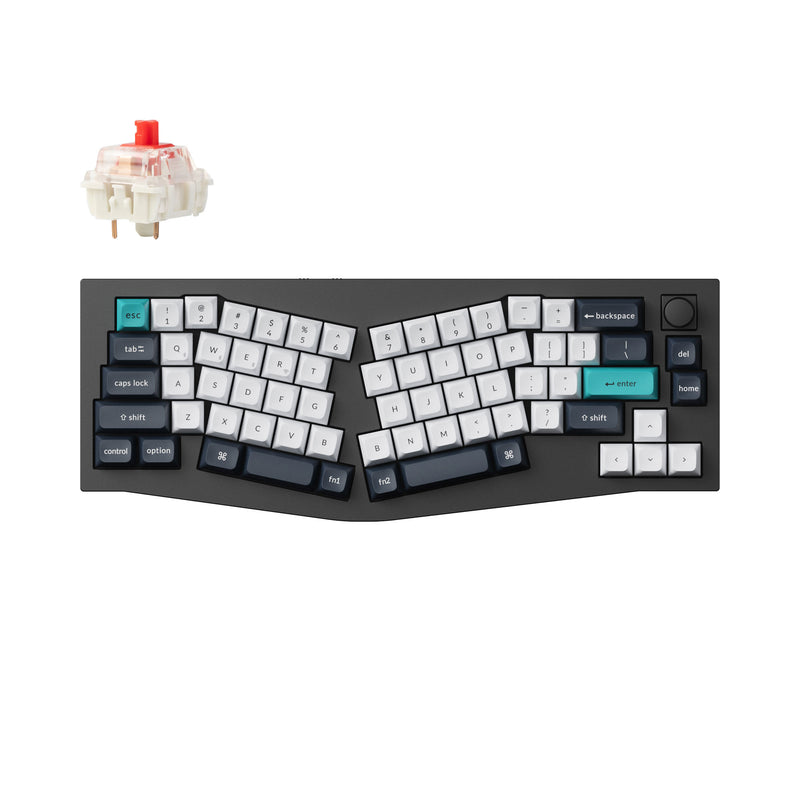
Best ergonomic knob option
Keychron Q8 Max
An aluminum gasket-mount Alice board with tri-mode wireless and QMK/VIA, sold with an optional knob. Pick the knob version if you want encoder control and straighter wrists on one board.
Explore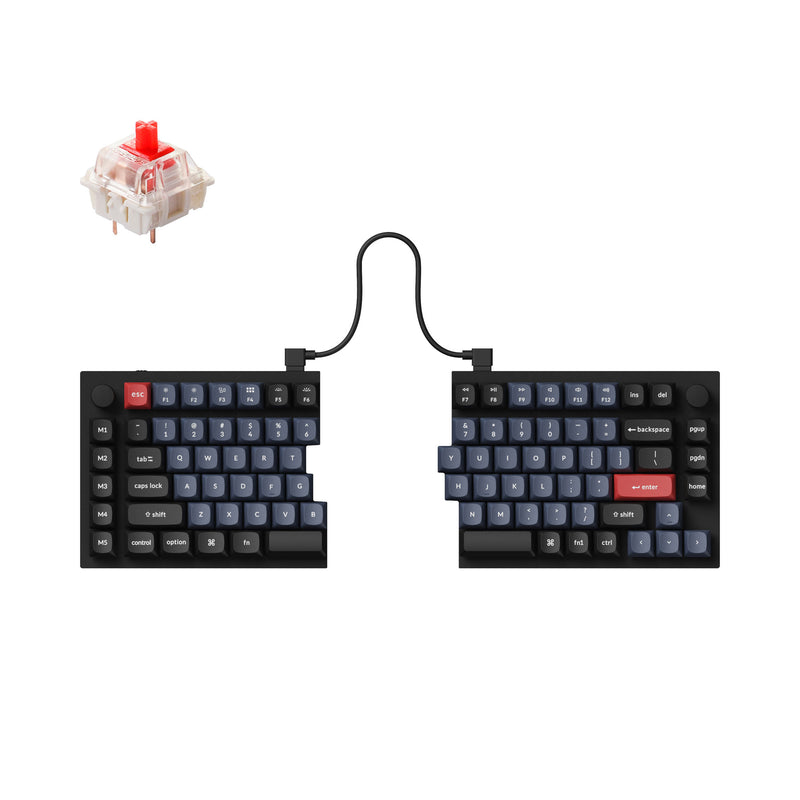
Best split knob option
Keychron Q11
A true split 75% with two aluminum halves and an optional knob on the right half. The pick when you want separation and a knob, and don't mind a wired-only board.
ExploreWho benefits most
When a rotary knob is worth paying for
A rotary encoder knob is worth it when you regularly change volume, scrub timelines, zoom, adjust brush size, or remap macros for repeat work. If none of those apply, the feature matters much less than switch feel or layout.
For editing, streaming, music, and workstation setups, though, it can be one of the highest-value extras on the board.
What to check
What separates a good knob board from a gimmick
- Programmability and software support.
- Whether the layout still fits the work you do every day.
- Case quality and acoustics if typing feel also matters.
- How naturally the knob sits in the board’s top-right workflow zone.
Compare full knob roundups and board-specific guides.
Once the feature makes sense, these pages help narrow down which exact board earns a spot on the desk.