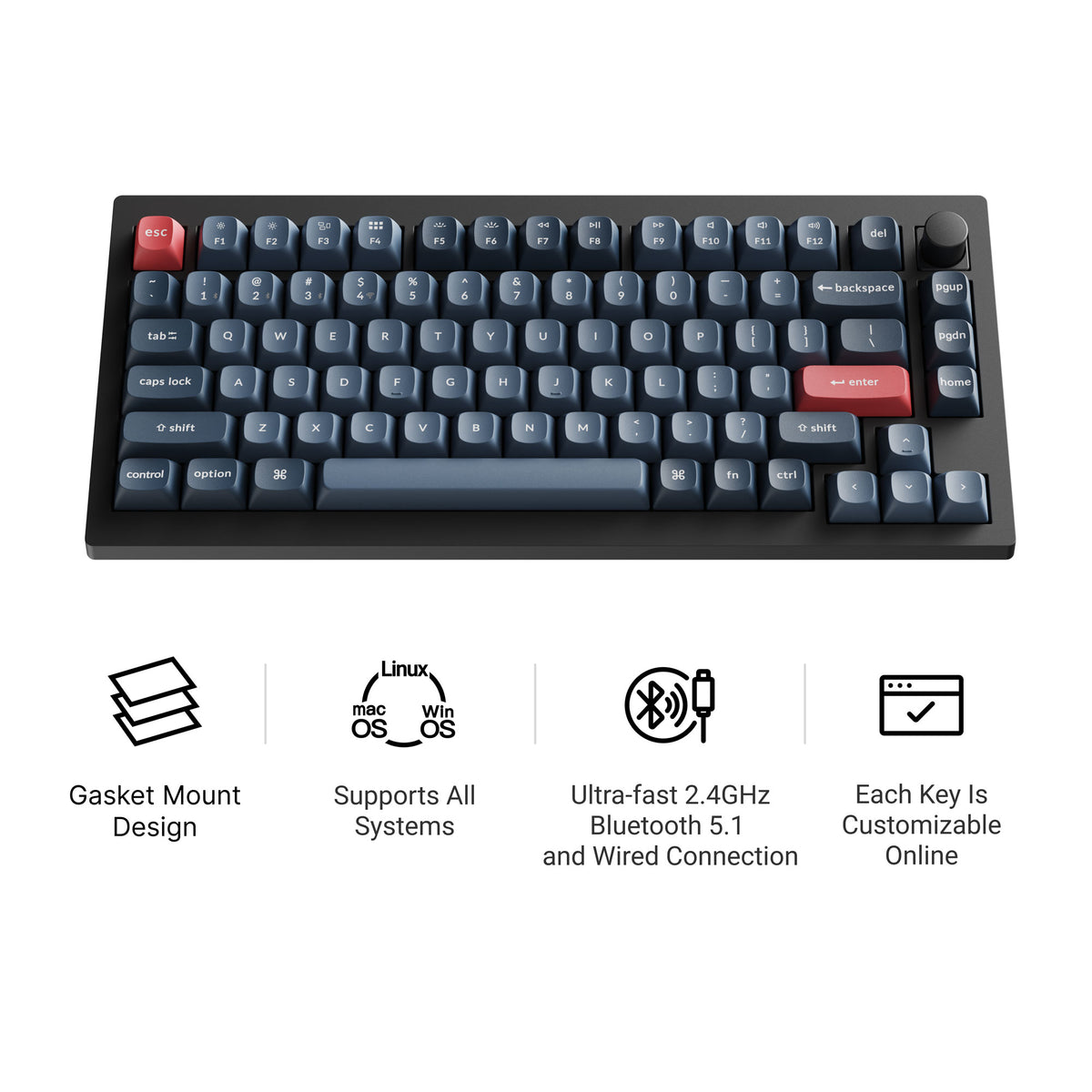
Best tuned-out-of-the-box 75%
Keychron V1 Max
A double-gasket 75% with factory pre-lubed switches, screw-in stabilizers, tri-mode wireless, and QMK/VIA. The pick if you want a refined feel without modding anything first.
Buy NowLearn MoreA 75% keyboard keeps the function row, arrows, and a compact footprint. That balance is why it has become one of the safest layouts to recommend for both work and gaming.
Why 75% works
Quick take
If you need a function row regularly, a 75% layout usually makes more sense than a 65%. It still feels compact, but it avoids the tradeoff of hiding too much behind layers or secondary key combinations.
That is why so many of the strongest current boards land here: premium aluminum builds, hall-effect boards, sound-first boards, and value prebuilts all fit naturally into the 75% category. For the full picture, compare it with every other keyboard size and key count.
Best fit
These cover the main reasons people end up buying a 75% board: premium feel, hall-effect performance, better acoustics, or value.
Best tuned-out-of-the-box 75%
A double-gasket 75% with factory pre-lubed switches, screw-in stabilizers, tri-mode wireless, and QMK/VIA. The pick if you want a refined feel without modding anything first.
Buy NowLearn More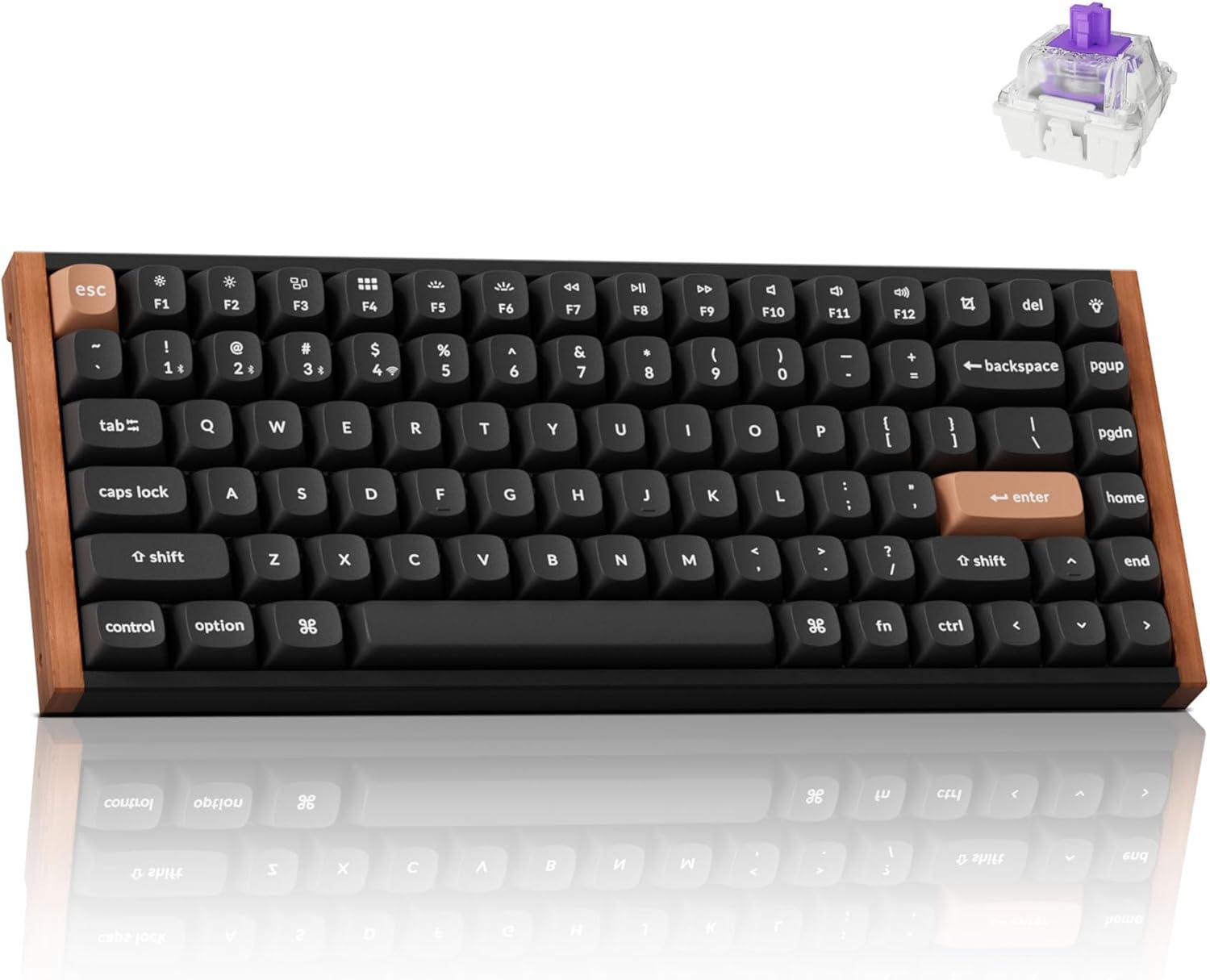
Best 75% for hall-effect buyers
A stronger fit if you want the 75% layout plus magnetic switches, adjustable actuation, and gaming-first features.
Buy NowLearn More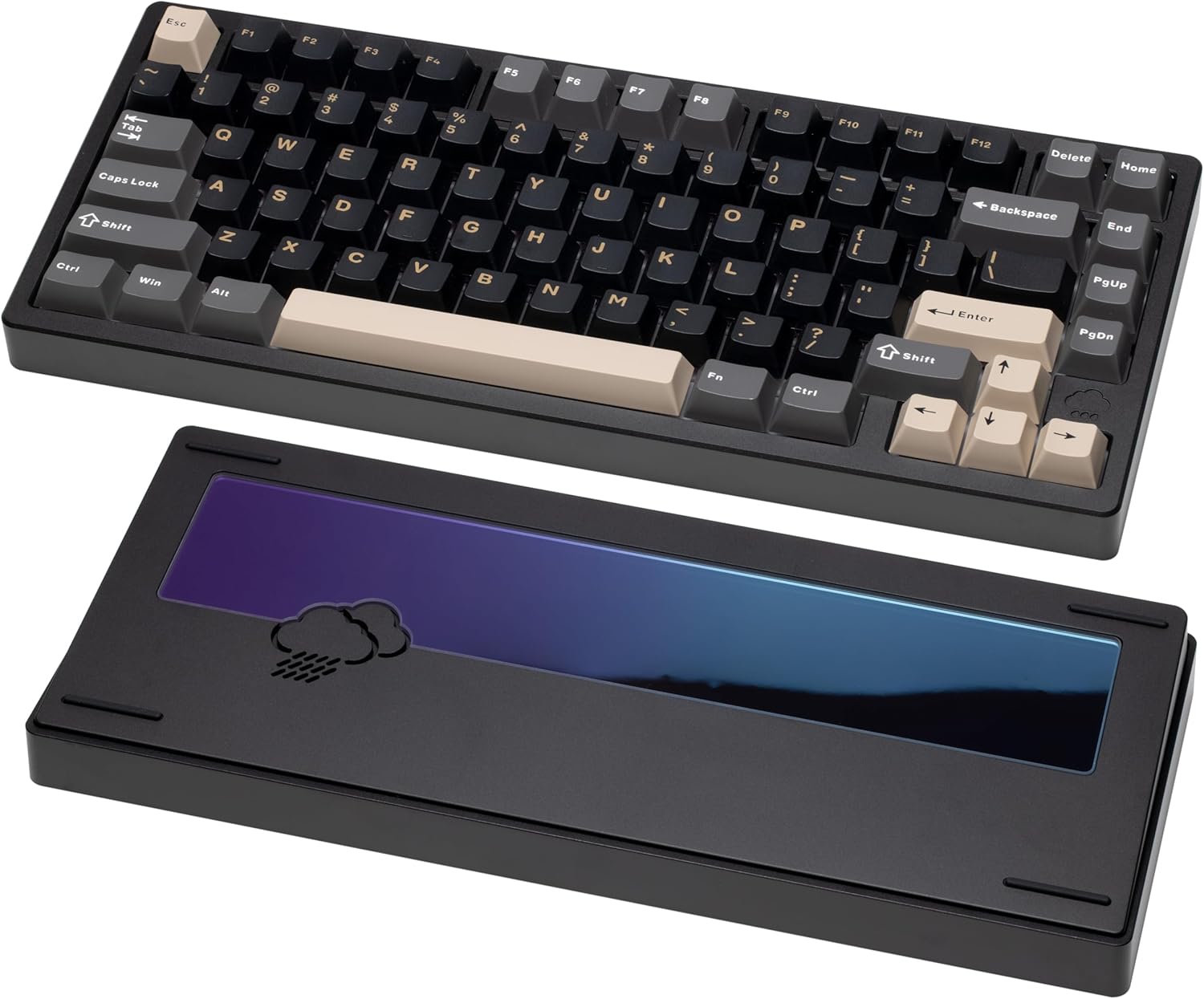
Best sound-first 75%
The right pick when typing sound, aluminum case feel, and acoustic tuning matter more than software depth.
Buy NowLearn More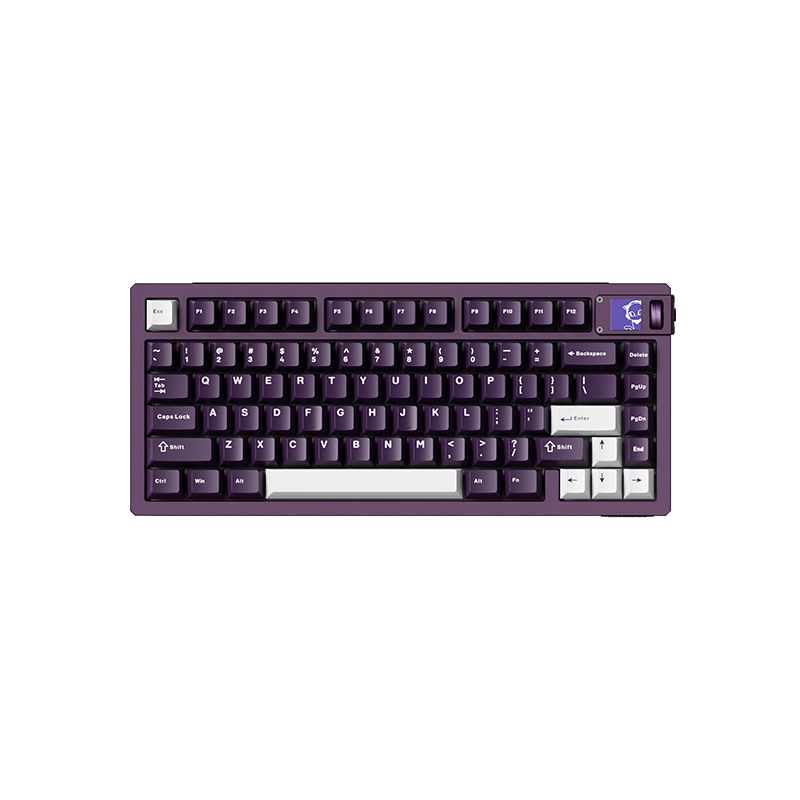
Best 75% for gaming
The Akko route into 75% if you want hall-effect switches and adjustable actuation rather than a standard mechanical prebuilt.
Buy NowLearn MoreRead next