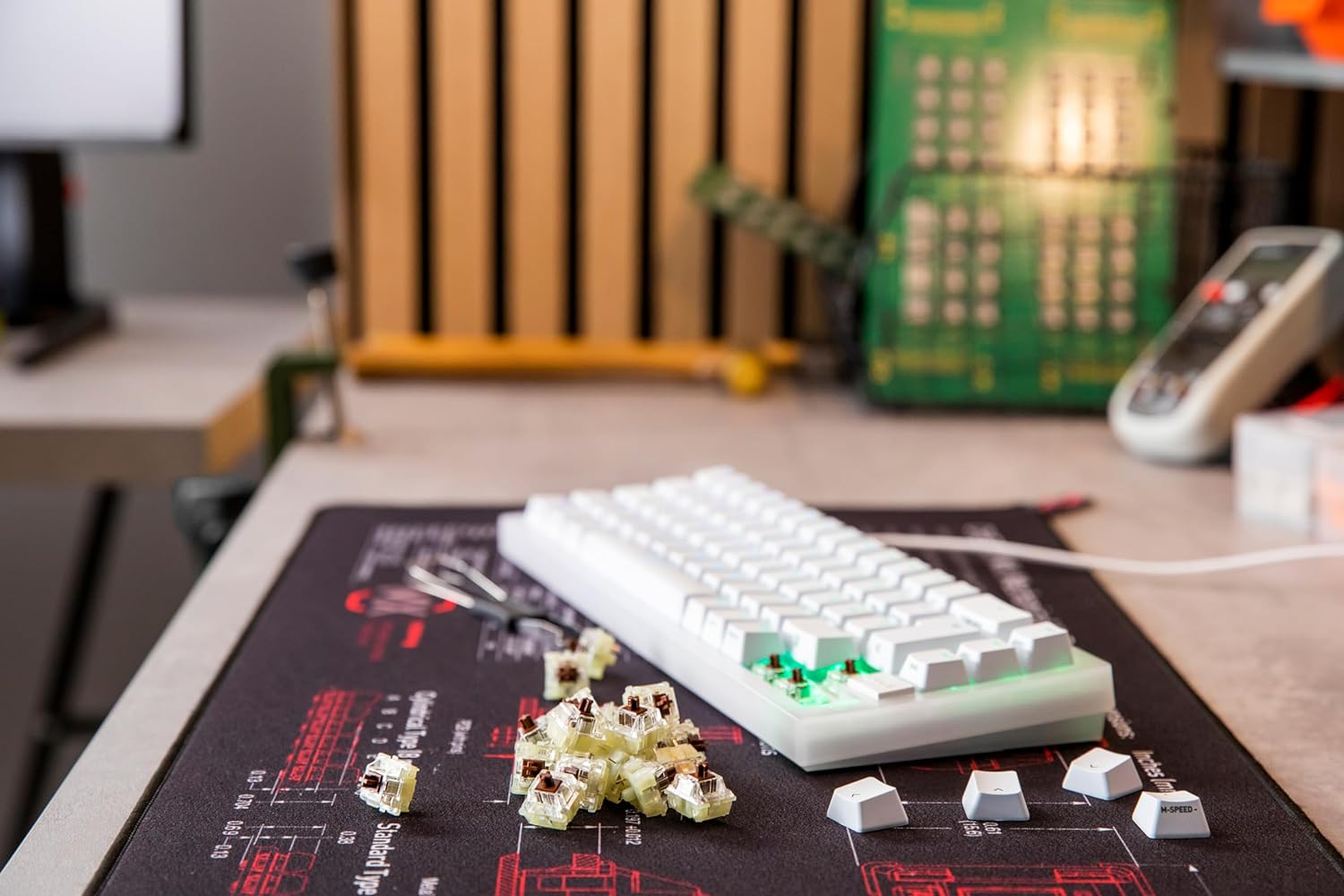
The best tactile switches give you a noticeable bump without forcing you into the louder clicky category. That makes them one of the easiest switch types to recommend for writers, coders, office users, and anyone who wants stronger feedback than a linear switch. If you are still mapping out the landscape, our guide to the types of keyboard switches explains how tactile compares to linear, clicky, silent, and magnetic.
Best Tactile Switches to Shortlist
Holy Panda
Holy Panda is still one of the best-known tactile switches because the bump feels dramatic, energetic, and satisfying. It is a good fit if you want a premium tactile experience with more personality than a basic brown switch.
Read the full Holy Panda guide
Check Price on Amazon
Boba U4T
Boba U4T is one of the strongest recommendations if you want a thockier tactile switch. It has excellent presence in the sound profile and a bump many enthusiasts prefer over lighter tactile options.
Zealios V2
Zealios V2 is the tactile pick for people who want a sharper, more premium bump and are willing to pay for it. It is a classic enthusiast option, especially for custom typing boards.
Read the full Zealios V2 guide
Best Tactile Switches for Different Users
- Choose Holy Panda if you want an iconic tactile switch with strong community recognition.
- Choose Boba U4T if you want a tactile switch that also leans into deeper sound.
- Choose Zealios V2 if you want a more premium, more deliberate bump.
If you are not sure whether you want bump or smoothness, compare them side by side in Linear vs Tactile Switches.
Final Take
The best tactile switches usually come down to how much bump you want and how much you want to spend. For many buyers, Holy Panda and Boba U4T are the easiest starting points. For more premium custom builds, Zealios V2 is still worth attention.