Category guide

Alice Keyboards

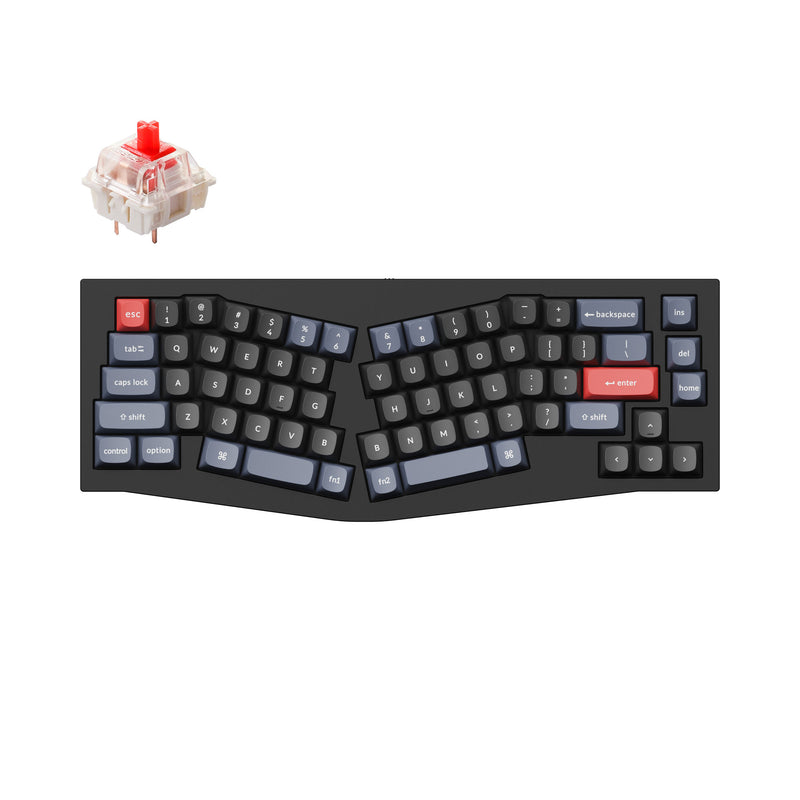
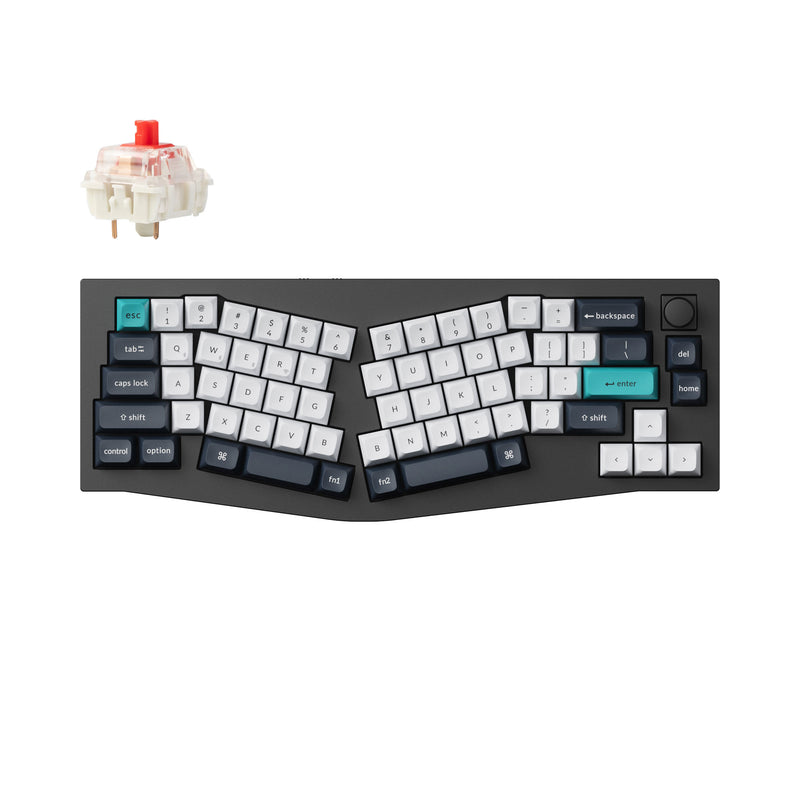
Alice keyboards matter when you want a more natural wrist angle and a split-style layout without moving all the way to a fully separated ergonomic board.

Why Alice layouts work

The appeal is not just ergonomics. It is comfort plus a layout that still feels usable for normal desktop work.

  • Better wrist angle than a standard straight board.
  • Easier to live with than a full split for many beginners.
  • Best when comfort matters but you still want a one-piece board.

Alice boards worth comparing first

These are the two strongest Alice-layout paths on the site right now: one for beginners and one for buyers who already know they want a premium board.

Akko ACR Pro Alice Plus

Best first Alice keyboard

Akko ACR Pro Alice Plus

The easiest first recommendation if you want to try the Alice layout without immediately spending premium custom-board money.

  • Alice-style split layout
  • Hot-swappable PCB
  • Prebuilt and beginner-friendly
  • Great fit for first ergonomic experiments
Buy NowLearn More
Keychron Q10 Max

Best premium Alice keyboard

Keychron Q10 Max

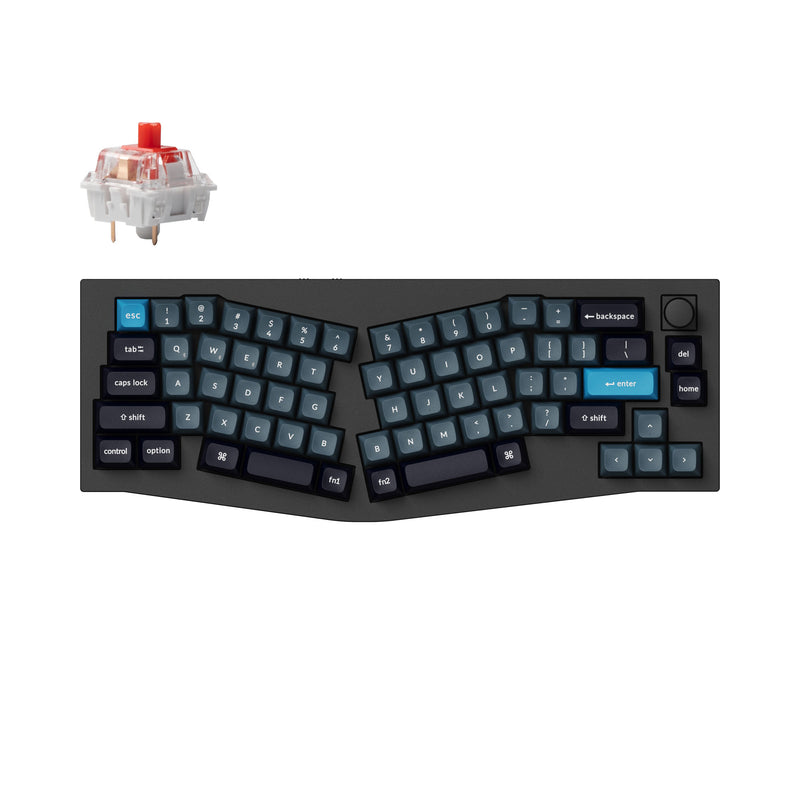
The stronger choice if you already know you want an Alice layout and also care about premium metal build quality, wireless support, and QMK/VIA.

  • Full-metal Alice layout
  • Wireless plus wired modes
  • QMK/VIA support
  • Premium enthusiast-style build
Buy NowLearn More

Quick advice

Start with Akko if you are testing the layout. Move to Keychron if you already know you want to stay.

The Akko ACR Pro Alice Plus is the easier recommendation for first-time Alice buyers because the cost and commitment are lower. The Keychron Q10 Max makes more sense when you already know the layout works for you and want a board you can keep, tune, and use long term.

If you are still not sure whether the Alice shape will help, compare it against a normal 75% board before assuming the more ergonomic layout is automatically the better fit.