Back to blog

Best Linear Switches for Mechanical Keyboards

Compare the best linear switches for gaming, typing, and thocky keyboard builds, including Gateron Yellow, Gateron Ink Black V2, and Gateron Clear.

Best Linear Switches for Mechanical Keyboards

The best linear switches give you smooth travel, consistent actuation, and a cleaner sound profile than many tactile or clicky options. They stay popular because they work well for gaming, fast typing, and deeper-sounding builds.

What Makes a Good Linear Switch?

When comparing linear switches, focus on:

  • spring weight
  • smoothness out of the box
  • sound profile
  • price per switch
  • whether you want a lighter or heavier keypress

Best Linear Switches to Start With

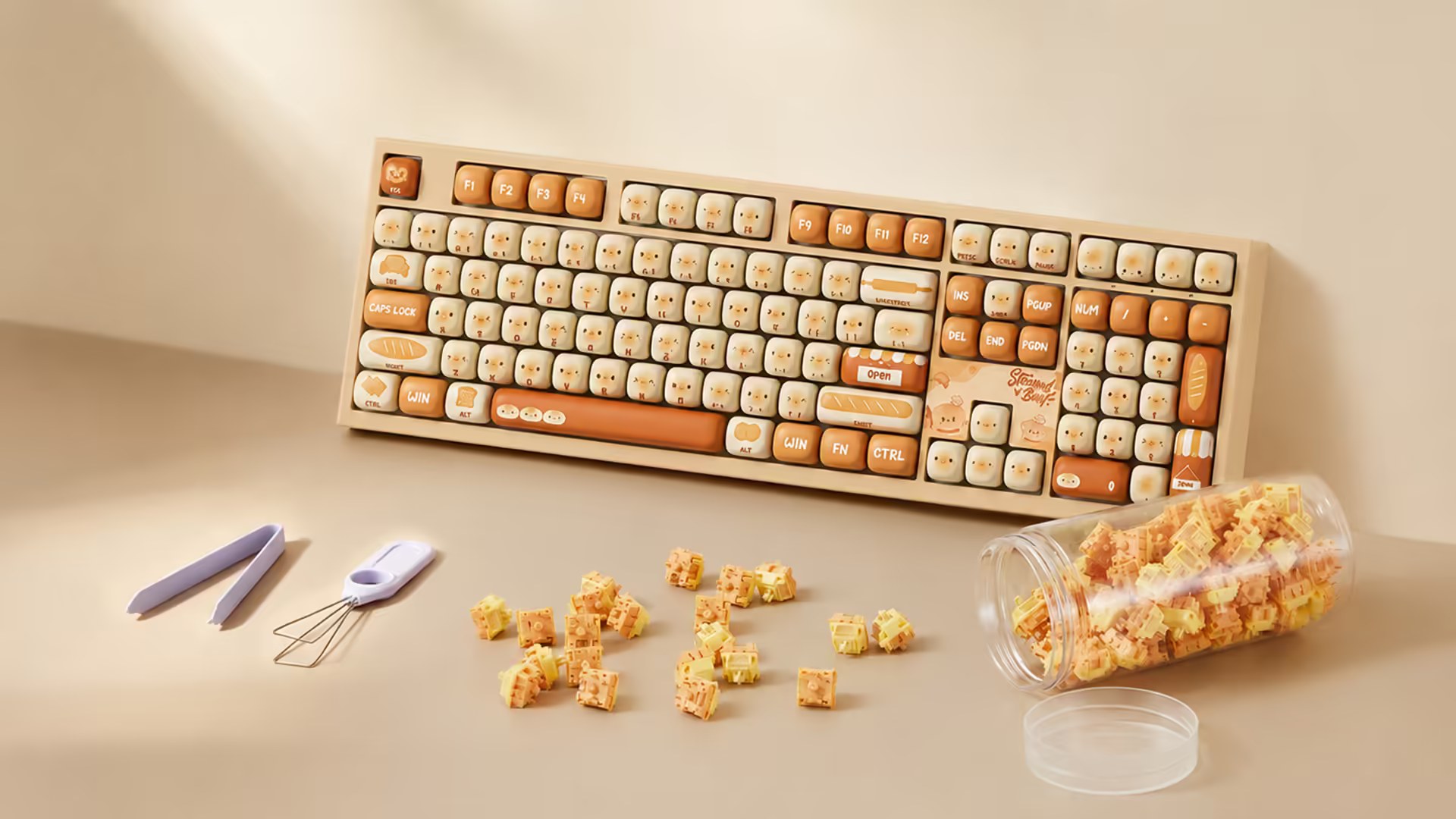
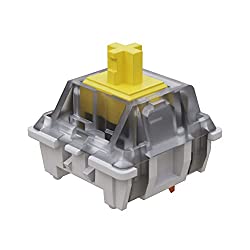
Gateron Yellow

If you want the best budget-friendly linear switch, Gateron Yellow is the easy recommendation. It is smoother than many entry-level reds and usually costs less than premium enthusiast switches.

Read the full Gateron Yellow guide
Check Price on Amazon

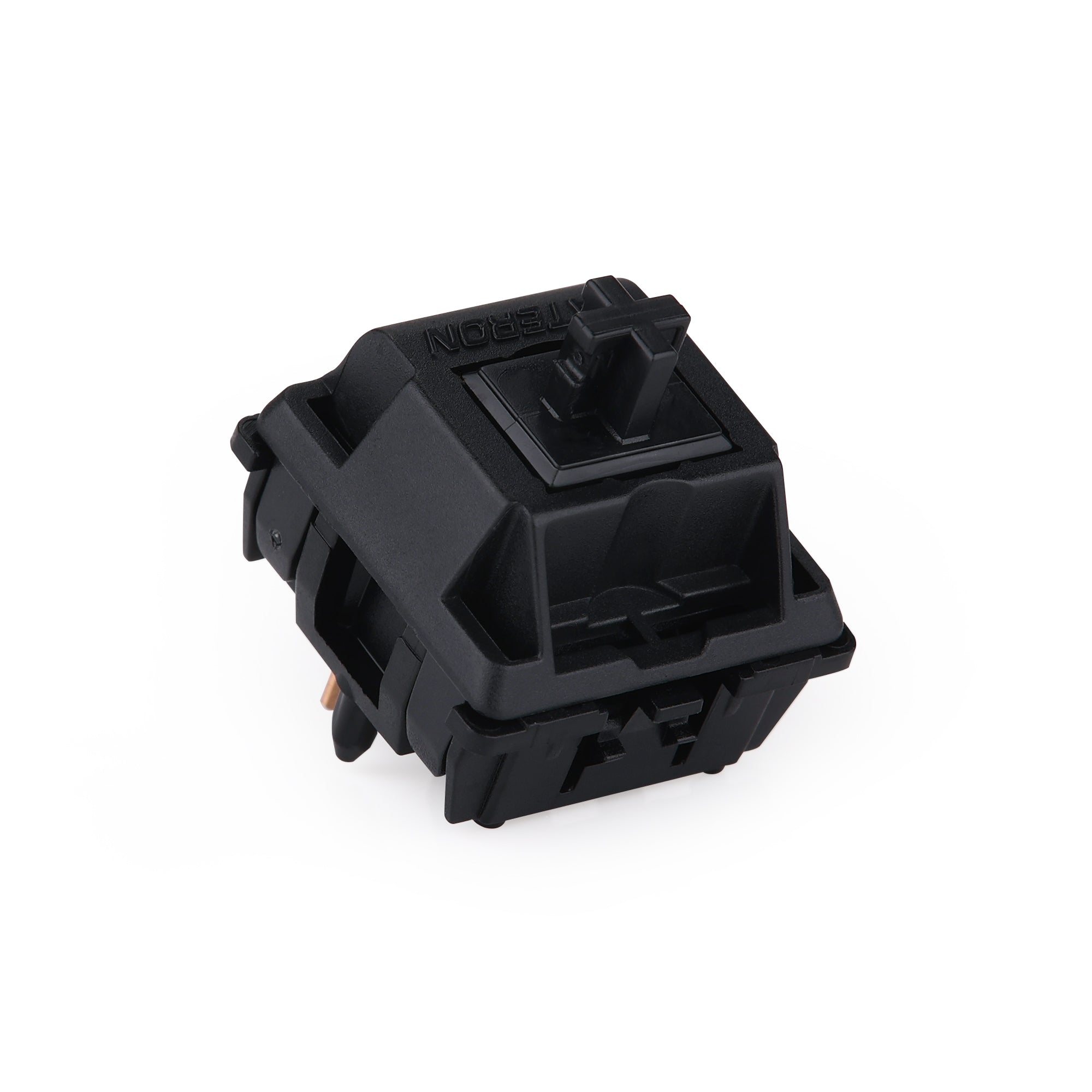
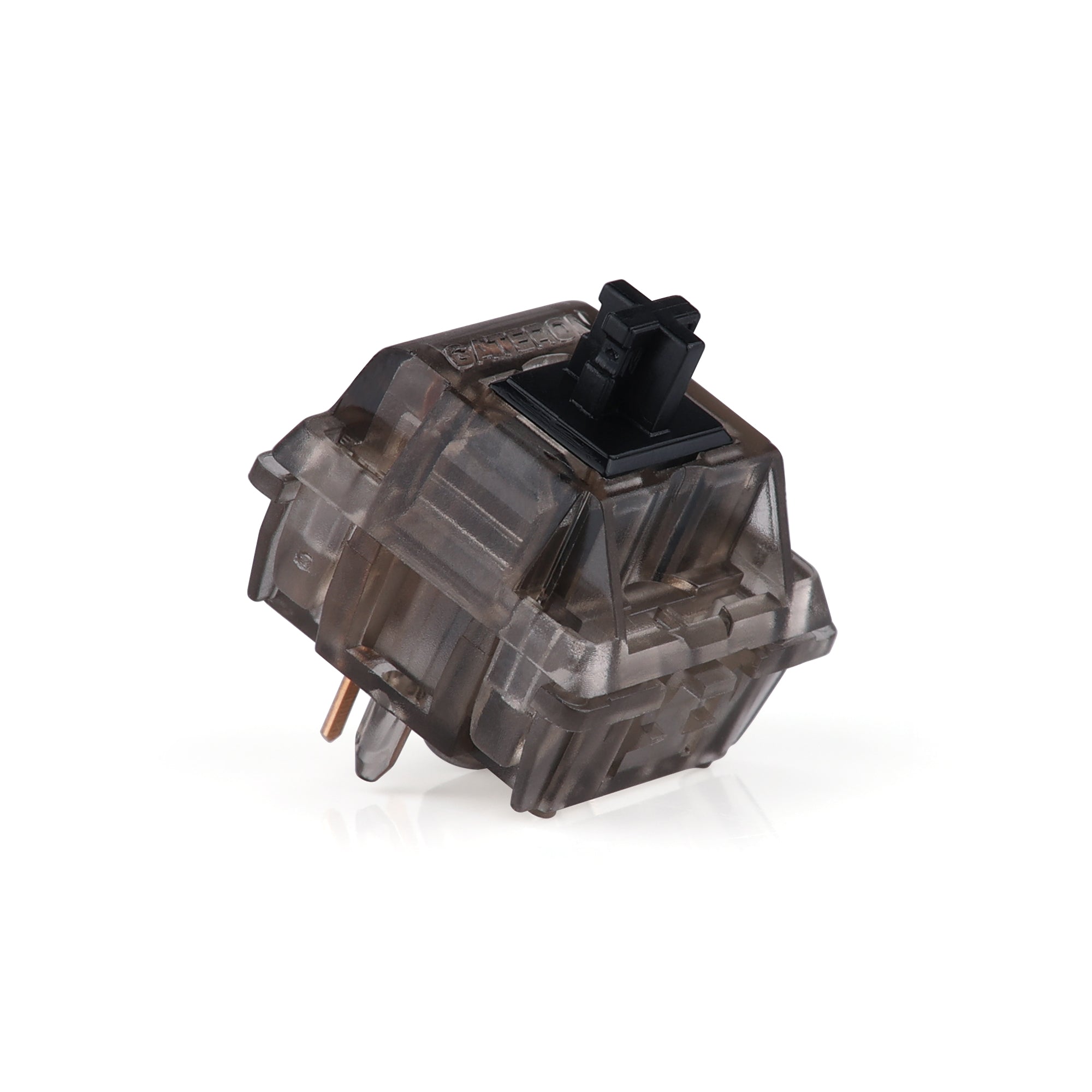
Gateron Ink Black V2

If you want a heavier linear with a more premium feel and deeper sound, Gateron Ink Black V2 is still one of the best linear switches worth paying more for.

Read the full Gateron Ink Black V2 guide
Check Price

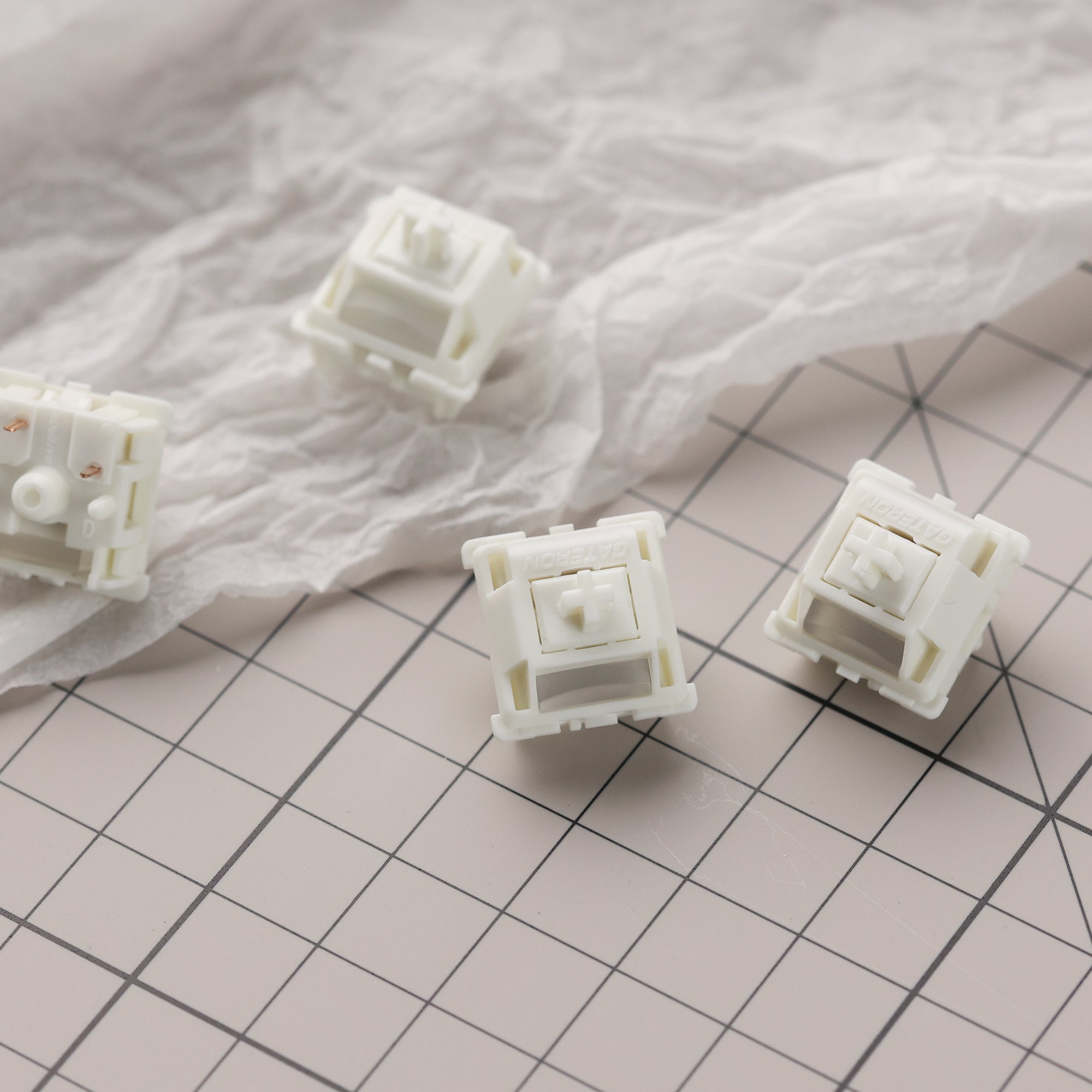
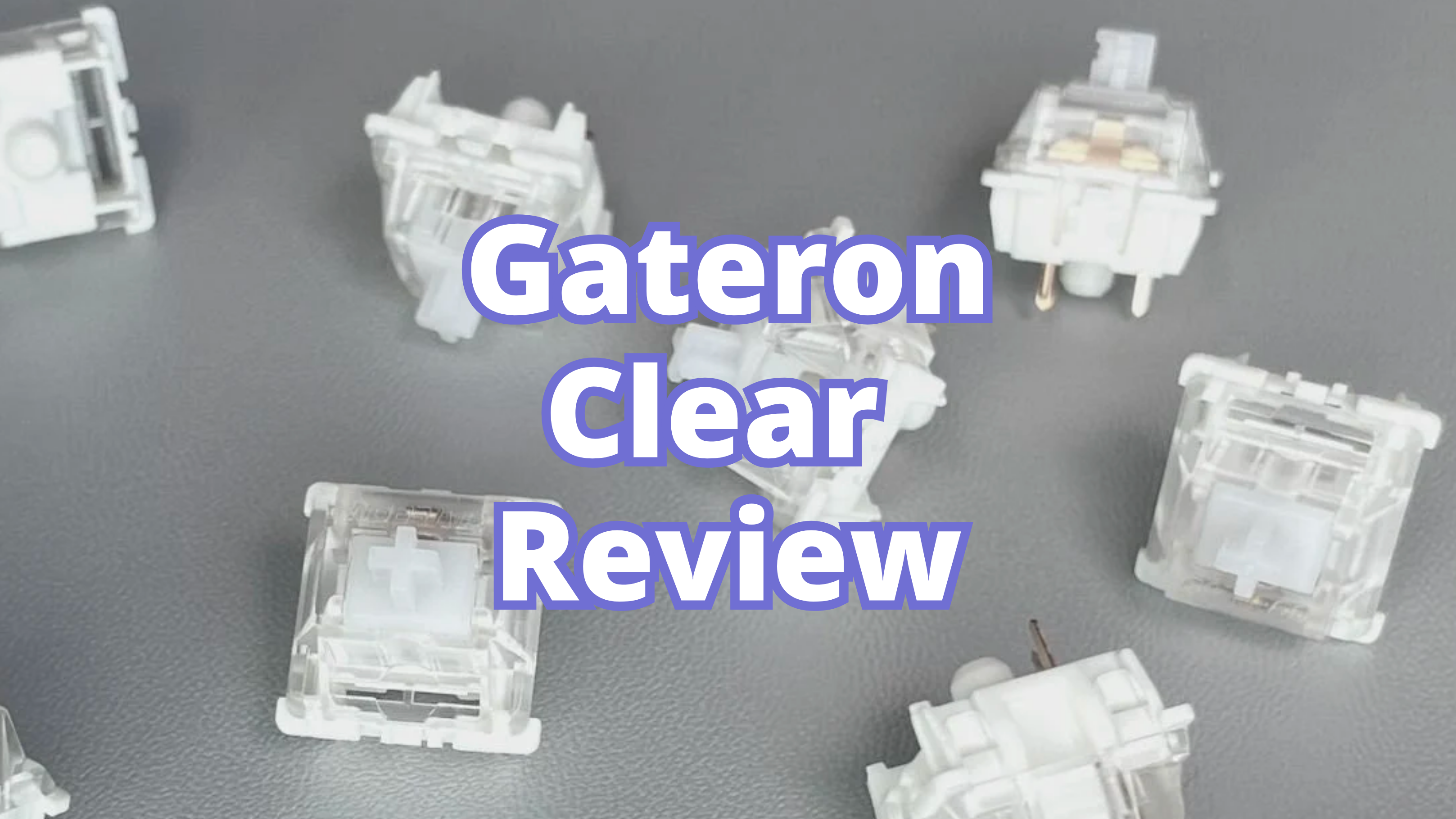
Gateron Clear

If you want an ultra-light linear switch for very soft actuation, Gateron Clear is one of the most distinct options in the category.

Read the full Gateron Clear guide
Check Price on Amazon

Which Linear Switch Is Best for You?

  • Choose Gateron Yellow if you want value.
  • Choose Gateron Ink Black V2 if you want a heavier, smoother enthusiast linear.
  • Choose Gateron Clear if you want an extremely light press.

If you are still choosing between bump or no bump, read Linear vs Tactile Switches.

Final Take

For most people, the best linear switches start with Gateron Yellow for value and Gateron Ink Black V2 for premium feel. If your goal is a deeper sound, also read Best Thocky Switches, because the board and acoustics matter just as much as the switch.

Keep exploring

Need the broader mechanical keyboard foundation first?

The starter guide is still the best path if you want layout basics, switch families, and the most important keyboard terms in one place.