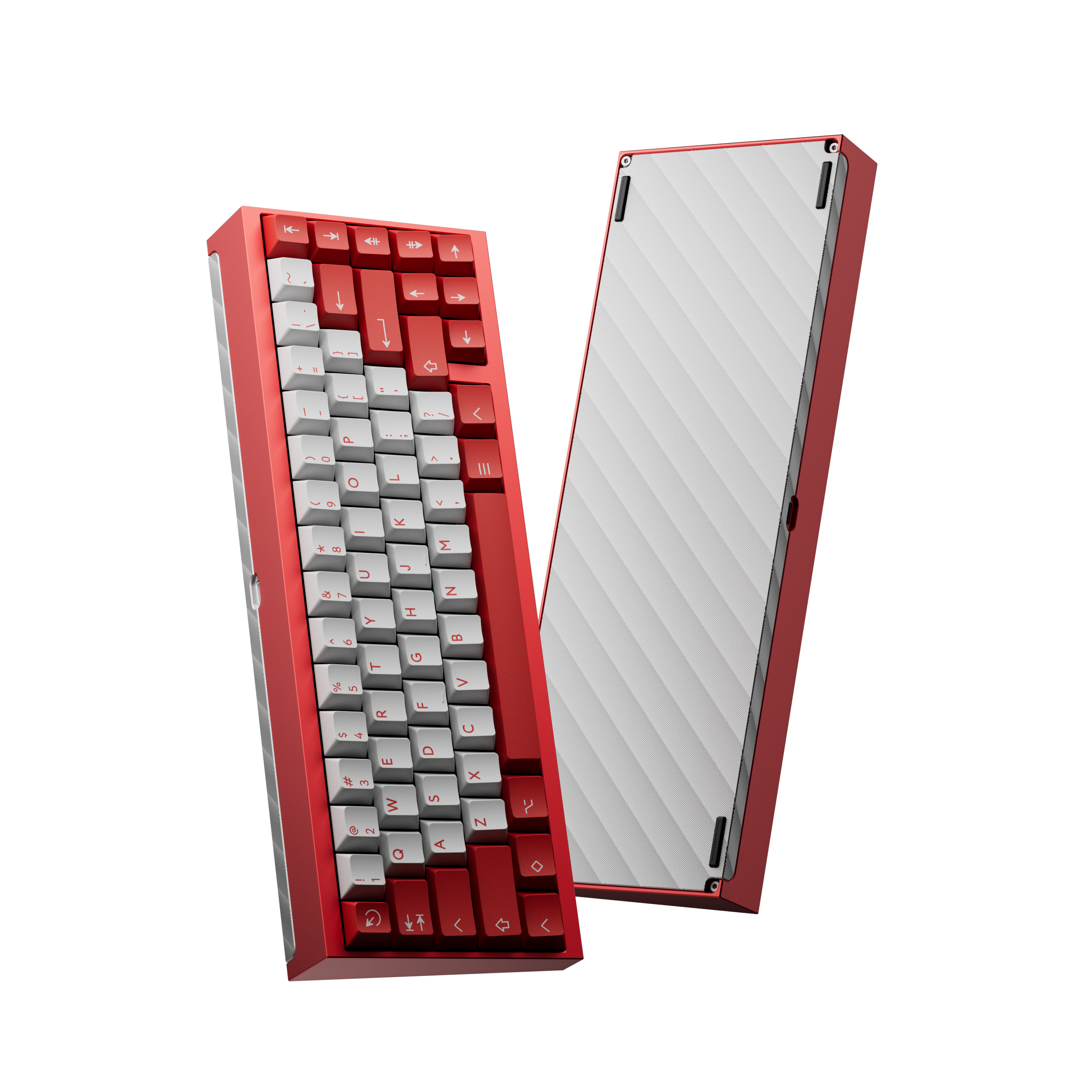
A mechanical keyboard kit gives you everything you need to start a custom build — the case, PCB, mounting plate, and hardware — while letting you hand-pick the switches and keycaps yourself. Whether you're starting out or adding to an already-growing collection, the right kit sets the foundation for how your board sounds, feels, and looks.
This roundup covers the best kits available right now, organized by layout. All picks come from KBDFans' proven Tofu series plus a standout budget option on Amazon, so you can build a custom keyboard regardless of your budget or preferred shipping method.
What Comes in a Mechanical Keyboard Kit
Most kits include:
- Case — usually anodized aluminum or polycarbonate, which determines the board's weight and acoustic resonance
- PCB — the circuit board; hot-swap PCBs are strongly recommended so you can install and remove switches without soldering
- Plate — aluminum, polycarbonate, or brass; affects keystroke rigidity and feel
- Stabilizers — pre-installed or included for larger keys like Spacebar and Shift
- Mounting hardware and USB-C cable — everything to assemble it
What kits almost never include: switches and keycaps. You choose those separately, which is half the appeal of a custom build.
How to Choose a Layout
Layout is the most important decision in a keyboard kit because it affects how you use the board every day.
- 60% — No function row, no arrows, no dedicated nav cluster. Pure minimalism. Great for small desks or secondary boards.
- 65% — Adds dedicated arrow keys and a small nav cluster to the 60% form. The most popular custom layout for good reason — compact but practical.
- TKL (80%) — Full function row, arrow keys, and full nav cluster. Looks and works like a full-size board minus the numpad. Best for daily drivers.
If you're unsure, start with 65%. It's compact enough to feel like an upgrade, but functional enough to stay comfortable in daily use without remapping anything.
What to Expect on Your First Build
A hot-swap build typically takes 45–90 minutes. You install stabilizers, seat the PCB in the plate, drop in switches, install keycaps, and plug in. No soldering needed with a hot-swap PCB.
Where builds extend is lubing — applying switch lube and stabilizer lube improves both sound and smoothness significantly, and can add another hour or two. It's optional but widely considered worth it for the Tofu aluminum cases, which benefit from damping. KBDFans sells compatible case foam and PE foam as add-ons.
Best Mechanical Keyboard Kits
KBDFans Tofu65 3.0
The Tofu65 3.0 is the most beginner-friendly mechanical keyboard kit in the KBDFans lineup. Available in multiple anodized finishes — black, silver, gray, and more — the 65% layout gives you dedicated arrow keys and a compact footprint without sacrificing daily usability. The hot-swap PCB means no soldering, and you can swap switches later as your preferences evolve. It's a reliable first custom build and a clean upgrade from any prebuilt.
Pros:
- Hot-swap PCB, no soldering required
- Multiple anodized case finishes
- 65% layout with dedicated arrow keys
- Budget-accessible entry to KBDFans builds
Cons:
- Switches and keycaps sold separately
- Case foam recommended for best acoustics (sold separately)
KBDFans Tofu60 3.0
The Tofu60 3.0 updates the classic Tofu60 with support for WK, WKL, and HHKB layouts on the same PCB — meaning you can run it with or without the bottom-left blocker, or in HHKB split Backspace configuration if you want to experiment with alternate layouts. The 60% form factor is the most minimal footprint in the Tofu series, and the aluminum case pairs especially well with a POM or polycarbonate plate for a softer, bouncier typing feel. Good pick for layout experimenters.
Pros:
- Supports WK, WKL, and HHKB layouts on one PCB
- Compact 60% footprint
- Hot-swap PCB included
- Flexible foundation for layout experimentation
- Inherits the most community-documented 60% platform — build guides and sound tests are easy to match
Cons:
- No function row or arrow keys — adjustment period for some users
- 60% limits keycap set compatibility versus larger layouts
KBDFans Tofu TKL
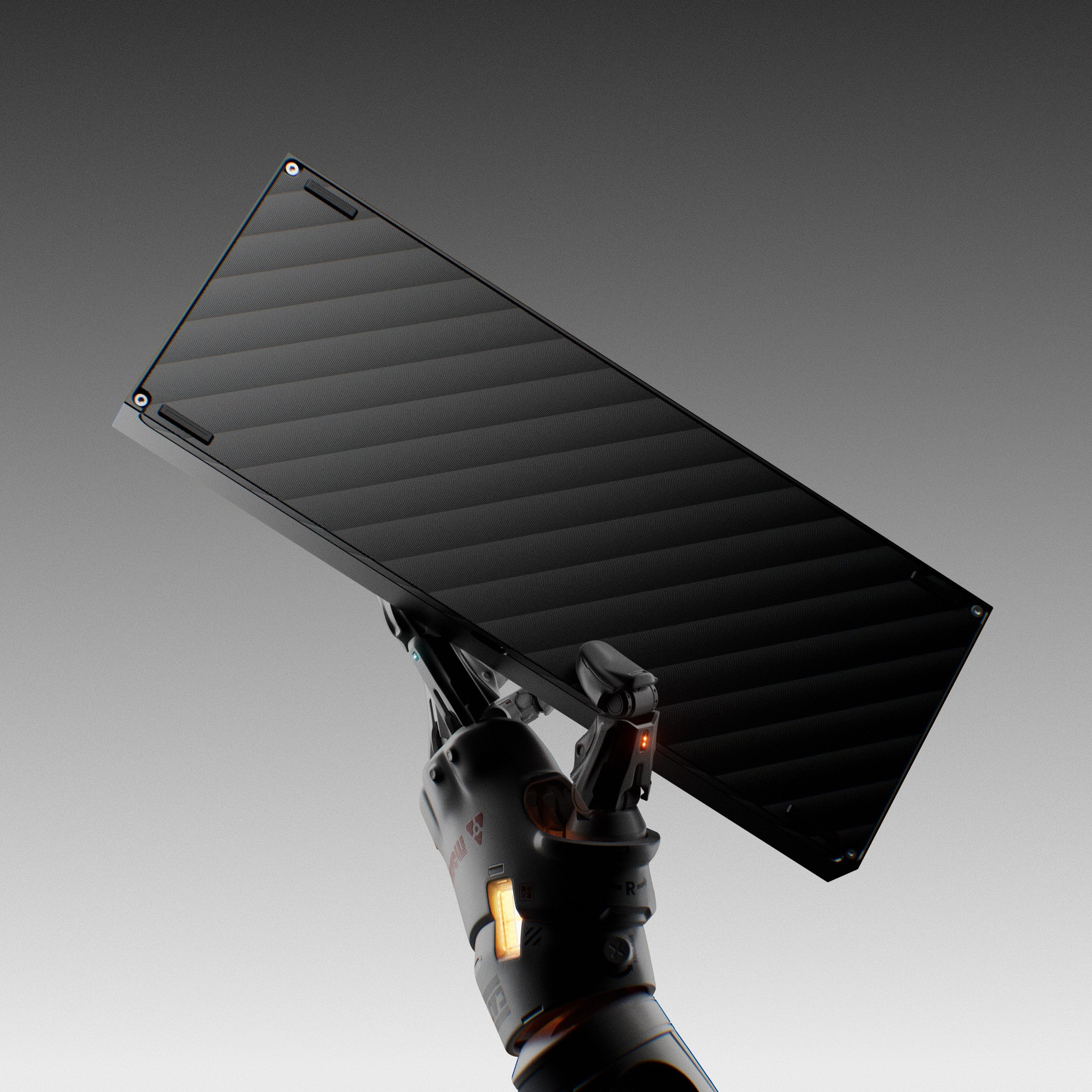
For anyone not ready to lose a full function row and navigation cluster, the Tofu TKL is the best TKL keyboard kit KBDFans makes. The 80% layout covers everything a standard keyboard has except the numpad, which keeps the desk footprint manageable without any layout compromises. The anodized aluminum case and WK/WKL layout options make it flexible for enthusiast builds, and it's a perennial recommendation for buyers who want a premium custom TKL without waiting on a group-buy.
Pros:
- Full TKL layout — function row, arrows, nav cluster
- WK and WKL layout variants
- Anodized aluminum case construction
- Compatible with a wide range of TKL PCBs
Cons:
- Larger footprint than 65% kits
- Higher price point than budget alternatives
Tofu60 Redux
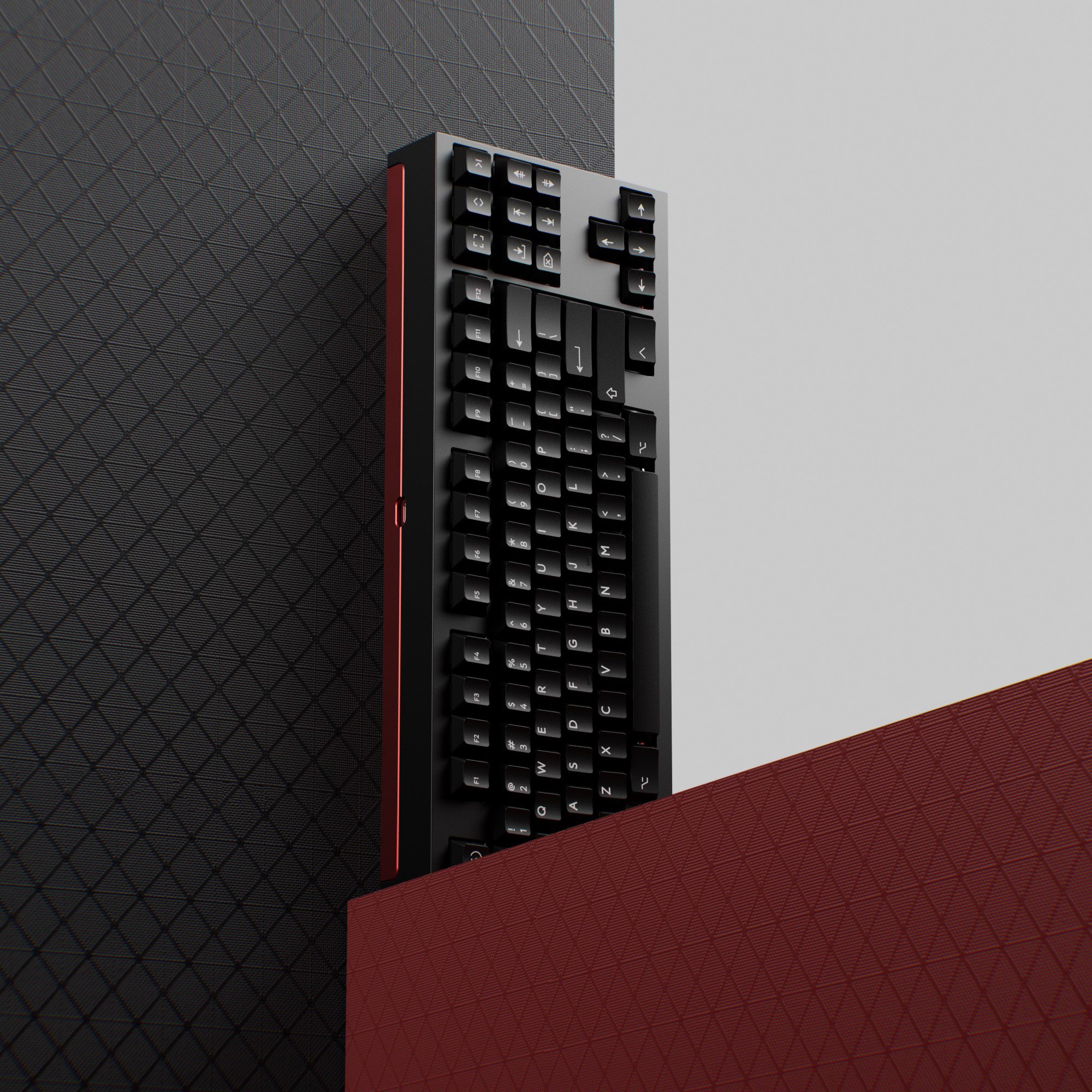
The Tofu60 Redux is a step up from the standard Tofu60 with an anodized aluminum case and e-coat finish for a more refined look and feel. Like the other Tofu kits, it accepts hot-swap PCBs and benefits from the wide availability of compatible plates and foam mods. The Redux is the pick if you want the classic 60% compact form factor with a premium case finish — sitting between the base Tofu60 and a higher-end gasket-mount board in both price and refinement.
Pros:
- E-coated anodized aluminum case finish
- Compatible with popular 60% PCBs and mods
- Classic 60% layout with upgraded aesthetics
- Well-supported in the KBDFans ecosystem
Cons:
- Switches and keycaps sold separately
- 60% layout requires a compatible compact keycap set
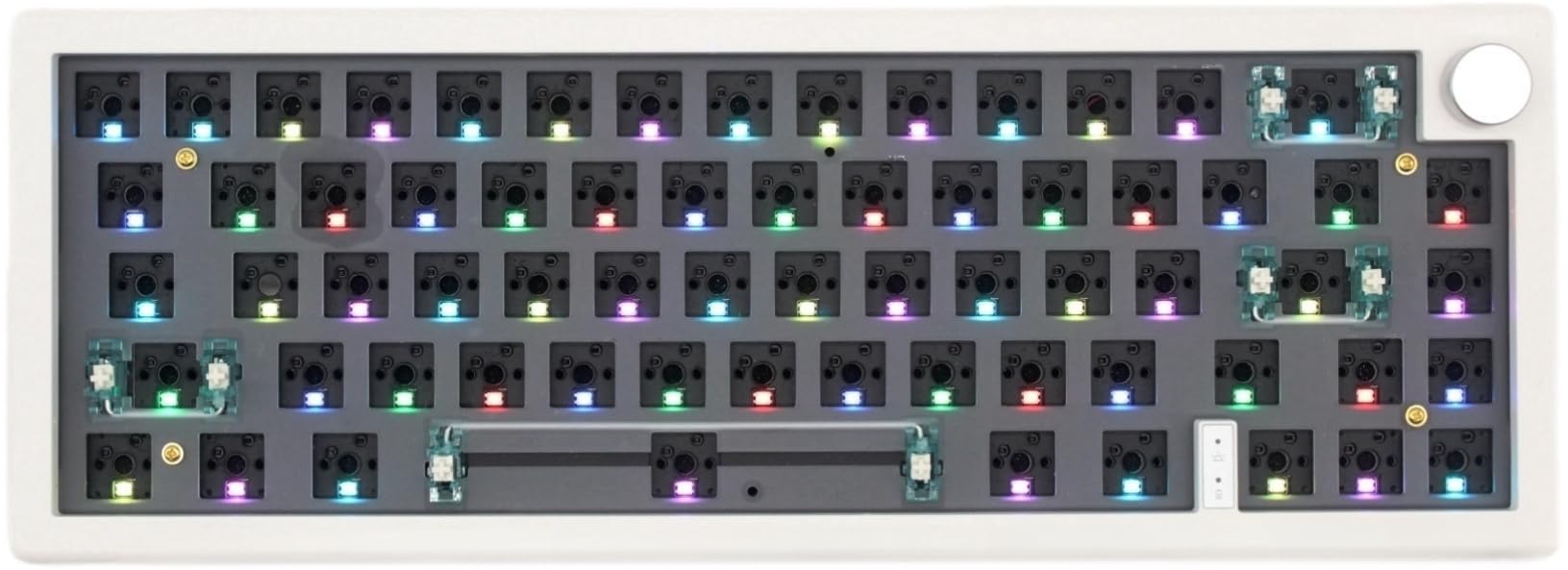
GMK67 65% Keyboard Kit
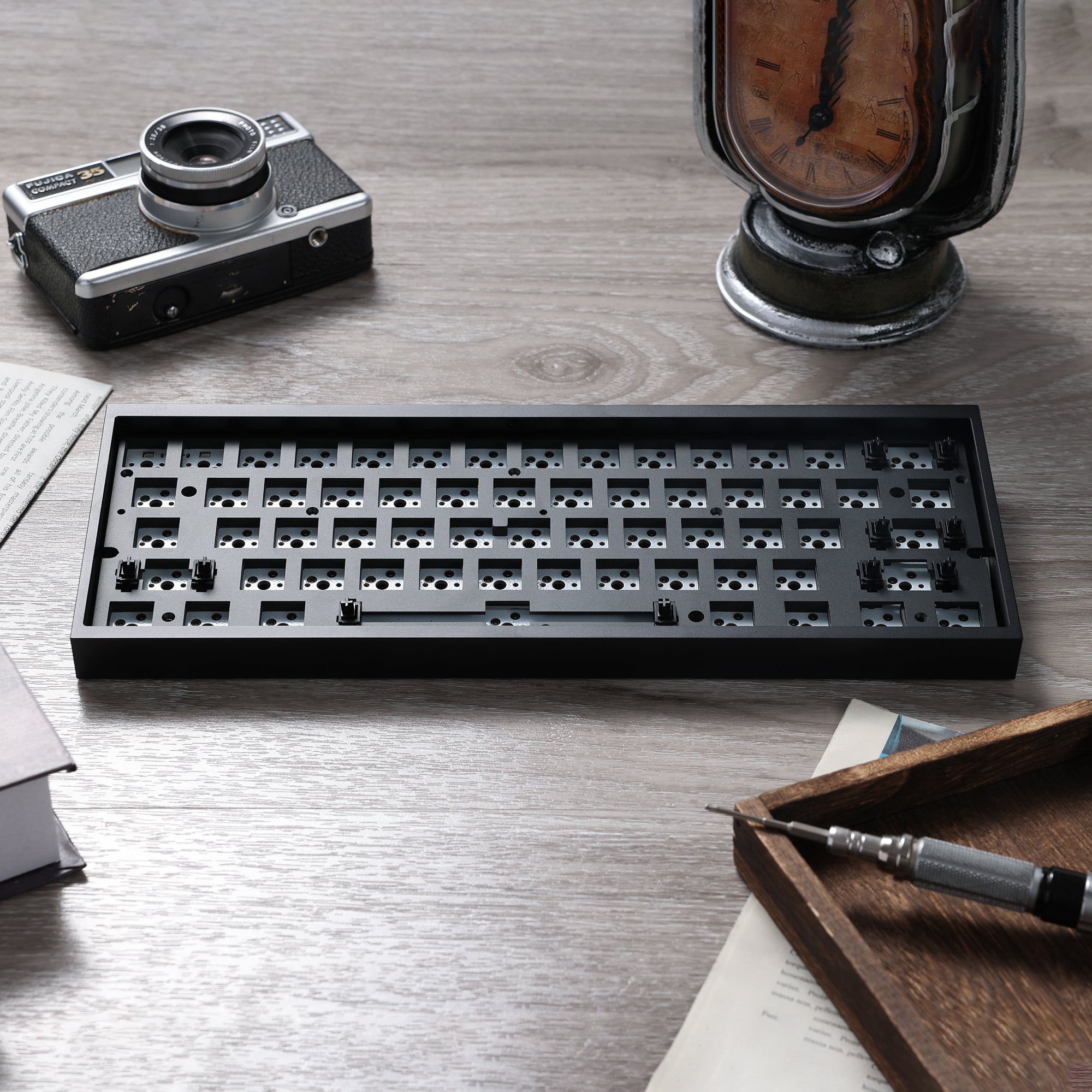
The GMK67 is the most accessible keyboard kit on this list — available on Amazon with Prime shipping, no international order required. The 65% layout includes hot-swappable switch sockets, tri-mode wireless connectivity (Bluetooth, 2.4 GHz, and wired USB-C), south-facing RGB, and a gasket-style mount for improved acoustics. For anyone who wants a custom-kit feel without the wait time of an overseas order, the GMK67 ships with more features than most kits in its price range.
Pros:
- Available on Amazon with Prime shipping
- Tri-mode wireless (Bluetooth, 2.4 GHz, wired USB-C)
- Hot-swappable sockets — no soldering
- Gasket-style mounting for better acoustics and flex
- South-facing RGB for full keycap lighting
Cons:
- Less mod-community support than KBDFans kits
- Fewer case color and material options
What Switches and Keycaps to Pair With Your Kit
Once you've chosen a kit, you'll need switches and keycaps to finish the build. For a first build, smooth linears like Gateron Oil Kings are a popular pick — they come pre-lubed and sound great in the Tofu aluminum cases. If you want something quieter for an office, our guide to silent keyboard switches walks through the best options for dampened builds.
For keycaps, any Cherry or OEM profile set will fit 60% and 65% kits. A set with 65% support will cover the layout without needing modifier substitutions.
Which Kit Should You Build First?
The Tofu65 3.0 is the easiest recommendation for a first build: the 65% layout is practical, the hot-swap PCB removes the soldering barrier, and the KBDFans ecosystem has more documentation than almost anything else you could start with. If you're committed to a 60% layout, the Tofu60 3.0 carries that same ecosystem advantage in a current, still-stocked design.
For US buyers who want Prime delivery speed, the GMK67 is the fastest path to a completed custom board without compromising on features.
A mechanical keyboard kit is the most efficient way to get a board that sounds and feels exactly the way you want — pick your layout, add the switches you like, and you have something no stock keyboard can match.