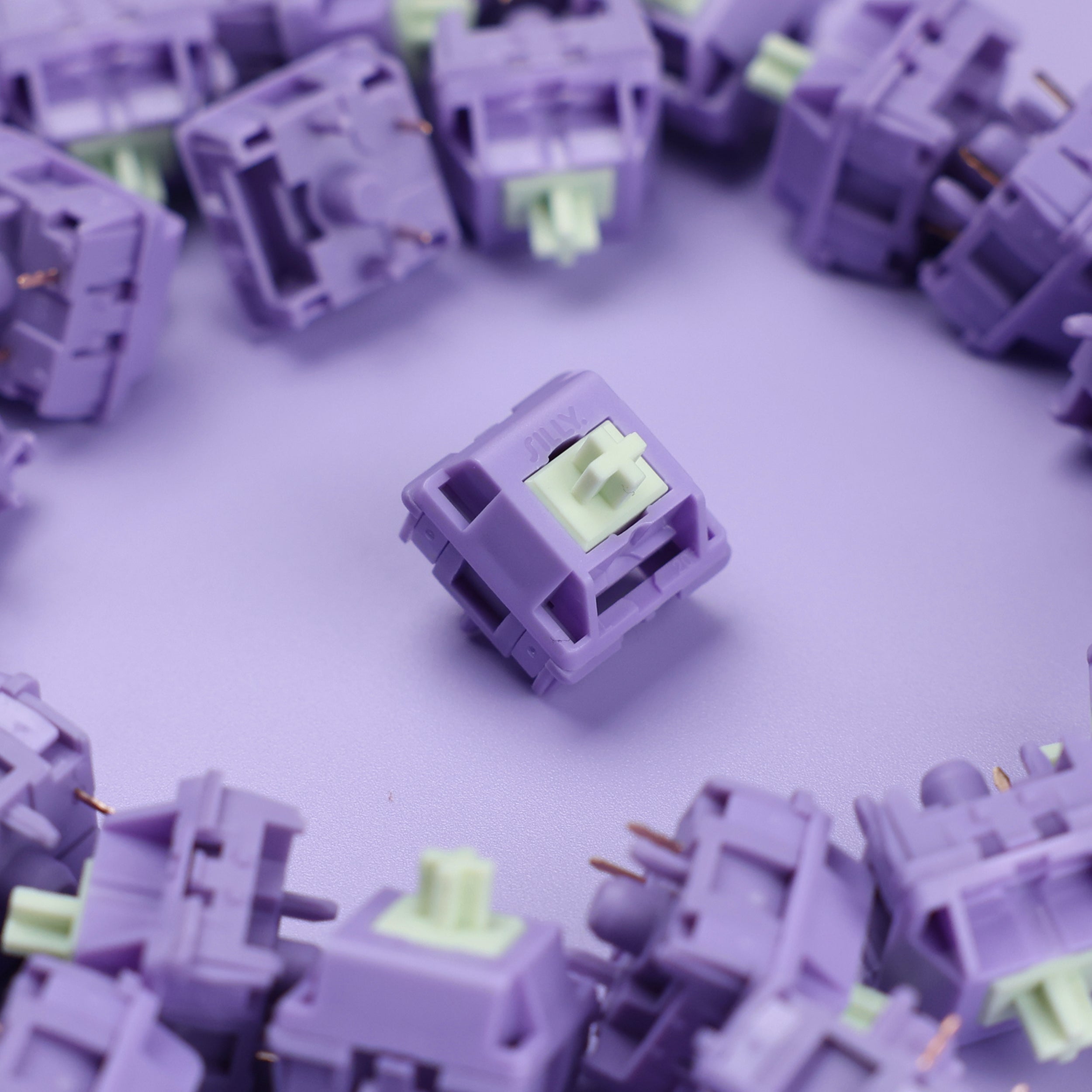
Understanding mechanical keyboard switch types is the single most important decision when building or buying a mechanical keyboard. Whether you're a gamer chasing fast inputs, a programmer who types all day, or an office worker minding the noise level, the right switch type changes how every keystroke feels and sounds.
The Three Main Switch Types
Every mechanical switch falls into one of three categories based on how it feels and sounds when pressed:
- Linear — Smooth from top to bottom, no bump, no click
- Tactile — A noticeable bump at the actuation point, quiet
- Clicky — A bump plus an audible snap at actuation
The switch type is separate from the brand (Cherry, Gateron, Kailh) or the specific model (Red, Brown, Blue). Multiple manufacturers make switches in all three categories, so understanding the type helps you narrow down the options before comparing individual models.
Linear Switches
Linear switches travel straight down with no interruption. The keystroke feels the same from the moment you press to the bottom — consistent, smooth, and predictable.
Best for: Gaming, fast typists, anyone who prefers silent or near-silent operation
Key characteristics:
- No tactile bump at any point in the travel
- No click sound
- Common actuation force range: 35–60g
- Fast, repeatable actuation
Linears are the go-to choice for competitive gaming because there's no resistance bump mid-travel. Every millisecond counts in fast-paced games, and the uninterrupted downstroke makes rapid key presses easier. Linears lubed with something like Krytox 205g0 also feel remarkably smooth for long typing sessions — a growing preference among enthusiasts who previously assumed tactile switches were the only option for typing.
Popular linears: Gateron Yellow, Gateron Oil King, Gateron Ink Black, Durock L7, Akko CS Jelly.
Tactile Switches
Tactile switches have a noticeable bump partway through the keystroke — right at the actuation point. You can feel exactly when the key registers without pressing all the way to the bottom.
Best for: Typing, coding, office work, anyone who wants physical confirmation without noise
Key characteristics:
- Bump at or near the actuation point
- Quiet (no click mechanism)
- Actuation force varies widely: 45–67g typical
- Feedback lets you actuate without bottoming out
The tactile bump acts as a natural stopping point. Experienced typists learn to "ride the bump" — releasing the key as soon as they feel the register — which reduces finger fatigue over long typing sessions and can improve accuracy. Tactile switches are the most popular type for general typing and are well-suited to office environments where audible clicks would disturb coworkers.
Popular tactiles: Holy Panda, Boba U4, Boba U4T, Gateron Brown, Topre (HHKB).
Clicky Switches
Clicky switches combine a tactile bump with an audible click. The click is produced by a mechanism inside the housing — usually a click jacket or click bar — that snaps when the key actuates.
Best for: Typists who love auditory feedback, enthusiasts, home offices with no noise restrictions
Key characteristics:
- Tactile bump plus a loud, distinct click sound
- Very satisfying to type on
- Loudest of the three types by far
- Not suitable for open offices or shared spaces
Cherry MX Blue switches are the reference point for clicky switches — nearly everyone who's explored mechanical keyboards has heard or tried them. Kailh Box Jade switches take it further with a crisper, shorter click thanks to a click bar mechanism. Both are excellent entry points for understanding what clicky switches feel like.
Clicky switches are the most polarizing type: the people who love them really love them, and the people who work near those people really do not.
Hall Effect (Magnetic) Switches
A newer and rapidly growing fourth category: Hall Effect switches use a magnet and sensor instead of physical contact points. The actuation depth isn't fixed — you can set exactly how far you need to press before the key registers. This is called "rapid trigger."
Best for: Competitive gaming, customization enthusiasts, future-proof builds
Key characteristics:
- Adjustable actuation depth (as low as 0.1mm on some keyboards)
- No physical contact wear over time
- Smooth linear feel by default
- Requires a Hall Effect-compatible PCB
Hall Effect switches represent the biggest shift in switch technology in years. They're still a premium option, but the gap is closing as more keyboards at different price points adopt the format. If gaming performance is your priority, this category is worth serious consideration.
How to Choose the Right Switch Type
| Situation | Recommended Type |
|---|---|
| Competitive FPS or battle royale | Linear or Hall Effect |
| Programming / coding at home | Tactile or Linear |
| Long writing sessions | Tactile |
| Open office or coworking space | Linear or quiet Tactile |
| Home office, solo | Any — Clicky works great here |
| Maximum customization | Hall Effect |
Sound vs. feel: Tactile and clicky switches share the same bump feel — the only difference is the click sound. If you love the feedback but need quiet, choose tactile. If the sound is part of the appeal, go clicky.
Actuation force matters too: Beyond the switch type, the actuation force (measured in grams) determines how "heavy" or "light" the keys feel. Light switches (35–45g) reduce fatigue during long typing sessions. Heavier switches (60g+) reduce accidental keypresses during gaming.
Recommended Switches by Type
Gateron Oil King (Linear)
The Gateron Oil King is one of the smoothest affordable linears on the market. The black POM stem and 20mm spring deliver consistent, low-wobble travel, and the switches come factory lubed — saving you time if you'd rather skip the lubing process. A strong first linear switch for both gaming and typing.
Pros: Pre-lubed, smooth, widely compatible, great value Cons: 55g actuation is heavier than budget linears like Gateron Yellow
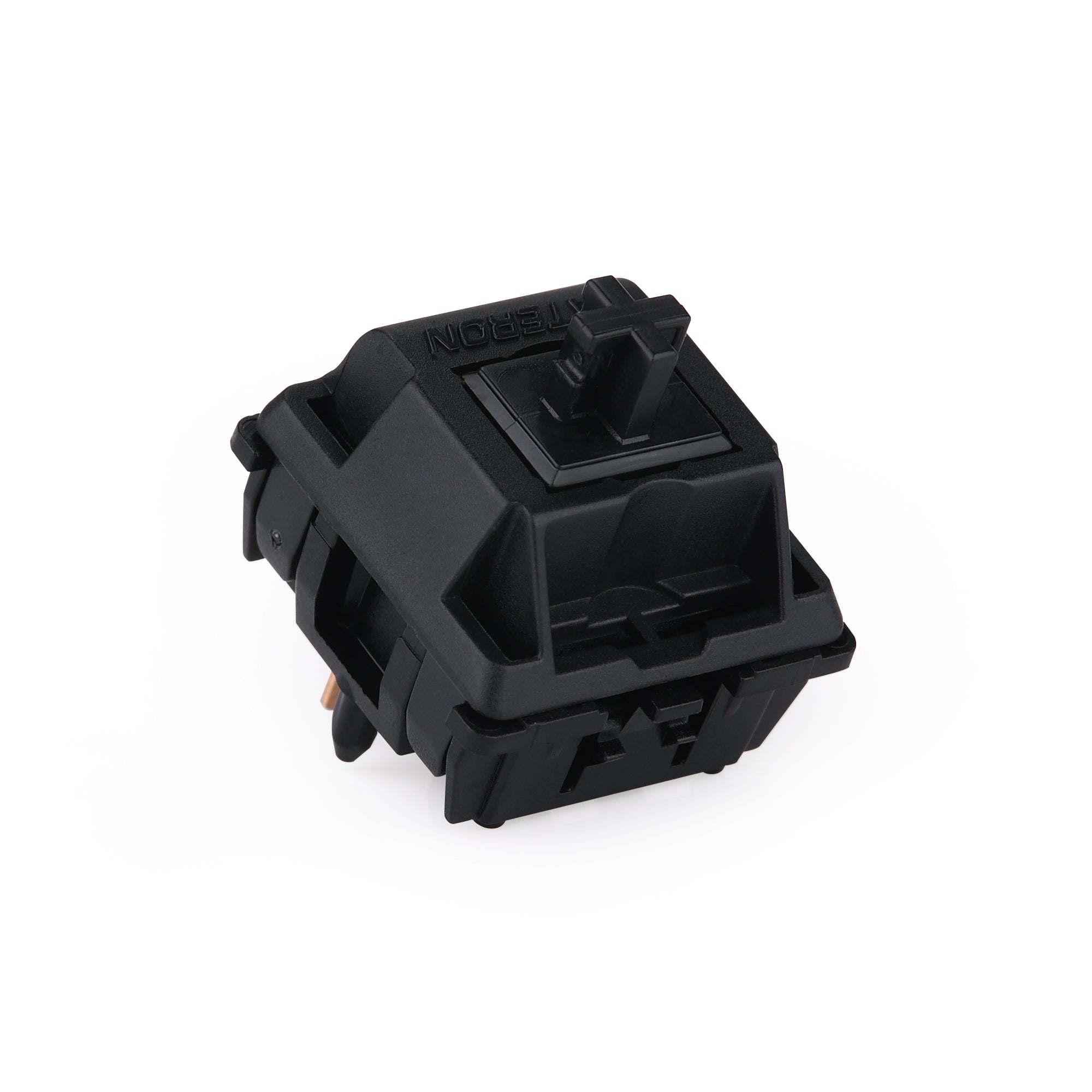
Sillyworks Hyacinth V2 (Linear)
The Hyacinth V2 is a premium linear with a light 45g actuation force and a long 22mm spring that produces a "poppy" bottom-out sensation that many typists love. Five-pin PCB mount, factory lubed, and noticeably more refined than most budget linears. A great step up once you know you prefer linears.
Pros: Light actuation, unique spring feel, premium housing quality Cons: Higher cost per switch than entry-level options
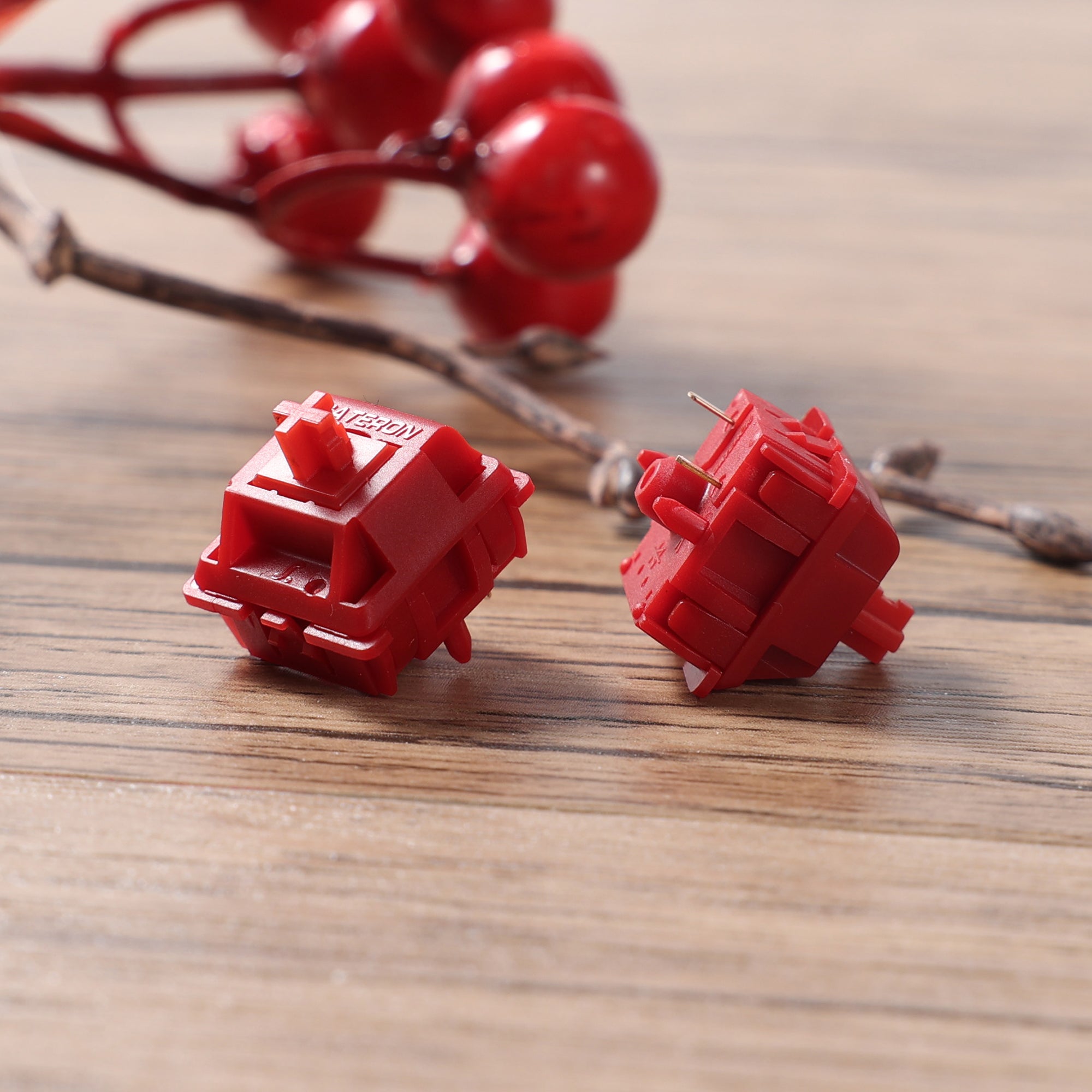
Siliworks Type R (Tactile)
The Siliworks Type R is a well-regarded tactile with a POM stem that produces a clean, non-scratchy bump. The tactile event sits high in the travel, making it easy to actuate without bottoming out every keystroke — ideal for touch typists focused on accuracy. Five-pin PCB mount with PA66 housing.
Pros: Crisp tactile bump, POM stem, smooth sides, five-pin mount Cons: Less widely stocked than mainstream switches like Gateron Brown
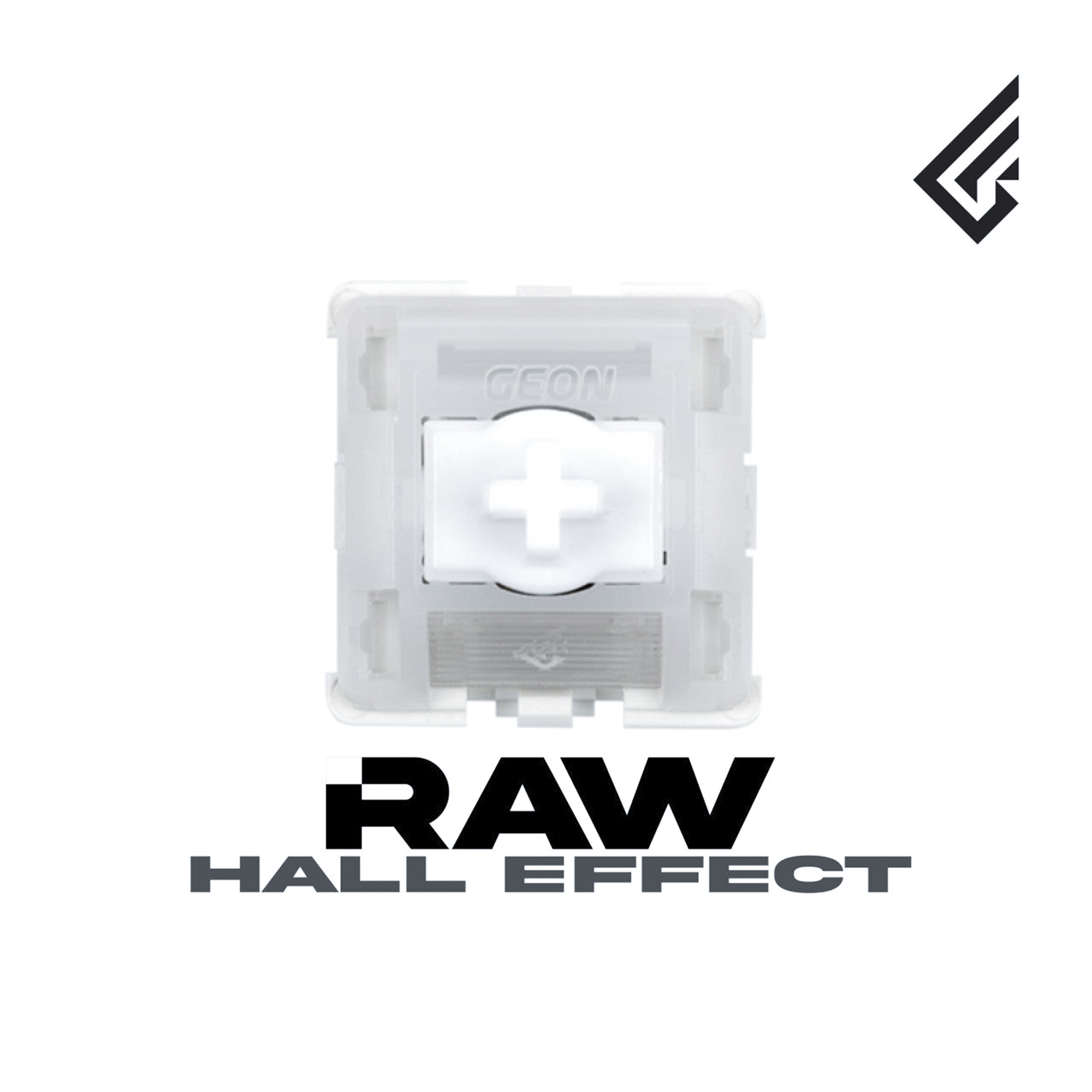
GEON Raw HE (Hall Effect)
The GEON Raw HE is among the cleanest Hall Effect switches available today. Geon's low mold cavity design delivers high dimensional precision, and the switch supports full rapid trigger functionality on compatible keyboards. If you're building around a Hall Effect PCB, these are a top-tier option.
Pros: Rapid trigger support, high precision, no contact wear over time Cons: Requires a Hall Effect-compatible keyboard or PCB
Knowing your mechanical keyboard switch types makes every other decision easier — from choosing a pre-built keyboard to picking individual switches for a custom build. If you're still deciding between linear and tactile, our best linear keyboard switches and best tactile keyboard switches guides go deeper on individual models and how they compare at different price points.