Finding a great cheap mechanical keyboard used to mean settling for mushy switches and a case that flexed like a credit card. In 2026, that's no longer true — the best cheap mechanical keyboards now ship with hot-swap sockets, south-facing RGB, and smooth-enough switches to make a big difference over a rubber-dome board. This list covers six picks that feel genuinely good to use, regardless of what they cost.
What Makes a Budget Mechanical Keyboard Worth It?
The baseline for a "worth buying" cheap mechanical keyboard has shifted. In the sub-$50 range, you should now expect:
- Hot-swappable sockets so you can change switches without soldering
- Mechanical switches (Outemu, Gateron, or Huano) with actual tactile or linear feedback
- Per-key or zone RGB with software or onboard control
- Decent stabilizers — the biggest quality tell on budget boards
- A layout that doesn't waste space — 60%, 65%, and 75% all work well here
If a board doesn't have hot-swap in 2026, it needs a compelling reason to exist. The keyboards below all clear that bar.
The Best Cheap Mechanical Keyboards in 2026
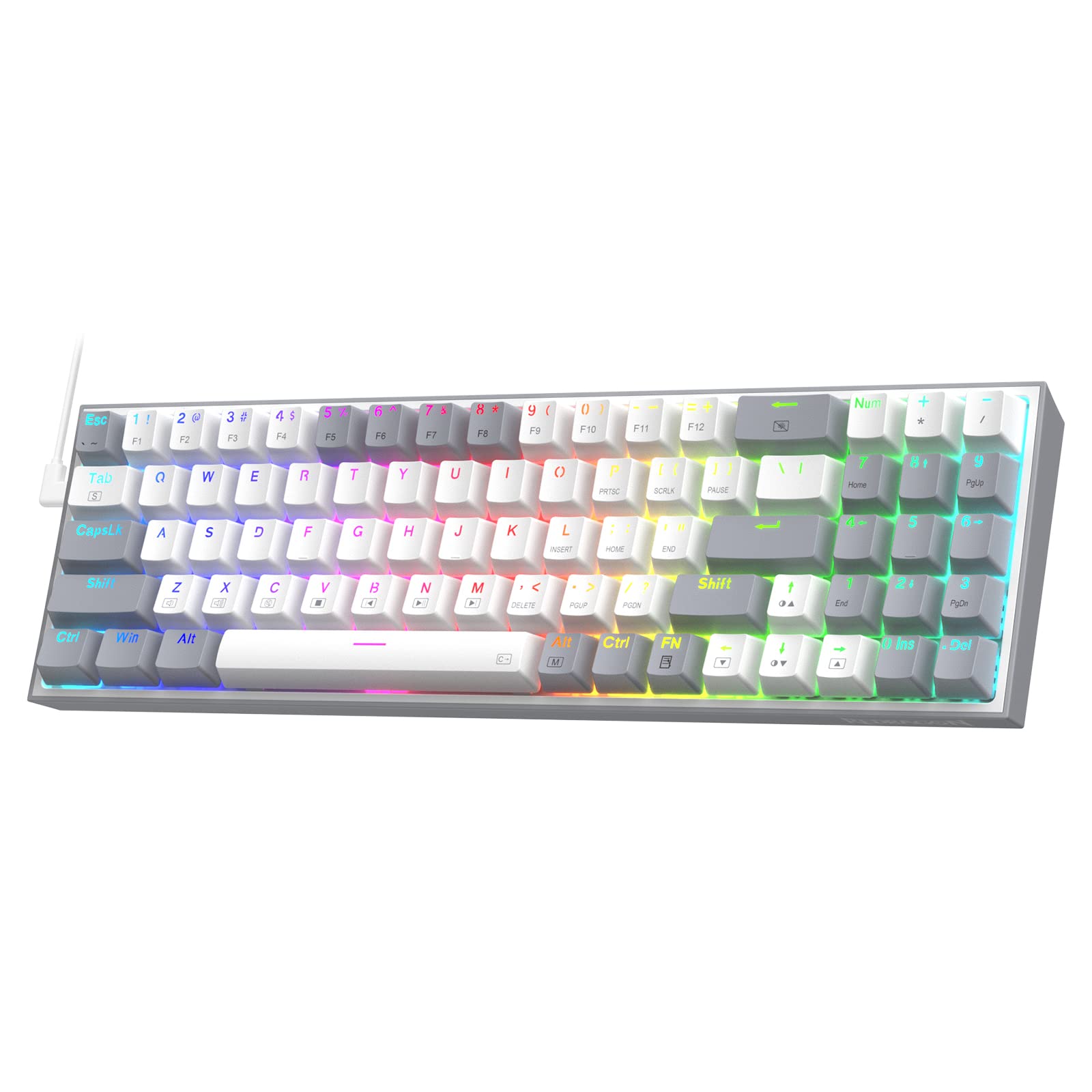
Redragon K628 Pollux — Best 75% Budget Keyboard
The Redragon K628 Pollux is the easiest recommendation on this list: a full 75% layout with dedicated arrow keys and function row, hot-swap sockets, and free-mod support (PCB foam included) for well under $50. The build quality is notably solid for the price, and the south-facing RGB is bright and even. If you want a layout that covers everything without taking up a full desk, the Pollux is the pick.
Pros:
- Hot-swap with free-mod foam support
- 75% layout keeps arrows and function row
- Bright south-facing RGB
Cons:
- Stabilizers benefit from a basic lube job
- No wireless option at this price
Redragon K631 Gery — Best 65% for Everyday Use
The K631 Gery sits in the sweet spot between the cramped 60% and the bulkier 75%. You get dedicated arrow keys and a few navigation keys while keeping the overall footprint small. It's hot-swappable, has per-key RGB, and Redragon's budget switches feel reasonably smooth out of the box. If you spend most of your time writing or coding, the 65% layout is easier to live with than 60% and still leaves room on the desk.
Pros:
- 65% layout with arrow keys
- Hot-swap sockets
- Per-key RGB backlighting
Cons:
- Wired only
- Budget stabilizers are a bit rattle-y stock
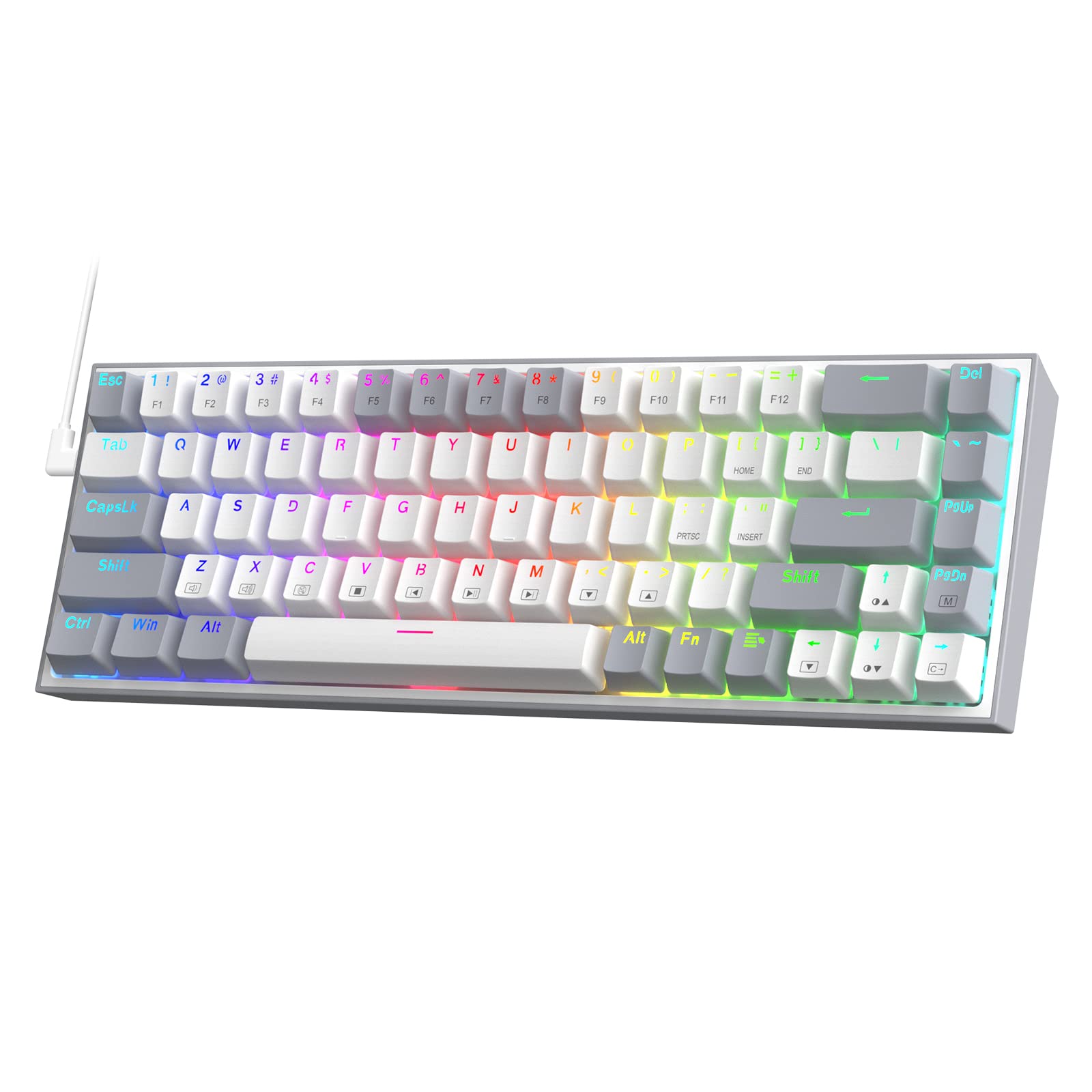
LTC NB681 Nimbleback — Most Underrated Budget 65%
The LTC Nimbleback doesn't have the brand recognition of Redragon or Royal Kludge, but it quietly delivers one of the best value propositions in the cheap mechanical keyboard space. The 65% layout is clean, the hot-swap PCB accepts both 3-pin and 5-pin switches, and the keycap shine-through is better than most boards at this price. It flies under the radar but consistently shows up in budget tier lists for good reason.
Pros:
- Accepts 3-pin and 5-pin switches
- Clean 65% layout
- Strong RGB shine-through
Cons:
- Less established brand support
- No wireless
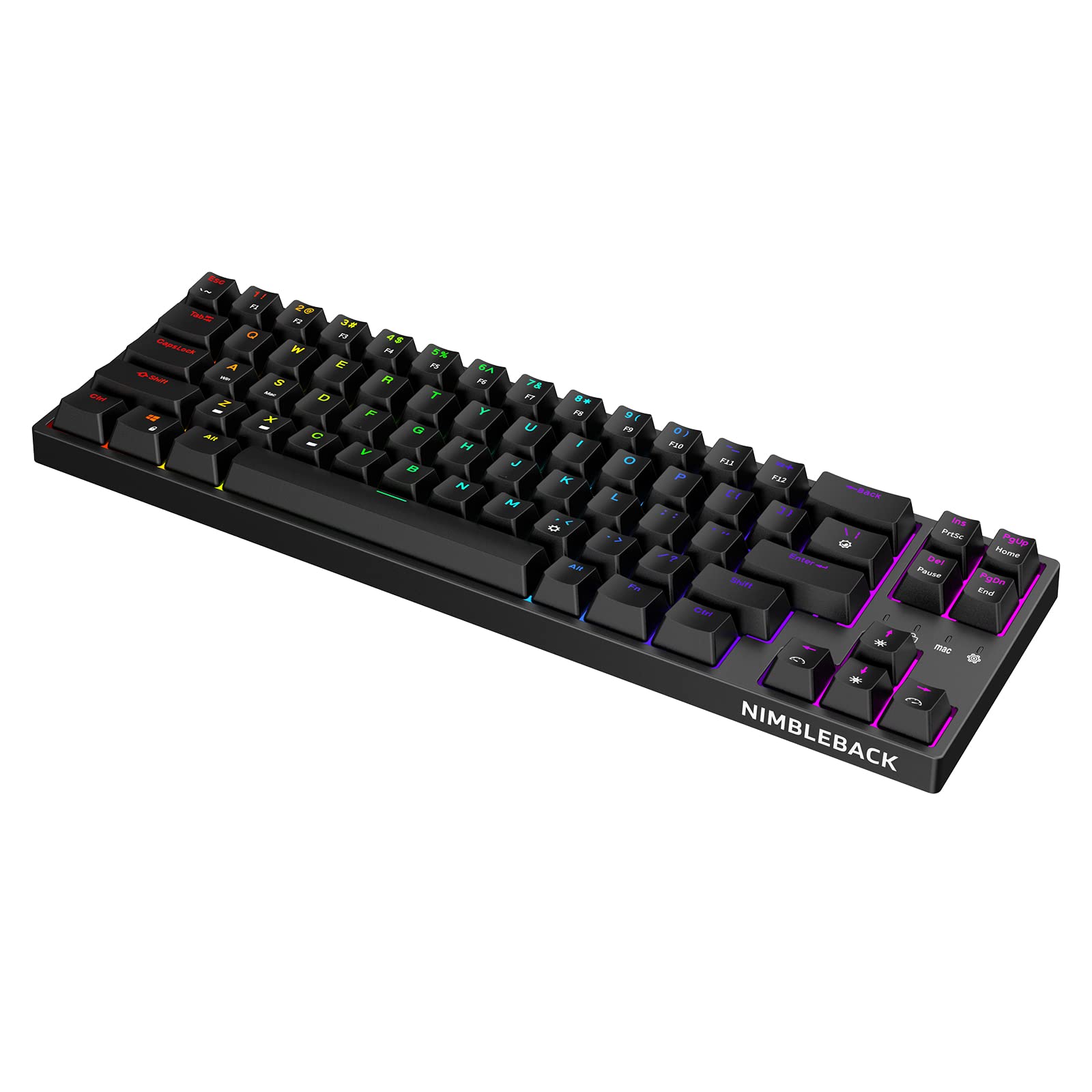
RK Royal Kludge RK61 — Best 60% Cheap Mechanical Keyboard
The RK61 is one of the most consistently recommended cheap mechanical keyboards across Reddit and forum discussions, and with good reason. The 60% layout is minimal and ultra-portable, the price sits at the very bottom of the mechanical keyboard market, and the compact form factor leaves tons of room for a large mousepad. It's a wired board without hot-swap, but for someone who just wants to try mechanical switches without spending much, this is the entry point.
Pros:
- Some of the lowest prices in mechanical keyboards
- Compact 60% footprint
- Reliable Royal Kludge switches
Cons:
- No hot-swap sockets
- 60% means no arrow keys or function row by default
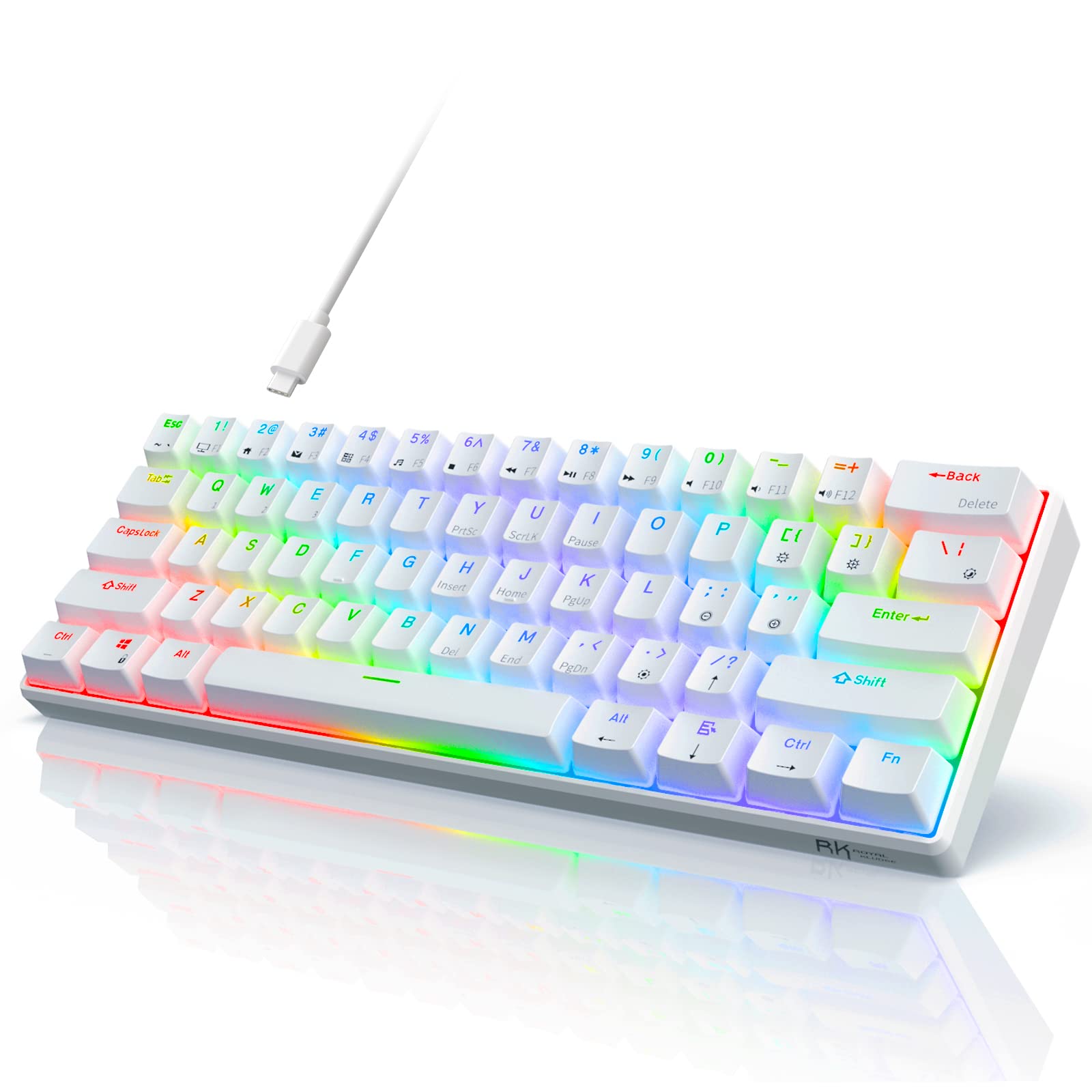
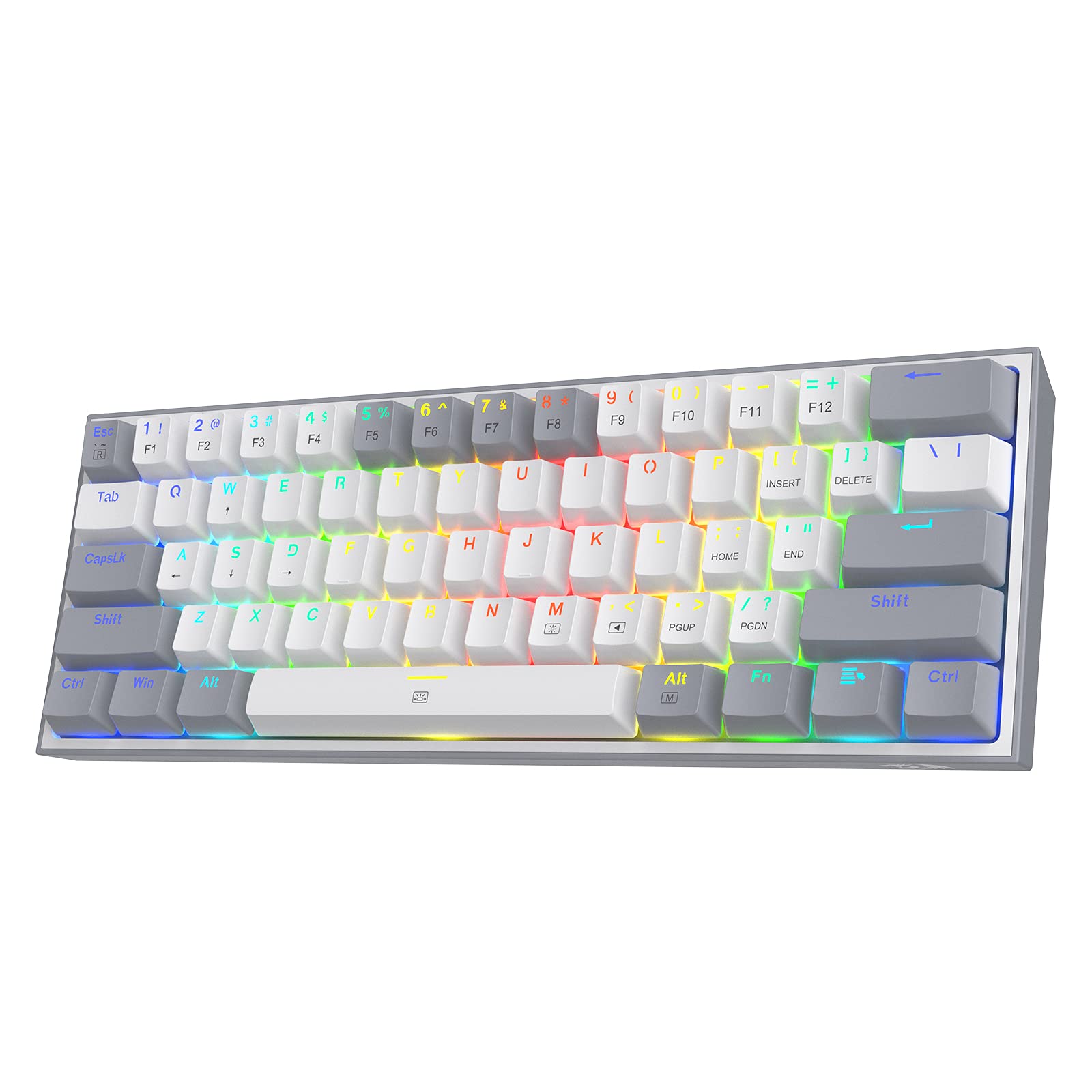
Redragon K617 Fizz — Best Hot-Swap 60% Under $40
The Redragon K617 Fizz is the hot-swap answer to the RK61's fixed-switch approach. At a similarly low price point, you get hot-swap sockets that let you swap in any 3-pin switch you like — drop in some Gateron Yellows or Milky Blues and this board punches well above its cost. The compact 60% form factor and RGB backlighting are exactly what you'd expect at this price; what makes it stand out is that it won't trap you with the stock switches.
Pros:
- Hot-swap sockets at under $40
- Accepts any 3-pin switch
- Per-key RGB
Cons:
- 60% only — no arrows natively
- Plate-mounted (slightly less flex than gasket)
Punkston TH61 — Cheapest Mechanical Keyboard That Actually Works
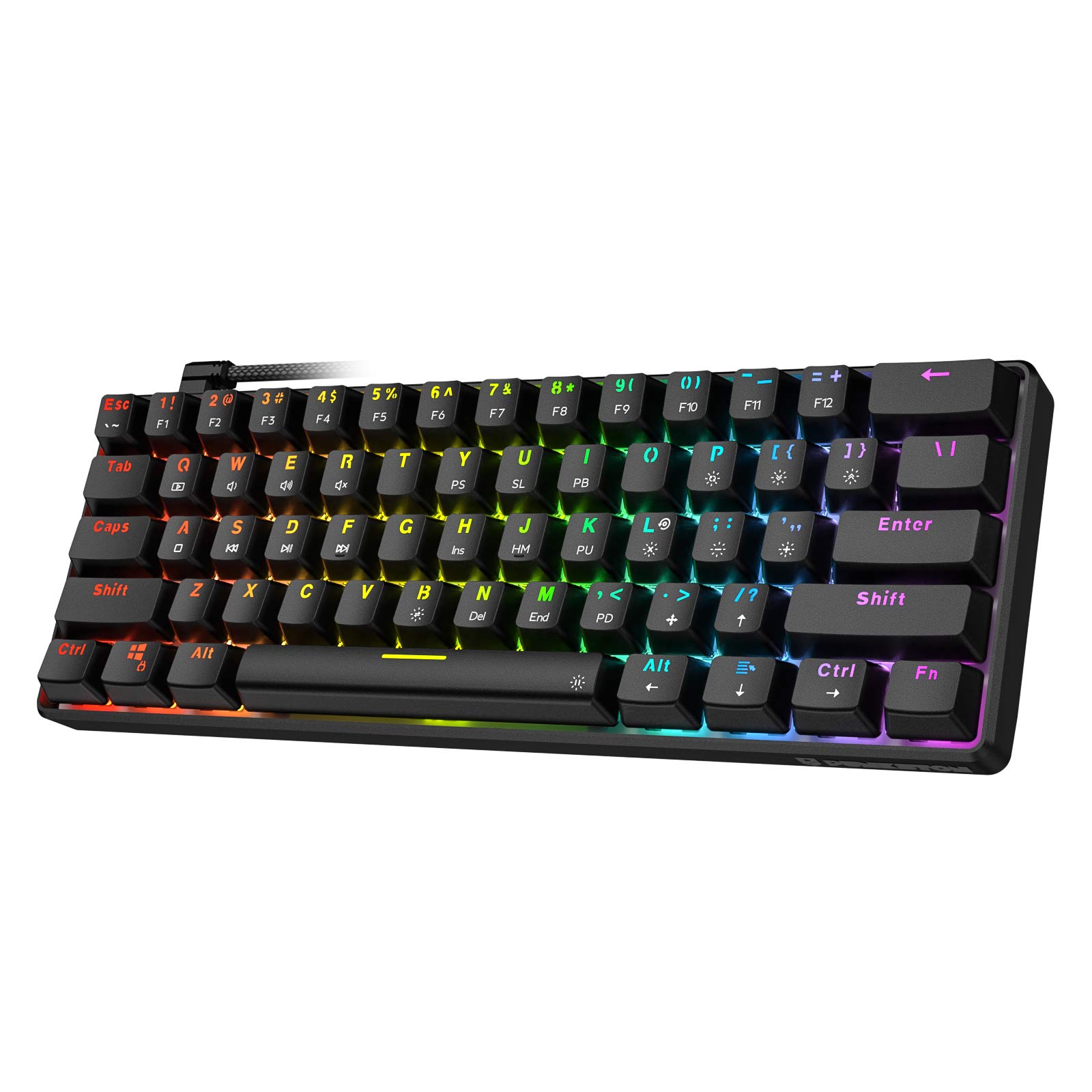
If budget is the first and only constraint, the Punkston TH61 is the answer. It's a 60% wired board with RGB backlighting and a straightforward layout that doesn't pretend to be premium. It won't win any sound-test comparisons and the stabilizers need work, but the switches click and clack like a real mechanical keyboard, the build holds together, and it costs very little. Good for a desk setup where you need a second board, a gift for someone trying mechanical switches, or just the absolute lowest entry cost.
Pros:
- Lowest price on this list
- Compact and lightweight
- Functional RGB backlighting
Cons:
- No hot-swap
- Stabilizers need lubing to sound good
- No frills whatsoever
What to Look for in a Cheap Mechanical Keyboard
Hot-Swap vs. Fixed Switches
If there's one feature worth prioritizing on a budget board, it's hot-swap sockets. A $40 hot-swap keyboard lets you drop in better switches later — a $15–$20 pack of Gateron Yellows or Milky switches transforms a mediocre stock experience into something genuinely good. Fixed-switch boards like the RK61 are still worth it at the right price, but hot-swap gives you room to grow without buying a new keyboard.
Layout: 60%, 65%, or 75%?
- 60% (RK61, K617 Fizz, Punkston TH61): No function row, no arrow keys by default. Smallest footprint. Best for gaming setups where you mostly use the mouse anyway.
- 65% (K631 Gery, LTC Nimbleback): Adds arrow keys and a few navigation keys. The best everyday layout for most people.
- 75% (K628 Pollux): Keeps the function row and arrows in a compact package. Best for anyone who does real typing or coding work.
If you're not sure which to pick, start with a 65% layout. Arrow keys matter more than you think.
Wired vs. Wireless
None of the sub-$40 picks on this list include wireless — that typically adds $15–$25 to the bill of materials. If you need wireless on a tight budget, check out the best hot swappable mechanical keyboards list, which includes a few affordable wireless options from YUNZII and Keychron that won't break the bank much more.
Switches: What Comes Stock?
Budget boards typically ship with Outemu or Huano switches. They're not bad — they just aren't as smooth as Gateron or Akko switches. If the keyboard is hot-swap, this barely matters. If it's fixed, factor in the switch type: linear (smooth, quiet) for gaming, tactile (light bump) for typing, clicky (audible click) if you don't share a wall with anyone.
Stabilizers: The Cheap Keyboard's Weakest Link
Stock stabilizers are the part that most separates a $40 keyboard from a $100 one. Rattly, uneven stabs make the spacebar and shift keys feel bad. A quick fix: add a thin layer of dielectric grease or XHT-BDZ lube to the stabilizer wires. It takes about 15 minutes and makes the whole board feel more premium. It's worth doing on any cheap mechanical keyboard before you judge it.
Final Thoughts
The best cheap mechanical keyboard isn't the one with the most features for the price — it's the one that matches your layout preference and doesn't get in your way. Start with the Redragon K628 Pollux if you want a complete 75% board, or the Redragon K617 Fizz if you want a minimal 60% with room to swap switches. If you can stretch a little higher, our budget friendly mechanical keyboards under $100 roundup adds wireless and aluminum-case options that the sub-$50 tier can't quite reach. For anyone already exploring the broader keyboard hobby, pair whichever board you choose with a basic switch upgrade and you'll have something that genuinely rivals keyboards costing two or three times more.