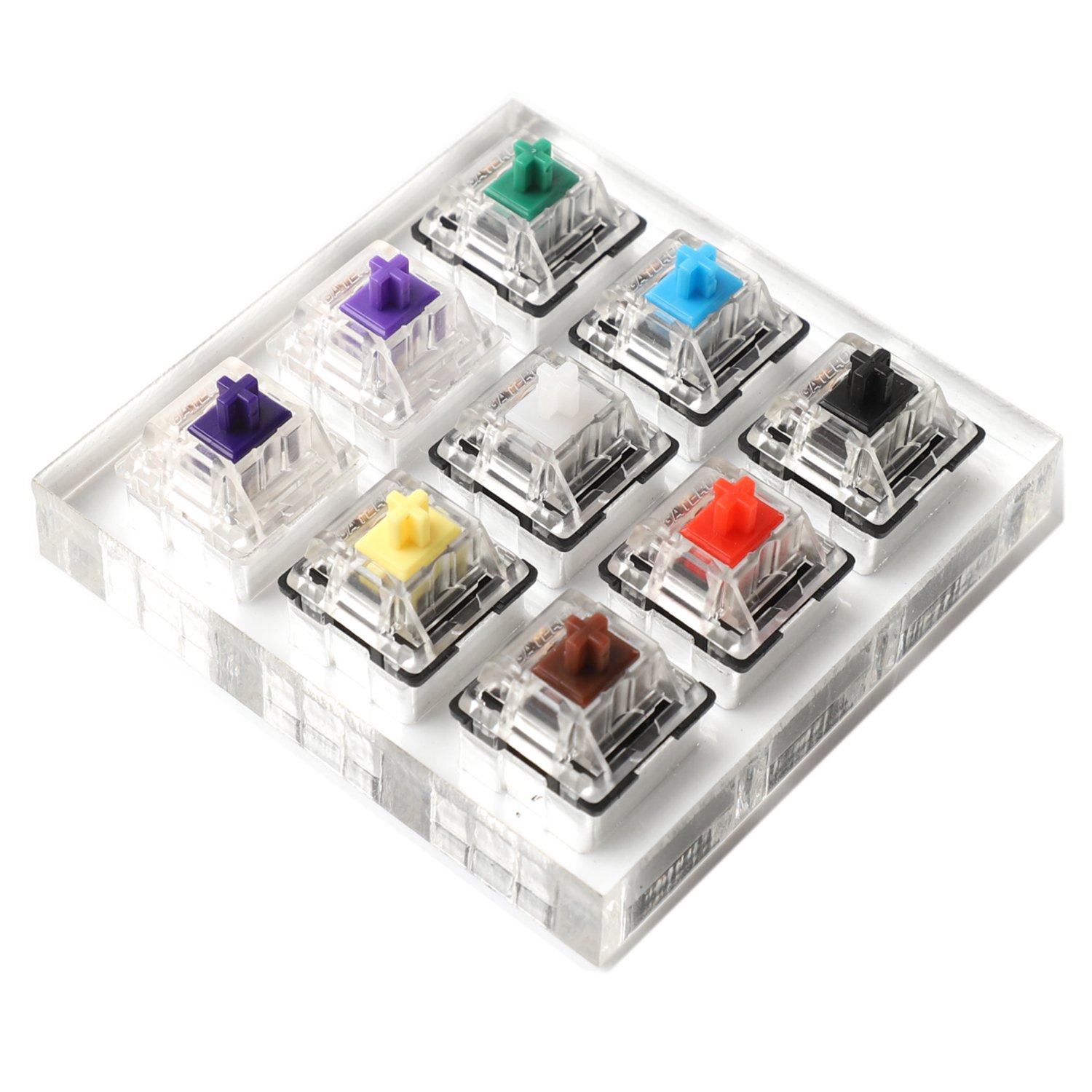
Clicky switches combine tactile feedback with an audible click. That makes them satisfying for some typists and completely unusable for others. If you like keyboards that sound lively and feel dramatic, clicky switches can still be a great fit.
What Makes Clicky Switches Different?
Unlike linear switches, clicky switches do not travel smoothly the whole way down. Unlike standard tactile switches, they add a distinct click sound at actuation. That extra sound is the main reason clicky switches are so polarizing.
Best Clicky Switches to Consider
Kailh Box Jade
Kailh Box Jade is one of the most recommended clicky switches for people who want a crisp, sharp click and a more aggressive feel than a standard blue switch.
Cherry MX Blue
Cherry MX Blue is the classic reference point for clicky switches. It is still useful as a baseline if you want to understand the category before moving into more specialized click bars and heavier springs.
When Clicky Switches Make Sense
Clicky switches work best if:
- you type alone or in a private space
- you want strong audio feedback
- you enjoy a more old-school keyboard feel
- you do more typing than competitive gaming
They are usually a bad fit if you share an office, stream near an open microphone, or need a quieter setup.
Clicky vs Tactile vs Linear
- Clicky switches: bump plus click
- Tactile switches: bump without the extra click
- Linear switches: smooth travel without bump or click
If you want feedback without the noise, move to Best Tactile Switches. If you want smooth gaming-friendly travel, go to Best Linear Switches.
Final Take
Clicky switches are not the default recommendation for most people anymore, but they are still worth buying if you specifically want that classic mechanical keyboard sound and a more dramatic keypress.