Mechanical keyboard vs membrane is one of the first questions anyone asks when upgrading from a stock keyboard, and the honest answer is that it comes down to how you use your desk.
How Mechanical and Membrane Keyboards Work
A mechanical keyboard uses an individual physical switch under each key. Press a key and a spring-loaded stem travels down until it hits an actuation point — before the key bottoms out. That's the tactile or clicky sensation people describe when they talk about mechanical typing feel.
Membrane keyboards work on a different principle. A flexible rubber dome layer sits beneath the keycaps, pressed against a conductive membrane sheet. When you press a key, the dome collapses and the circuit closes. There's no discrete actuation point — just a soft, uniform squish all the way down.
Mechanical Keyboard vs Membrane: Key Differences
Here's how the two stack up across the factors that matter in daily use:
| Feature | Mechanical | Membrane |
|---|---|---|
| Typing feel | Tactile, linear, or clicky | Soft and mushy |
| Noise | Varies (can be quiet with right switches) | Quiet by default |
| Durability | 50–100 million keystrokes | 5–10 million keystrokes |
| Starting price | ~$30 | ~$10 |
| Customization | High (switches, keycaps, mods) | Very limited |
| Repairability | Switch replacement possible | Typically no |
Mechanical keyboards win on feel, durability, and customization. Membrane keyboards win on noise (by default) and upfront price — though budget mechanical boards have closed that gap significantly. You can now get a hot-swappable mechanical keyboard with PBT keycaps and RGB for around $30–$40.
Which Is Better for Gaming?
Mechanical keyboards are the default choice for gaming, and for good reason. Each switch registers independently, eliminating ghosting and key conflicts. Most mechanical switches actuate in 0.2–1ms. High-end membrane keyboards have improved but still lag at 1–3ms under load.
For gaming, linear switches are the most common pick — smooth travel with no tactile bump means faster repeated keypresses. If noise is a concern in a shared space, silent mechanical options close the gap without giving up the feel advantage. See our full best quiet mechanical keyboards guide for picks that work in any environment.
Membrane keyboards are fine for casual play. But for anything competitive — FPS, MOBA, fast-paced action — a mechanical keyboard is a tangible upgrade.
Which Is Better for Typing and Office Work?
For long typing sessions, mechanical keyboards reduce fatigue. You don't need to bottom out every key to register a stroke — tactile switches let your fingers recognize the actuation point and move on. That's a real difference after hours of writing.
Membrane keyboards are softer and quieter out of the box, which matters in open offices or shared spaces. But silent mechanical switches now match that noise level while keeping the feel advantage. Long-term, durability is the bigger difference: a quality mechanical keyboard easily lasts 10–15 years; a budget membrane typically needs replacing every 2–4 years.
Who Should Buy Each
Buy mechanical if you:
- Type for long hours daily
- Game regularly, even casually
- Want to customize switches or keycaps
- Want a keyboard that lasts
Stick with membrane if you:
- Need the lowest possible upfront cost
- Share a very noise-sensitive workspace
- Prioritize portability above everything
- Won't keep the keyboard long-term
For a deeper look at switch types and what makes mechanical keyboards tick, check our beginner's guide to mechanical keyboards.
Verdict
Mechanical keyboards are worth it for nearly everyone who types or games regularly. The price floor has dropped enough that the membrane keyboard's main advantage — cost — barely applies anymore. If you're coming from a membrane board, any of the mechanical picks below will feel like a meaningful upgrade.
Best Budget Mechanical Keyboards to Start With
These four mechanical keyboards are all hot-swappable, under $50, and a significant step up from any membrane keyboard at the same price.
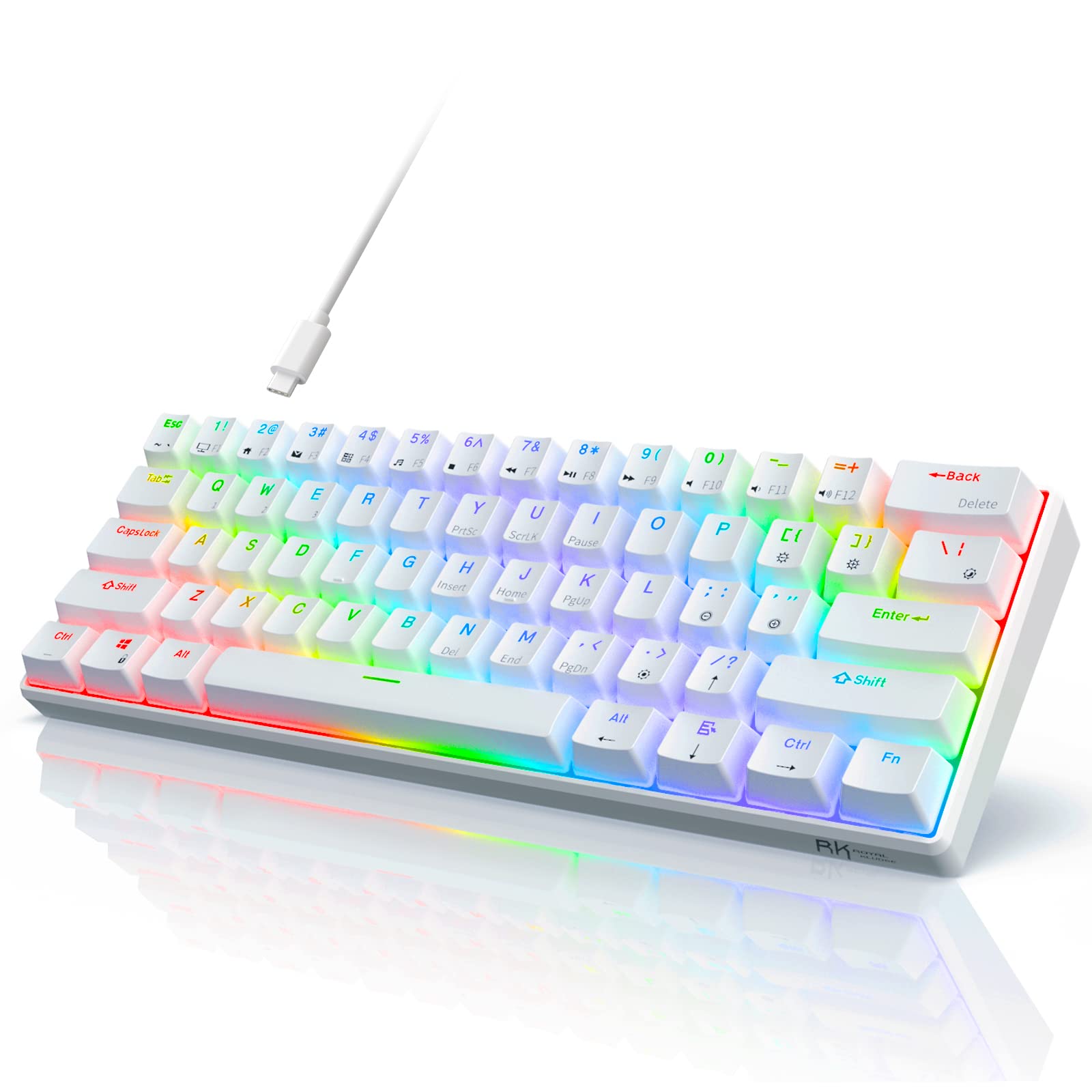
RK ROYAL KLUDGE RK61
The RK61 is one of the best entry points into mechanical keyboards — a compact 60% layout with RGB, solid switch options, and a price that undercuts most membrane "gaming" keyboards. The 60% form factor removes the numpad and function row, freeing up desk space.
Pros: Affordable, compact, good switch variety available Cons: No dedicated function row, no wireless on base model
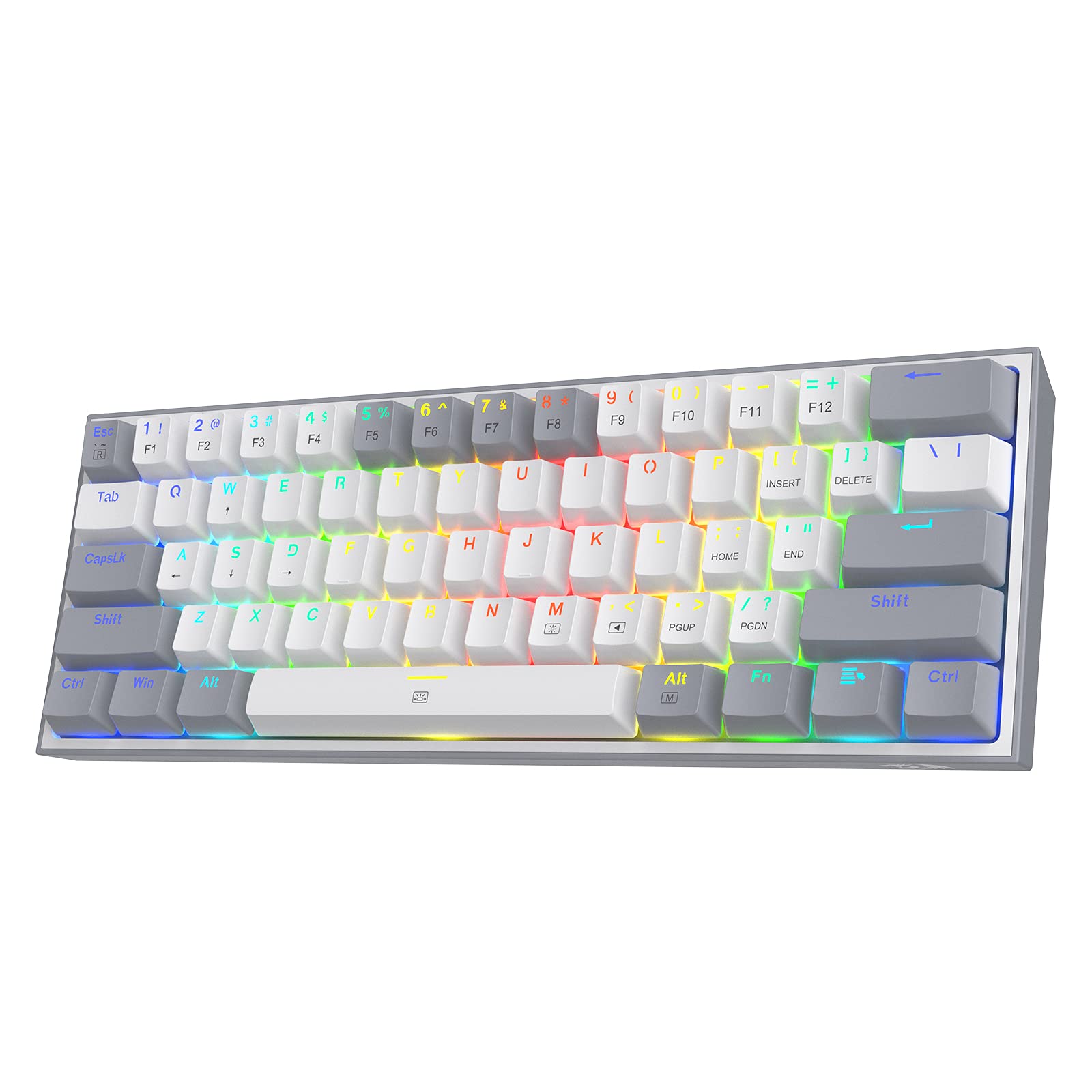
Redragon K617 Fizz 60%
The Fizz is a hot-swappable 60% keyboard at a price point that makes it the easiest mechanical keyboard recommendation for anyone coming off membrane. Hot-swap means you can change switches later without soldering — a useful feature if you want to explore different feels down the road.
Pros: Hot-swappable, very affordable, RGB backlight, compact Cons: 60% layout lacks function row, basic software
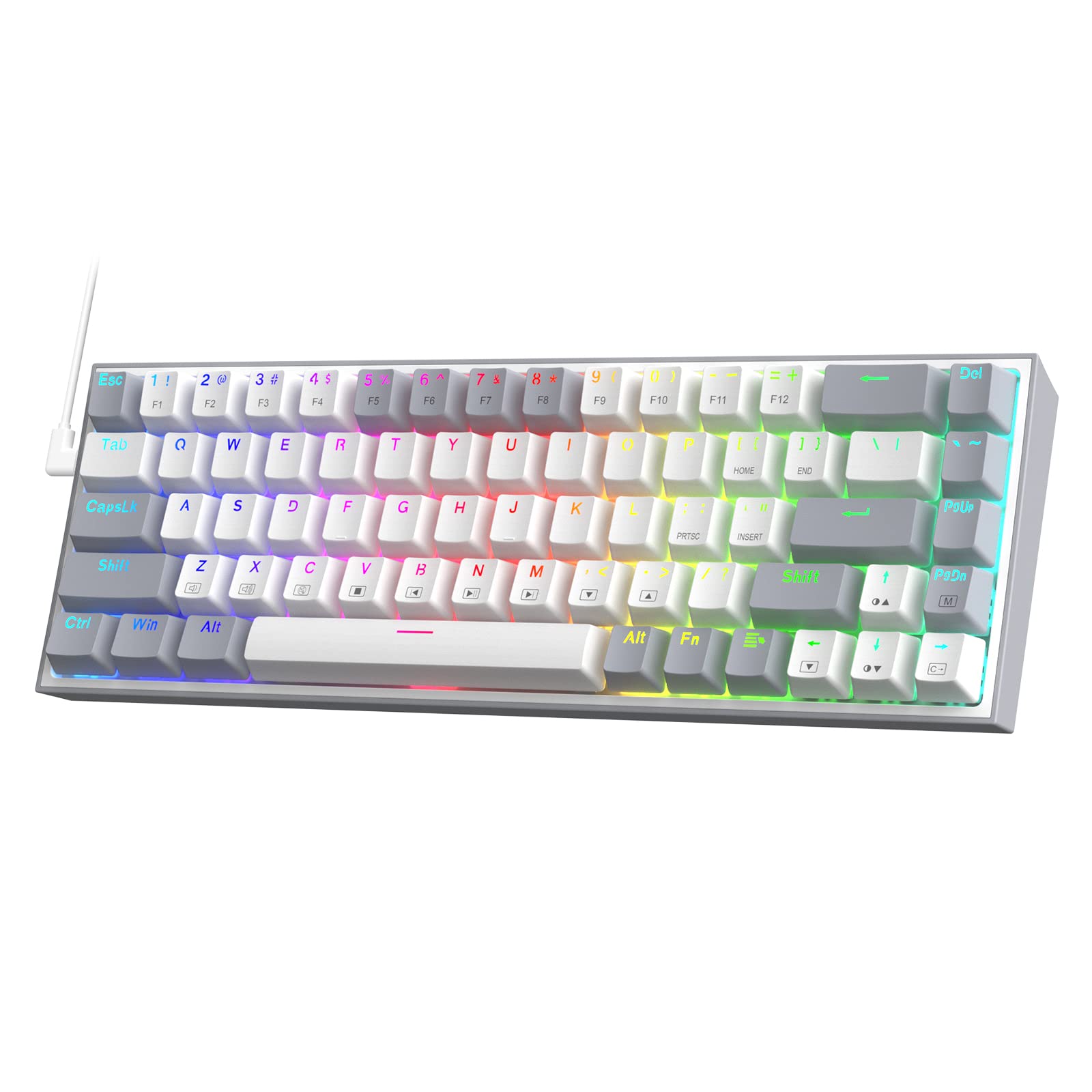
Redragon K631 Gery 65%
The K631 steps up to a 65% layout, adding dedicated arrow keys without ballooning the footprint. It's hot-swappable, RGB-lit, and sits at a price point where you'd otherwise be buying a membrane keyboard. A strong all-around recommendation for new mechanical keyboard buyers who want arrow keys.
Pros: Hot-swappable, dedicated arrow keys, good build at the price Cons: Wired only, basic keycaps
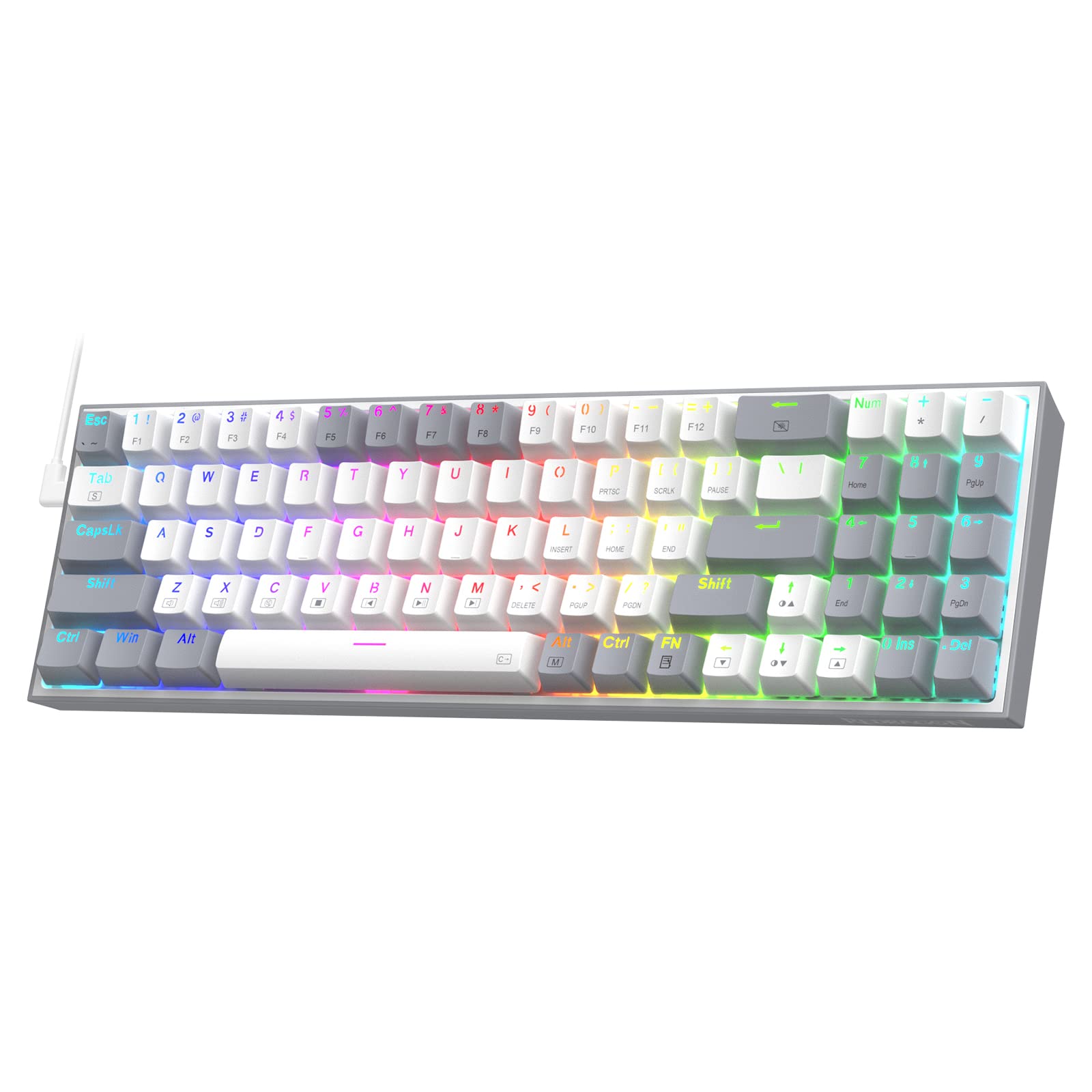
Redragon K628 Pollux 75%
For those who want function keys and arrow keys without committing to a full-size layout, the K628 hits the sweet spot at 75%. Free-mod hot-swap means more switch flexibility than standard hot-swap designs. The 75% layout fits on most desks while keeping all the keys most people actually use.
Pros: Hot-swap, function row included, compact 75% layout, RGB Cons: Wired only, heavier than 60% options
The mechanical keyboard vs membrane debate has a clear winner for most use cases. Once you've typed on a quality mechanical keyboard, a membrane board feels noticeably worse — and with budget options this accessible, there's little reason to stay on rubber domes.