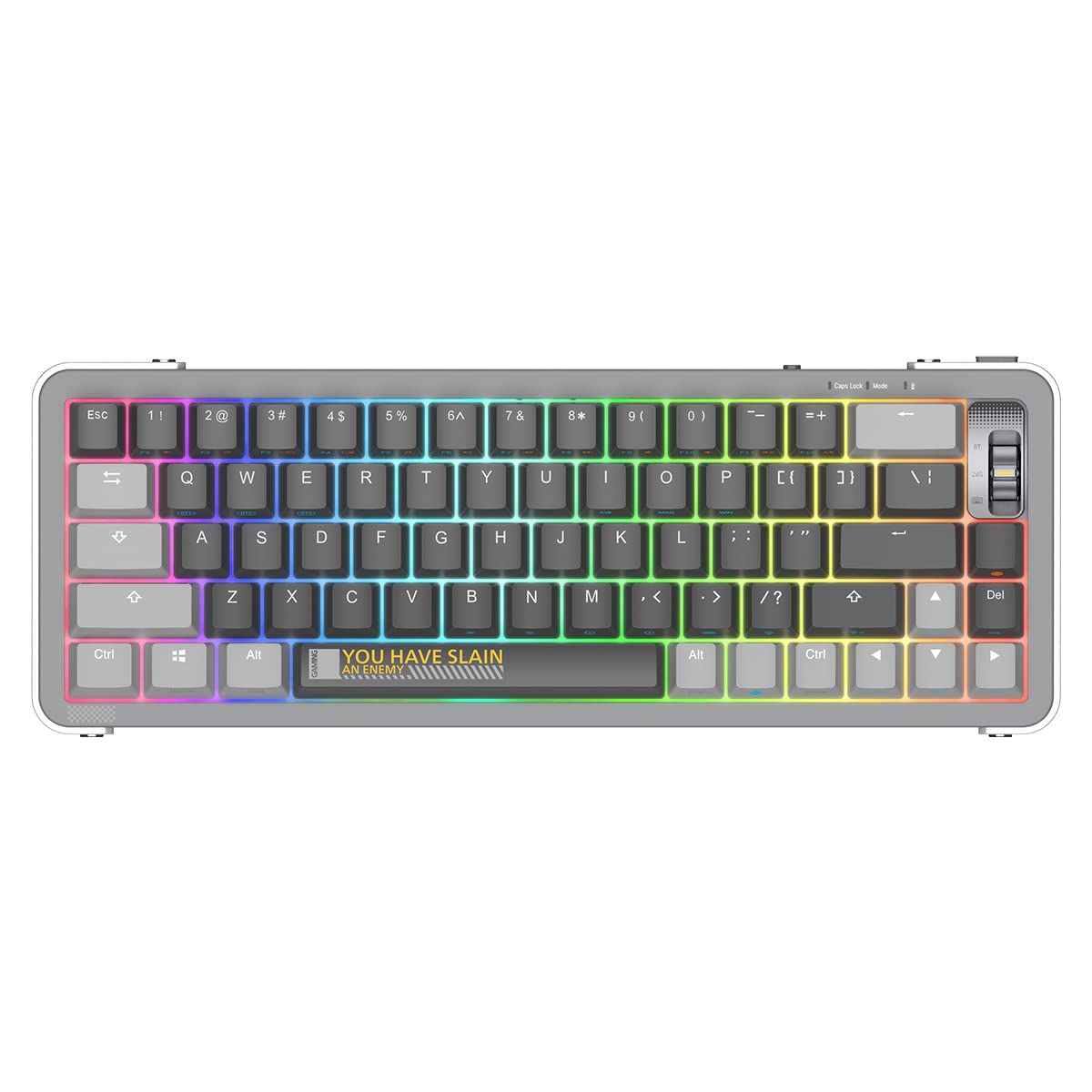
If you've ever wondered what is a mechanical keyboard and why so many typists and gamers swear by them, the short answer is this: every key has its own individual switch, which makes the typing experience more precise, durable, and customizable than any standard keyboard you've used before.
Mechanical keyboards have gone from a niche enthusiast hobby to a mainstream upgrade. In 2026 you can get a genuinely great one for under $50 — and once you try one, it's hard to go back.
How a Mechanical Keyboard Works
Most everyday keyboards use a membrane layer — a rubber dome that collapses when you press a key and bounces back. It works, but the feedback is mushy and the feel degrades over time.
A mechanical keyboard replaces that rubber layer with an individual switch under every single key. Each switch has a housing, a stem, and a spring. When you press down, the stem travels through the housing and registers the keypress. When you let go, the spring pushes it back up.
The result: a consistent, defined keypress every time. Mechanical switches are rated for 50–100 million actuations per key, which in practice means a well-built keyboard can last a decade or more.
The Three Types of Mechanical Switches
Switches are the most important thing to understand before buying. They fall into three categories:
Linear switches move straight down with no bump or click — just smooth, quiet travel from top to bottom. These are popular for gaming because they register fast and don't fatigue your fingers during long sessions. Examples: Gateron Yellow, Gateron Oil King, Cherry MX Red.
Tactile switches have a small bump partway through the keystroke that tells your finger the keypress registered. You get physical feedback without a loud sound. Popular for typing and coding. Examples: Gateron Brown, Holy Panda, Boba U4.
Clicky switches add an audible click on top of the tactile bump. They feel and sound satisfying but can be disruptive in shared spaces. Examples: Cherry MX Blue, Kailh Box Jade.
For most beginners, tactile switches are a safe first choice — you get feedback without the noise. If you're primarily gaming, linears are worth a look. Check out our guide to the best creamy keyboard switches for a deeper dive into linears.
Keyboard Sizes Explained
Mechanical keyboards come in several layouts, each cutting keys from the right side:
| Layout | Keys | What's removed |
|---|---|---|
| Full-size (100%) | ~104 | Nothing |
| TKL (80%) | ~87 | Numpad |
| 75% | ~84 | Numpad + some nav keys |
| 65% | ~68 | Numpad + function row |
| 60% | ~61 | Numpad + function row + nav cluster |
For most people, TKL or 75% is the best starting point — you keep the keys you actually use and gain desk space. A 65% or 60% is great if you want a minimal setup, but expect a small learning curve remapping keys you used to have.
What Makes a Mechanical Keyboard "Good"?
A few features separate a good mechanical keyboard from a great one:
Hot-swap sockets let you pull out switches and replace them without soldering. This is a huge deal for beginners — you can try different switch feels without buying a new keyboard. Look for "hot-swappable" on the product page. Our full hot-swappable keyboard roundup covers the best options.
Build material affects sound and feel. Plastic cases are lighter and produce a higher-pitched sound. Aluminum cases are heavier, more premium, and produce a deeper "thock." Gasket mounting (a rubber layer between the case and the PCB) further softens the sound.
Connectivity — wired, Bluetooth, or tri-mode (wired + BT + 2.4 GHz dongle). Tri-mode is the most flexible option if you want to switch between a phone, tablet, and PC.
Programmability — QMK/VIA support lets you remap every key via software. Useful for power users; not required for beginners.
Mechanical vs. Membrane: The Key Difference
Membrane keyboards feel soft and imprecise because the rubber dome collapses inconsistently. They're cheap to make and quiet, but the experience degrades as the domes wear down. Mechanical switches feel defined and consistent — and stay that way for years.
If you've been using a stock laptop keyboard or a budget membrane board at work, the switch to mechanical will be immediately noticeable.
Recommended Beginner Keyboards
Below are five mechanical keyboards that are easy to recommend for first-time buyers. All are hot-swappable, well-built, and available on Amazon.
YUNZII Y68 Wireless 65%
The YUNZII Y68 is a 65% hot-swap keyboard with tri-mode connectivity (wired, Bluetooth, 2.4 GHz) and RGB backlighting. It's one of the cleanest entry points into wireless mechanical keyboards — compact enough to free up desk space without losing arrow keys, and hot-swap ready so you can experiment with different switches down the road.
Pros: Tri-mode wireless, hot-swap, clean aesthetic, great value Cons: No dedicated function row
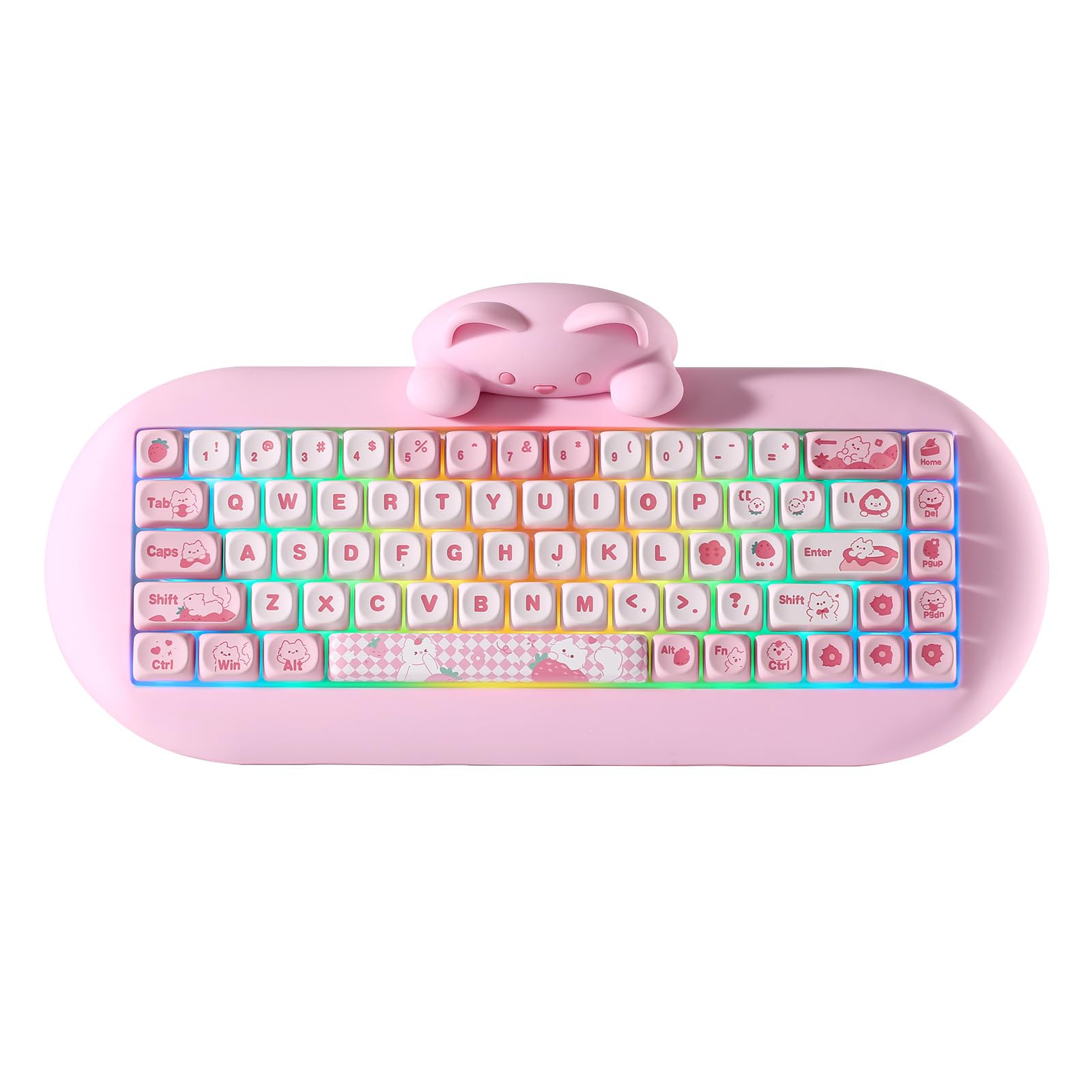
YUNZII C68 Wireless Cat Edition
The YUNZII C68 shares the same 65% wireless platform as the Y68 but comes in a cute cat colorway that makes it stand out on any desk. Triple-mode connectivity, hot-swap PCB, and a fun aesthetic make it a popular pick for anyone who wants function and personality in the same board.
Pros: Unique design, tri-mode wireless, hot-swap, RGB Cons: Limited to 65% layout
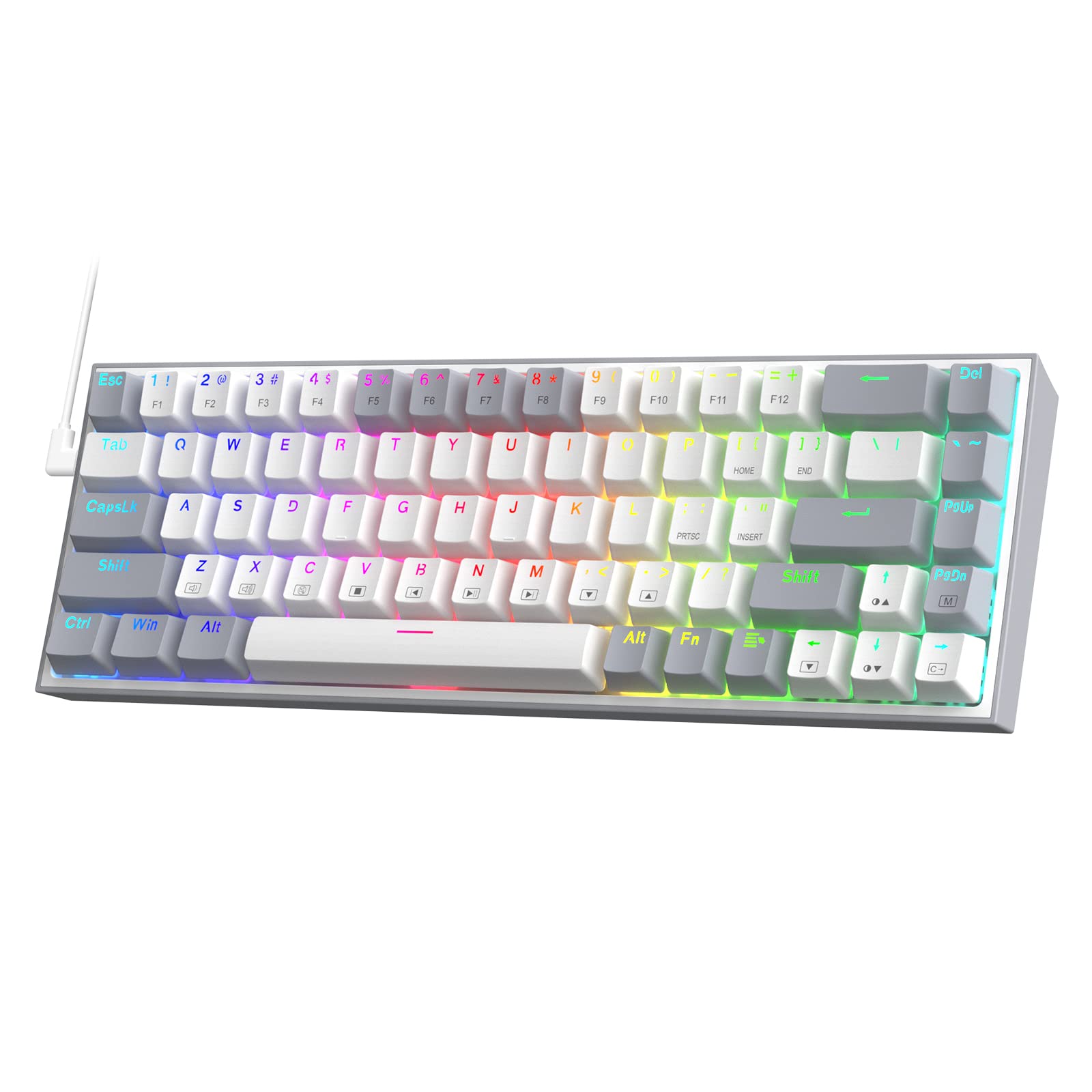
Redragon K631 Gery 65%
The Redragon K631 Gery is one of the best value hot-swap keyboards on the market. It's wired-only, but at its price point it packs in 68 keys, full RGB, and hot-swap sockets — everything you need to start experimenting with switches without breaking the bank.
Pros: Very affordable, hot-swap, full RGB, 65% layout Cons: Wired only, plastic case
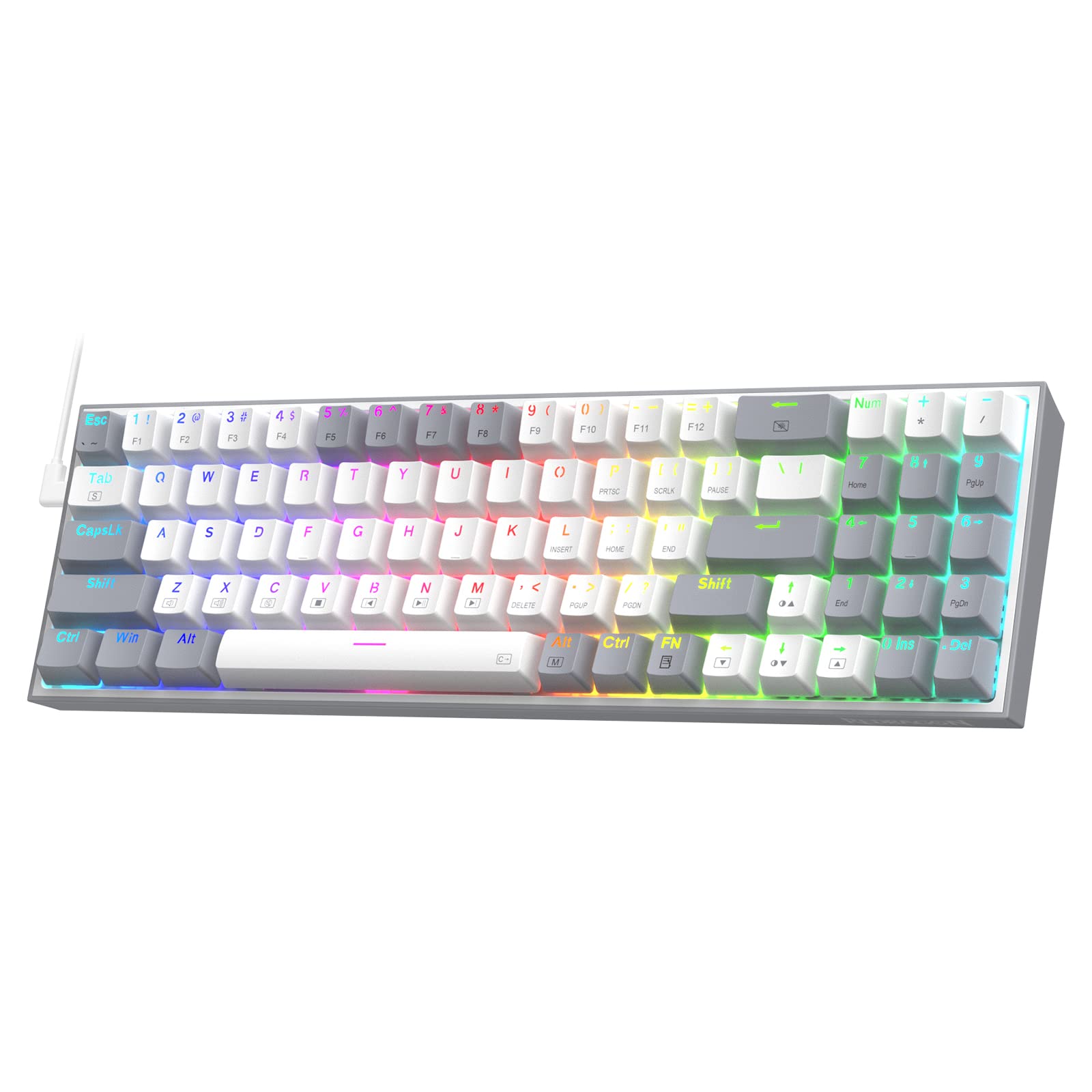
Redragon K628 Pollux 75%
The Redragon K628 Pollux steps up to a 75% layout, keeping the function row and adding hot-swap support. It's a great choice if you want the full function row for gaming shortcuts or productivity without the size of a TKL. Free-mod design lets you swap the plate foam for further sound tuning.
Pros: Hot-swap, free-mod, keeps function row, strong value Cons: Wired only, no wireless
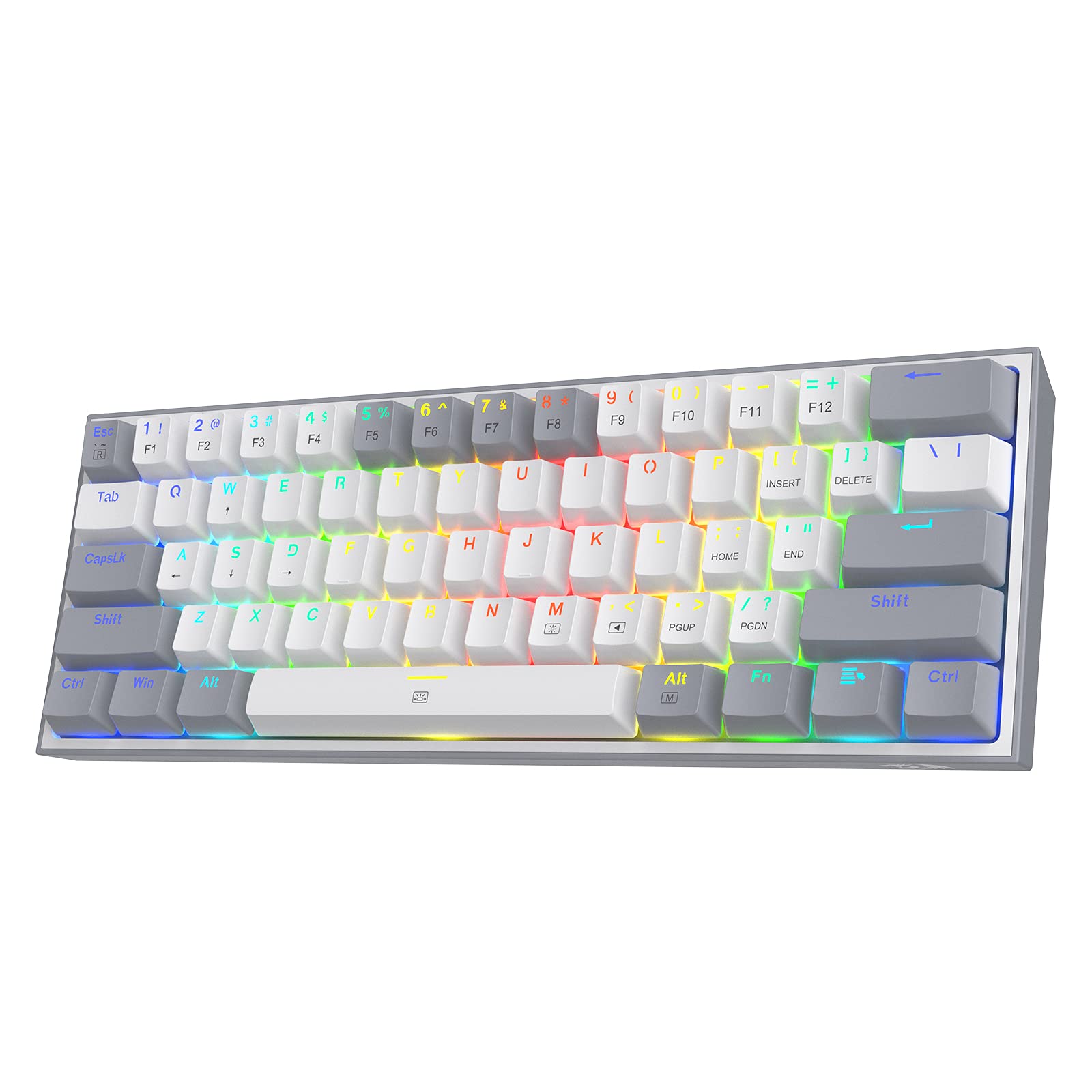
Redragon K617 Fizz 60%
The Redragon K617 Fizz is a 60% hot-swap board at a budget-friendly price — one of the most popular entry-level mechanical keyboards available. If you want the most compact footprint possible and don't need arrow keys or a numpad, the Fizz is hard to beat for the money.
Pros: Ultra-compact, hot-swap, bright RGB, very affordable Cons: 60% layout removes arrow keys and nav cluster
Is a Mechanical Keyboard Worth It?
For most people: yes. The typing experience is noticeably better than membrane, the keyboards last far longer, and the ability to swap switches and keycaps means you can tune it to exactly how you want it to feel. Whether you're gaming, coding, writing, or just spending a lot of time at a desk, a mechanical keyboard is one of the highest-value upgrades you can make. Check out our best budget mechanical keyboards list if you want more options under $100 before committing.