A compact mechanical keyboard saves desk space, reduces hand travel, and often sounds better than the bulkier boards it replaces — and the three most popular sizes (60%, 65%, and 75%) each strike a different balance between minimalism and functionality. Whether you're a gamer chasing faster mouse movement, a coder who lives in their terminal, or a writer who hates clutter, there's a compact layout that fits your workflow.
What the Layouts Actually Mean
Before the picks: a quick breakdown of what you're giving up and gaining with each size.
60% (61 keys): No arrow keys, no function row, no nav cluster. Everything is accessed via function layers. Maximum desk space and portability — best for gamers who want the mouse moved far to the right or minimalists who have memorized their shortcuts.
65% (68 keys): Adds dedicated arrow keys and usually a Delete key. Most users find 65% the sweet spot — you lose the F-row but keep the navigation keys you actually reach for.
75% (84 keys): Keeps the function row and arrow keys in a compressed layout roughly half the footprint of a full-size board. The most practical choice if you're coming off a standard keyboard and don't want to relearn anything.
If you're still deciding between a compact and a full-size board, check out our guide to what makes mechanical keyboards different for the broader context.
Best 60% Compact Mechanical Keyboards
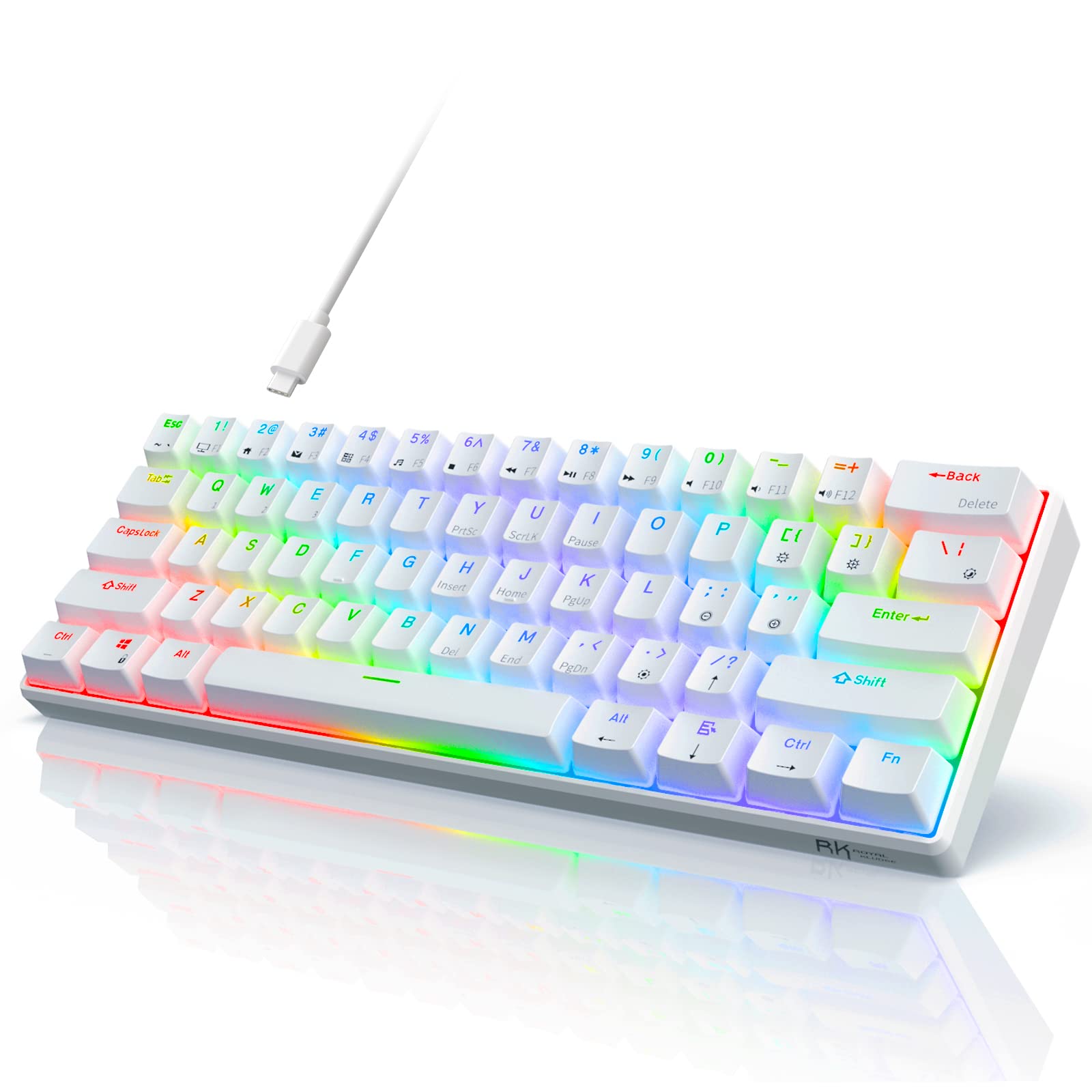
RK ROYAL KLUDGE RK61
The RK61 is one of the most popular entry-level 60% boards on the market, and it's easy to see why. It comes in wired and wireless variants, supports customizable RGB backlighting, and uses standard MX-compatible switches — making it a solid first compact keyboard that won't punish you if you decide to swap switches later.
Pros:
- Very affordable entry price
- Standard MX switch footprint for easy upgrades
- RGB backlighting with software control
- Available in multiple switch options
Cons:
- No dedicated arrow keys (60% layout)
- Build quality reflects the budget price point
- Wired version has limited programmability out of the box
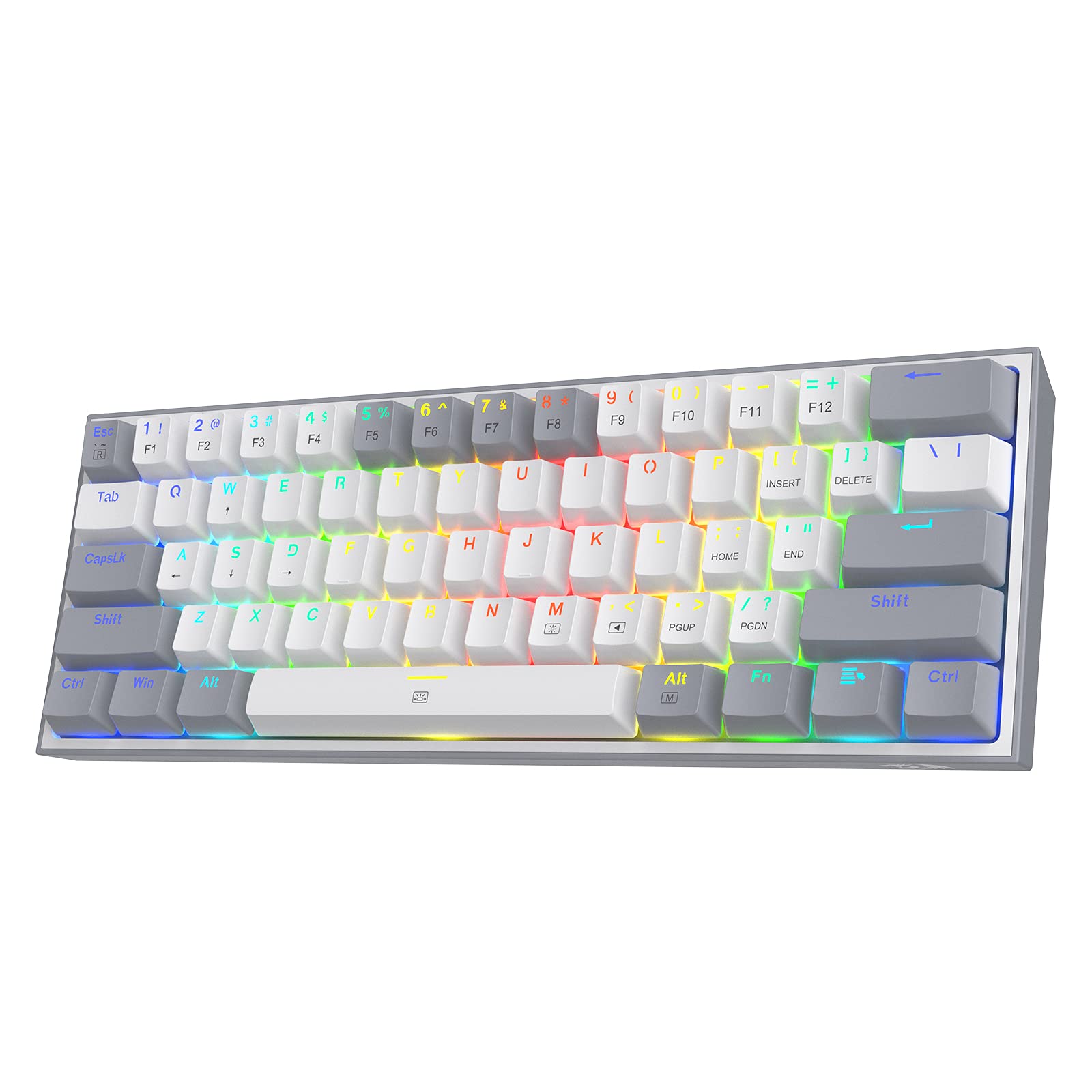
Redragon K617 Fizz
The Redragon K617 Fizz punches well above its price with hot-swappable switches — a rarity at this budget tier. If you decide the stock switches aren't for you, you can pull them out and drop in any MX-compatible switch without soldering. Compact, wired, and fully RGB-backlit, the Fizz is the go-to recommendation when someone wants their first hot-swap 60% without spending more than $40.
Pros:
- Hot-swappable PCB at a budget price
- 61 keys in a space-saving footprint
- Per-key RGB backlighting
- Wide switch compatibility
Cons:
- Wired only (no wireless option)
- ABS keycaps feel plasticky at this price
- No QMK/VIA programmability
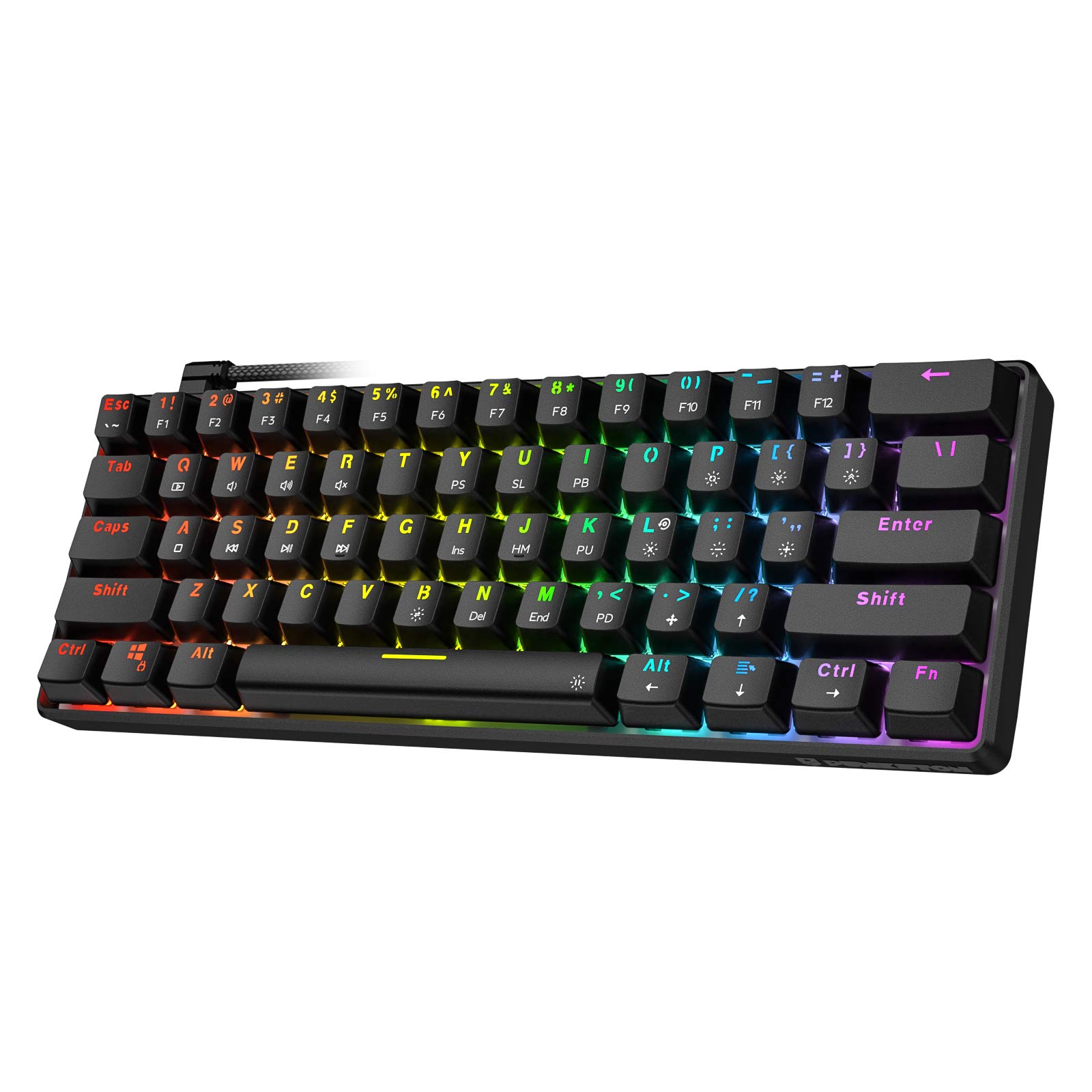
Punkston TH61
The Punkston TH61 is an ultra-compact 60% that prioritizes raw portability and a low price tag. It's a straightforward wired board with RGB backlighting and a standard layout — no frills, no wireless, just a reliable compact option for users who want the smallest footprint possible without spending much. A good pick for a secondary travel keyboard or a first mechanical keyboard purchase.
Pros:
- Ultra-compact 60% form factor
- RGB backlight with multiple lighting modes
- Very budget-friendly price
- Standard MX switch compatibility
Cons:
- No hot-swap PCB
- Wired only
- Limited customization options
Best 65% Compact Mechanical Keyboards
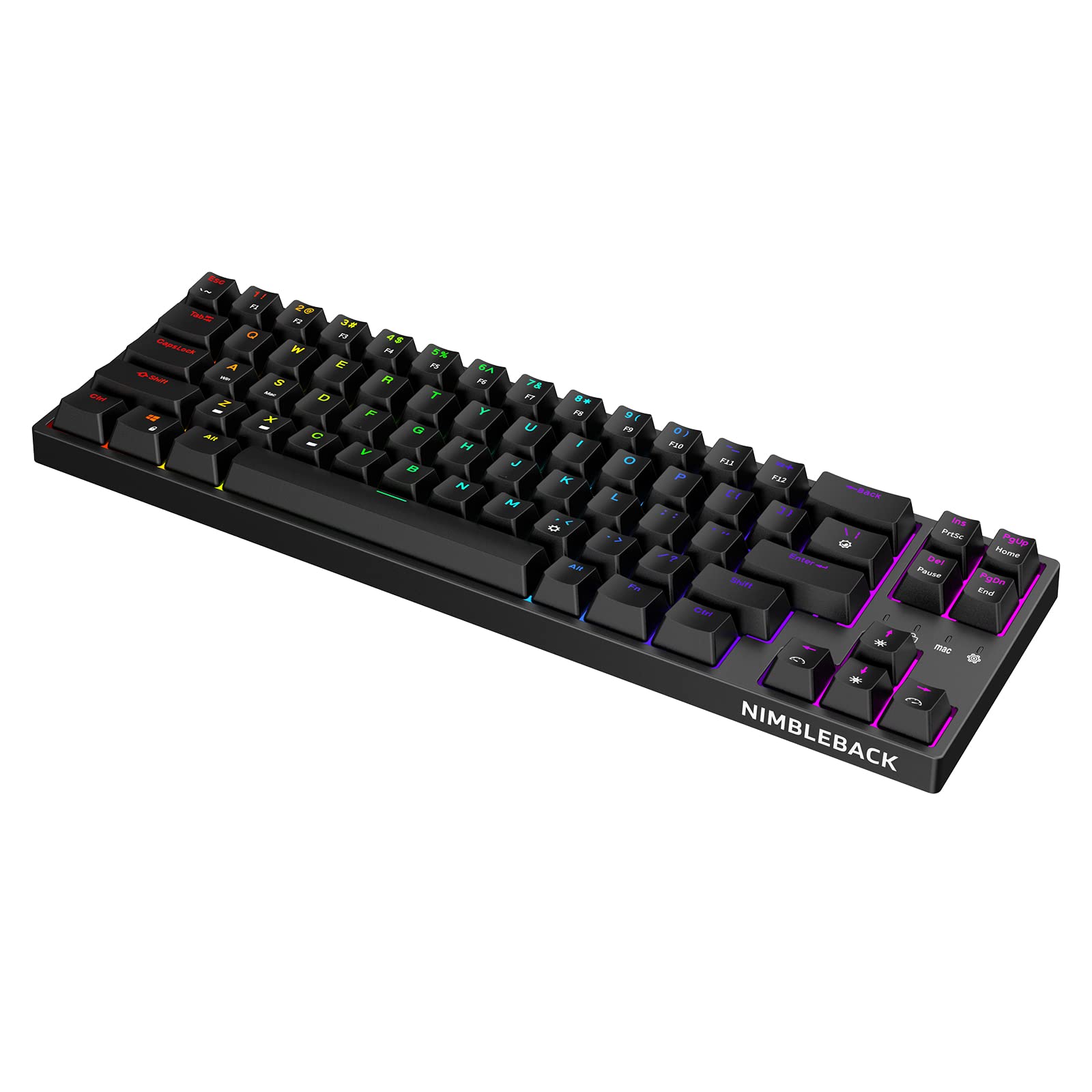
LTC NB681 Nimbleback
The LTC NB681 is a wired 65% that hits a sweet spot most budget shoppers miss: hot-swappable sockets, dedicated arrow keys, and RGB backlighting for well under $50. If you're coming from a full-size or TKL board and want to go compact without giving up your arrow keys or reprogramming muscle memory, the Nimbleback is the most value-dense 65% you'll find at this price.
Pros:
- Hot-swappable switches at budget pricing
- Dedicated arrow keys (65% layout)
- 68 keys cover most common use cases
- Per-key RGB
Cons:
- Wired only
- Plastic case with minimal dampening
- No wireless or Bluetooth
KBDFans Tofu65 3.0
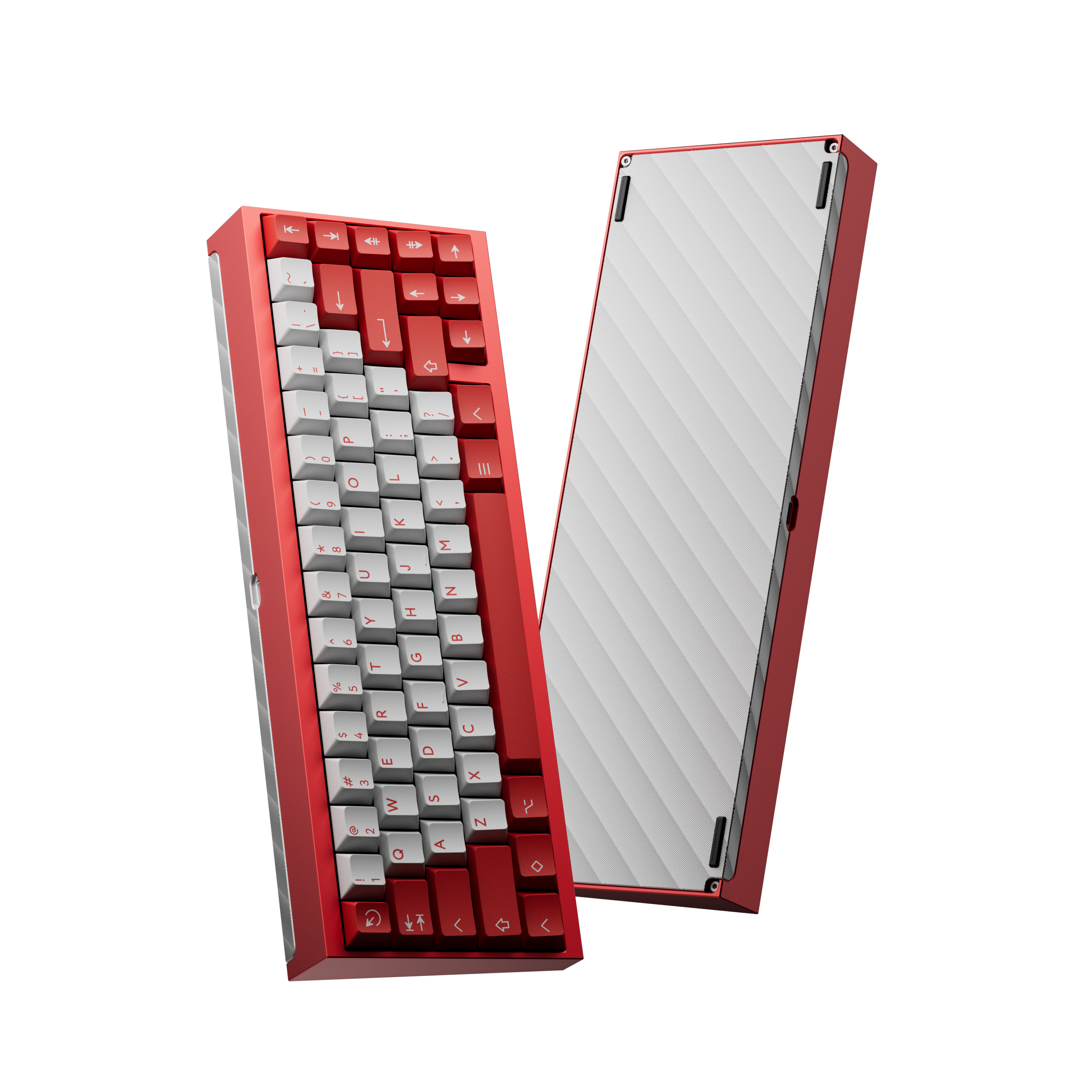
The premium step up at 65% is an aluminum kit. KBDFans' Tofu65 3.0 is the most approachable 65% in their Tofu line: a hot-swap PCB in an anodized aluminum case, offered in a wide range of finishes. It ships as a kit, so you pick the switches and keycaps yourself, which makes it a long-term board rather than a stepping stone. (We used to recommend the Drop ALT here. It is currently unavailable on Amazon.)
Pros:
- Anodized aluminum case in many finishes
- Hot-swappable PCB
- Dedicated arrow keys (65% layout)
- Easy entry into custom keyboard building
Cons:
- Kit: switches and keycaps are bought separately
- Heavier than plastic budget boards
- Wired only
Best 75% Compact Mechanical Keyboards
Redragon K628 Pollux
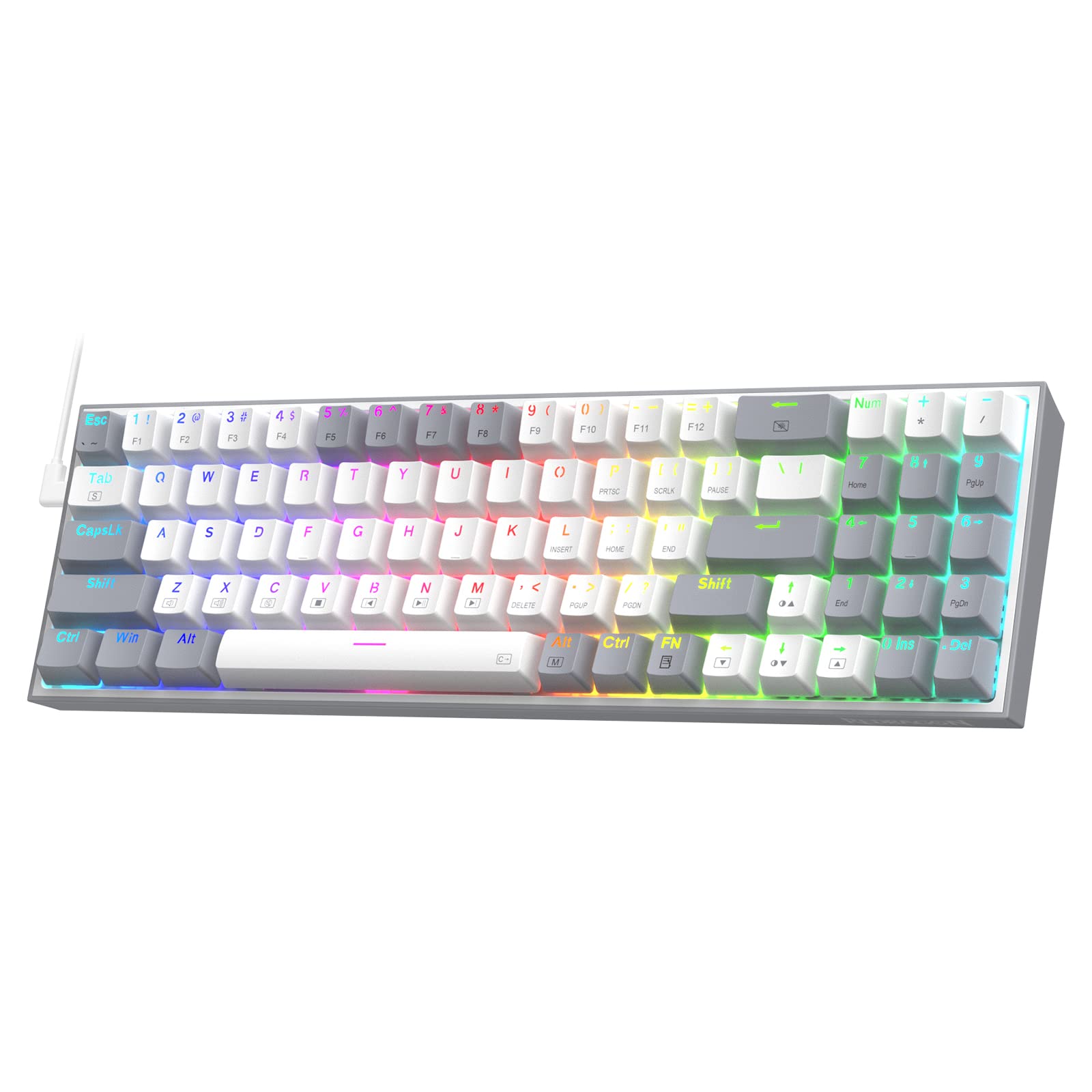
The Redragon K628 Pollux is the easiest 75% recommendation for buyers who want a compact keyboard without giving up the function row. It's wired, hot-swappable with a free-mod PCB design, and ships with RGB backlighting and 78 keys in a layout that feels immediately familiar if you're coming from a standard board. For anyone who regularly uses F-keys in games or software shortcuts but wants to reclaim desk space, the Pollux delivers without breaking the bank.
Pros:
- Full function row in a compact 75% layout
- Hot-swappable free-mod PCB
- Dedicated arrow keys
- RGB backlighting
- Budget-friendly price
Cons:
- Wired only
- ABS keycaps at stock
- Basic software compared to premium alternatives
Which Compact Layout Should You Choose?
If you game competitively and want maximum mouse room, go 60%. If you need arrow keys for everyday navigation but still want a minimal desk setup, the 65% layout is the sweet spot most people land on. If you use function keys regularly and don't want to relearn shortcuts, 75% gives you everything a TKL has in a noticeably smaller package.
All three layouts support the same MX-compatible switches, the same keycap sets, and the same customization options — so the layout choice is purely about what keys you can't live without. Any of the picks above are solid starting points, and most are hot-swappable so you can fine-tune your switch choice after the board arrives.
Whether you're after the ultra-minimal RK61 or the aluminum KBDFans Tofu65 3.0, a compact mechanical keyboard is one of the better desk upgrades you can make — and you don't need to spend a lot to find one that types well. If price is your main constraint, our budget friendly mechanical keyboards under $100 roundup covers the best affordable compact boards in more depth.
Keep comparing: see our list of the best 75% keyboards, or read the full WOBKEY Rainy 75 review for a thocky aluminum 75% option.