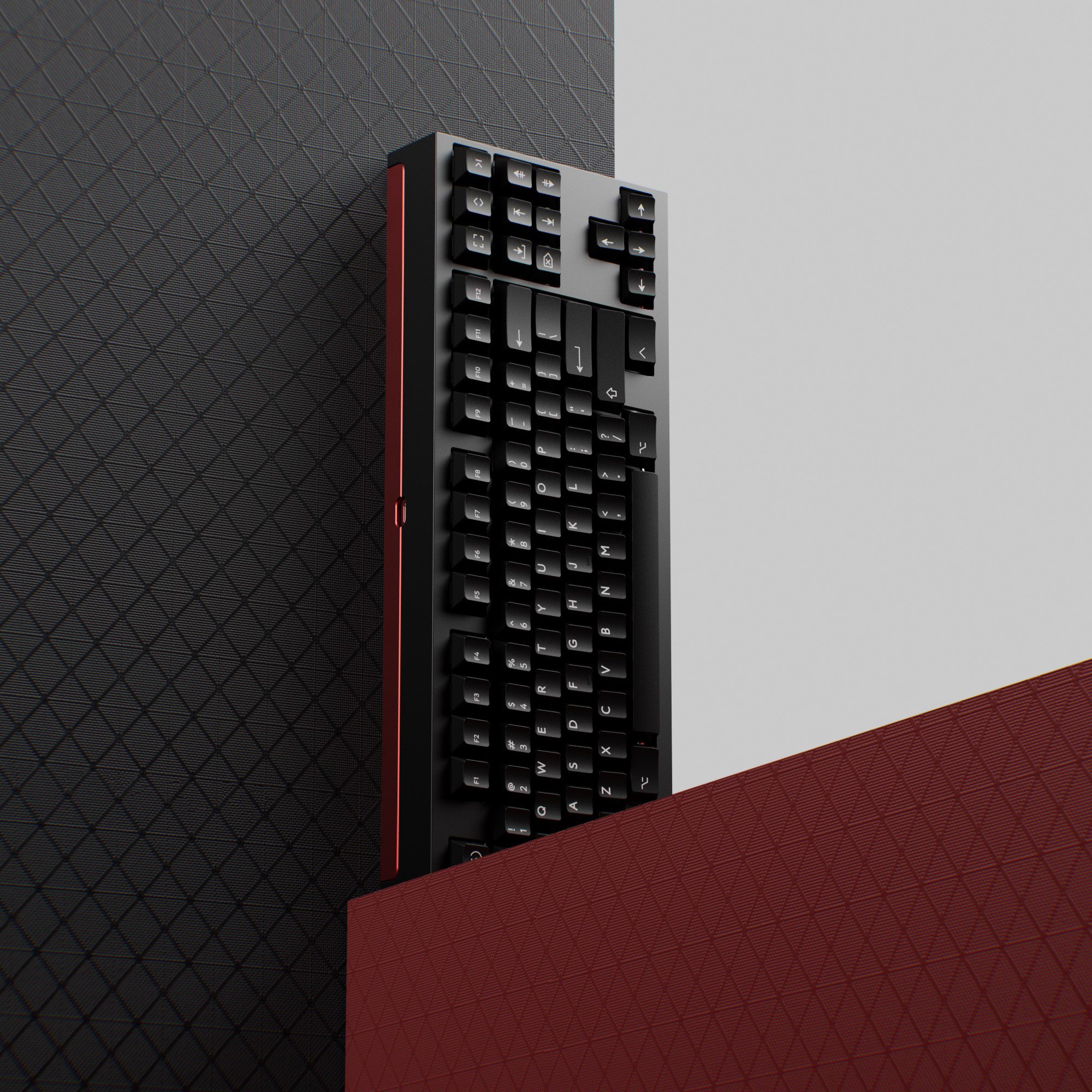
An 80 percent keyboard is a tenkeyless (TKL) board: a full-size keyboard with the number pad removed. It is one of the most popular sizes because nothing moves except the numpad. Here is what an 80% keeps, how it compares with 75% and full-size, and a few boards worth a look.
80 Percent Keyboard = TKL
You will see this layout under several names:
- 80% or 80 percent
- TKL or tenkeyless (the "ten keys" are the numpad)
- 87-key on many product listings (88 for ISO)
They all describe the same thing. The "80%" figure is a rough measure of width compared with a full-size board, not an exact key count.
What an 80% Keyboard Keeps
Everything except the numpad, in the standard positions:
- the full main typing block
- the function row (F1 to F12, plus Esc)
- the navigation cluster: Insert, Home, Page Up, Delete, End, Page Down
- Print Screen, Scroll Lock and Pause
- the inverted-T arrow keys, with a gap above them
That last point is why many people pick TKL over smaller sizes. Keys sit exactly where they do on a full-size board, so there is almost nothing to relearn.
80% vs Full-Size vs 75% vs 96%
| Full-size | 96% | 80% (TKL) | 75% | |
|---|---|---|---|---|
| Numpad | Yes | Yes | No | No |
| Function row | Yes | Yes | Yes | Yes |
| Navigation cluster | Standard | Compressed | Standard | Compressed column |
| Gaps between blocks | Yes | No | Yes | No |
| Typical ANSI key count | 104 | ~96 to 100 | 87 | ~82 to 84 |
Full-size adds the numpad on the right, which pushes your mouse further out.
96% keeps the numpad but compresses everything. See our 96% keyboard guide.
75% removes the gaps and stacks the navigation keys in a column beside Enter. It is shorter than a TKL but the layout varies between brands. Our 75% layout guide covers the details.
For the whole range down to 60%, see our keyboard sizes guide and the 60% keyboards page.
Who an 80% Keyboard Is For
An 80 percent keyboard is a good fit if you:
- rarely use the numpad
- want more room for your mouse, especially for gaming
- use Home, End, Page Up, Page Down or Print Screen often and want them on dedicated keys
- want a layout that is easy to find keycap sets for
Skip it if you enter numbers all day (look at 96% or full-size) or want the smallest possible board (look at 75%, 65% or 60%).
Our main TKL keyboards page has a wider set of picks. The boards below are a shorter list, pulled from our catalog and stock-checked on the date of this post. We have not tested them hands-on; details come from the manufacturer listings.
80% Keyboards Worth a Look
Keychron C1 Pro 8K
A wired 80% TKL that polls at 8000 Hz over USB-C, with hot-swap sockets for 3-pin and 5-pin MX-style switches, OSA-profile double-shot PBT keycaps, and keycaps for both Windows and macOS in the box. It comes with Keychron Super Red, Super Brown or Super Banana switches, or Keychron Apex Red or Banana, and remaps through QMK and the Keychron Launcher web app. Over the plain C1 below, it adds PBT keycaps and much faster polling.
Pros: 8000 Hz polling; hot-swap; PBT keycaps; Mac and Windows ready Cons: wired only; plastic, tray-mount case
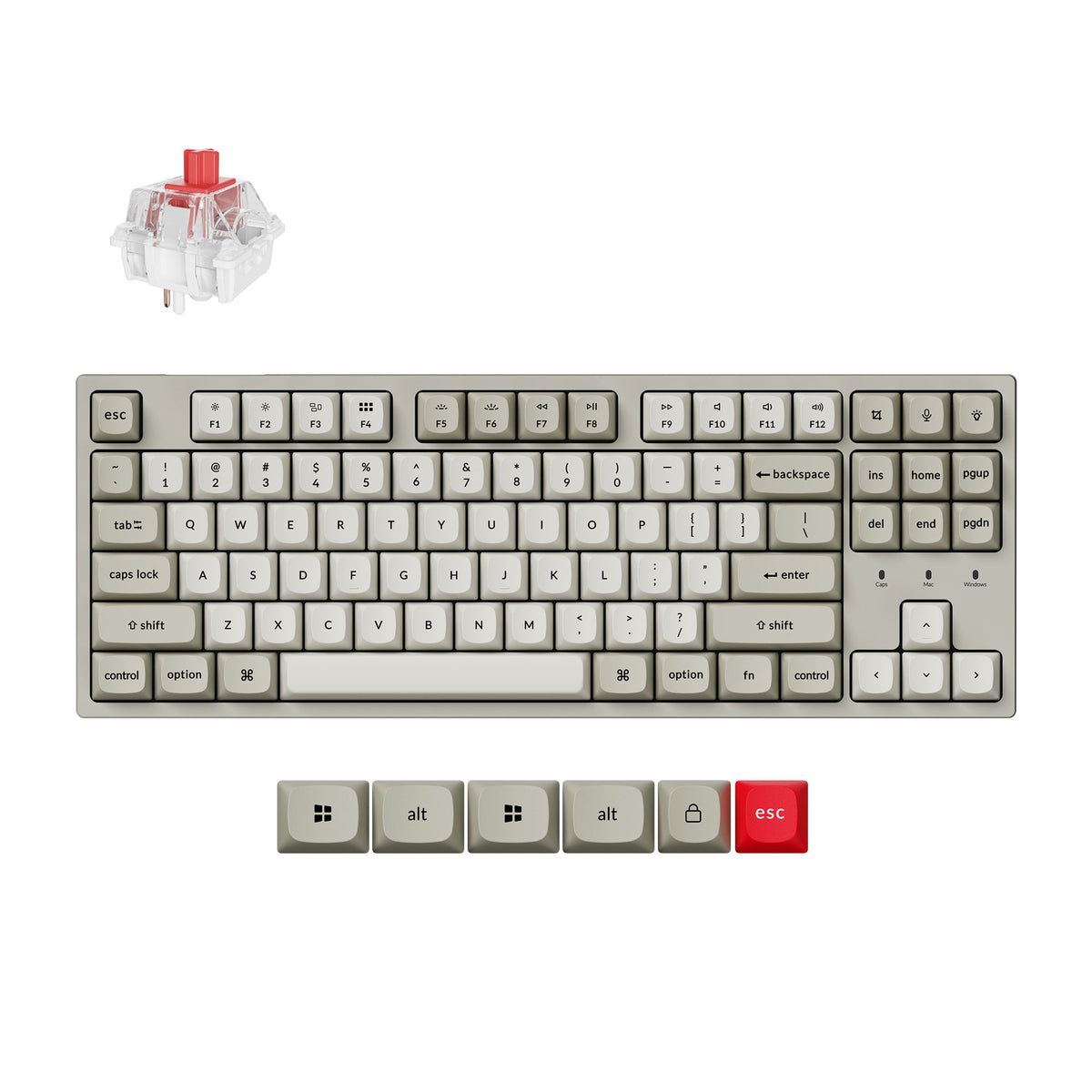
Keychron C1
A wired 87-key TKL with Gateron G Pro Red linear switches, hot-swap sockets for 3-pin and 5-pin MX-style switches, a Mac layout with extra Windows keycaps, and double-shot ABS keycaps. A simple, low-cost way into the 80% layout.
Pros: hot-swap; wired USB-C with no charging; Mac and Windows ready Cons: no wireless; ABS rather than PBT keycaps
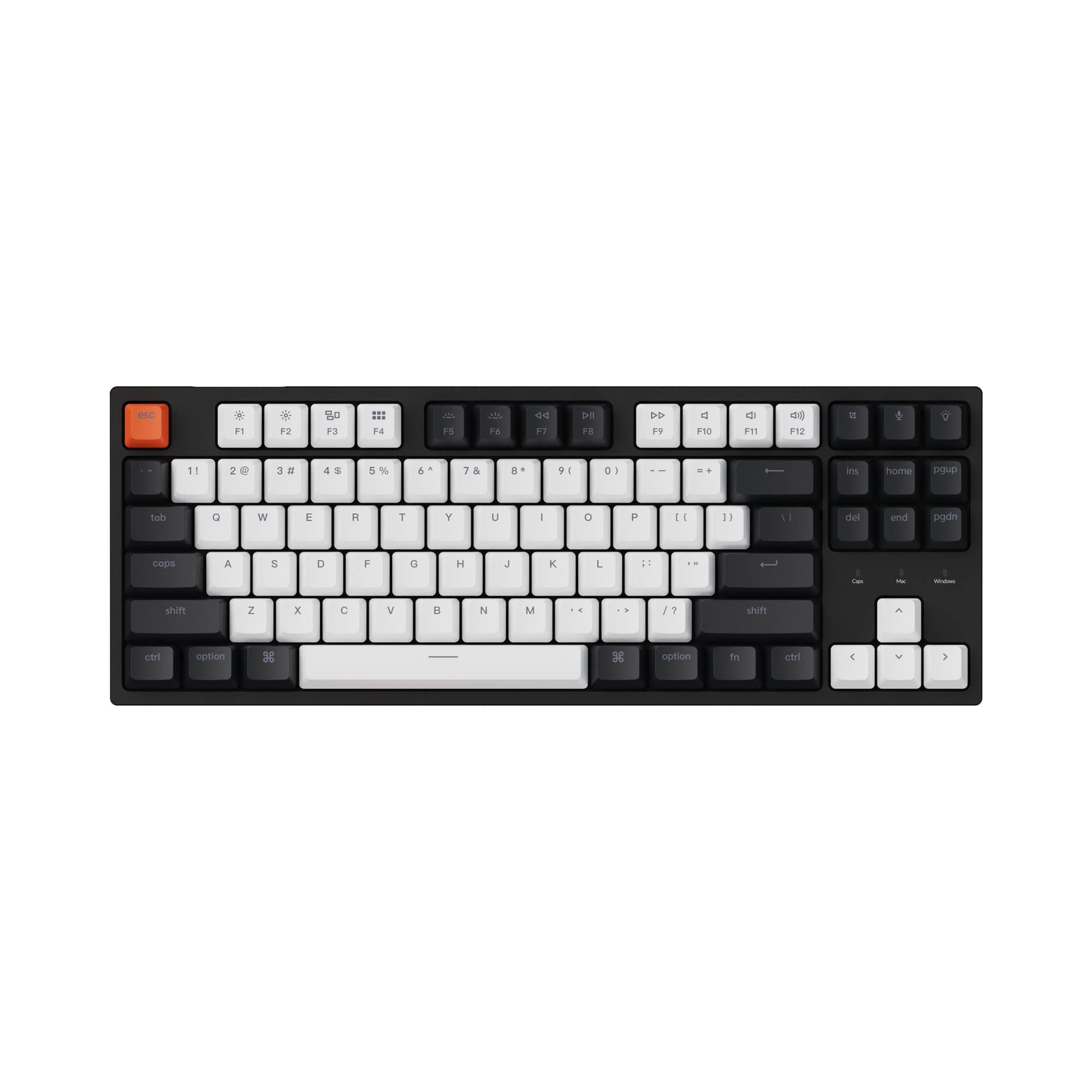
KBDFans Tofu TKL
A custom 80% kit with an anodized aluminum case, offered in WK and WKL layout variants (WKL drops the Windows keys for a cleaner bottom row). It is a kit, so you supply your own switches and keycaps and assemble it. For more on building your own, see our mechanical keyboard kits page.
Pros: aluminum case; a real custom build in the standard TKL layout Cons: kit, not ready to use; switches and keycaps are extra
Keychron K8 HE
An 80% TKL with Hall-effect magnetic switches, Rapid Trigger and actuation adjustable from 0.2 to 3.8 mm, in an aluminum build. It connects over 2.4 GHz, Bluetooth for up to three devices or a cable, polling at 1000 Hz, and runs QMK with the Keychron Launcher web app. The pick if you want one TKL for games and everything else. For how magnetic switches work, see Hall effect keyboards.
Pros: adjustable actuation and Rapid Trigger; tri-mode wireless Cons: sockets only take Gateron Double-Rail magnetic switches; 1000 Hz, not 8000 Hz
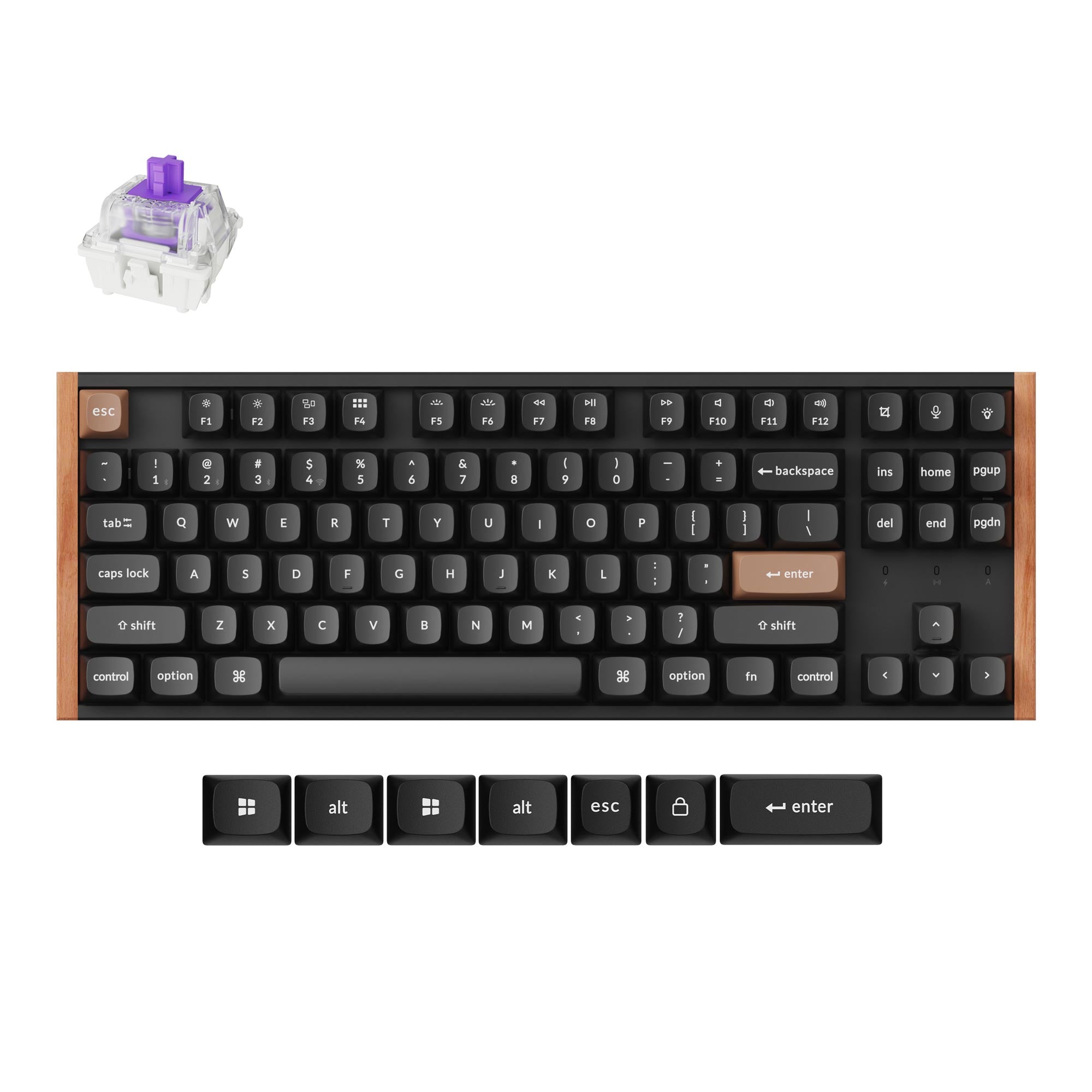
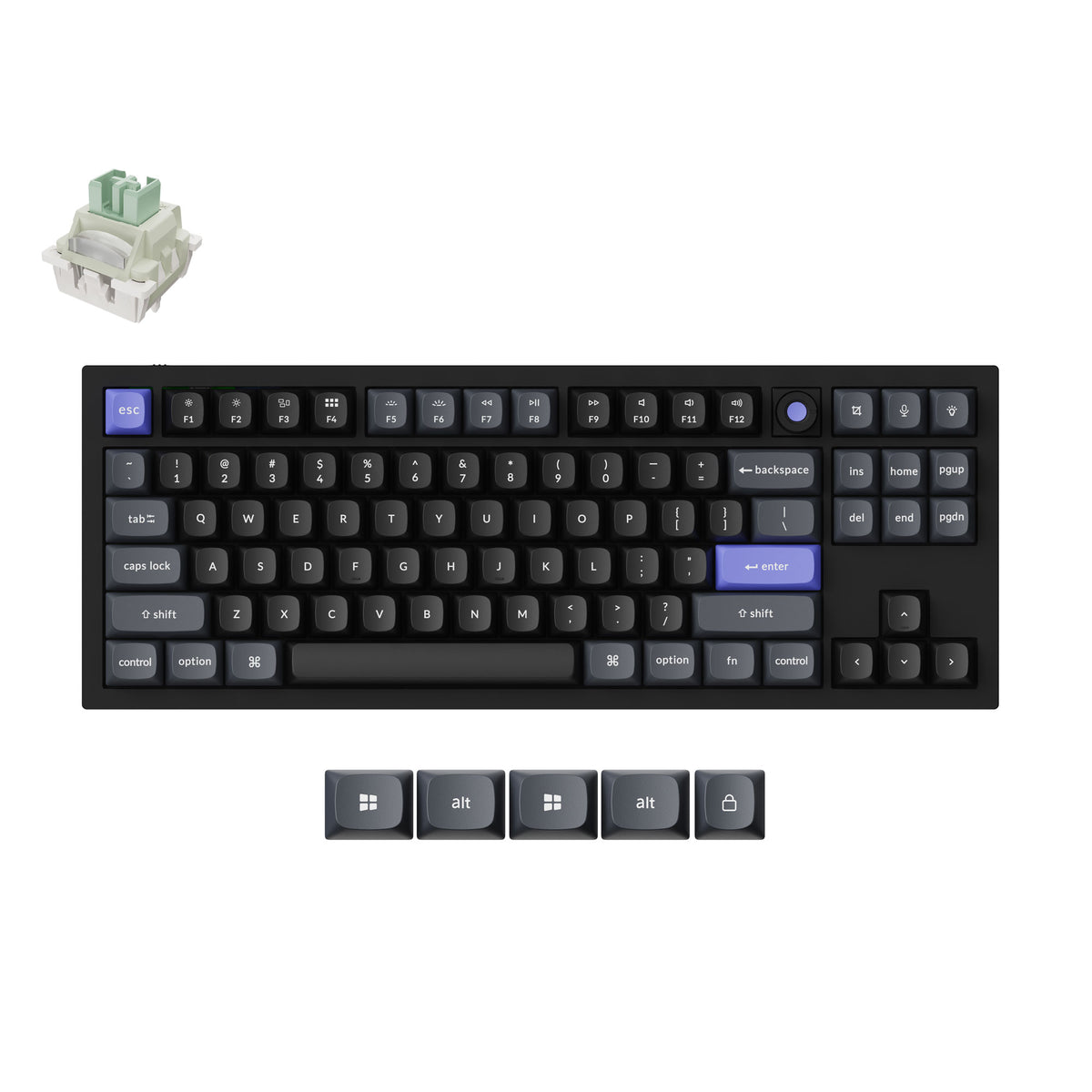
Keychron Q3 HE 8K
The wired, gaming-first Hall-effect TKL. It is an 80% layout with a knob in a gasket-mounted aluminum body, and it polls at 8000 Hz over USB-C. It ships with Keychron's Lime magnetic switches (it also takes Gateron Jade), with Rapid Trigger and actuation adjustable from 0.1 to 3.35 mm. Pick it over the K8 HE if the board never leaves your desk.
Pros: 8000 Hz polling; gasket-mounted aluminum with a knob Cons: wired only, with no 2.4 GHz or Bluetooth; heavy at about 1.8 kg
Bottom Line
An 80 percent keyboard is a TKL: full-size without the numpad, with everything else where you expect it. It is the easiest compact layout to switch to and a strong choice for gaming. If you want something smaller, look at 75%; if you need the numpad, look at 96%.
Frequently Asked Questions
What is an 80 percent keyboard?
An 80 percent keyboard is the same thing as a tenkeyless, or TKL, keyboard. It is a full-size layout with the number pad removed, keeping the function row, the navigation cluster and the arrow keys in their usual places.
How many keys does an 80% keyboard have?
A standard ANSI TKL has 87 keys, and an ISO TKL has 88. Some boards add a knob or an extra key, so counts can vary slightly.
What is the difference between 80% and 75% keyboards?
Both drop the numpad. An 80% keeps the navigation cluster and arrows as separate blocks with gaps. A 75% squeezes those keys into a column on the right and removes the gaps, so it is shorter but less standard.
Is an 80% keyboard good for gaming?
Yes, it is one of the most popular gaming sizes. Removing the numpad brings your mouse closer to your keyboard hand, and the arrow and function keys stay where you expect them.
Is TKL the same as 80%?
Yes. TKL, tenkeyless and 80% all describe the same layout. You will also see 87-key used on product listings.