Ergonomic layouts

Best Split Keyboards

An ergonomic split keyboard puts each hand on its own half, so you can set them shoulder-width apart and keep your wrists straight. We list two true split keyboards we can recommend right now, plus the Alice-layout boards that make an easier first step.

The short answer

  • Want thumb clusters and the full ergo change? The ErgoDox 76 Hot Dox V2.
  • Want a true split with keys where you expect them? The Keychron Q11.
  • Not sure you will get on with a split? Start with an Alice board like the Keychron Q8 Max.

The best split keyboards to buy

Only two true split keyboards are in stock at the retailers we link to, so this list has two boards. They cover the two directions a split can take: a full ergo layout with thumb clusters, or a familiar layout cut in half.

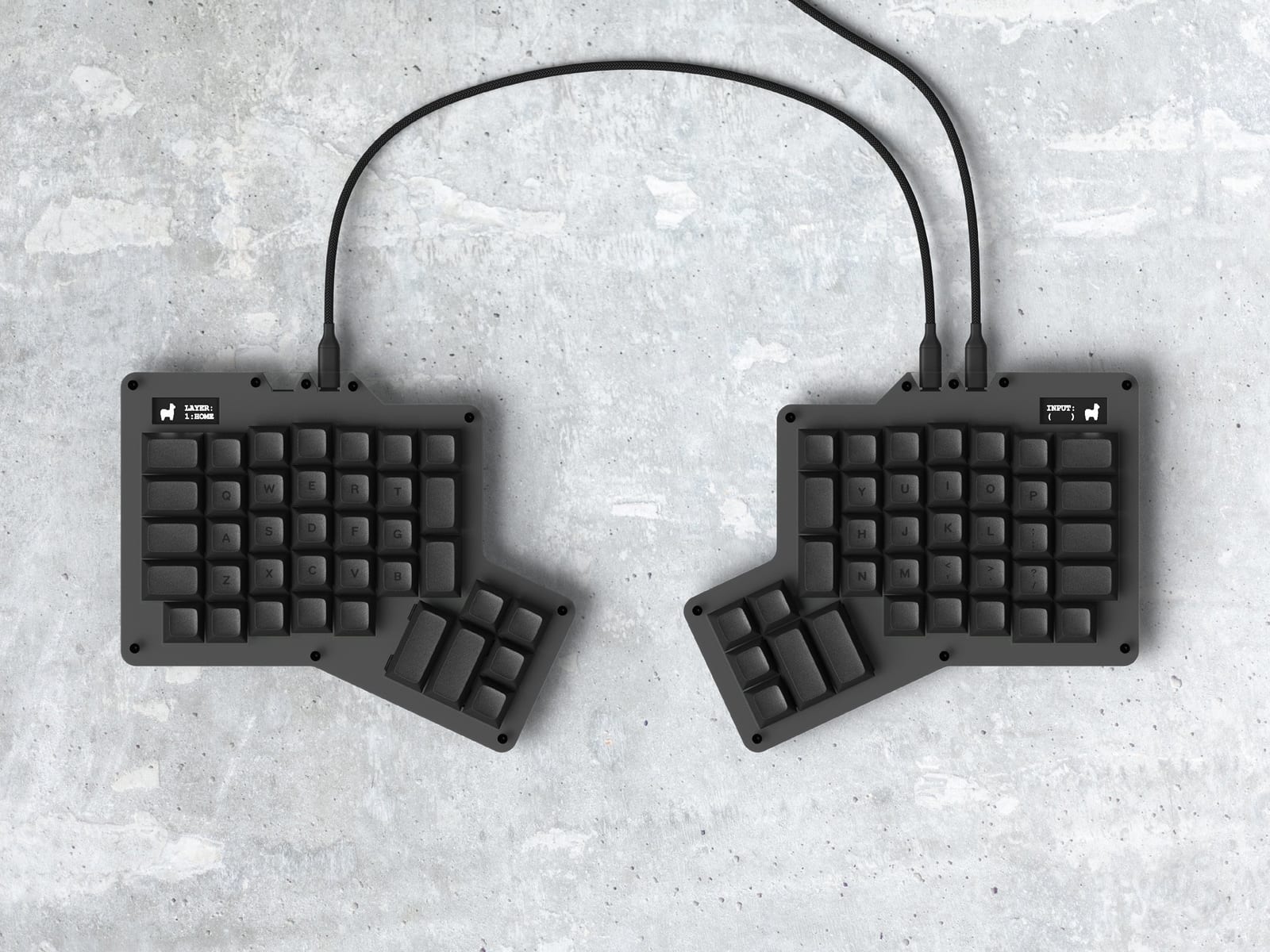
ErgoDox 76 "Hot Dox" V2 split keyboard

Best split keyboard with thumb clusters

ErgoDox 76 "Hot Dox" V2

A prebuilt ErgoDox-layout split keyboard from Alpaca Keyboards. Each half works independently, with column-staggered keys and a 6-key thumb cluster per side, so Space, Enter and Backspace move off your pinkies. QMK firmware, remappable in VIA, with a screen on each half.

76-key splitWired USB-CHot-swap
  • 6-key thumb cluster per half
  • Hot-swap sockets, puller included
  • No tenting or Bluetooth
Keychron Q11 split keyboard

Best split keyboard with a normal layout

Keychron Q11

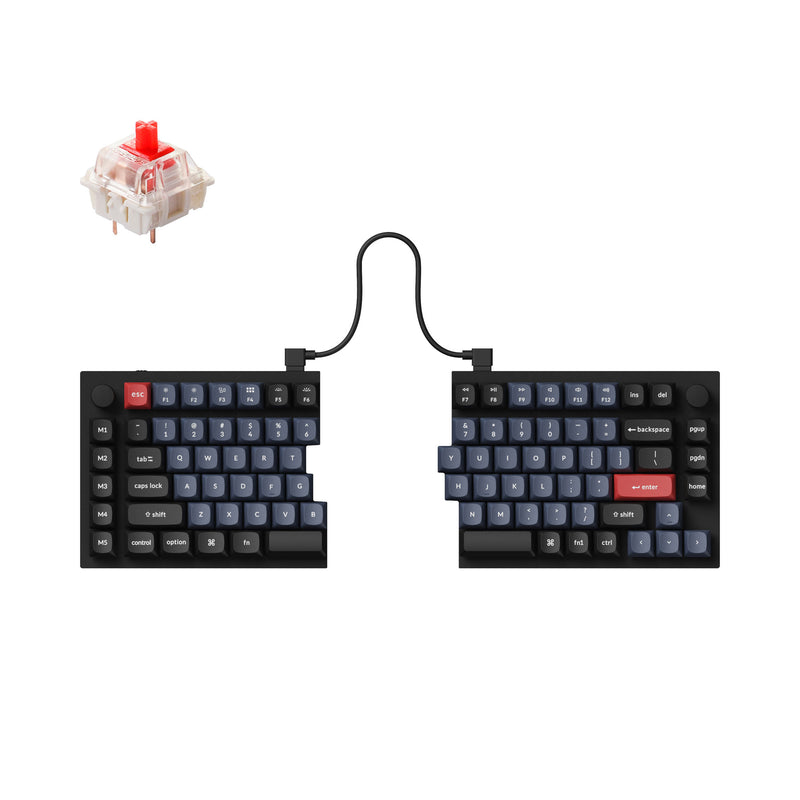
A true split 75% keyboard: two independent aluminum halves joined by a TRRS cable, so you set your own shoulder width and typing angle. It keeps a familiar row-staggered 75% layout with a function row, plus QMK/VIA remapping, double-shot OSA PBT keycaps and an optional knob on the right half.

75% splitWired (TRRS between halves)Hot-swap
  • Familiar row-staggered 75% keys
  • Aluminum halves, QMK/VIA
  • Wired only

What to look for in an ergonomic split keyboard

True split or Alice?

A true split is two separate halves you can place shoulder-width apart. An Alice board keeps one case but angles the two key clusters. Alice gives you some of the wrist benefit with almost no relearning; a true split gives you the full benefit and a learning curve.

Thumb clusters

Ergo splits like the ErgoDox replace the spacebar with several thumb keys, so heavy-use keys move off your pinkies. That is the biggest comfort gain after the split itself, and the biggest adjustment. The Keychron Q11 keeps normal spacebars instead.

Tenting

Tenting raises the inner edge of each half so your palms angle toward each other, closer to a handshake position. Neither board here has built-in tenting legs, so plan on a third-party tenting stand if you want it.

Hot-swap

Both true splits here have hot-swap sockets, so you can change switch feel without soldering. On a split, that matters more than usual because you are less likely to want to buy a second board.

Wired vs wireless

Both true splits on this page are wired: the Q11 joins its halves with a TRRS cable and the Hot Dox V2 with USB-C. If you need wireless, the Keychron Q8 Max and Q8 Pro Alice boards are the wireless options we list.

Keycap compatibility

Column-staggered boards like the ErgoDox work best with uniform keycaps (the Hot Dox ships in DSA), because sculpted rows will not line up on its columns. A row-staggered split like the Q11 takes standard sets more easily.

Not ready for a full split? Try an Alice layout

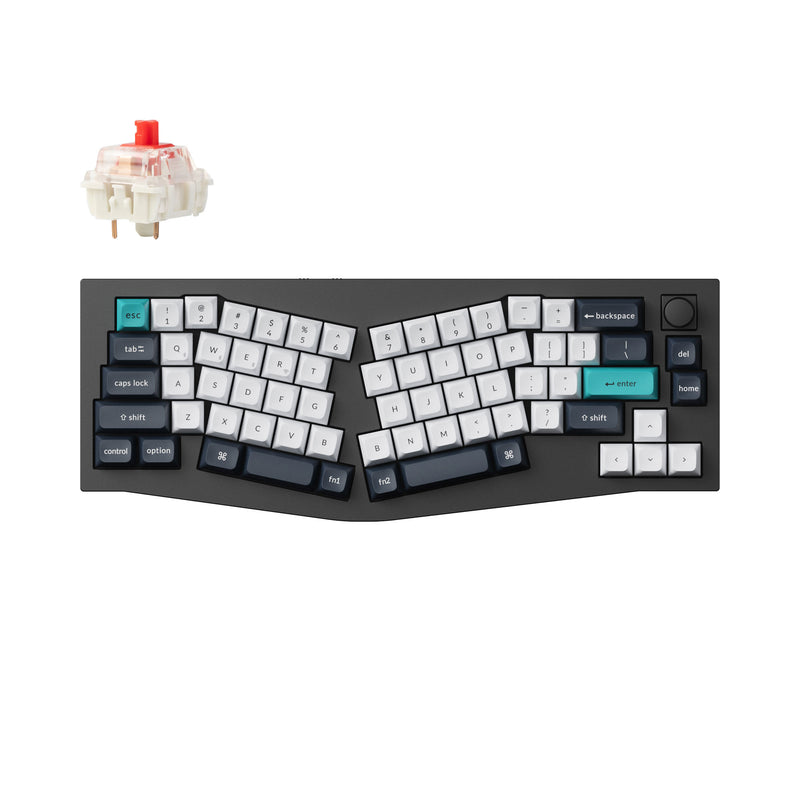
An Alice board splits and angles the keys inside one case and keeps a normal row stagger, so you get part of the wrist benefit without relearning where every key is. Once that feels natural, a true split is a much smaller jump. See all our Alice keyboards.

Keychron Q8 Max

Best Alice board overall

Keychron Q8 Max

65% Alice layout in a full aluminum gasket-mount case, with tri-mode wireless (2.4 GHz, Bluetooth, USB-C), QMK/VIA and hot-swap sockets. The split-angled alphas straighten your wrists without making you learn a true split.

Check Price
Keychron Q8

Cheapest aluminum Alice

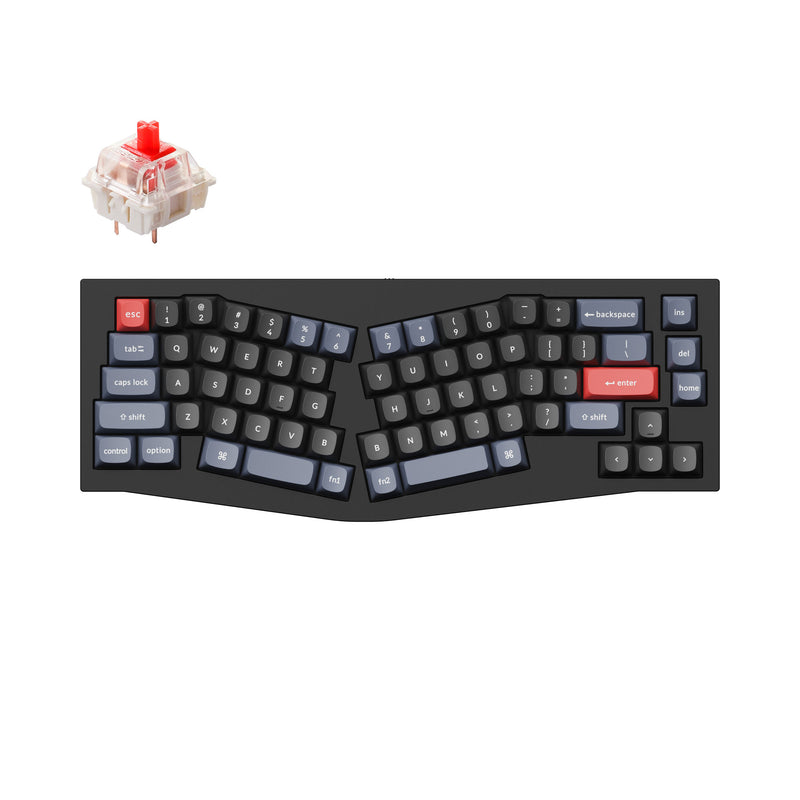
Keychron Q8

The original wired Q8: the same gasket-mount aluminum case, QMK/VIA and hot-swap sockets, minus the wireless radios. The low-cost way to find out whether an angled layout suits you.

Check Price
Keychron Q8 Pro

Wireless fallback

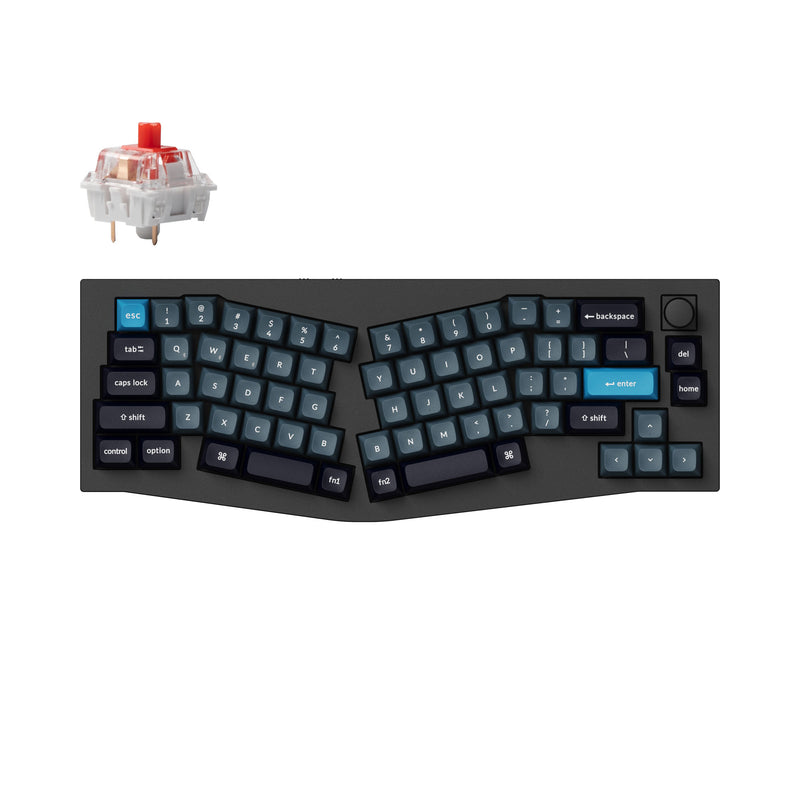
Keychron Q8 Pro

The previous-generation Alice board: same aluminum gasket-mount case and QMK/VIA as the Max, with Bluetooth and wired connectivity. Worth checking when the Q8 Max colorway you want is gone.

Check Price

Split keyboard questions

What is the best split keyboard?

For a full ergonomic split with thumb clusters, the ErgoDox 76 Hot Dox V2 is our pick: it arrives assembled, is hot-swap, and remaps in VIA. If you want a true split without relearning where the keys are, the Keychron Q11 keeps a normal 75% layout across two aluminum halves.

Is an ergonomic split keyboard worth it?

A split keyboard lets you set each half at shoulder width so your wrists stay straight instead of angling in toward one board. Many people with wrist or shoulder strain find that worthwhile, but expect a few weeks to adjust, especially on boards with thumb clusters.

What is the difference between a split keyboard and an Alice keyboard?

A split keyboard is two separate halves you position independently. An Alice keyboard is a single board with the left and right key clusters angled apart. Alice is the easier first step; a true split is the bigger ergonomic change.

Are there wireless split keyboards?

Not among the boards we currently list. Both the ErgoDox 76 Hot Dox V2 and the Keychron Q11 are wired. If wireless matters more than full separation, the Keychron Q8 Max Alice board has 2.4 GHz and Bluetooth.

Why are there only two split keyboards on this page?

Because those are the only two true split keyboards in stock at retailers we link to right now. We would rather list two boards we can stand behind than pad the page with keyboards we cannot link to.