Keycap profile guide

Best XDA Keycaps

XDA is a flat, uniform keycap profile. Unlike Cherry or OEM, every row is the same height, which gives an XDA-equipped keyboard a notably cleaner, more minimalist look.

Why XDA

  • Uniform key height — visually flatter than Cherry profile.
  • Wider top surface — comfortable for longer typing sessions.
  • Most XDA sets are PBT — durable and shine-resistant.

Best XDA keycap sets

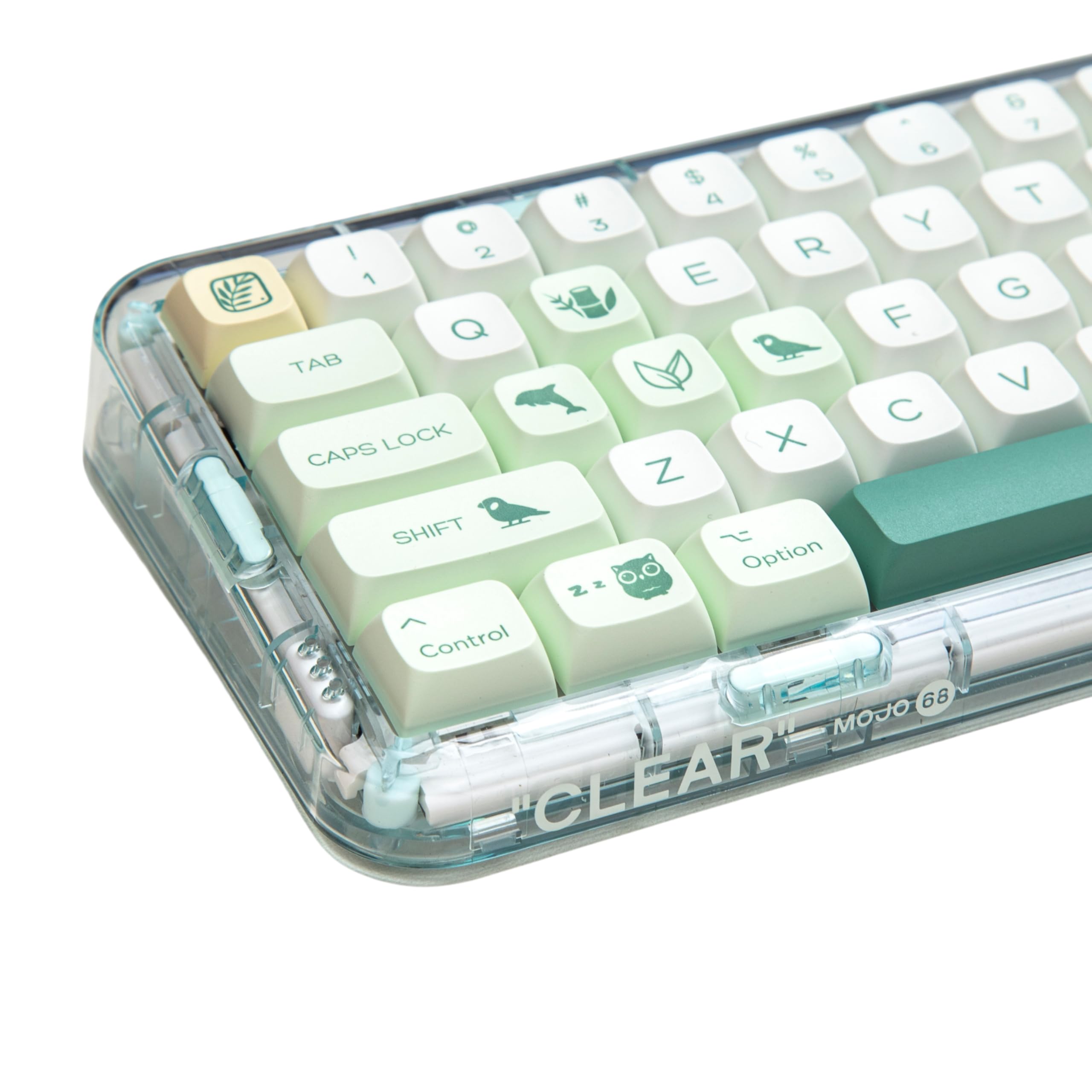
Botanical XDA

Best nature-themed XDA set

Botanical XDA

144-key dye-sub PBT set with a green botanical aesthetic. Amazon's Choice. Uniform XDA height, fits 60% through full-size layouts.

Pros: 144 keys covers nearly every layout; Cohesive botanical design.

Cons: Green suits light or white cases best.

Check Price
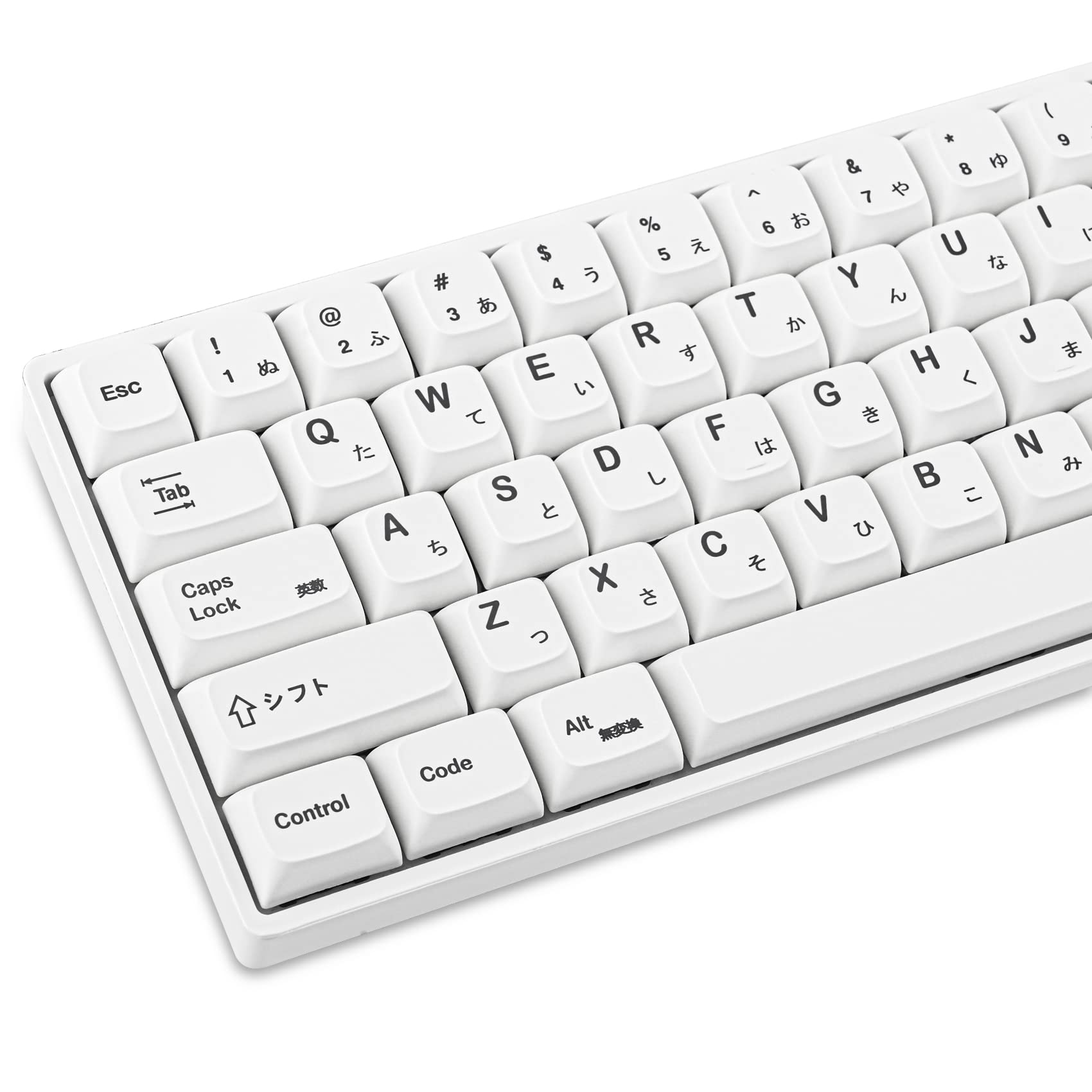
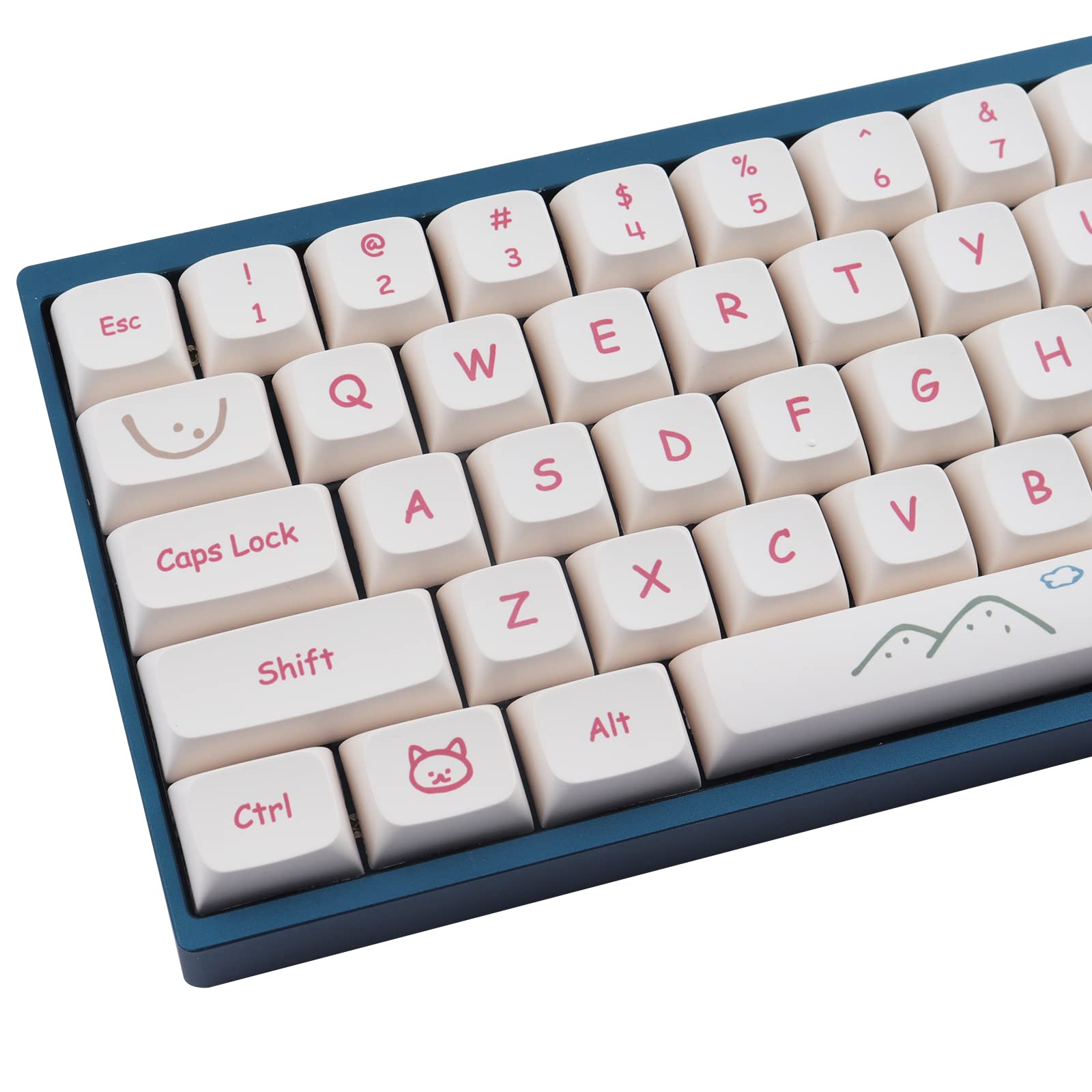
GTSP Japanese White XDA

Best clean white XDA set

GTSP Japanese White XDA

Crisp white XDA with Japanese sublegends. Strong fit for minimalist desks and Mac-style setups.

Pros: Versatile white colorway; Japanese sublegends; 135 keys.

Cons: White shows grime sooner; wipe regularly.

Check Price
Hyekit Graffiti XDA

Best design-forward XDA

Hyekit Graffiti XDA

Bold graffiti-style XDA set. The right pick if you want a more design-driven keyboard without going artisan.

Pros: Bold street-art design; 135 keys; Dye-sub PBT legends won't fade.

Cons: Loud colorway won't suit every desk.

Check Price
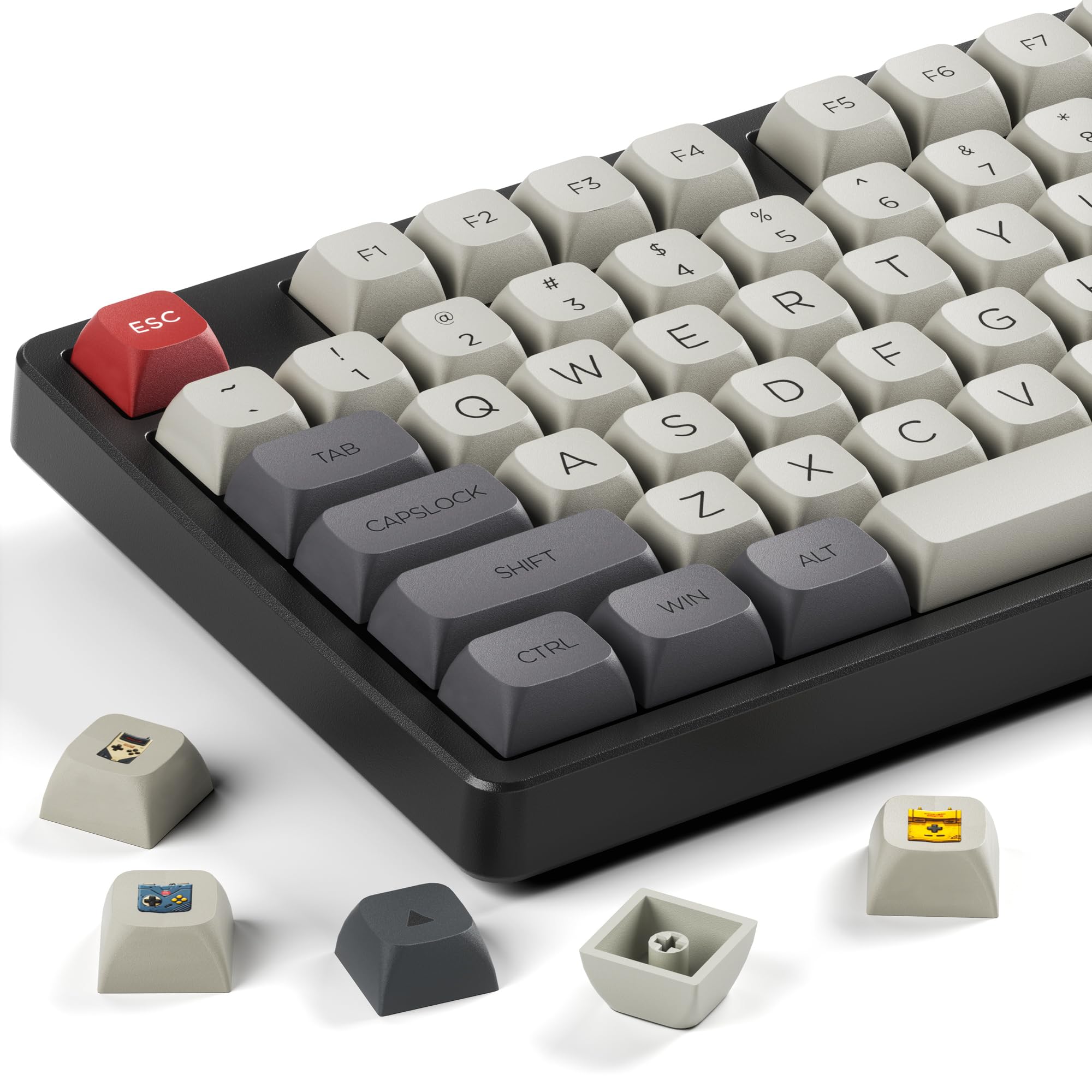
XVX XDA Retro Game Console

Best retro XDA theme

XVX XDA Retro Game Console

Retro game console-themed XDA set. Great fit for nostalgia-leaning desks and gaming setups.

Pros: Distinctive retro look; Crisp dye-sub PBT print.

Cons: Very specific theme; not for minimalist setups.

Check Price
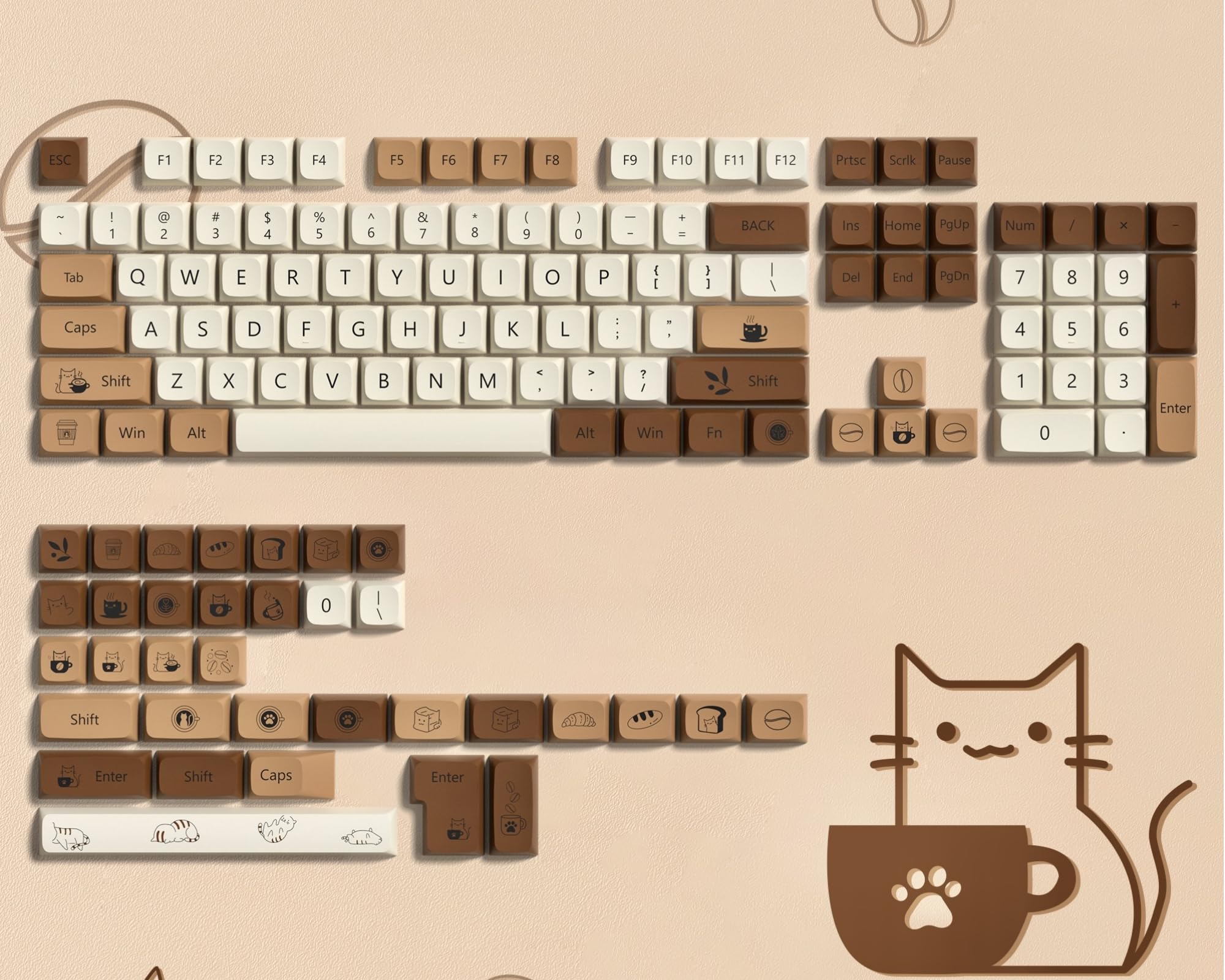
Dagaladoo Brown XDA

Best warm-tone XDA set

Dagaladoo Brown XDA

Warm brown XDA palette. A more grounded alternative to high-contrast retro sets.

Pros: 140 keys, among the most complete here; Warm tone suits wood desks.

Cons: Less suited to cool or neutral setups.

Check Price

XDA vs OEM vs Cherry vs DSA

XDA sits in a sweet spot: lower than OEM for a more modern feel, taller than DSA so the move from a sculpted set is less jarring. Heights are approximate. See keycap profiles compared for the full set, including MOA and MT3.

ProfileSculpted?HeightTop surfaceBest for
OEMYes~11.5 mmCylindricalDefault feel, easy to find
CherryYes~9.4 mmCylindricalTypists, enthusiasts
XDANo~9.1 mmSphericalAesthetics, custom builds
DSANo~7.6 mmSphericalCompact, minimal

What to look for in XDA keycaps

PBT over ABS

Nearly every XDA set worth buying is PBT: thicker, shine-resistant and better at holding dye-sub legends. Skip ABS XDA sets.

Dye-sub legends

Dye-sublimated legends are fused into the plastic and won't wear off; pad-printed legends can fade within months. Every set here is dye-sub.

Key count

A 104-key set covers full-size only. For a 65% or 75% board, look for 135 to 144-key sets that include the extra modifiers.

Compatibility

XDA caps fit any switch with a cross-shaped MX stem: Cherry, Gateron, Kailh and most clones. Check the spacebar size (6.25U vs 7U) matches your board.

More on materials in ABS vs PBT keycaps.

XDA keycap questions

What is the XDA keycap profile?

XDA is a uniform profile: every row is the same height (about 9.1 mm) and angle, with a wide, gently spherical top. Because there is no row sculpting, any cap can go in any position, and the wide top leaves more room for dye-sub artwork and sublegends.

XDA vs OEM vs Cherry: which should you choose?

OEM and Cherry are sculpted, with each row angled differently; OEM is taller and Cherry lower. XDA is flat and uniform, lower than OEM but taller than DSA, so the switch from a stock sculpted set is less jarring than going fully flat.

Are XDA keycaps good for typing?

Yes, once you adjust. Some touch typists need a week or two, because a uniform profile gives no physical row cues. Most people adapt quickly.

Do XDA keycaps fit my keyboard?

They fit any MX-style switch, on 60%, 65%, 75%, TKL and full-size boards, as long as the set includes your board's modifier and spacebar sizes.

Not sure XDA is right?

Alternatives