
Mechanical keyboards have evolved significantly, offering not just superior typing experiences but also advanced features like wireless connectivity and impressive battery life. If you're a keyboard enthusiast seeking the freedom of wireless without compromising on performance, you're in the right place. Let's dive into the world of mechanical keyboards that boast both exceptional battery life and versatile wireless capabilities.
The Rise of Wireless Mechanical Keyboards
Gone are the days when mechanical keyboards were confined to wired connections. Today, many models offer Bluetooth, 2.4GHz wireless, and USB-C connectivity, providing flexibility for various setups. This "tri-mode" connectivity is a game-changer, especially for users who switch between devices or prefer a clean, cable-free workspace.
Why Battery Life Matters
Wireless keyboards are only as good as their battery life. Nobody wants their keyboard dying mid-task. A long-lasting battery ensures uninterrupted productivity and gaming sessions. Look for keyboards with at least 2000mAh batteries; some, like the AULA F99, pack a massive 8000mAh battery for extended use.
Top Picks for Battery Life and Wireless Performance
Let's explore some of the best mechanical keyboards that excel in both battery life and wireless features:
AULA F99: The Endurance Champion
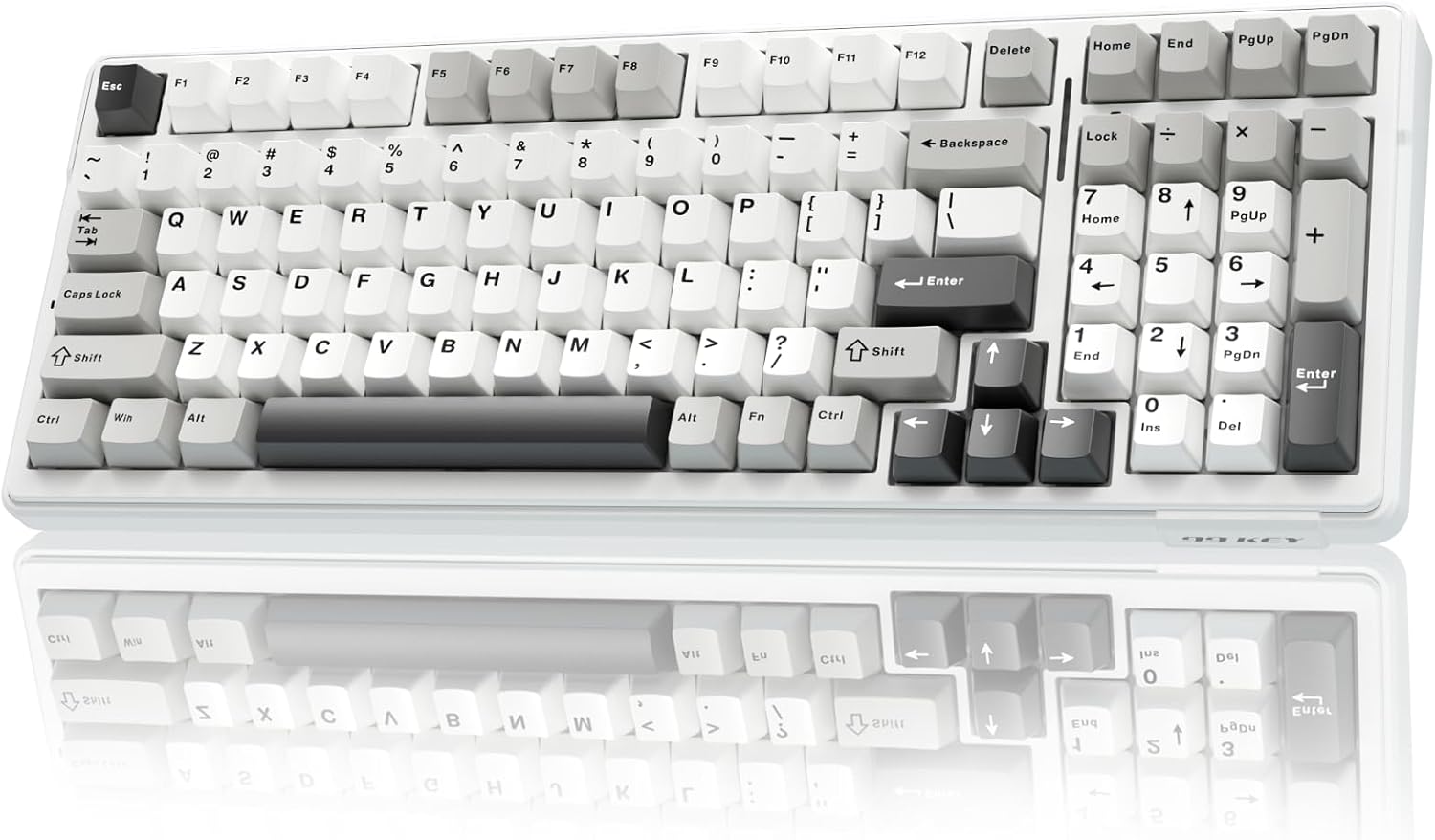
The AULA F99 stands out with its impressive 8000mAh battery. This keyboard offers tri-mode connectivity (Bluetooth 5.0, 2.4GHz wireless, and USB-C) and a gasket-mounted structure for a soft, responsive typing experience. The five-layer sound dampening and pre-lubed linear switches contribute to its rich acoustics.
Pros:
- Exceptional battery life
- Tri-mode connectivity
- Gasket-mounted design
- Hot-swappable switches
- Customizable RGB lighting
Cons:
- 96% layout might take some getting used to
Ideal for users who need a keyboard that can last for days on a single charge.
Keychron K2 HE: High-Performance Wireless
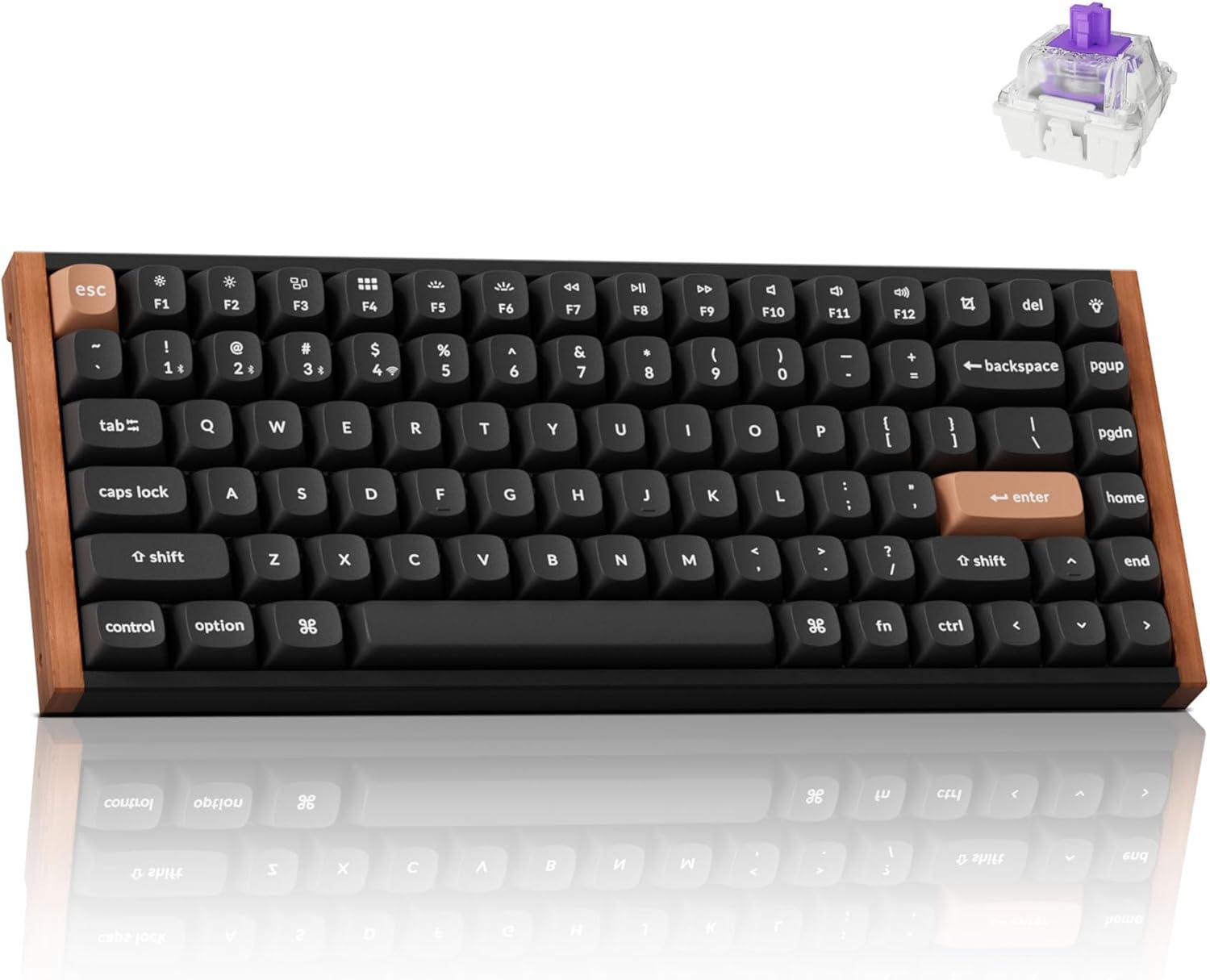
The Keychron K2 HE is a high-performance 75% mechanical keyboard featuring Hall-Effect Gateron double-rail magnetic switches, allowing for ultra-responsive input and customizable actuation anywhere from 0.2 to 3.8 mm. It supports 2.4GHz wireless (with a 1000Hz polling rate), Bluetooth 5.2, and USB-C connectivity. The Keychron K2 HE has a 4000mAh battery.
Pros:
- Hall-Effect magnetic switches
- Customizable actuation
- Tri-mode connectivity
- QMK/VIA programmability
Cons:
- Premium price point
Ideal for gamers and power users who demand the best in performance and customization.
Keychron V1 Max
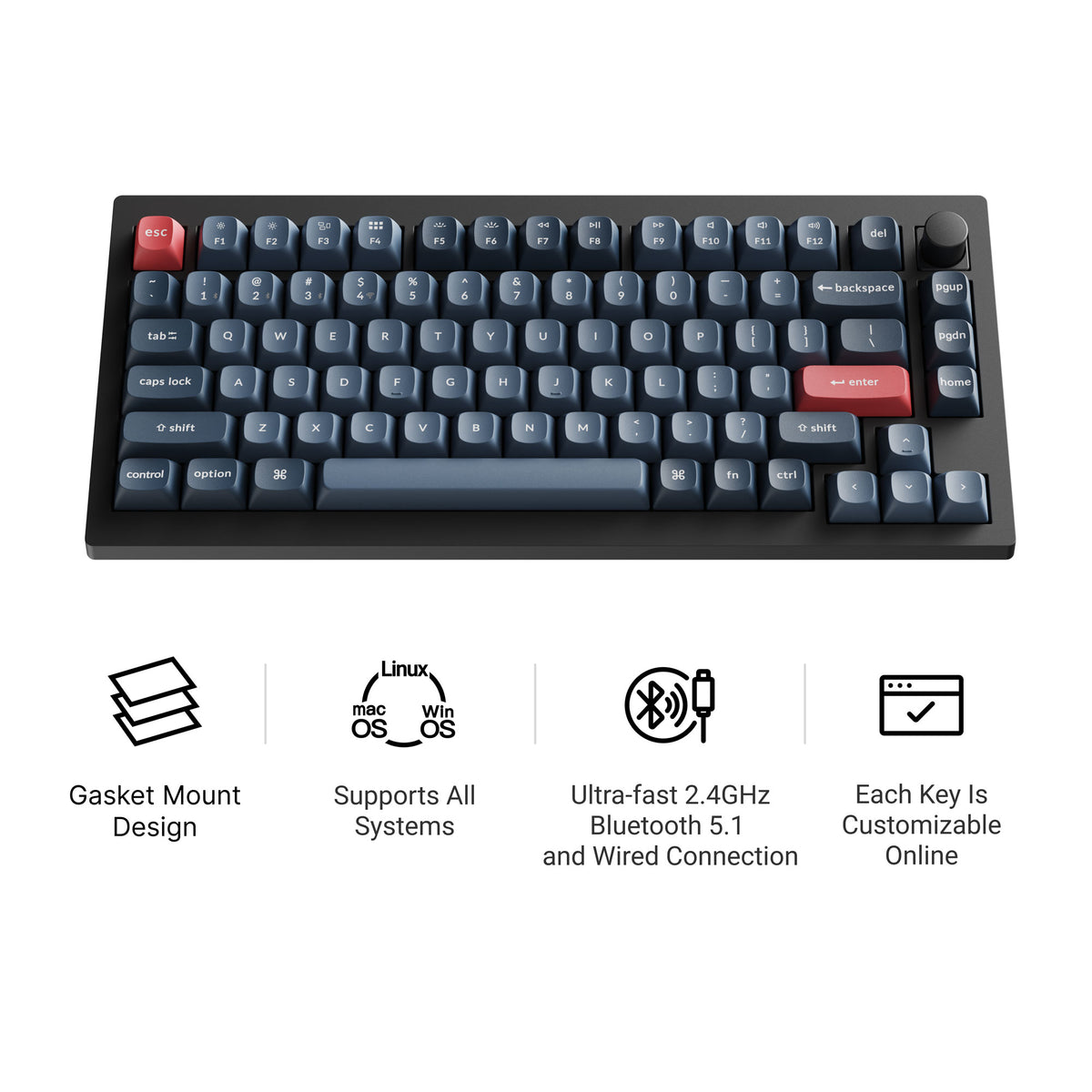
The Keychron V1 Max is a 75% hot-swappable board with tri-mode connectivity (2.4 GHz wireless, Bluetooth, and wired), a double-gasket design, factory pre-lubed switches, and screw-in stabilizers. It supports QMK/VIA and has south-facing RGB, so it feels tuned straight out of the box and stays easy to remap. Current versions all include a rotary knob; our Keychron V1 Max guide covers the full specs.
WOBKEY Rainy75: Premium Typing Experience
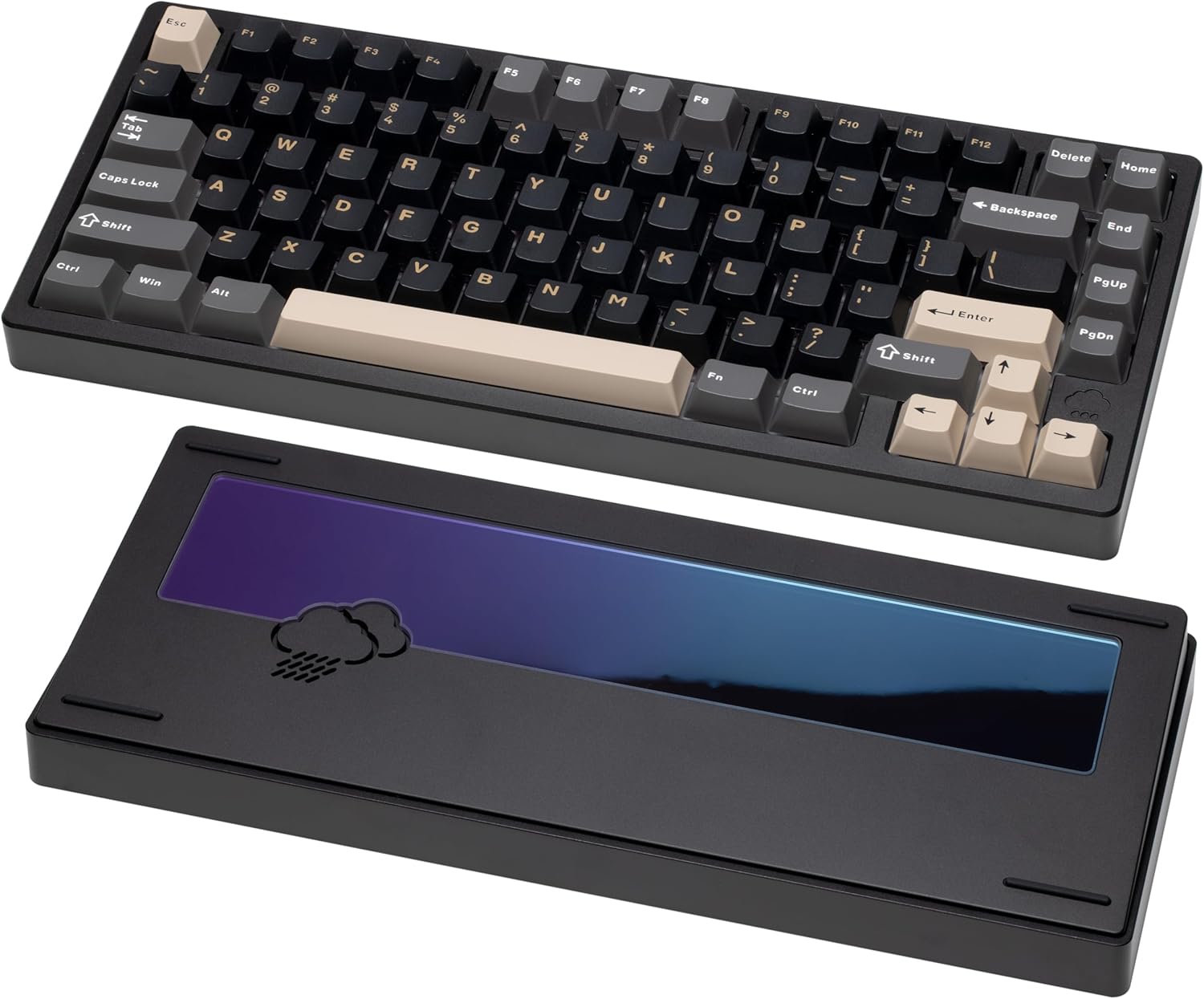
The WOBKEY Rainy75 is a minimalist keyboard built for a premium typing experience. It features a solid aluminum case, five-layer acoustic dampening, and a gasket-mounted design for soft, quiet keystrokes. It offers tri-mode connectivity—Bluetooth, 2.4GHz wireless, and USB-C wired. Battery life is optimized for daily use, ensuring you get through your work sessions without frequent recharges.
Pros:
- Premium build quality
- Excellent sound dampening
- Tri-mode connectivity
- Hot-swappable switches
Cons:
- Higher price point
Ideal for users who prioritize typing feel and aesthetics.
Keychron K2 Max: Mac-Ready Wireless Keyboard
The Keychron K2 Max is a 75% tri-mode keyboard that connects over 2.4 GHz, Bluetooth, or USB-C and ships with keycaps for both Windows and macOS, so Command and Option are labeled correctly out of the box. It supports QMK/VIA, remaps through the Keychron Launcher web app, has RGB backlighting, and comes in hot-swappable versions with an optional aluminum frame.
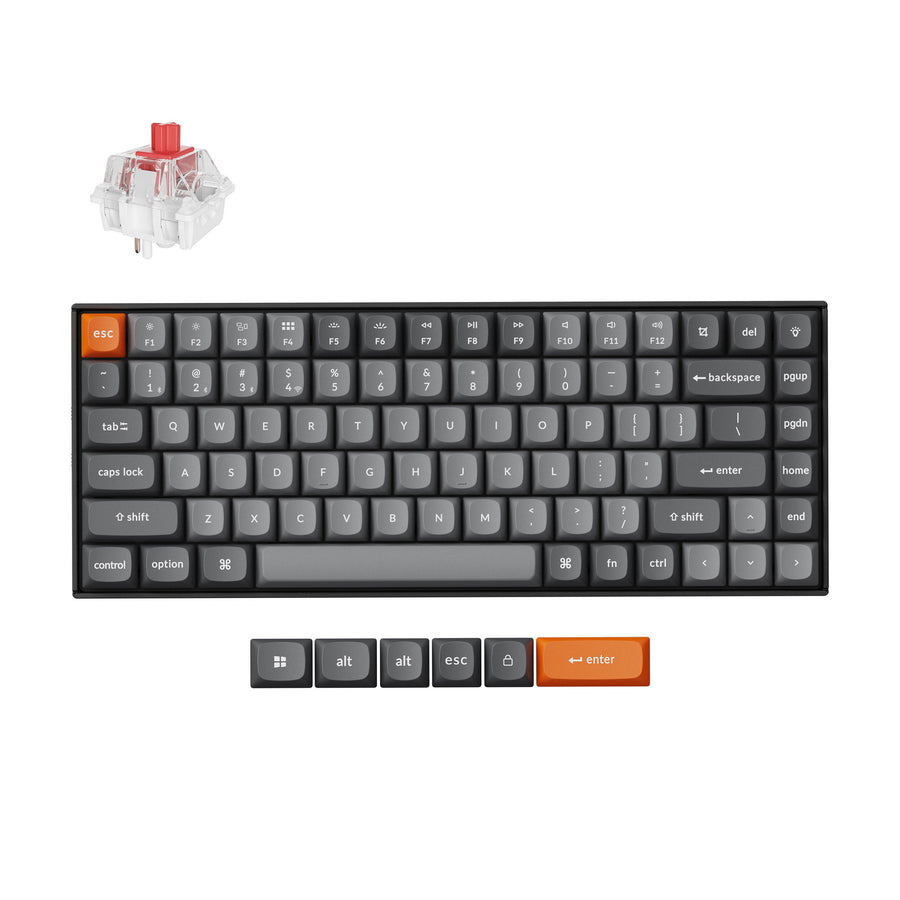
Who is it for? Mac users who want a compact wireless board that doesn't need a remapped layout.
Factors Affecting Battery Life
Several factors can impact the battery life of a wireless mechanical keyboard:
- RGB Lighting: Turning off or dimming RGB lighting can significantly extend battery life.
- Polling Rate: A higher polling rate consumes more power. Adjust it based on your needs.
- Usage Habits: Frequent typing and constant wireless connections drain the battery faster.
Tips for Maximizing Battery Life
- Turn Off RGB: Disable RGB lighting when not needed.
- Adjust Polling Rate: Lower the polling rate for general use.
- Use Wired Mode: When possible, use the keyboard in wired mode to save battery.
- Optimize Bluetooth: Ensure your Bluetooth connection is stable to avoid unnecessary power drain.
Conclusion
Wireless mechanical keyboards offer the perfect blend of performance and convenience. Whether you prioritize long battery life, high performance, or premium design, there's a keyboard out there for you. Explore the options, consider your needs, and elevate your typing experience today!
Ready to experience the freedom of wireless? Click the links above to check out these amazing keyboards and find the perfect match for your setup. Don't forget to share your thoughts and experiences in the comments below!