
So, you're diving into the world of mechanical keyboards? Excellent choice! One of the coolest features you'll want to explore is hot-swappable switches. This basically means you can change your keyboard's switches without any soldering. No more being stuck with the switches your keyboard came with – you can experiment to your heart's content! Let's explore some of the best mechanical keyboards with hot-swappable switches.
Why Hot-Swappable Keyboards?
Hot-swappable keyboards are a game-changer for a few key reasons:
- Customization: The biggest perk! Try different switch types (linear, tactile, clicky) to find your perfect feel.
- Repair: If a switch breaks, just pop it out and replace it. No need to replace the entire keyboard.
- Experimentation: Discover new switch brands and feels without commitment.
Think of it like swapping tires on a car. You wouldn't want to be stuck with the same tires forever, right? Same goes for switches!
Top Hot-Swappable Mechanical Keyboards
Let's dive into some of the best options available. I'll highlight features, pros, cons, and who each keyboard might be best for.
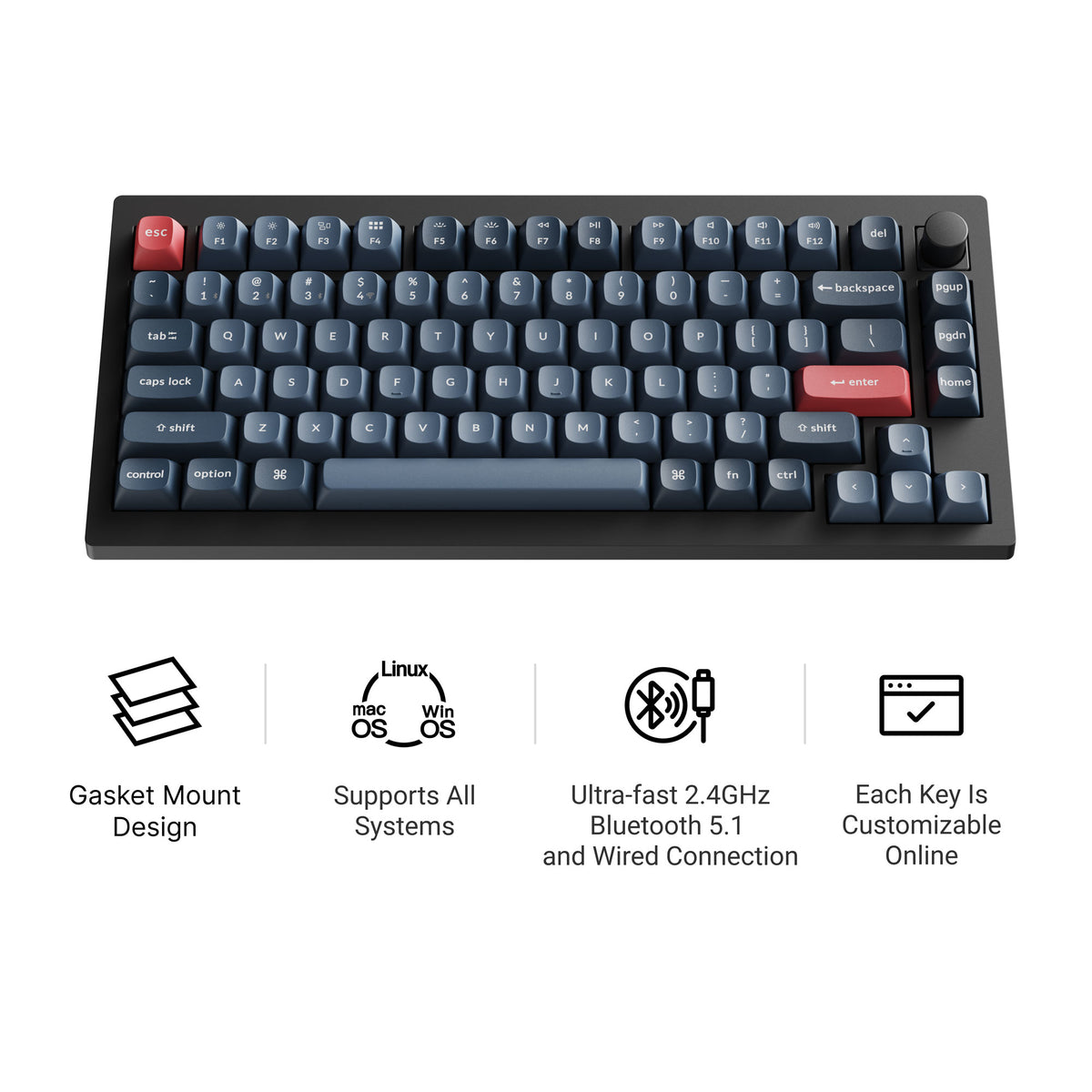
Keychron V1 Max
The Keychron V1 Max is a 75% hot-swappable board with tri-mode connectivity (2.4 GHz wireless, Bluetooth, and wired), a double-gasket design, factory pre-lubed switches, and screw-in stabilizers. It supports QMK/VIA and has south-facing RGB, so it feels tuned straight out of the box and stays easy to remap. Current versions all include a rotary knob; our Keychron V1 Max guide covers the full specs.
Keychron K2 HE
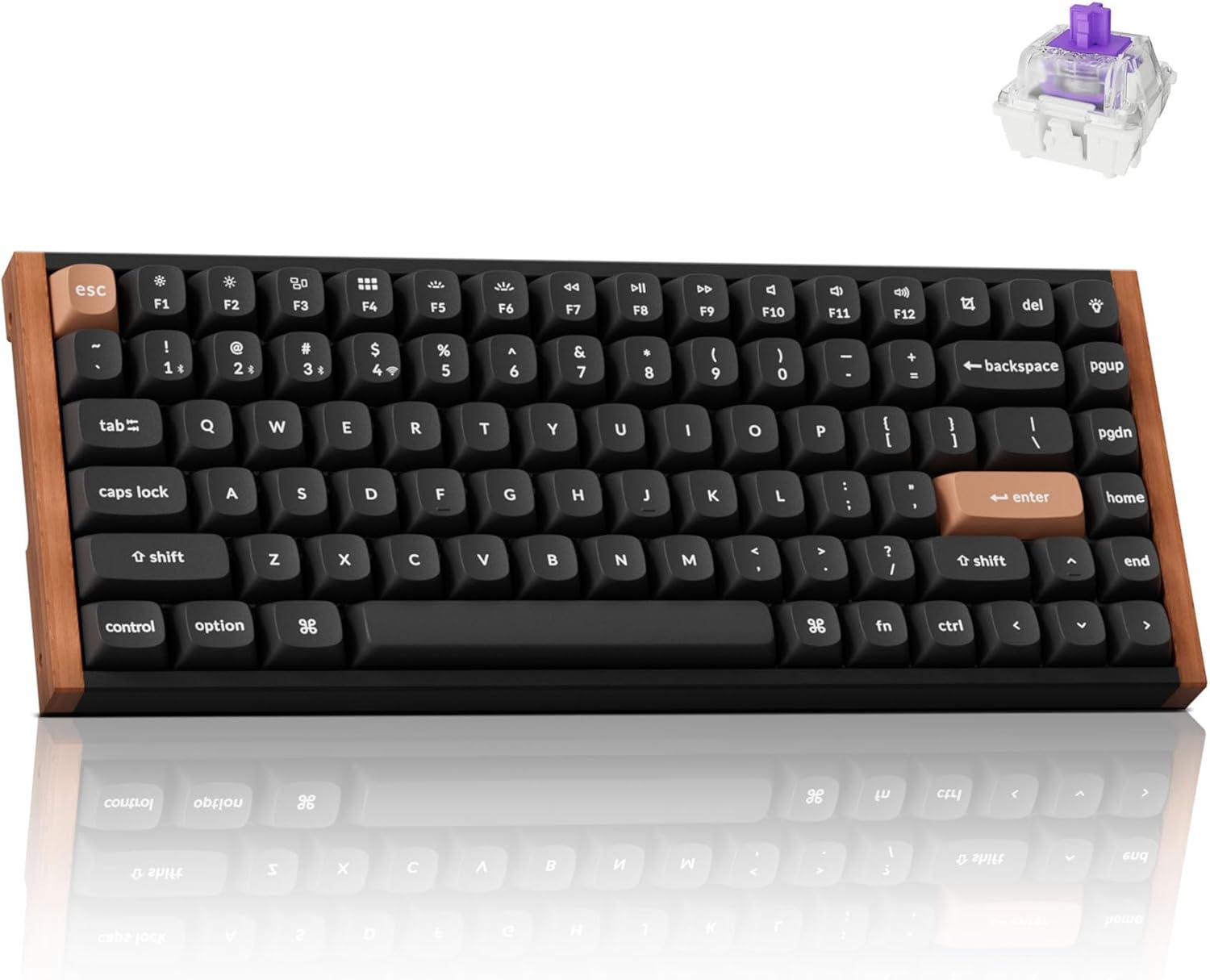
The Keychron K2 HE takes things up a notch with its Hall-Effect Gateron magnetic switches. These switches offer incredibly responsive input and customizable actuation points. The K2 HE also offers tri-mode connectivity and QMK/VIA programmability, making it a powerhouse for customization. The aluminum and wood frame gives it a premium feel.
Pros:
- Hall-Effect magnetic switches
- QMK/VIA programmability
- Tri-mode connectivity
- Premium build quality
Cons:
- Higher price point
If you are specifically comparing magnetic-switch boards, move to the dedicated hall effect keyboard guide or the full Keychron K2 HE review.
Great for: Gamers and serious typists who want the ultimate in responsiveness and customization.
AULA F99
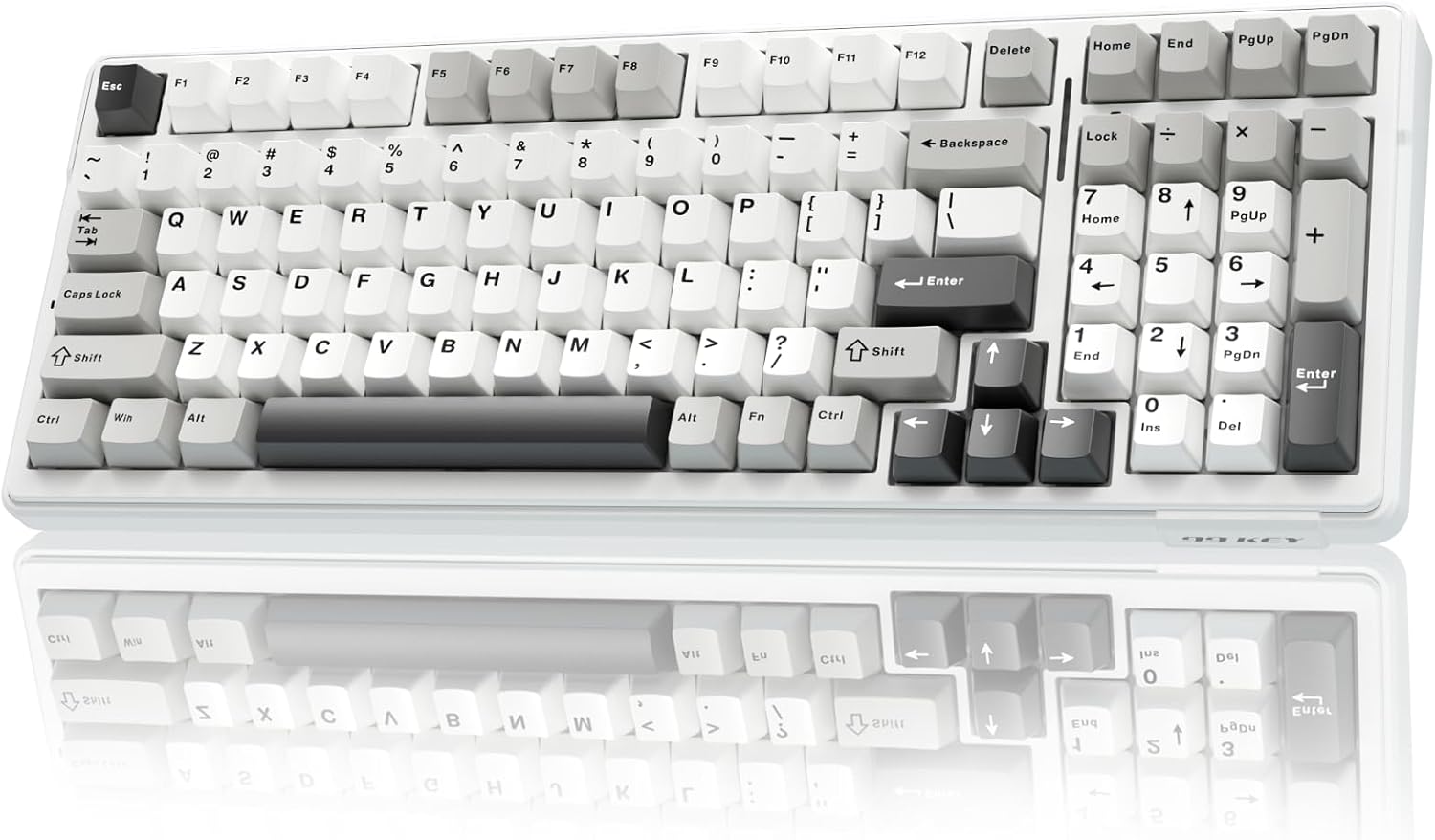
The AULA F99 is a compact 96% layout keyboard that packs a punch. It features tri-mode connectivity, a large 8000mAh battery, and a gasket-mounted structure for a comfortable typing experience. The pre-lubed linear switches offer a smooth feel and pleasant acoustics. The hot-swappable sockets and RGB lighting add to its versatility.
Pros:
- Tri-mode connectivity
- Large battery
- Gasket-mounted design
- Affordable price
Cons:
- 96% layout may take some getting used to
Great for: Users who want a feature-rich keyboard at a reasonable price.
WOBKEY Rainy75
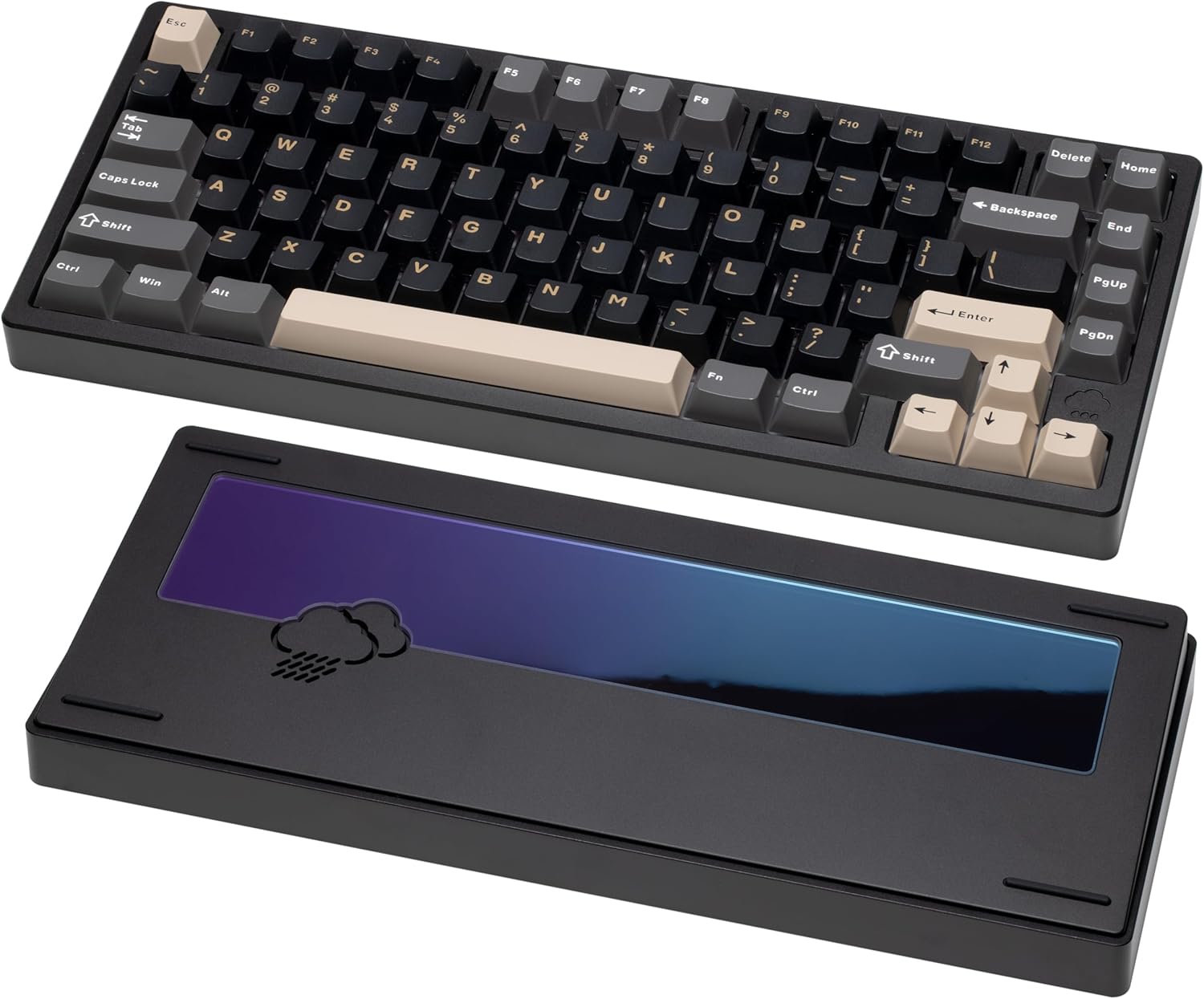
The Wobkey Rainy75 is all about the premium typing experience. It features a solid aluminum case, five-layer acoustic dampening, and a gasket-mounted design for soft, quiet keystrokes. It also offers tri-mode connectivity, hot-swappable switches, and south-facing RGB lighting. The Rainy75 is designed for those who appreciate refined aesthetics and a comfortable feel.
Pros:
- Premium build quality
- Excellent acoustic dampening
- Gasket-mounted design
- Tri-mode connectivity
Cons:
- Higher price point
If the Rainy 75 is the one you are leaning toward, read the full WOBKEY Rainy 75 review and compare it against other premium 75s in 75% Keyboard Layout Explained.
Great for: Users who prioritize a premium typing experience and are willing to invest in quality.
Keychron K2 Max
The Keychron K2 Max is a 75% tri-mode keyboard that connects over 2.4 GHz, Bluetooth, or USB-C and ships with keycaps for both Windows and macOS, so Command and Option are labeled correctly out of the box. It supports QMK/VIA, remaps through the Keychron Launcher web app, has RGB backlighting, and comes in hot-swappable versions with an optional aluminum frame.
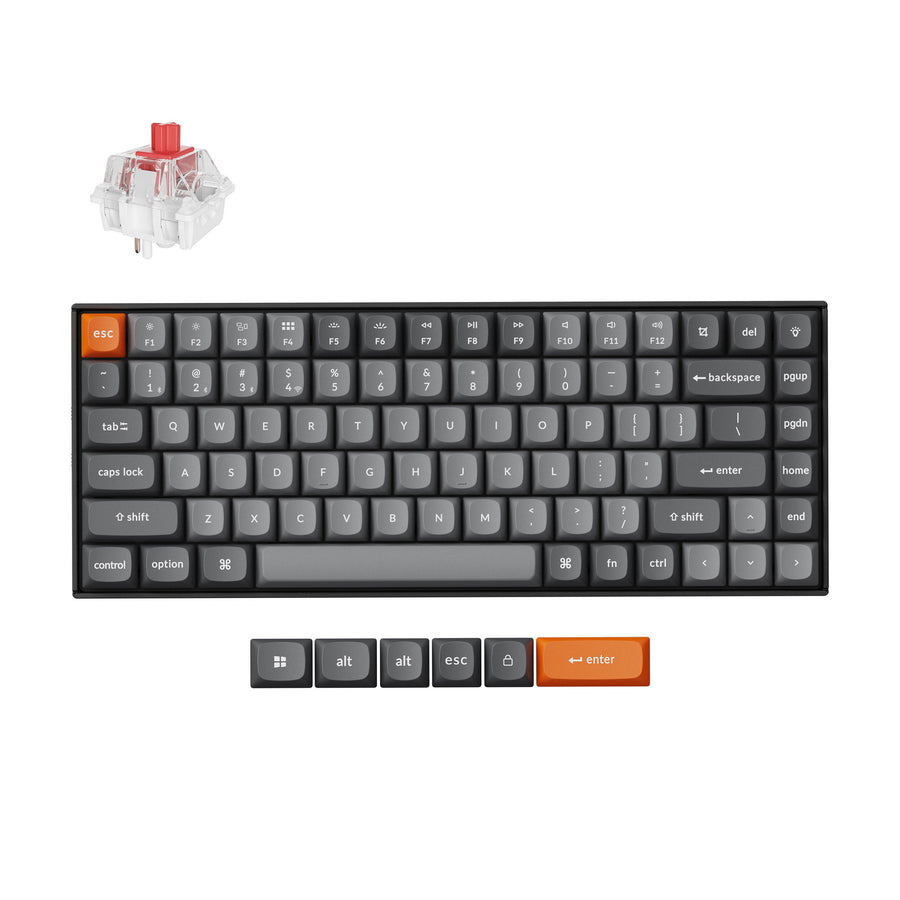
Who is it for? Mac users who want a compact wireless board that doesn't need a remapped layout.
Choosing the Right Switches
Once you have a hot-swappable keyboard, the real fun begins: choosing your switches! Here's a quick rundown of the main types:
- Linear: Smooth and consistent, with no tactile bump. Popular choices include Cherry MX Red, Gateron Yellow, and Speed Silver.
- Tactile: Provide a tactile bump when the key is actuated. Popular choices include Cherry MX Brown, Gateron Brown, and Zealios V2.
- Clicky: Similar to tactile switches but with an audible click. Popular choices include Cherry MX Blue and Kailh Box White.
I'd recommend watching some video demos of different switch types to get a better sense of their sound and feel. A switch chart can also be a helpful visual aid.
Tips for Hot-Swapping Switches
- Use a switch puller: This will prevent damage to the switches and the keyboard.
- Be gentle: Don't force the switches in or out.
- Align the pins: Make sure the switch pins are straight before inserting them.
- Test after each switch: Ensure each switch is working before moving on.
Final Thoughts
Hot-swappable mechanical keyboards offer a world of customization and experimentation. Whether you're a gamer, programmer, or just someone who loves to type, there's a hot-swappable keyboard out there for you. I hope this guide has helped you narrow down your choices. Now go forth and explore the wonderful world of mechanical keyboard switches!
Best Next Reads
Use these if you already know the direction you want to go:
- Best Hall Effect Keyboards for adjustable actuation and faster gaming response.
- Alice Keyboards if you want a more ergonomic layout without building from scratch.
- Low Profile Mechanical Keyboards if your real goal is a cleaner work setup and shorter key travel.
- WOBKEY Mechanical Keyboards if premium acoustics matter more than raw features-per-dollar.
Ready to take the plunge? Check out the keyboards mentioned above and start your mechanical keyboard journey today! Have any questions or recommendations? Leave a comment below!