The best gifts for PC gamers are the things on the desk they touch every session: the keyboard first, then the mousepad, the cable and a wrist rest. Below we sort the picks by budget, starting with gifts under $50 and ending with Hall effect keyboards that make a real difference in games. If you are shopping for a typist instead, our mechanical keyboard gift guide covers the wider field.
Prices below were checked on November 17. Apos sale prices run through December 3, and the others can change at any time. Amazon prices are not listed because they move daily.
Under $50: Small Gifts They Will Use Every Day
All three of these cost less than $20, and each one replaces something most gamers have never bothered to upgrade.
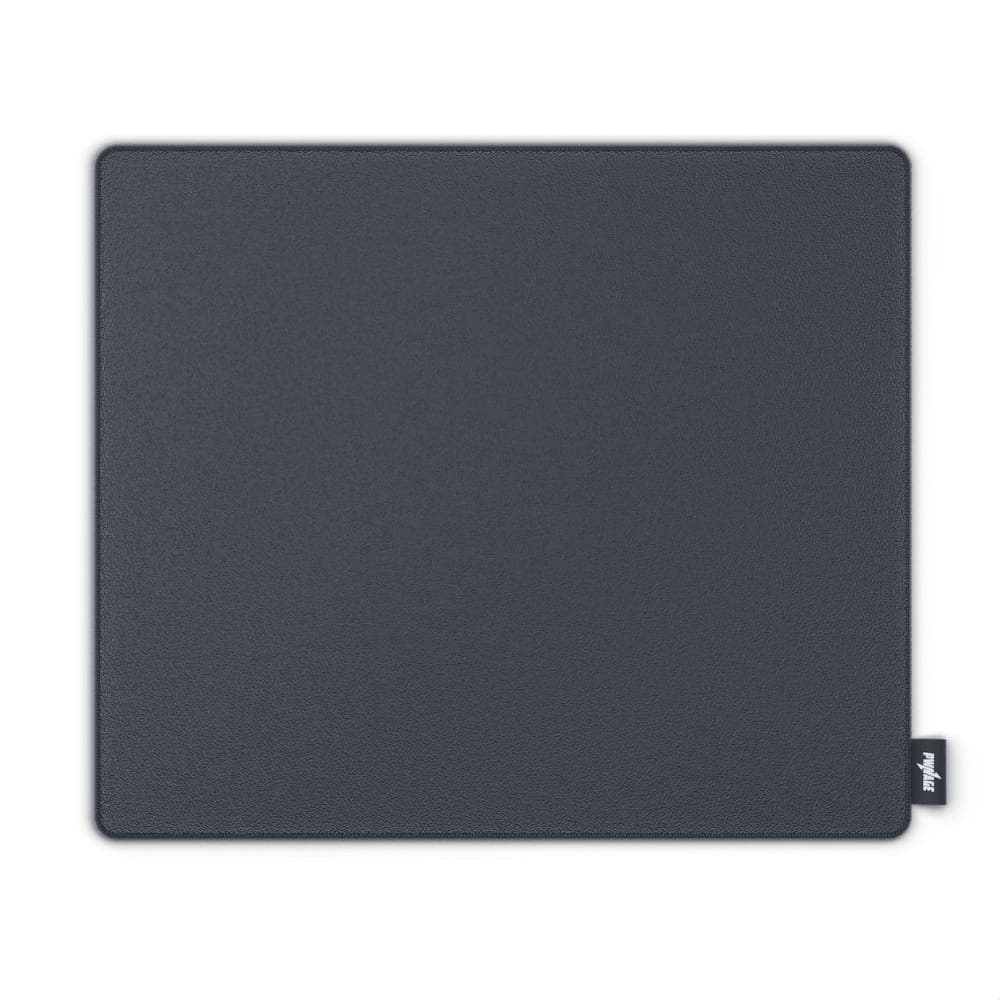
Pwnage Precision Control cloth mousepad: the easiest gift on the list. It is $9.99 at Apos during the sale, down from $29, and it comes in Black, Mint or Red. Cloth is quiet and gives a steady, predictable glide, so it suits shooters and everyday use alike. It is a standard mousepad, not a full desk mat, so a gamer who wants room for the keyboard too should get the desk mat further down or one from our deskmats page.
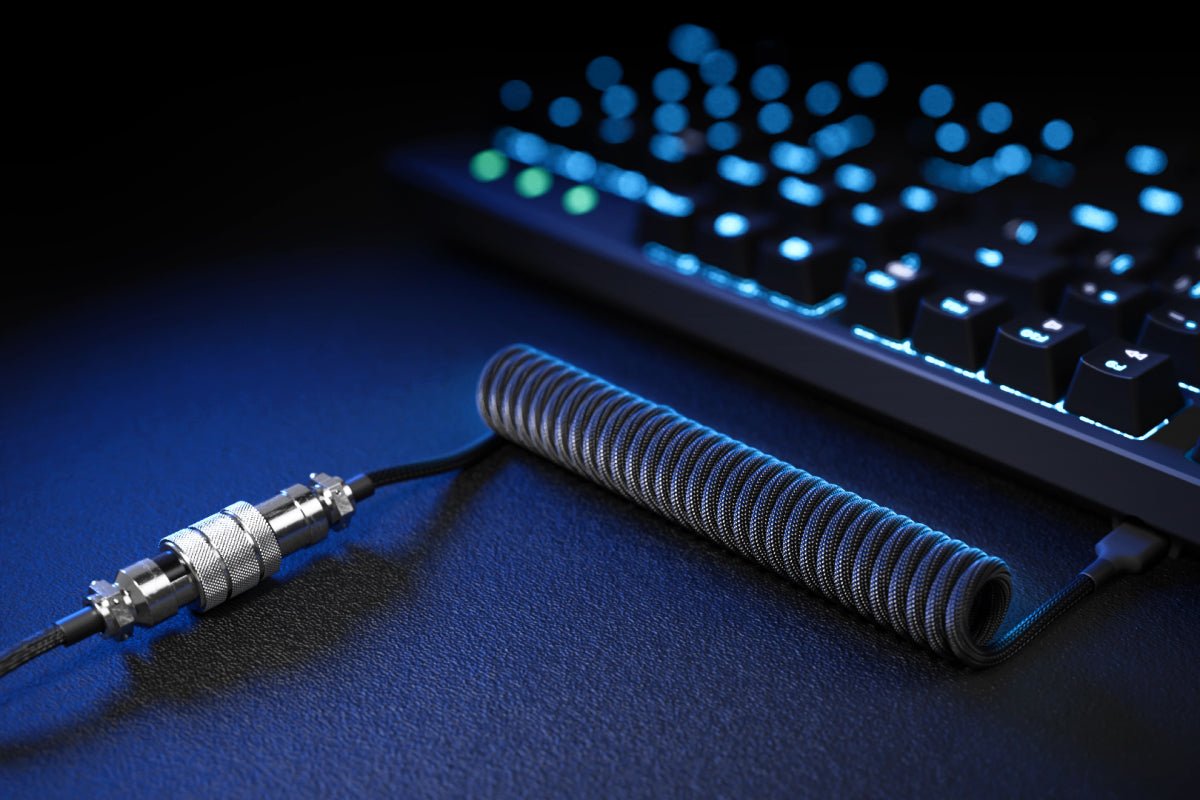
Aviator coiled USB-C cable: a small upgrade that looks good in a stocking. It was $19.99 at Apos when we checked on November 17. The metal aviator connector sits in the middle of the cable, so you can unplug the keyboard without pulling the whole run out from behind the desk. It only helps if the keyboard has a USB-C port, so check that before you buy.
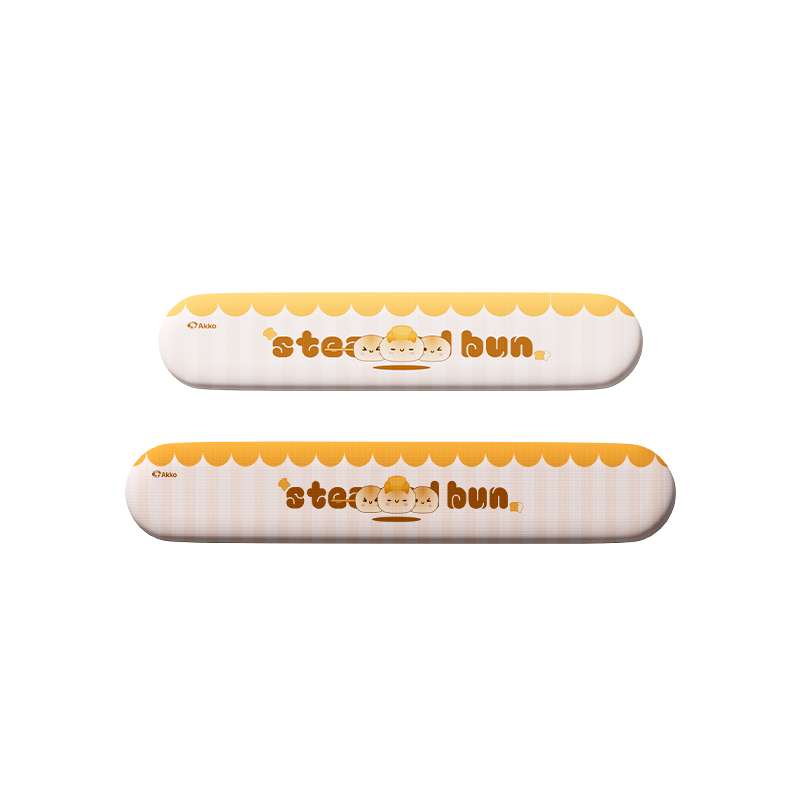
Akko Steamed Bun wrist rest: soft support for long sessions. It was $19.99 at Akko when we checked on November 17. It is a cushioned Lycra rest made in two sizes, but on November 17 only the full-size (108) version was in stock. The smaller one for compact and 75% boards was sold out, and a full-size rest will hang past the edges of a 65% board. The other caveat is the cartoon bun print, which is cute but not for everyone. More plain options are on our accessories page.
Under $100: A Proper Gaming Keyboard
Both of these use Hall effect (magnetic) switches. Instead of a metal contact, a magnet and a sensor measure how far each key is pressed, which is what allows adjustable actuation and rapid trigger. Our guide to what a Hall effect keyboard is goes deeper.
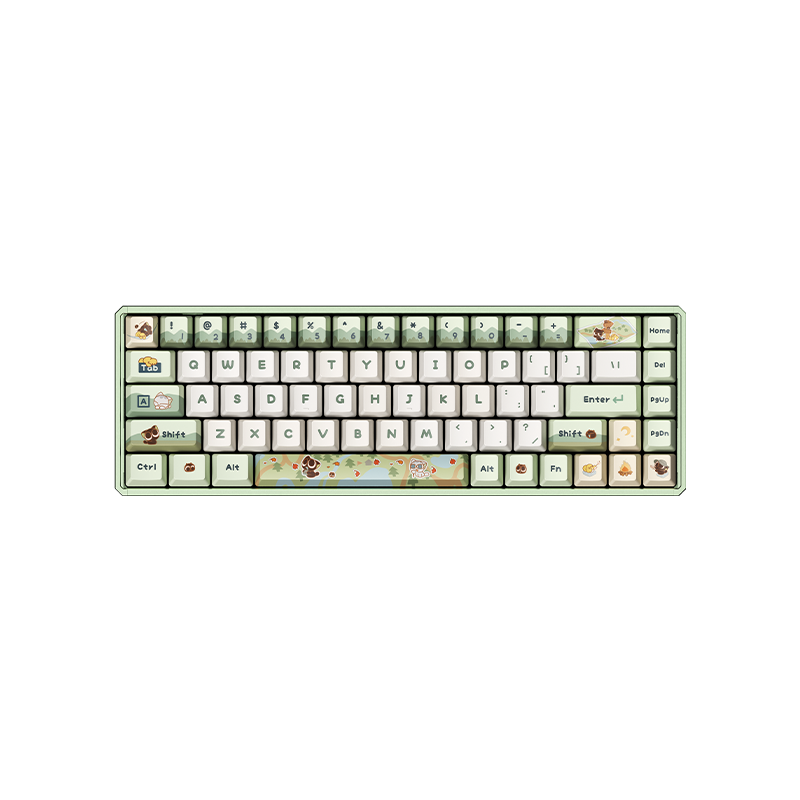
Akko The Legend of Hei MOD68 HE: a 65% Hall effect board for $84.99 when we checked on November 17. It has a CNC aluminum gasket-mount case, wired USB-C at 8000 Hz, and rapid trigger adjustable in 0.005 mm steps. The Akko Starlit linear switches are hot-swappable. The caveat is the theme: the case and keycaps carry Legend of Hei artwork, so it suits a fan of the series better than a gamer who wants a plain black board.
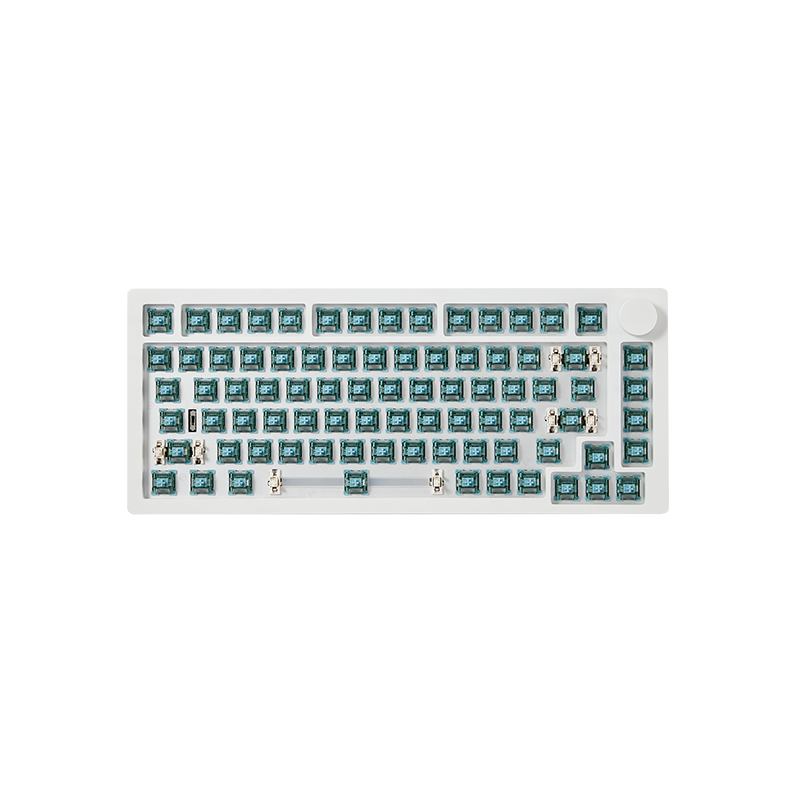
MonsGeek M1 V5 HE barebone: a 75% kit for $59.99 when we checked on November 17. It has an aluminum gasket-mount case, a programmable knob, pre-installed magnetic switches, 8K polling over USB-C and 2.4G wireless. Keycaps are not included, so pair it with a set from our keycaps hub or the gift will not be usable on Christmas morning. It is configured in MonsGeek's own driver only, not QMK or VIA.
Bigger Gifts: Hall Effect Keyboards for Serious Play
Prices here run higher, but this is where the gift changes how the game feels. The Black Friday deals at Apos are listed in our Apos sale roundup, which includes a few cheaper magnetic boards.
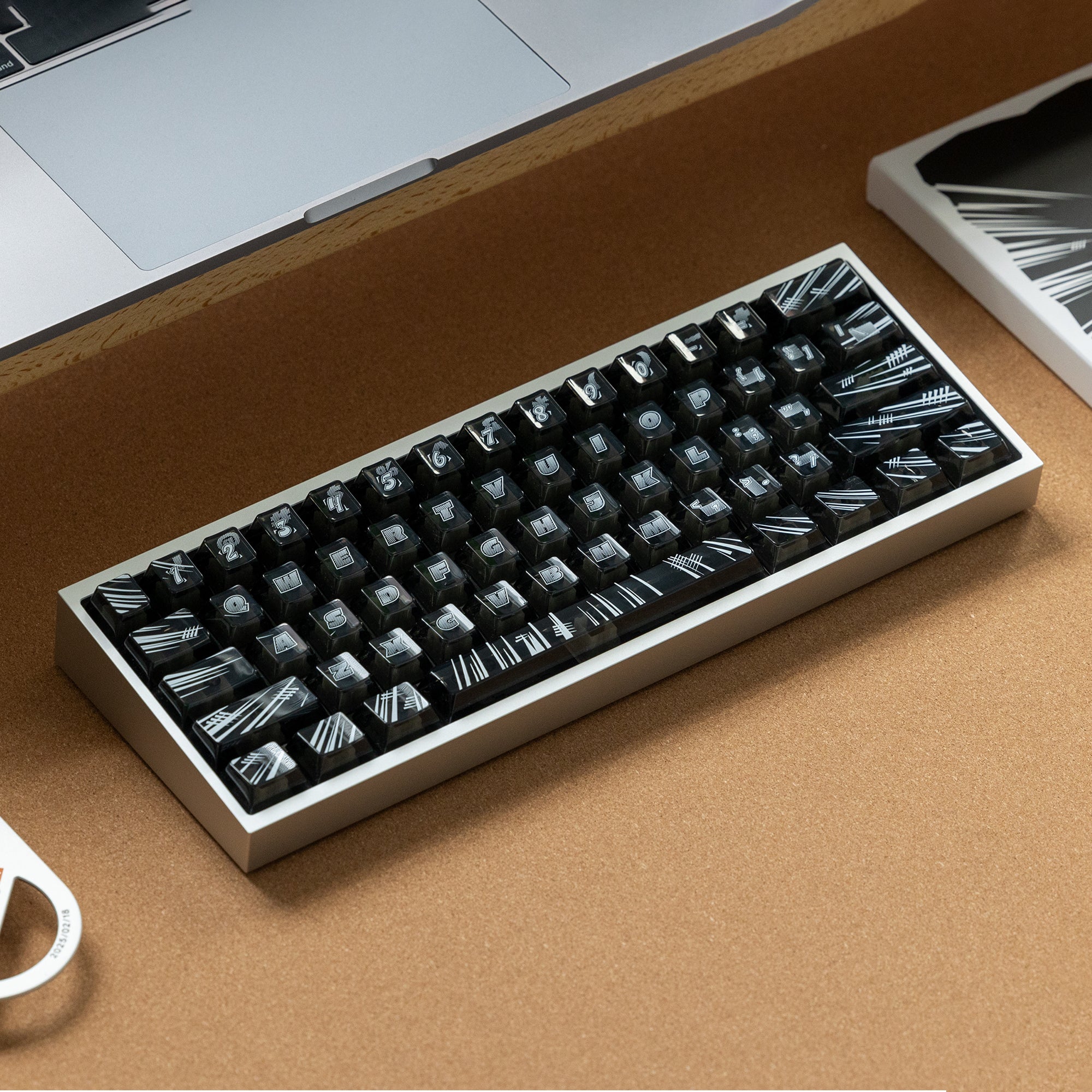
KBDFans Tofu Redux V2 HE: the compact pick, $159 when we checked on November 17. It is a fully assembled 60% magnetic board with adjustable actuation, rapid trigger and PBTfans Flash keycaps, already hand-tuned. A 60% has no arrow keys or function row, which frees up desk space for the mouse but takes some getting used to for anyone coming from a bigger board.
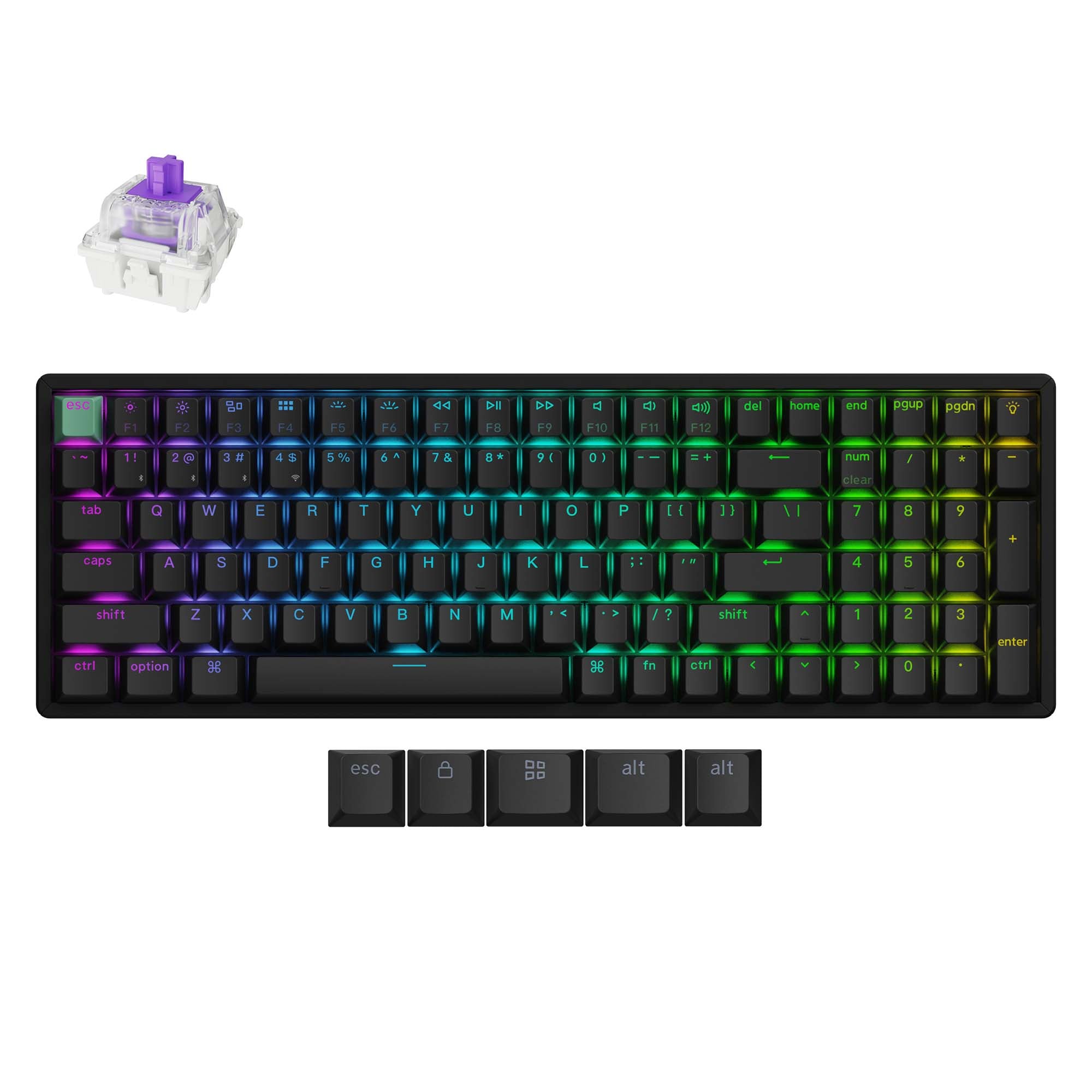
Keychron K4 HE: a 96% board with a number pad, from $144.99 when we checked on November 17. It connects over 2.4 GHz, Bluetooth or cable at 1000 Hz, with hot-swappable magnetic switches, rapid trigger, 0.2 to 3.8 mm actuation, an aluminum body and a 4000 mAh battery. One catch: each version only accepts its own type of magnetic switch, so the gamer cannot drop in any magnetic switch they like.
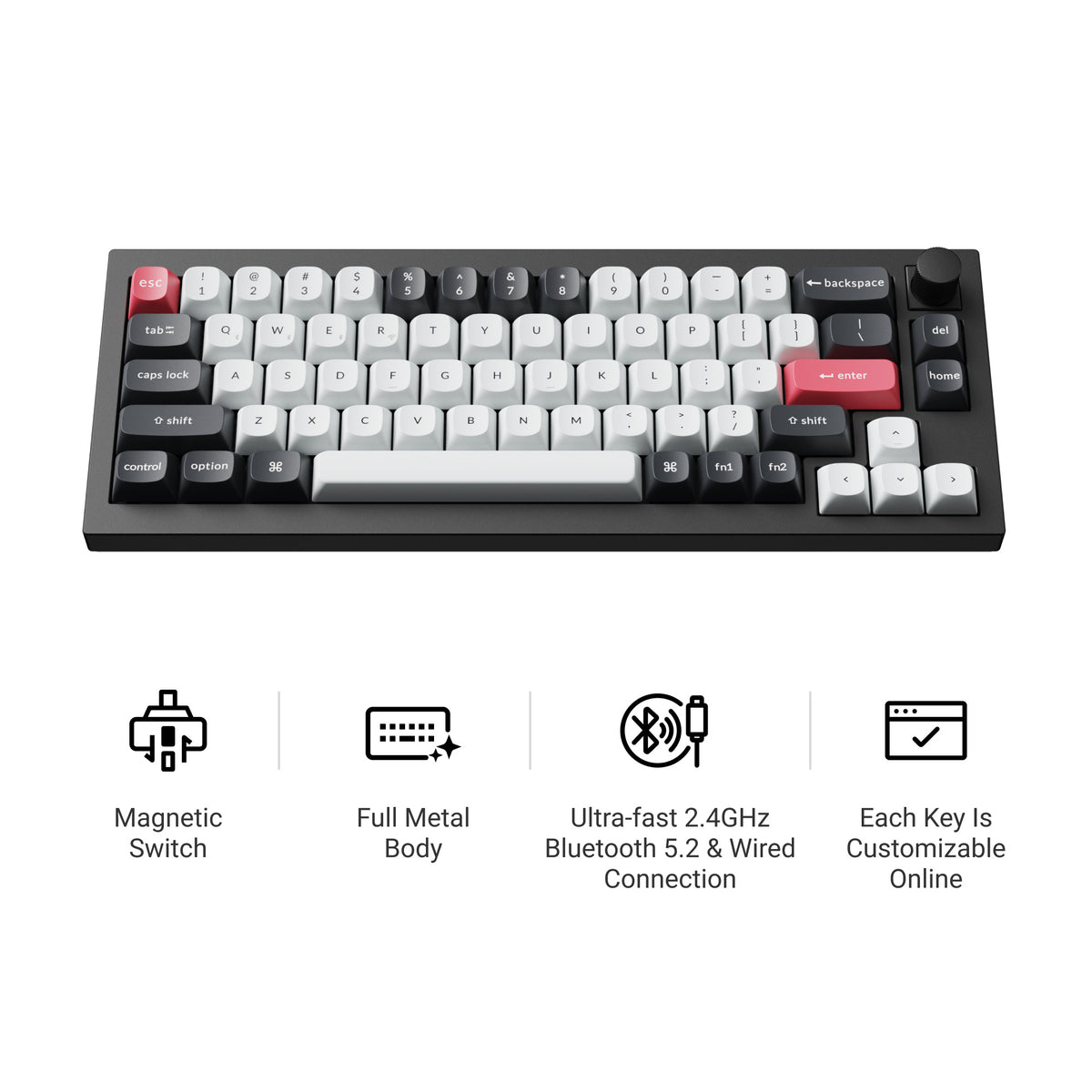
Keychron Q2 HE: the one to give if money is not tight, $239.99 when we checked on November 17. It is a 65% board with a knob and an all-aluminum gasket-mount case, wireless over 2.4 GHz or Bluetooth with a cable option, and it runs QMK firmware through the Keychron Launcher. It weighs about 1546 g, so it stays put, and the battery is rated at up to 115 hours. Like the K4 HE, it only takes Gateron double-rail magnetic switches.

Razer Huntsman V3 Pro TKL 8KHz: the familiar name, aimed at esports. It uses analog optical switches with rapid trigger, Snap Tap, adjustable actuation and 8000 Hz polling. A tenkeyless layout keeps the function row and arrows without the number pad. If the gamer already follows Razer, this is an easy recognizable gift. Check price on Amazon, since we did not verify one.
A Desk Mat for the Keyboard and Mouse
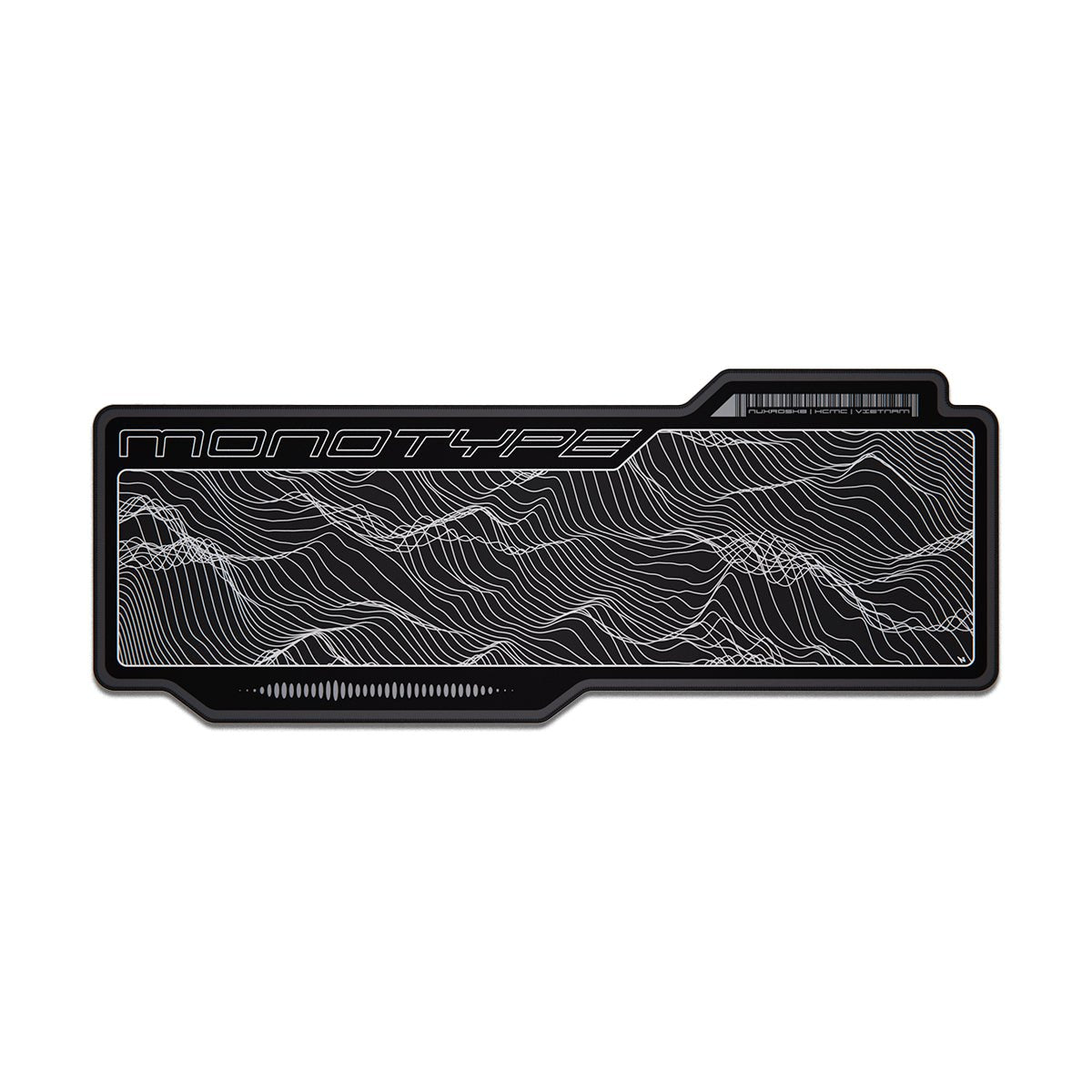
Nuxroskb Monotype desk mat: one surface for the whole setup, $25 when we checked on November 17. It is 908 by 358 mm, wide enough for a full keyboard and a long mouse swing, and the stepped outline adds extra room where the wrist and mouse sit. The surface is rough and durable rather than slick, so it suits control-style aiming more than fast glide. Phantom (black) and Off-White were in stock on November 17; Crimson was sold out.
Which Keyboard Size for Gaming
- 60%: the most space for mouse swings, but no arrows or function row.
- 65%: adds arrow keys, which makes it the easiest step up from a laptop.
- 75% or TKL: keeps the function row, so shortcuts and media keys still work.
- 96%: keeps the number pad for people who also run spreadsheets or sims.
Our Hall effect keyboards page lists more boards by size.
How to Choose Christmas Gifts for Gamers
Start with what they already own. If they have a full-size board from an office supply store, a Hall effect 65% or TKL is the big upgrade. If they already have a good keyboard, the pad, cable or wrist rest is the safer gift.
Ask what game they play most. A shooter or a rhythm game gets the most out of rapid trigger, because the key resets as soon as the finger lifts, so quick taps register cleanly. A slower game like an RPG or strategy title gets more from comfort, which points to the wrist rest and a good pad. Do not worry about the actuation settings. Every board above ships with sensible defaults, and the gamer can change them later in the board's software.
Check the connection too. Wired boards polling at 8000 Hz suit competitive play. A wireless board is easier to live with on a shared desk, and both Keychron boards above offer 2.4 GHz for gaming.
Last, keep the theme in mind. The MOD68 and Steamed Bun picks have character art on them, which is a plus for a fan and a miss for someone who likes a plain black desk. If you are not sure, take the Pwnage mousepad and the coiled cable. Switch swaps come later, and our switches page and guide to the best switches for gaming can help with that.
Prices reflect what was listed on November 17 and can change without notice. Check the product page before you buy.
Frequently Asked Questions
What is a good gift for a PC gamer?
Something they touch every session. A keyboard with Hall effect (magnetic) switches is the biggest upgrade, and a new mousepad, a coiled cable or a wrist rest are smaller gifts that still get used daily. Headsets and controllers are common gifts, so desk gear is less likely to be a duplicate.
Are Hall effect keyboards worth it for gaming?
Yes, if the gamer plays shooters or rhythm games. Hall effect switches use magnets instead of metal contacts, which lets you set how far a key has to travel before it registers and lets the key reset the moment you lift your finger (rapid trigger). For slower games the difference is small, but the boards are also good typing keyboards.
What keyboard size is best for gaming?
A 60% or 65% board leaves the most room for mouse swings, and a 75% or TKL board keeps the function row. A 96% board keeps the number pad, which suits people who also do spreadsheets or play sims. Pick the size the person already uses if you are unsure.
Is a glass mousepad better than a cloth one?
Glass is harder and smoother, so a mouse glides faster and the surface does not wear down, but it is louder and the mouse feet matter more. Cloth is quieter and more forgiving, and it costs far less. Cloth is the safer gift if you do not know their mouse.
What can I get a gamer for under $50?
A cloth mousepad was $9.99 at Apos, a coiled USB-C keyboard cable was $19.99 at Apos, and a cushioned wrist rest was $19.99 at Akko when we checked on November 17. Any two of those make a full gift under $50.