The hall effect vs mechanical keyboard question gets asked as if they were two rival species, but the honest answer starts with a correction: a hall effect keyboard is a mechanical keyboard. It has the same stems, the same springs, the same travel and the same keycap compatibility. The only thing that changed is how the board notices you pressed a key — and that one change is either the most useful upgrade you will make this year or completely irrelevant to you, depending entirely on what you do at the desk.
This guide covers what actually differs, what each side does better, and how to pick without paying for features you will never turn on.
The Short Answer
| Hall Effect (magnetic) | Traditional Mechanical | |
|---|---|---|
| How it senses | Magnet on the stem, sensor reads its distance continuously | Two metal leaves touch and close a circuit |
| Actuation point | Adjustable, roughly 0.1–3.5mm, often per key | Fixed by the switch, usually ~2mm |
| Rapid Trigger | Yes | No |
| Analog / joystick input | Yes, on supported games | No |
| Switch feel available | Almost entirely linear | Linear, tactile, clicky, silent |
| Switch swapping | Only HE switches, only if the board allows it | Thousands of options on any hot-swap board |
| Contact wear / chatter | None — nothing physically touches | Possible after heavy use |
| Typical price | Higher | Anything from $40 to $400 |
| Best for | Competitive FPS, tuning enthusiasts | Typing, tactile feel, modding, budgets |
If you play competitive shooters, hall effect is a real advantage. If you mostly write, code, or want a switch that bumps back at you, a traditional mechanical board is still the better buy — and usually the cheaper one.
How Each One Detects a Keypress
A traditional mechanical switch works by physical contact. Inside the housing are two metal leaves. Push the stem far enough — typically about 2mm — and the leaves meet, the circuit closes, and the keypress fires. That contact point is fixed when the switch is manufactured. The board also has to spend a moment ignoring the electrical bounce as the leaves settle, which is where the small debounce delay in every contact keyboard comes from.
A hall effect switch never makes contact at all. A small permanent magnet rides on the stem, and a hall effect sensor on the PCB under each key measures the strength of that magnet's field. Press down, the magnet gets closer, the field reading rises. Because that reading is a continuous analog value rather than an on/off event, the firmware always knows exactly how deep every key is, to a fraction of a millimeter — and there is no bounce to debounce.
That is the entire difference. Everything else in the hall effect keyboard vs mechanical debate follows from it. If you want the sensor explained in more depth, our guide on what a hall effect keyboard is goes further, and magnetic keyboard switches covers the switch sets themselves.
What Hall Effect Does That Mechanical Cannot
Adjustable actuation. You choose where the key registers. Set it shallow, around 0.1–0.5mm, for a hair trigger in games; set it deep, closer to 2.5–3mm, so you stop firing keys with resting fingers while typing. Most boards let you set this per key, so WASD can be twitchy while the rest of the board stays sane.
Rapid Trigger. This is the feature people actually buy hall effect for. On a normal switch, once a key is pressed it will not fire again until it travels back up past a fixed reset point. With Rapid Trigger, the key resets the instant you begin lifting and fires again the instant you begin pressing, measured from wherever your finger currently is. For counter-strafing in an FPS, that is a genuine, felt difference — not a spec-sheet one.
Analog input. Because the board reads depth, a supported game can treat a key like a joystick axis. Press W a little for a slow walk, press it all the way to sprint. Support is game-by-game rather than universal, so treat it as a bonus rather than the reason to buy.
No contact to wear out. Nothing touches, so hall effect switches do not develop chatter — the double-typing failure that eventually hits well-used contact switches.
One caveat worth knowing before you buy for competition: some competitive titles have restricted or disabled certain SOCD and null-bind behaviors that hall effect boards can perform. Rapid Trigger itself is broadly fine, but check your specific game's current rules before you rely on any binding feature.
What Traditional Mechanical Still Does Better
Feel. Hall effect switches are almost all linear, because a tactile bump interferes with a smooth magnetic curve. If you want a pronounced tactile bump or a clicky switch, the hall effect market has very little for you. This is the single most common reason people try a magnetic board and go back. If you are not sure which camp you are in, our linear vs tactile switch guide is the place to start.
The aftermarket. A hot-swap mechanical board accepts essentially any MX-style switch — thousands of them, at every price. Hall effect switches only work in hall effect boards, only if that board's firmware supports the specific switch, and the total catalog is a few dozen options. You are buying into a much smaller ecosystem.
Sound and modding. Foam, tape mods, gasket mounts, lubing, films — the entire acoustic hobby is built around traditional switches. Magnetic boards can sound good, but you have far fewer levers to pull.
Price. Hall effect has come down a lot, but at any given build quality the magnetic version costs more. If the budget is fixed, that money buys a noticeably nicer traditional board.
Which One Should You Actually Buy?
Buy hall effect if you play competitive shooters, you want Rapid Trigger, or you enjoy tuning per-key actuation. Those three reasons justify the premium. Nothing else really does.
Stay mechanical if you mostly type, you want tactile or clicky feel, you plan to swap switches or mod the sound, or you want the most keyboard per dollar.
A note for typists tempted by the hype: a hall effect board set to a deep actuation point types perfectly well. It simply types like a good linear board, which is a thing you can buy for less money. Do not pay the magnetic premium for typing alone.
Hall Effect Keyboards Worth Buying
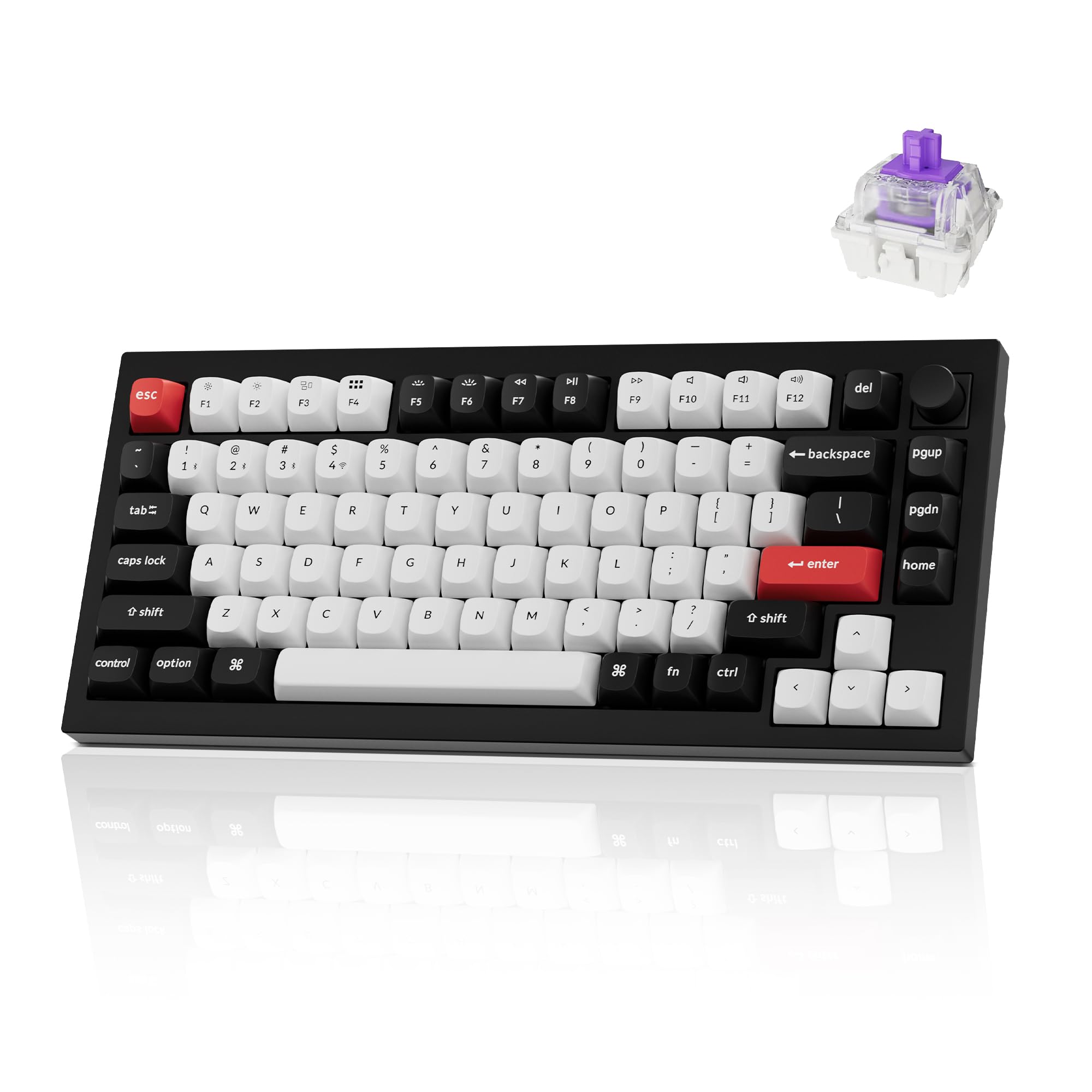
Keychron Q1 HE
The one to get if you want hall effect without giving up build quality. Full aluminum 75% body, QMK/VIA, Rapid Trigger, adjustable actuation, and wireless — which is still unusual in this category, since most magnetic boards are wired gaming hardware. It is the rare HE board that is equally at home on a work desk.
Pros: Aluminum build, wireless, QMK/VIA, Rapid Trigger Cons: Priciest way into hall effect
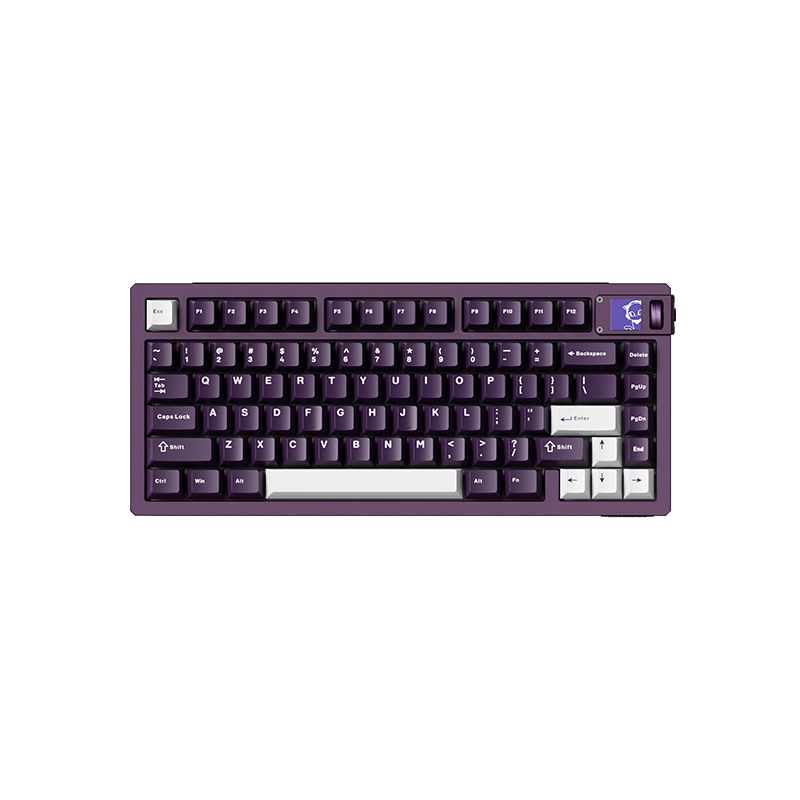
Akko MOD007 V5 HE
Akko's magnetic flagship, and the value pick of this list. Rapid Trigger and adjustable actuation in a 75% gasket-mounted frame that sounds better out of the box than most gaming boards at any price. If you want the competitive feature set without the enthusiast tax, start here.
Pros: Strong price-to-feature ratio, good stock sound, 75% layout Cons: Wired, software is less mature than QMK
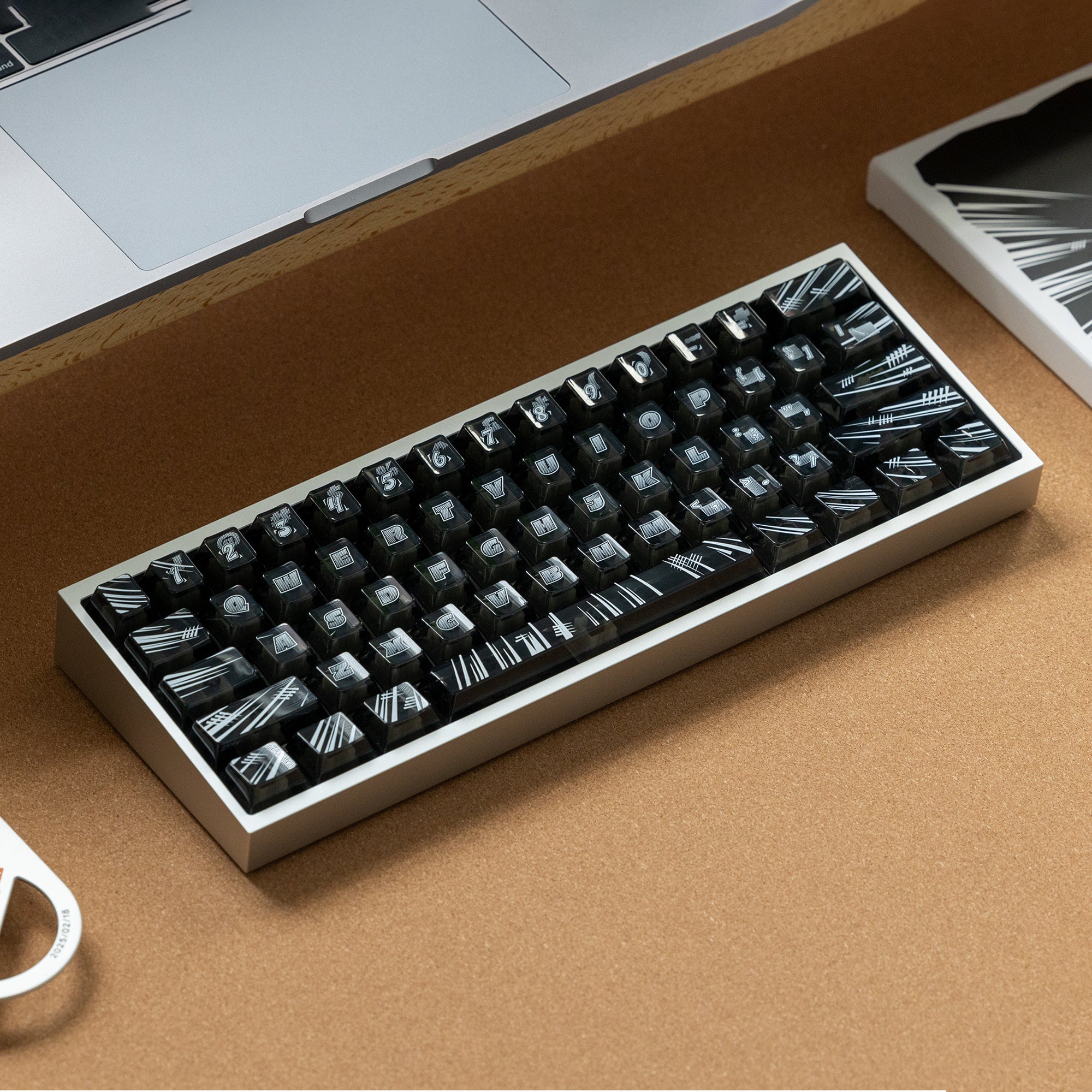
KBDFans Tofu Redux V2 HE
A 60% magnetic board that ships assembled, which matters — KBDFans is normally a parts vendor, and this is the ready-to-use version. It is the Tofu case rebuilt around the hall-effect platform, succeeding the earlier Tofu60 HE, and it comes hand-tuned with PBTfans Flash keycaps. The small layout is the point: fewer keys means more desk room for low-sensitivity mouse play, which is exactly the crowd Rapid Trigger is aimed at.
Pros: Ready to use, compact 60%, Tofu case pedigree, keycaps included Cons: No arrow cluster or function row without layers
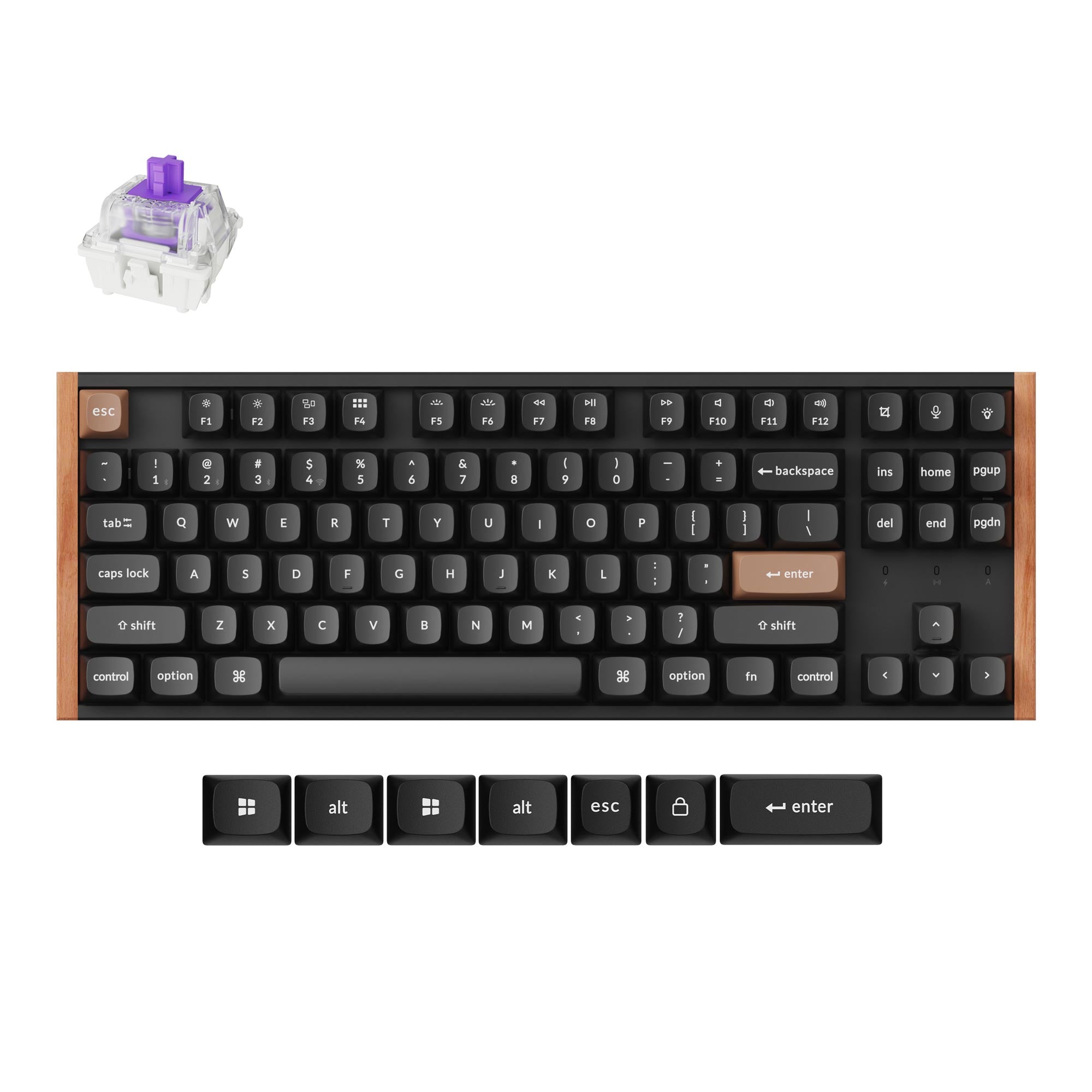
Keychron K8 HE
The TKL pick, for people who want the full function row and the arrow cluster. It is an 80% board with Gateron Double-Rail magnetic switches, Rapid Trigger and actuation from 0.2 to 3.8mm, in an aluminum build. It connects over 2.4GHz, Bluetooth or a cable at 1000Hz, so the same board can go from a games desk to a laptop, and it runs QMK with Keychron's Launcher web app.
Pros: TKL layout, tri-mode wireless, hot-swap, QMK Cons: 1000Hz rather than 8000Hz; sockets only take Gateron Double-Rail magnetic switches
More options, including the switch sets, are in our roundup of the best hall effect keyboards.
Traditional Mechanical Boards Worth Buying Instead
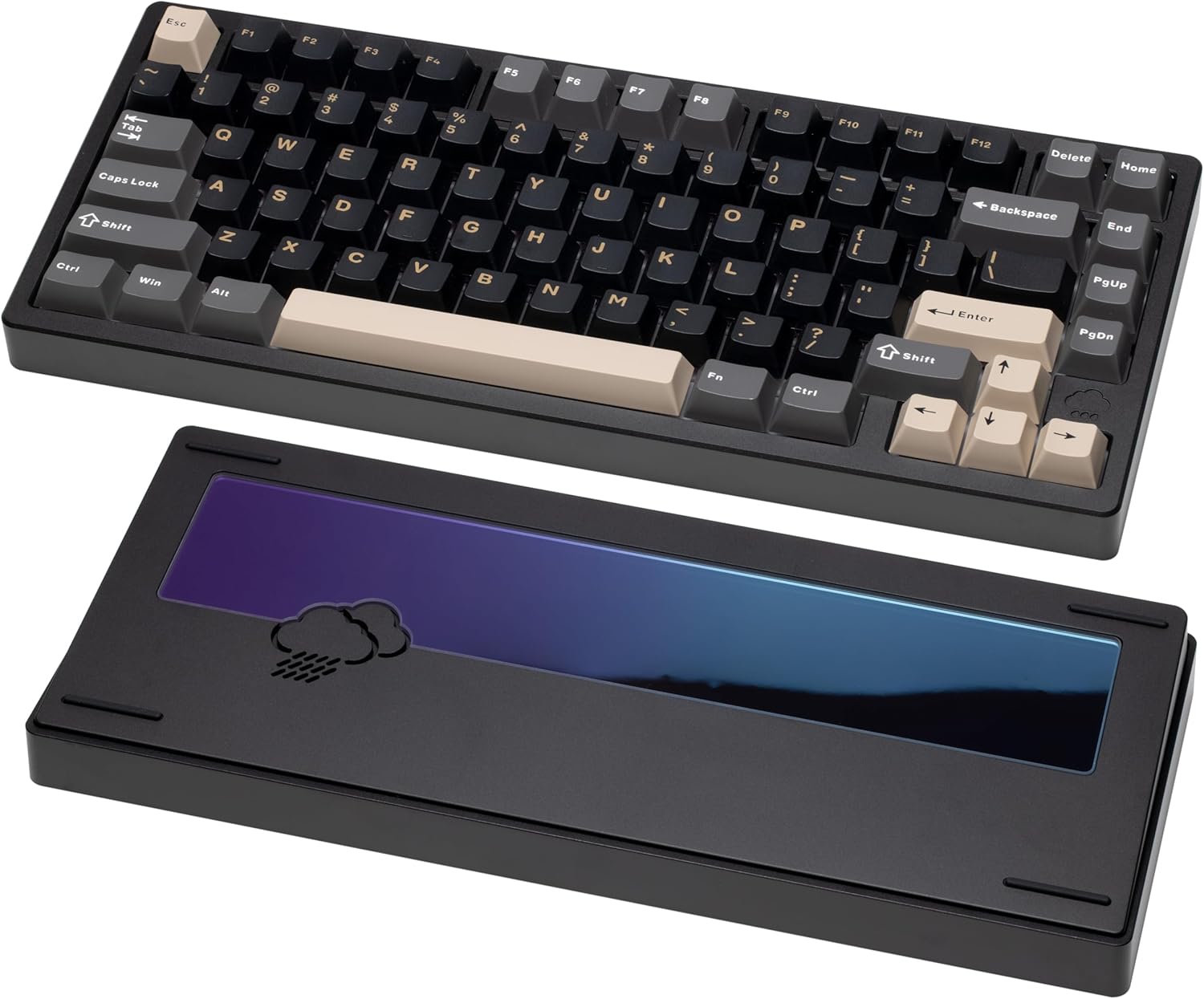
WOBKEY Rainy 75
If your answer to "hall effect vs mechanical keyboard" is that you mostly type, this is the board to spend the money on instead. Solid aluminum case, gasket mount, five layers of acoustic dampening — it is built for sound and feel, the two things the magnetic category is weakest at.
Pros: Excellent stock sound, aluminum gasket build, tri-mode wireless Cons: Heavy, no magnetic features at all
Keychron V1 Max
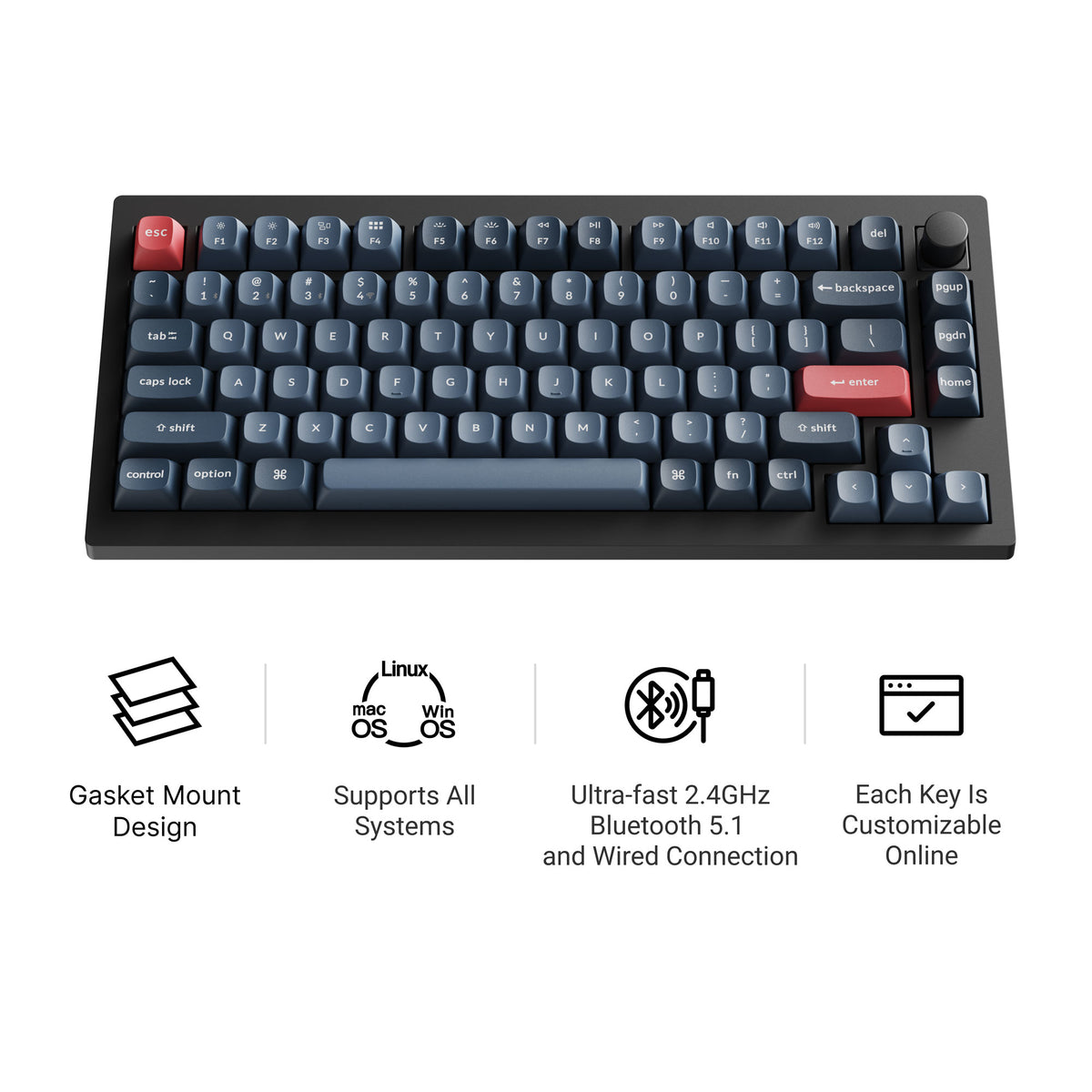
A traditional 75% counterpart to the Q1 HE, and the better pick if you want to keep swapping switches. Same 75% layout and QMK/VIA firmware, but hot-swap sockets for regular mechanical switches — tactile, clicky, silent, whatever you land on after experimenting. It uses a double-gasket design and a plastic case rather than aluminum, which keeps it lighter. More in our Keychron V1 Max guide.
Pros: Hot-swap for mechanical switches, QMK/VIA, tri-mode wireless, rotary knob Cons: Plastic case, no Rapid Trigger or analog input
The Verdict
Hall effect vs mechanical is not a question of which technology is better — it is a question of whether you need continuous depth sensing. If Rapid Trigger and per-key actuation will change how you play, buy magnetic and enjoy a genuine competitive edge. If you want a bump under your finger, a sound you can tune, and the freedom to try a hundred different switches, traditional mechanical is not the compromise choice; it is still the right one.