Knowing how to clean a desk mat matters more than it sounds, because the mat under your keyboard collects everything your keyboard does — skin oils, crumbs, hair, spilled coffee — and unlike a keyboard, you cannot take it apart. Most mats survive a wash perfectly well. The ones that come out warped, curled or peeling were nearly always cleaned with the wrong method for what they are made of.
This guide sorts the job by material first, then covers hand washing, the washing machine question, drying, stains, and the mats that must never go near water.
Start by Identifying the Material
There are four kinds of desk mat in common use, and they do not share a cleaning method:
- Cloth over rubber. The standard "deskmat" — a printed fabric top laminated to a natural or synthetic rubber base, usually with a stitched edge. This is the only type that can be fully washed.
- Cork. A solid cork sheet, sometimes backed with rubber. Porous, and it does not like being soaked.
- Leather or PU/vegan leather. A sealed surface. Water on the surface is fine; water into it is not.
- RGB or LED-edge mats. A cloth mat with electronics and a USB cable inside the edge binding. Never submersible, no exceptions.
If you are not sure which you have, look at the edge. A stitched fabric border means cloth-over-rubber. A cut edge that shows a granular brown cross-section is cork. A wire coming out of one corner means it is powered, and you should skip to the RGB section below.
How to Clean a Desk Mat by Hand
Hand washing is the default method for a cloth mat, and it is the one that carries the least risk to the print.
Step 1 — Dry-brush the surface first. Take the mat outside or over a bin and sweep it with a soft brush to lift hair, crumbs and grit. Doing this before any water touches it stops loose debris turning into a smeared paste you then have to scrub out.
Step 2 — Lay it flat in a bath or a large sink. Flat, not folded. A cloth mat folded while wet holds a crease for weeks.
Step 3 — Run lukewarm water over it. Cool or lukewarm only. Hot water is what delaminates the fabric from the rubber backing and what fades a sublimated print fastest.
Step 4 — Work in a small amount of mild soap. A few drops of dish soap in a bowl of water, applied with a soft brush or a cloth in gentle circles. Do not use bleach, oxygen brighteners, or anything sold as a stain-lifting laundry booster — those attack the print, not the dirt.
Step 5 — Rinse until the water runs clear. Soap left in the fibres attracts dust and leaves a stiff patch that feels different under your wrist. This step takes longer than you expect; keep rinsing.
Step 6 — Press the water out. Do not wring. Lay the mat flat, roll it loosely in a dry towel and press. Wringing a rubber-backed mat creases the base permanently.
Can I use Dawn dish soap to clean my mouse pad?
Yes — a few drops of Dawn or any plain dish soap in warm water is a good choice for a cloth mouse pad or deskmat. It is a mild surfactant designed to lift grease, which is exactly what skin oil is. What you want to avoid is anything added to a detergent: bleach, fabric softener, scent beads and enzyme stain removers all sit on the fabric or bleach the print. Plain soap, well rinsed, is the whole job.
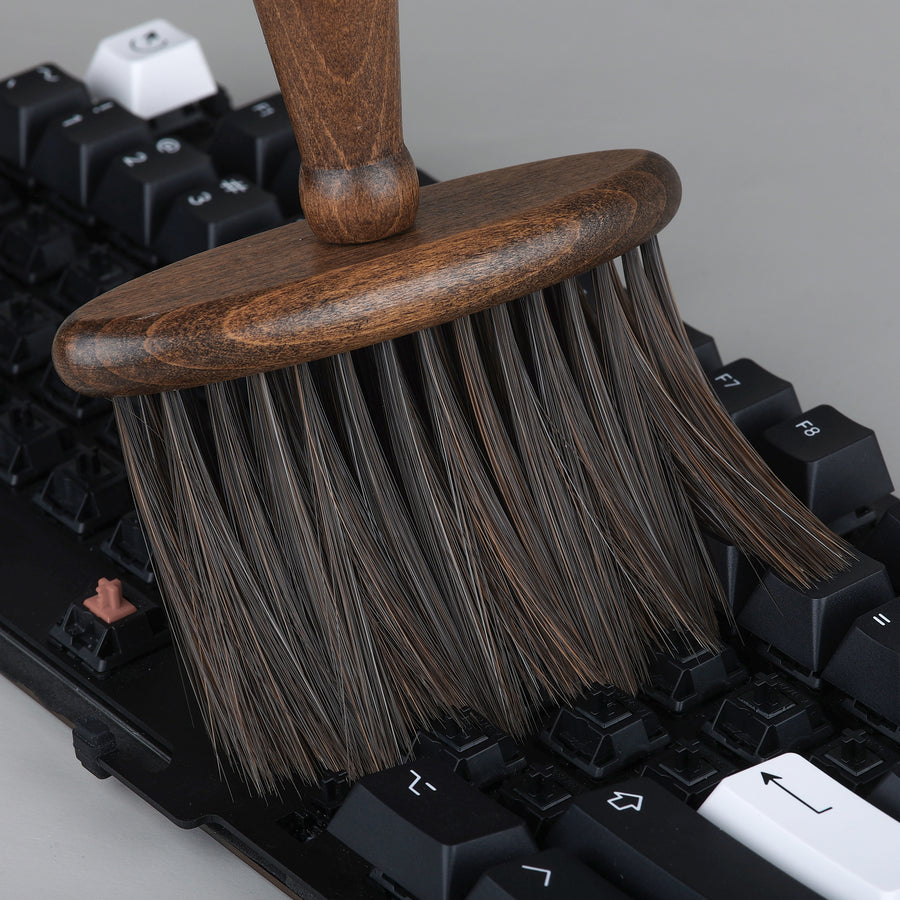
KBDfans Keyboard Mahogany Cleaning Brush
The dry-brush step is the one people skip, and it is the one that decides whether you are washing a mat or grinding grit into it. This is a wide wood-handled brush with soft fiber bristles — no plastic edge that can catch a stitched border or scuff a printed surface. It doubles as the brush for the soapy pass, and it is the same tool you already want for sweeping a keyboard out with the keycaps off.
Pros: Soft fiber bristles, wide head covers a mat quickly, safe on prints and cases Cons: Wood handle should be dried off rather than left wet
Can You Wash a Desk Mat in the Washing Machine?
You can put a cloth-over-rubber mat in a washing machine, and plenty of people do it without incident — but it is the higher-risk option, and it is worth being honest about why.
The risk is not the water, it is the agitation and the spin. A rubber base flexed hard while hot is what cracks, and a mat wrapped around the drum's agitator comes out creased. If you are going to machine wash a desk mat:
- Cold water, delicate or hand-wash cycle, no spin if your machine lets you disable it.
- A small amount of plain detergent. No softener, no bleach.
- Wash it alone, or with towels only — zips and buttons abrade a printed surface.
- Never tumble dry. Heat is what destroys the rubber backing, and a dryer is more heat than a mat will ever see otherwise.
For a large or expensive mat, hand washing in a bath takes ten minutes and removes the risk entirely. For a cheap mat you already have on the floor of the wardrobe, the machine is a reasonable gamble.
How to Dry a Desk Mat
Drying is where most of the damage actually happens, and the rule is short: flat, cool, and slow.
Lay the mat flat, cloth side up, on a towel or a drying rack, somewhere with moving air but out of direct sun. UV fades a print faster than washing does, and a radiator or hair dryer applies exactly the heat that separates fabric from rubber. Expect a full day; a thick mat can take longer.
Do not hang a wet desk mat over a door or a rail. The weight of the water pulls the rubber base out of shape along the fold, and that crease does not come out.
Wait until it is completely dry before putting the keyboard back on it. A mat that feels only slightly cool to the touch is still holding water, and trapping that under a keyboard is how you end up with a musty smell and, on a metal case, a faint corrosion mark.
How to Remove Stains From a Deskmat
Work from gentlest to strongest, and always test on a corner first.
- Fresh spills: blot, do not rub. Rubbing drives liquid through the fabric into the rubber, where it stays and eventually smells.
- Coffee, tea, soft drinks: cool water and dish soap, worked in with a soft brush, then rinsed. Most of these lift completely if you get to them the same day.
- Skin oil and the dark polished patch where your wrist sits: this is the most common "stain" and it is grease, not dirt. Dish soap and patience, two or three passes.
- Ink: a cotton bud lightly dampened with isopropyl alcohol, dabbed rather than dragged. Alcohol can lift some pad-printed designs, which is why you test on a corner.
- Set-in old stains: a paste of a little baking soda and water, left on for fifteen minutes, then brushed gently and rinsed thoroughly. This is as aggressive as a printed mat should ever be treated.
What not to reach for: bleach, acetone, magic-eraser melamine sponges, and any stiff-bristled brush. All four remove the stain by removing the print.
How Do I Clean a Desk Mat That Is Not Fabric?
Non-fabric mats are cleaned on the surface only — none of them get submerged.
Cork: wipe with a barely damp cloth and let it dry flat. Cork is porous, so soaking it swells the material and can lift it off its backing. For a mark that will not wipe off, a slightly damp cloth with a trace of soap, then a second pass with plain water. Never soak, never machine wash.
Leather and PU: wipe with a dry or barely damp microfiber cloth. Genuine leather can take a dedicated leather cleaner and conditioner every few months; PU needs neither and will peel if you use solvents on it. Keep both away from alcohol.
Silicone and rubber mats — what is the best cleaner for rubber mats? Warm water and plain dish soap, again. Rubber is chemically simple and does not need a specialist product; what it needs is for you to avoid solvents, degreasers and alcohol, all of which dry it out and make the surface chalky over time. For a rubber mat that has gone slick with oil, a soft brush and dish soap will restore the texture. Rinse and dry flat.
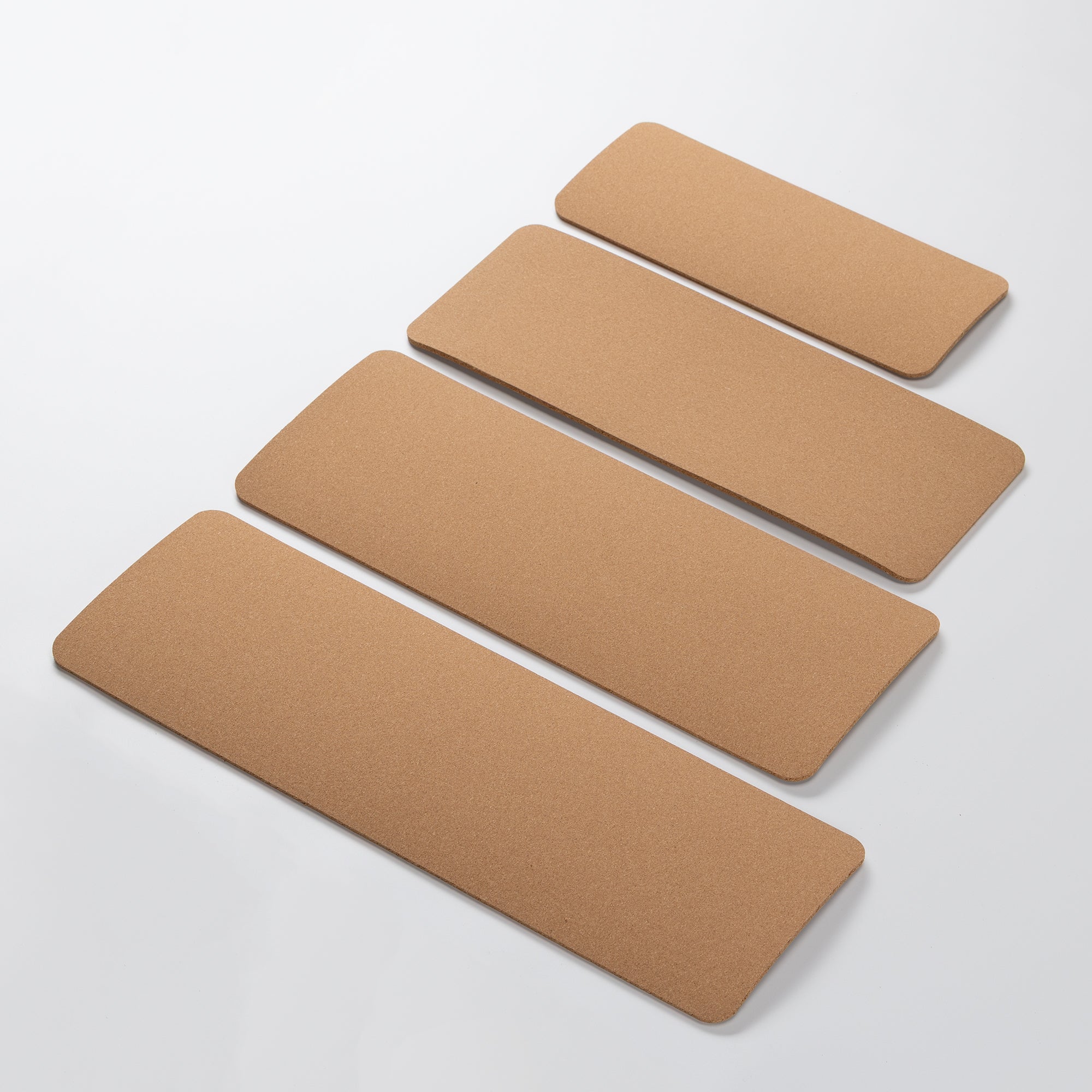
Cork Keyboard Pad
If you want a mat that never needs washing, cork is the shortcut — a wipe-down is the entire maintenance routine, and there is no printed layer to fade. This one is sized to a keyboard's footprint rather than a full desk, in 40%, 60–65%, 80% and 100% versions, and cork's cellular structure damps some of the high-frequency ring out of a board at the same time.
Pros: Wipe-clean only, no print to fade, damps case resonance, per-layout sizing Cons: Keyboard-sized only — no mouse area; do not soak it
Cleaning an RGB or LED-Edge Desk Mat
A powered mat is an electrical device with a fabric top, and it is cleaned like one.
Unplug it and leave it unplugged. Clean the surface with a cloth wrung out until it is barely damp, working in small sections and keeping every part of the cloth away from the USB connector and the illuminated edge binding. Blot dry immediately rather than letting moisture sit. Let it dry for several hours before plugging it back in — longer than you think is necessary, because the water you cannot see is the water inside the binding.
Never submerge one, never machine wash one, and do not attempt to clean the edge channel itself. If a powered mat has a stain in the middle of the cloth that will not blot out, replacing it is genuinely the safer call.
How Often Should You Clean a Desk Mat?
- Weekly: a quick dry-brush or a shake out. Thirty seconds, and it postpones everything else.
- Every 2–3 months: a full hand wash for a cloth mat, a wipe-down for cork, leather or powered mats.
- Immediately: any spill. The difference between a five-minute blot and a permanent mark is usually about an hour.
If you eat at your desk or share the room with a pet, move the full wash to monthly. And if the mat spends its nights uncovered in a dusty room, the cheapest thing you can do is stop the dust landing in the first place.
KBDfans Keyboard Cover Cloth
Dust that never settles is dust you never have to wash out. This is a 596 x 391mm cloth that drapes over the keyboard — and the mat under it — when the desk is not in use, which covers a full-size layout with room to spare on a TKL or 75%. It is the least glamorous item in this guide and the one that reduces how often you have to do everything else in it.
Pros: Covers board and mat together, packs flat, makes deep cleans less frequent Cons: Only helps if you actually put it on at the end of the day

When a Mat Is Past Cleaning
A cloth mat is a consumable. When the fabric has pilled, the edge stitching has come away, or the rubber base has gone hard and stopped gripping the desk, no wash brings it back — the surface texture is physically gone. That is the point to replace it rather than scrub it.
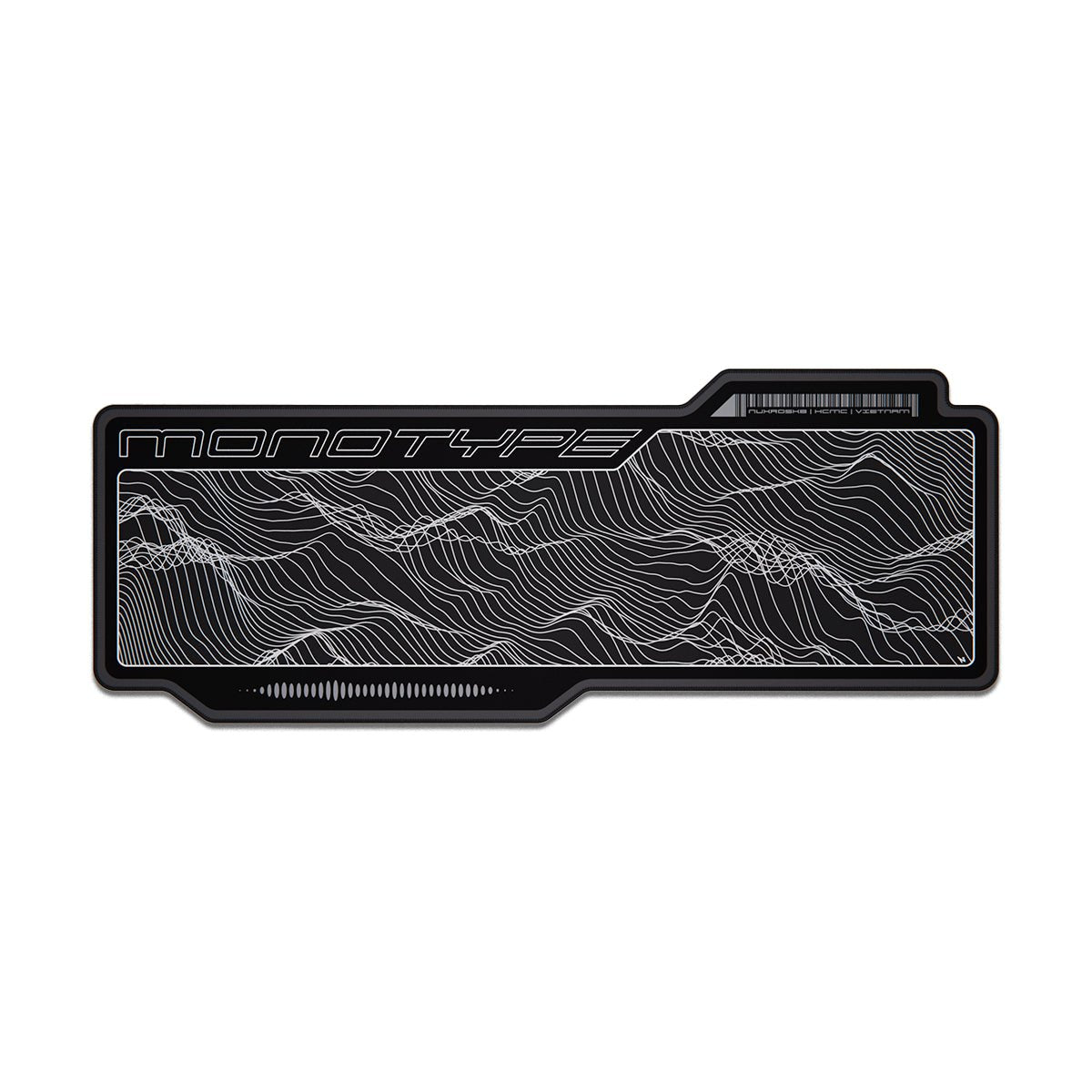
Nuxroskb Monotype Deskmat
A large, clean typographic design that sits under a keyboard and mouse together without competing with a themed keycap set. Standard stitched-edge cloth-over-rubber construction, so everything in the hand-washing section above applies to it directly.
Pros: Full keyboard-and-mouse coverage, stitched edge, understated design Cons: A large mat needs real desk depth — measure first
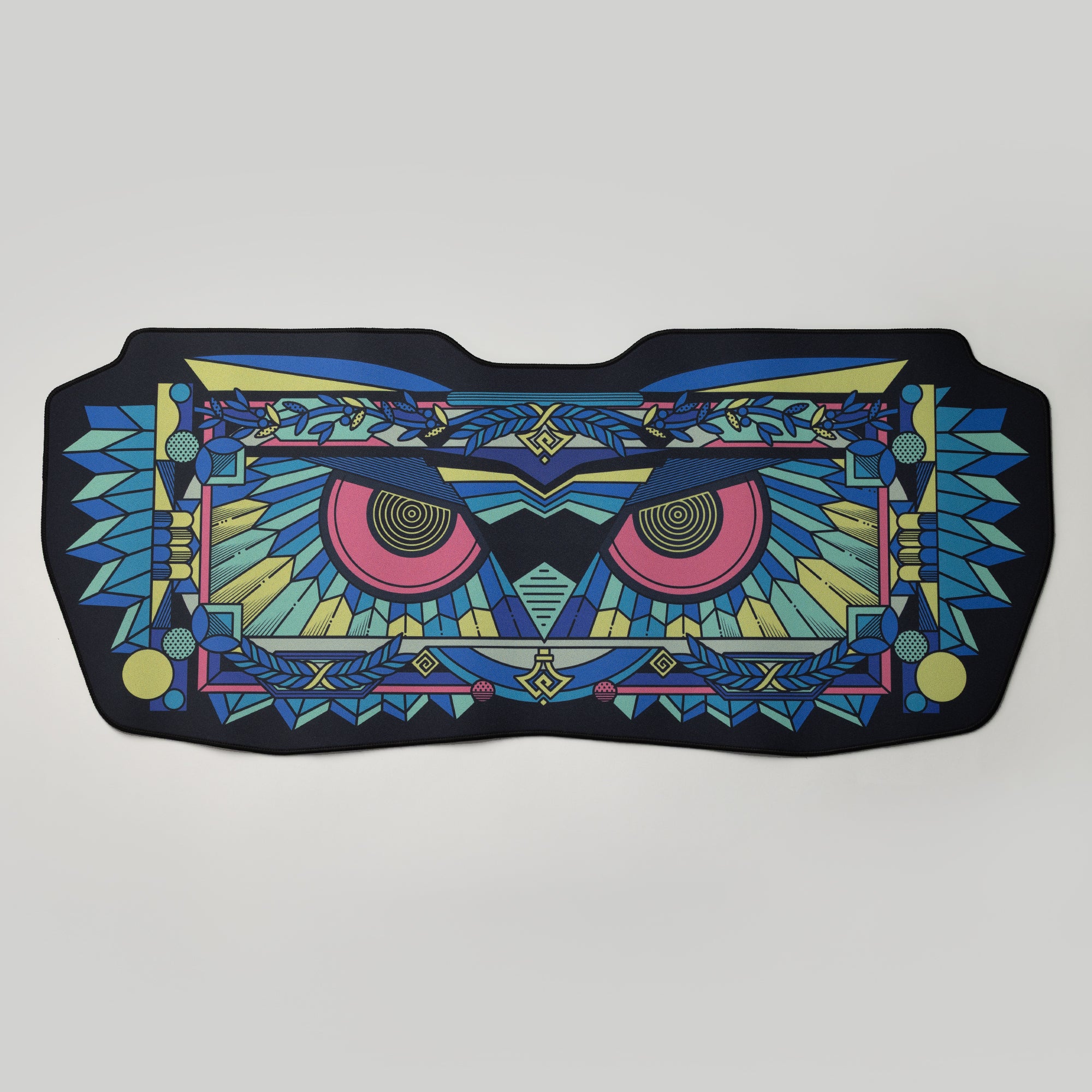
Athena Deskmat
An illustrated mat that stays quiet — patterned, but not loud enough to fight with the rest of a setup. Same cloth-over-rubber build and the same care routine, and a good pick if your current mat has developed the polished wrist patch that no amount of dish soap fully lifts.
Pros: Illustrated without being busy, stitched edge, several sizes Cons: Lighter designs show the wrist patch sooner than dark ones
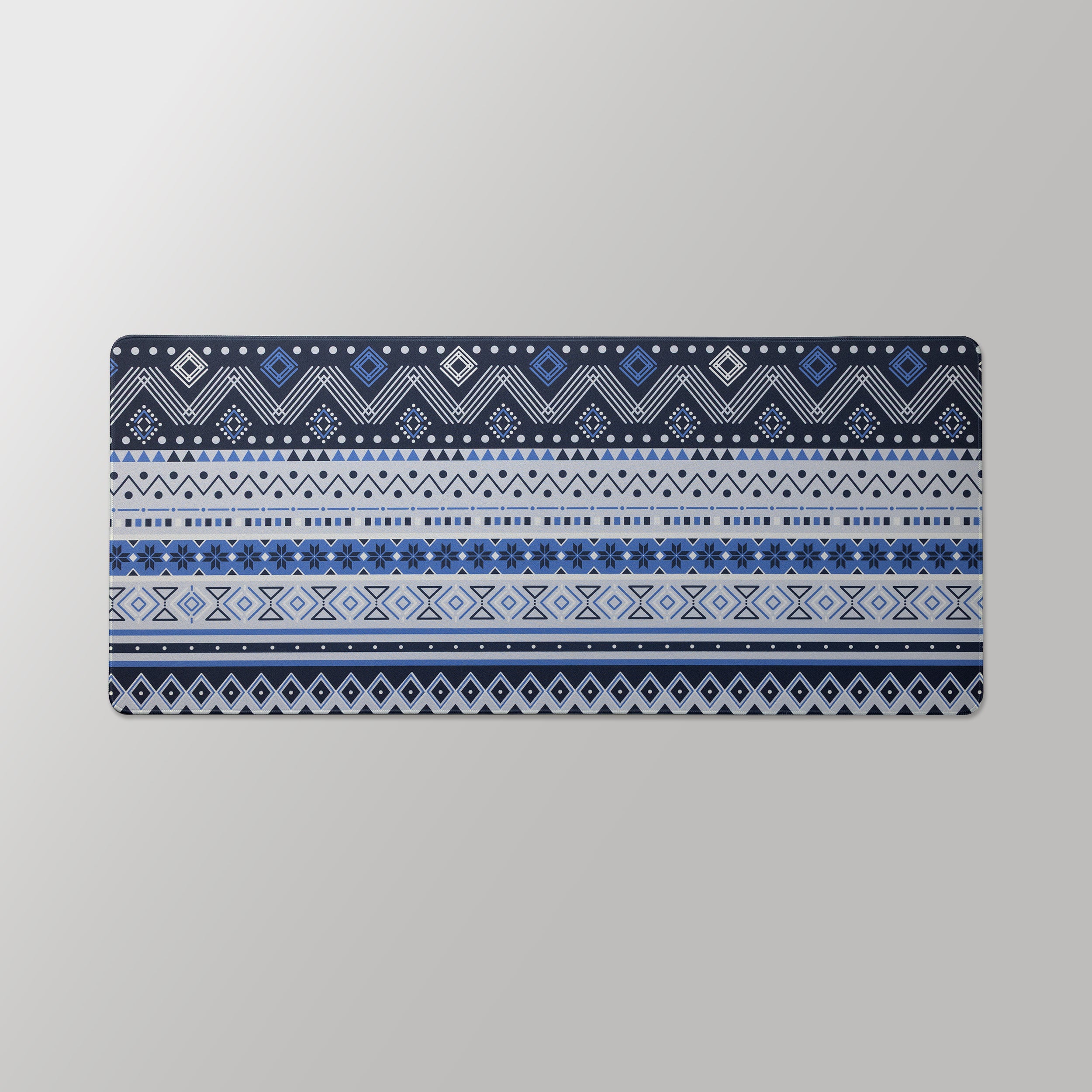
Fair Isle Deskmat
The budget option in the same construction — a knitwear-pattern mat that costs little enough to treat as genuinely replaceable, which is a reasonable strategy if your desk sees food and drink daily. Wash it like any other cloth mat; replace it without regret when it pills.
Pros: Inexpensive, understated pattern, standard washable construction Cons: Single size; a cheaper mat's rubber base hardens sooner
Browse the rest of the range on our deskmats guide, and if the mat is due a wash, the board sitting on it probably is too — how to clean keycaps covers the other half of the job.
The Short Version
Learning how to clean a desk mat comes down to three rules: identify the material before you start, use cool water and plain soap on anything cloth, and dry it flat and slowly. Machine washing is possible on a cloth mat but never necessary, cork and leather and powered mats are surface-wipe only, and heat — hot water, tumble dryers, direct sun — is what actually ruins mats, not dirt.