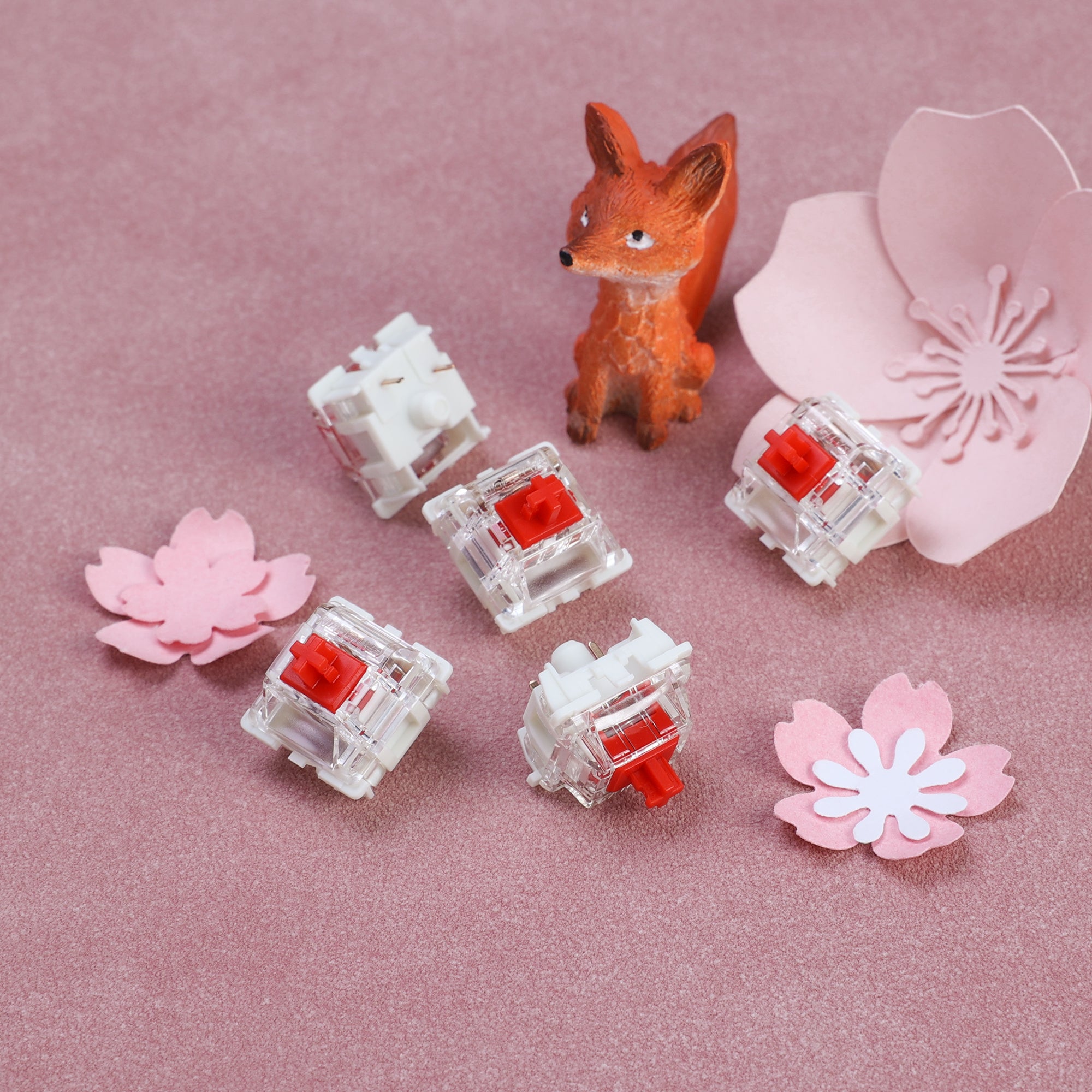
Red vs brown switches is the most common first decision in mechanical keyboards. Reds are smooth and light. Browns add a small bump you can feel. That one difference changes how a keyboard feels for gaming and for long typing sessions, so here is how the two compare and how to pick.
Red vs Brown Switches at a Glance
Red and brown are color codes that started with Cherry MX switches and are now used by almost every switch maker, including Gateron, Keychron and Kailh. Exact numbers vary by brand. The pattern holds.
| Red switches | Brown switches | |
|---|---|---|
| Type | Linear | Tactile |
| Feel | Smooth, no bump | Small bump near the actuation point |
| Typical actuation force | Around 45 g | Around 45 to 55 g |
| Typical actuation point | About 2 mm | About 2 mm |
| Sound | Quiet switch, no click | Quiet switch, no click |
| Usually picked for | Gaming, fast repeated presses | Typing, mixed use |
If you are new to the switch families, our guide to linear vs tactile switches covers the wider picture, including clicky blues.
How Red Switches Feel
A red switch goes straight down with steady resistance and comes straight back up. No bump, no click. Because the spring is light, reds are easy to press quickly and repeatedly, which is why they show up on so many gaming keyboards.
The trade-off is that there is nothing to tell your finger the key has registered. A lot of people bottom out every press on reds at first, and a few find them so light that resting fingers trigger keys by accident. If that sounds like you, a slightly heavier linear such as a Gateron Yellow is a common next step.
Reds are also the gateway to the wider linear world. Our best linear switches guide covers smoother and heavier options once you know you like the style.
How Brown Switches Feel
A brown switch has a small bump partway down, near the point where the key actuates. You feel the bump, the key registers, and you can let go without pushing all the way to the bottom. There is no click. In volume, browns stay close to reds.
The bump on a standard brown is mild. Some people love that it is subtle; others find it too faint and move on to stronger tactiles. If you want a sharper bump, see our best tactile switches list.
Sound: Are Browns Louder Than Reds?
Barely. Neither switch has a click jacket or click bar, so both are far quieter than blue switches. The bump itself adds almost nothing.
In practice, most of the sound you hear comes from:
- the key hitting bottom
- the keycap material and profile
- the case, plate and foam inside the keyboard
A red on a well-dampened board will usually sound quieter than a brown on a hollow one, and the reverse is also true. If quiet is your main goal, look at silent keyboard switches rather than choosing between red and brown.
Red vs Brown for Gaming
For fast games, reds are the usual pick. The light, even press makes double-taps and held movement keys easy, and there is no bump to push through. That is why many gaming keyboards ship with reds by default.
Browns are still fine for gaming. Actuation happens at about the same depth, so any speed difference is small, and if you play and type on the same board a brown is a reasonable compromise that costs you very little on either side. For a closer look at gaming-specific options, including magnetic switches with adjustable actuation, see the best keyboard switches for gaming.
Red vs Brown for Typing
This is where browns win more people over. The bump gives feedback on every press, which helps some typists stop bottoming out and reduces finger fatigue over long sessions, and because there is no click it also works in an open office or in a room where someone else is trying to sleep.
That said, plenty of writers and programmers type on reds and prefer the smoothness. If you have a light touch, reds can feel faster and more fluid. Neither is wrong.
How to Choose
- Mostly gaming: start with reds.
- Mostly typing or coding: start with browns.
- Both, and not sure: browns are the safer middle ground.
- Not sure at all: buy a hot-swappable keyboard so you can change switches later without soldering. Our guide to hot-swappable mechanical keyboards explains how it works.
Keyboards and Switches With Reds or Browns
These are pulled from our affiliate catalog and were checked for stock on the date of this post. We have not tested these specific units hands-on; the details below come from the manufacturer listings.
Gateron G Pro 3.0 Red Linear Switches
If your keyboard is hot-swappable, a bag of reds is the cheapest way to try the linear feel. The G Pro 3.0 Red is factory pre-lubed, with 45 gf actuation force and 4.0 mm travel, a transparent top housing and a POM stem.
Pros: light, smooth, pre-lubed; reinforced pins for hot-swap sockets Cons: a light spring is easy to press by accident if you rest your fingers on the keys
Keychron C1 (Gateron G Pro Red)
A wired 87-key TKL with Gateron G Pro Red switches and hot-swap sockets for 3-pin and 5-pin MX-style switches. It ships with a Mac layout plus Windows keycaps, so it is an easy way into reds, and you can swap to browns later.
Pros: hot-swap, Mac and Windows ready, compact TKL layout Cons: wired only; ABS keycaps rather than PBT
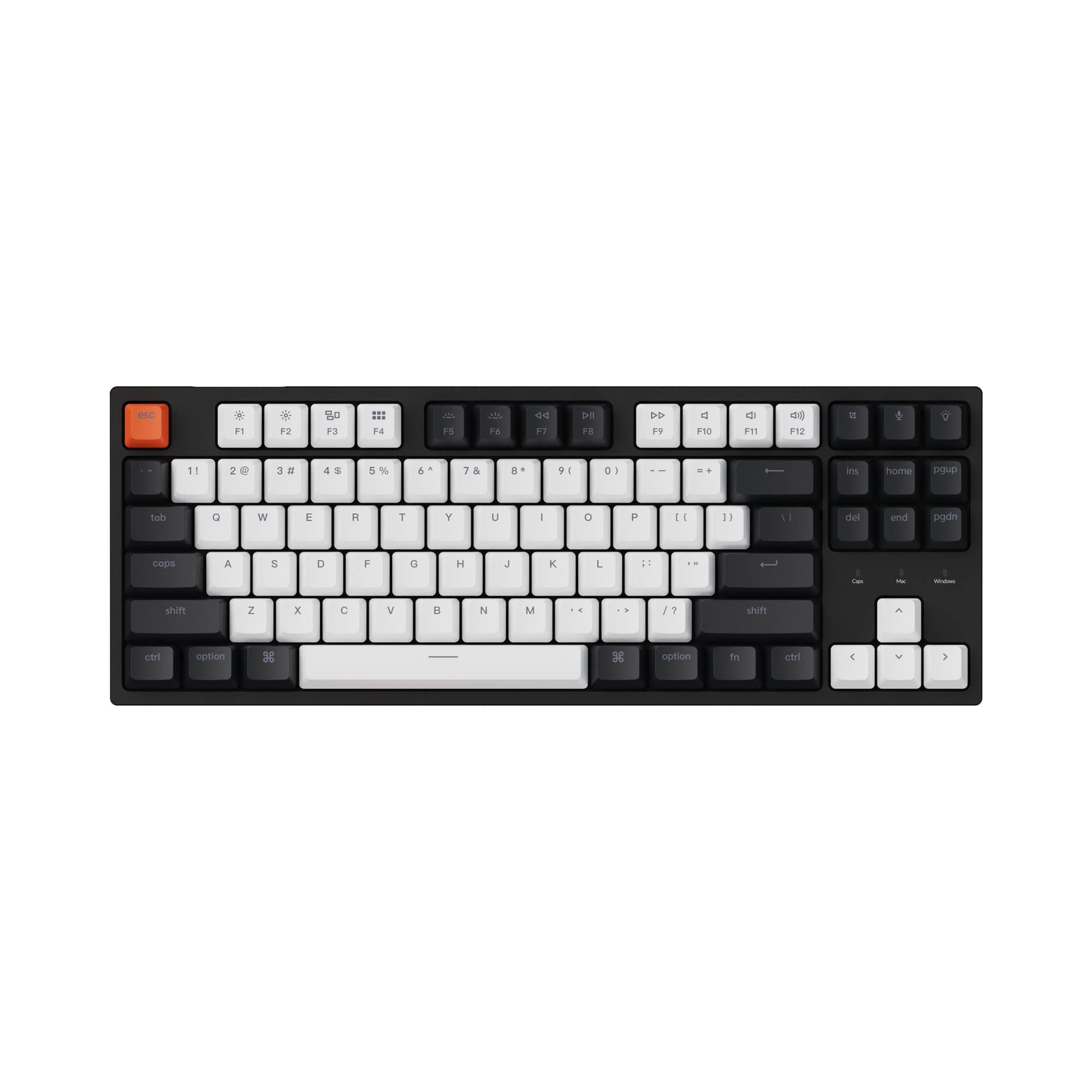
Keychron C1 Pro 8K (Super Brown option)
A wired 80% TKL offered with Keychron Super Red, Super Brown and Super Banana switches, plus two Keychron Apex options. It has hot-swap sockets for 3-pin and 5-pin MX-style switches, double-shot PBT keycaps with Windows and macOS sets, and QMK remapping through Keychron Launcher. Every switch option was in stock when we checked. Order it with browns.
Pros: brown or red at checkout; hot-swap; PBT keycaps; 8000 Hz polling Cons: wired only; plastic case
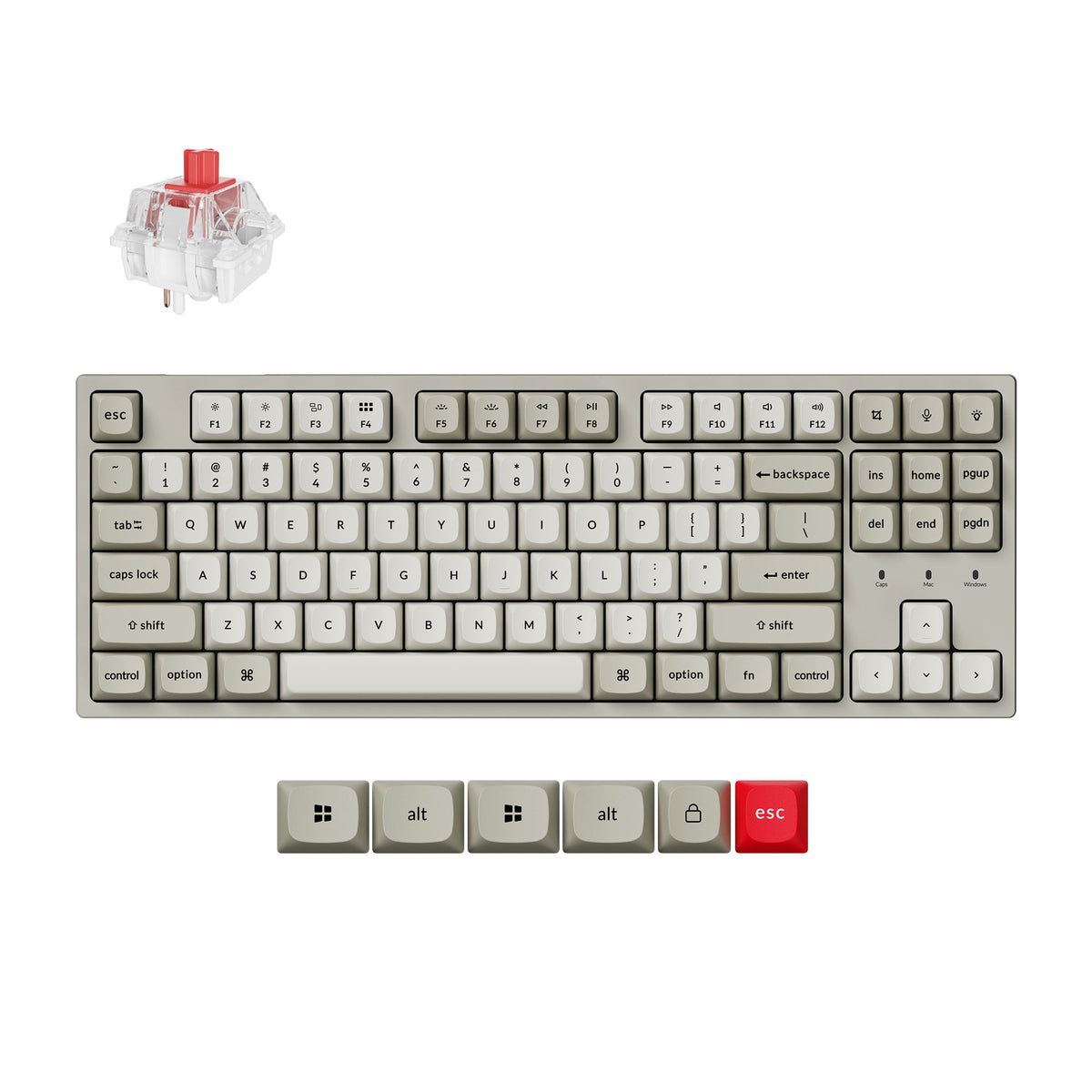
SteelSeries Apex 7 TKL (Red)
A gaming-focused TKL with red switches, an OLED smart display, per-key RGB, an aluminum alloy top plate and a magnetic wrist rest. It is the pick if you want reds on a board built around games rather than customization.
Pros: OLED display, wrist rest included, gaming software Cons: switches are not hot-swappable, so you are committed to reds
The Short Answer
Red vs brown switches comes down to one question: do you want a bump? Pick reds for smooth, light presses and gaming. Pick browns for a bit of feedback while typing. If you cannot decide, get a hot-swappable board, start with browns, and swap to reds if the bump never grows on you.
Frequently Asked Questions
What is the difference between red and brown switches?
Red switches are linear: the keystroke is smooth from top to bottom with no bump. Brown switches are tactile: there is a small bump partway down that tells your finger the key has registered. Neither one clicks.
Are red or brown switches better for gaming?
Most gamers lean toward reds. The light, smooth press is easy to double-tap and hold, and there is no bump to push through. Browns are still perfectly usable for gaming, so the difference is preference more than performance.
Are red or brown switches better for typing?
Many typists prefer browns because the bump gives feedback without the noise of a clicky switch, which can help you avoid bottoming out. Plenty of people type all day on reds, though, especially if they have a light touch.
Are brown switches louder than red switches?
Not by much. Neither has a click mechanism, so both are much quieter than blue switches. Most of the noise from either comes from the key hitting bottom and the keycap, case and plate, not the switch type.
Are red switches too light?
Standard reds typically need around 45 grams of force, which some people find easy to press by accident when resting their fingers on the keys. If that bothers you, a heavier linear or a tactile brown is worth trying.
Can I swap red switches for brown switches later?
Yes, if your keyboard is hot-swappable. You pull the switches out with a switch puller and press new ones in, no soldering. Check that the board supports your switch pin type (3-pin or 5-pin) first.