Introduction
This guide covers the best mechanical keyboards we'd put money on right now. There are four of them. Each one suits a different kind of buyer: one is a knob-equipped 75% for tinkerers, one is a magnetic-switch board for gamers, one keeps the number pad in a smaller footprint, and one is an aluminum board built around sound.
Before the picks, here's what separates a good board from one you'll replace in a year.
Why Choose a Mechanical Keyboard?
Each key on a mechanical keyboard has its own switch. That's the whole difference from a membrane board, where one rubber sheet sits under every key. Individual switches give each press a consistent feel, they last a long time (makers rate them in the tens of millions of presses), and on many boards you can pull them out and swap in different ones without soldering.
The other reason people switch is customization. Keycaps, switches, lighting and key mapping can all be changed.
Key Features to Look For
When choosing a mechanical keyboard, check these four things:
- Switch Type: Linear switches move straight down with no bump. Tactile switches have a bump you can feel. Clicky switches add an audible click on top of the bump.
- Form Factor: Full-size, TKL, 96%, 75% and smaller layouts trade keys for desk space. Pick the smallest layout that still has the keys you use daily.
- Connectivity: Tri-mode boards connect over USB-C, Bluetooth and a 2.4 GHz dongle. The dongle is the one to use for gaming.
- Customization: Hot-swap sockets let you change switches. QMK/VIA or a web configurator lets you remap keys.
Top Picks
1. Keychron V1 Max
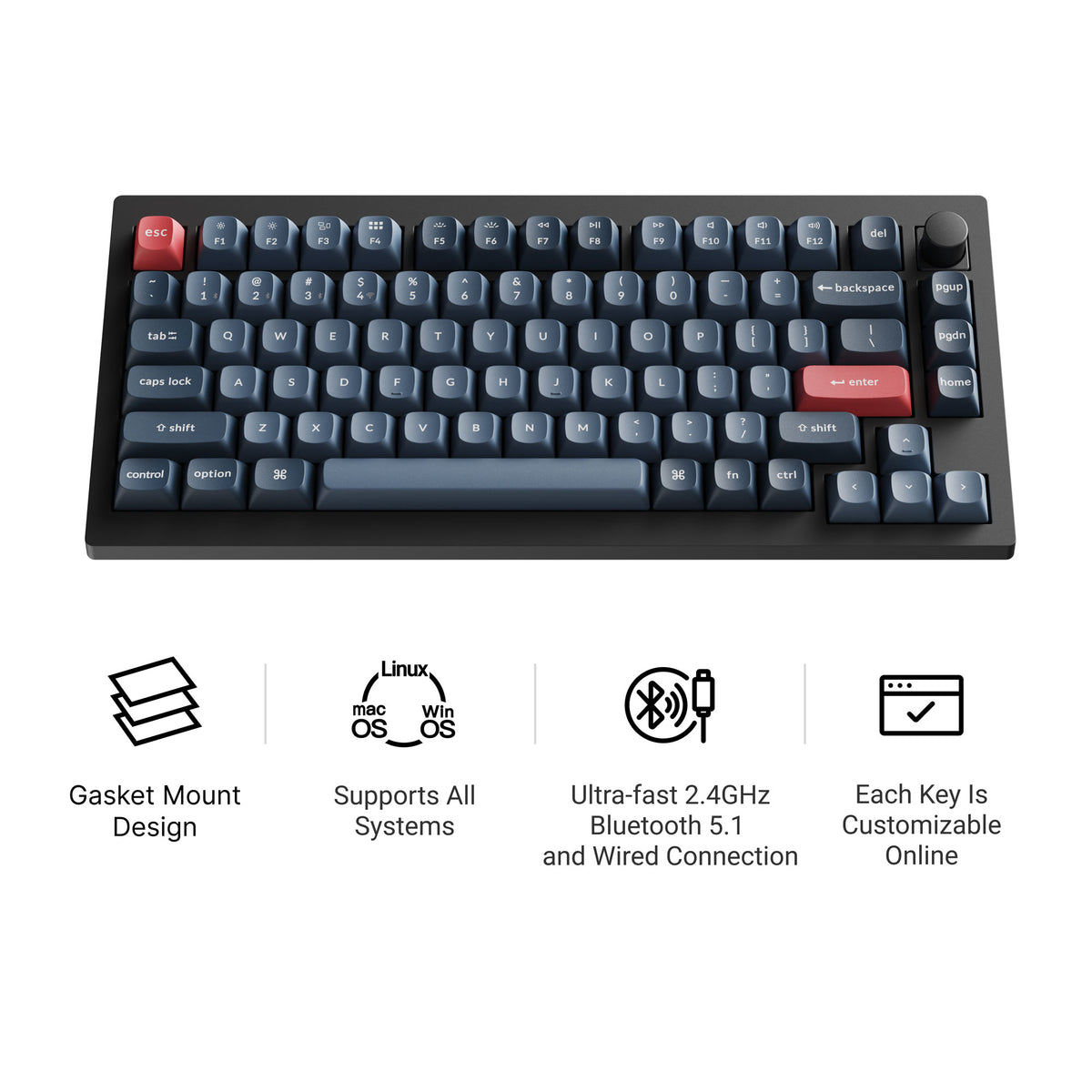
The Keychron V1 Max is a 75% hot-swappable board with a rotary knob. It connects over 2.4 GHz, Bluetooth or a cable, runs QMK firmware and works with VIA and Keychron's Launcher web app. Keychron lists a gasket mount, a PC plate, south-facing RGB, screw-in PCB stabilizers and a 4000 mAh battery. The case is ABS plastic, which keeps the price down. On November 13 the Jupiter Brown and Jupiter Banana versions were in stock at Keychron; the Jupiter Red and barebone versions were backordered. Our Keychron V1 Max guide covers the full specs.
2. Keychron K2 HE
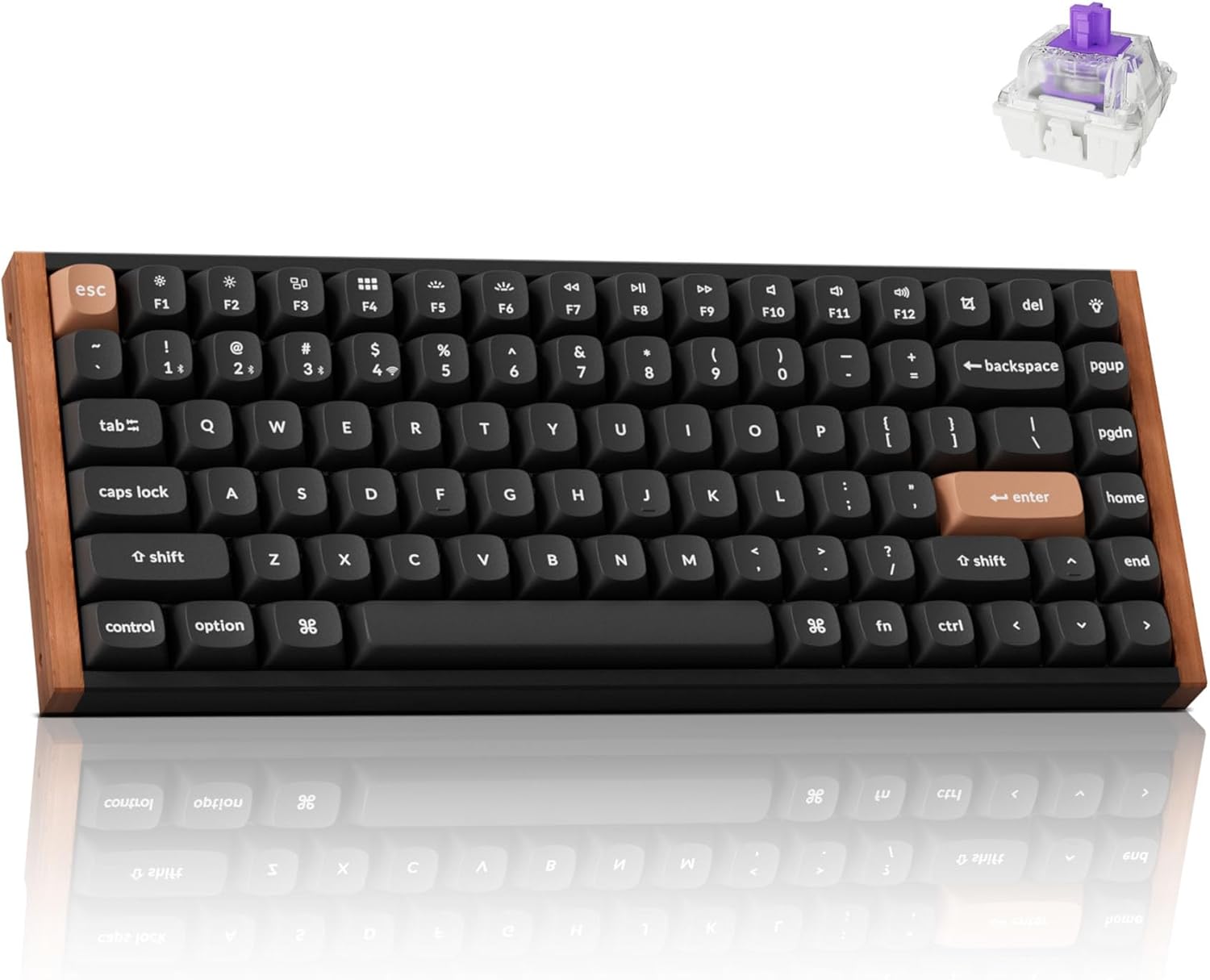
The Keychron K2 HE is the pick for gaming. It uses Gateron double-rail magnetic switches, so you set the actuation point anywhere from 0.2 to 3.8 mm and can turn on Rapid Trigger, which resets a key the moment you start lifting it. It's a 75% board with an aluminum build. Like the V1 Max, it connects three ways and runs QMK.
3. AULA F99
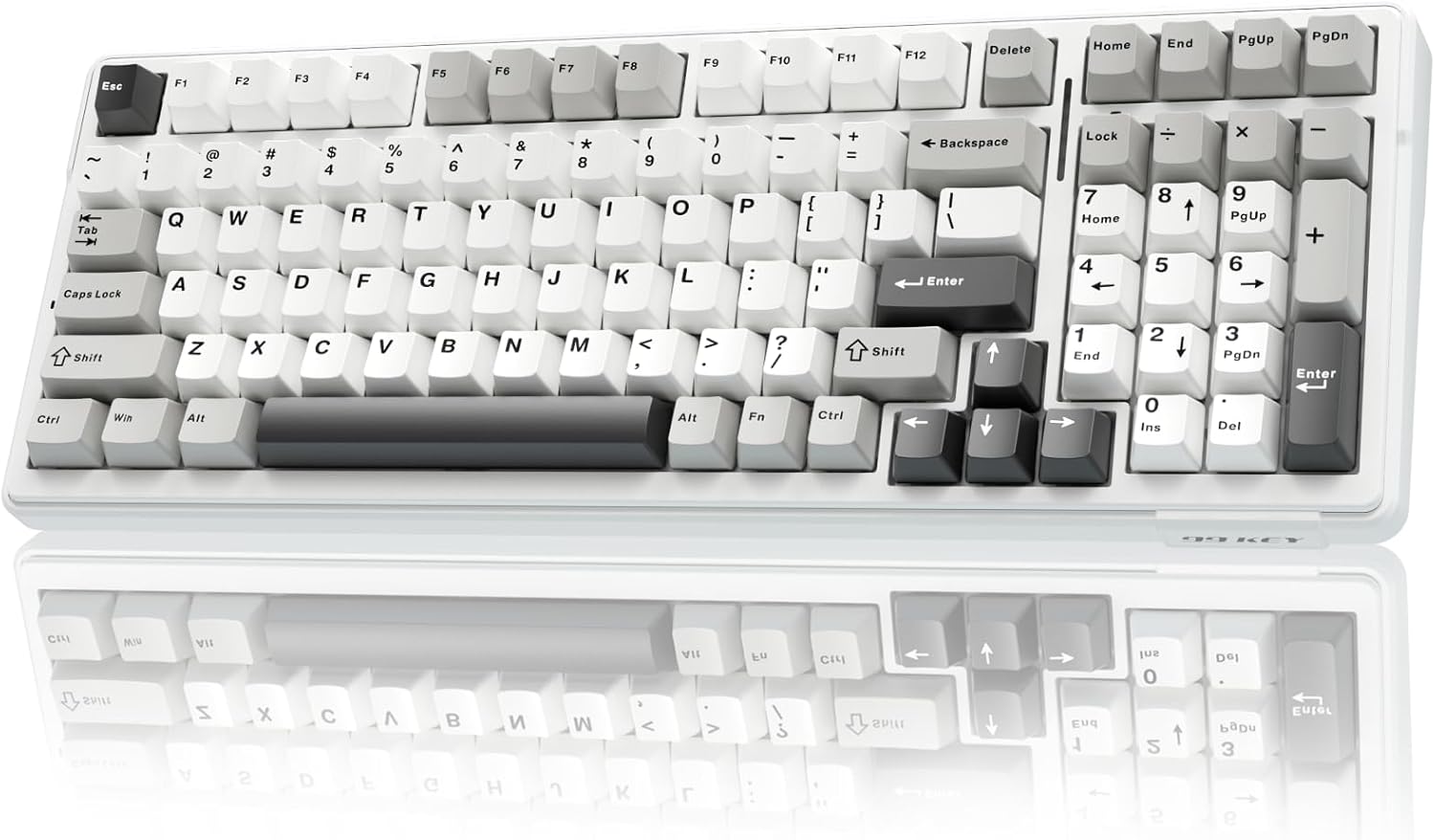
The AULA F99 is a 96% board. It keeps the number pad and arrow keys but drops the gaps between key groups. It has tri-mode connectivity, an 8000 mAh battery and a gasket structure, and the hot-swap PCB takes both 3-pin and 5-pin switches. If you want a numpad without a full-size footprint, start here. Our 96% keyboard guide explains the layout.
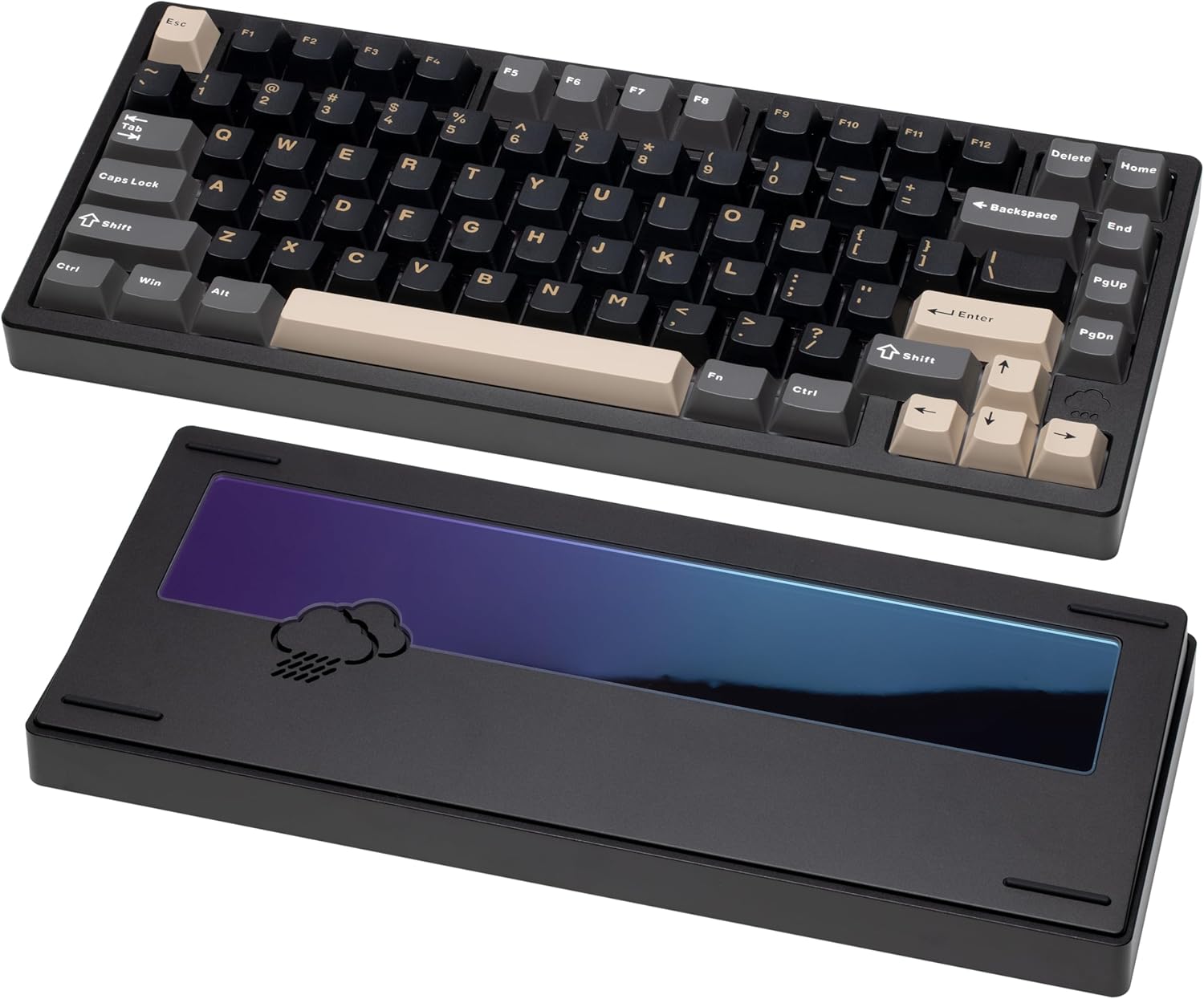
4. WOBKEY Rainy 75
The WOBKEY Rainy 75 is the heaviest board here. It has a CNC-machined aluminum case, a gasket mount, hot-swap sockets and five layers of acoustic dampening. The result is a deep, quiet sound. Read our WOBKEY Rainy 75 review for the full breakdown.
Conclusion
Want remapping and a knob? Get the Keychron V1 Max. For competitive games, the Keychron K2 HE's adjustable actuation is the feature that matters. The AULA F99 is for anyone who uses a number pad, and the WOBKEY Rainy 75 is for typists who care most about sound and weight.
Where to Buy
The V1 Max link goes to Keychron. The other three go to Amazon.
Check Price on the Keychron V1 Max Check Price on Keychron K2 HE Check Price on AULA F99 Check Price on WOBKEY Rainy 75