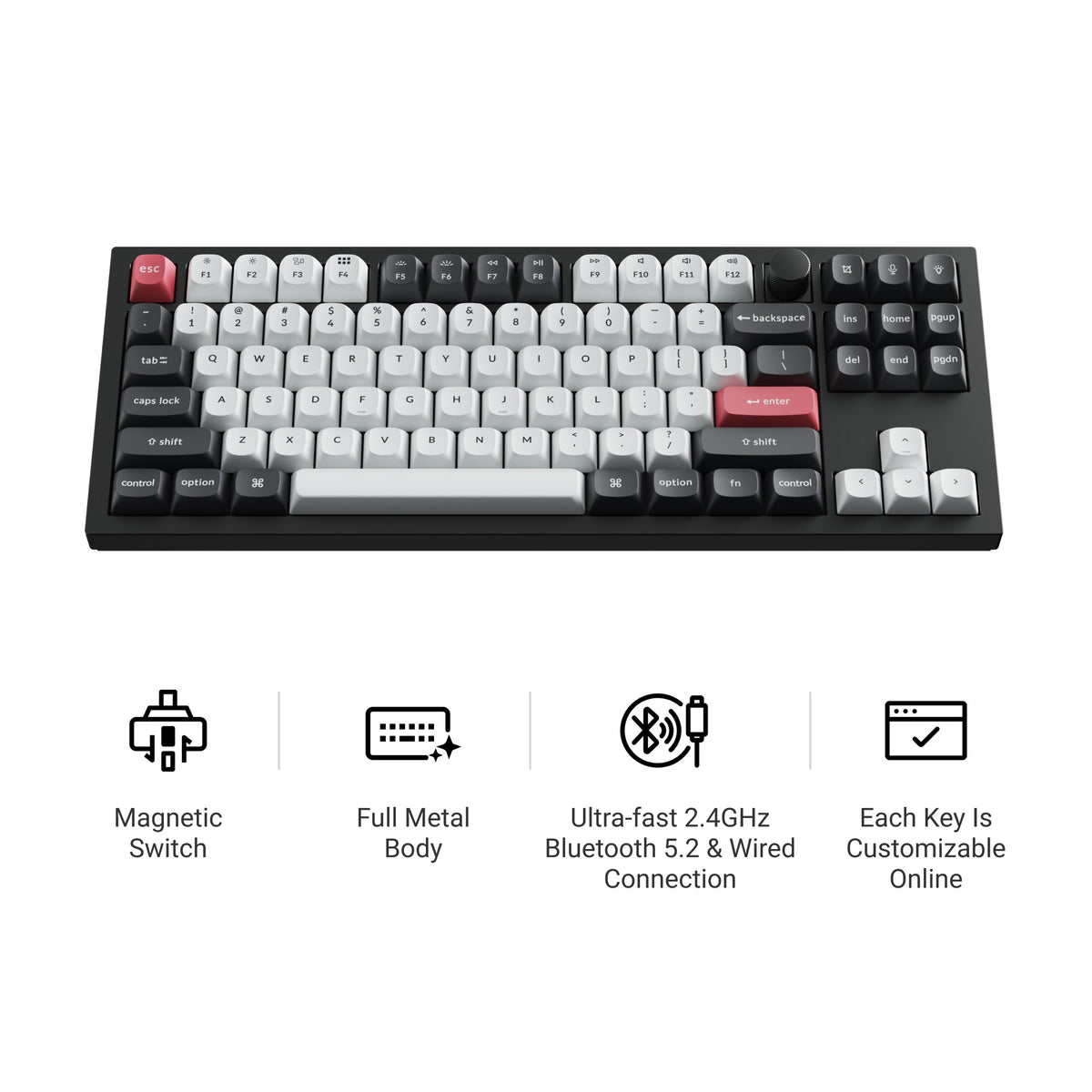
Keychron is the only major brand that sells a hall effect keyboard you would happily put on a work desk. Almost every other magnetic board is wired gaming hardware — black plastic, RGB, no thought given to whether it belongs next to a laptop. Keychron built theirs on the same aluminum chassis and QMK/VIA firmware as the rest of the lineup, and then made most of them wireless, which almost nobody else in this category does.
That leaves a genuine question: there are three Keychron hall effect boards, they overlap heavily, and the marketing pages do a poor job separating them. This guide picks between the Q1 HE, K2 HE and Q3 HE — and is honest about when the answer is a Keychron that has no magnetic switches in it at all.
The Short Answer
| Keychron Q1 HE | Keychron K2 HE | Keychron Q3 HE | |
|---|---|---|---|
| Layout | 75% | 75% | 80% TKL |
| Case | Aluminum, gasket mount | Aluminum, tray mount | Aluminum, gasket mount |
| Wireless | Yes — 2.4GHz + BT 5.2 | Yes — tri-mode | Yes |
| Rapid Trigger | Yes | Yes | Yes |
| Hot-swap HE switches | Yes | Yes | Yes |
| Polling rate | 1000Hz | 1000Hz | 1000Hz |
| Battery | 4000mAh | 4000mAh | 4000mAh |
| Switches | Gateron double-rail magnetic | Gateron double-rail magnetic | Gateron double-rail magnetic |
| Best for | Premium 75% all-rounder | Best value, lightest build | Gaming with a function row |
Short version: get the Q3 HE if you game and want the function row (it was sold out at Keychron when we last checked; its wired 8000Hz successor, the Q3 HE 8K, is on sale, and the K8 HE is the wireless TKL), the K2 HE if you want the most hall effect for the money, and the Q1 HE if you want the nicest 75% board on the desk and will not miss a dedicated F-row.
What "HE" Actually Changes on a Keychron
A hall effect switch has a magnet on the stem instead of two metal contact leaves. A sensor under each key reads how close that magnet is, continuously, so the board always knows exactly how far down every key sits rather than just whether it crossed a fixed trip point. Three things follow from that.
Adjustable actuation. You pick where each key registers. Keychron's HE boards go as shallow as 0.2mm, a hair trigger, and you can set the same board deep, near the bottom of the travel, so resting fingers stop firing keys while you type. Most people run WASD shallow and everything else normal.
Rapid Trigger. The key resets the moment you start lifting and fires again the moment you start pressing, measured from wherever your finger currently is instead of from a fixed reset point. For counter-strafing in an FPS this is a real, felt difference. It is the actual reason to buy hall effect.
No contact to wear out. Nothing physically touches, so magnetic switches do not develop the double-typing chatter that eventually hits heavily used contact switches.
If you want the underlying sensor explained properly, start with what a hall effect keyboard is. If you are still deciding whether magnetic is right for you at all, hall effect vs mechanical is the more useful read before you spend anything.
The Wireless Part Matters More Than You Think
Nearly every competing hall effect board is wired. Keychron's are not, and that single fact is why a Keychron hall effect keyboard is usually the right answer for people who are not exclusively gaming on it.
A wireless hall effect keyboard lets the same board sit on a gaming desk and then move to a laptop for work. The Q1 HE runs 2.4GHz for low-latency play and Bluetooth 5.2 for everything else; the K2 HE is tri-mode. All three carry a 4000mAh battery, which is a large cell by keyboard standards. Use the 2.4GHz dongle when you are playing and Bluetooth when you are not — that is the whole workflow.
One caution: on any wireless board, use the wired or 2.4GHz connection for competitive play. Bluetooth is fine for typing and poor for the exact millisecond-level advantage you bought hall effect to get.
Which Keychron Hall Effect Keyboard to Buy
Keychron Q3 HE — best for gaming with a function row
The Q3 HE is the one to buy if games are the reason you are here. It is an 80% TKL in a gasket-mounted aluminum body, with Gateron double-rail magnetic switches, Rapid Trigger and actuation adjustable from 0.2 to 3.8mm. It polls at 1000Hz, the same as the other two, so the case for it is the layout and the build rather than speed. It is also hot-swappable, so the magnetic switches are not a permanent decision.
The TKL layout is the other half of the argument. You keep a real function row, which matters in games that bind to it and in any work involving F-keys, while still dropping the numpad so your mouse hand has room.
Pros: Dedicated function row, gasket-mounted aluminum, hot-swap Cons: Largest of the three, priciest way in, sold out at Keychron when we last checked
Stock note: Keychron's store listed both original Q3 HE configurations as sold out when we last checked. Its successor, the Q3 HE 8K, is the one on sale now. It keeps the 80% TKL layout and the gasket-mounted aluminum body, and it adds a knob. It is a different board in two ways that matter.
- It is wired only. There is no 2.4GHz and no Bluetooth. In exchange it polls at 8000Hz.
- It uses different switches. It ships with Keychron's Lime magnetic switches (it also takes Gateron Jade), and actuation runs from 0.1 to 3.35mm.
For a desk-bound gaming board that is a straight upgrade. If you wanted the Q3 HE because it was wireless, the K8 HE is the wireless Keychron hall effect TKL instead. It is tri-mode with a 4000mAh battery, 1000Hz polling and 0.2–3.8mm actuation, though some of its configurations were sold out when we last checked.
Keychron K2 HE — best value, and the one most people should buy
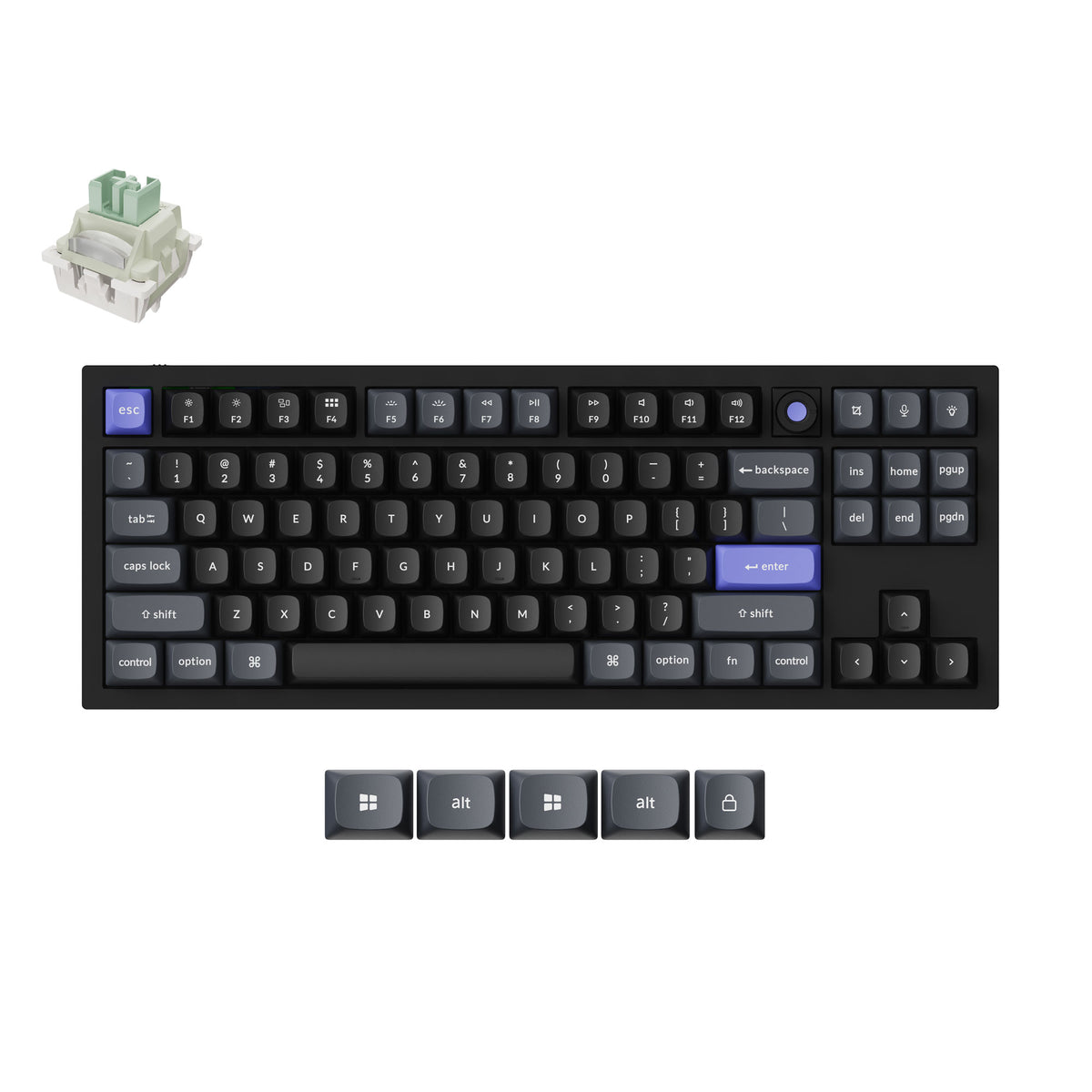
The K2 HE is the value pick of the lineup and the easiest to recommend without qualification. It is a 75% board with Gateron double-rail magnetic switches, Rapid Trigger, actuation adjustable from 0.2 to 3.8mm, tri-mode connectivity, QMK firmware and a 4000mAh battery. It is hot-swappable, so you can change the magnetic switches later.
What you give up against the Q-series is the gasket mount and the mass. The K2 HE is tray-mounted and weighs 980g against the Q1 HE's 1,735g, so it does not have the dense, low sound signature of the Q boards. In exchange you pay meaningfully less for the same core feature set — the actuation range, Rapid Trigger and wireless are all here. If you are buying your first hall effect keyboard and are not certain you will love magnetic switches, this is the sane amount of money to risk. For the single-board deep dive, read our full Keychron K2 HE review.
Pros: Best price-to-feature ratio, 4000mAh battery, hot-swap, Rapid Trigger Cons: Tray mount, less premium sound than the Q-series
Keychron Q1 HE — best premium 75%
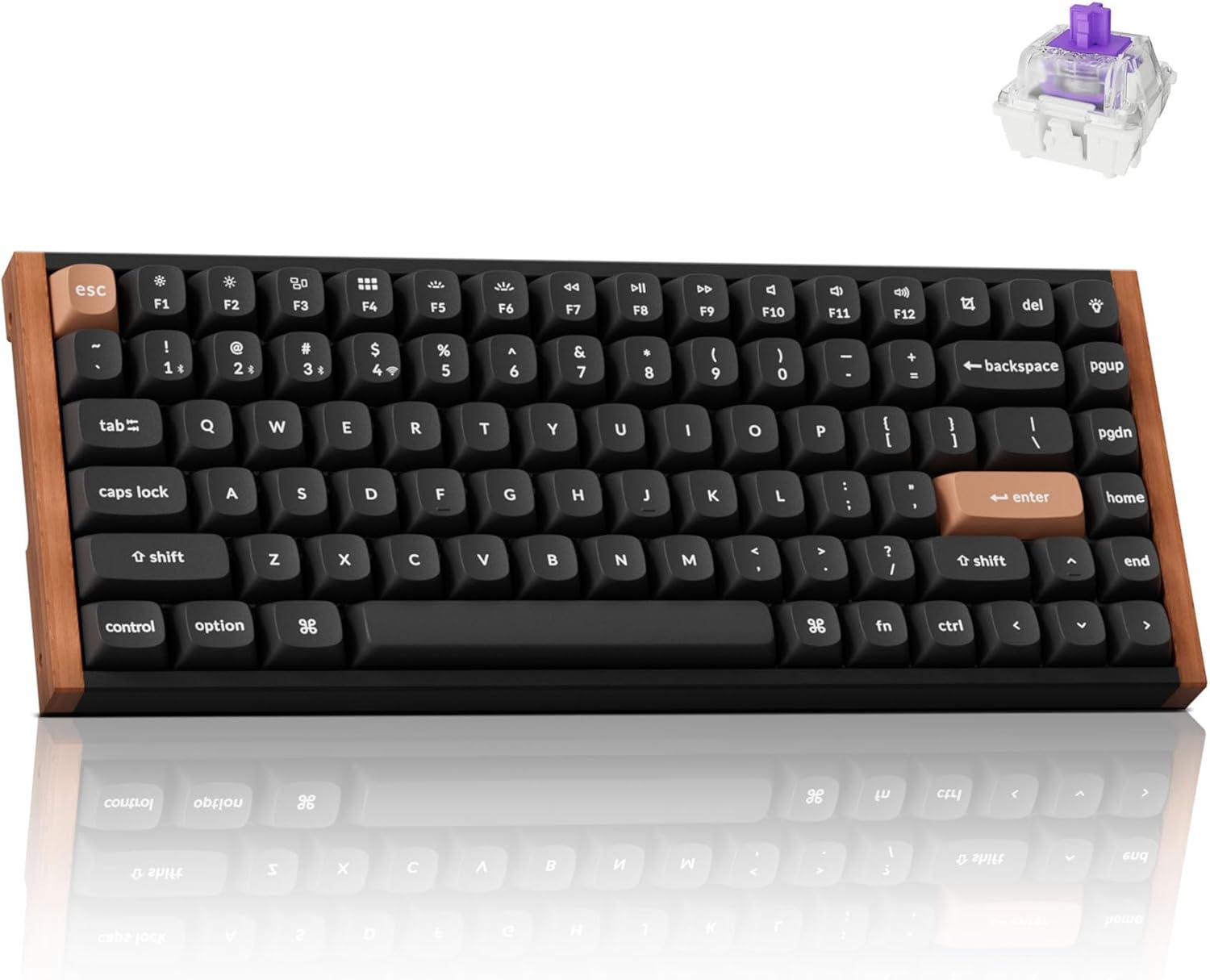
The Q1 HE puts hall effect into Keychron's flagship Q1 chassis: aluminum body, QMK/VIA, Rapid Trigger, Gateron double-rail magnetic switches, and wireless over both 2.4GHz and Bluetooth 5.2. It is the best-built and best-sounding of the three, and the one that looks least like gaming hardware.
Pick it over the Q3 HE only if you actively want the 75% layout — the F-row is compressed rather than dedicated — and over the K2 HE only if the aluminum build and sound are worth the premium to you. The feature gap between it and the cheaper K2 HE is smaller than the price gap.
Pros: Aluminum build, best sound of the three, wireless, QMK/VIA Cons: Priciest 75%, compressed F-row, heavy at 1,735g
If You Are Not Committed to Keychron
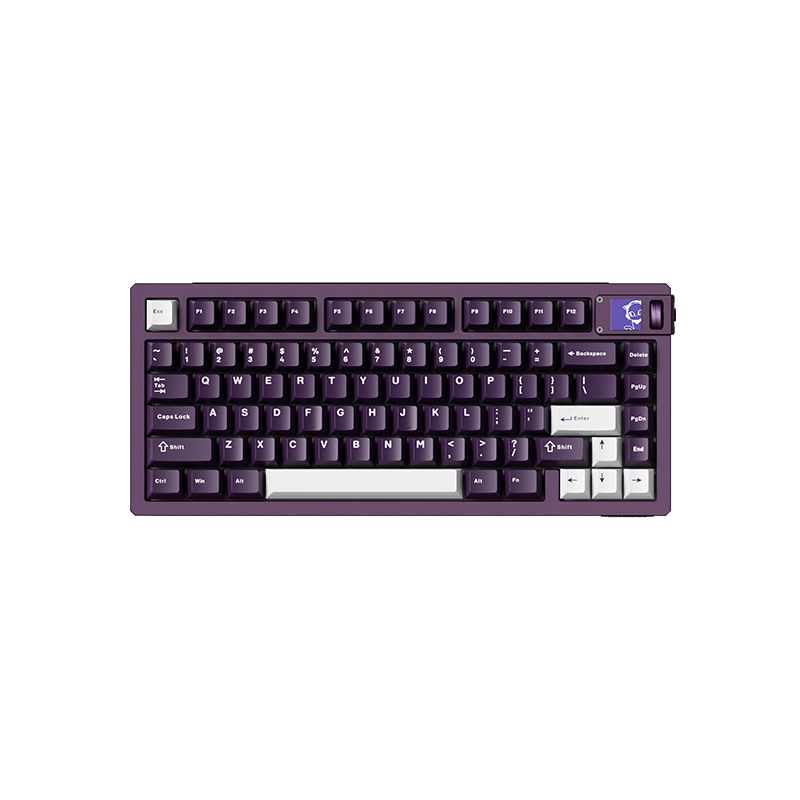
Akko MOD007 V5 HE
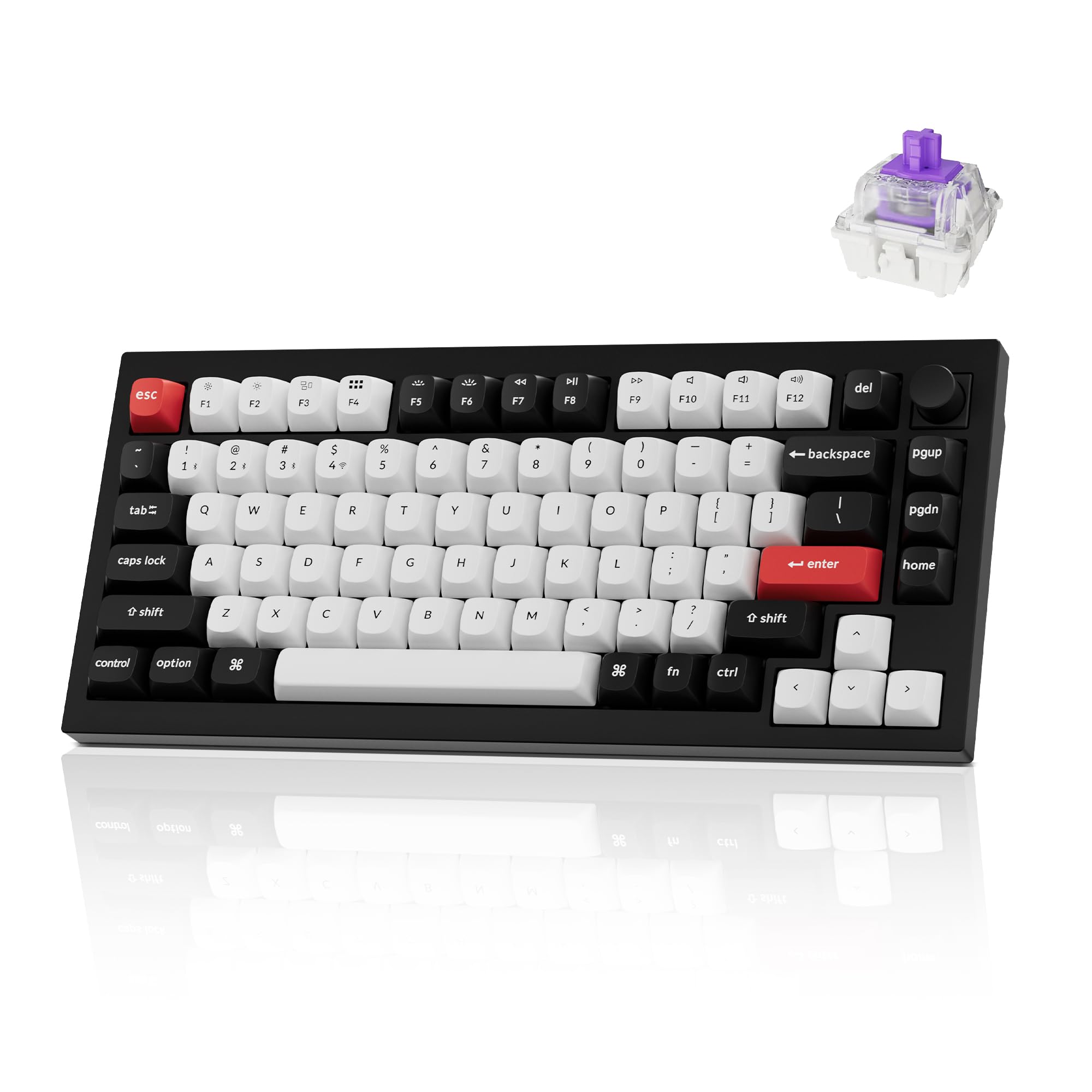
Worth naming honestly: Akko's magnetic flagship is the strongest value competitor to the K2 HE. It is a 75% gasket-mounted board with Rapid Trigger and adjustable actuation that sounds better out of the box than most gaming boards at any price. What you lose is the thing this whole guide is about — it is wired, and the software is not QMK. If wireless and QMK/VIA are not requirements for you, compare it against the K2 HE on price before deciding.
Pros: Excellent stock sound, strong price-to-feature ratio Cons: Wired, non-QMK software
Upgrading the Magnetic Switches
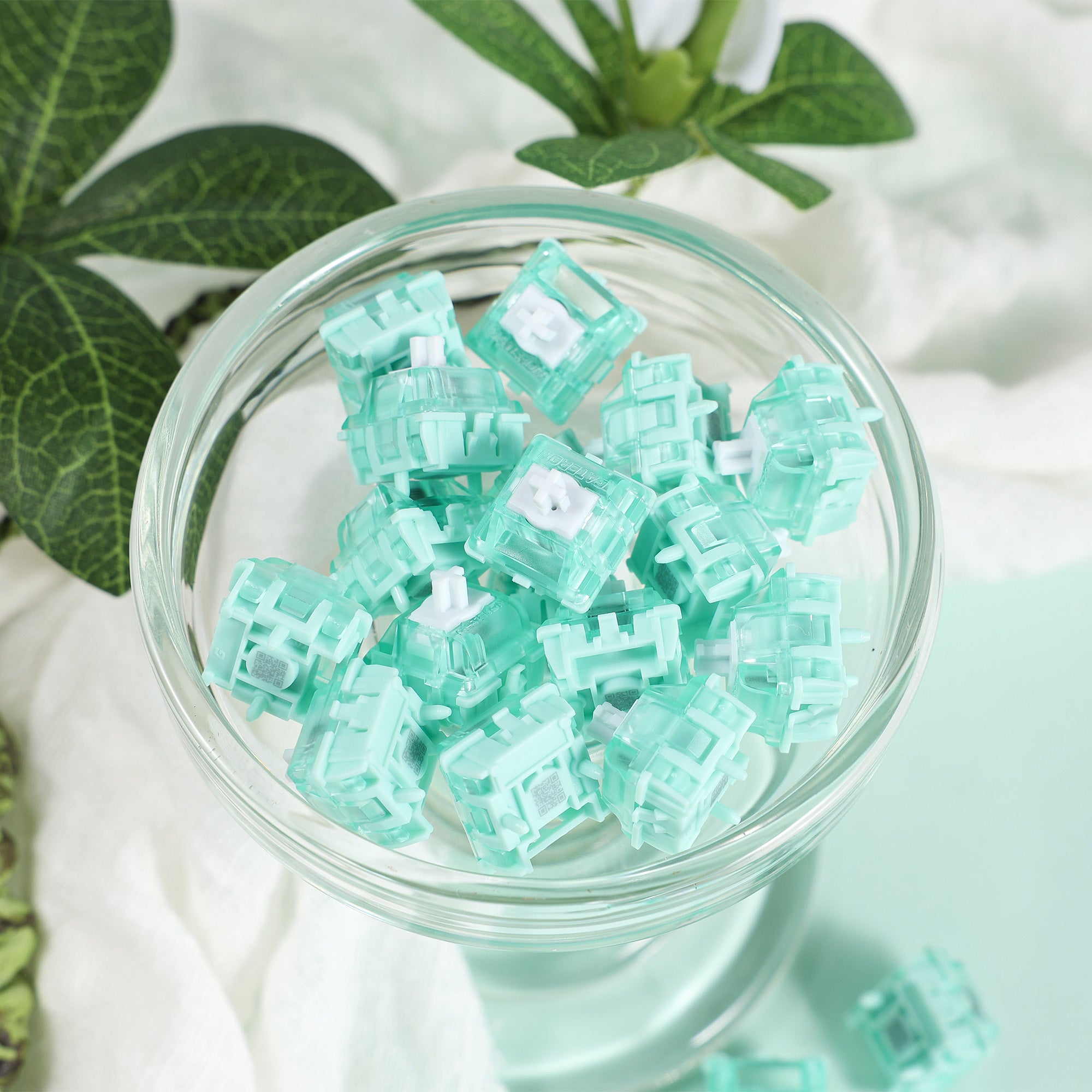
Gateron Magnetic Jade Pro
Because all three boards are hot-swappable, the switches are not a permanent choice. The Magnetic Jade Pro is the most-requested HE upgrade — smooth travel and a strong magnet, which is what gives firmware a wider, cleaner range to map actuation across.
Two rules before you buy any magnetic switch set. First, HE switches only work in HE boards — they are not interchangeable with normal MX switches in either direction. Second, check your board's supported-switch list before ordering, because the firmware has to have a calibration profile for that specific switch. Our magnetic keyboard switches guide covers the wider set of options.
Pros: Smooth, strong magnet, widely supported Cons: Only fits hall effect boards, compatibility is per-board
When You Should Skip Hall Effect Entirely
Most people reading a page about magnetic switches do not need them, and it is worth saying so plainly.
Hall effect switches are almost entirely linear. A tactile bump interferes with the smooth magnetic curve the sensor reads, so the magnetic market has very little to offer anyone who wants a bump or a click. If you type more than you game, and you like tactile switches, a Keychron hall effect keyboard is a downgrade dressed as an upgrade. The linear vs tactile guide is the decision to make before this one.
You also pay for the sensing hardware. At a fixed budget, the non-HE version of the same chassis buys you a better-built board.
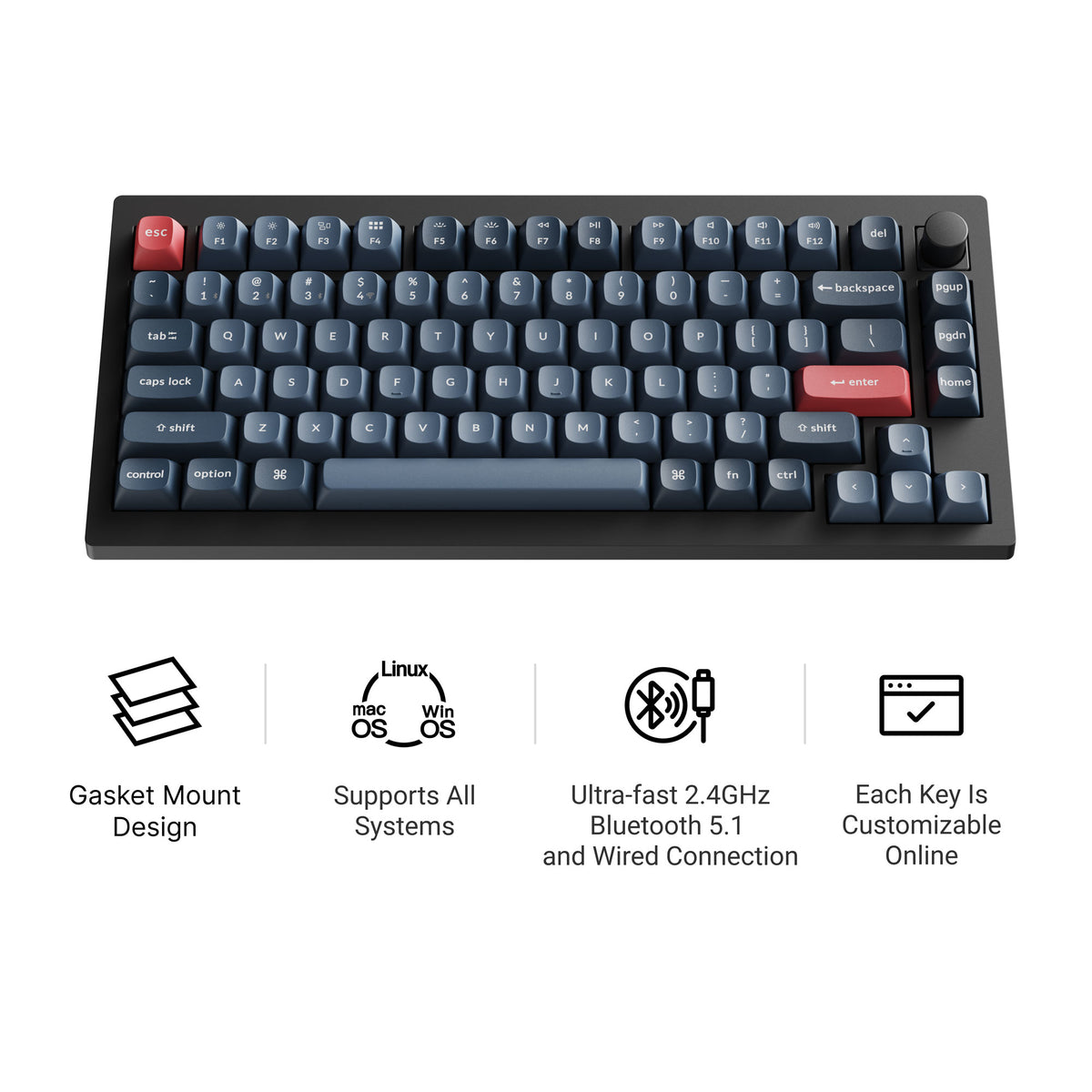
Keychron V1 Max — the non-HE alternative
If the above described you, this is the board to buy instead. It is a 75% like the Q1 HE, with a double-gasket design, rotary knob, QMK/VIA, tri-mode wireless and hot-swap sockets for regular mechanical switches rather than a few dozen magnetic options. The case is plastic rather than aluminum, which keeps it lighter and cheaper than Keychron's aluminum Q series. Our Keychron V1 Max guide covers it in full.
You lose Rapid Trigger and adjustable actuation. If you are not playing competitive shooters, you were never going to turn those on.
Pros: Mechanical-switch hot-swap, double-gasket design, knob, tri-mode wireless Cons: Plastic case, no Rapid Trigger or adjustable actuation
The Verdict
Buy the Q3 HE if competitive gaming is the reason for the purchase — the dedicated function row and the gasket-mounted build are the concrete reasons, not the price. While it is sold out, the Q3 HE 8K is the TKL to buy if you play wired: it adds 8000Hz polling and a knob but drops wireless. The K8 HE keeps the TKL layout and Rapid Trigger with tri-mode wireless at 1000Hz.
Buy the K2 HE if you want to find out whether hall effect suits you without spending flagship money. It has the same actuation range, Rapid Trigger, wireless and 4000mAh battery as the others. This is the right default for most buyers.
Buy the Q1 HE if you want the nicest object on the desk and the 75% layout suits how you work.
And buy the V1 Max — or any good tactile board — if you are honest with yourself that you are a typist who got curious about a gaming feature. That is a more common outcome than the marketing suggests, and there is no shame in it.
For the wider category beyond this one brand, see our hall effect keyboards hub, or the full Keychron lineup if you have settled on the brand but not the board.