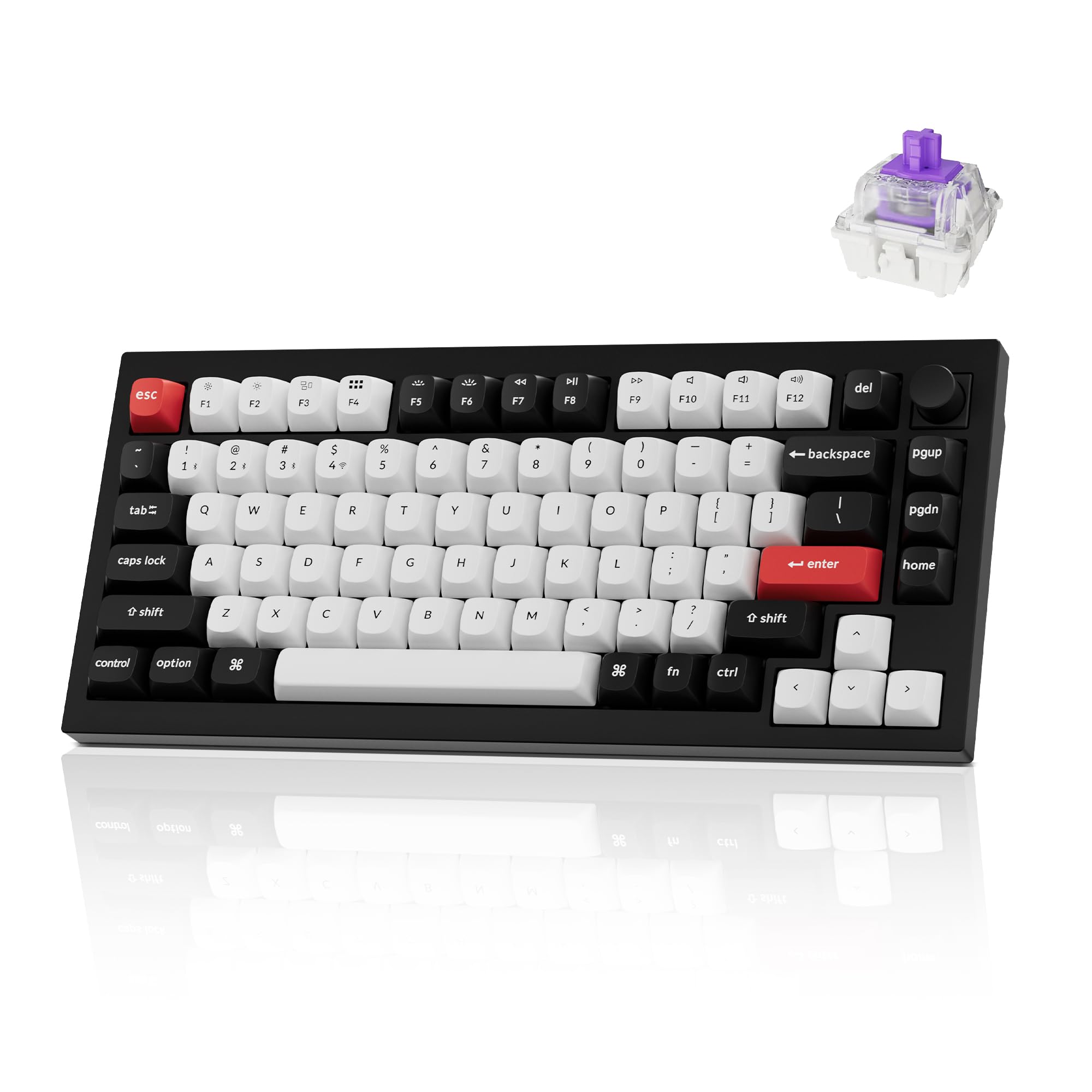
The Keychron Q1 HE is a 75% keyboard with Hall-effect magnetic switches, built into the aluminum Q1 body and made wireless. It is aimed at people who want gaming features like adjustable actuation and Rapid Trigger without giving up a premium typing board. This guide covers its specs and features and who it suits. It is not a hands-on review; the details come from Keychron's listing.
Keychron Q1 HE at a Glance
- Layout: 75%, 82 keys (per the listing)
- Switches: Gateron double-rail magnetic (Hall-effect), pre-lubed
- Actuation: adjustable from 0.5 to 3.8 mm, 0.1 mm sensitivity
- Gaming features: Rapid Trigger; up to four actions on one key based on press depth
- Connectivity: 2.4 GHz wireless, Bluetooth 5.2 (up to three devices), wired
- Polling rate: 1000 Hz over 2.4 GHz
- Build: full aluminum body, double-gasket design
- Keycaps: OSA-profile double-shot PBT
- Lighting: south-facing RGB
- Software: QMK firmware, configured in the Keychron Launcher web app
- Hot-swap: yes, for compatible Gateron double-rail magnetic switches only
What Makes It Different: Hall-Effect Switches
A normal mechanical switch registers a keypress when two metal contacts touch, at a fixed point. A Hall-effect switch uses a magnet in the stem and a sensor on the PCB that measures how far the key has moved. Because the board knows the exact position of every key, it can do things a standard mechanical keyboard cannot:
- Adjustable actuation. Set a key to trigger at 0.5 mm for fast gaming, or deeper for typing so light touches do not register.
- Rapid Trigger. The key resets as soon as you start to lift, not at a fixed point. That makes fast repeated presses and quick direction changes easier in games.
- Multiple actions per key. The listing gives the example of walking with a light press and running with a deeper one, with up to four actions assigned to one key.
For a full explainer, see what is a Hall effect keyboard and our magnetic keyboard switches guide.
Build and Typing Feel
The Q1 HE keeps what made the regular Q1 popular. It has a full aluminum body and Keychron's double-gasket design, which uses gaskets to soften the typing feel and reduce ringing from the metal case. The OSA-profile double-shot PBT keycaps are durable and oil-resistant, and the south-facing RGB is designed to light the keys from the typist's side without shine-through legends.
That makes it a board you can game on and type on all day. If you want to lower the sensitivity for work, set a deeper actuation point and the board behaves more like a traditional keyboard.
If you are curious about the original mechanical Q1, our Keychron Q1 knob guide covers that board.
Wireless and Software
The Q1 HE is tri-mode. Over the 2.4 GHz receiver it runs at a 1000 Hz polling rate, which is the mode to use for gaming. Bluetooth 5.2 pairs with up to three devices, and there is a wired mode as well.
Everything is configured in Keychron Launcher, a web app that runs in the browser. You can remap keys, set actuation points per key, configure Rapid Trigger, and build macros and layers. Because it runs on QMK, you are not locked into a desktop app.
Hot-Swap: Magnetic Switches Only
The Q1 HE has hot-swappable sockets, but only for compatible magnetic switches. The listing says it works with Gateron double-rail magnetic switches only. Standard MX mechanical switches will not work. That limits switch experimentation compared with a mechanical Q1, though keycaps are standard MX-style and swap freely.
Who the Keychron Q1 HE Is For
A good fit if you:
- play competitive games and want adjustable actuation and Rapid Trigger
- also type a lot and want a premium, gasket-mounted aluminum board
- want wireless without giving up a 1000 Hz polling rate for games
- like the 75% layout with a function row and arrow keys (75% layout explained)
Probably not for you if you:
- want to try many different mechanical switches
- want a light, portable board; a full aluminum body is heavy
- do not care about adjustable actuation; a mechanical Q-series board will do the job
Keychron has also started listing a newer Q1 HE 8K in its HE 8K series. If maximum polling rate matters to you, compare the two on Keychron's site before you buy.
Keychron Q1 HE
A wireless 75% Hall-effect keyboard with Gateron double-rail magnetic switches, 0.5 to 3.8 mm adjustable actuation, Rapid Trigger, a full aluminum body, a double-gasket design and OSA double-shot PBT keycaps. Stock was checked on the date of this post.
Pros: adjustable actuation and Rapid Trigger; premium aluminum build; tri-mode wireless Cons: only works with compatible magnetic switches; heavy
Alternatives
Keychron K2 HE
A 75% Hall-effect board from Keychron's K line with Gateron magnetic switches, actuation adjustable from 0.2 to 3.8 mm, tri-mode connectivity, QMK/VIA and a 4000 mAh battery. Worth a look if you want the Hall-effect features in a board that is not part of the heavy Q line. More in our Keychron hall effect keyboard guide.
Pros: Hall-effect features in the K line; tri-mode Cons: not the full aluminum Q-series build
Keychron K8 HE
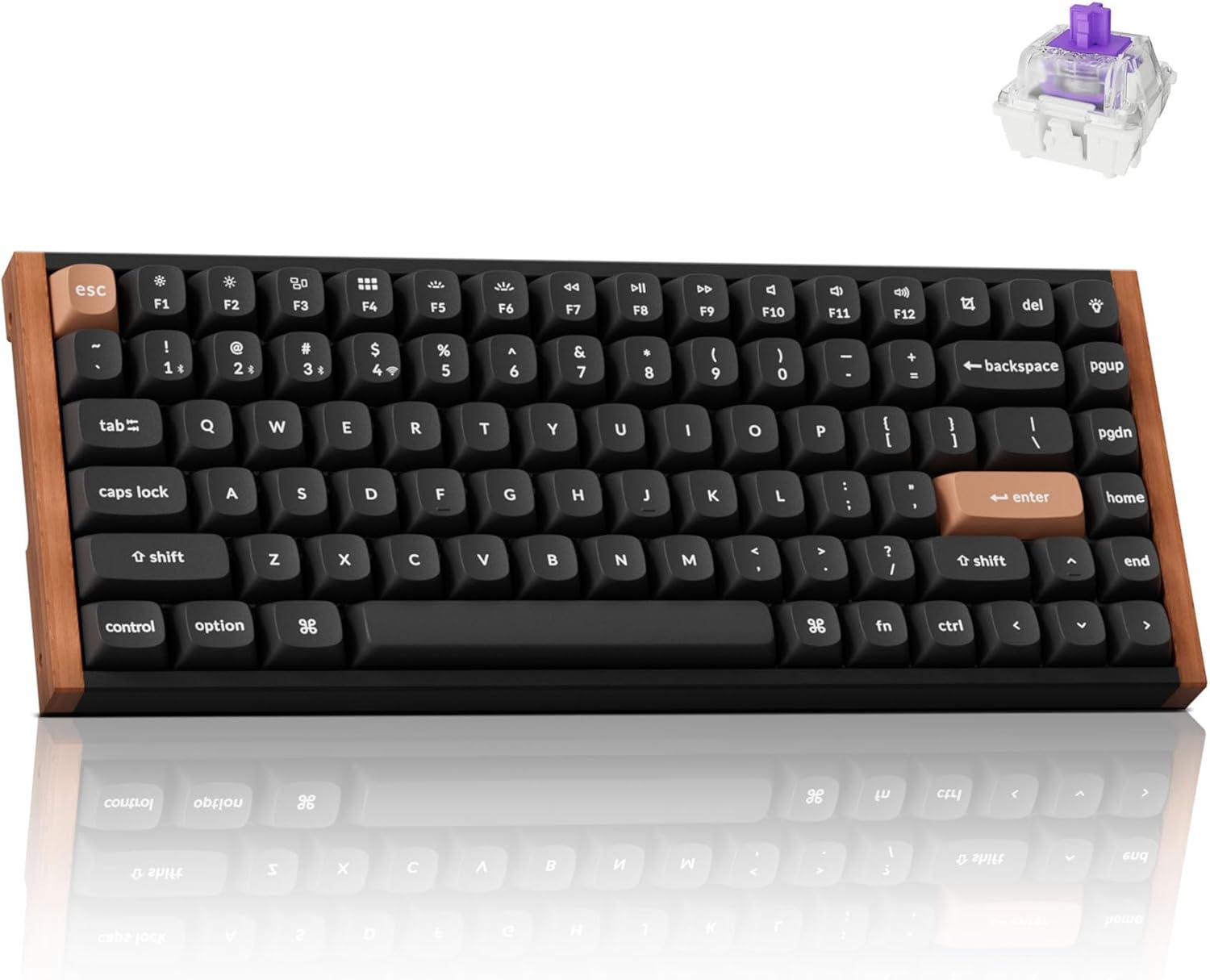
If you want the same idea with a standard TKL layout, the K8 HE is an 80% Hall-effect board with Gateron Double-Rail magnetic switches, Rapid Trigger, 0.2–3.8 mm adjustable actuation and an aluminum build. Like the Q1 HE it connects over 2.4 GHz, Bluetooth or a cable at 1000 Hz, and it carries a 4000 mAh battery. Its sockets only take Gateron Double-Rail magnetic switches.
Pros: TKL layout with a full function row; tri-mode wireless Cons: larger than a 75%; limited switch compatibility
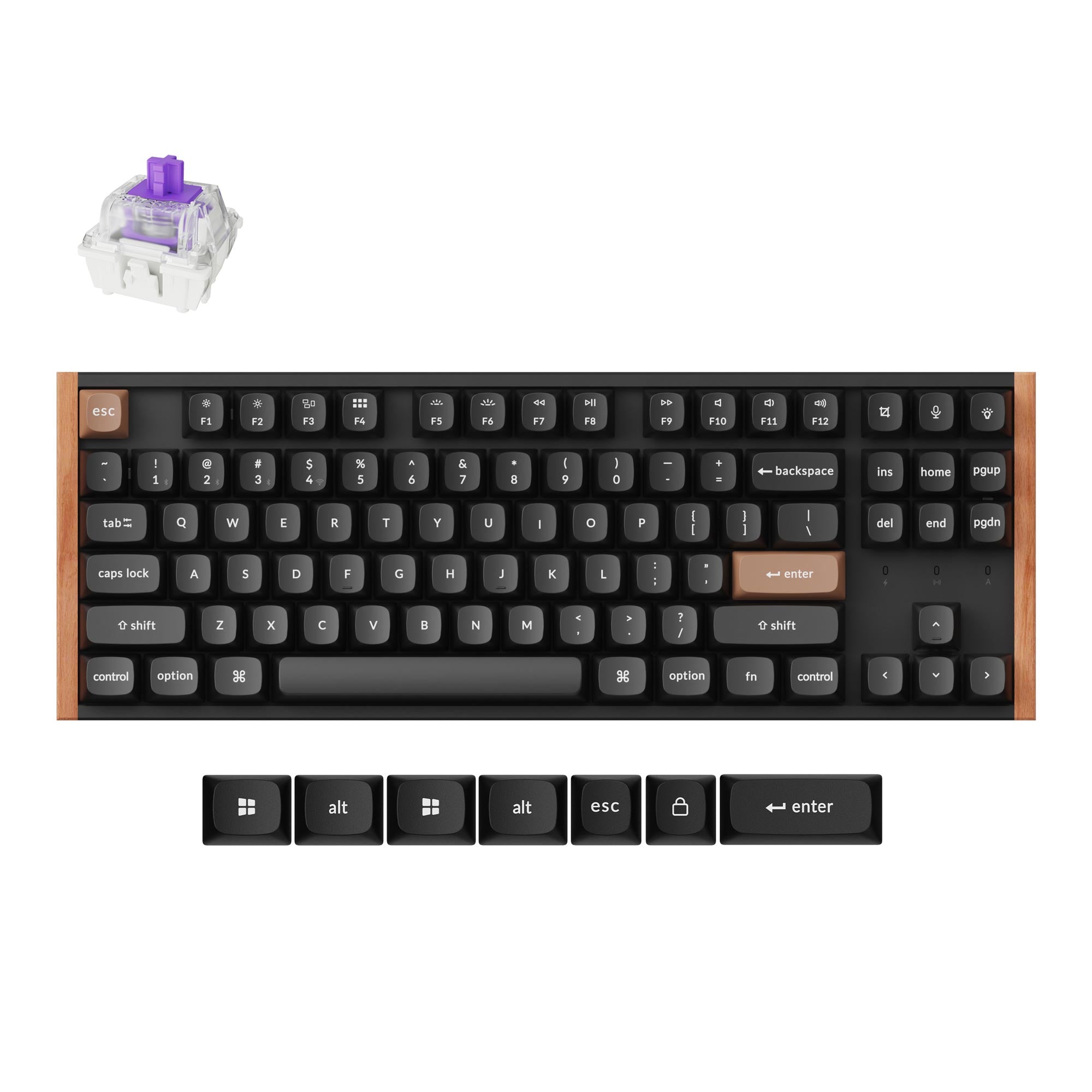
For more options across brands, see our Hall effect keyboards page and the Keychron brand hub.
Bottom Line
The Keychron Q1 HE puts Hall-effect switches, adjustable actuation and Rapid Trigger into a premium, wireless 75% aluminum board. It suits people who want one keyboard for competitive games and long typing sessions. If you want to experiment with mechanical switches, a standard Q-series board is the better choice.
Frequently Asked Questions
What is the Keychron Q1 HE?
It is a wireless 75% keyboard from Keychron's Q series that uses Hall-effect magnetic switches instead of standard mechanical ones. That lets you set how far each key travels before it registers and use gaming features like Rapid Trigger.
Is the Keychron Q1 HE wireless?
Yes. It supports a 2.4 GHz wireless receiver, Bluetooth 5.2 with up to three paired devices, and a wired connection. The listing gives a 1000 Hz polling rate over 2.4 GHz.
What is the actuation range on the Keychron Q1 HE?
The listing says actuation points can be set from 0.5 to 3.8 mm, with 0.1 mm sensitivity. You set it per key in the Keychron Launcher web app.
Can I use regular mechanical switches in the Keychron Q1 HE?
No. The board is hot-swappable, but only for compatible magnetic switches. The listing says it works with Gateron double-rail magnetic switches only. Standard MX mechanical switches will not register.
Is the Keychron Q1 HE good for typing?
It can be. It keeps the Q series' aluminum body, double-gasket design and PBT keycaps, and you can set a deeper actuation point so it is less sensitive while typing. Some people prefer the feel of traditional mechanical switches, so it comes down to taste.
What is the difference between the Keychron Q1 HE and K2 HE?
Both are 75% Hall-effect keyboards. The Q1 HE is part of the premium Q line with a full aluminum body and a double-gasket design. The K2 HE sits in Keychron's K line, which is not built around the Q series' full aluminum case. See our Keychron hall effect keyboard guide for more.