If you're shopping for a programmer, a keyboard they can reprogram is the safest gift, followed by desk gear that makes eight hours of typing easier on the hands. Everything below is a keyboard or a desk accessory. We've sorted the picks by the kind of coder most likely to use them, from the person who just wants a better board to the one who already keeps a spreadsheet of layouts. If you're still deciding on the broader gift, our mechanical keyboard gift guide covers every budget and type of person.
Stock and prices were checked on November 14, 2026. Stores change both. Confirm on the product page before you order.
What QMK and VIA Mean for a Coder
Most of the boards here run QMK or VIA, so it helps to know what that is. QMK is open-source firmware that lives on the keyboard itself. It stores your key layout, extra layers (hold a key and the home row becomes arrows or brackets), and macros. VIA is a free app that edits those settings with a point-and-click screen, no code needed. Because the settings stay on the keyboard, the same layout follows it from a work laptop to a home desktop, even when the company machine won't let anyone install software and the only way to change a setting is to plug the keyboard in and let it do the work. The Keychron boards below use Keychron's own web app, the Keychron Launcher, for the same job. We go further into this in our macro programming guide.
Programmable Keyboards for Everyday Coding
Keychron V2: an easy first QMK board
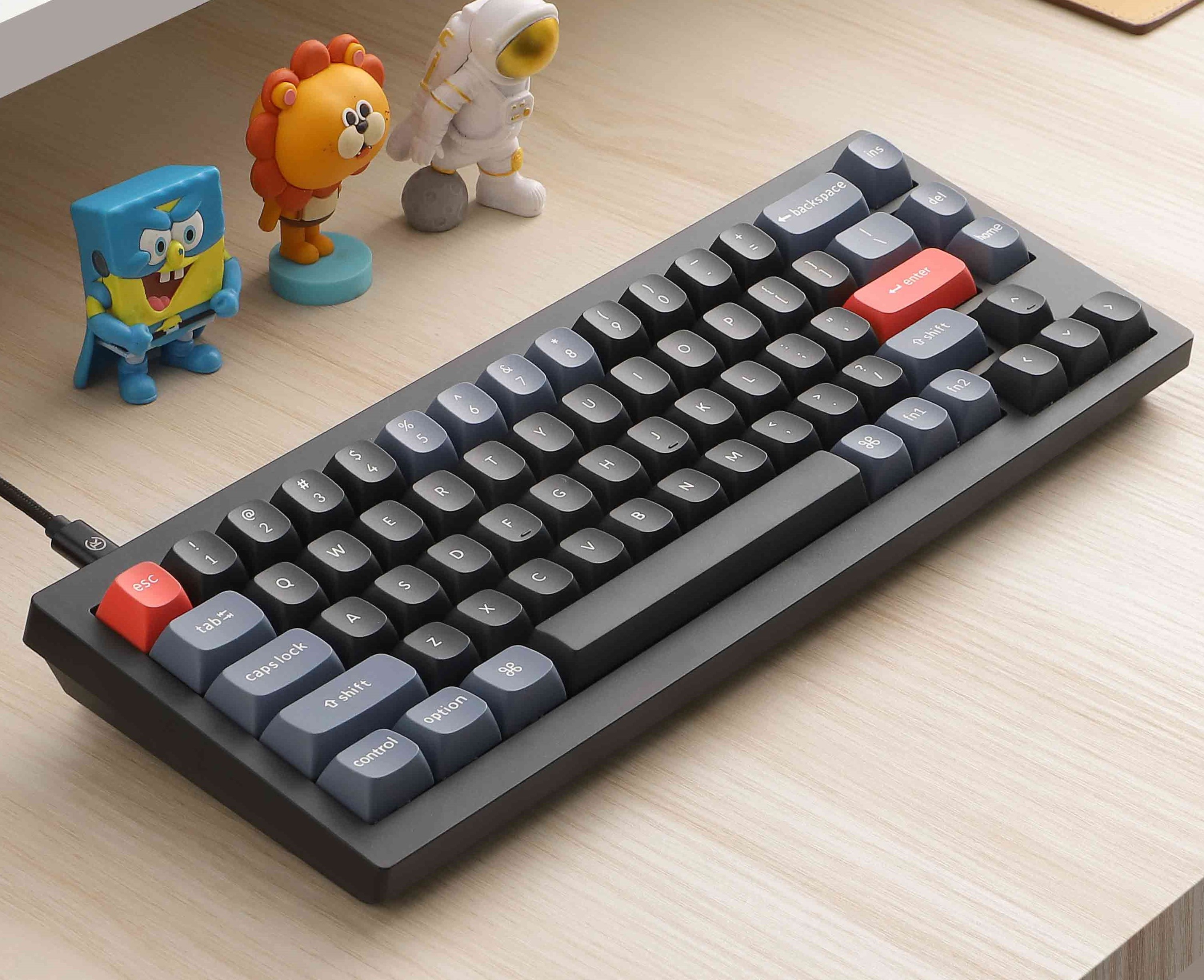
Keychron V2: the simplest way to give someone a programmable keyboard. It's a 65% board with QMK and VIA support and hot-swap sockets, and it comes prebuilt or as a barebones kit. A 65% layout keeps the arrow keys, which coders use constantly, and still saves desk space. It's wired only. Pick something else if they want Bluetooth. Check price on Amazon.
Keychron K1 Ultra 8K: the low-profile pick
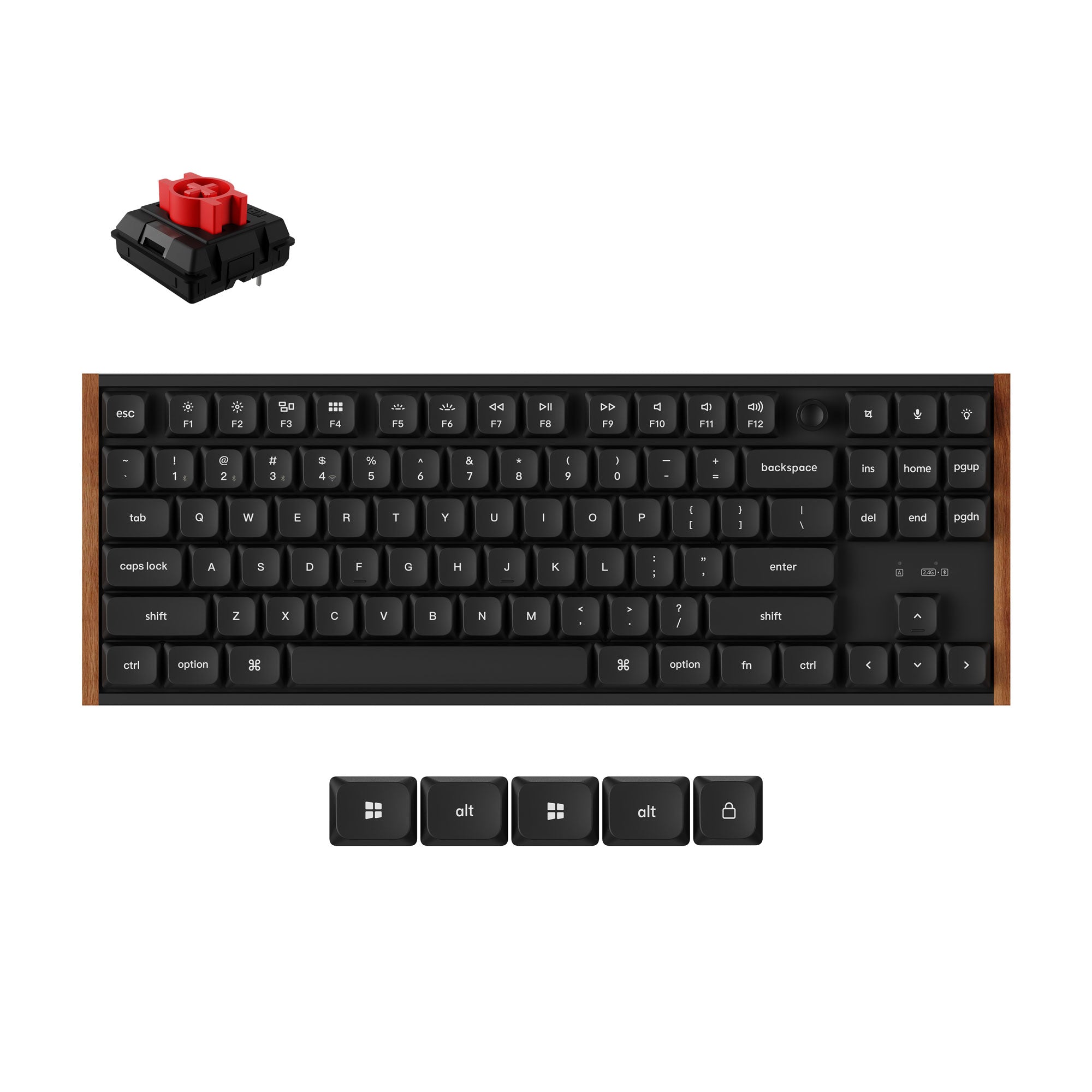
Keychron K1 Ultra 8K: a slim wireless board for people who like laptop-height keys. It's $109.99 when we checked on November 14, and all three switch options were in stock. It's a tenkeyless low-profile board with an aluminum and wood frame, hot-swappable switches, and connects over 2.4 GHz, Bluetooth or USB-C. The caveat is that it runs ZMK firmware with the Keychron Launcher, not QMK, so it's remappable but not a QMK board. We cover more slim options in our low-profile keyboard guide.
Split and Ortholinear Keyboards for the Tinkerer
These are for the programmer who already talks about wrist pain or keyboard layouts. They're also the riskiest gifts here, because both layouts take a couple of weeks to get used to and typing speed drops before it recovers. Ask first. Our best split keyboards page has more to compare.
Keychron Q11: a split board with a standard feel
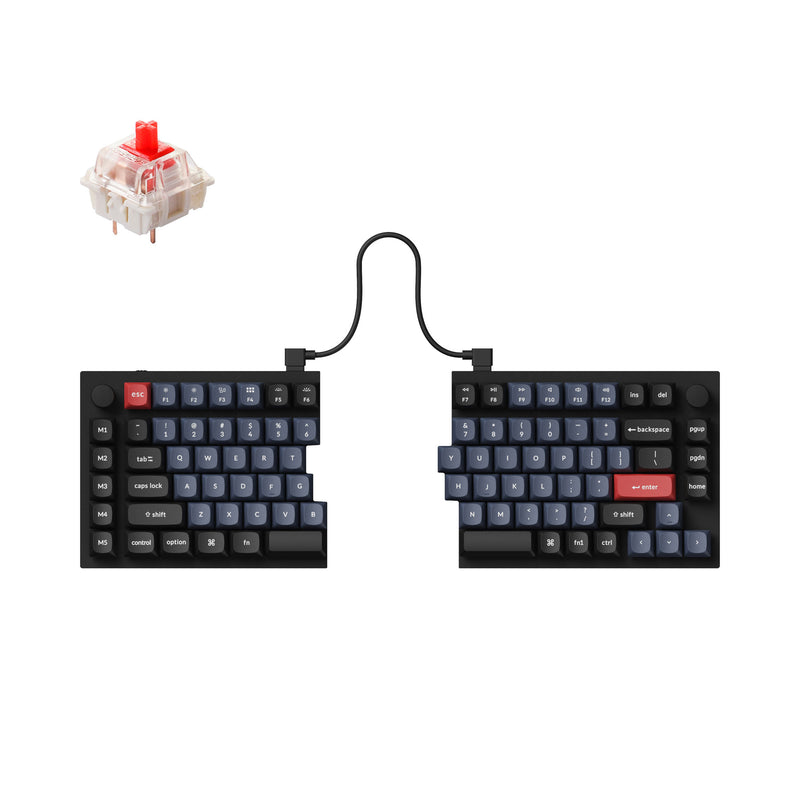
Keychron Q11: a true split keyboard that still looks like a normal one. It's a 75% board in two aluminum halves joined by a TRRS cable, with QMK and VIA remapping, hot-swap sockets, and an optional knob on the right half. You set your own shoulder width and typing angle. It starts at $204.99 when we checked on November 14, though only four of the seven versions were buyable, so check the switch and color you want. It's wired only.
ErgoDox 76 Hot Dox V2: the thumb-cluster board
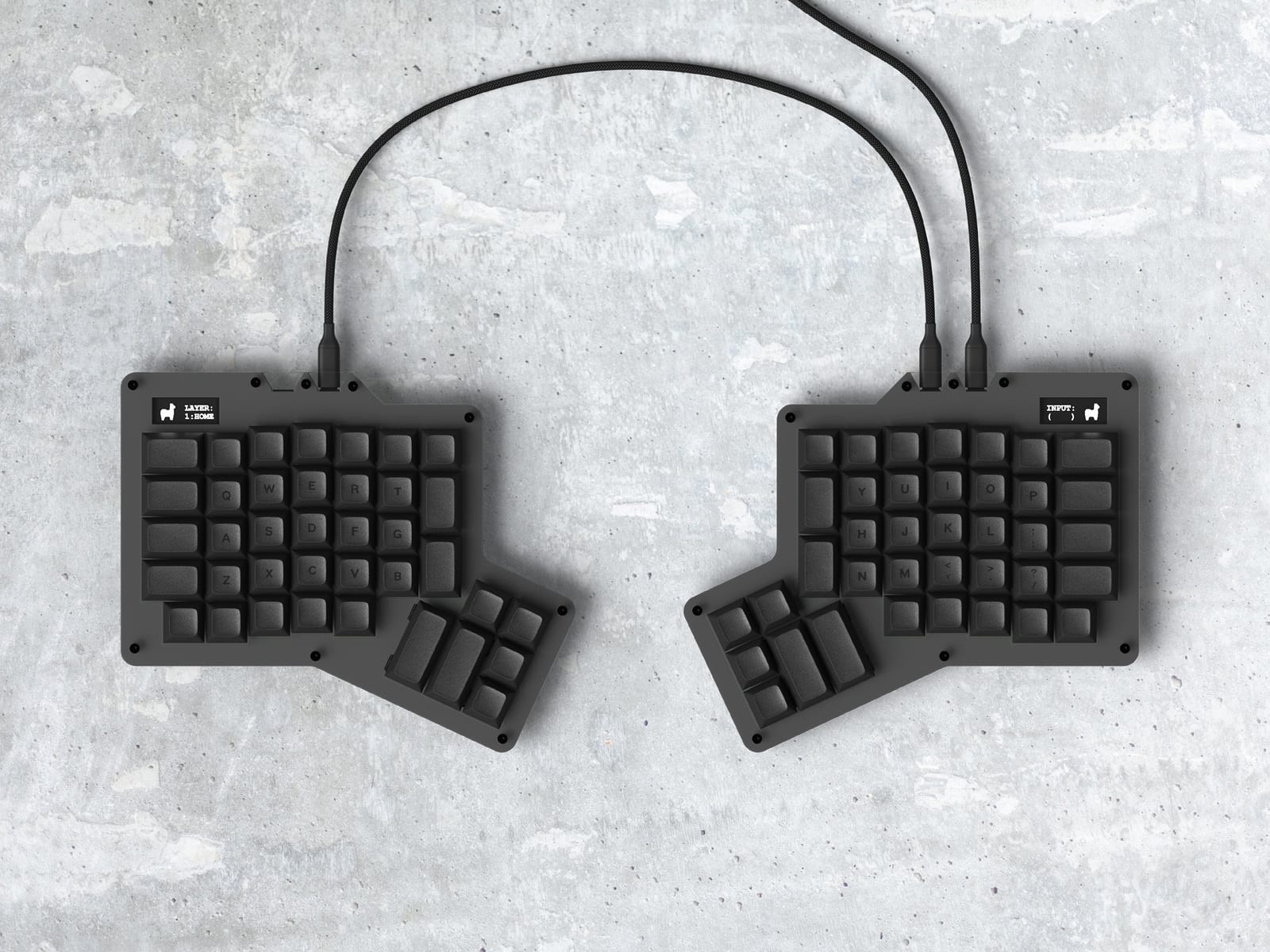
ErgoDox 76 Hot Dox V2: the split board programmers have used for years. Each half works independently and has a six-key thumb cluster, so your thumbs handle Enter, Backspace and layer keys. It has hot-swap sockets, QMK, and ships with a switch puller. The prebuilt versions are $206.99 with Gateron Milky Yellow Pro linears or $215.99 with silent TTC tactiles, during the Apos sale (checked November 14, ends December 3). Expect the steepest learning curve in this post.
OLKB Preonic Rev 4: the grid layout
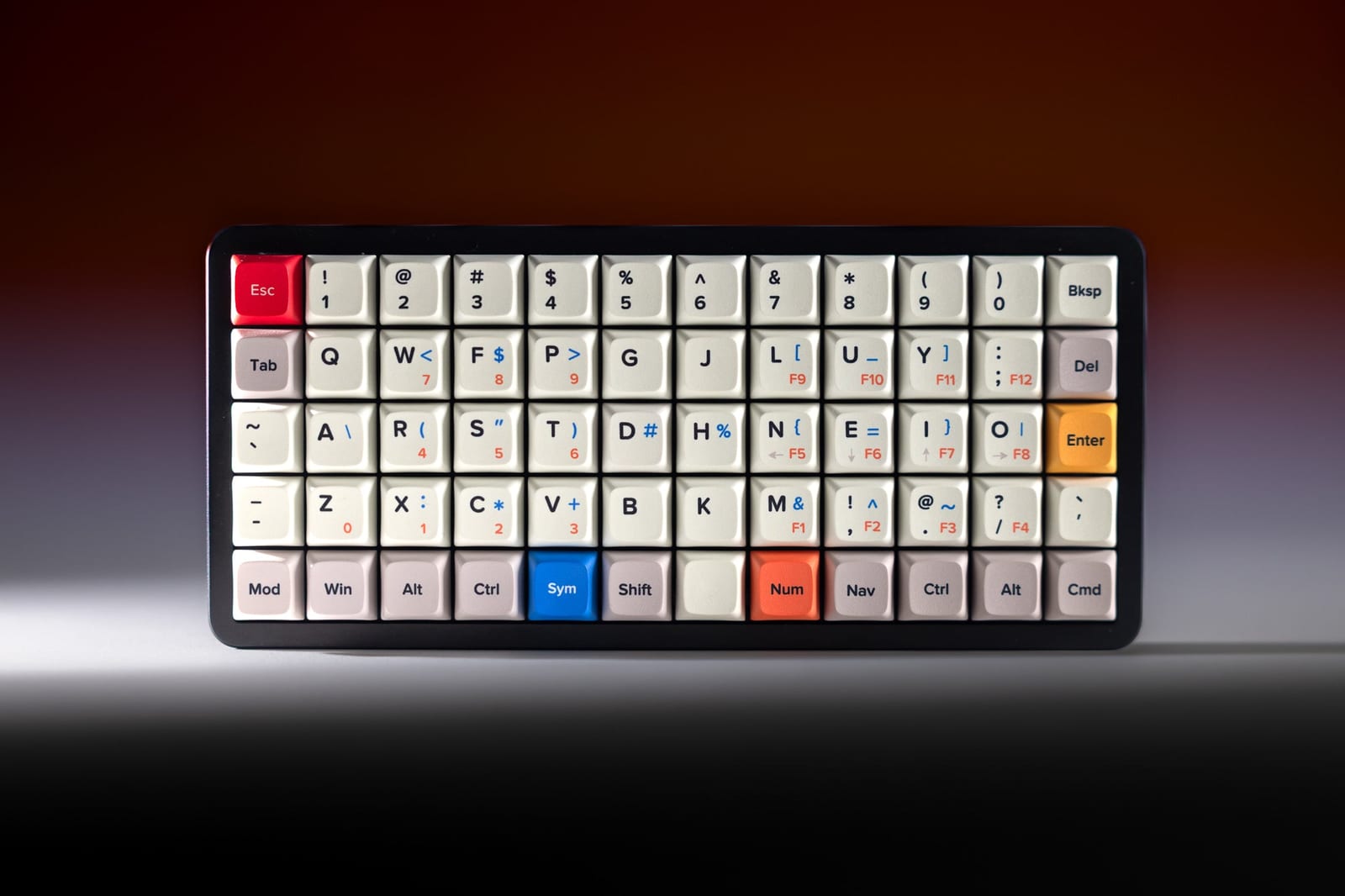
Apos x OLKB Preonic Rev 4: a compact grid keyboard with a number row, popular with QMK fans. Keys sit in straight columns, not staggered rows, and there's a dedicated number row. It's QMK, available barebones or with Gateron Yellow or silent tactile switches. This one is a pre-order that Apos expected to ship at the end of November 2026, so it may land after the holiday. Wrap a printed order confirmation and call it a gift. We explain the layout in our ortholinear keyboard guide.
Macro Pads and Number Pads
Keychron K0 Max: a number pad with a macro column
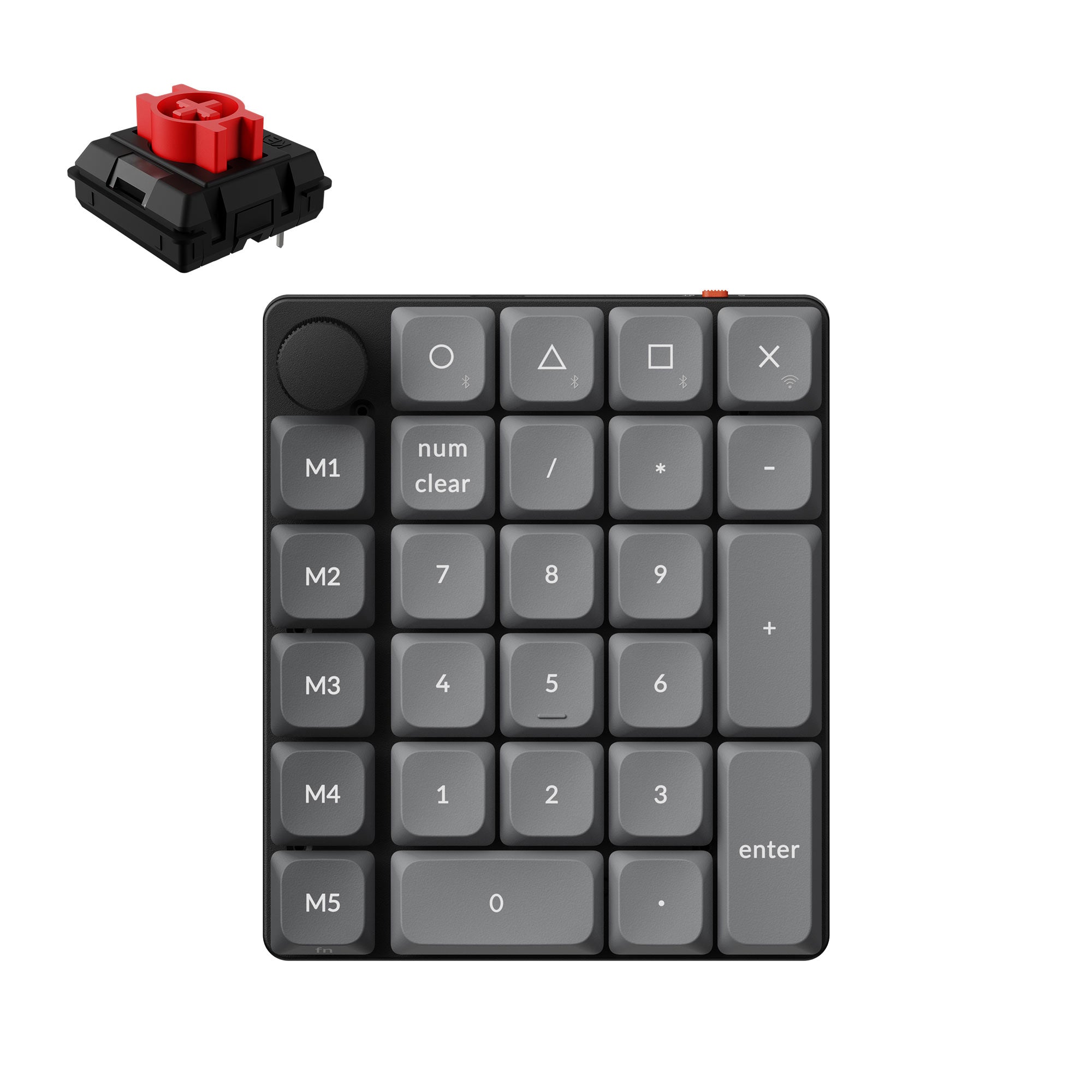
Keychron K0 Max: a small QMK pad that doubles as a macro board. It's $64.99 when we checked on November 14, with all three switch options in stock. It has 27 low-profile keys, a left-hand macro column and a knob, and it connects over 2.4 GHz, Bluetooth or USB-C. Use it for build commands, git shortcuts or volume, and pair it with a compact keyboard that dropped its numpad.
KBDfans Tofu Pad: a DIY macro pad
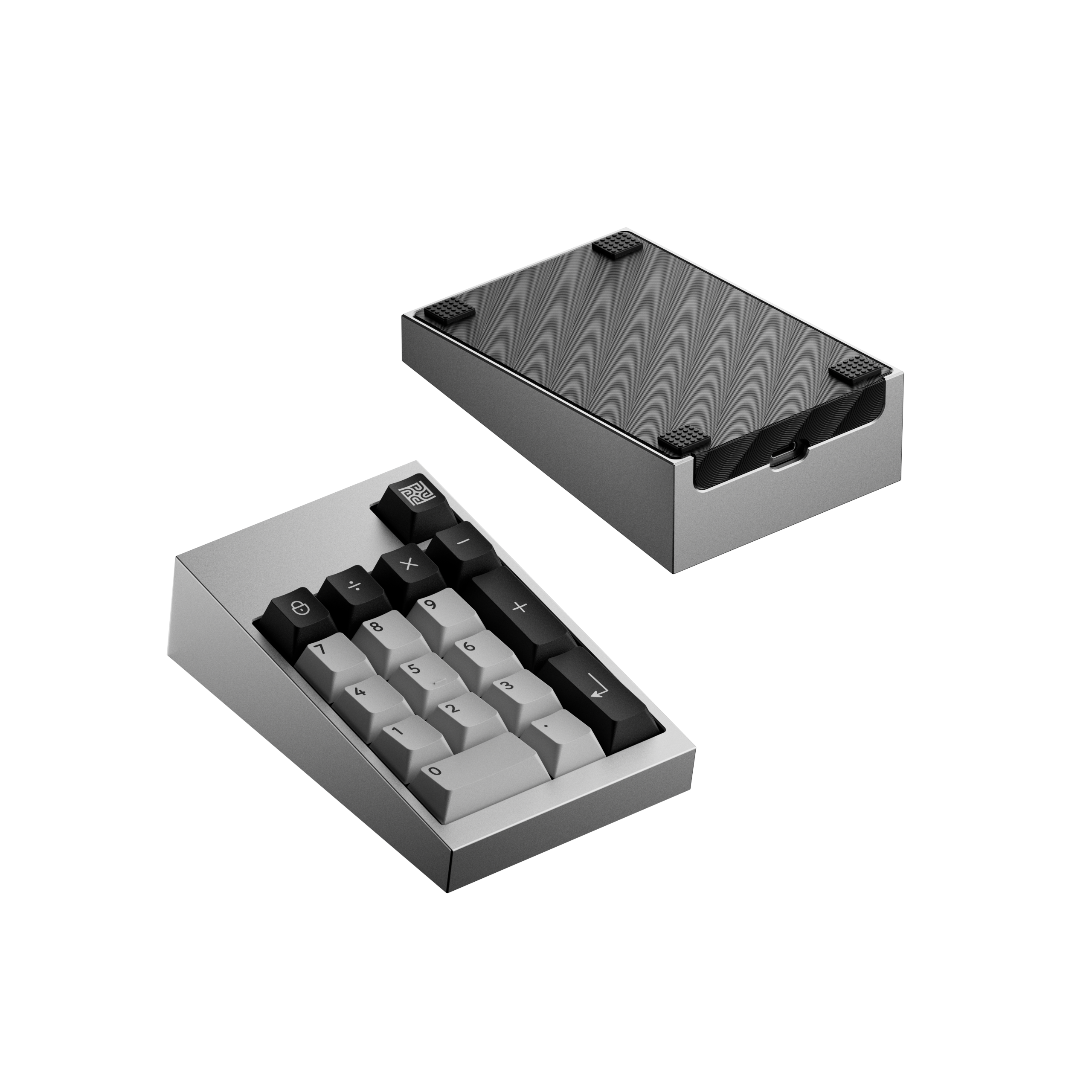
KBDfans Tofu Pad: a wireless macro pad kit for someone who likes to build. It starts at $25.30 when we checked on November 14. It's a small Bluetooth kit with top or PCB gasket mounting, so the giftee picks switches and keycaps. Only three of the 15 case finishes were in stock, so choose quickly. It isn't ready to use out of the box, and that's the point.
Comfort and Desk Gear
KBDfans Quartz Stone Wrist Rest
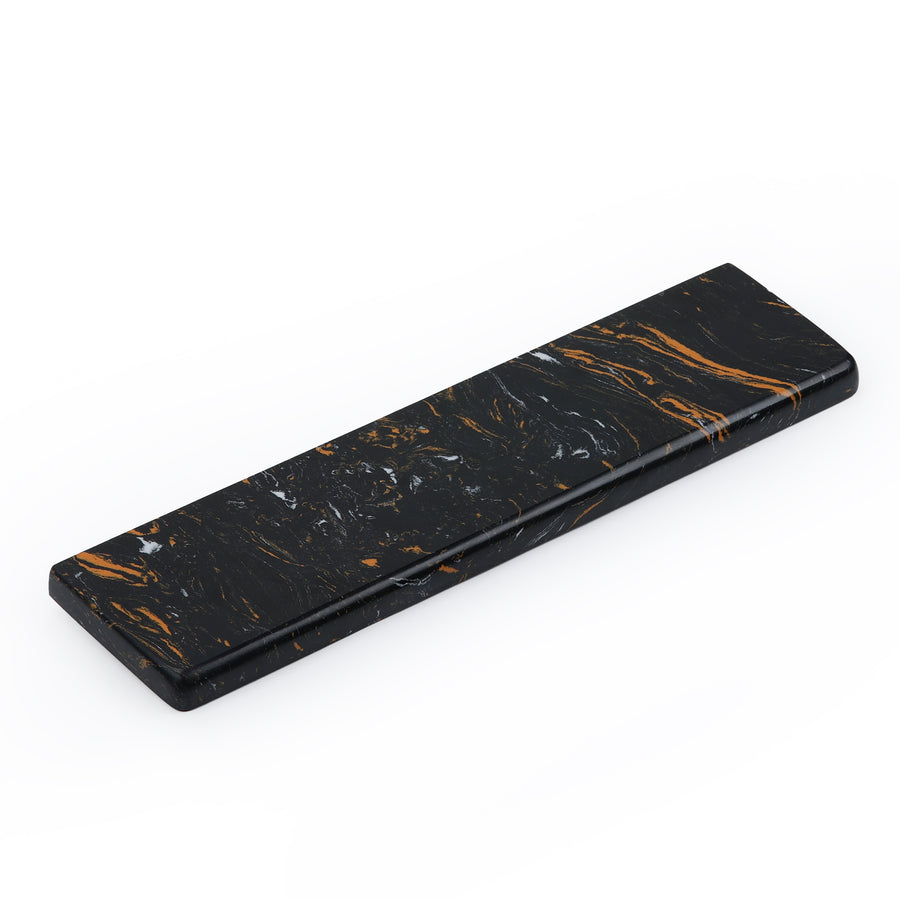
KBDfans Quartz Stone Wrist Rest: a heavy palm rest that stays where you put it. It starts at $23.00 when we checked on November 14. It's solid stone, 20 mm tall, and comes in lengths for 60%, 65%/75% and 80% boards, so match it to the keyboard. It's hard and cool. Not cushioned. If they like a soft pad, pick something else, such as a silicone or fabric rest sized to their board. See more in our accessories hub.
Bob Ross Deskmat

Bob Ross Deskmat: a large desk mat for people who stare at a screen all day. It's $23.99 on the Apos sale (checked November 14, ends December 3), down from $29.99, with six paintings to choose from. A mat quiets the keyboard and gives the desk a color, and it's hard to get wrong as a gift. More options are on our deskmats page.
Quiet Switches for Open Offices
Akko V3 Fairy Silent switches
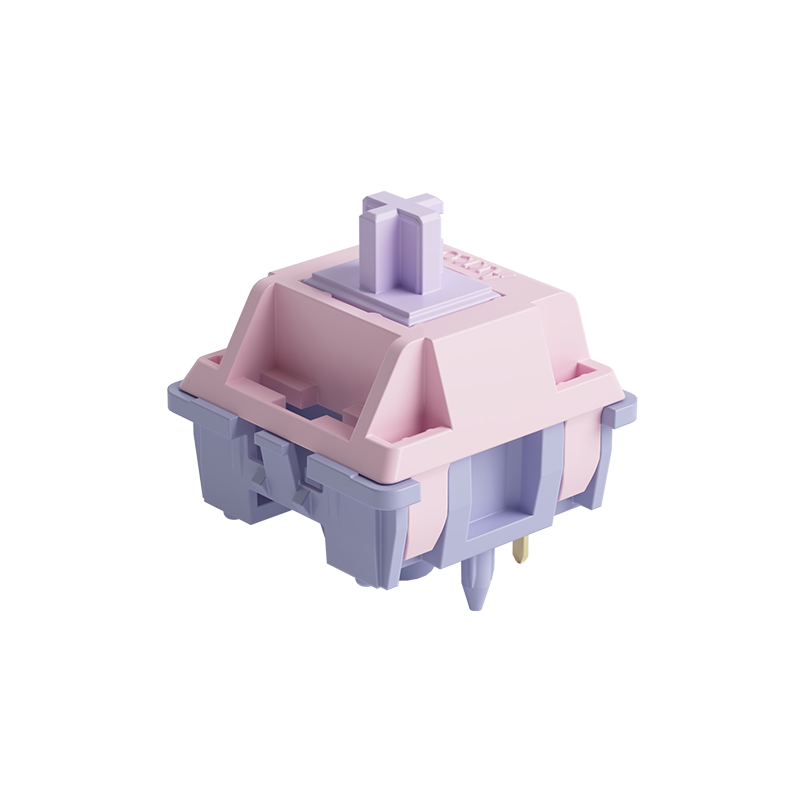
Akko V3 Fairy Silent: a cheap way to make a hot-swap board quiet. These are factory-lubed silent linears in a pack of 45, MX-compatible, so they fit any hot-swap board that takes standard switches. They were in stock on November 14. Swapping takes a switch puller and a few minutes. One pack covers only 45 keys, so count the switches on the keyboard first. The Keychron K1 Ultra and K0 Max take Keychron's low-profile switches, not these. For the full list, see our quiet keyboard guide and the switches hub.
How to Choose
- Check the layout they use now. Moving from a full-size board to a 65% or 75% is easy. Moving to split or ortholinear is a bigger change, so keep those for people who have asked for one.
- Wired or wireless. Wireless boards suit people who move between desks, a home office and a coworking space, for example. Wired is fine at a fixed desk and never needs charging.
- Match accessories to the board. Wrist rests come in lengths for specific layouts. Low-profile boards need low-profile switches.
- Check stock on the variant. Several of these had some colors or switches sold out when we looked, so confirm the exact version is available before you order.
- Gaming on the side? Our gifts for PC gamers and stocking stuffers for gamers lists cover the cheaper and faster options.
If you want to see more boards that suit a developer, read our guides to mechanical keyboards for programmers and coders, programmers and writers, and programmers and gamers. For a first-time buyer, the mechanical keyboard starter guide explains switches and layouts. Prices can change, so check the product page before you buy.
Frequently Asked Questions
What is the best gift for a programmer?
A keyboard they can program. A QMK or VIA board lets them remap every key, add layers for brackets and shortcuts, and keep the layout on the keyboard itself, so it works the same on any computer. If they already own one, a wrist rest, a macro pad or a deskmat is a safer add-on.
Are mechanical keyboards good for coding?
Yes. Most programmers choose them for the key feel and for the layout options. A 65% or 75% board saves desk space, and a programmable board puts symbols and shortcuts under your fingers without reaching for a mouse. A tenkeyless or full-size board only matters if they type numbers all day.
What are good gifts for software engineers who work from home?
Desk gear that makes long days easier: a wrist rest, a deskmat, a split keyboard if they have wrist or shoulder strain, and quiet switches if they share a room with a partner or take calls. These all hold up better than novelty items.
What is QMK and do coders need it?
QMK is open-source keyboard firmware that stores your layout, layers and macros on the keyboard. Nobody needs it, but programmers tend to like it because it is scriptable and not tied to one operating system. VIA is a point-and-click app that edits a QMK board without writing code.
Are split keyboards worth it for programmers?
They can be, mostly for comfort. Splitting the halves lets your shoulders and wrists sit in a more natural position. There is a learning period of a week or two, and typing speed dips at first. Check that your giftee wants one before buying, since it is a big change from a normal board.